What I built
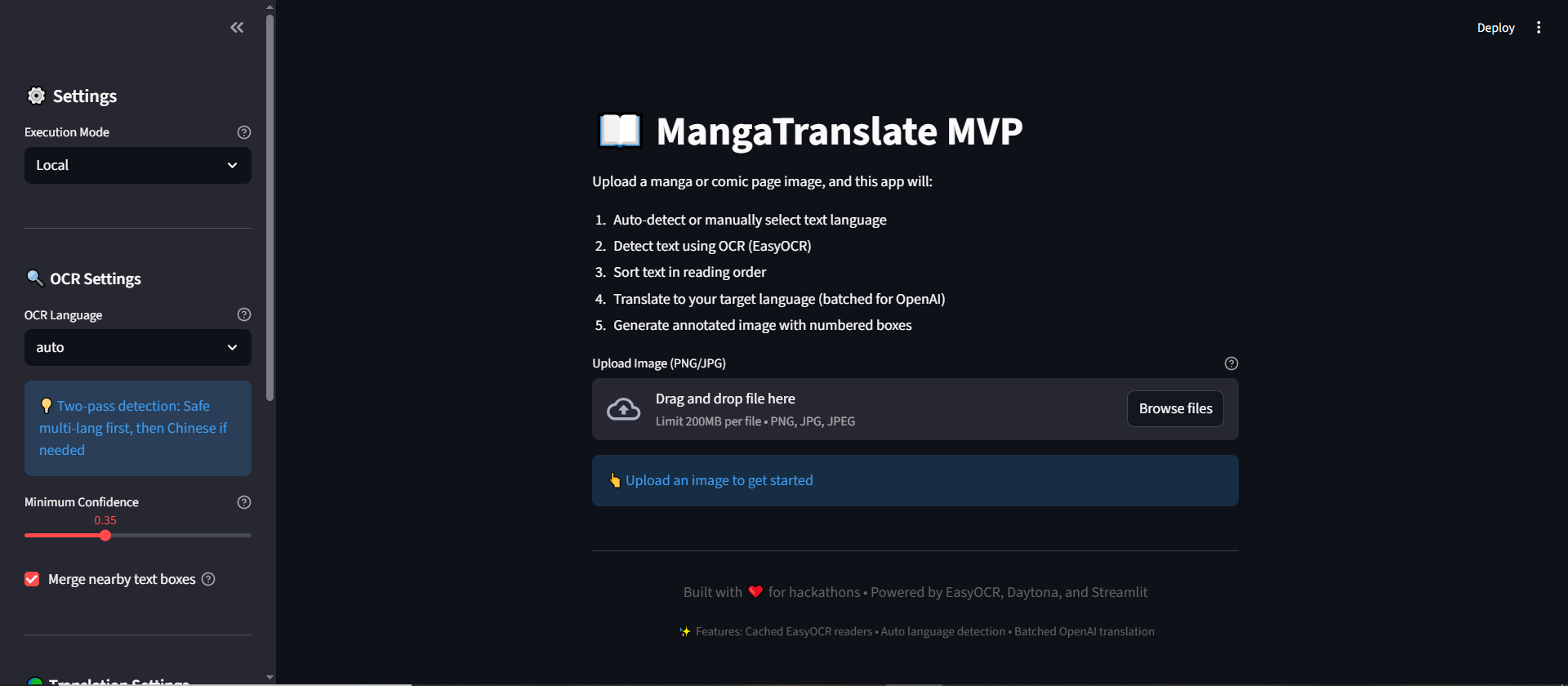
MangaTranslate MVP is a simple tool that helps translate manga pages:
1) Upload a manga page image
2) Detect text regions (speech bubbles / captions) and extract text with OCR
3) Translate each detected region (zone-by-zone)
4) Export results as:
- Annotated PNG (numbered boxes on the page)
- JSON + CSV (each zone: original text, translation, confidence, bounding box)
This is an MVP focused on making the full pipeline work end-to-end.
Inspiration
I wanted a beginner-friendly project that solves a real, fun problem: translating manga pages quickly without manually typing each bubble. I also wanted something that demonstrates “vibe coding” with AI-assisted development and includes a real-world integration (sandbox execution).
How I built it
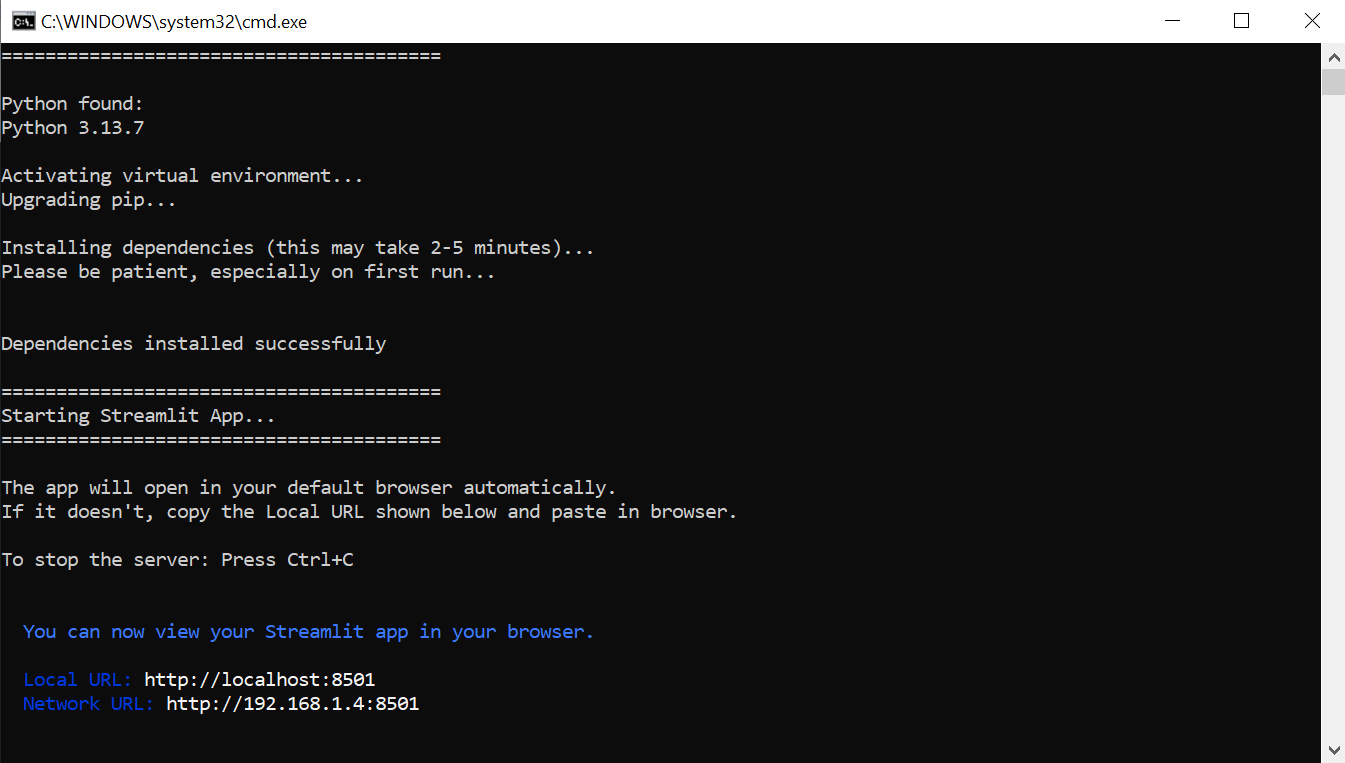
- Frontend: Streamlit (upload image, choose settings, preview results, download files)
- OCR: EasyOCR to detect and read text regions
- Translation: OpenAI (and a fallback translator when rate-limited)
- Export: PNG overlay + JSON/CSV outputs
- Optional Daytona mode: Run the OCR + translation pipeline inside a Daytona Sandbox for isolated, reproducible execution (safe environment for processing untrusted user images and AI-generated code paths).
Where Daytona is used (and why it matters)
In “Daytona Sandbox” mode, the app:
- uploads the input image to a sandbox,
- runs the OCR + translation worker script inside the sandbox,
- downloads the generated outputs (annotated PNG + JSON + CSV).
This makes execution isolated and reproducible, and demonstrates secure remote processing instead of only running locally.
Challenges I faced
1) OCR language compatibility (EasyOCR constraints):
Some OCR language models have strict compatibility rules (for example Japanese must be used with English). I fixed this by enforcing safe language sets like ["ja","en"] and adding an automatic OCR language strategy that tries safe configurations.
2) Translation rate limits (OpenAI 429):
When translating many zones quickly, the API can return rate limits. I improved reliability by translating zone-by-zone (sequentially) and using retries/backoff. When limits are hit, the pipeline still completes by falling back to another translation backend.
3) Performance / cold start:
OCR models download on first run, which can take time. After the first run, it becomes much faster.
What I learned
- How to build a complete OCR → translation → export pipeline
- How to design robust fallbacks and handle API rate limits (429) gracefully
- How to use an isolated execution environment (Daytona sandbox) to make processing safer and more reproducible
Future improvements
- Better text cleaning and reading-order detection for complex panels
- Optional inpainting + rendering translated text back into bubbles
- Smarter automatic language detection and batching strategies
- Packaging as a browser extension (optional)
