-
-
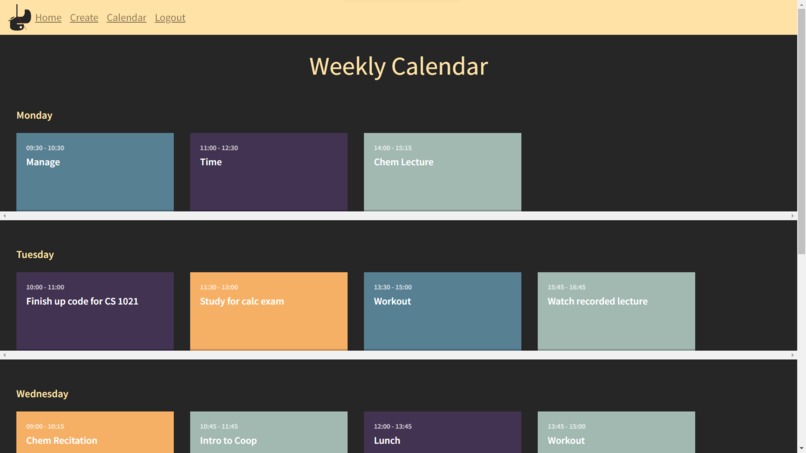
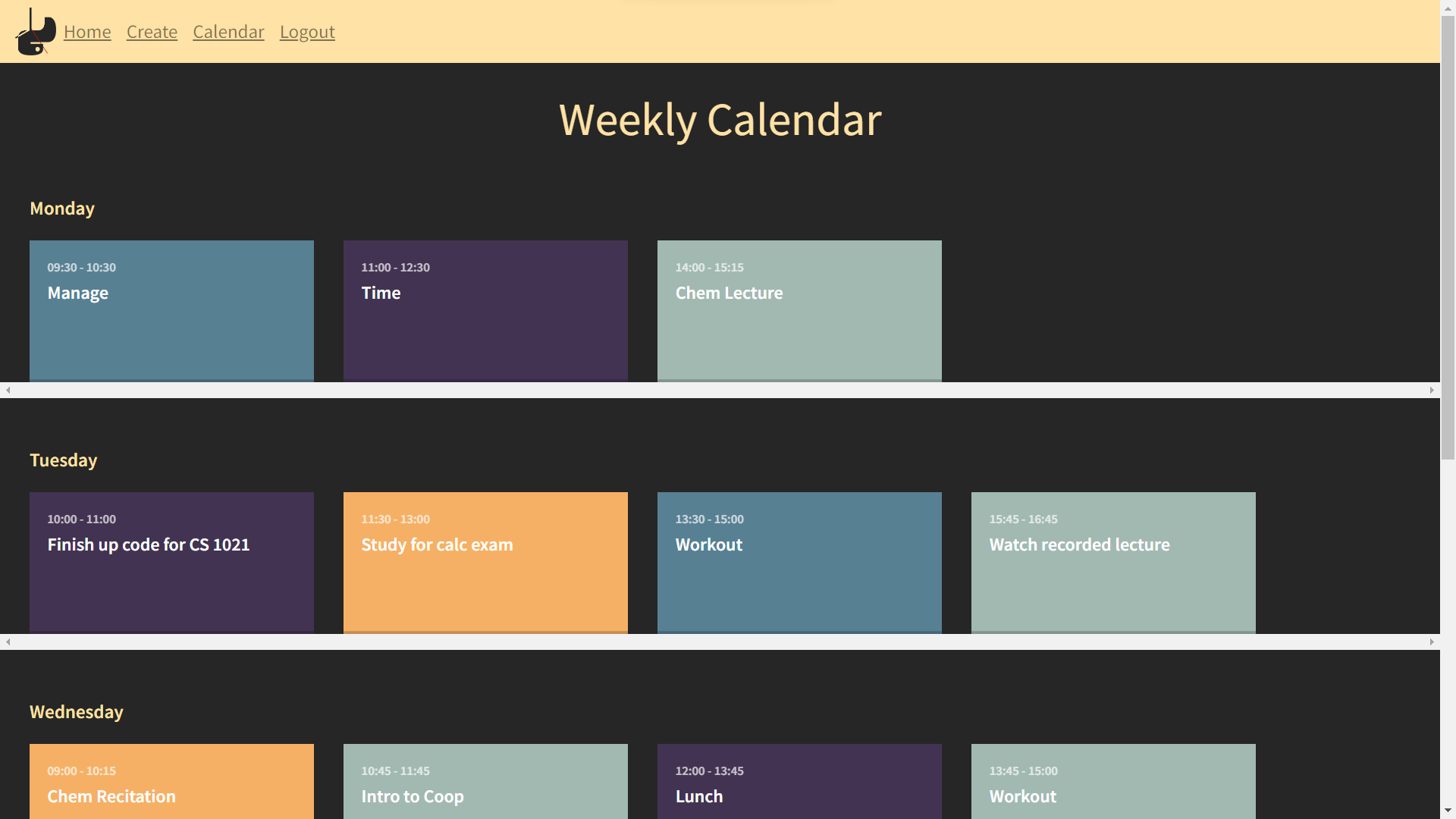
Calendar Page
-
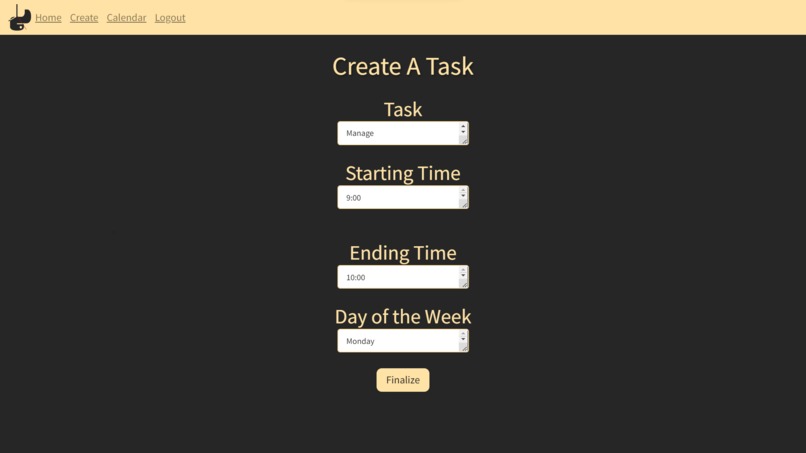
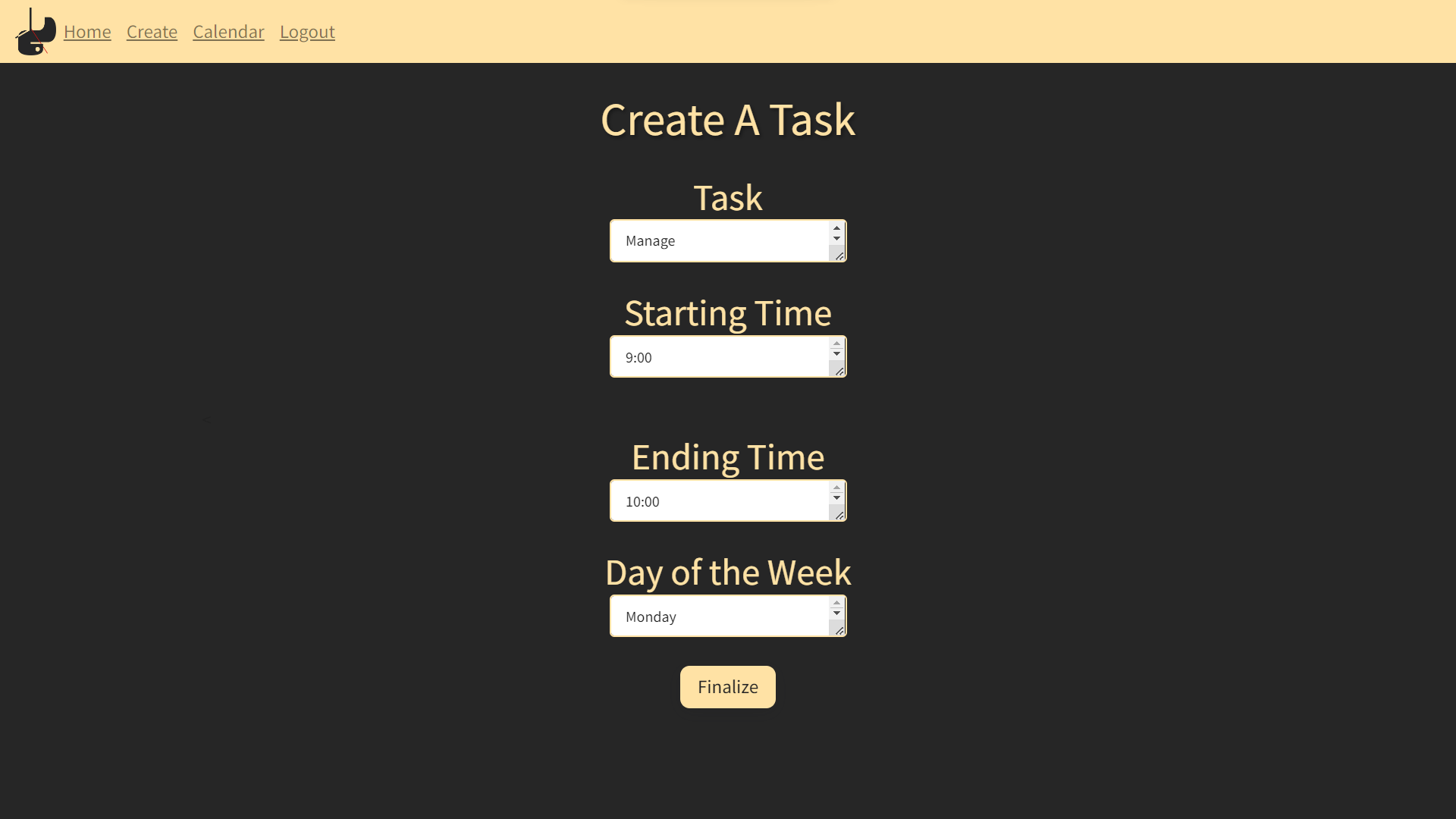
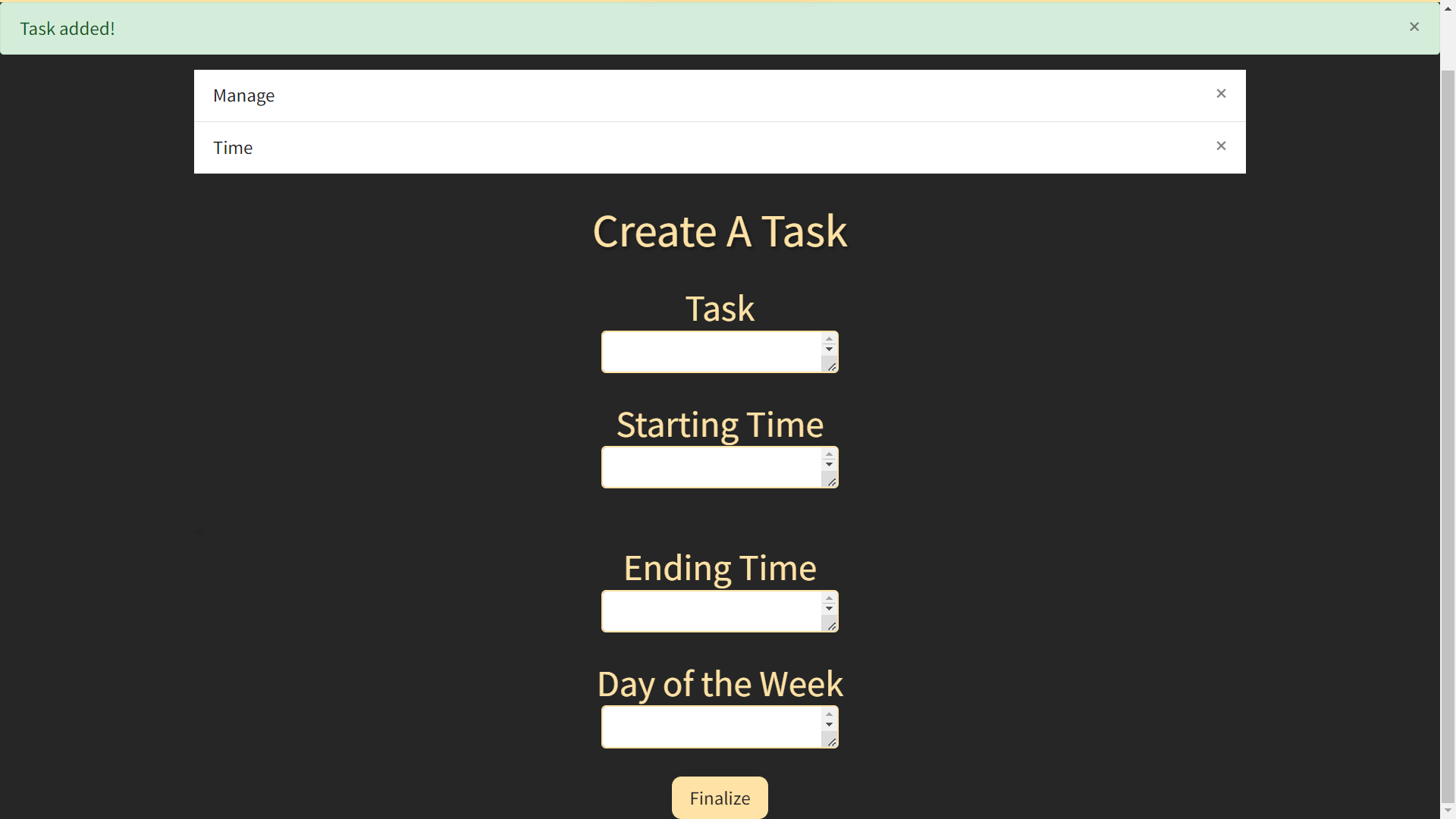
Creating a Task
-
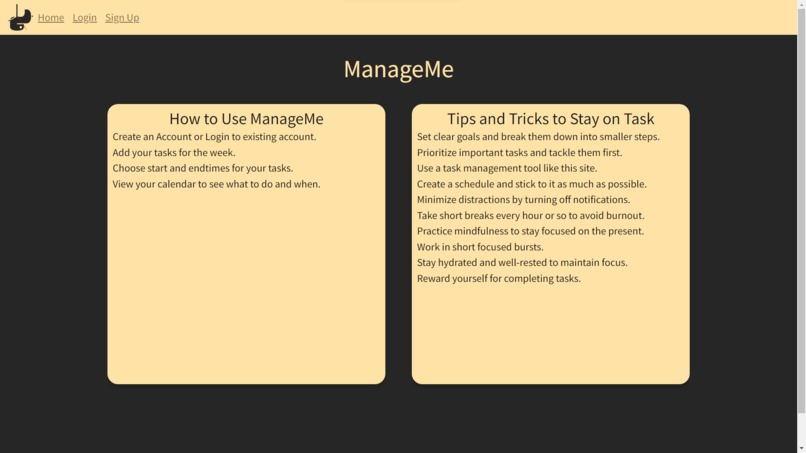
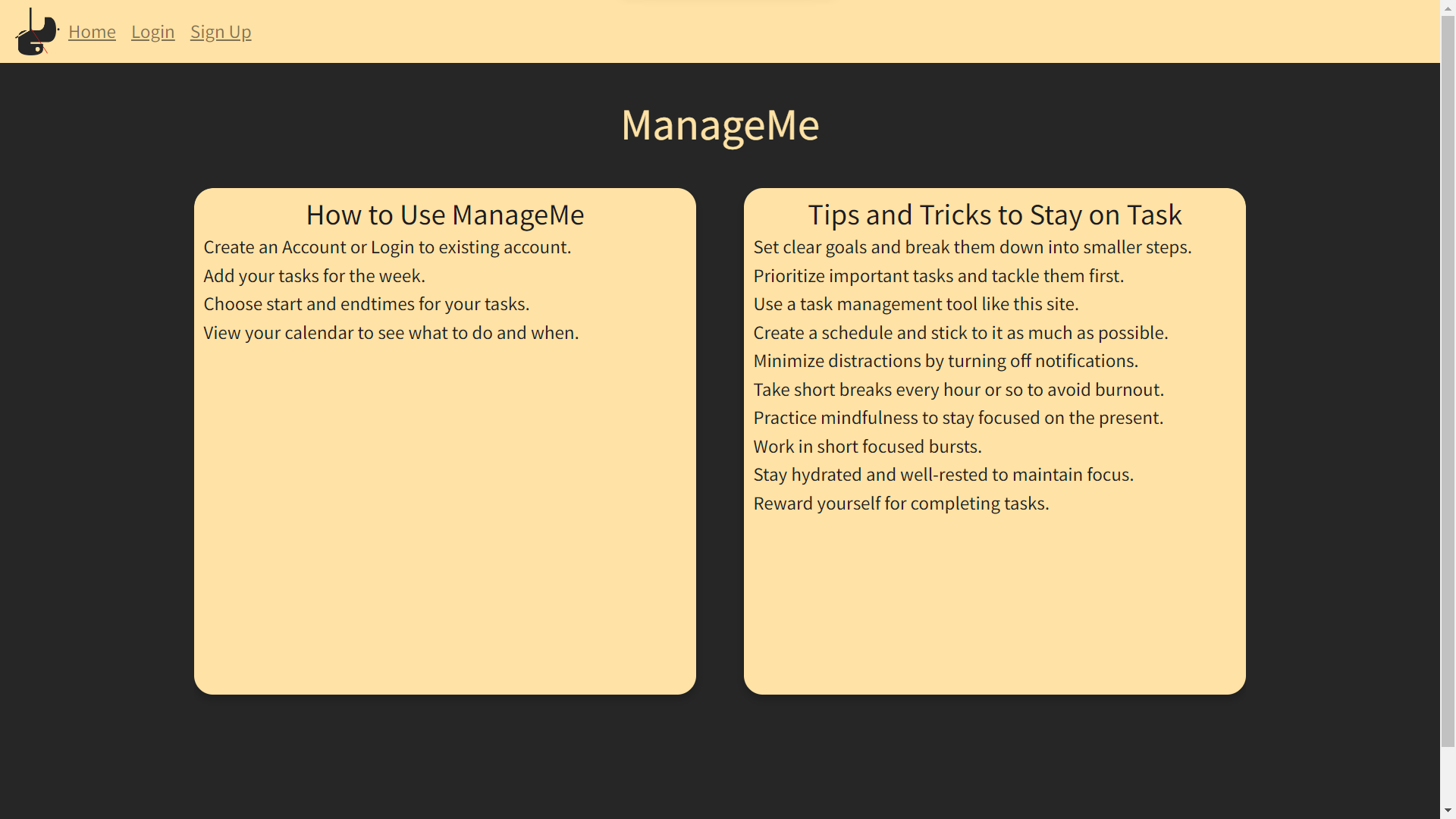
Home Page
-
Login Page
-
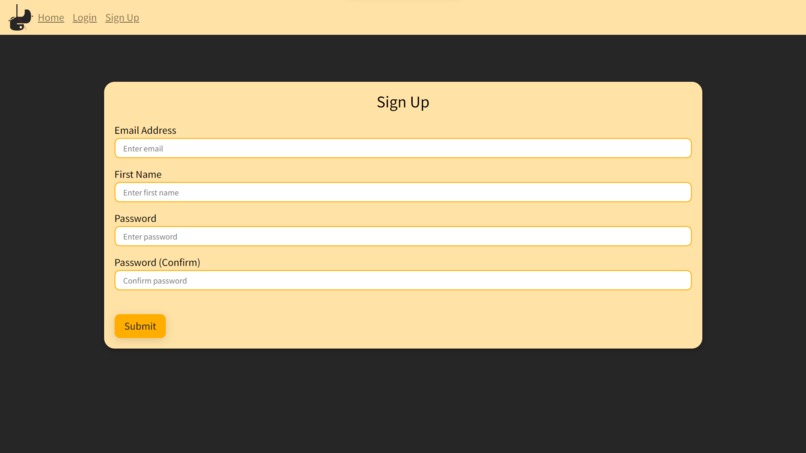
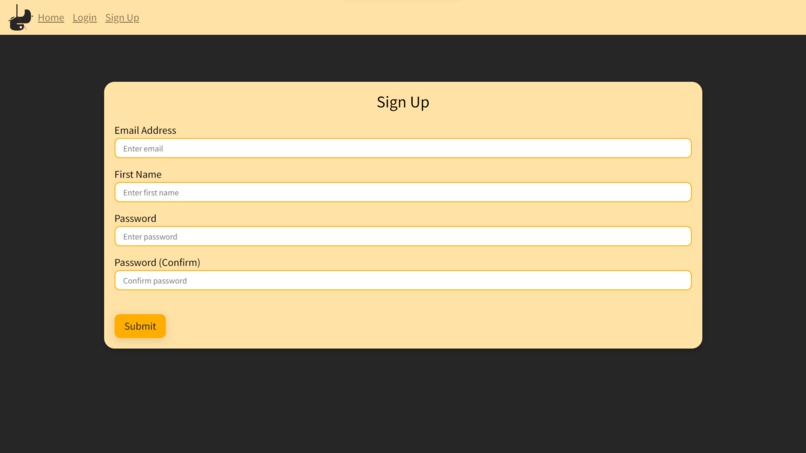
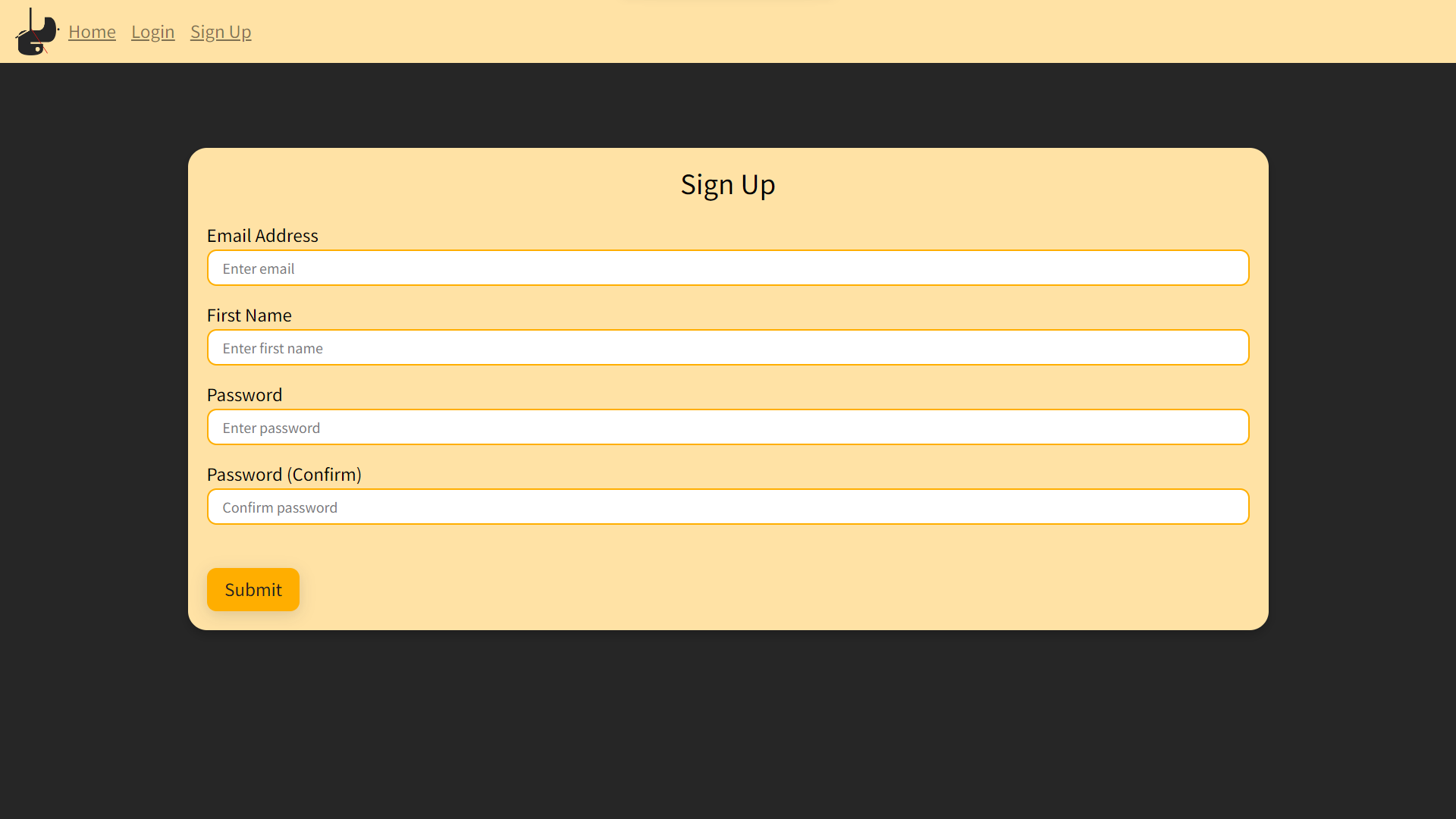
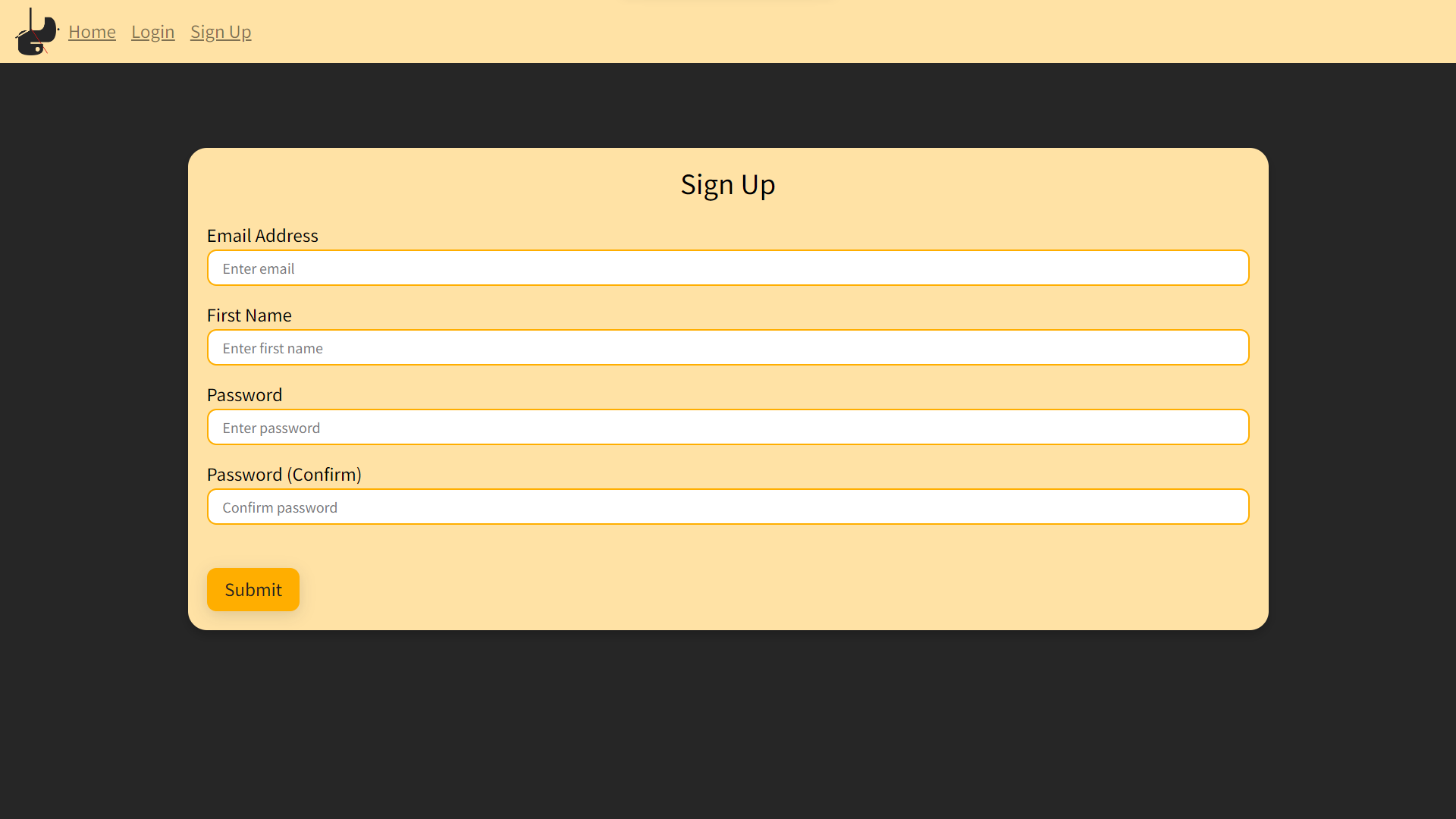
Sign Up Page
-
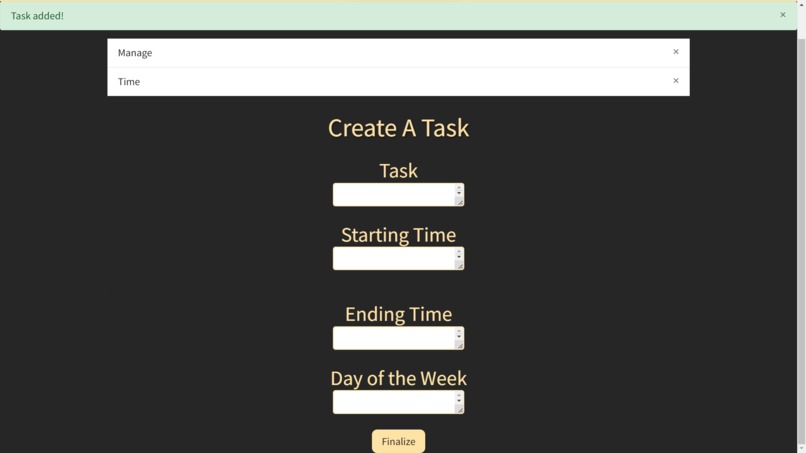
Task Added
Inspiration
ManageMe Our team is comprised of busy college students who struggle to balance all of our many tasks, so we worked to create a solution.
What it does
First, users are directed to a page where they can register as new users so their tasks will be saved upon returning later. It will then ask users for the tasks they need to complete and organize them into a visually appealing calendar. Users can then see what remaining tasks to work on for the rest of their week.
How we built it
We used Flask, Python, and Javascript for the backend and HTML and CSS for the front end. The template for our user management system was found on GitHub, and we used a separate template for the schedule interface. After this, we began integrating the two templates to allow for user submission of times and task names. We overhauled the entire front end to create a more enjoyable user experience.
How we run it
Using google API we deployed our project through a web app deployment. We used Github to manage the codebase and deploy the code to our GCP environment. We created an SSH token for the VM to allow it to pull from the Github repository. Lastly, we added a custom .tech domain from domaim.com.
Challenges we ran into
Using the flask-SQL Alchemy for inputting data was causing us issues as we weren't familiar with the way to access items stored in the .db file. It also took us time to learn how to host a website on Google Cloud, then route this website to our .tech domain.
Accomplishments that we're proud of
Successfully hosting our website so it is accessible to a wider audience was a huge accomplishment of ours.
What we learned
We learned how to better utilize CSS to create visually appealing websites.
What's next for ManageMe
Our next steps are to create a way to have a dynamic number of events, fix the way to add names to tasks, and fix the start time and end time text entries.


Log in or sign up for Devpost to join the conversation.