-
-
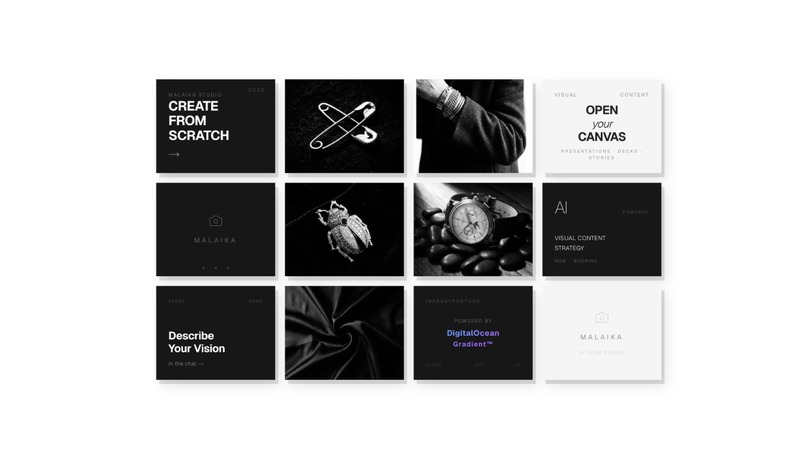
dashboard
-
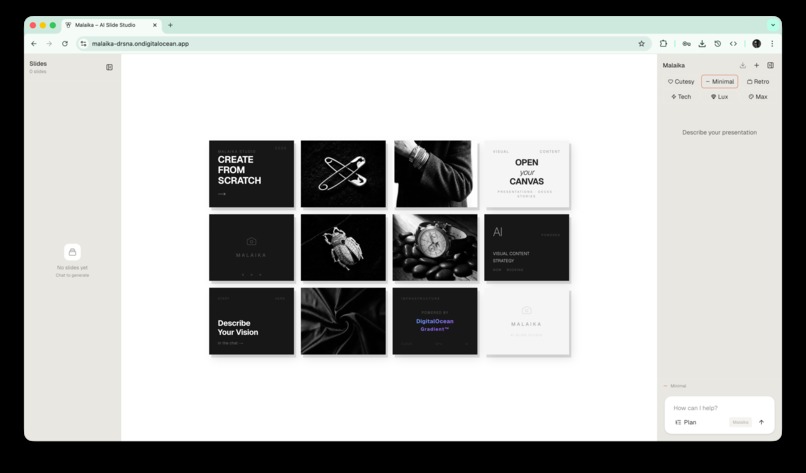
malaika ui
-
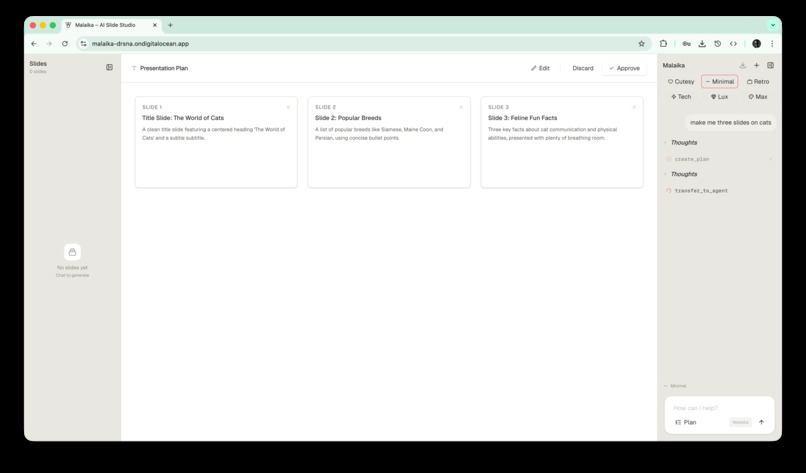
plan ui
-
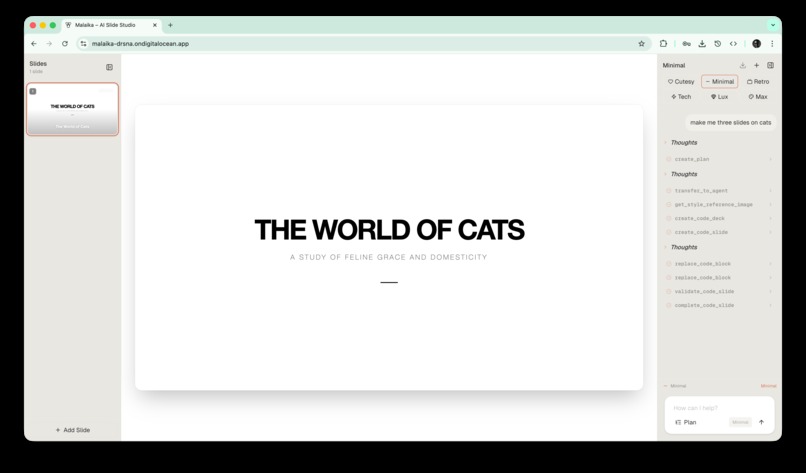
intro
-
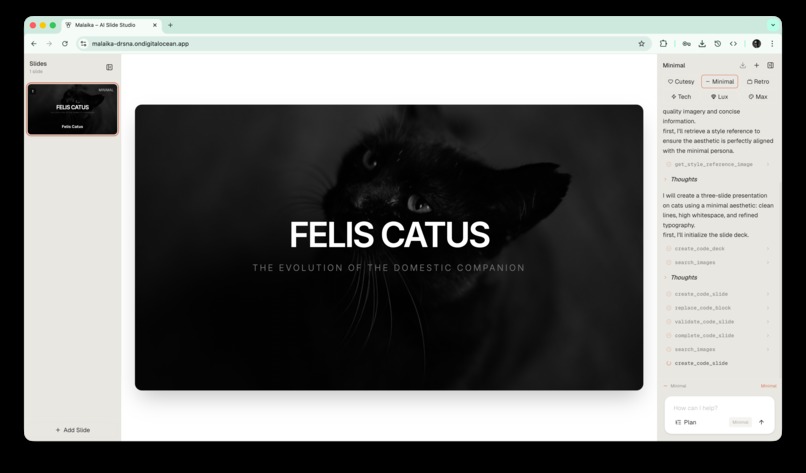
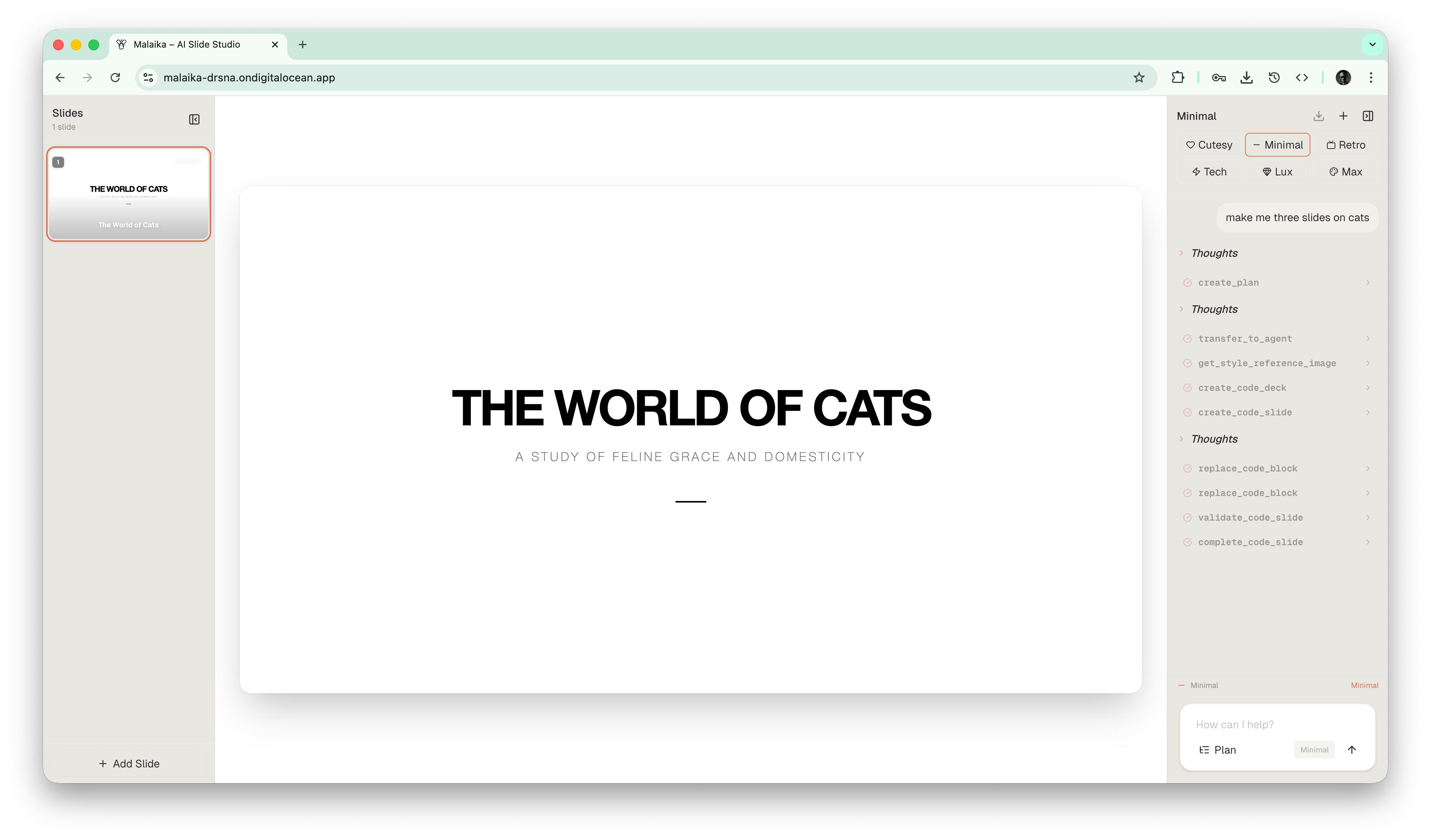
da cat
-
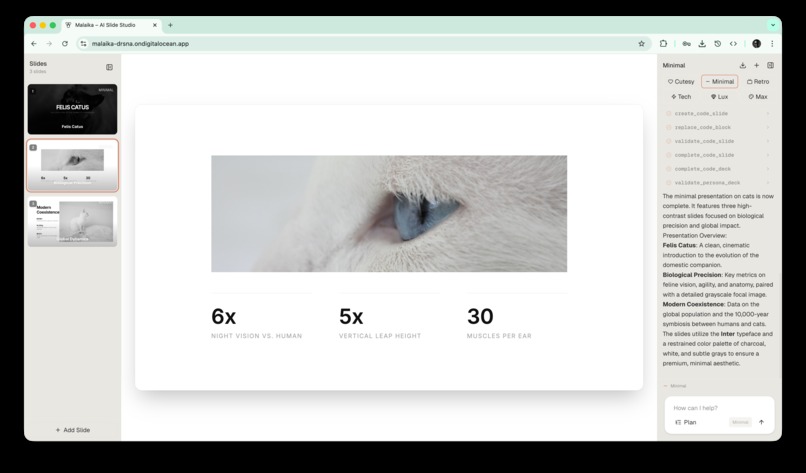
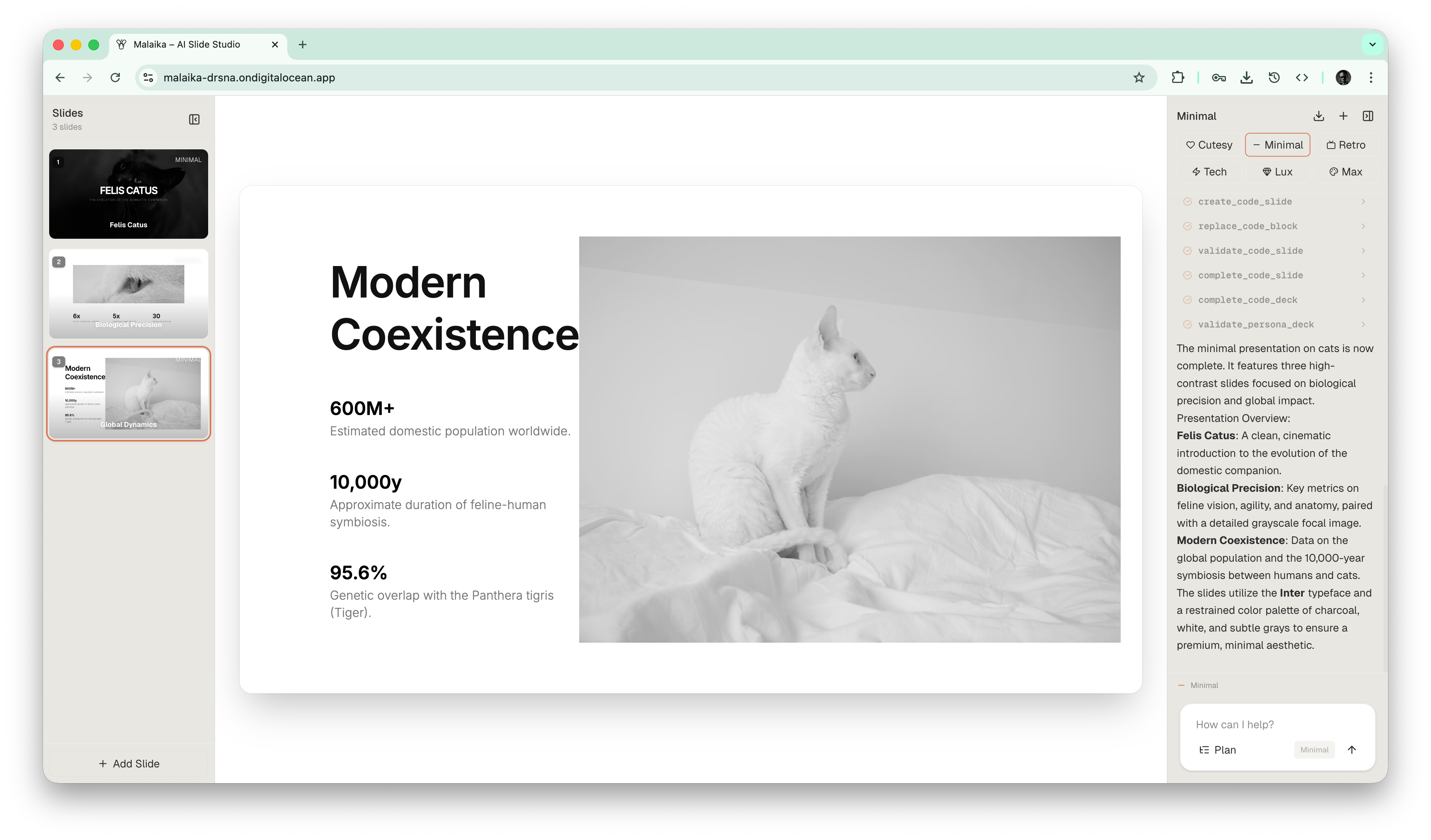
sample slide with a cat
-
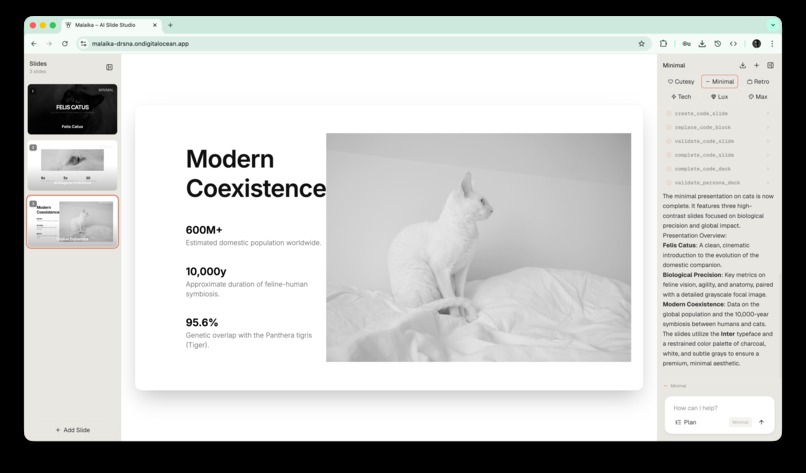
more cats
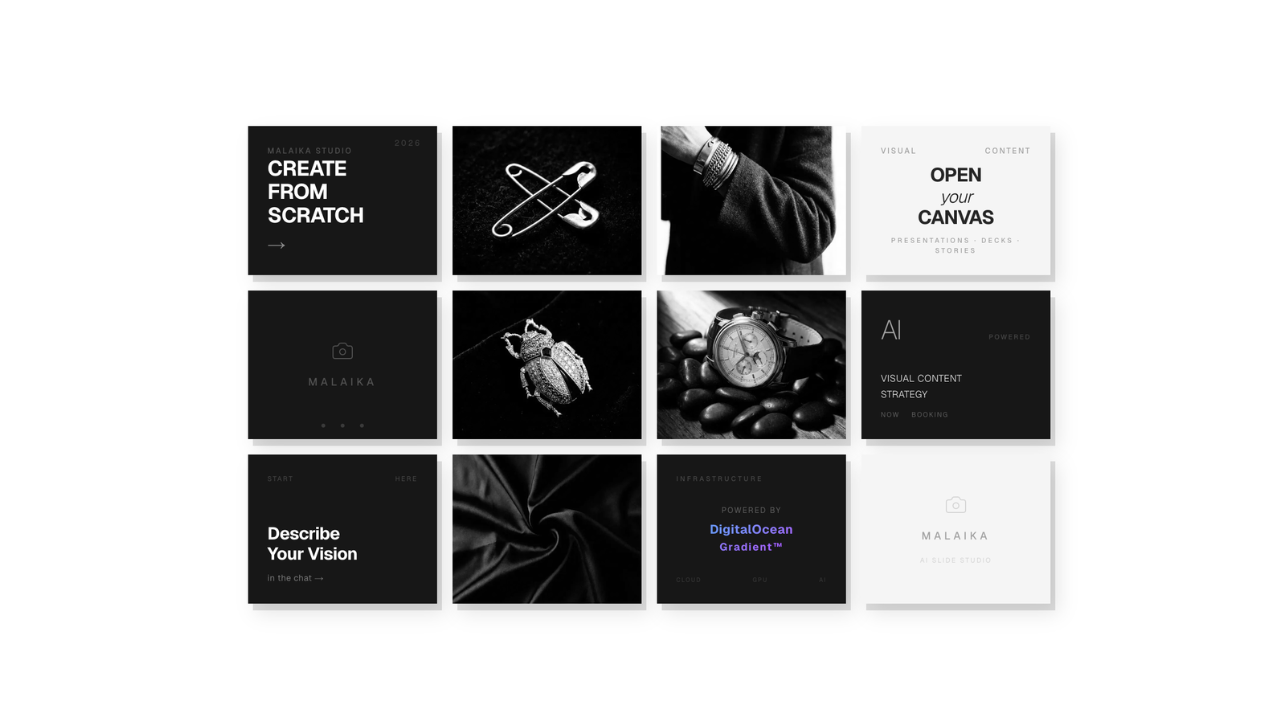




MALAIKA
In the age of AI, making slides should be effortless, but most tools still stop at outlines, bullet points, or generic templates. MALAIKA was built around a stricter standard: presentations should not only be fast to create, they should also be visually intentional, editable, and ready to present.
Inspiration
Presentation creation is still far more manual than it should be. Even with modern AI tools, users often get text suggestions instead of actual slides, or they get layouts that feel generic, cluttered, and hard to trust in a real presentation.
We wanted to build something closer to a real creative system than a chatbot. The goal behind MALAIKA was to make slide creation feel like working with a design team and a technical production pipeline at the same time: plan the story, choose the aesthetic, generate real slides, stream them live, and export something usable.
The project was also shaped by a simple belief: if AI is going to help people create presentations, it should help them make good-looking presentations, not just faster mediocre ones.
What it does
MALAIKA is an AI-powered multi-agent slide studio that turns natural-language prompts into fully rendered presentation decks.
Users describe what they want to present, choose a design persona, and MALAIKA handles the rest:
- it creates a deck plan
- routes the request to the right style agent
- generates each slide as real
HTML,CSS, andJavaScript - streams slide progress into the UI in real time
- renders thumbnails and full-canvas previews
- exports the finished deck to PPTX
MALAIKA currently supports multiple design personas, each with a distinct visual language:
| Persona | Visual direction |
|---|---|
| Minimal | Clean whitespace, restrained typography, high clarity |
| Tech | Structured, modern, data-forward presentation style |
| Retro | Bold, nostalgic, character-heavy visual system |
| Lux | Premium editorial layouts with a polished brand feel |
| Cutesy | Soft, playful, approachable visual tone |
| Maximalist | Dense, expressive, high-energy composition |
The system can also optionally retrieve grounded information through a knowledge base when verification or factual support is important.
How we built it
MALAIKA is built as a full-stack DigitalOcean architecture with a separated frontend and AI backend.
Architecture
| Layer | Technology | Purpose |
|---|---|---|
| Frontend | Next.js + TypeScript | User interface, live streaming UI, slide canvas, thumbnail rendering, PPTX export |
| Frontend Hosting | DigitalOcean App Platform | Production hosting and auto-deploys |
| Backend | Python | Multi-agent orchestration and tool execution |
| AI Runtime | DigitalOcean Gradient AI + Agent Development Kit (ADK) | Hosted agent runtime, streaming execution, deployed endpoint |
| Model Layer | Gemini via ADK runtime | Reasoning, tool use, planning, and generation |
| Retrieval | DigitalOcean Knowledge Base | Optional grounded retrieval for verified responses |
Multi-agent design
At the core of MALAIKA is a multi-agent system:
malaika_orchestratormanages planning, routing, and overall deck flow- style subagents handle execution in their own visual language:
minimal_agenttech_agentretro_agentlux_agentcutesy_agentmaximalist_agent
Instead of generating plain text slides, the agents use a structured code-slide toolchain:
create_code_deckcreate_code_slidereplace_code_blockappend_code_chunkvalidate_code_slidecomplete_code_slidecomplete_code_decksearch_imagesretrieve_from_knowledge_base
This allowed us to build slides as actual code artifacts rather than presentation summaries.
Streaming workflow
One of the most important product decisions was making generation feel alive. Rather than waiting for a full deck to finish, MALAIKA streams deck events from the backend to the frontend, where the user can watch slides appear and evolve in real time.
That meant designing both:
- a backend event model for slide creation and mutation
- a frontend merge/render pipeline that could handle partial updates, tool events, and final snapshots without corrupting deck state
Export pipeline
For export, we render each slide in a headless browser, capture it as an image, and assemble the final deck into a PowerPoint file. This gave us high visual fidelity between what users see in the web canvas and what they present later.
Challenges we ran into
The hardest problems were not just model prompts. Most of the real difficulty came from making a streamed multi-agent application behave like a reliable product.
- Streaming state was hard to get right. The backend was emitting real-time events, but partial updates, final snapshots, and tool events could conflict if the frontend merged them incorrectly.
- Tool call rendering was noisy. ADK emits both partial and final tool-call events, and we had to reconcile them so the UI did not duplicate progress indicators.
- Code-slide sequencing needed hard rules. Initially, agents could edit placeholder slides before properly initializing them. We replaced prompt-based assumptions with deterministic tool guards.
- Deck state could drift across tool calls. We had to add stricter logging and state synchronization around deck creation, slide initialization, and final output payloads.
- PPTX export required real deployment work. Installing Playwright itself was not enough; runtime browser paths and Linux dependencies had to be traced carefully so export worked outside local development.
- Model/provider limits were real. Streaming multi-agent workflows can become token-heavy fast, especially when planning, image search, and code generation all happen in one session.
Accomplishments that we're proud of
- We built a real multi-agent presentation system rather than a single-prompt generator.
- MALAIKA generates actual code-driven slides, not just slide text.
- The product supports multiple distinct visual personas with different aesthetics.
- We got live streaming deck updates working in a way that feels interactive rather than batch-only.
- We built a pixel-faithful PPTX export path instead of treating export as an afterthought.
- We deployed the architecture across DigitalOcean services in a way that reflects a real production stack:
- frontend on DigitalOcean App Platform
- backend on DigitalOcean Gradient AI
- orchestration through the DigitalOcean Agent Development Kit
- optional grounding through DigitalOcean Knowledge Base retrieval
What we learned
We learned that building a good AI product is less about “calling a model” and more about designing the system around the model.
Some of the biggest lessons:
- Workflow matters more than raw generation. The order of planning, slide initialization, editing, validation, and completion has a huge effect on quality.
- Streaming is a product problem, not just a transport problem. Sending events is easy; making them render coherently in the UI is not.
- Prompting is not enough. If a tool contract matters, the system should enforce it deterministically.
- Visual quality needs structure. To get better slides, we had to treat design personas and code-generation rules as first-class system components.
- Deployment reality changes architecture decisions. Browser-based export, hosted agents, and runtime dependencies all become much more important once the project leaves local development.
What's next for Malaika
We see MALAIKA as the foundation of a much larger AI-native presentation workflow.
Next steps include:
- improving reliability of the export pipeline in hosted environments
- making the generation workflow more token-efficient and less tool-noisy
- expanding persona systems into richer design families and brand kits
- adding stronger editing controls after generation
- enabling reusable templates and organization-specific slide systems
- improving factual grounding workflows through deeper knowledge-base integration
- making MALAIKA collaborative, so teams can iterate on AI-generated decks together
The long-term goal is simple: MALAIKA should help users move from idea to polished presentation with less friction and better design quality than traditional slide workflows.

Log in or sign up for Devpost to join the conversation.