-
-
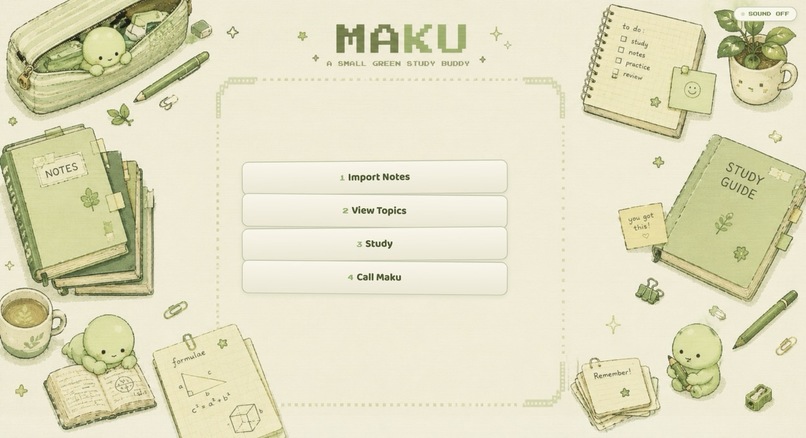
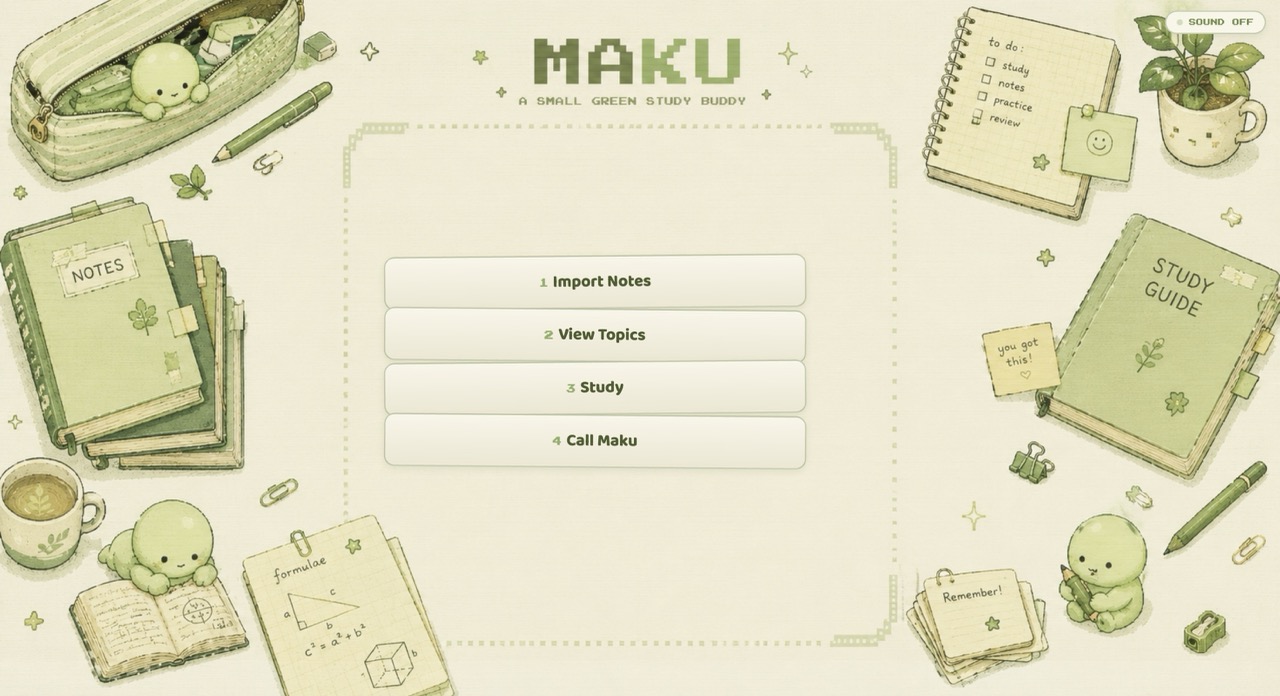
Meet Maku, your small green study buddy — import notes, review topics, study actively, and teach what you know.
-
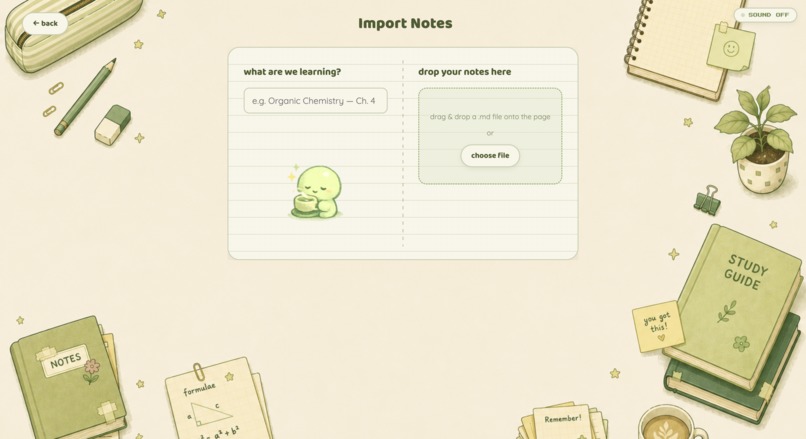
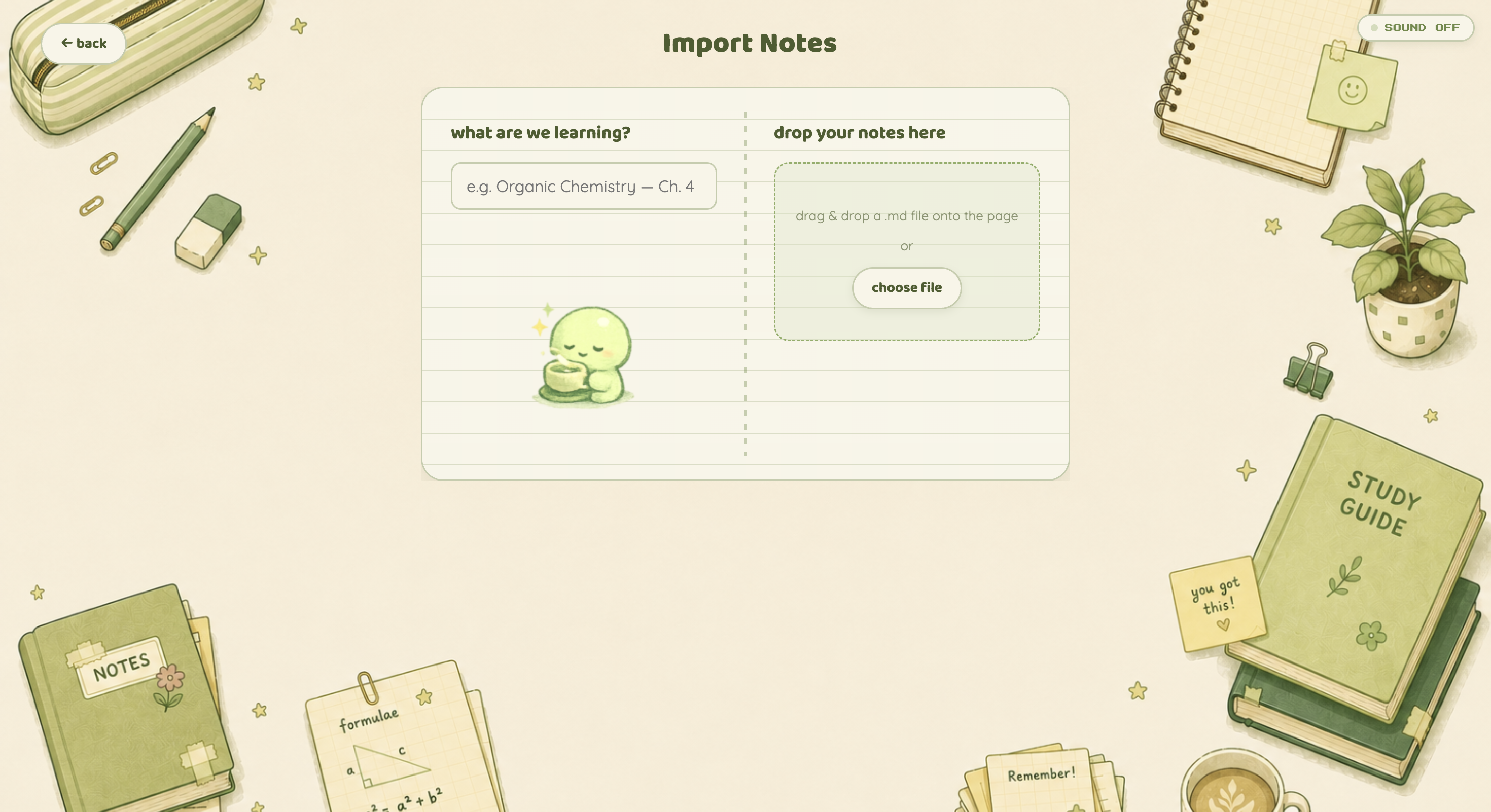
Import your own notes and let Maku turn them into structured concepts, definitions, formulas, and study material.
-
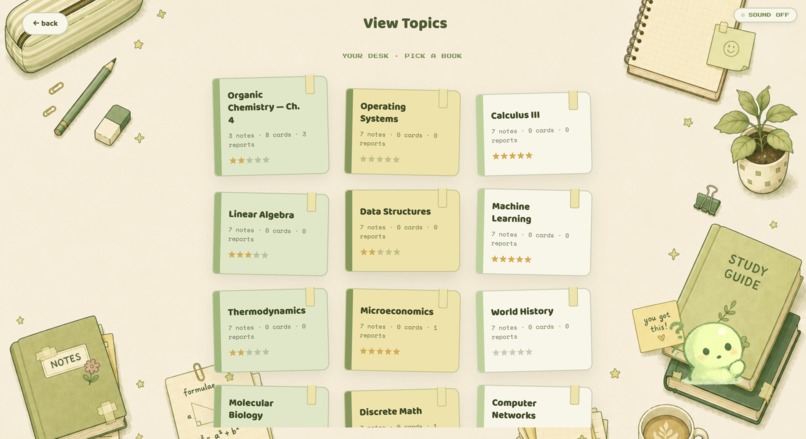
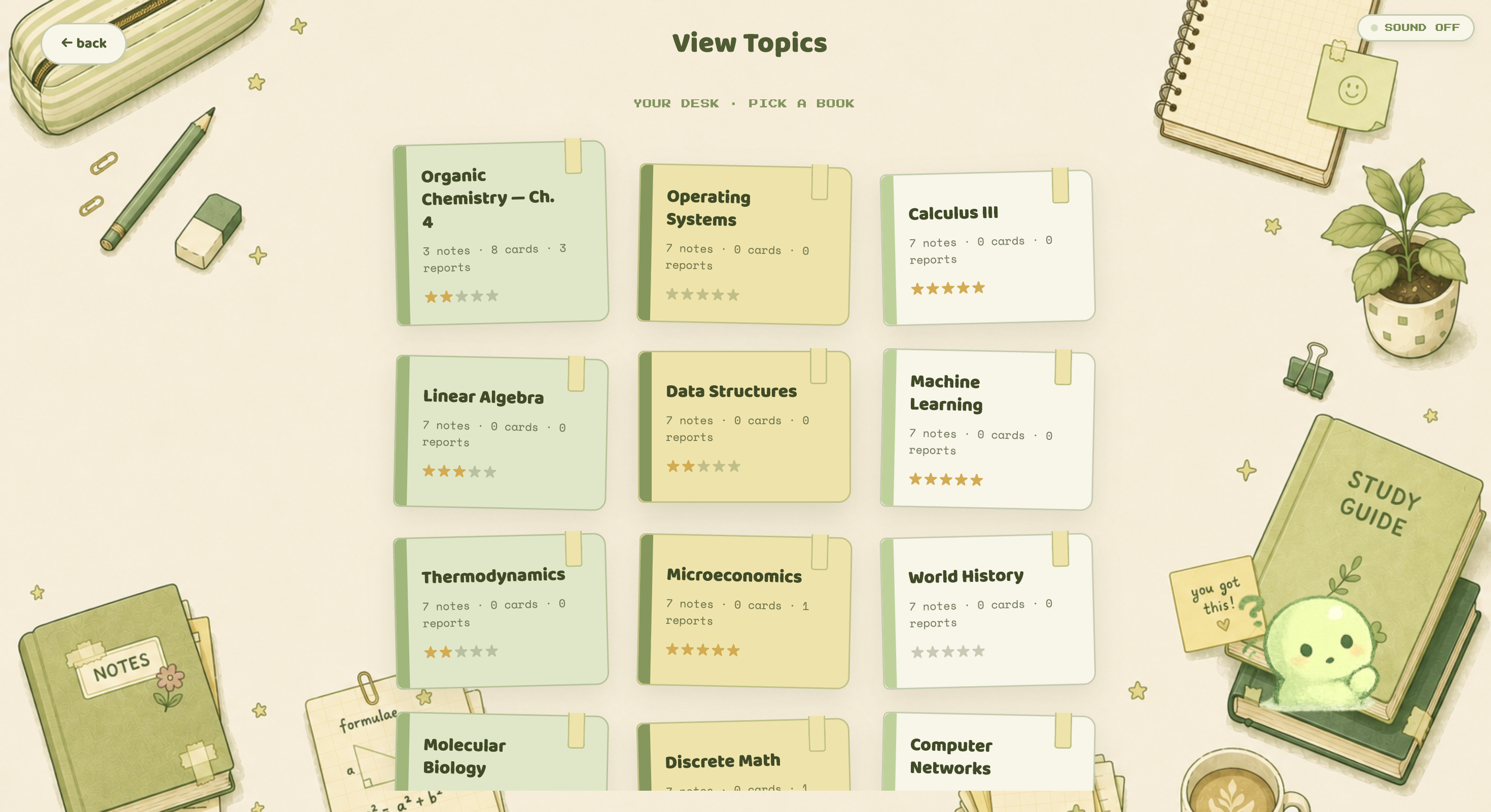
Browse every topic on your study desk and track progress through flashcards, quizzes, reports, and study sessions.
-
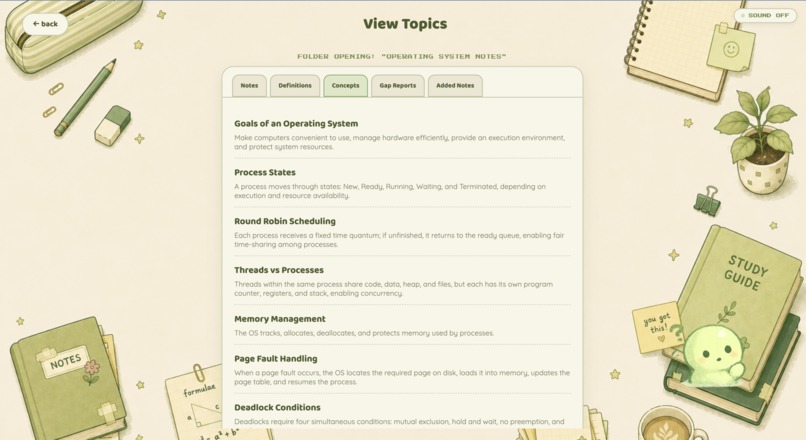
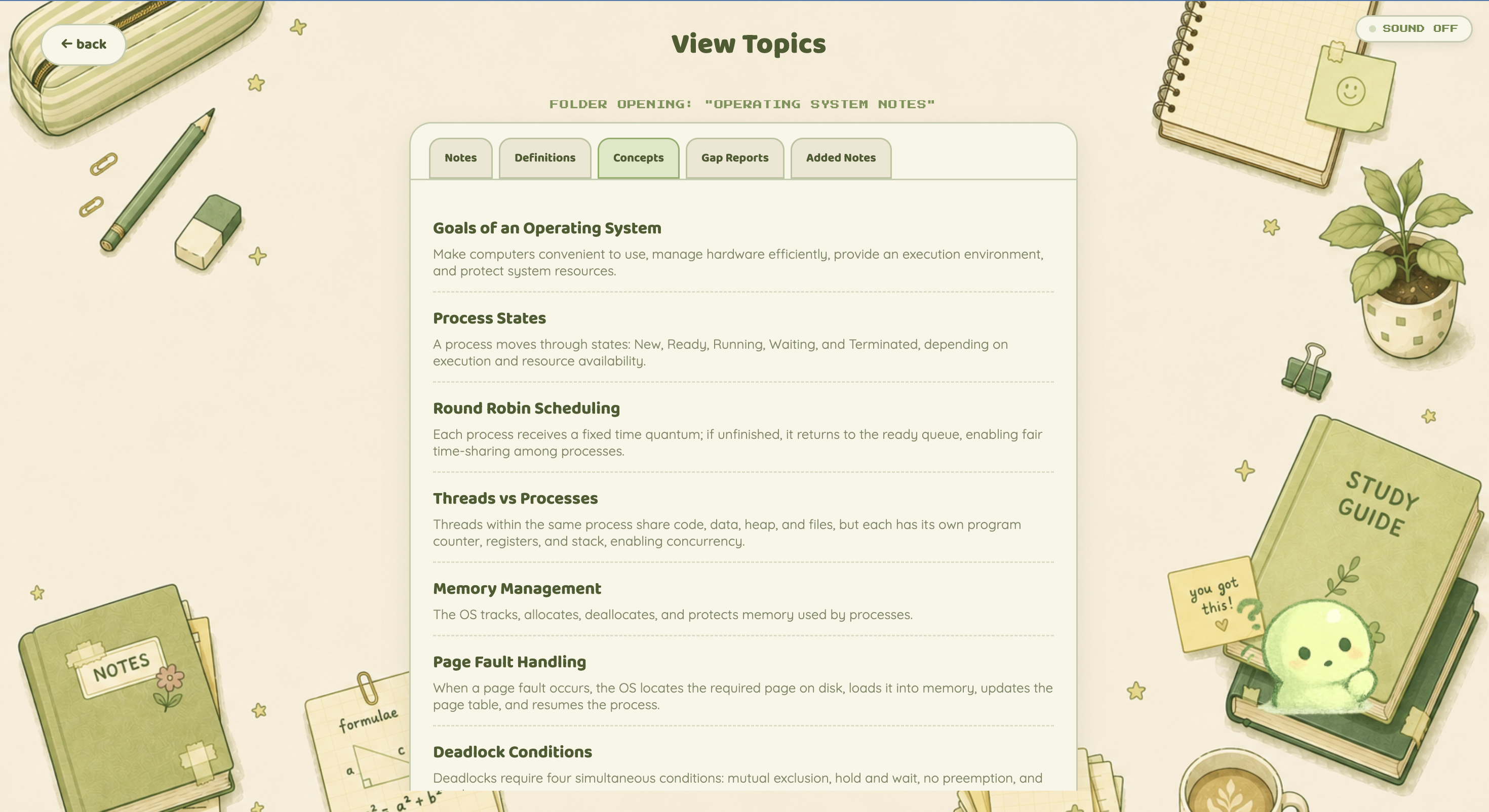
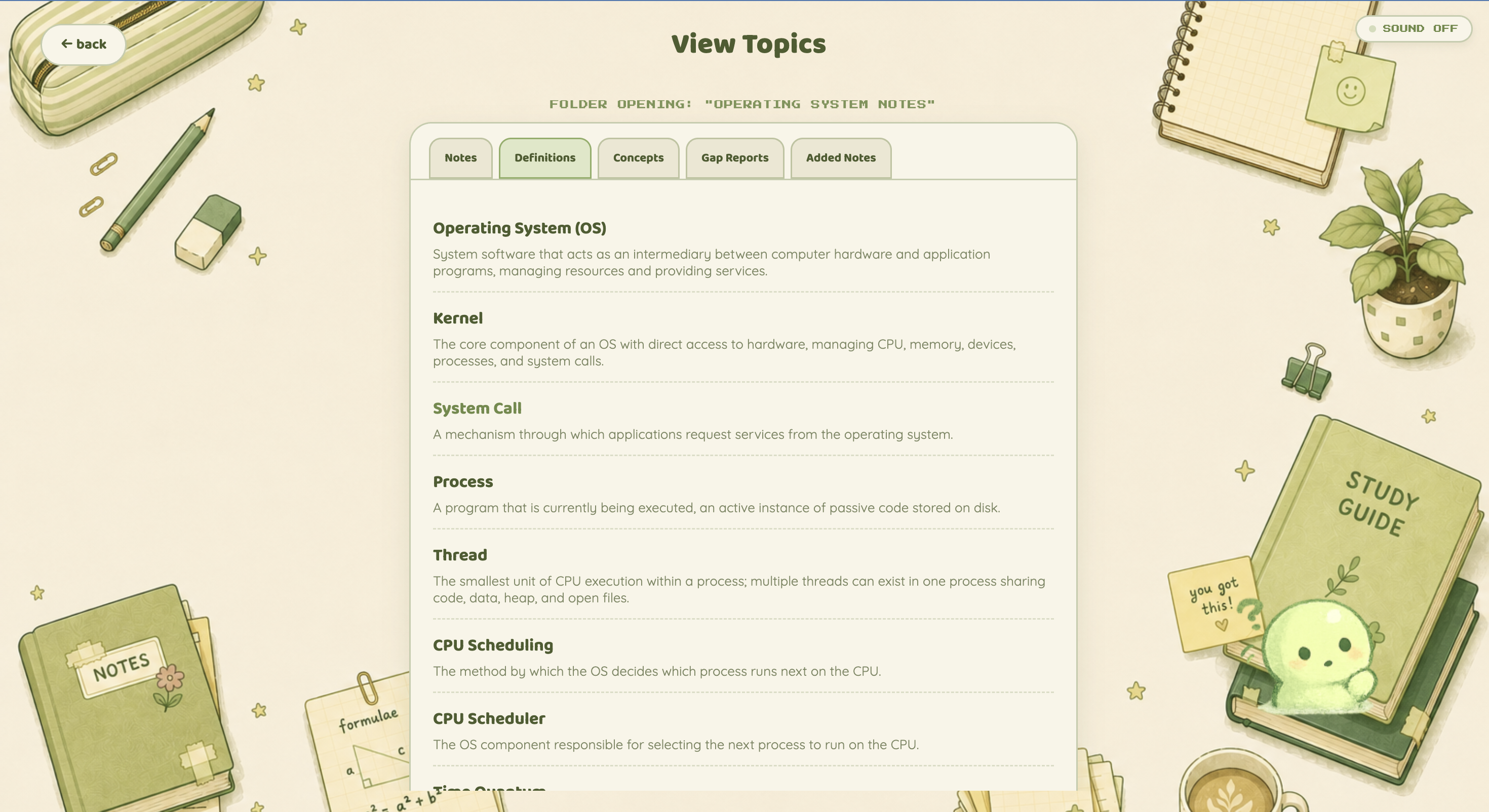
View the key concepts Maku extracted from your notes, creating the checklist used to track understanding during calls.
-
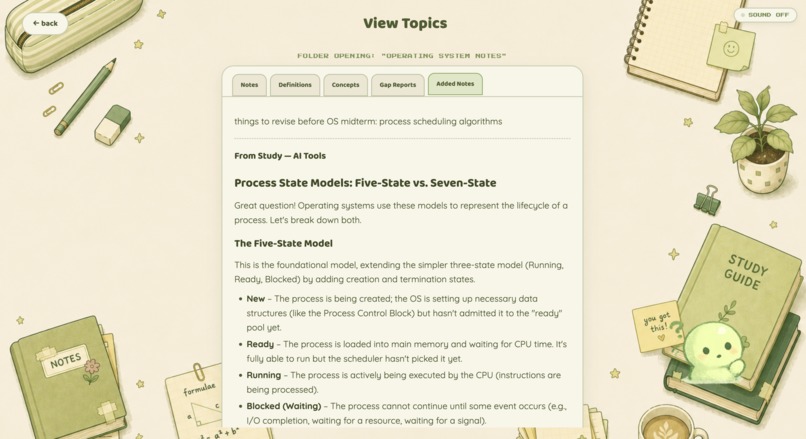
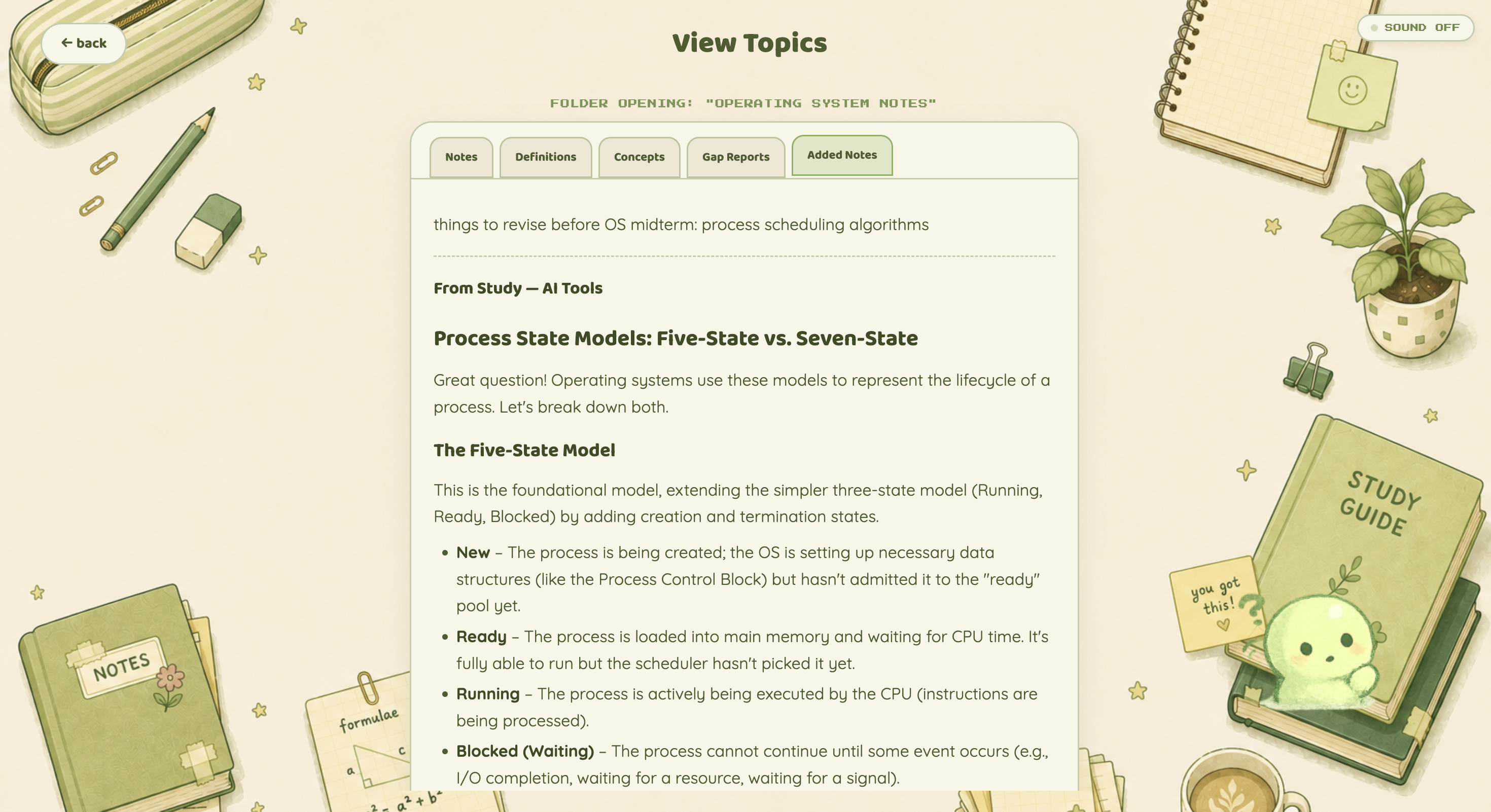
Anything you discover while studying can be saved back into Added Notes, letting your study material grow with you.
-
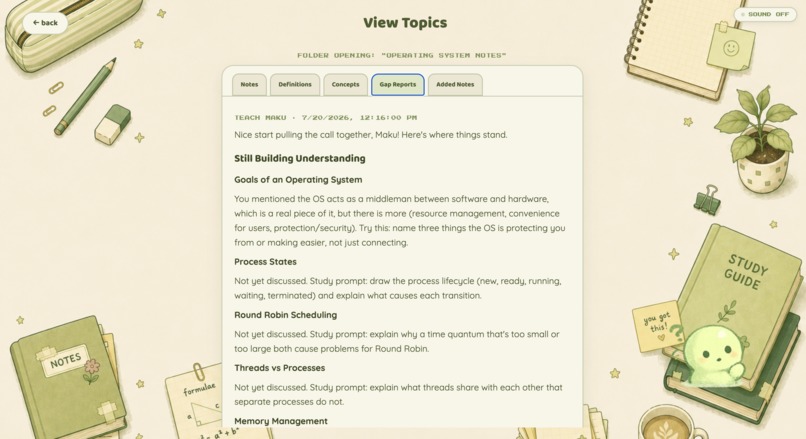
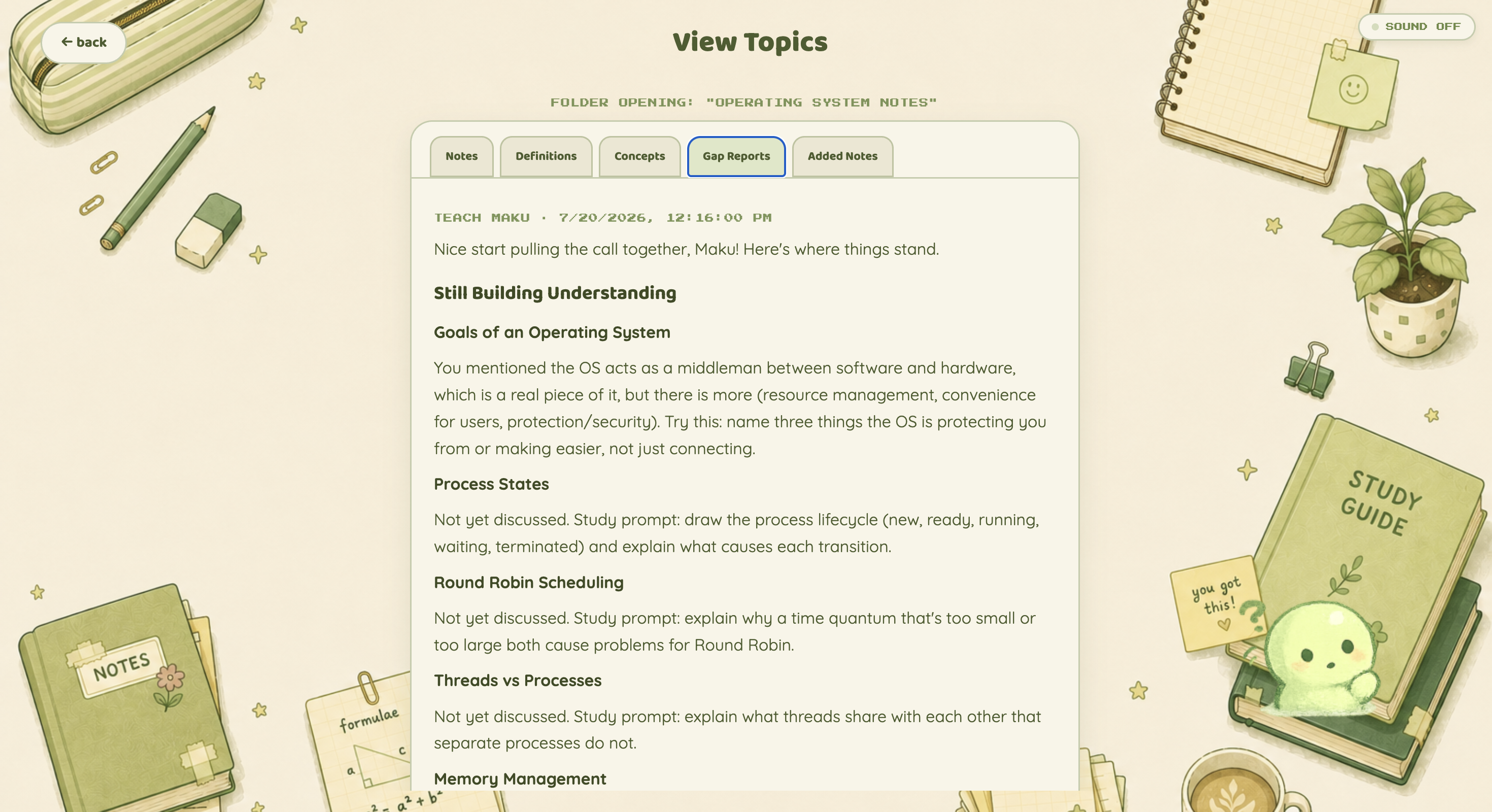
Gap Reports show exactly which concepts still need work and provide targeted prompts to strengthen your understanding.
-
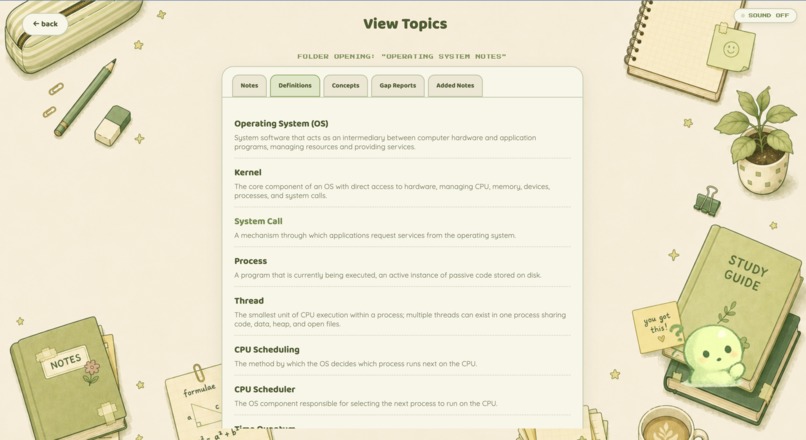
Open any topic to revisit your original notes, extracted definitions, key concepts, gap reports, and added notes.
-
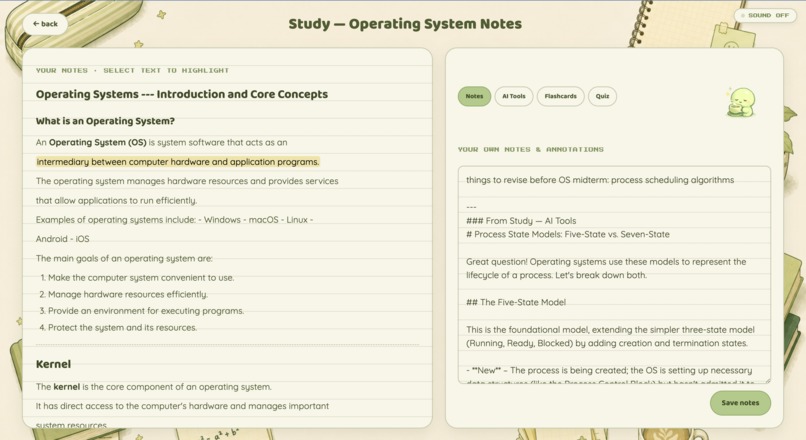
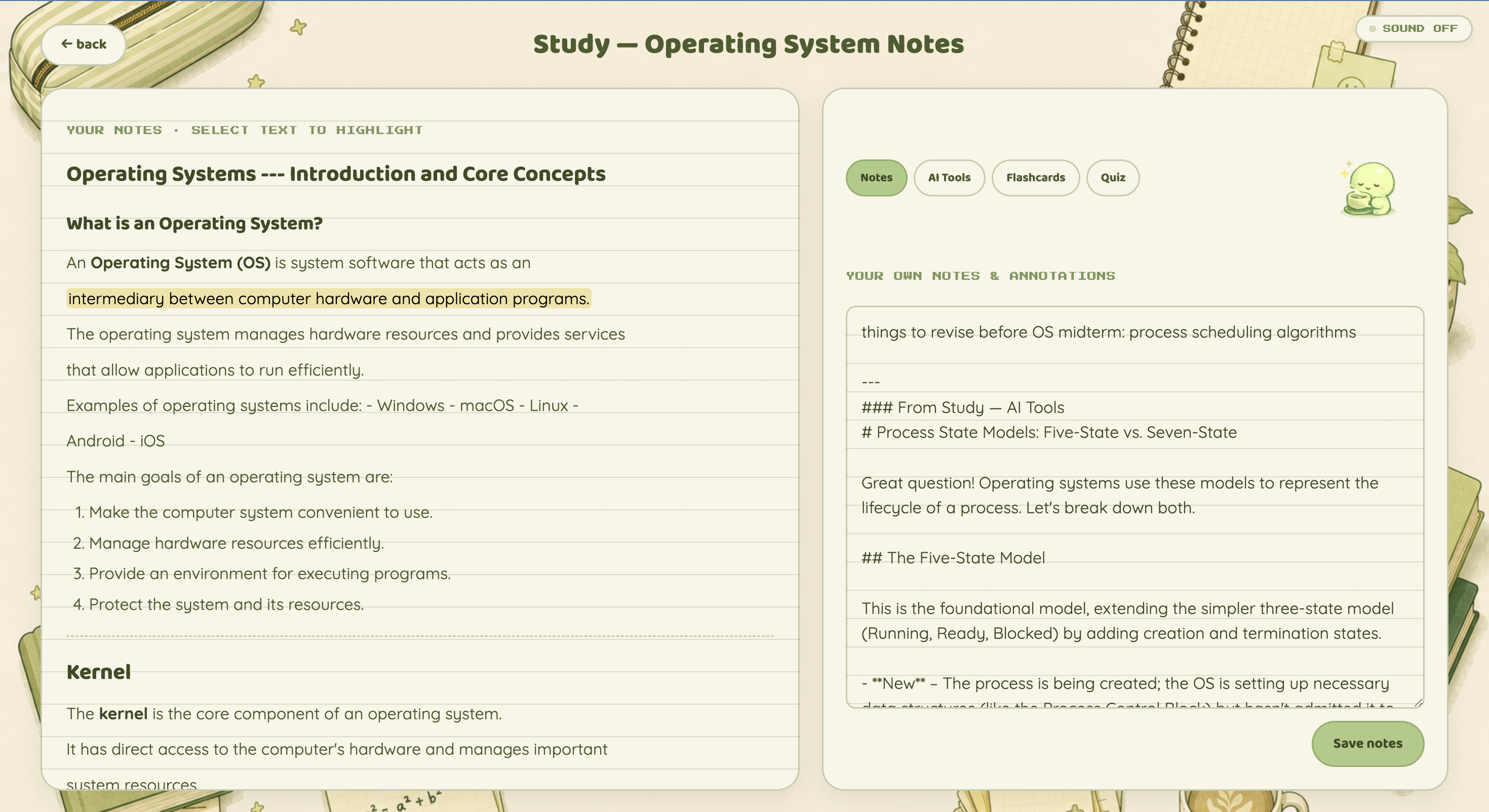
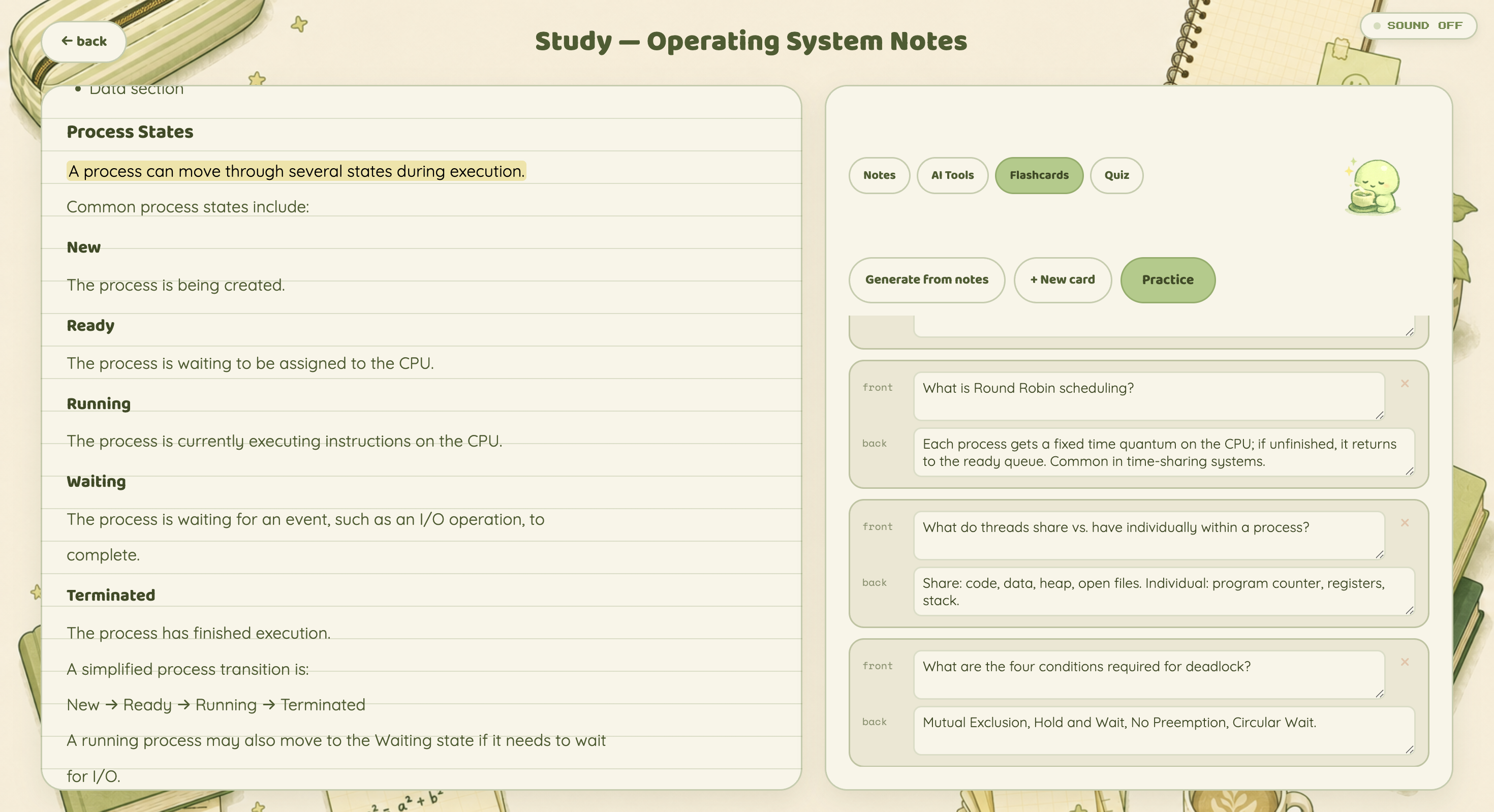
Study directly from your notes while highlighting key passages and adding your own annotations alongside them.
-
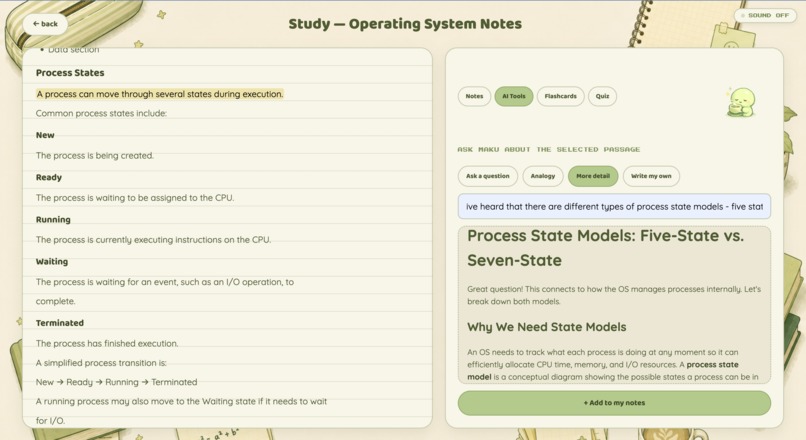
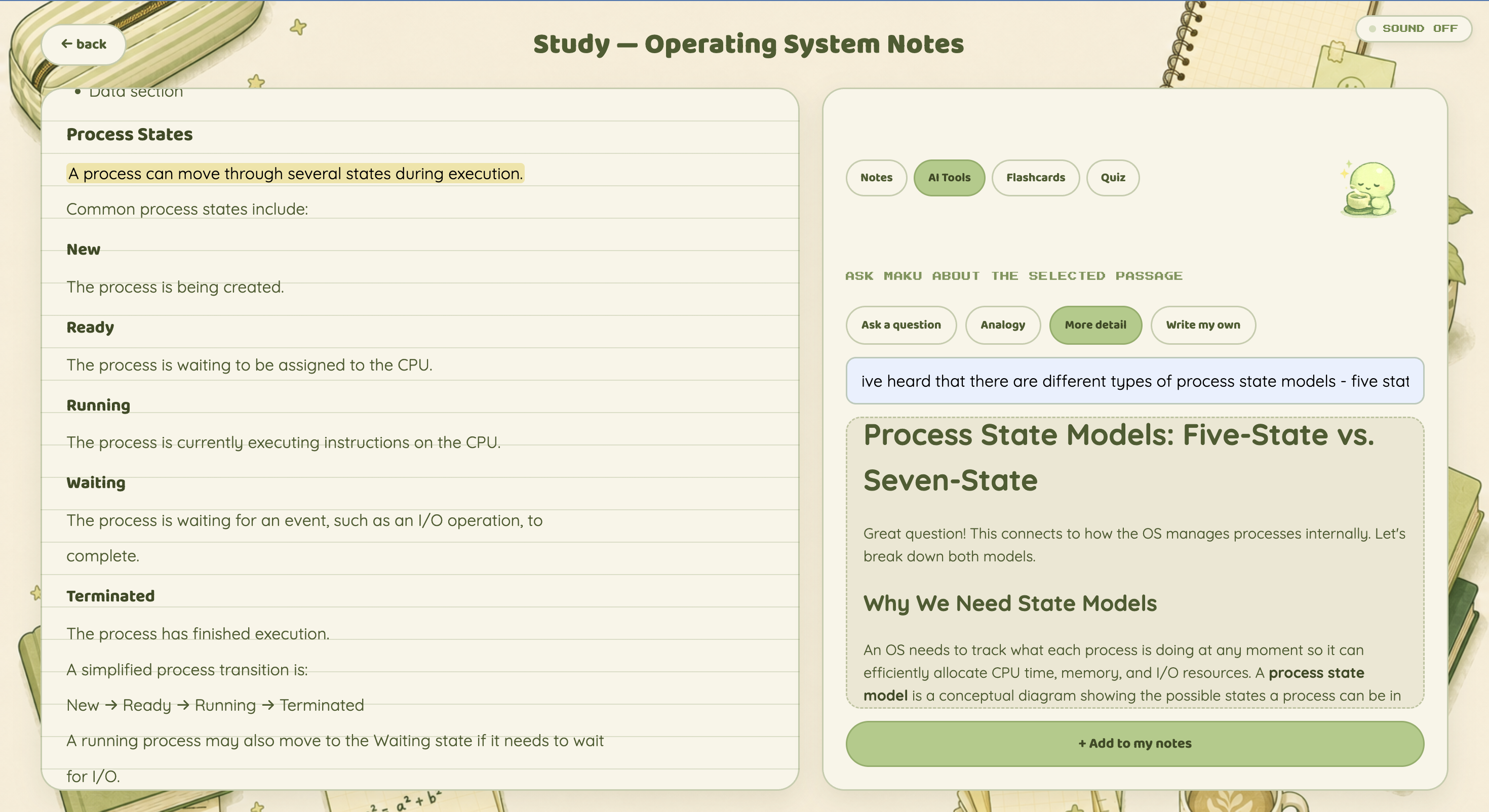
Ask Maku questions about selected passages, request analogies or more detail, and save useful explanations to your notes.
-
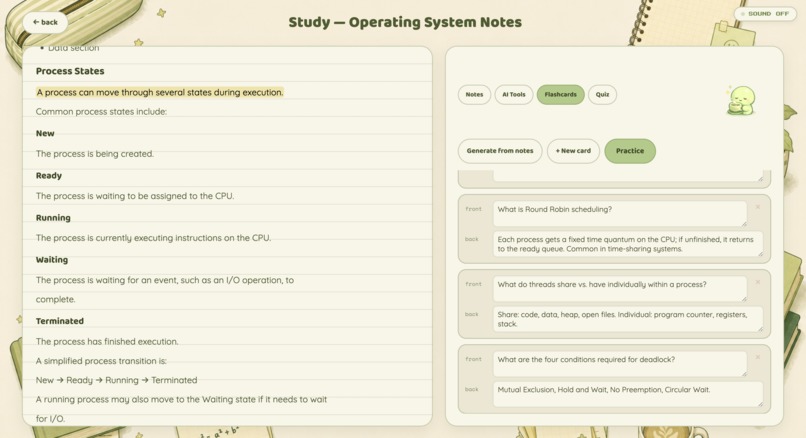
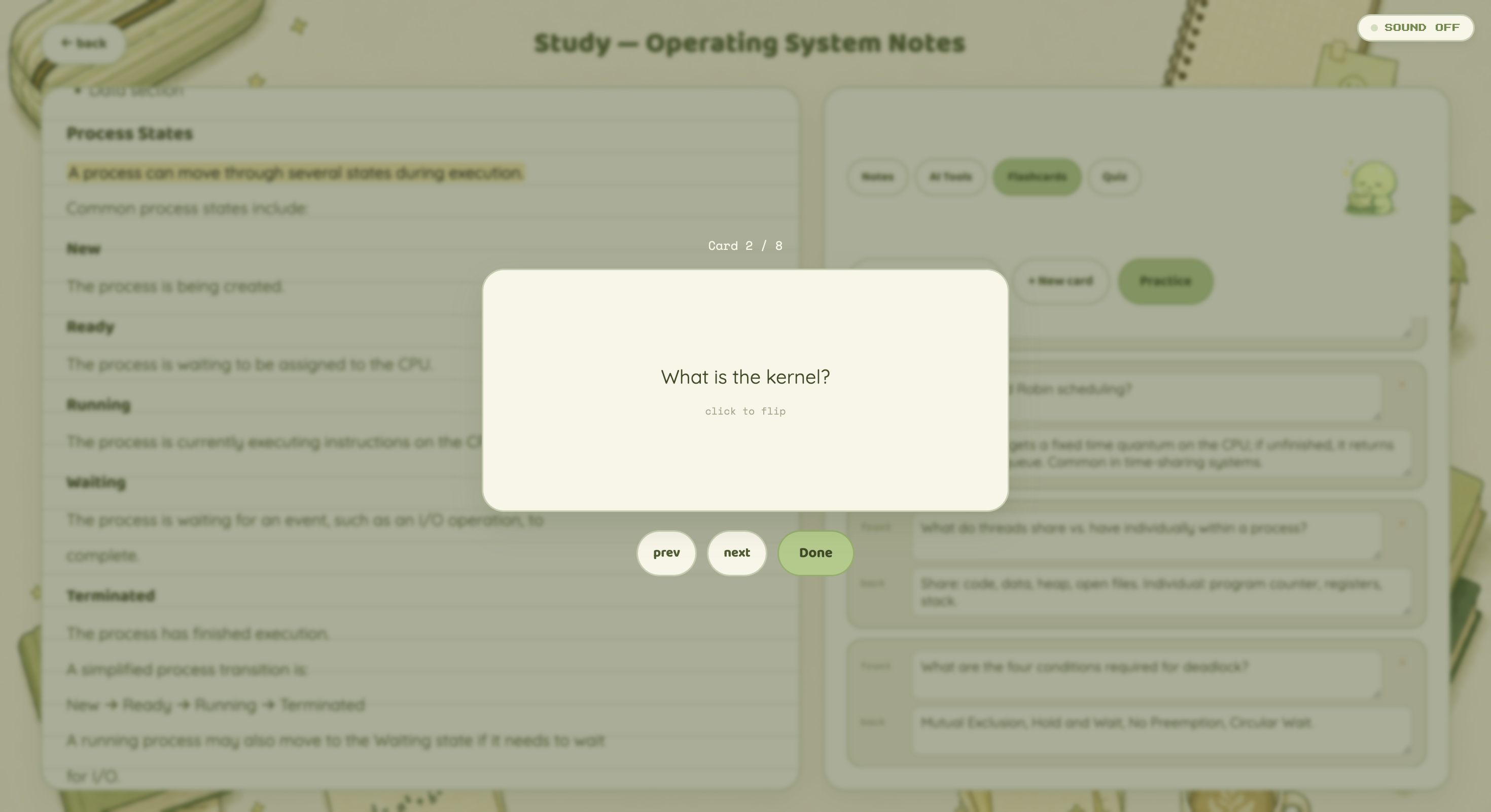
Create flashcards manually or generate them from your notes, then practice them whenever you need a quick review.
-
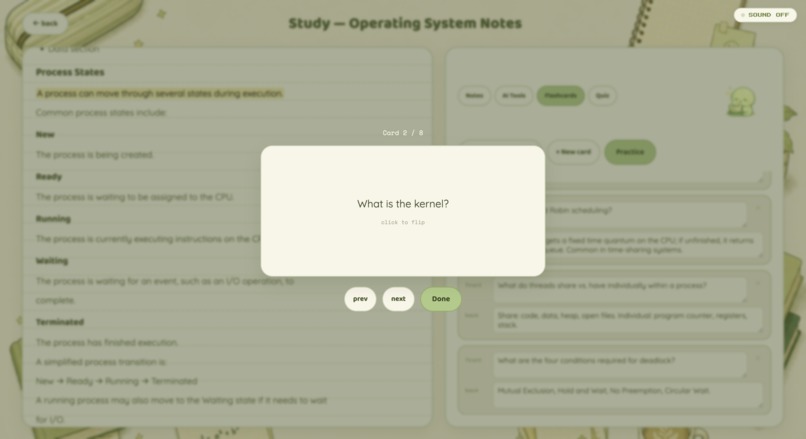
Practice flashcards one at a time in a focused review mode designed to strengthen active recall.
-
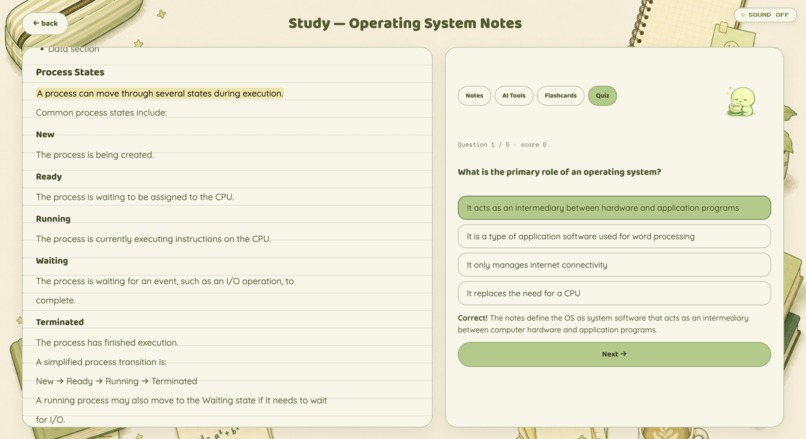
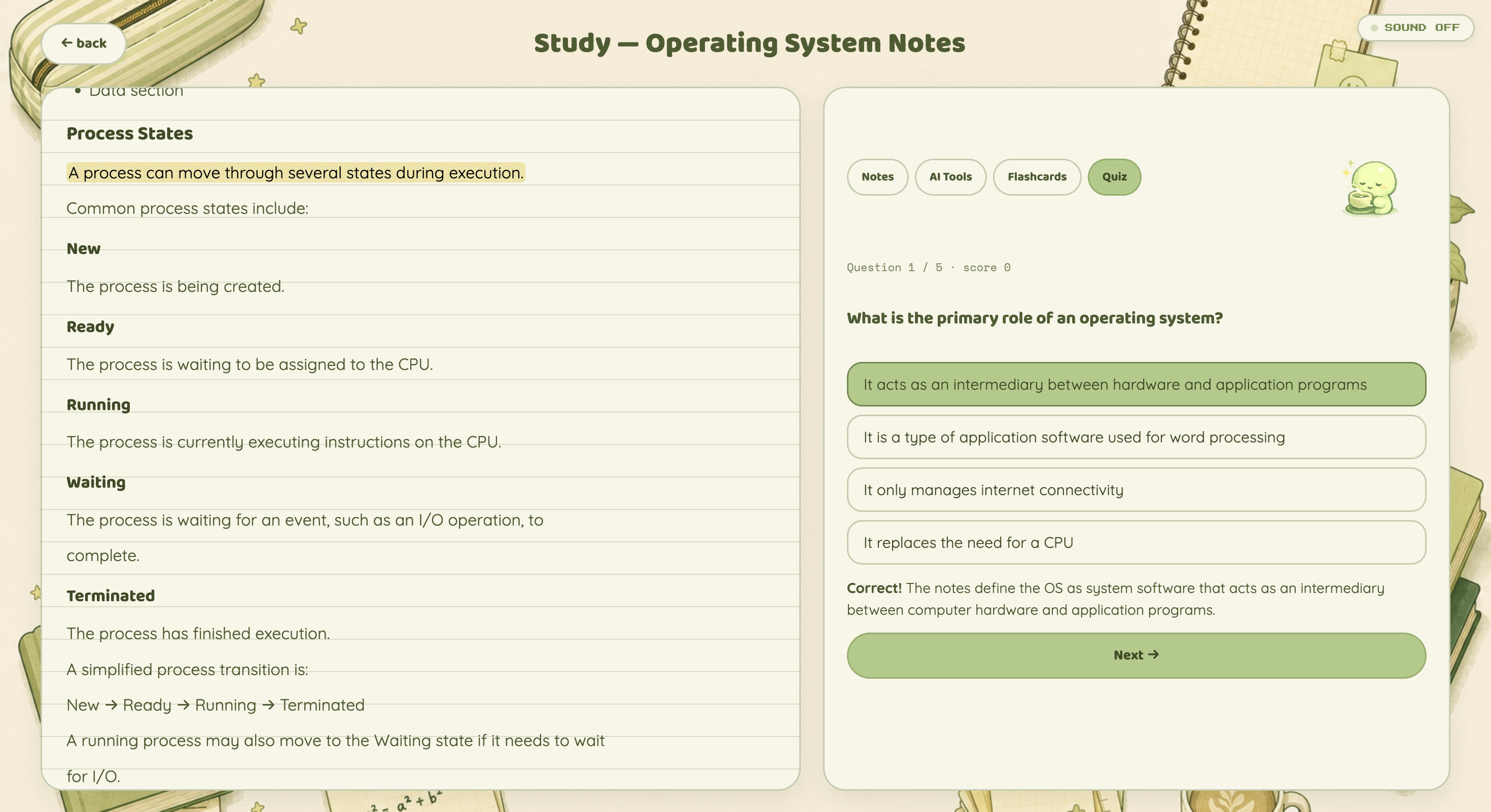
Test yourself with AI-generated multiple-choice questions and get immediate feedback grounded in your notes.
-
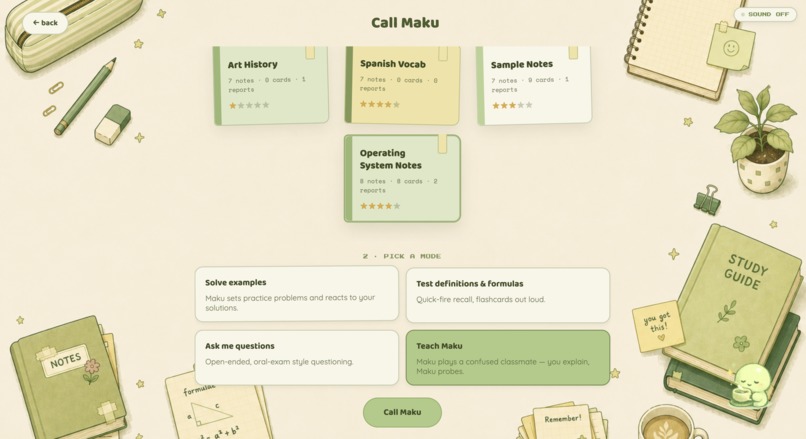
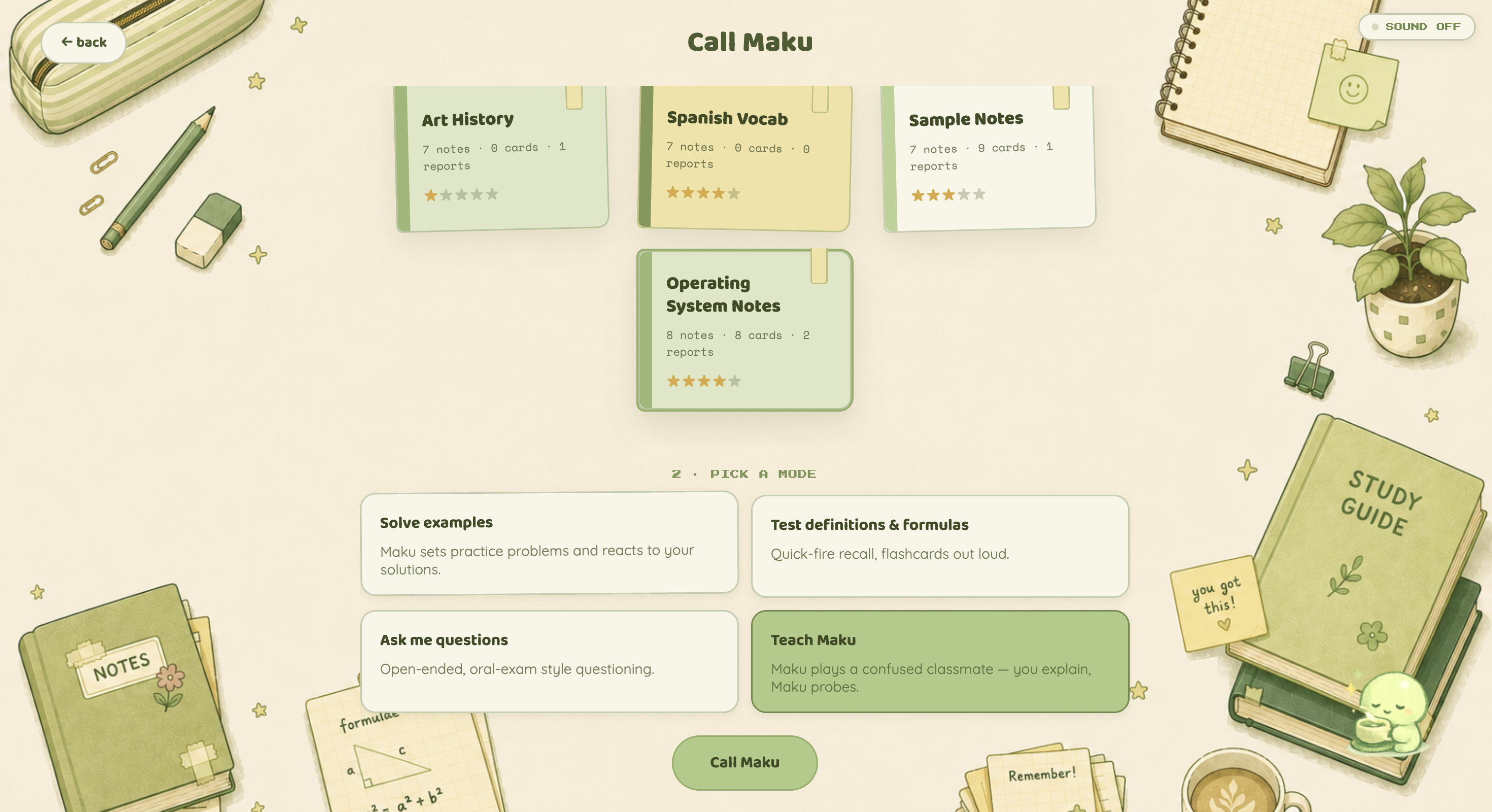
Choose a topic and study mode, from practice problems and oral exams to the signature Teach Maku experience.
-
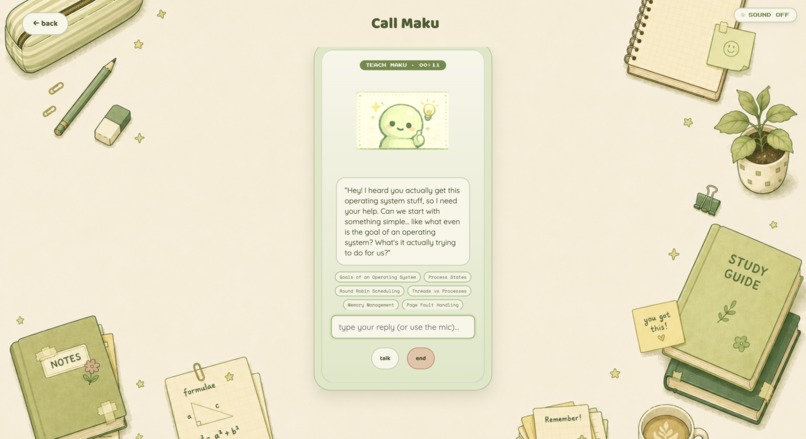
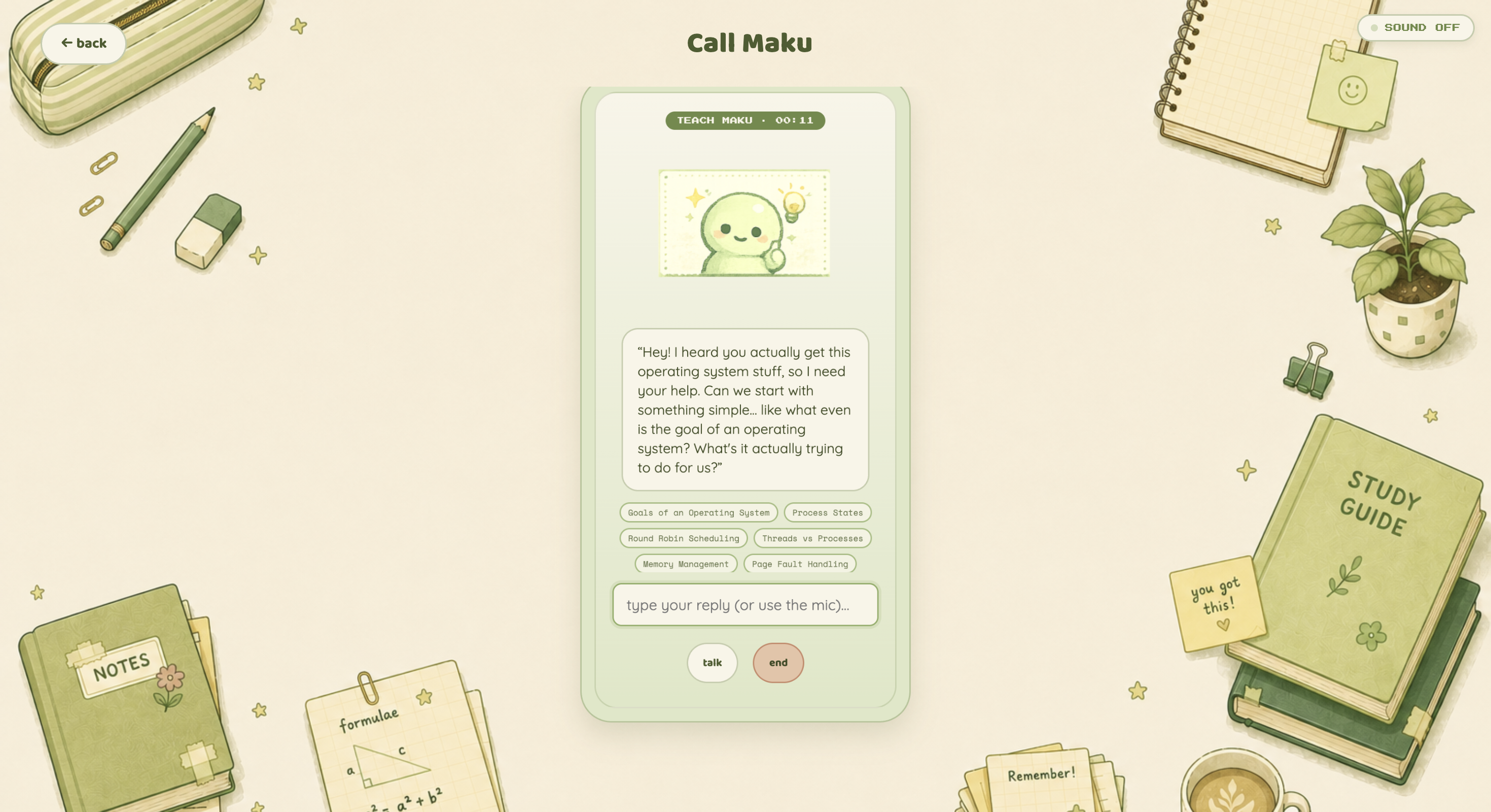
Teach Maku out loud while it asks follow-up questions and tracks which concepts you can genuinely explain.
-
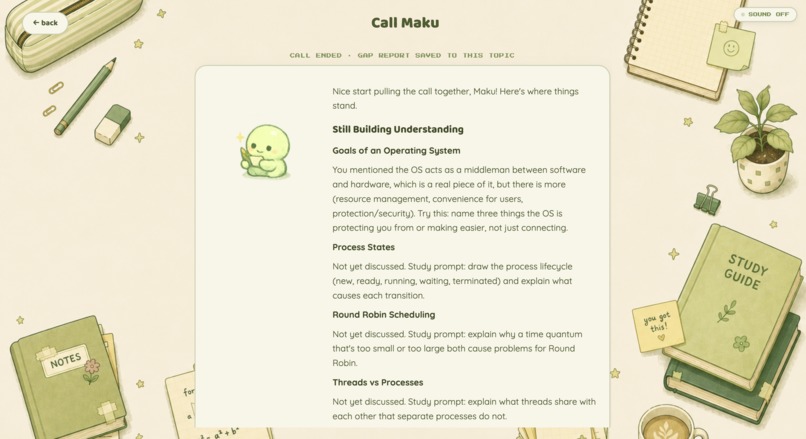
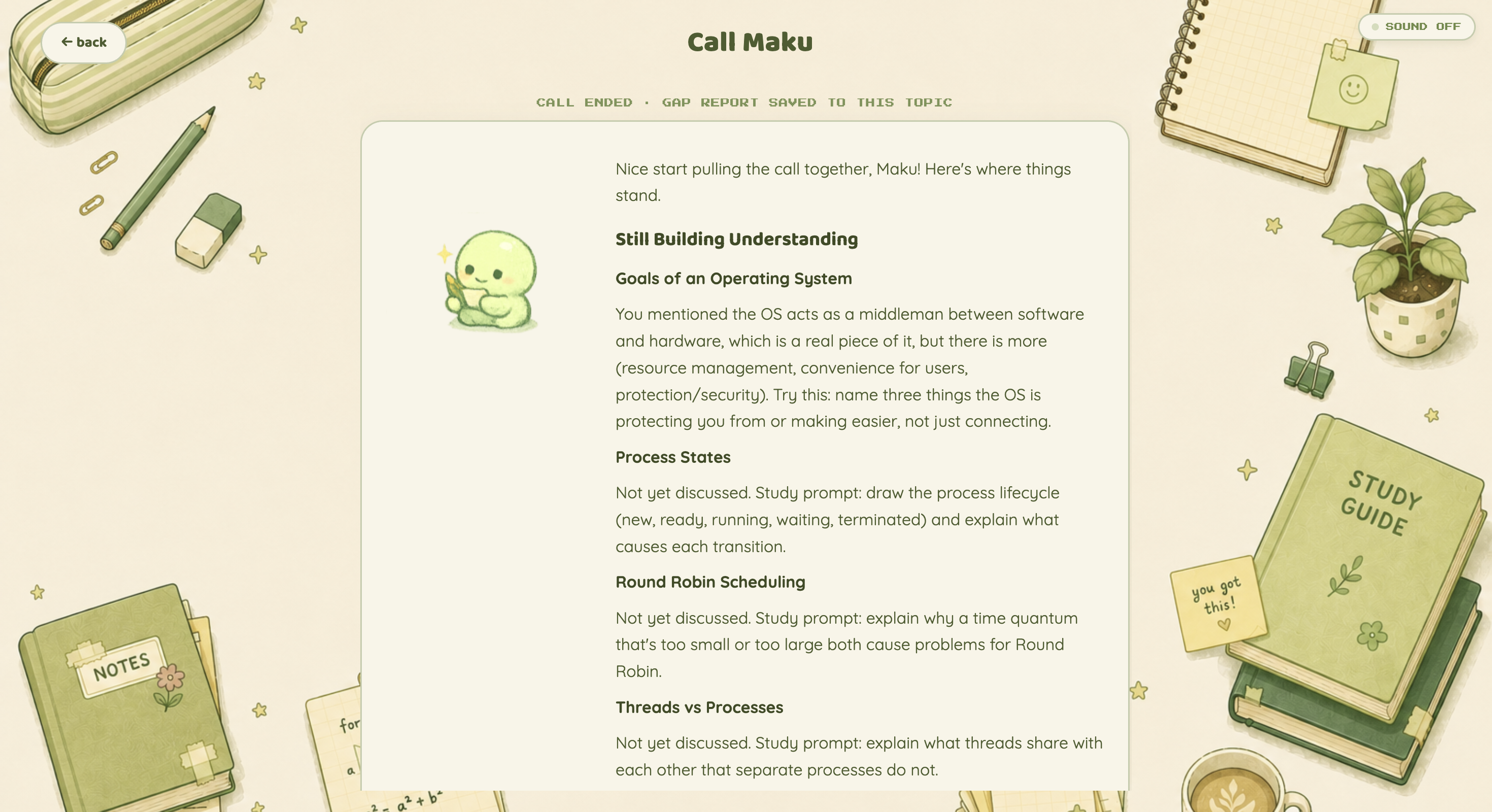
After each call, Maku identifies unresolved concepts and creates a targeted gap report to guide what you study next.
Maku
What problem are you addressing and why does it matter to you?
I’ve always felt that the real test of whether you understand something is whether you can explain it to a friend.
You can reread your notes five times, flip through a flashcard deck, or score well on a multiple-choice quiz and still only understand a concept at the surface level. Information can feel familiar without being fully understood. But the moment someone asks, “Wait, why does that work?” or “Can you explain that in your own words?”, the gaps in your understanding become much more obvious.
That is the problem I wanted to address with Maku.
Most study tools are designed around reviewing information or testing recall. Flashcards ask whether you can retrieve an isolated answer, while multiple-choice questions can sometimes be answered through recognition or elimination. These are useful ways to study, but they don't always reveal whether you understand the foundational concepts underneath an answer or how those concepts connect.
I was inspired by the protégé effect, the idea that learning by teaching can deepen understanding because explaining something forces you to retrieve, organize, and connect what you know. Instead of building another AI tutor that teaches the student, I wanted to reverse that relationship:
What if the AI was the student—and you had to teach it?
That became Maku: an AI-powered study companion that listens to your explanations, behaves like a curious and sometimes confused classmate, asks follow-up questions when something does not make sense, and helps uncover gaps in your understanding that traditional study methods might miss.
The goal is not just to help students study more. It is to help them answer a much harder question:
Do I actually understand what I think I understand?
How does your solution work?
Maku turns a student's own notes into a personalized study system centered around active learning and explanation.
The process begins when a student uploads a Markdown file containing their notes. Using the Anthropic Claude API, Maku analyzes the material and extracts structured information such as definitions, key concepts, important relationships, and formulas. Instead of treating the notes as one large block of text, Maku creates a structured representation of what the student is expected to understand.
Each imported topic then becomes part of the student's study desk. Students can view their original notes alongside extracted concepts and definitions, write additional notes, permanently highlight important sections, ask Claude questions, request analogies or deeper explanations, generate and practice flashcards, and complete AI-generated quiz questions.
The centerpiece of the project is Call Maku, particularly Teach Maku mode.
In Teach Maku, the student becomes the teacher. They explain a topic out loud while Maku behaves like a genuinely curious classmate. Rather than simply evaluating whether the explanation sounds correct, Maku asks follow-up questions when an idea is vague, incomplete, or missing an important connection.
Behind the conversation, Maku maintains a hidden concept checklist generated from the student's original notes. As the student demonstrates their understanding of each concept through the conversation, the system tracks which concepts have been adequately covered.
For example, a student might confidently explain what virtual memory is. Maku might then ask why paging is necessary, what actually happens during a page fault, or how a virtual address eventually maps to physical memory. The student's original explanation may have sounded correct, but these follow-up questions can reveal that they memorized the definition without fully understanding the underlying system.
At the end of the conversation, Maku identifies concepts that were never adequately demonstrated and generates a personalized Gap Report. It then creates targeted additional study material addressing those specific weaknesses and saves that material directly back into the student's topic.
This creates a continuous learning loop:
Study → Explain → Expose gaps → Improve your notes → Study again
Instead of AI simply generating more content for the student to consume, Maku uses AI to create interactions that reveal something about the student's actual understanding.
What are the key features?
Maku combines several study tools into one connected learning system.
AI-Powered Note Import
Students can upload their own Markdown notes. Claude analyzes the material and extracts:
- Definitions
- Key concepts
- Important relationships
- Formulas
This structured representation becomes the foundation for the rest of the study experience.
Topic-Based Study Desk
Each imported topic has its own workspace containing:
- Original notes
- Extracted definitions
- Key concepts
- Gap reports
- Additional notes
Topics also receive progress ratings based on engagement across different parts of the application, including flashcard practice, quiz performance, and completed Maku sessions.
Interactive Study Mode
Study Mode uses a split-pane interface that allows students to keep their original notes visible while actively studying.
Students can:
- Permanently highlight important sections of their notes
- Write and save their own additional notes
- Ask Claude specific questions about the material
- Request analogies for difficult concepts
- Request deeper explanations
- Create flashcards manually
- Generate flashcards using AI
- Practice flashcards
- Generate quiz questions one at a time
The AI tools are intentionally user-driven. Rather than automatically generating large amounts of content, Maku encourages students to identify what they are confused about and actively request help.
Call Maku
Students can interact with Maku through several study modes, including:
- Solving practice examples
- Reviewing definitions and formulas
- Completing an oral-exam-style Q&A
- Teaching Maku
Teach Maku
Teach Maku is the core feature of the project.
Instead of having AI explain the topic, the student explains it to the AI.
Maku behaves like a confused but curious classmate, listening to the student's explanation and asking follow-up questions when important concepts are unclear or incomplete.
The system uses the structured concepts extracted from the student's original notes as a hidden checklist. This allows Maku to track what the student has actually demonstrated throughout the conversation instead of simply asking an LLM to reread the transcript afterward and make a subjective guess about whether the student understood the material.
Concept Tracking and Gap Reports
At the end of a Teach Maku session, the system identifies concepts that were not adequately demonstrated.
Rather than simply saying something broad like "You don't understand paging," Maku can identify the specific underlying ideas that were missing from the student's explanation.
These weaknesses are turned into a personalized Gap Report.
Targeted Remediation
Maku does not stop after identifying a weakness.
Based on the Gap Report, it generates targeted additional study material and saves it directly back into the topic.
This allows the student's notes to evolve based on what they discover they do not understand.
The next time they study the topic, the material they previously struggled with is now part of their study resources.
What tools, languages, or APIs did you use?
Maku was intentionally built with a lightweight technology stack:
- Node.js
- Express
- HTML
- CSS
- JavaScript
- Anthropic Claude API
- Browser SpeechRecognition API
- Browser speechSynthesis API
The Anthropic Claude API powers multiple stages of the application, including structured extraction of definitions and concepts from uploaded notes, flashcard generation, quiz generation, analogies, explanations, conversational reasoning during Call Maku, concept tracking, Gap Report generation, and targeted remediation.
One of the most important technical decisions was grounding Teach Maku in explicit application state.
When notes are imported, Maku generates a structured concept list. During a teaching conversation, this list becomes a hidden checklist. The system tracks which concepts have been demonstrated and uses unresolved concepts to guide follow-up questions and ultimately generate the Gap Report.
This means the final diagnosis is grounded in the structure of the student's original material rather than relying entirely on an LLM's subjective interpretation of the conversation.
For voice interaction, the current version uses the browser-native SpeechRecognition and speechSynthesis APIs. This allowed me to build a complete voice-based teaching interaction without requiring an additional paid voice service.
The application also avoids a complex frontend build system. It uses a Node/Express backend with plain HTML, CSS, and JavaScript, keeping the project lightweight and easy to clone and run locally.
Who does this help?
Maku is designed primarily for students who want to know whether they truly understand what they are studying—not just whether the information feels familiar.
It is particularly useful for concept-heavy subjects where ideas build on one another and a missing foundational concept can make later material much harder to understand.
A student may know the correct definition of a term, memorize a formula, or answer a quiz question correctly while still struggling to explain why the concept works or how it connects to related ideas. Maku is designed to uncover those deeper gaps through explanation and follow-up questioning.
It can also help students who struggle to accurately judge their own level of understanding. Instead of relying entirely on confidence or quiz scores, students have to reconstruct concepts in their own words and respond when Maku asks, "But why?"
In the future, the same concept-tracking system could also help educators.
Rather than exposing individual student data, Maku could provide instructors with aggregated insights into where students are struggling. For example, an instructor might discover that most students can define virtual memory but struggle to explain how page tables connect virtual addresses to physical frames.
This could give educators insight into foundational misunderstandings, not just which questions students answered incorrectly.
Ultimately, Maku is built around a simple idea:
The goal of studying shouldn't just be to remember the answer. It should be to understand the idea well enough that you can teach it.
Built With
- anthropic
- api
- claude
- css
- express.js
- html
- javascript
- llm
- node.js


Log in or sign up for Devpost to join the conversation.