-
-
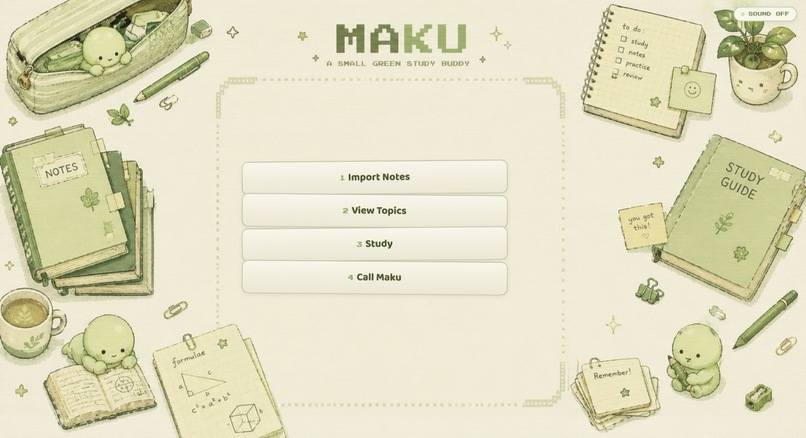
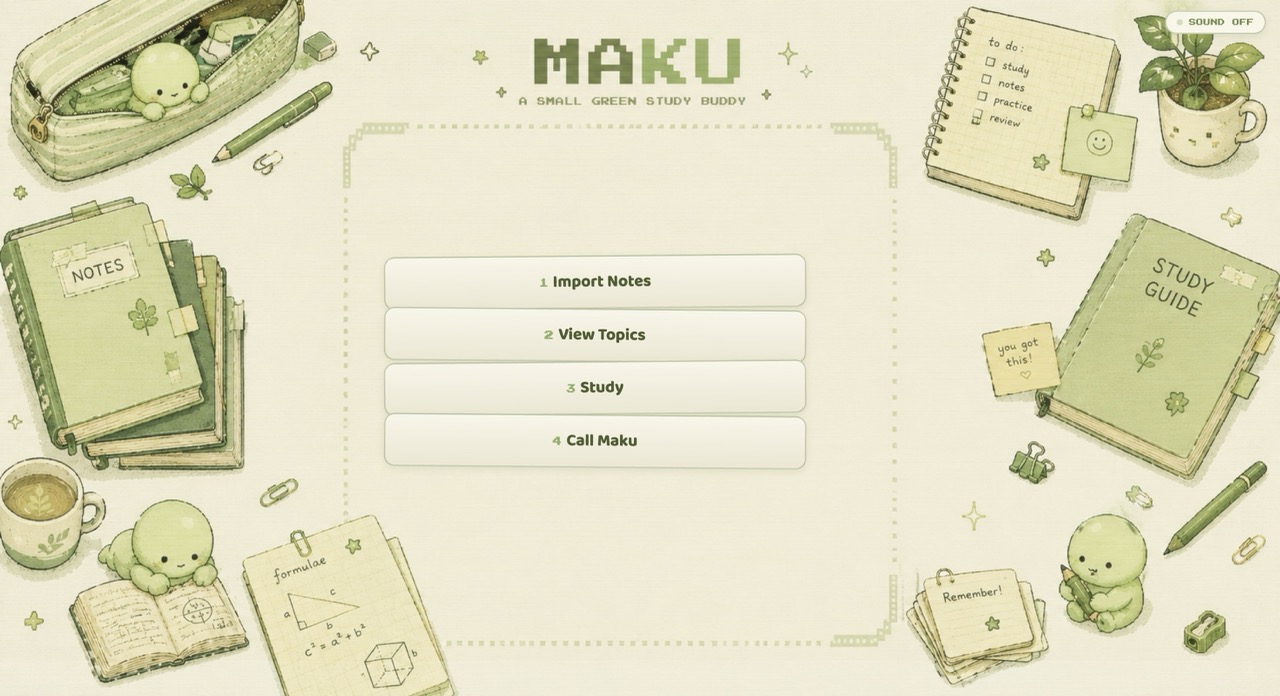
Meet Maku, your small green study buddy — import notes, review topics, study actively, and teach what you know.
-
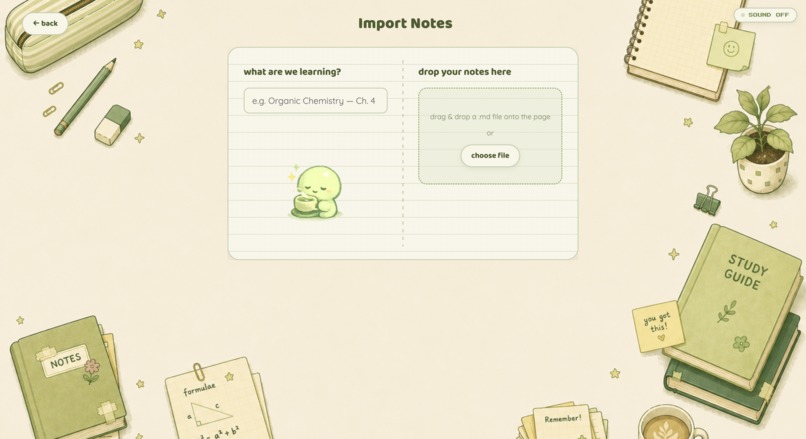
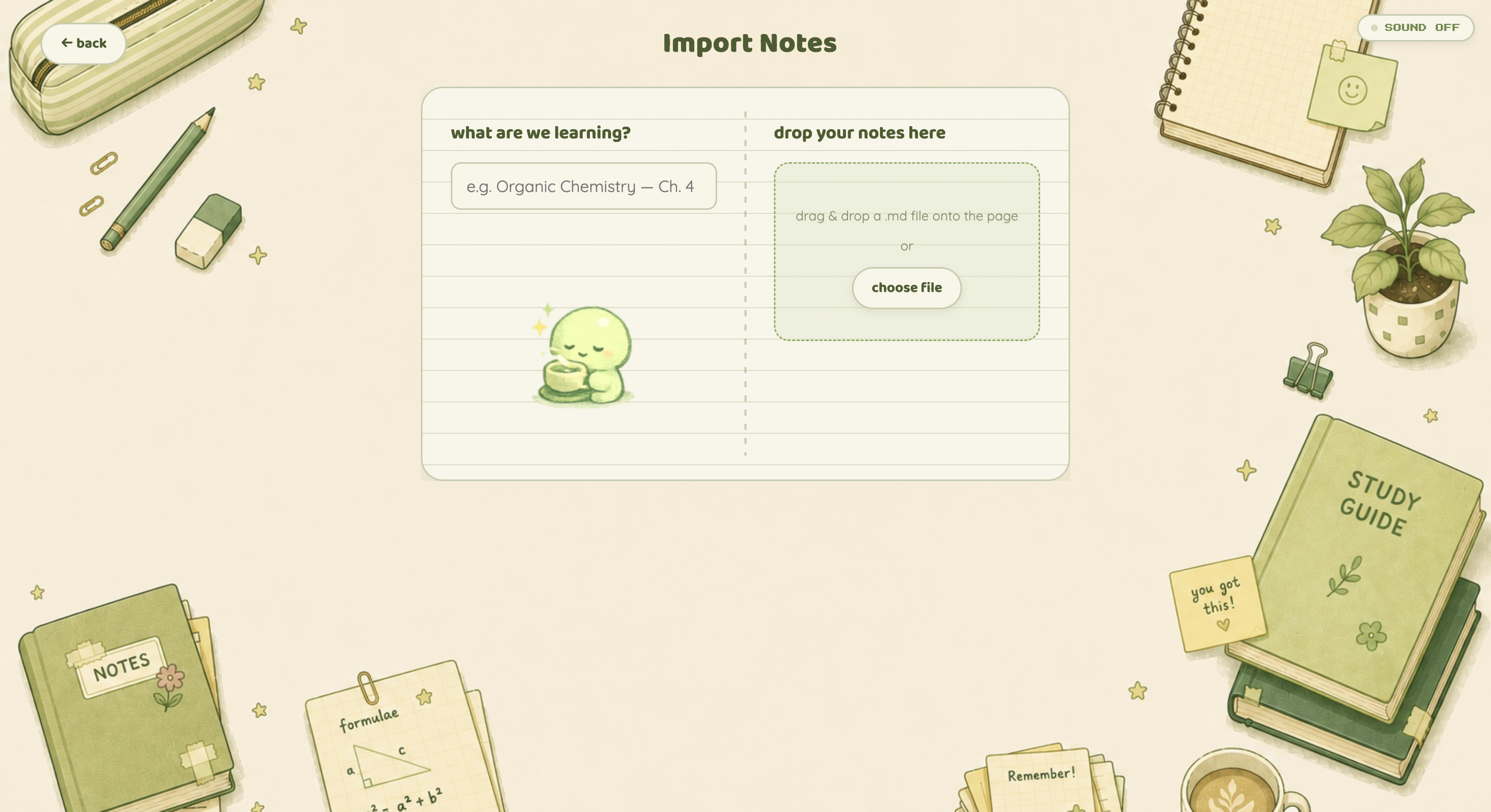
Import your own notes and let Maku turn them into structured concepts, definitions, formulas, and study material.
-
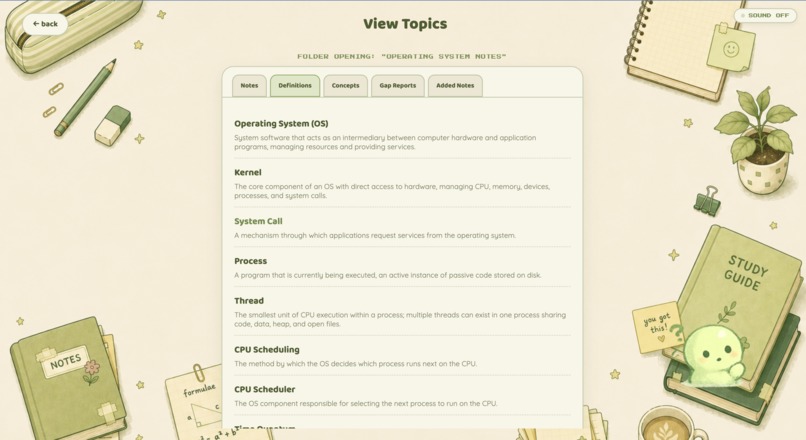
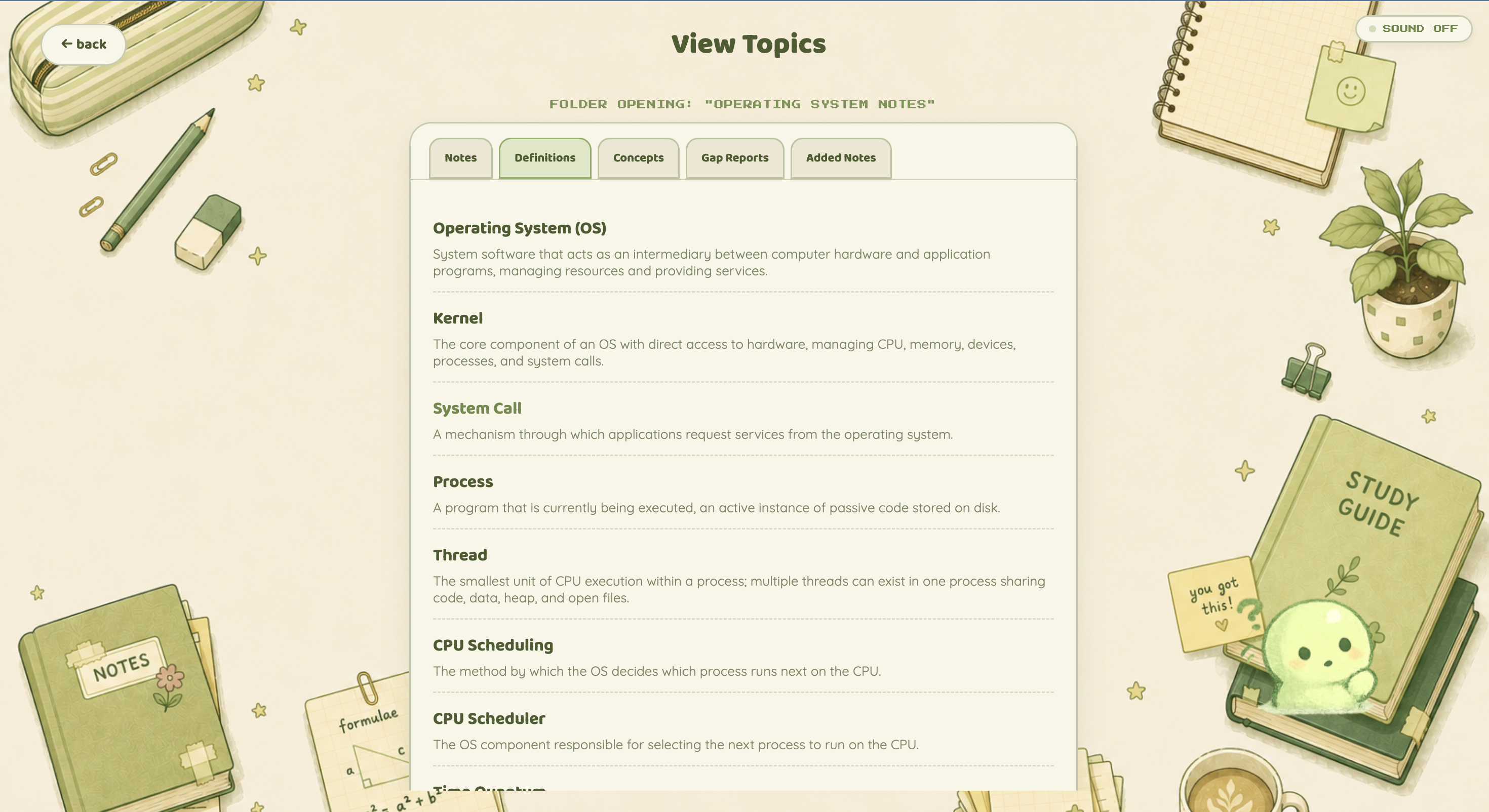
Open any topic to revisit your original notes, extracted definitions, key concepts, gap reports, and added notes.
-
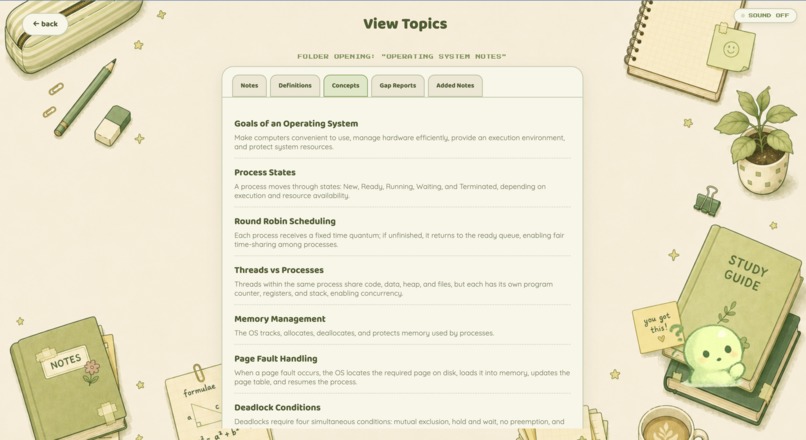
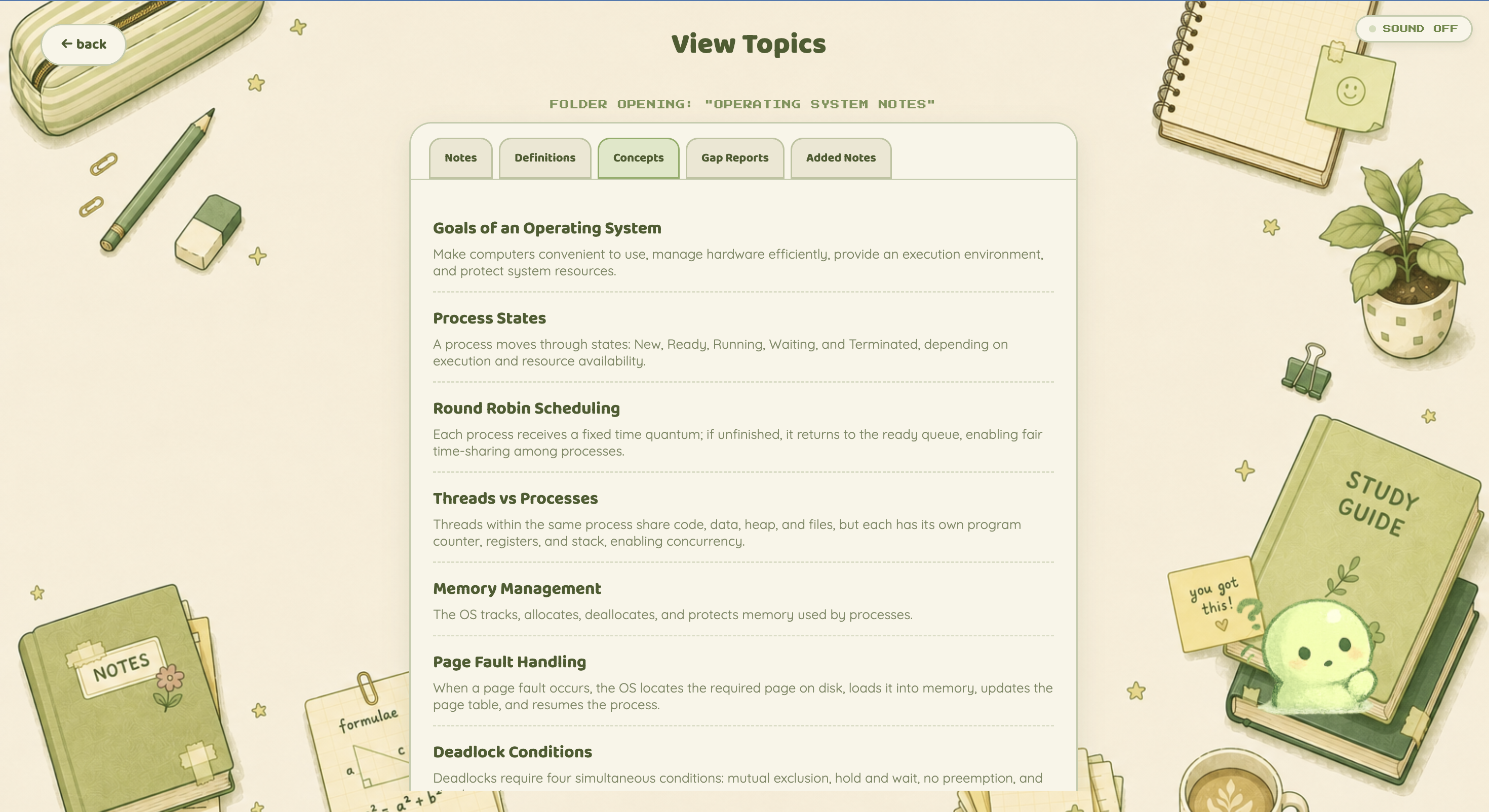
View the key concepts Maku extracted from your notes, creating the checklist used to track understanding during calls.
-
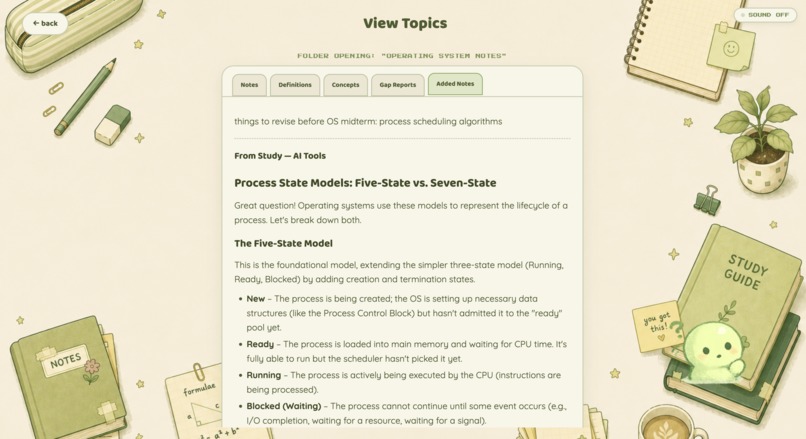
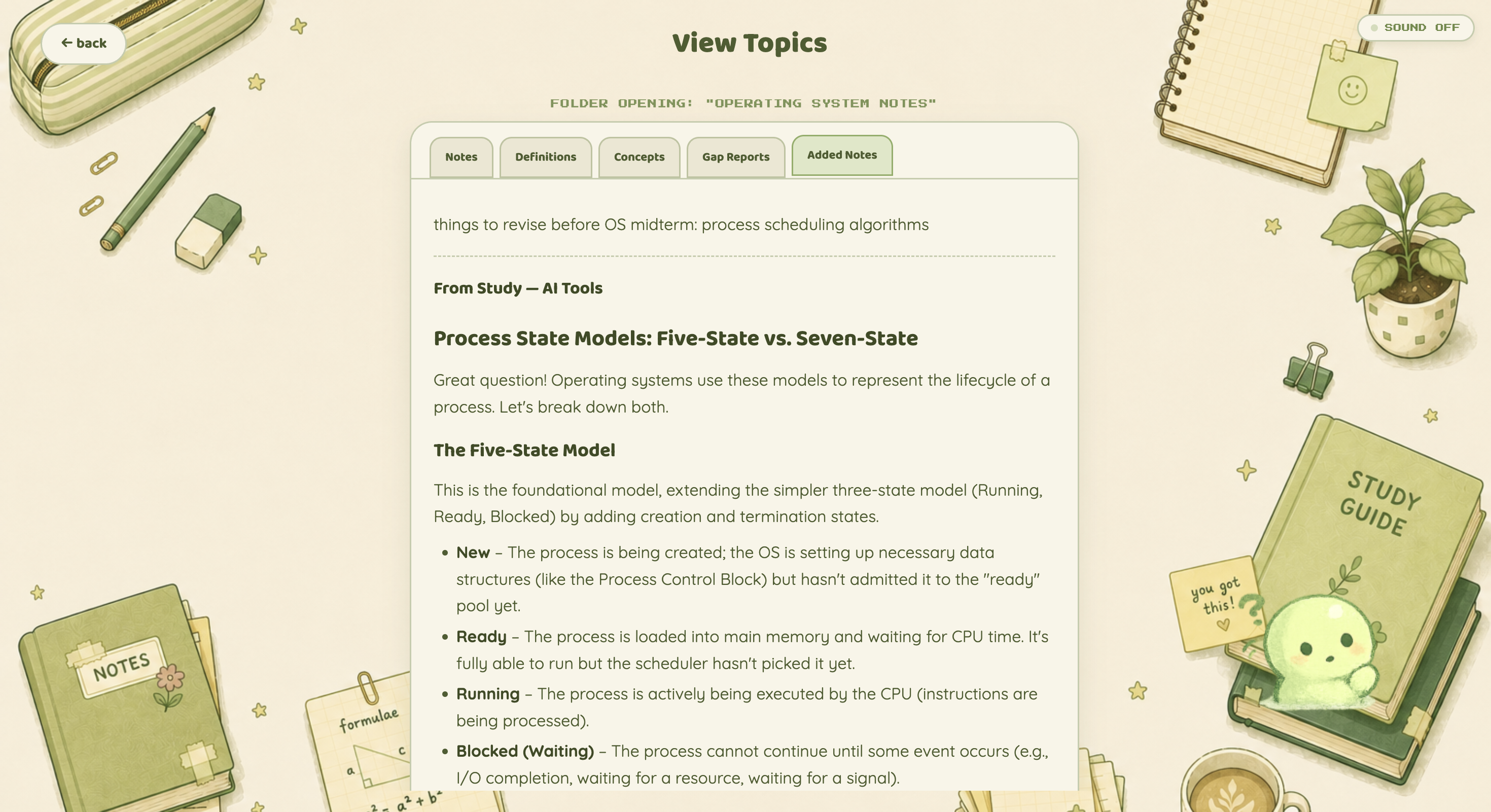
Anything you discover while studying can be saved back into Added Notes, letting your study material grow with you.
-
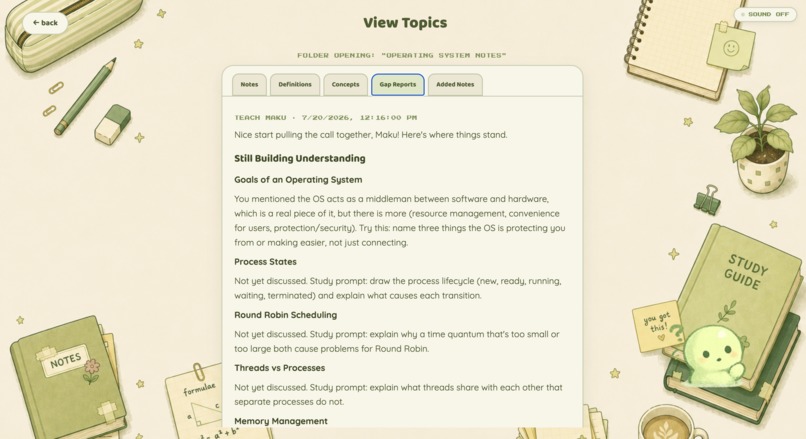
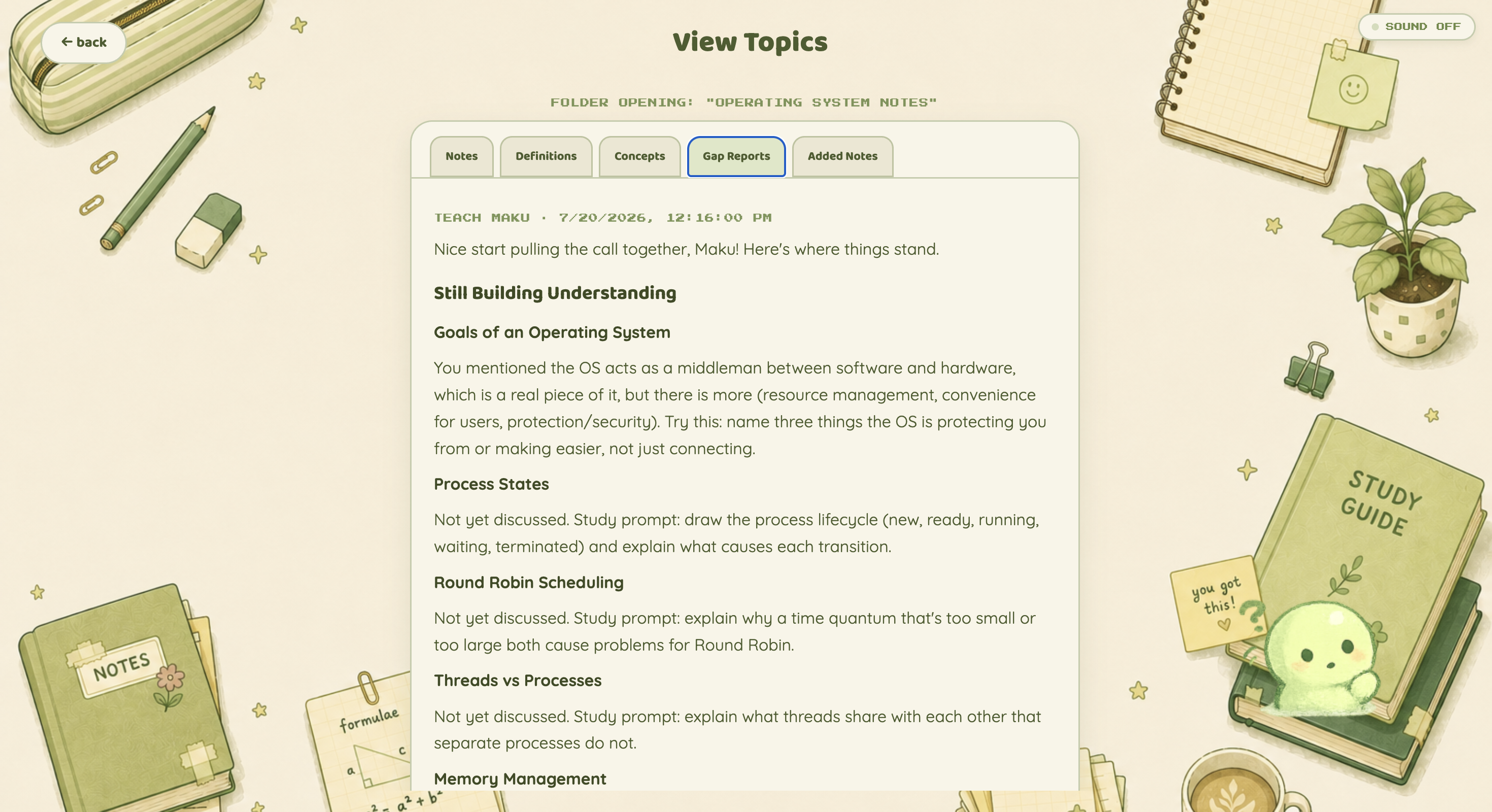
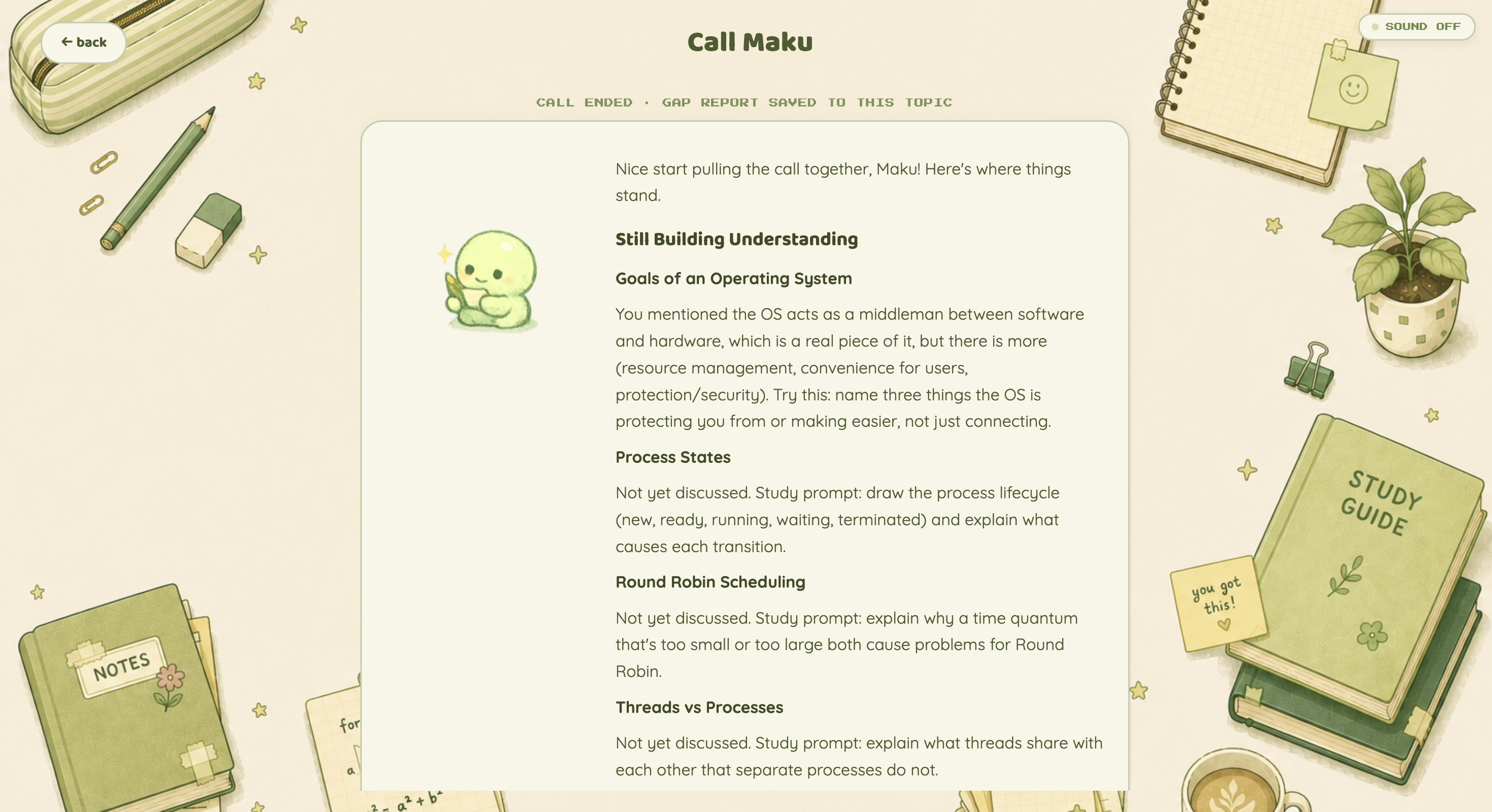
Gap Reports show exactly which concepts still need work and provide targeted prompts to strengthen your understanding.
-
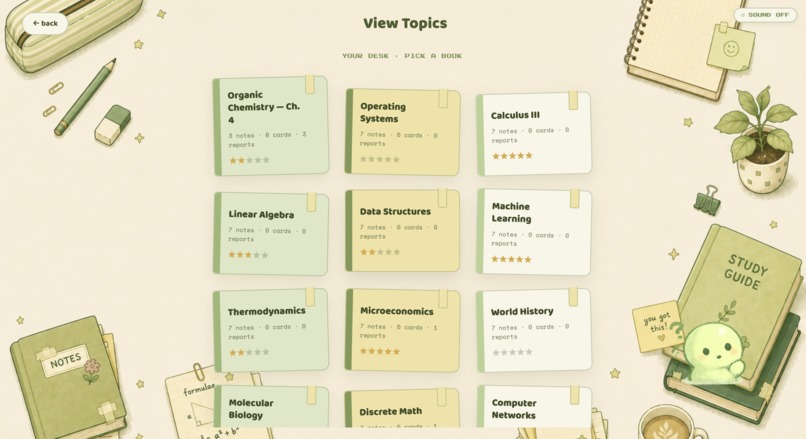
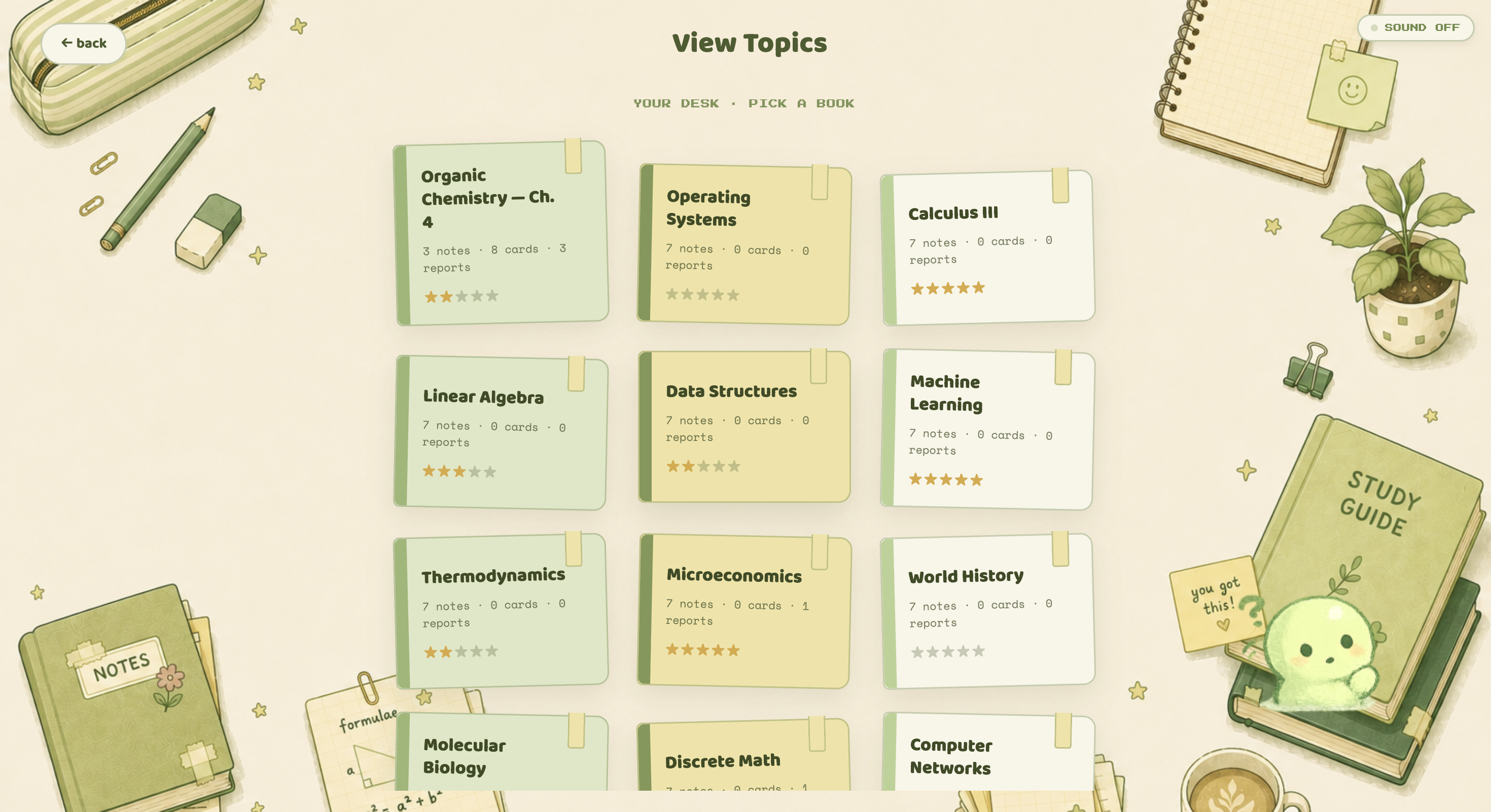
Browse every topic on your study desk and track progress through flashcards, quizzes, reports, and study sessions.
-
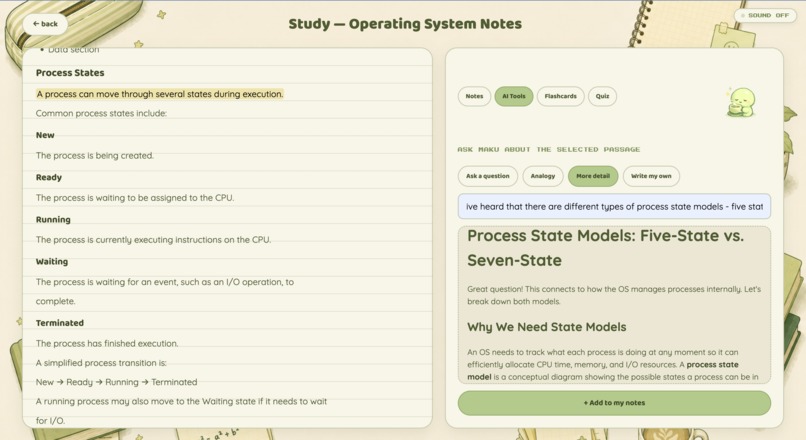
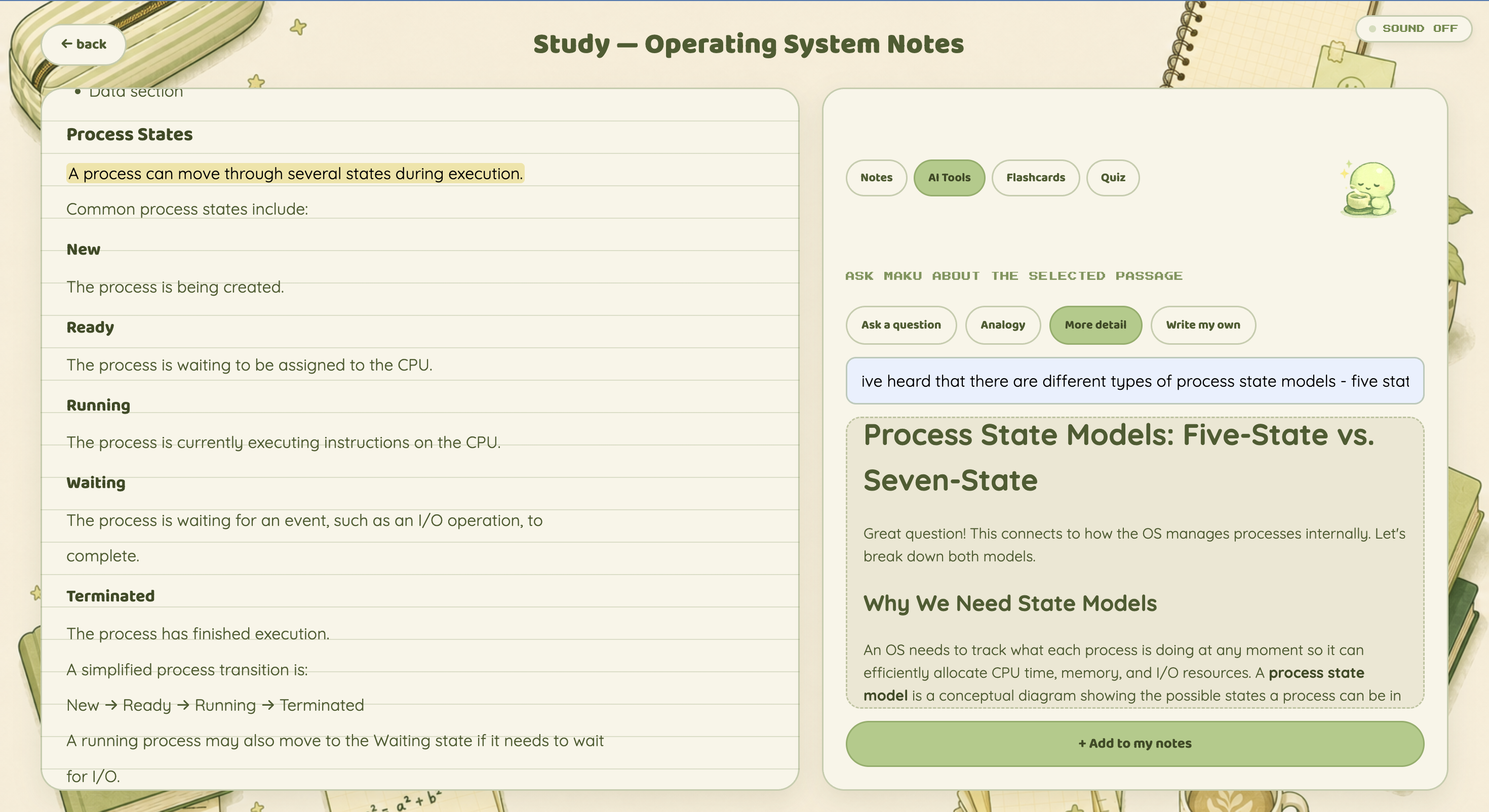
Ask Maku questions about selected passages, request analogies or more detail, and save useful explanations to your notes.
-
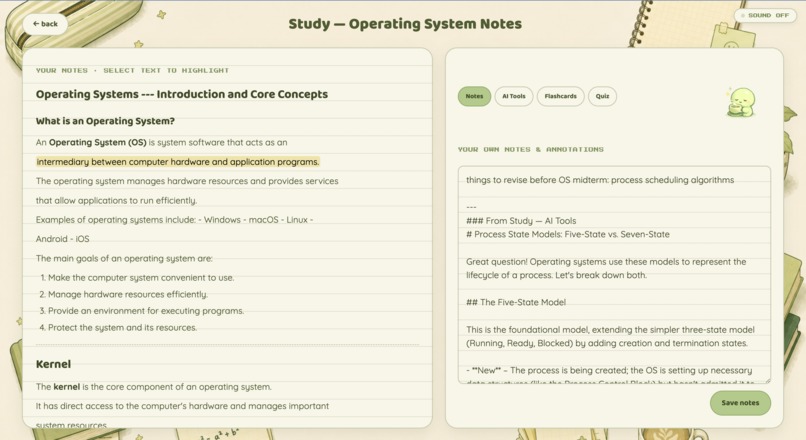
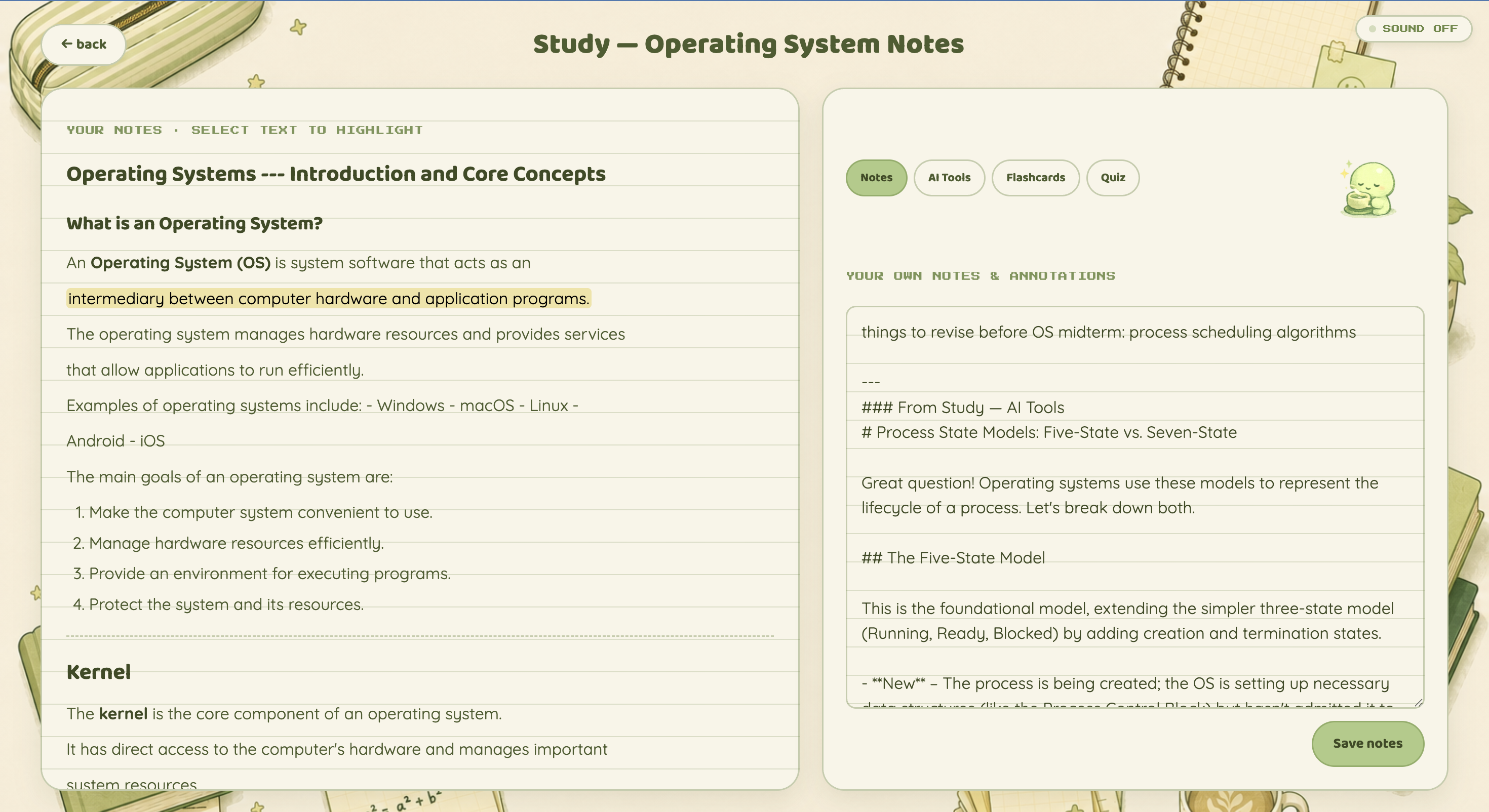
Study directly from your notes while highlighting key passages and adding your own annotations alongside them.
-
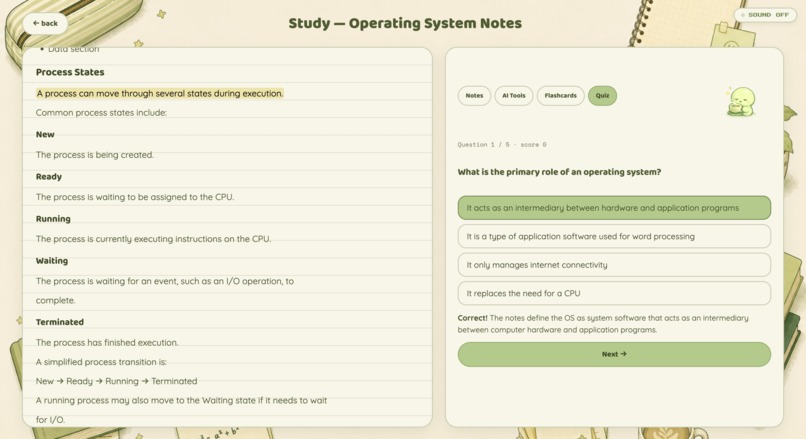
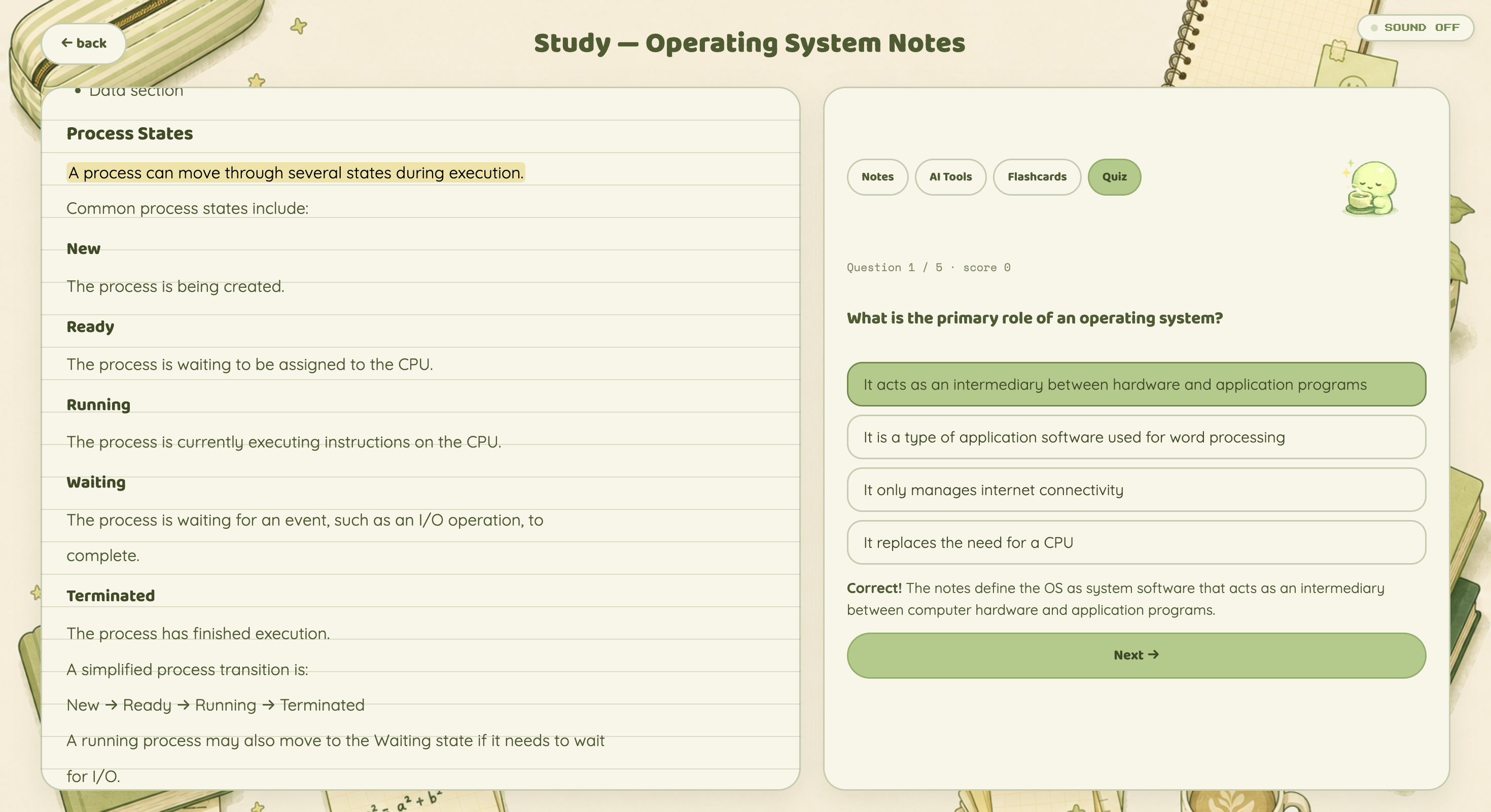
Test yourself with AI-generated multiple-choice questions and get immediate feedback grounded in your notes.
-
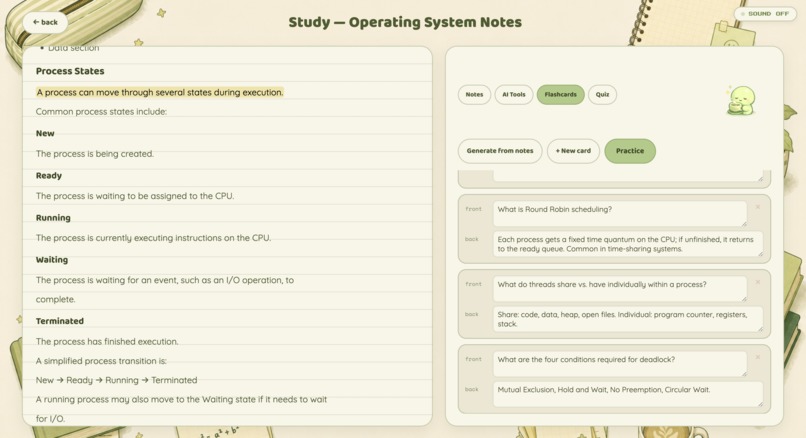
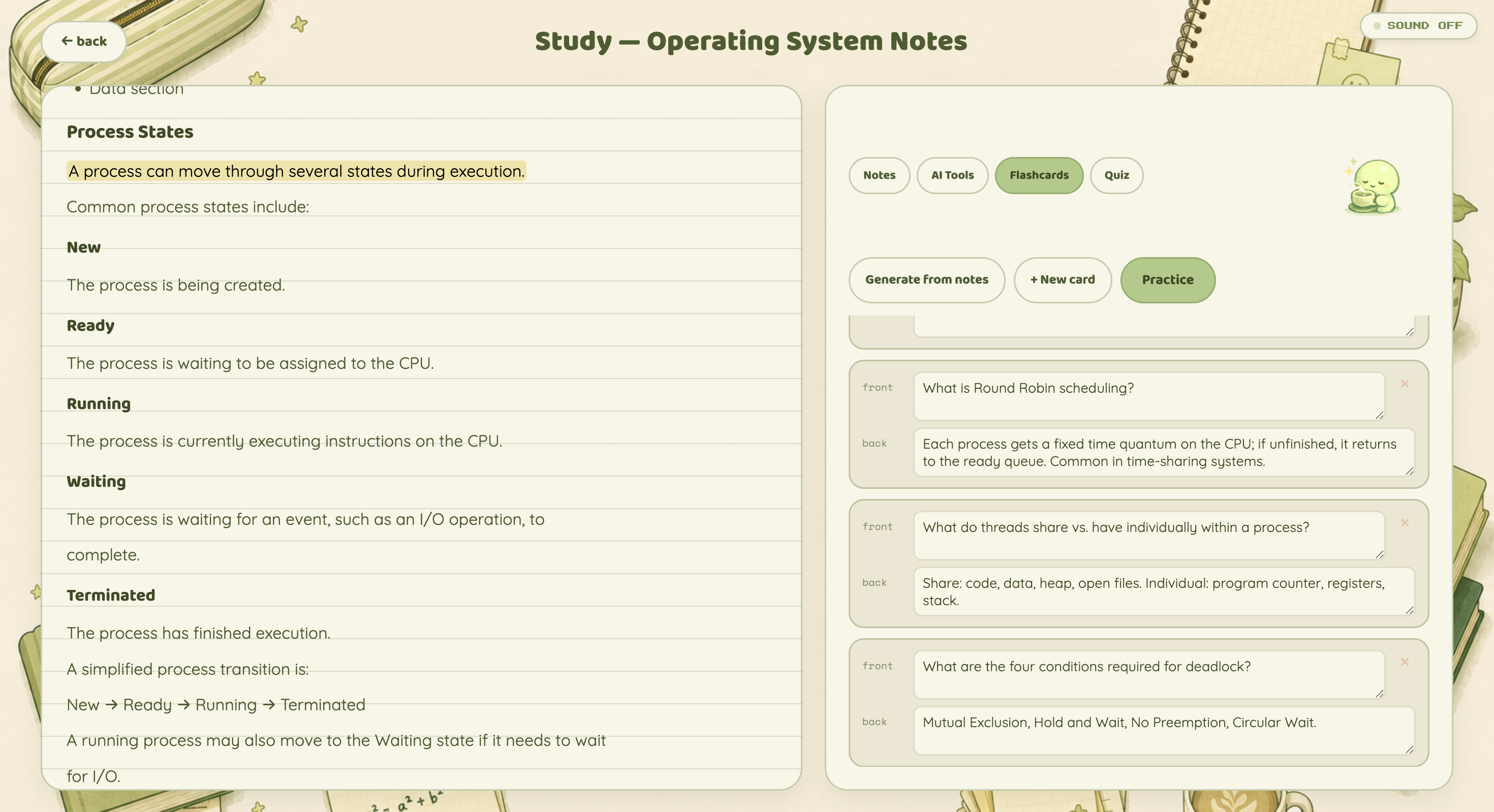
Create flashcards manually or generate them from your notes, then practice them whenever you need a quick review.
-
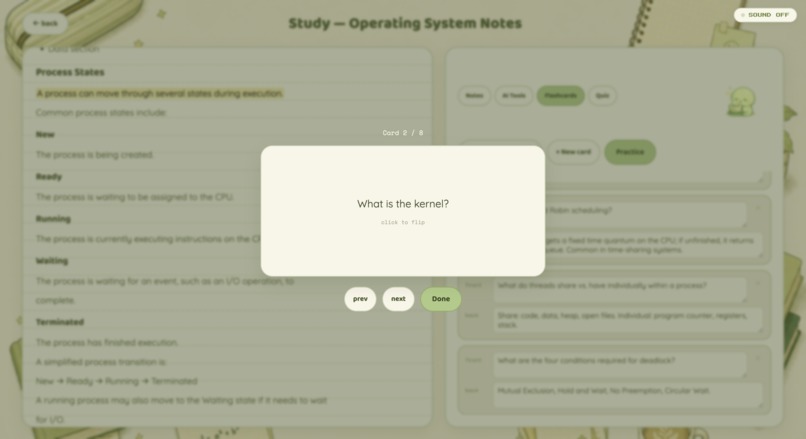
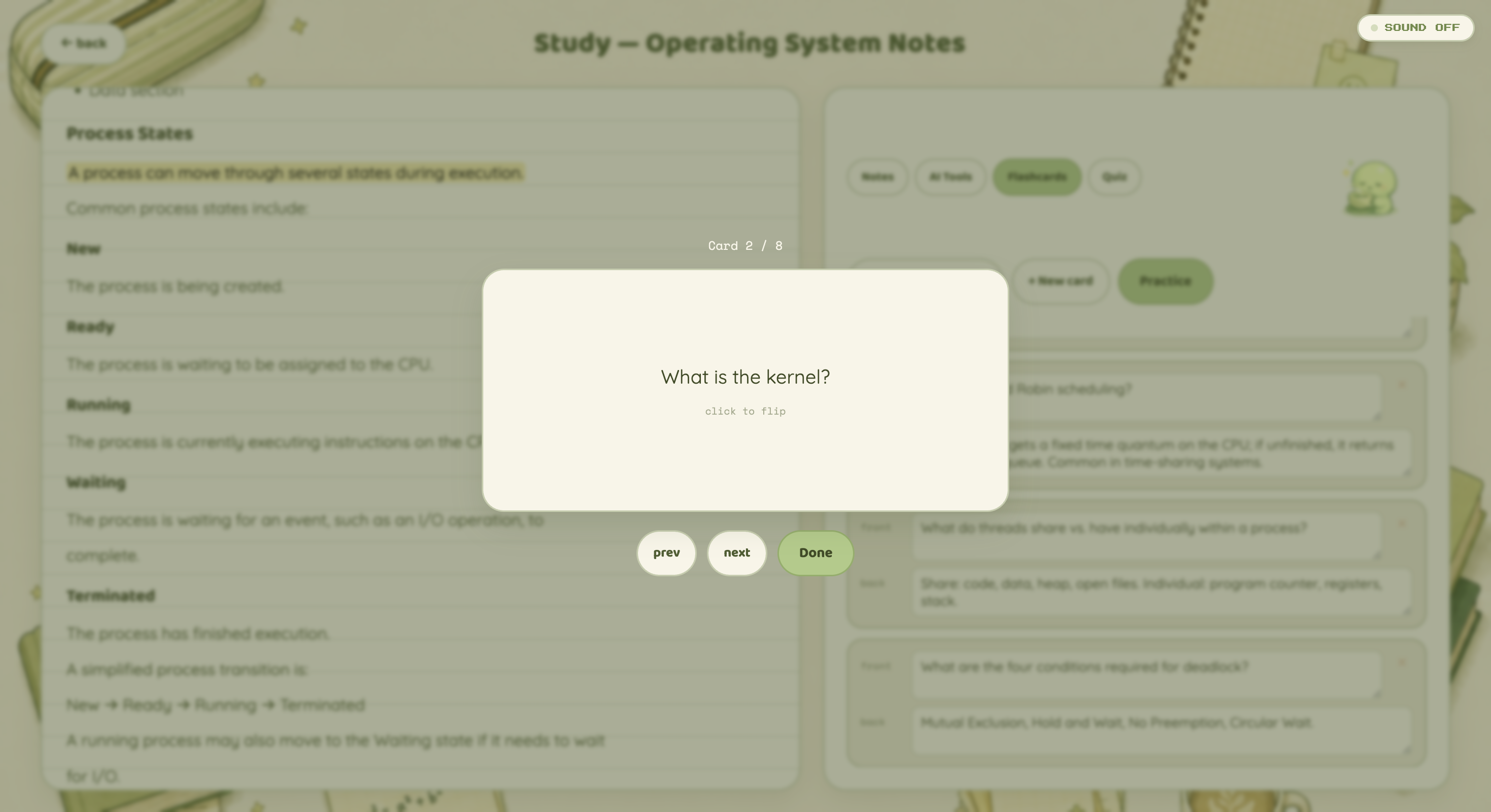
Practice flashcards one at a time in a focused review mode designed to strengthen active recall.
-
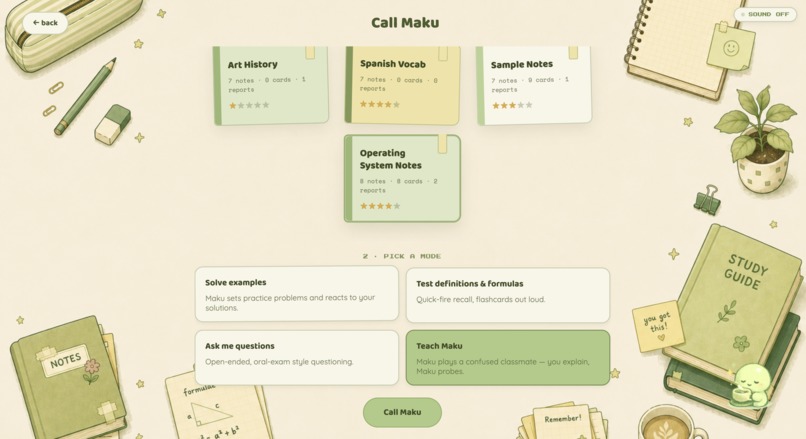
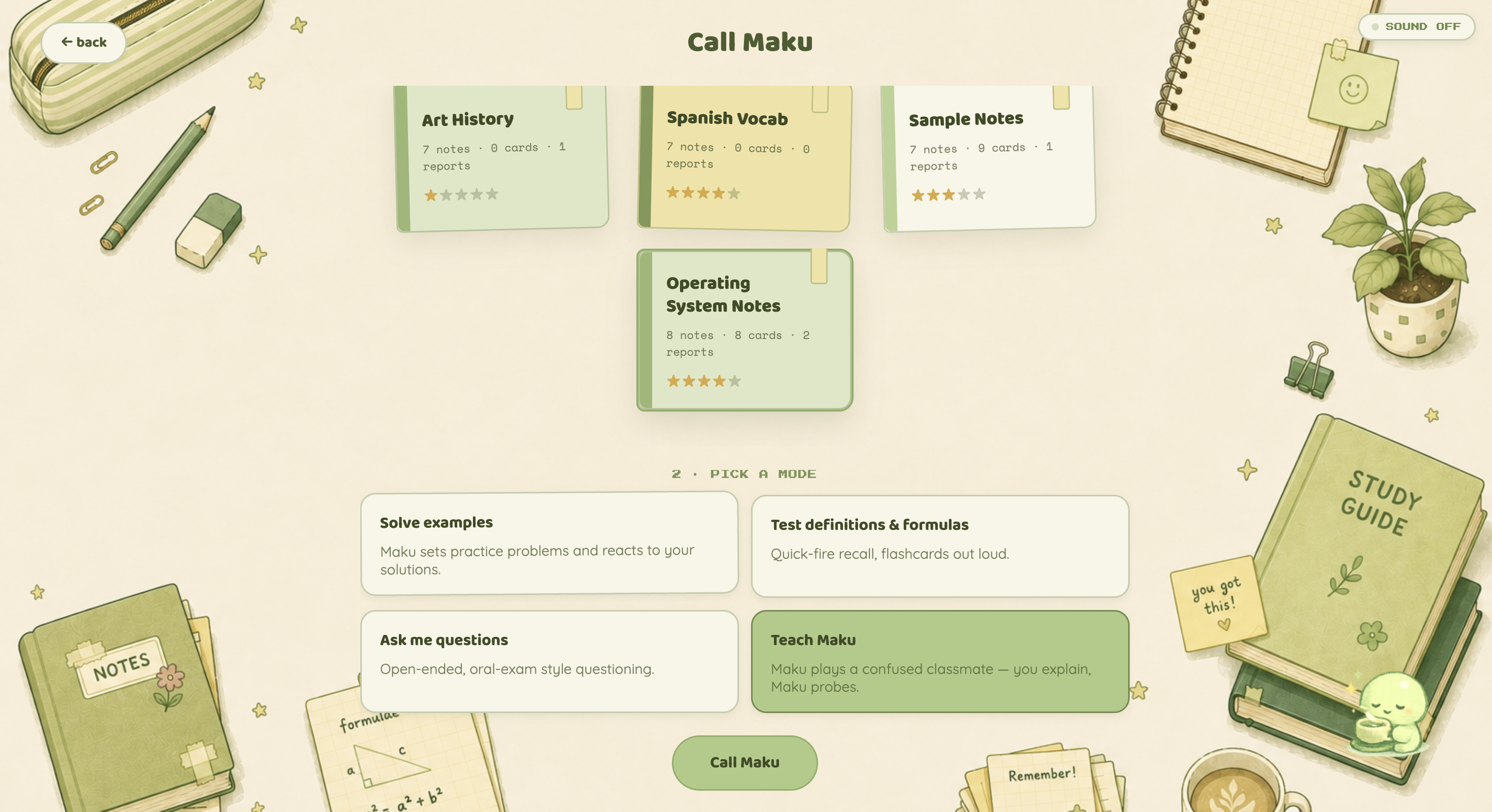
Choose a topic and study mode, from practice problems and oral exams to the signature Teach Maku experience.
-
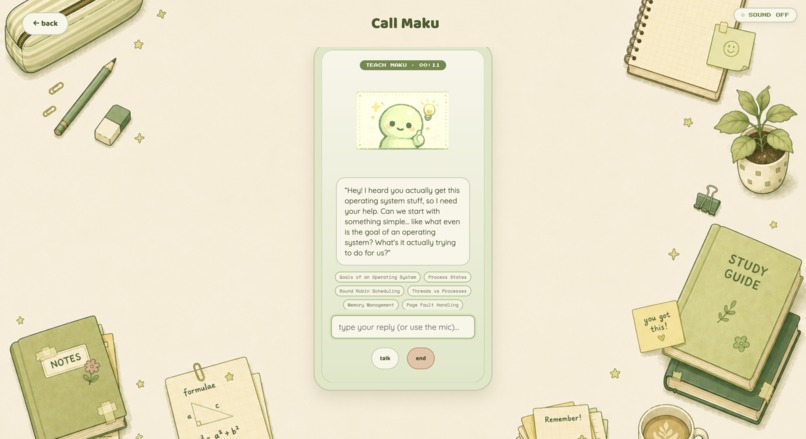
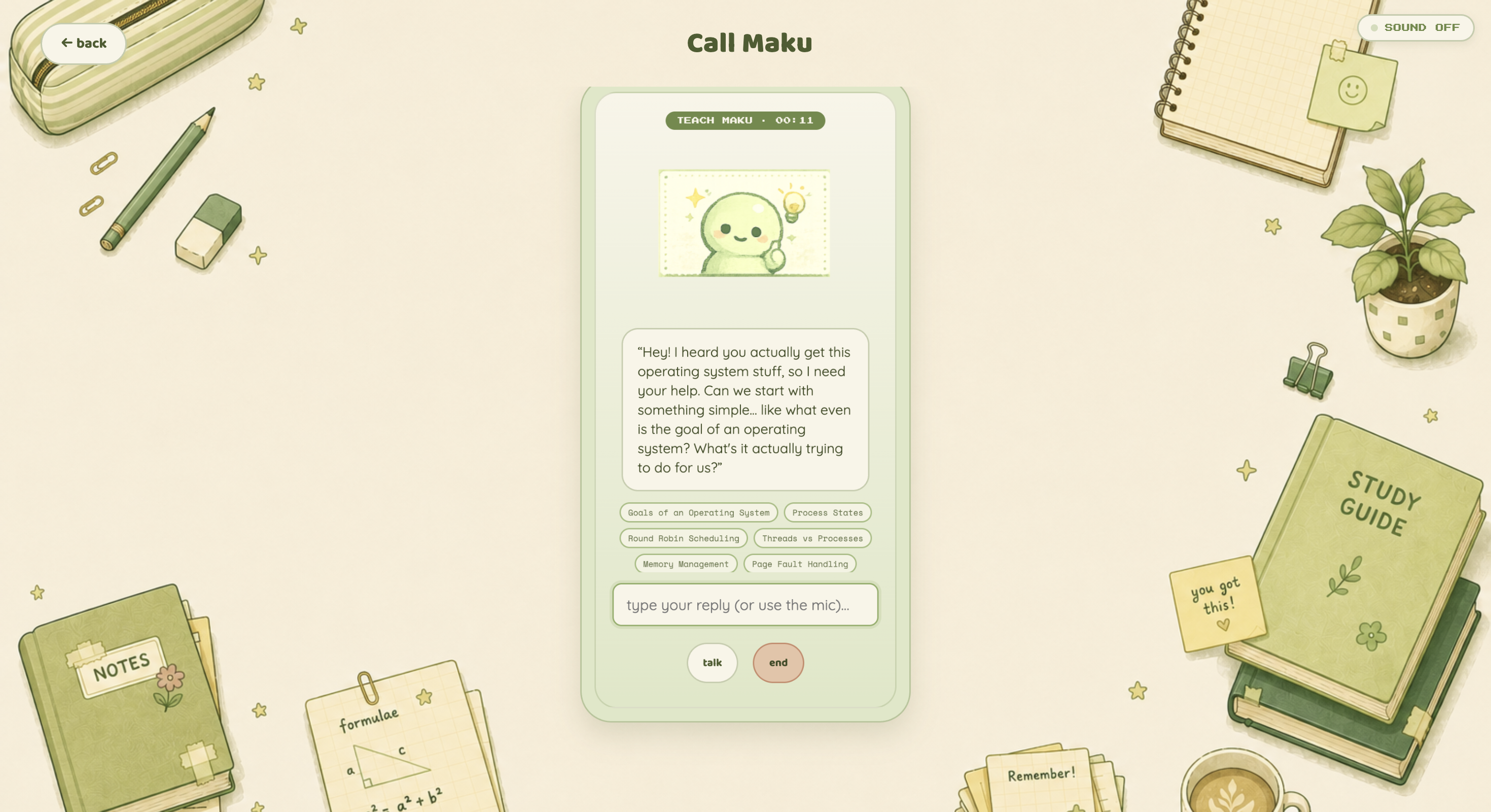
Teach Maku out loud while it asks follow-up questions and tracks which concepts you can genuinely explain.
-
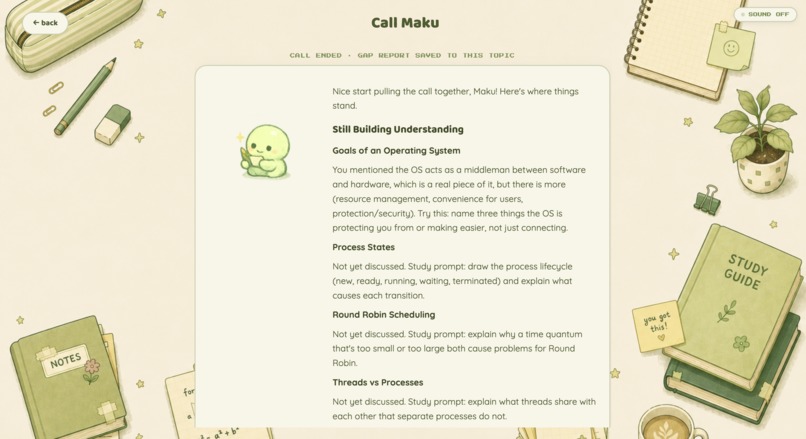
After each call, Maku identifies unresolved concepts and creates a targeted gap report to guide what you study next.
Inspiration
I’ve always felt that the real test of whether you understand something is whether you can explain it to a friend.
You can reread your notes five times, flip through a flashcard deck, or score well on a multiple-choice quiz and still only know a concept at the surface level. But the moment someone asks you, “Wait, why does that work?” or “Can you explain that in your own words?” the gaps become obvious.
That was the idea behind Maku.
I wanted to build a study tool that didn’t just measure whether something looked familiar or whether you could recognize the correct answer. I wanted it to test whether you could actually reconstruct an idea, explain the reasoning behind it, and answer follow-up questions when something in your explanation was unclear.
That led me to the protégé effect: the idea that learning by teaching can deepen understanding because explaining something forces you to retrieve, organize, and connect what you know. Instead of building another AI tutor that teaches the student, I flipped the relationship.
What if the AI was the student — and you had to teach it?
That became Maku: a small study buddy that listens to your explanations, asks questions when something doesn’t make sense, and helps uncover the foundational gaps that flashcards and quiz scores can miss.
The visual identity came from the same idea of making studying feel less intimidating. I wanted Maku to feel like a tiny companion living inside your study space rather than a chatbot icon, so the entire app was built around a soft sage-and-cream stationery aesthetic and a small, curious character that studies alongside you.
What it does
Maku turns a student’s own notes into a complete study loop built around one question:
Can you actually explain what you think you know?
Import Notes
Students upload a Markdown file containing their notes.
Claude analyzes the material and extracts structured information including:
- Definitions
- Key concepts
- Important relationships
- Formulas
This creates a structured representation of what the student is expected to understand, rather than treating their notes as one large block of text.
View Topics
Every imported topic becomes part of the student’s study desk.
Each topic includes:
- Original Notes
- Definitions
- Key Concepts
- Gap Reports
- Additional Notes
Topics also receive a progress rating based on actual engagement across the app, including quiz performance, flashcard practice, and completed Maku sessions.
The goal is to make progress reflect more than just “how many times did I open this topic?”
Study
Study Mode combines the student’s notes with several active-learning tools.
The interface uses a split-pane layout, with notes on one side and study tools on the other.
Students can:
- Highlight important sections of their notes, with highlights saved permanently
- Write their own additional notes
- Ask Claude specific questions
- Request analogies or deeper explanations
- Create flashcards manually or with AI
- Practice flashcards
- Generate one quiz question at a time
The AI tools are intentionally user-driven. Maku does not automatically flood the student with generated content. The student has to decide what they are confused about, frame the question, and actively request help.
Call Maku
Call Maku is the centerpiece of the project.
Students choose a topic and one of several modes:
- Solve practice examples
- Review definitions and formulas
- Complete an oral-exam-style Q&A
- Teach Maku
In Teach Maku mode, Maku behaves like a genuinely confused classmate.
The student has to explain the topic out loud, and Maku asks follow-up questions when an explanation is vague, incomplete, or missing an important connection.
Behind the conversation, every topic has a hidden checklist generated from its extracted concepts.
As the student explains the topic, Maku tracks which concepts have actually been demonstrated through the conversation.
For example, a student might confidently explain virtual memory but struggle when Maku asks why paging is needed, what a page fault actually means, or how virtual addresses relate to physical memory.
The original explanation may have sounded correct, but the follow-up questions expose whether the underlying ideas are connected.
At the end of the session, Maku generates a gap report based on the concepts that were never adequately demonstrated.
It then creates targeted additional study material and saves it directly back into the topic.
The resulting loop is:
Study → Explain → Expose gaps → Improve your notes → Study again
How I built it
Maku uses a deliberately simple stack:
- Node.js
- Express
- Plain HTML, CSS, and JavaScript
- Anthropic’s Claude API
There is no frontend build system, which keeps the project easy to clone and run with only:
npm install
Claude powers several stages of the application.
When notes are imported, the model performs structured JSON extraction to identify definitions, concepts, and formulas.
It also supports:
- Flashcard generation
- Analogies
- Explanations
- Quiz generation
- Conversational reasoning during Call Maku
- Gap-targeted remediation
The part I’m most proud of is the architecture behind Teach Maku.
The feature is not simply an LLM being prompted to “pretend to be confused.”
When notes are imported, Maku creates a structured concept list for the topic. That list becomes a hidden checklist during the teaching conversation.
As the student demonstrates understanding of a concept, the system marks it as covered.
If an explanation is incomplete, Maku can ask a follow-up question connected to the missing concept.
At the end of the call, the gap report is based on that tracked state rather than simply asking the model to reread the transcript and guess what the student struggled with.
That makes the final diagnosis much more grounded in the structure of the original material.
For voice interaction, the current version uses browser-native speech APIs through SpeechRecognition and speechSynthesis, which allowed the entire system to work without requiring a paid voice service.
Challenges I ran into
The hardest challenge was defining what it actually means for a student to understand their notes.
Most study tools measure things that are easy to quantify:
- How many flashcards did you review?
- What percentage of quiz questions did you answer correctly?
- How long did you study?
Those metrics are useful, but they can also create a false sense of progress.
A flashcard tests whether you can retrieve one isolated answer. A multiple-choice question can sometimes be answered through recognition or elimination. Even getting a question correct does not necessarily mean you understand the ideas underneath it.
The real issue may be several layers deeper.
A student might memorize that a page fault occurs when a page is not currently in physical memory, for example, without actually understanding virtual memory, page tables, or why the operating system needs paging in the first place.
That became the central challenge behind Maku:
How do we identify the difference between remembering an answer and actually understanding the concepts that support it?
Our solution was to treat imported notes as a structured set of concepts rather than simply a document.
Those concepts become the hidden checklist used during Teach Maku sessions.
The student is not judged only on whether their first explanation sounds correct. Maku asks follow-up questions designed to probe the relationships between concepts.
This created a second challenge: making those questions feel natural.
If Maku accepted every explanation too quickly, the experience recreated the same false confidence I was trying to avoid.
But if Maku questioned every sentence, the interaction felt more like an interrogation than studying with a friend.
I iterated on the conversation state and system prompts so that Maku behaves like a genuinely curious classmate: accepting clear explanations, asking simple questions when something is ambiguous, and digging deeper only when an important concept remains unresolved.
The final challenge was making the diagnosis actionable.
Simply telling a student, “You don’t understand paging,” is not particularly helpful.
Maku instead identifies the specific concepts that were missing, generates a gap report, and creates targeted additional notes that are saved directly into the topic.
This means the student’s notes can evolve based on what they discover they do not understand.
Accomplishments that I'm proud of
- Building a real multi-stage AI pipeline involving structured extraction, content generation, conversational reasoning, concept tracking, gap diagnosis, and targeted remediation.
- Creating Teach Maku, where an AI acts as the learner rather than the teacher and uses follow-up questions to test whether a student can actually explain a topic.
- Using a hidden concept checklist to ground gap reports in the student’s original material instead of relying entirely on an LLM’s subjective interpretation of a conversation.
- Turning learning-science ideas into actual product mechanics: the protégé effect inspired Teach Maku, while retrieval practice shaped flashcards and quizzes.
- Designing a study loop where weaknesses discovered during studying are automatically converted into better study material.
- Building a distinctive visual identity around Maku rather than presenting the experience as another generic AI chat interface.
- Keeping the entire system lightweight enough to run with a simple Node/Express backend, plain frontend code, and browser-native speech tools.
What I learned
The biggest thing I learned is that there is a major difference between testing memory and testing understanding.
Before building Maku, I mostly thought about study tools in terms of how effectively they presented or reviewed information.
But building this made me realize that one of the hardest parts of studying is actually knowing whether you understand something in the first place.
It is surprisingly easy to feel confident when information looks familiar.
It becomes much harder when you have to close the notes, explain the idea from scratch, connect it to other concepts, and answer someone asking, “But why?”
That changed the way I thought about the role of AI in education.
Rather than using AI only to generate more content, I became much more interested in using it to create interactions that reveal something about the learner.
I also learned that AI features become significantly more useful when they are grounded in explicit state.
The hidden concept checklist behind Teach Maku made a huge difference. Instead of relying on the model to vaguely decide whether a student “seemed to understand,” the system had an actual representation of what needed to be covered and could track that throughout the conversation.
Finally, I learned that the best features often come from designing a loop rather than an isolated tool.
Maku is not just a flashcard generator, quiz generator, note analyzer, or AI conversation.
The value comes from connecting them:
Your notes define what you should know → studying helps you practice it → teaching exposes what you do not know → those gaps improve your notes → and the cycle begins again.
What’s next for Maku
More natural voice conversations
The current version uses browser-native text-to-speech and speech recognition.
Now that the conversational logic works, the next step is integrating a more natural and expressive voice system such as ElevenLabs so Teach Maku feels even more like explaining something to a real study partner.
Spaced repetition
Maku currently supports flashcards and quizzes, but the next version would use a real spaced-repetition scheduling system, inspired by models such as FSRS.
Instead of reviewing material on a fixed schedule, concepts would resurface based on when the student is most likely to forget them.
Concept-level progress tracking
Rather than giving progress only at the topic level, I want Maku to eventually maintain a more detailed model of the student’s understanding.
A topic such as Operating Systems might show strong understanding of processes and scheduling but weak understanding of paging and virtual memory.
Progress would then reflect which concepts the student can consistently explain, not simply how much content they have completed.
A public version
The current project can be cloned and run locally.
The next step is deploying an always-on public version so students can upload their notes and try Maku immediately.
Teacher-facing insights
The same concept-tracking system could eventually work at a classroom level.
Instead of exposing individual student data, an instructor could see aggregated patterns such as:
Most students understand what virtual memory is, but struggle to explain how page tables connect virtual addresses to physical frames.
That could help instructors see where foundational misunderstandings exist across an entire class.
Built With
- ai
- anthropic
- api
- claude
- css
- html
- javascript
- llm
- node.js


Log in or sign up for Devpost to join the conversation.