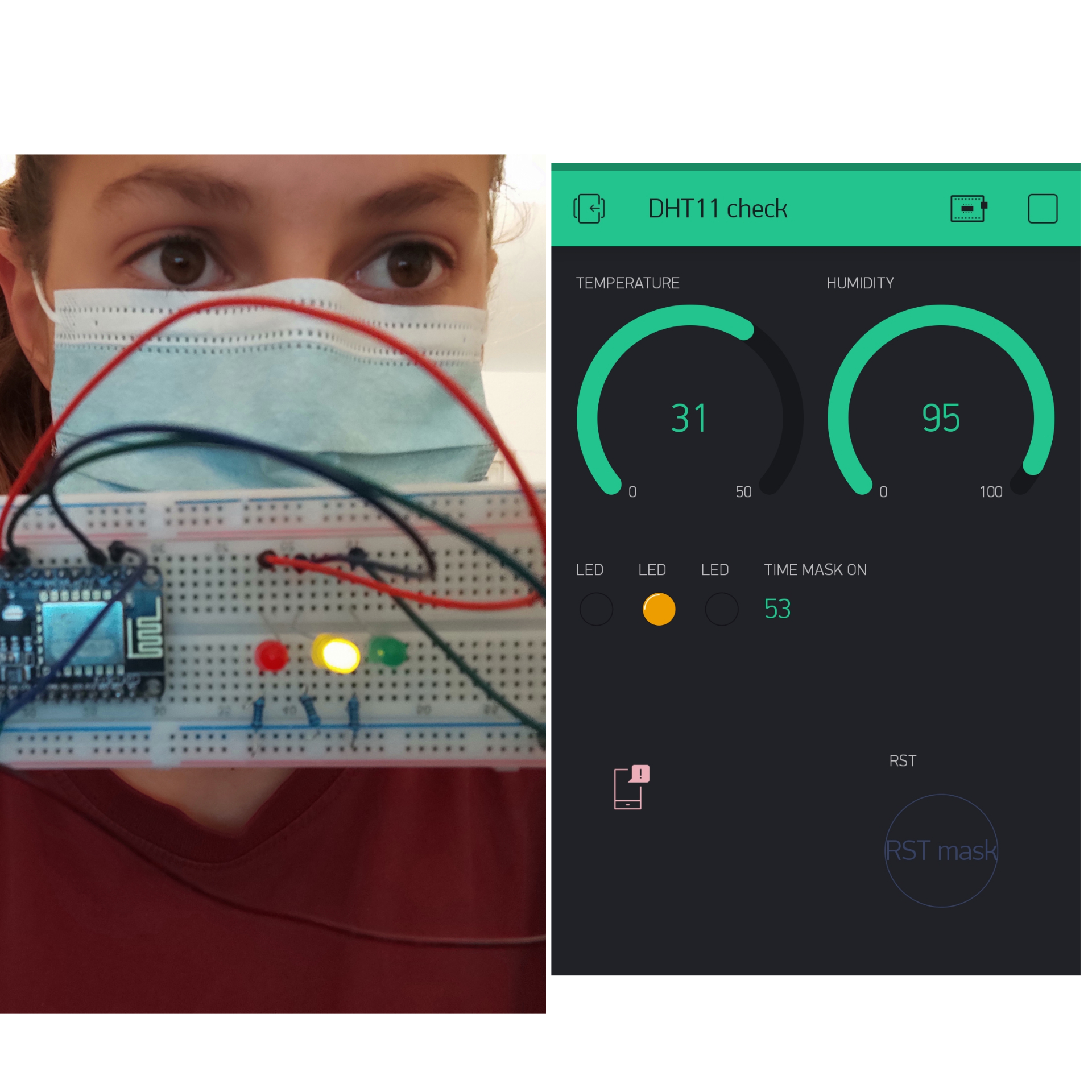
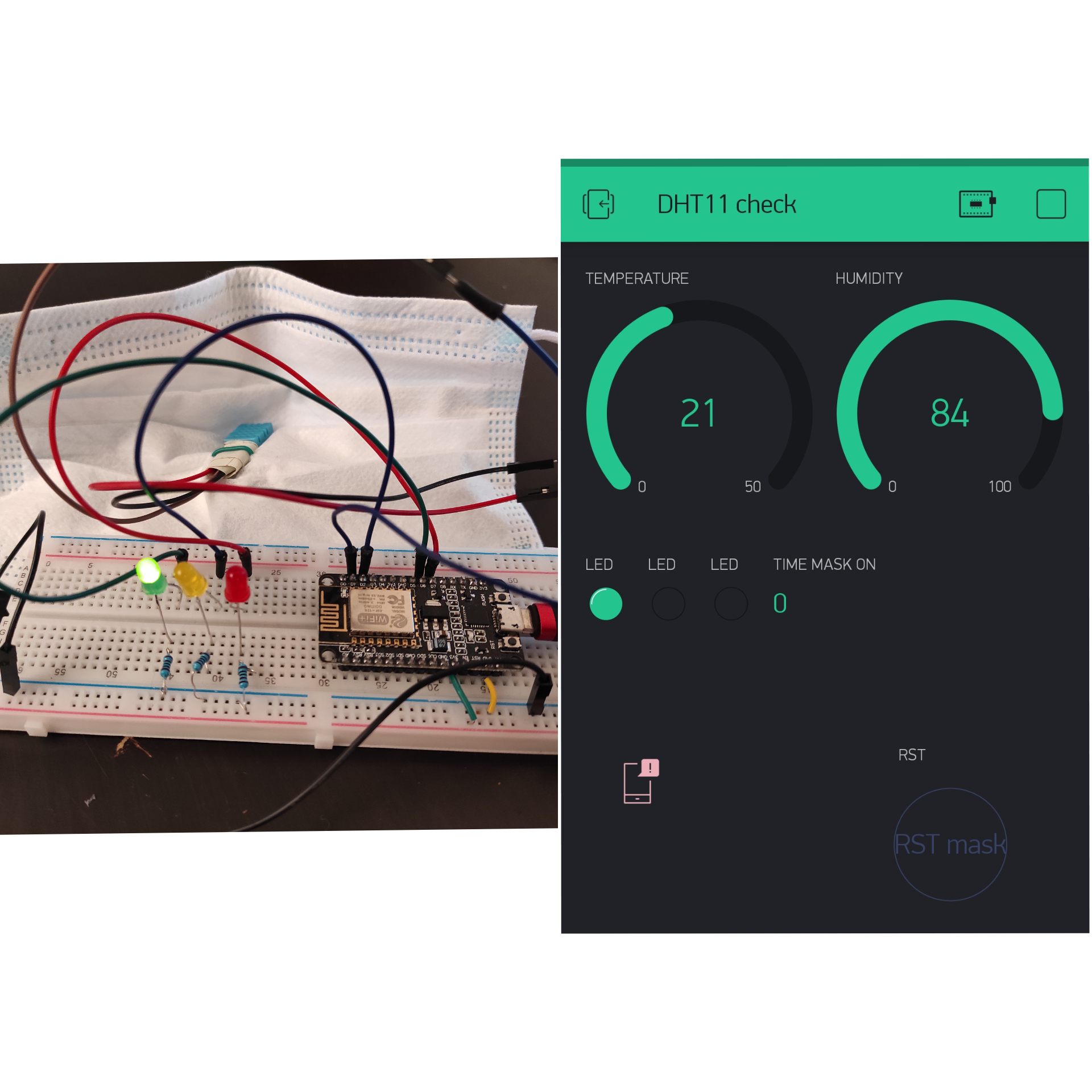
We live in a time of uncertainty... Masks have become an integral part of our lives, but have you ever wondered if your mask is protecting you? If it's worn out? If it's about time you change it?
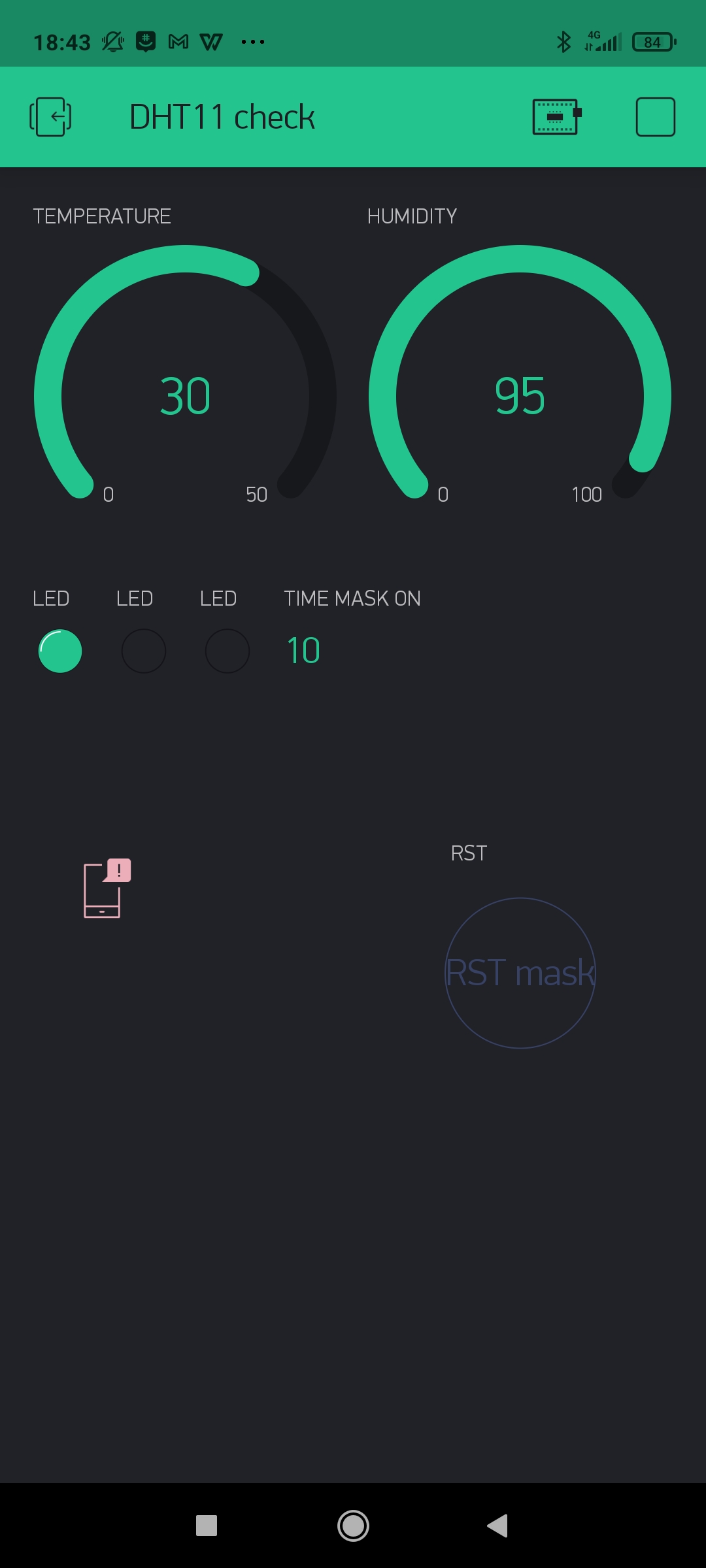
Well no more! It's time to say goodbye to all these questions! We present to you MAKS - the mask that give the max. We are designing a smart mask that detects when it's in use using a DHT11 sensor. The mask will record the time it is being worn and how much time is left before it expires. This data will be transferred onto an accessible blynk dashboard.
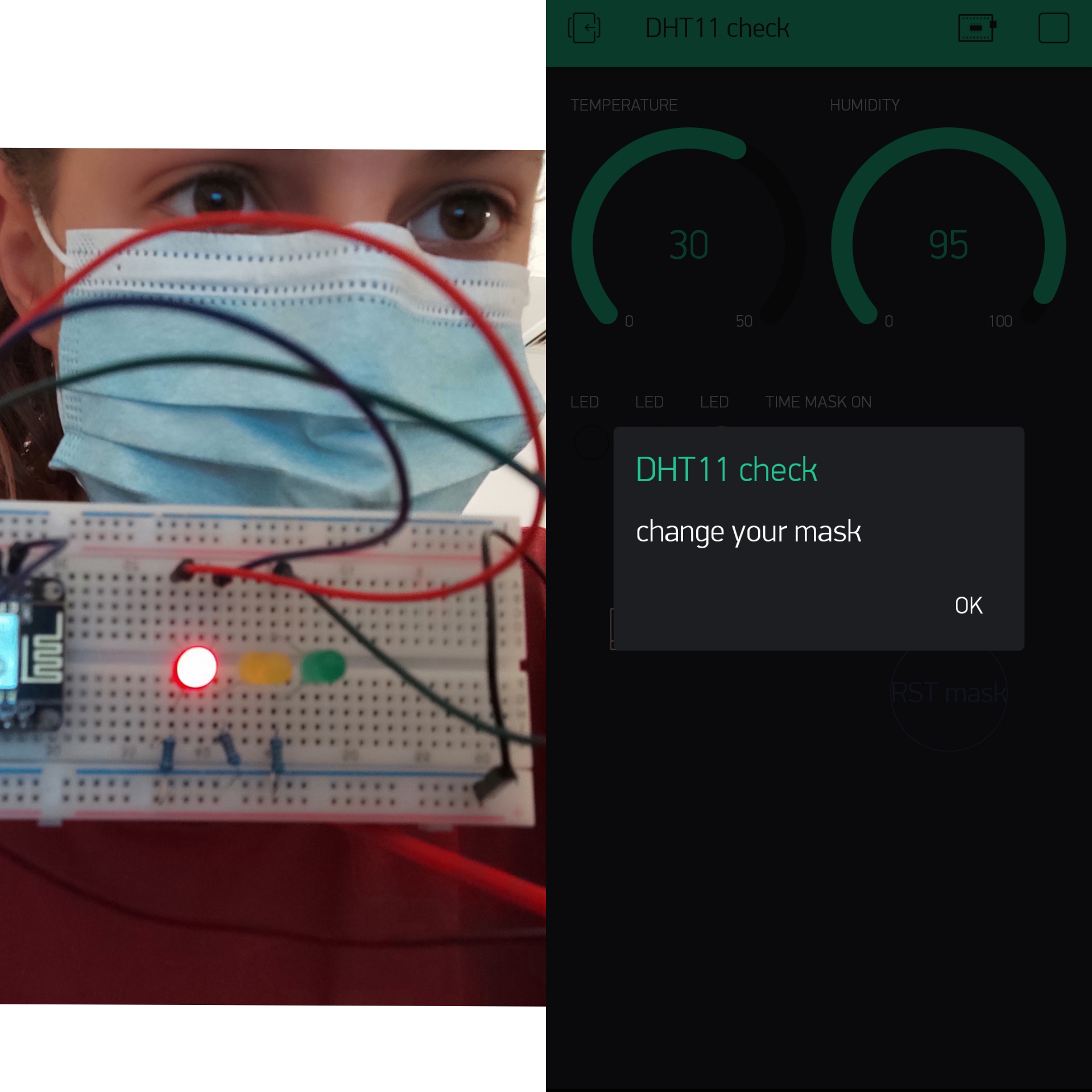
We will be using a street light system using an RGB LED on the mask: Green light on: the mask is effective and can be worn. Yellow/blue light on: mask will expire soon. Red light on: mask must be replaced.
If the mask is worn for too long, the user will receive a notification on their phone.
There's no need to fear... MAKS is here!
How we did it: First, we connected the DHT sensor to the Arduino to check what the temperature and humidity levels are in a mask when being worn by a person. These are the set levels we used to compare with real-time values to detect if the person was using a mask. We then used the millis() function to measure the time for which the mask was being worn. Each interval, we checked if it has surpassed the maximum amount of time a person was allowed to wear it. When the mask is taken off, the time is paused and is resumed once the person puts it on again.
The Code (using temperature): (for humidity simply change the if statement: if (t>=29) to if (h>=90 or 95) depending on your sensor)
define BLYNK_PRINT Serial
include
include
include
//authorization token char auth[] = "___";
//WiFi credentials. char ssid[] = ""; char pass[] = "";
define DHTPIN 5 //D1 //digital pin connections
define red 13 //D7
define blue 4 //D2
define green 12 //D6
WidgetLED redB(V3); //set virtual LEDs WidgetLED greenB(V1); WidgetLED blueB(V2); int TIME1=0; int TIME2=0; int totalTime=0; int flag=0; int Timer=0; float h; float t;
define DHTTYPE DHT11 // DHT 11 used
DHT dht(DHTPIN, DHTTYPE); BlynkTimer timer;
BLYNK_WRITE(V0)//virtual push button { int pushButton = param.asInt();//reads value of button
      if(pushButton==1)//if pressed reset all timers
      {
       totalTime=0;
       Timer=0;
       TIME1=0;
       TIME2=0;
       flag=0;
      }
  }
void sendSensor() { h = dht.readHumidity();//read humidity t = dht.readTemperature(); // read temp if (isnan(h) || isnan(t)) //if it fails to read sensor { Serial.println("Failed to read from DHT sensor!"); return; } // You can send any value at any time. // Please don't send more that 10 values per second. Blynk.virtualWrite(V5, h);//send h to dashboard Blynk.virtualWrite(V6, t);//send t to dashboard Blynk.virtualWrite(V4, totalTime);//send time mask worn to dashboard
if (t>=29)//red - v3 => mask is on { if(flag==0) { TIME1=millis()/1000;//time mask is put on flag=1; } TIME2=millis()/1000; totalTime=TIME2-TIME1+Timer;//calculates time mask worn } else if(flag==1)//mask is taken off { Timer=totalTime; flag=0;//reset flag }
if (totalTime<30)//green - v1 => green period { digitalWrite(green,HIGH); digitalWrite(blue,0); digitalWrite(red,0); greenB.on(); blueB.off(); redB.off();
}
if (totalTime<60 && totalTime>=30)//blue - v2 => blue/yellow period { digitalWrite(green,0); digitalWrite(blue,HIGH); digitalWrite(red,0); greenB.off(); blueB.on(); redB.off(); }
if (totalTime>=60)//red period
{
  digitalWrite(green,0);
  digitalWrite(blue,0);
  digitalWrite(red,HIGH);
  greenB.off();
  blueB.off();
  redB.on();
    // if(totalTime==60)
       Blynk.notify("change your mask");//phone notification -> send once
}
}
void setup() { // Debug console Serial.begin(9600); pinMode(green,OUTPUT); pinMode(blue,OUTPUT); pinMode(red,OUTPUT);
Blynk.begin(auth, ssid, pass);//connect to blynk
dht.begin();// start dht functions
// Setup a function to be called every second timer.setInterval(1000L, sendSensor); }
void loop()//run functions { Blynk.run(); timer.run(); }
Built With
- arduino
- blynk
- nodemcu

Log in or sign up for Devpost to join the conversation.