Inspiration
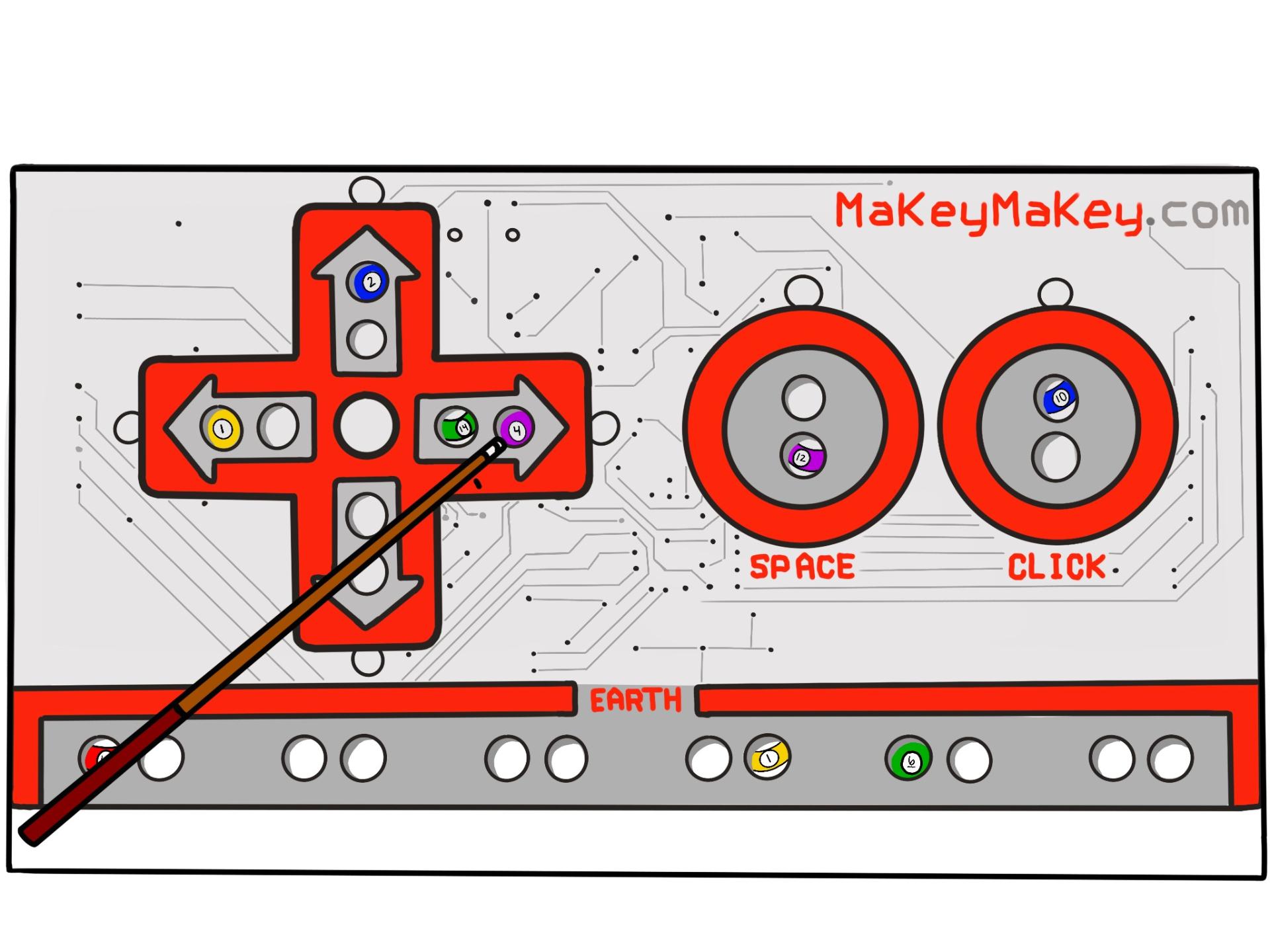
Our teammate, Johnson Ngao came up with the wonderful idea of making a pool game. We mutually agreed that there would be many great opportunities to teach programming fundamentals. We were inspired to use the Makey Makey after watching a YouTube video of someone beating the final boss of a videogame with a controller made up of bananas. The comedic but genius use of the Makey Makey would be perfect for outreach to younger students.
What it does
Makey Your Shot acts just as a regular pool game with 3 different levels with increasing difficulty. The game itself follows traditional pool rules with trying to get all the balls in the holes. Level 1 is just a regular game, with 2 programmable sections for the students to learn the if-statements and while loops. One is under the 8 ball, where the student writes the code so that when the cue balls hits it, it will then catch on fire. The other is whenever the cue ball goes in a pocket, a little character pops out and says congratulations. Level 2 adds nonmoving barriers into the game. Level 3 has moving barriers and allows the player to press the a key to curve the ball to make it more fun and difficult.
How we built it
We built Makey Your Shot on an already existing game made by aadama on Scratch, who has built the game off previous users. We added the programmable sections, changed layout, and took away the scoring.
Challenges we ran into
Because of the quarantine we were unable to present in classrooms, so the use of a Makey Makey was not possible, so we had to resort to the students using their computer mouse for the game. Doing so removed the challenge of the Makey Makey. Otherwise, the biggest challenge had to have been coming up with simple and fun ways to teach programming fundamentals that changed how the game was played but were still easy to understand. We wanted to make sure it was not overwhelming and that is why used Scratch instead of a more traditional programming language.
Accomplishments that we are proud of
We presented to 72 students through workshops with the ages ranging between 18 and 58. Before the presentation we took a poll of students understanding of programming.
- Before
- Do you understand what an if-else statement is: 30% NO, 37% KIND OF, 33% YES
- Do you understand what a while loop is: 63% NO, 15% KIND OF, 22% YES
- After
- Do you understand what an if-else statement is: 3% NO, 15% KIND OF, 82% YES
- Do you understand what a while loop is: 5% NO, 20% KIND OF, 75% YES
What we learned
We learned that you don't have to create extravagant ways to teach the fundamentals, and that all you need to do is make it simple, fun and easy to see how you are affecting the program with what you do.
What's next for Makey Your Shot
We would love to present with the Makey Makey as we originally intended in hopes that we could find more fun challenges not only for ourselves but the students we present to. We would also love to add features onto level 2 and 3 to help students learn more!
Built With
- scratch

Log in or sign up for Devpost to join the conversation.