Inspiration
Learning how real-world systems work is still surprisingly broken. Most explanations live in long manuals, static diagrams, or videos that don’t adapt to the learner. When someone looks at a circuit board, a machine, or even a simple household device, the biggest question is often: “What am I actually looking at, and what happens if something changes?”
We were inspired by the gap between seeing something and understanding it. Humans learn visually, by interacting, asking “what if?”, and adjusting explanations to their level. Yet most AI tools stop at image captioning or generic explanations. We wanted to build something that turns any real-world image into an interactive learning experience, where curiosity drives understanding instead of manuals.
This led us to build an AI-powered learning assistant that doesn’t just describe images—but reasons with them.
What it does
Our project is an AI-powered multimodal learning assistant that understands real-world images and teaches users how things work, how to fix them, and how to improve them.
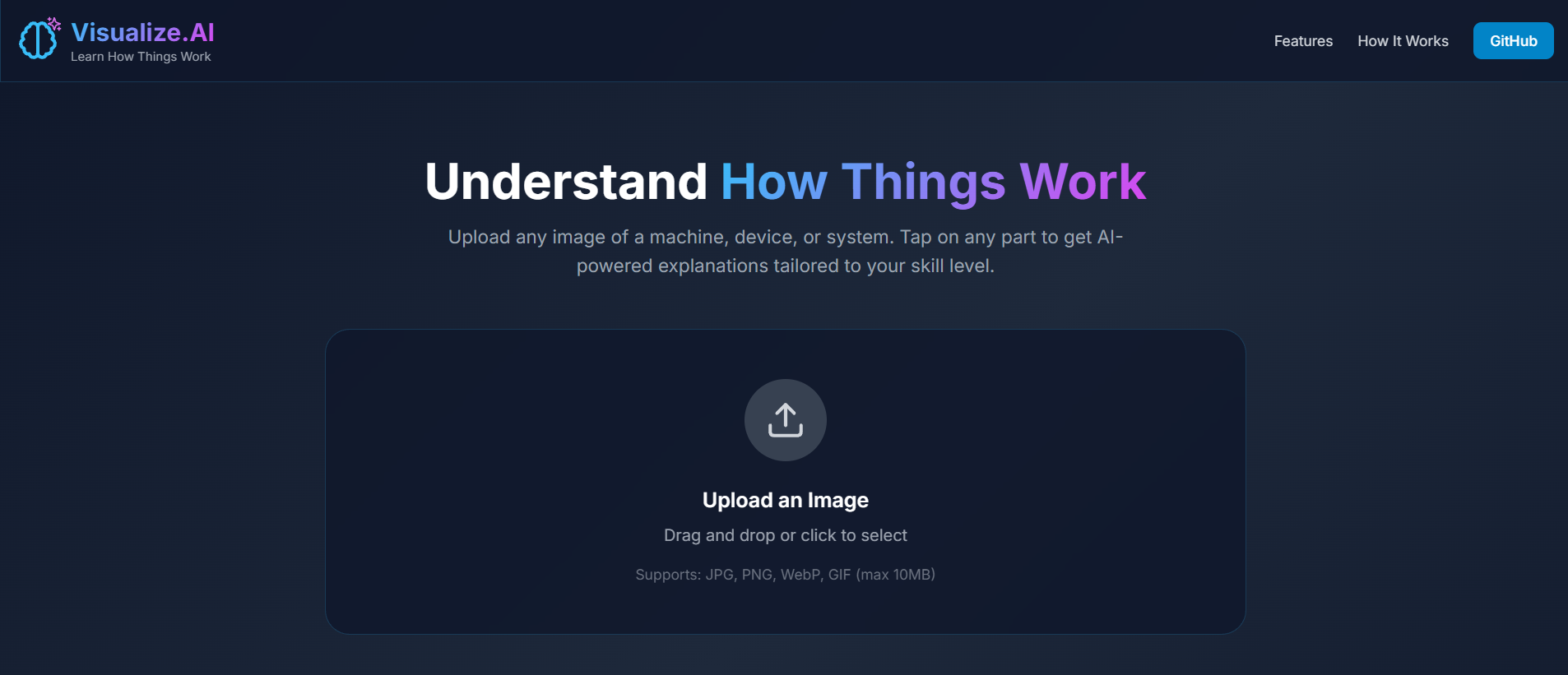
Users upload or capture an image of a real-world object (electronics, machines, appliances, diagrams, or tools). The system analyzes the image using Gemini 3’s multimodal reasoning and enables:
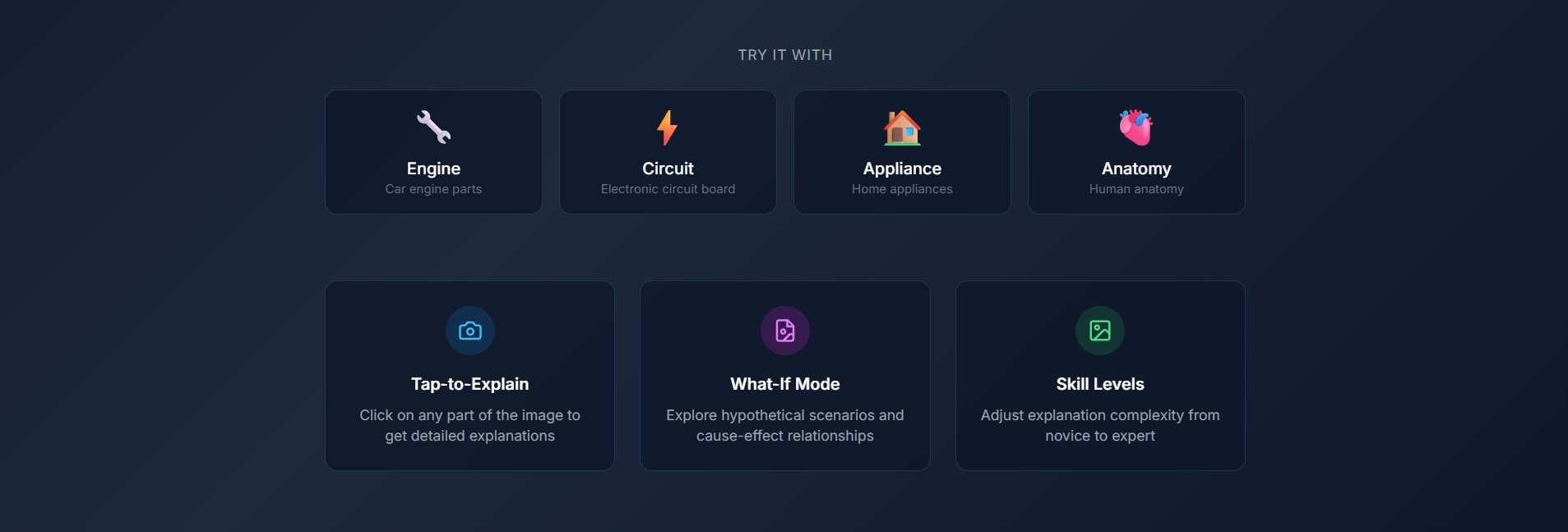
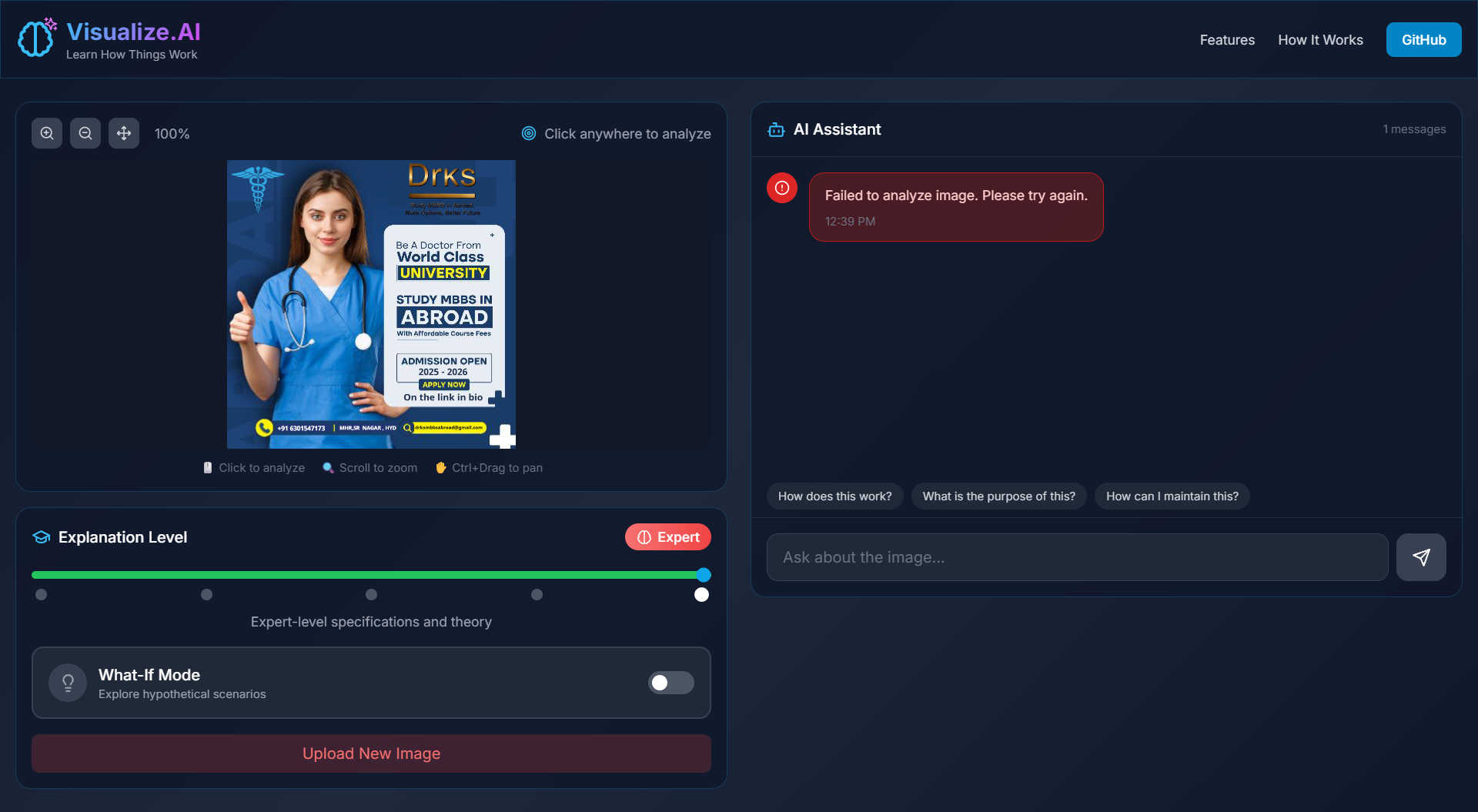
- Tap-to-Explain: Users can tap on specific parts of the image to receive targeted explanations of that exact component.
- Difficulty Slider: Explanations dynamically adapt from beginner-friendly to expert-level, using the same image context.
- “What If?” Reasoning: Users can ask hypothetical questions like “What if this wire is removed?” or “What if this part is replaced?” to understand cause-and-effect.
- Context-Aware Follow-ups: Users can ask continuous questions without re-uploading the image—the AI remembers what was tapped and discussed.
- Visual Learning First: The image stays central throughout the interaction, turning passive viewing into active exploration.
The result is a system that feels less like a chatbot and more like a visual tutor that thinks with you.
How we built it
We built the project using Gemini 3’s multimodal API as the core intelligence layer, allowing us to combine image understanding, reasoning, and conversational memory.
- The frontend is a web-based interface built with React and Tailwind CSS, designed for fast interaction and clarity. Users can upload images, tap on parts using canvas overlays, adjust explanation depth, and chat in real time.
- We used HTML Canvas / SVG overlays to map user taps to image regions, which are then sent to the AI with precise context.
- The backend is powered by Node.js / FastAPI, handling image uploads, session management, and structured prompts to Gemini.
- Each session maintains persistent context, allowing Gemini to reason over the same image across multiple interactions.
- Carefully engineered prompts ensure explanations stay grounded in the visual context and adapt based on user-selected difficulty.
The system was designed to be modular, scalable, and extensible—ready for future features like live camera input or AR overlays.
Challenges we ran into
One of the biggest challenges was maintaining visual context across multiple interactions. Ensuring the AI consistently understood which part of the image the user was referring to required careful prompt structuring and coordinate-based reasoning.
Another challenge was balancing explanation depth. Beginner explanations needed to stay simple without losing correctness, while expert explanations needed technical precision without overwhelming the user.
We also faced challenges in designing an interface that felt intuitive while handling complex interactions like tapping, sliding difficulty levels, and conversational follow-ups—all within a hackathon timeline.
Accomplishments that we're proud of
- Successfully built a working multimodal reasoning system, not just image captioning.
- Enabled interactive, tap-based learning on real-world images.
- Implemented dynamic explanation depth using a single AI model.
- Demonstrated real-time hypothetical reasoning (“What if?”) grounded in visual context.
- Created a polished, demo-ready experience suitable for education, repair, and skill training.
What we learned
This project taught us that true learning happens when interaction meets understanding. Multimodal AI becomes exponentially more powerful when images aren’t treated as static inputs but as ongoing conversational context.
We also learned how critical prompt design, UI clarity, and context management are when building real-world AI applications. Even the most advanced models shine brightest when paired with thoughtful product design.
What's next for Untitled
Next, we plan to expand this into:
- Live camera mode for real-time learning
- AR overlays to label components directly on objects
- Domain-specific modes for electronics, mechanics, and medical training
- Mobile-first experience for on-the-go learning
- Collaborative learning, where teachers can guide students using shared visual context
Our long-term vision is to make understanding the physical world as easy as asking a question—directly from what you see.


Log in or sign up for Devpost to join the conversation.