-
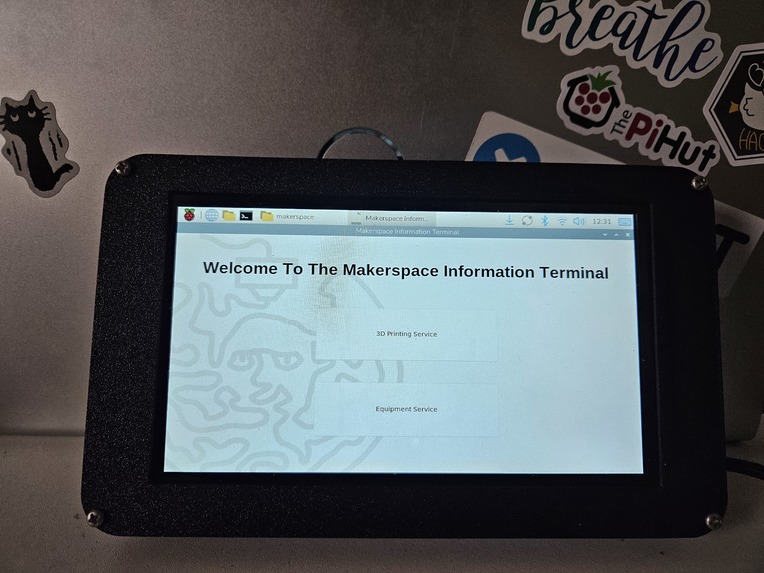
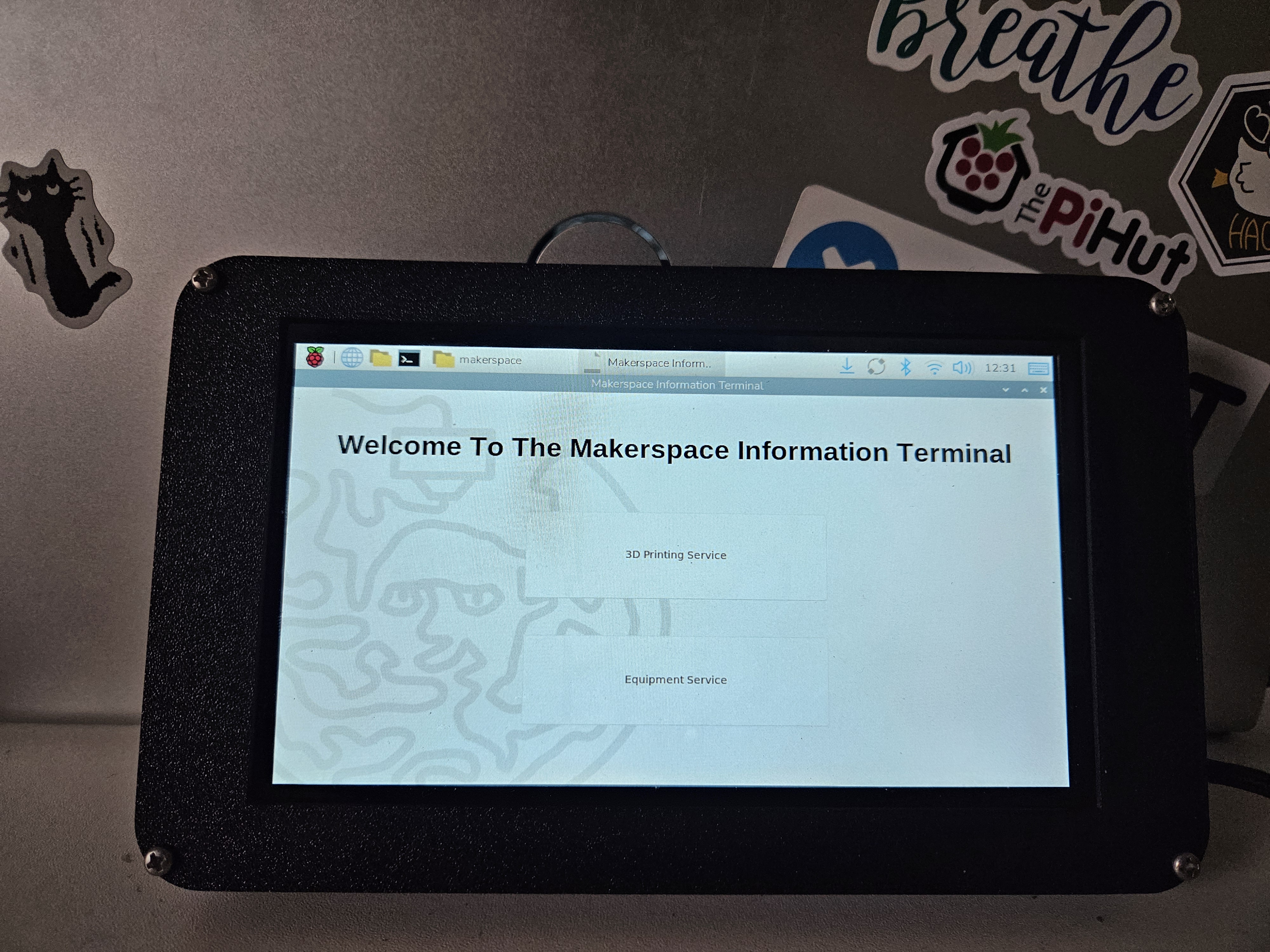
Main Menu
-
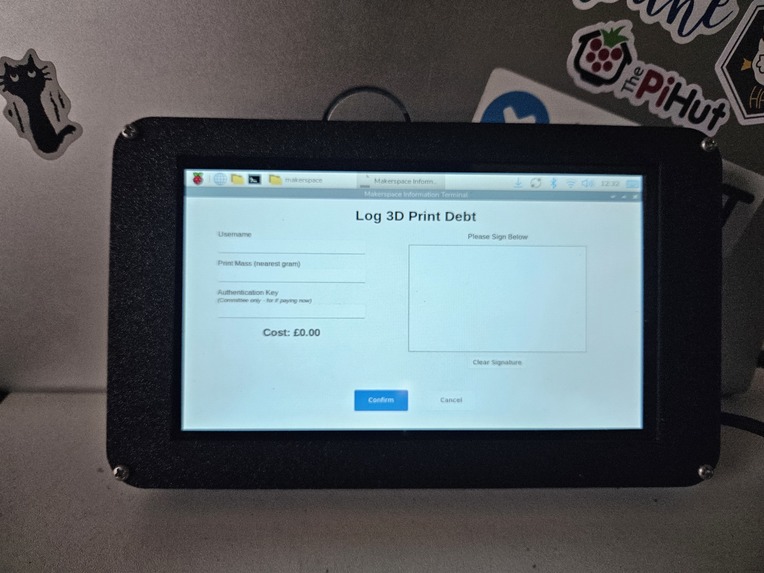
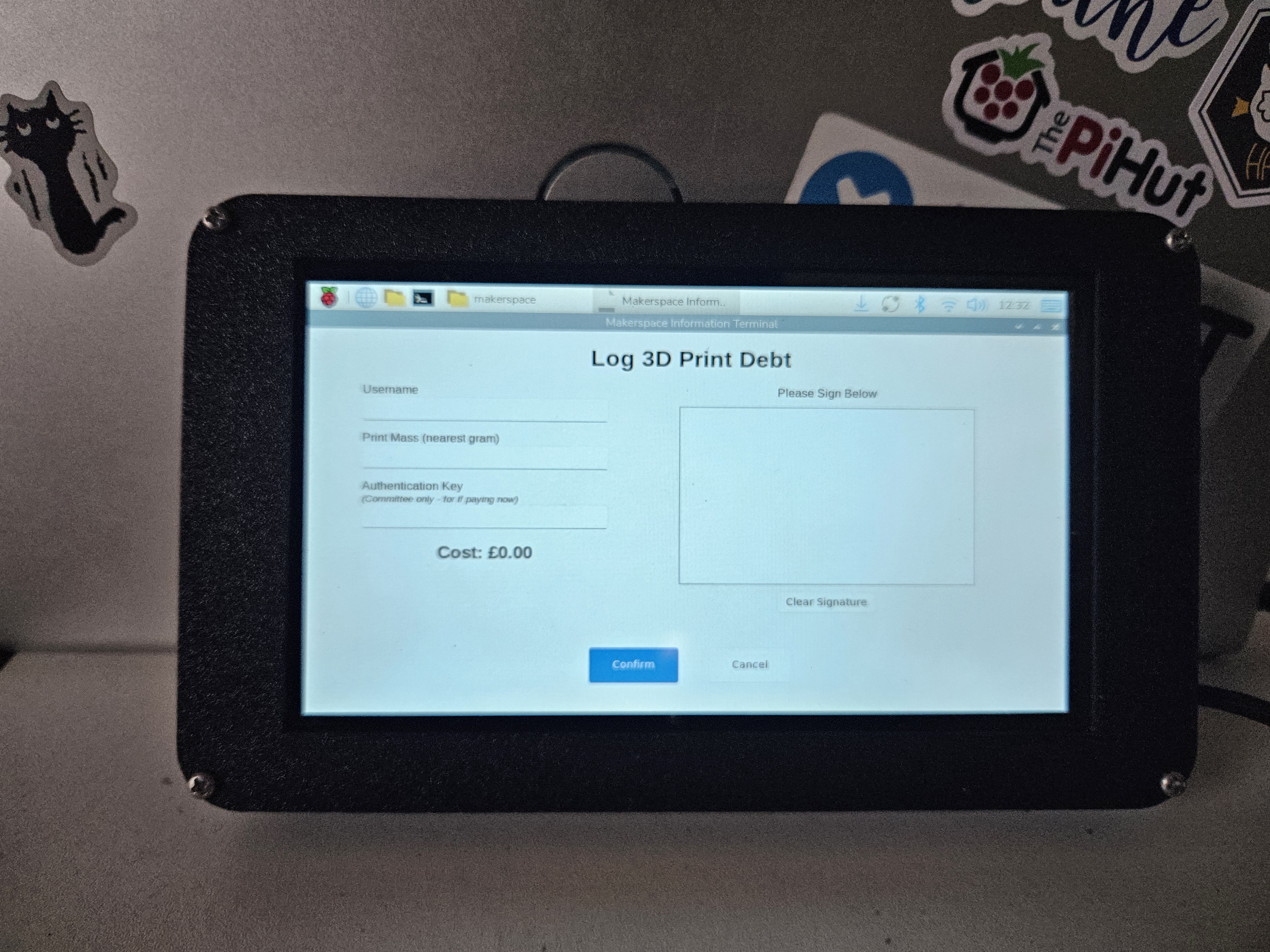
Debt tracker page
-
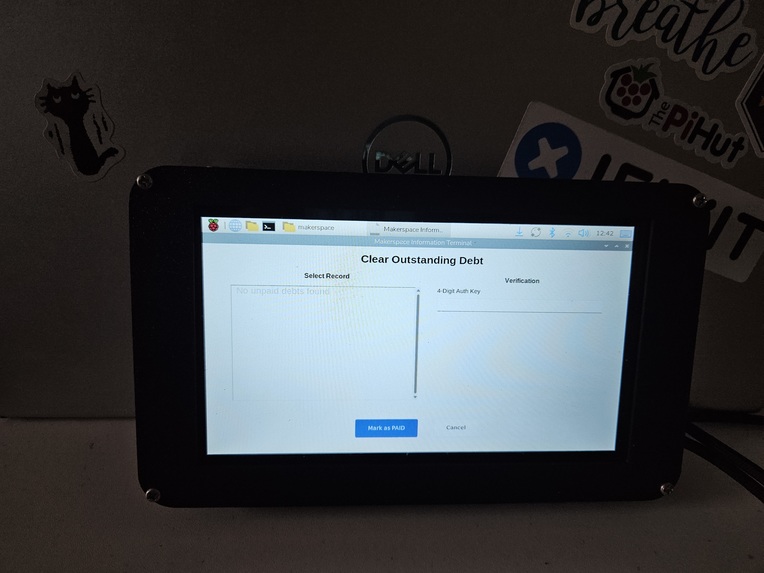
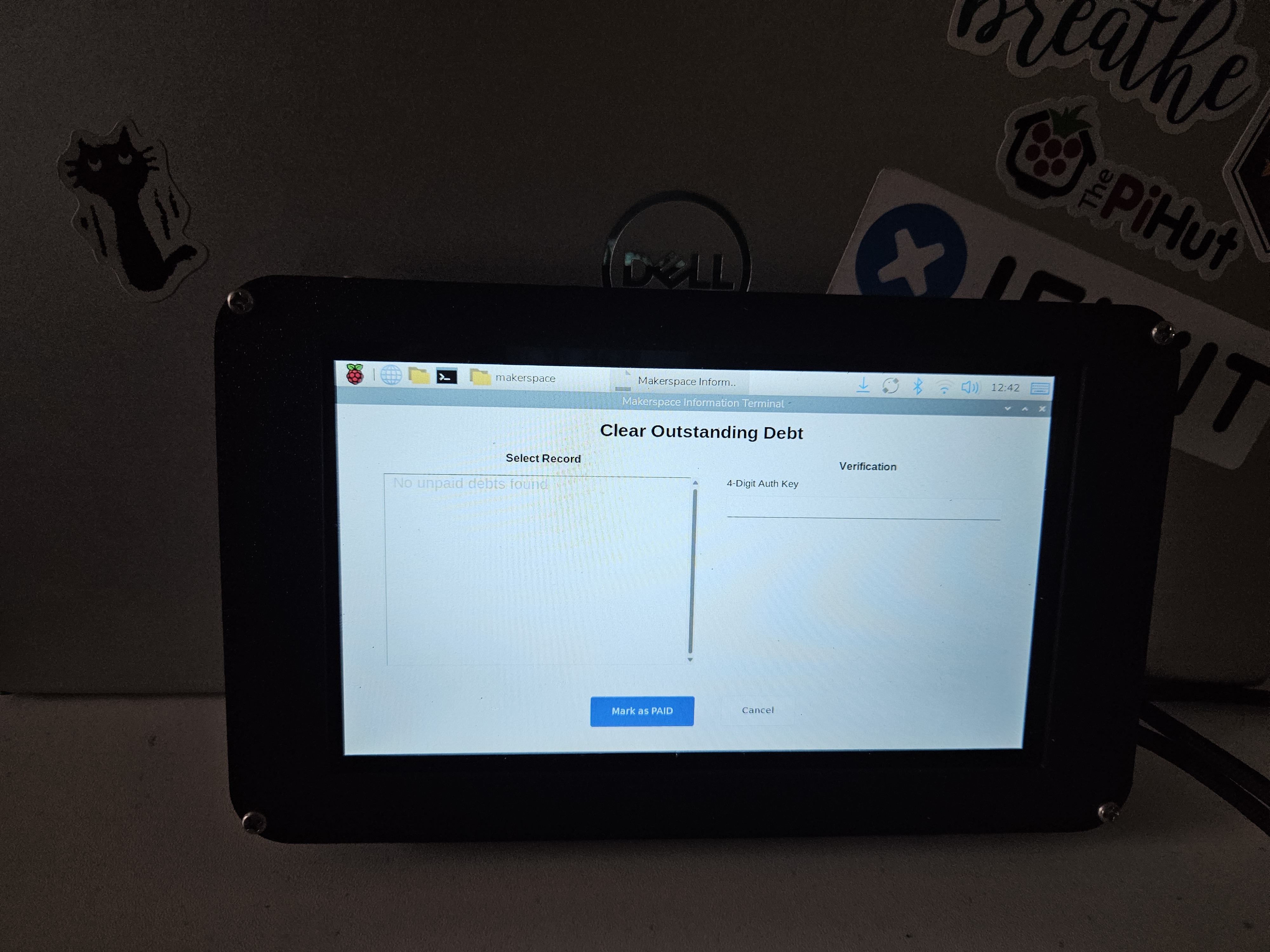
Debt relief page
-
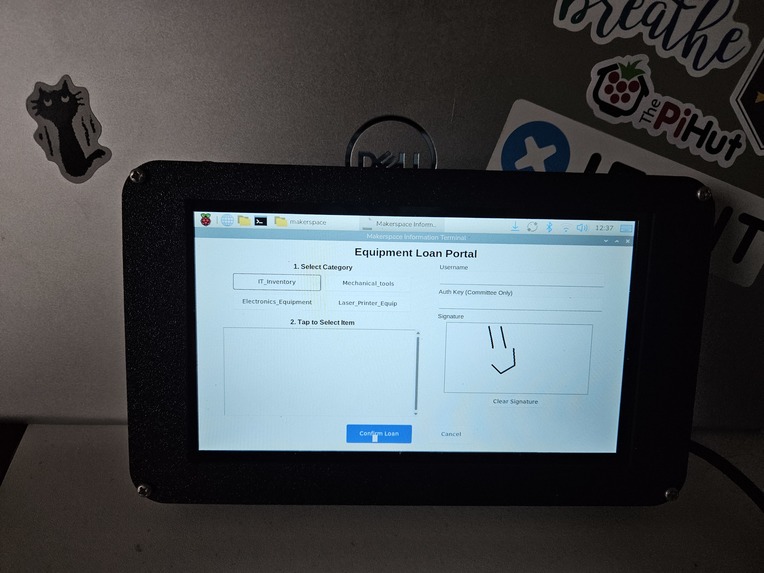
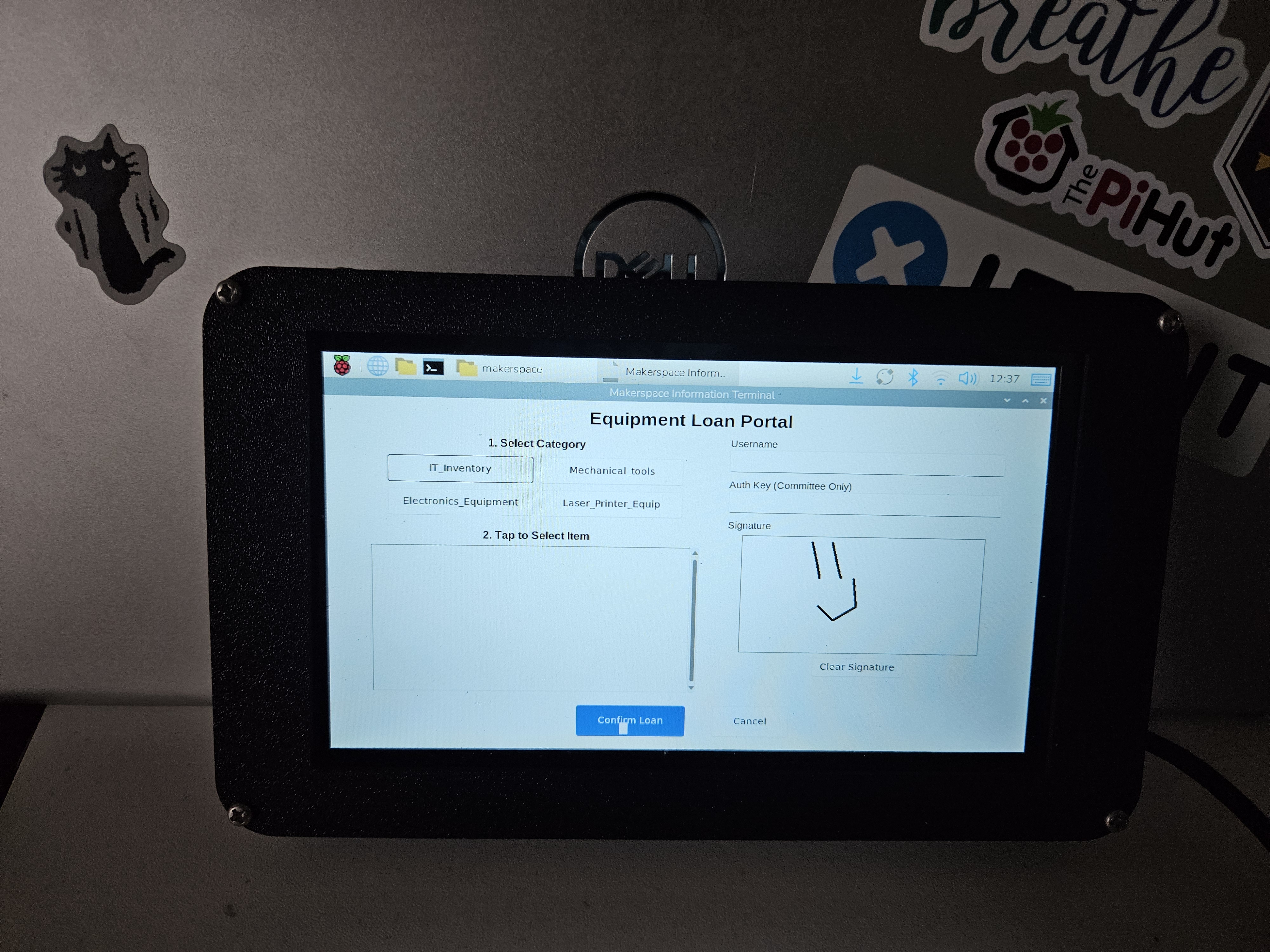
Equipment loan page
-
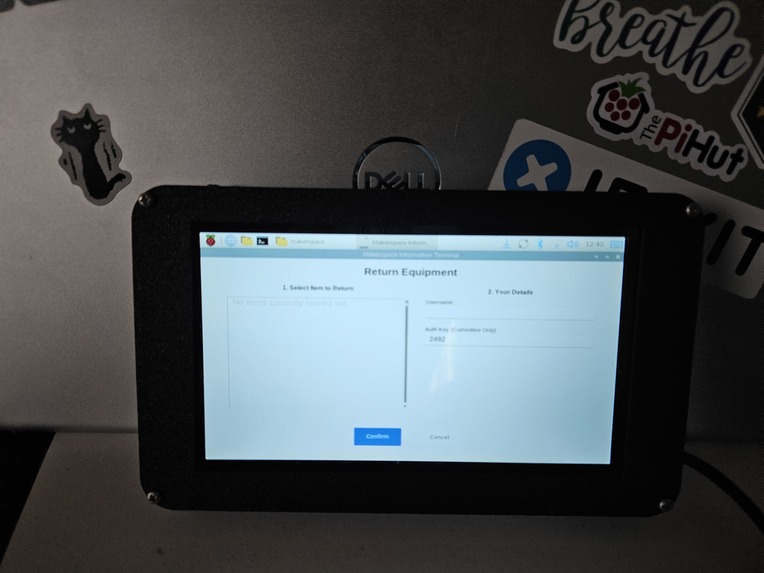
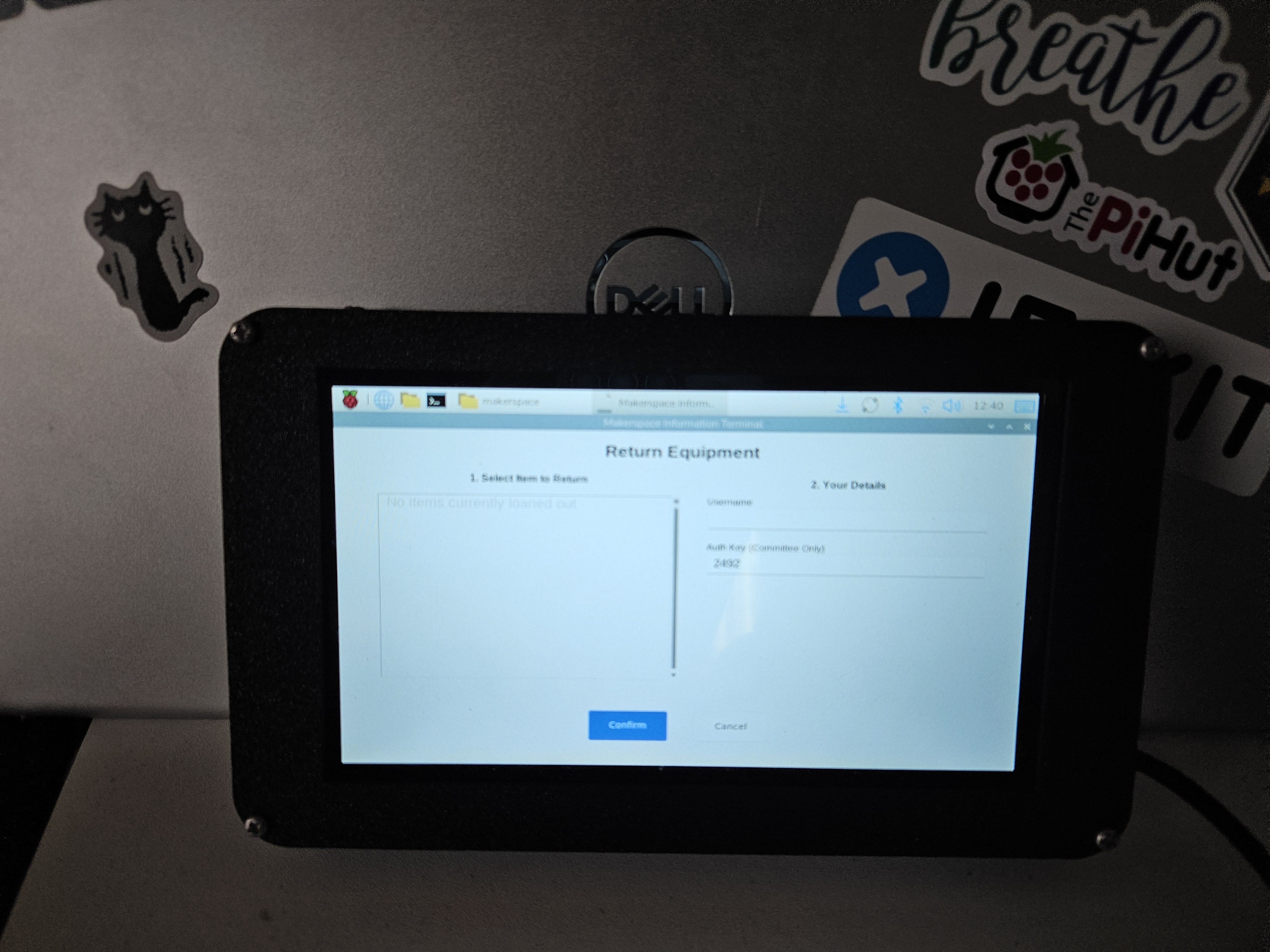
Equipment return page
-
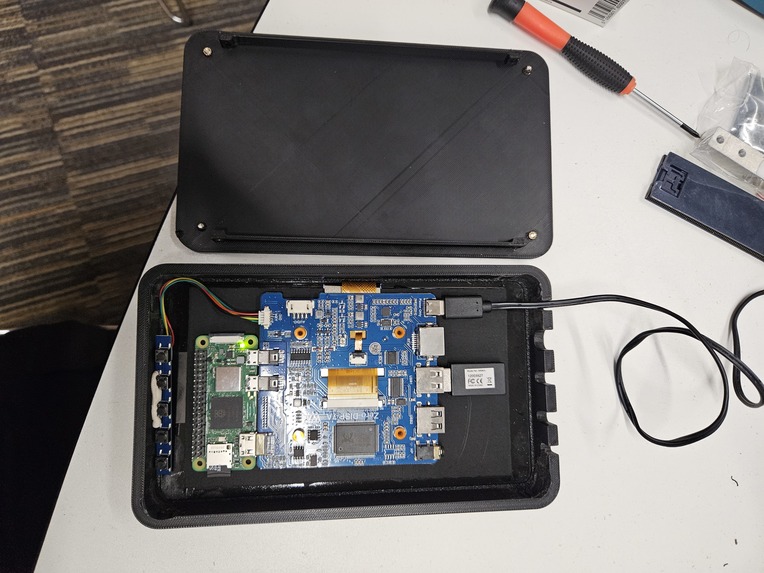
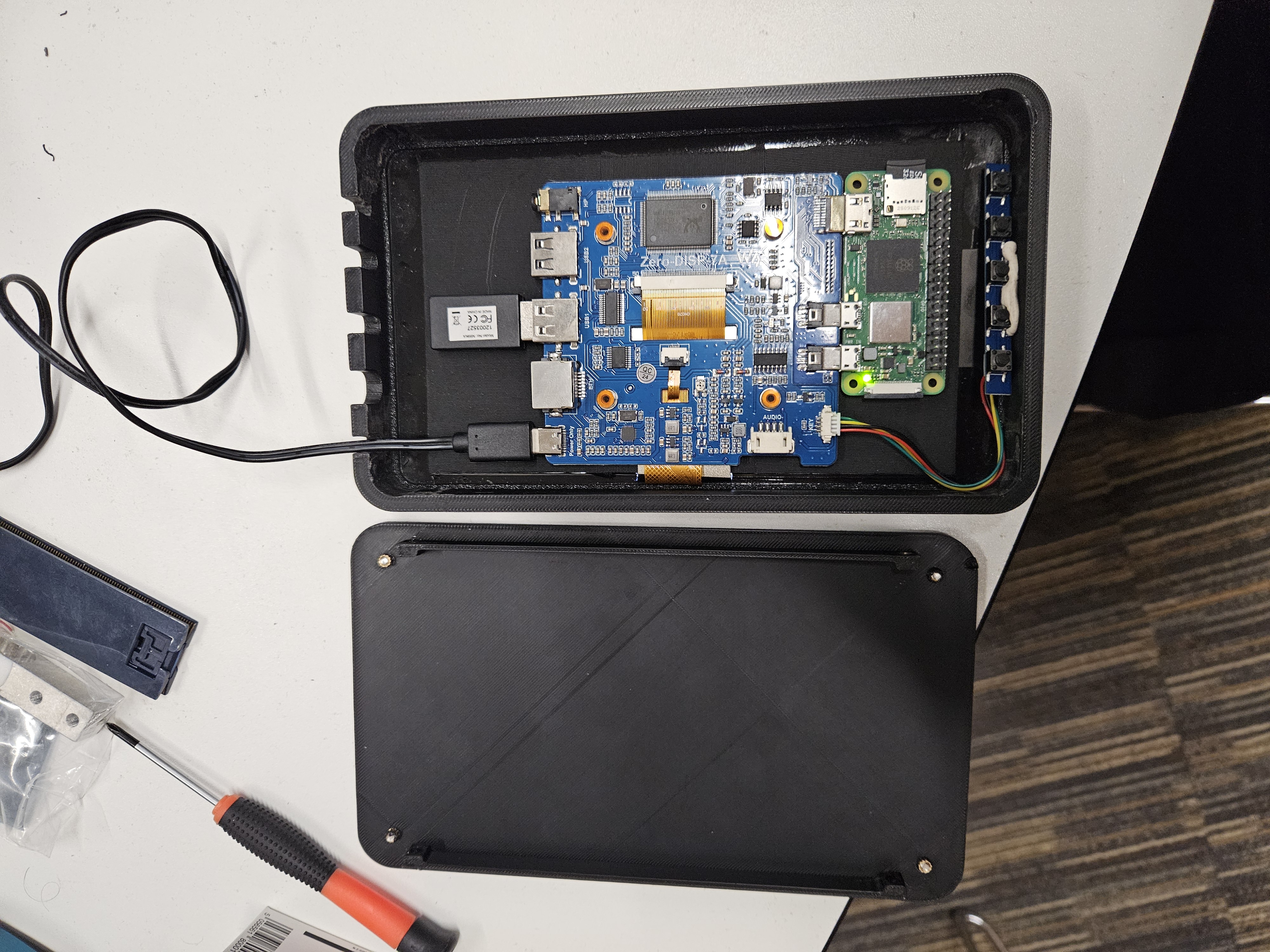
The insides of the terminal
-
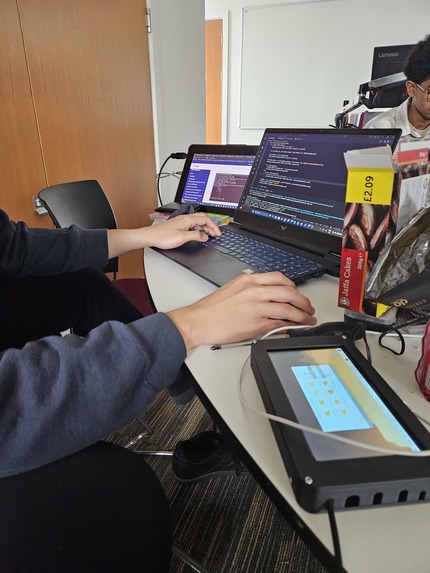
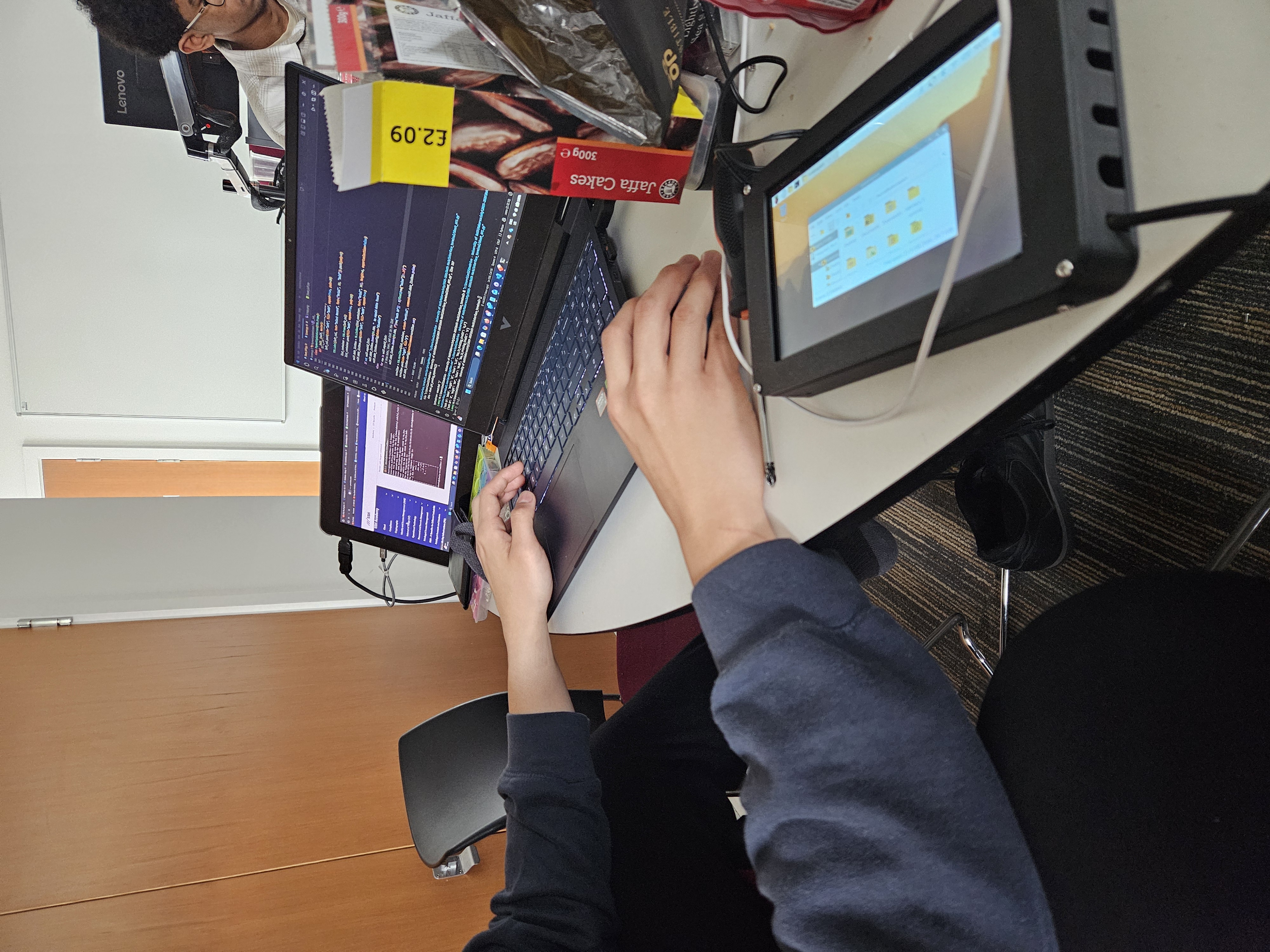
Snack-fueled coding rampage
-
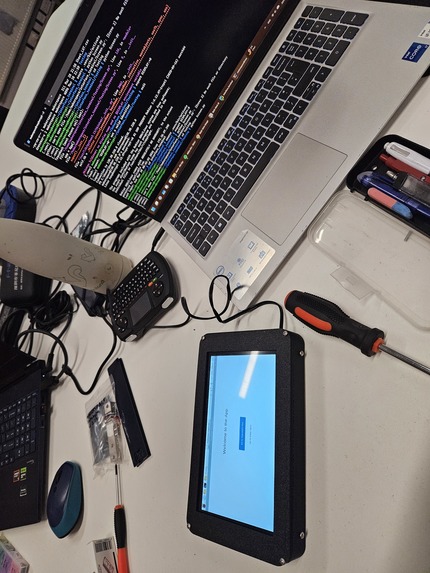
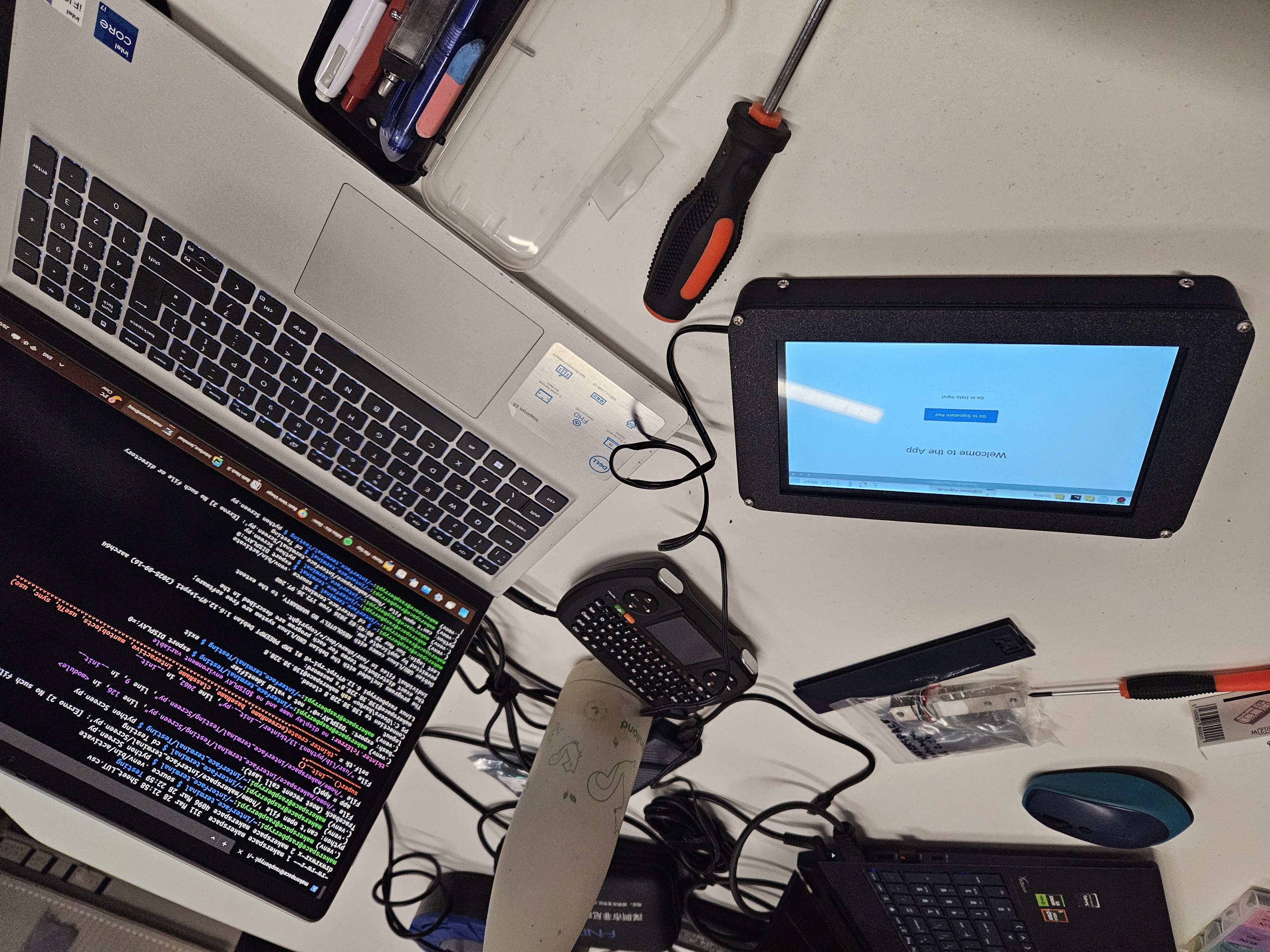
Working on the GUI design
Inspiration
We at the Bath Makerspace currently charge for 3D printing services by weight and keep tabs on people's debts on paper, which has resulted in a lot of paper! We have decided to start a blanket digitalisation of Makerspace processes, among which is perhaps its most ambitious project, the Information Terminal.
What it does
The terminal is a Raspberry Pi connected to a touchscreen with a custom-built case allowing for good portability. You can even stick it to walls via the magnets on the back! It has two systems: a debt tracker allowing people to add to and clear their tabs, and an equipment loan system allowing people to sign equipment in and out of the room. All the data is stored to the cloud on Google Sheets which is updated over the internet. This is thanks to our bespoke onboard API, and allows for external access to the data for fast and user-friendly updates to the system. On the screen, user-friendly GUI allows for efficient data entry and guides new users through the system. It even has authentication PIN numbers which is how committee members can sign off on payments and equipment loans.
How we built it
We started with drafting out our ideas, defining our scope, and immediately getting to work. We already had existing Google Sheets from previous digitalisation efforts, so we built things around these. Ian handled the API development and integration with Google Sheets, while Matt designed and printed the case as well as creating the user interface. Ian finally stitched the two ends of the program together into the smooth experience that has been delivered, and Matt took some photos.
Challenges we ran into
The use of Google Sheets makes external access very easy, but developing the API for it was not so, since it is nowhere near like a typical database format. Tkinter is also less than ideal as despite its ease of use, it is quite old and starting to lose functionality on the latest version of Raspberry Pi OS, requiring a few workarounds.
Accomplishments that we're proud of
Coming through with a fully functional product in time, and one that we can immediately implement into the Makerspace's routine!
What we learned
Object-oriented programming Efficient CAD design Google API design
What's next for Makerspace Information Terminal
Case redesign for improved cooling Code optimisations and organisation for future maintainability A greater suite of functions, such as automatic stock detection via a camera or load cell Admin-only access route for advanced functions (only to be implemented when a use case arises for this!) Caching updates to the cloud offline and then pushing periodically / running updates to the cloud in the background, as connecting to the cloud is a significant bottleneck to load times and the screen won't change until it is done


Log in or sign up for Devpost to join the conversation.