-
-
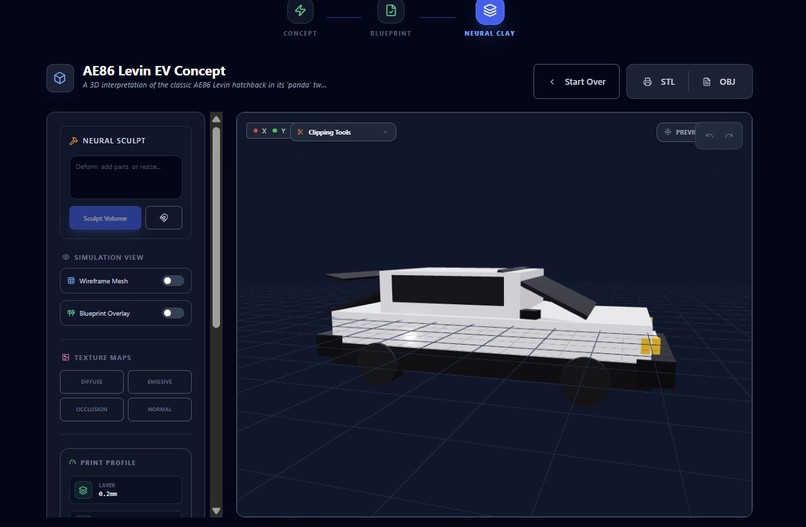
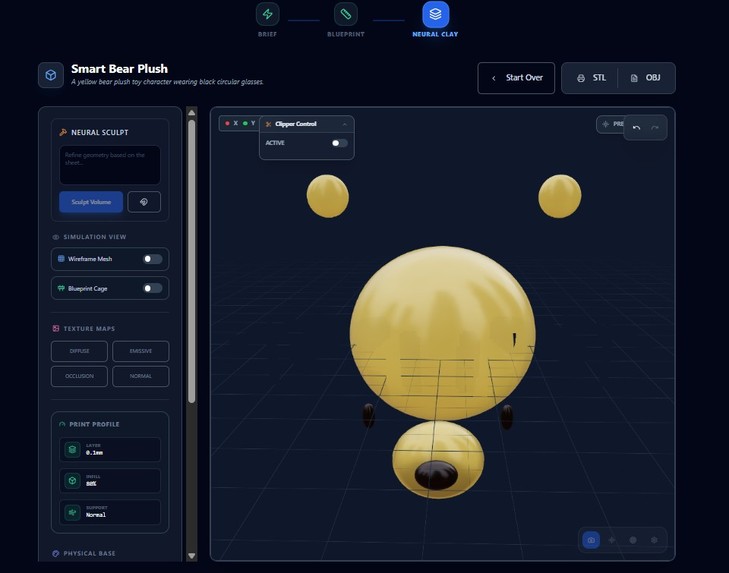
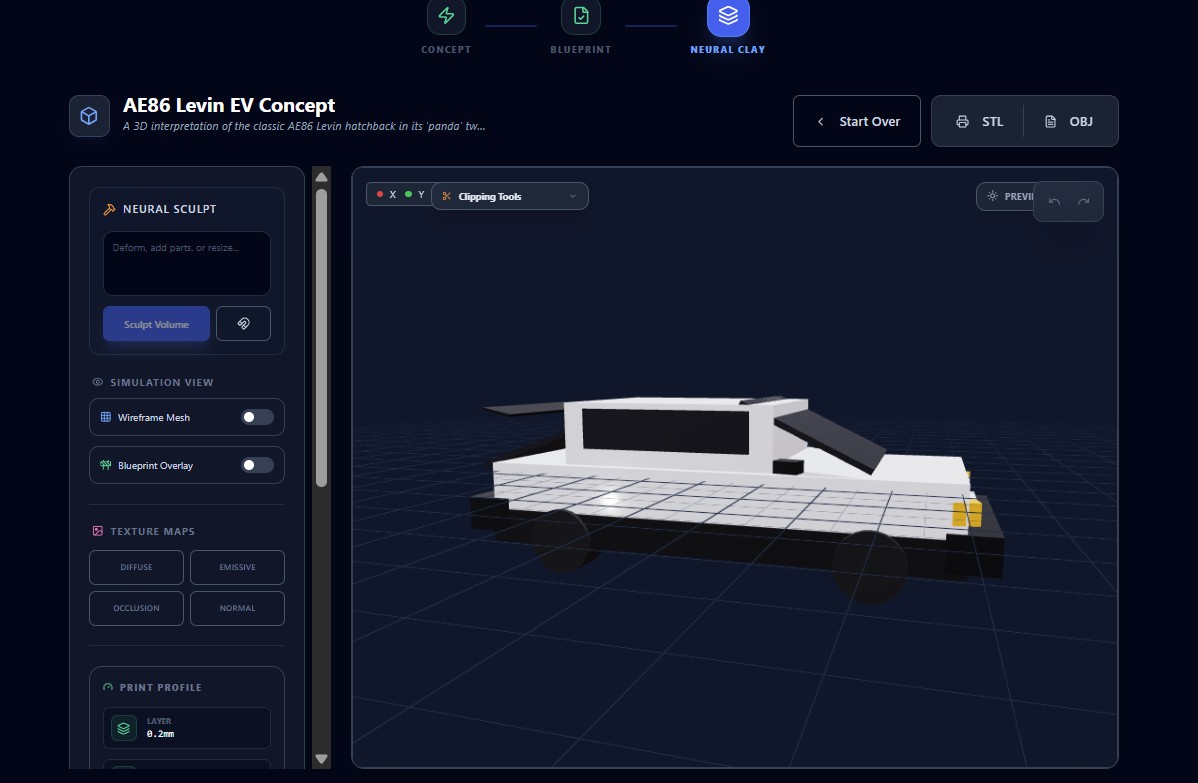
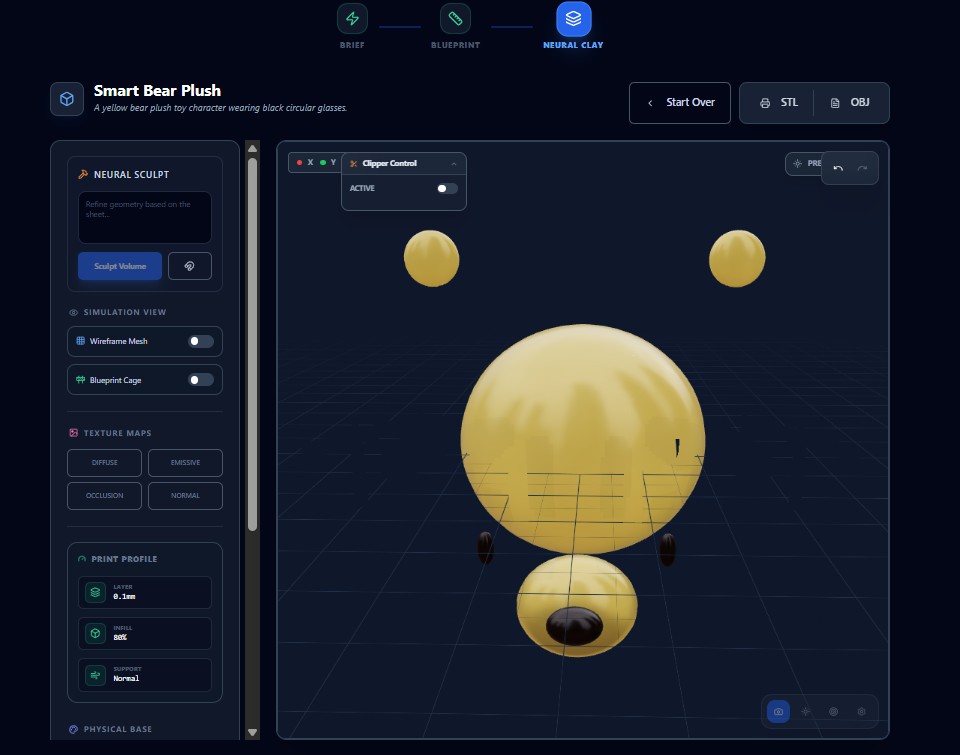
3D Workbench - Solid Render, Fully rendered 3D model with texture maps and lighting, ready for export to STL
-
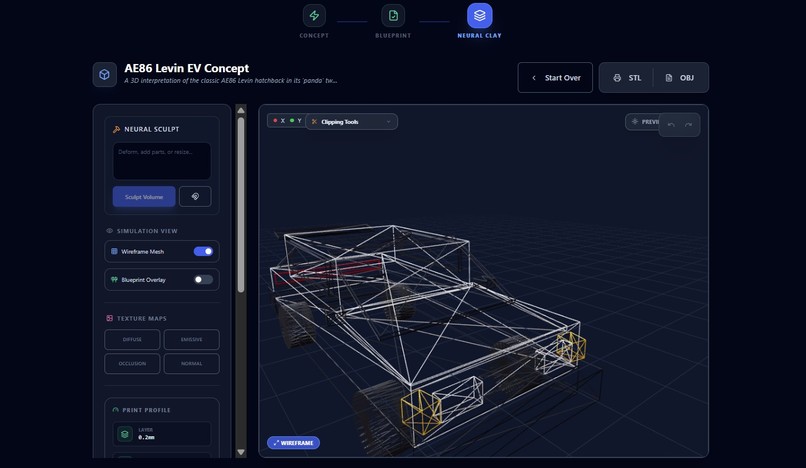
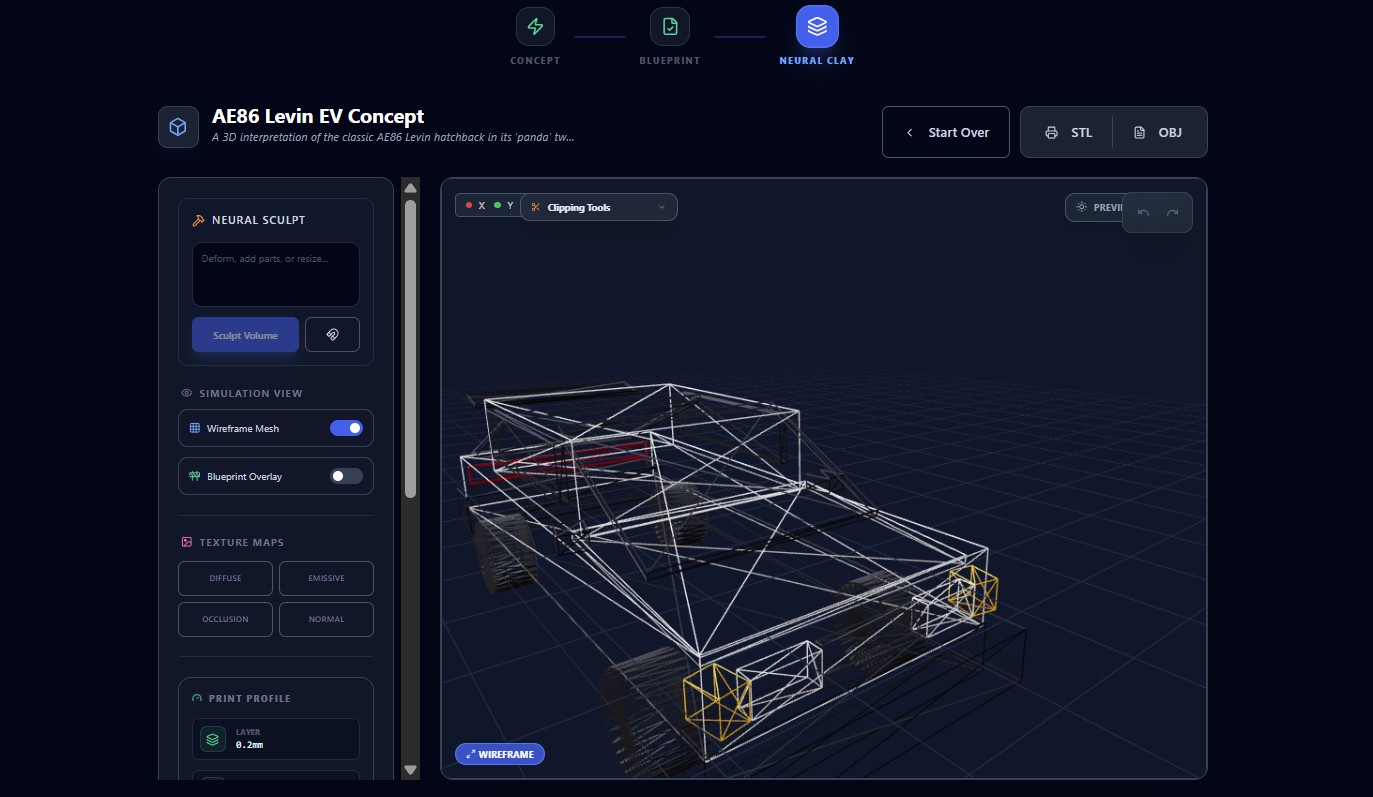
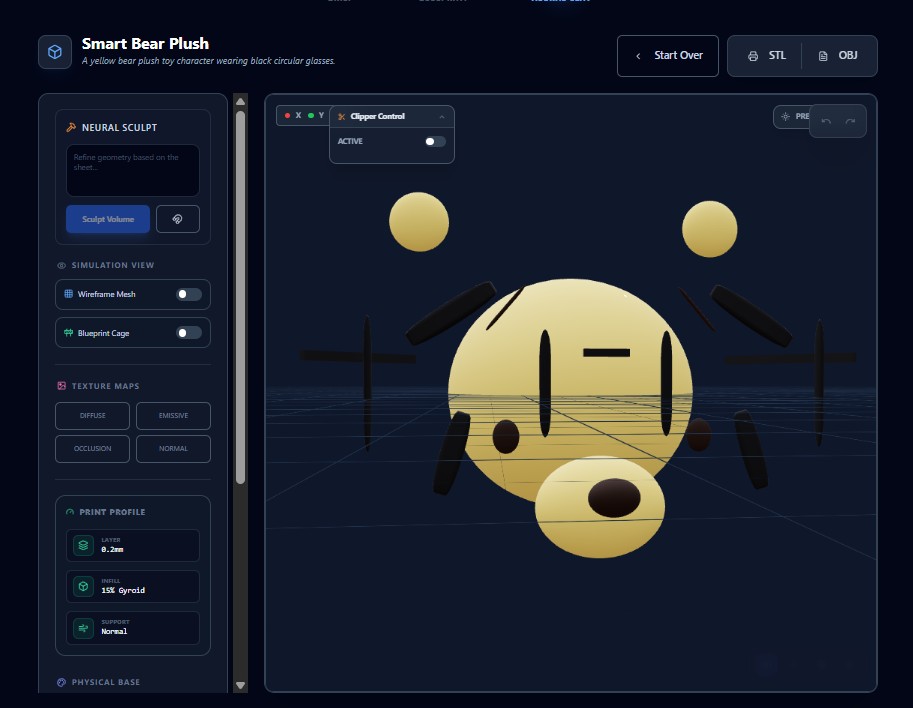
3D Workbench - Wireframe View, Interactive 3D workbench displaying wireframe mesh with blueprint overlay and clipping tools for precise geo
-
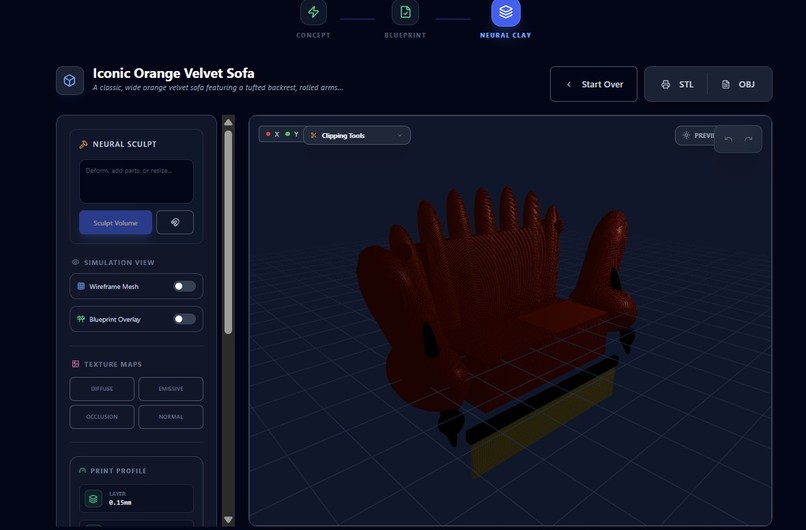
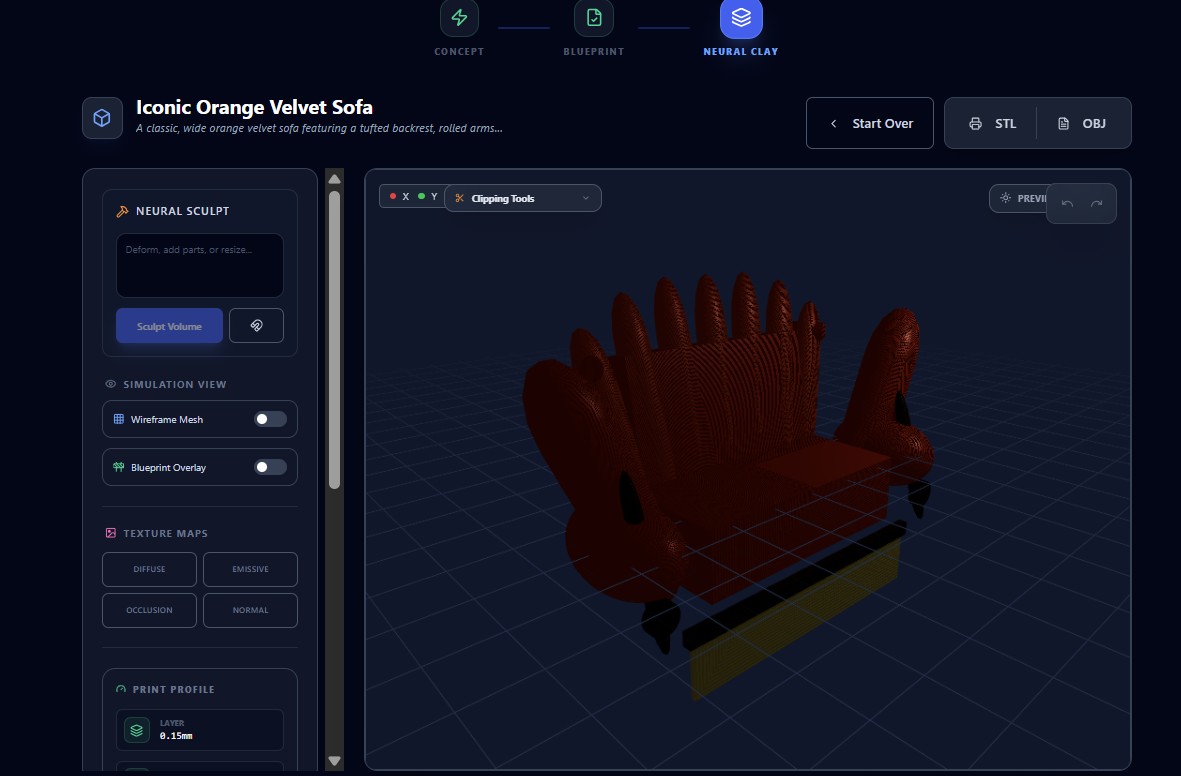
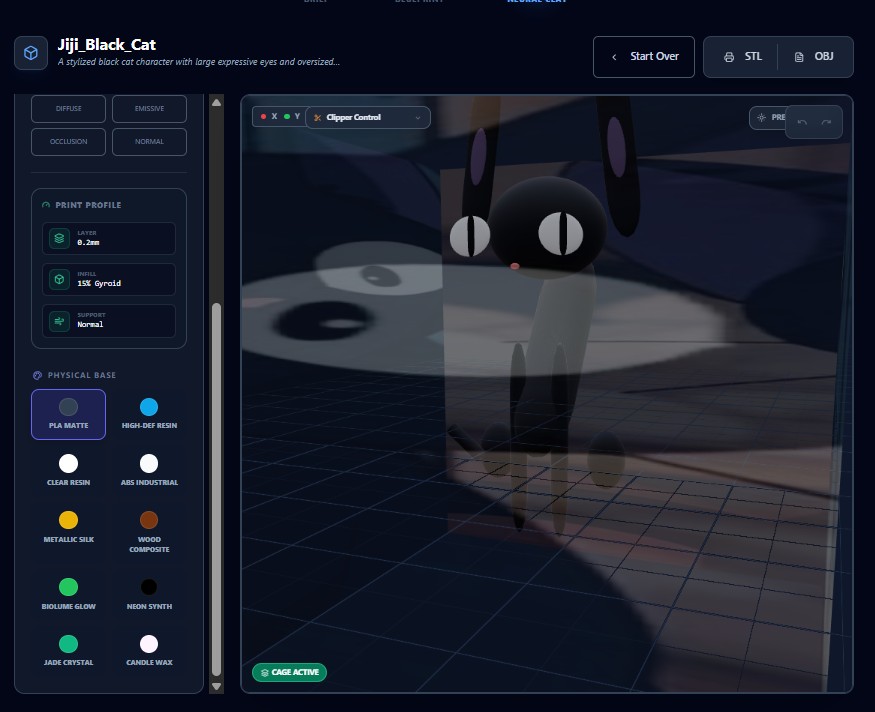
Alternative angle showing the neural sculpt output with manufacturing-optimized geometry.
-
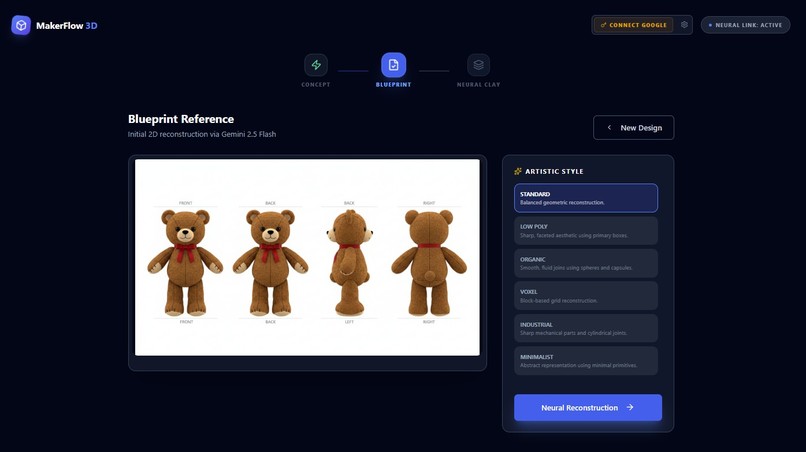
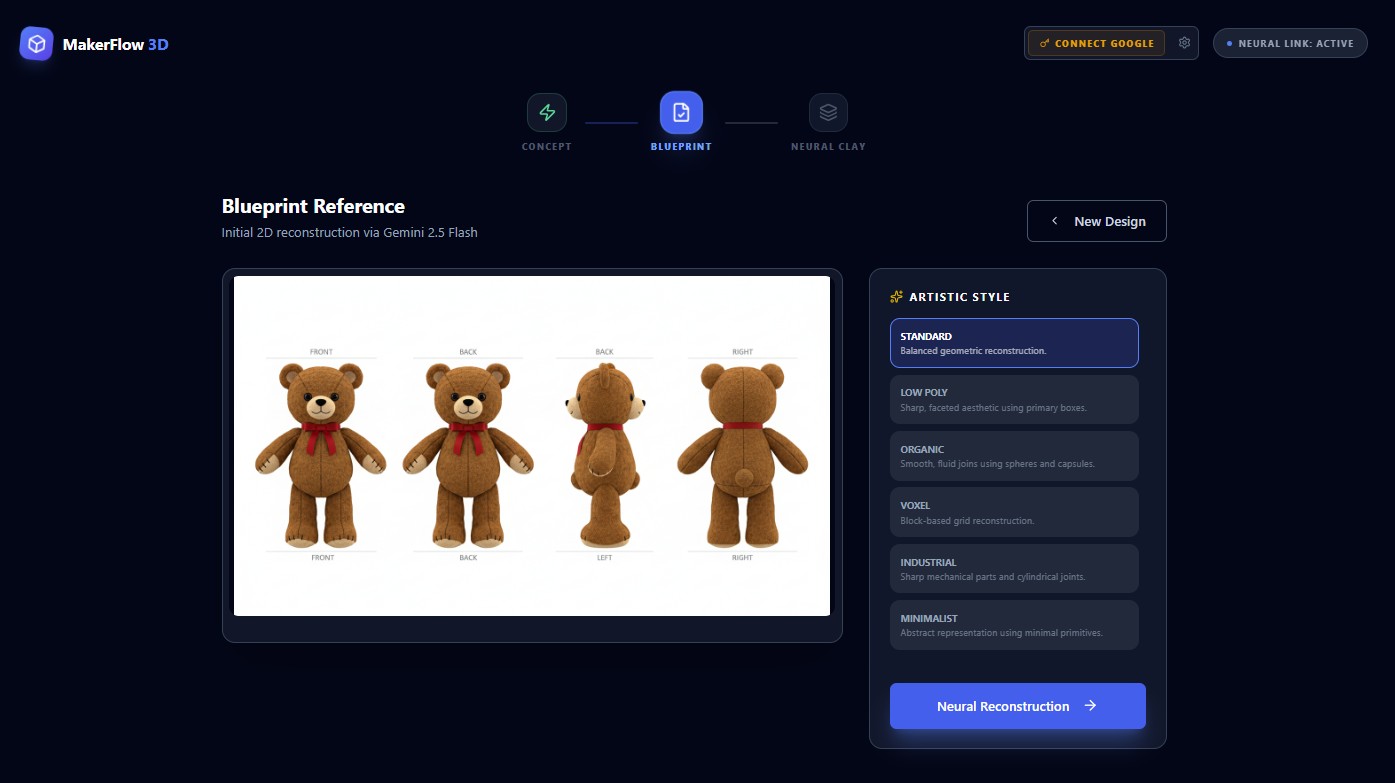
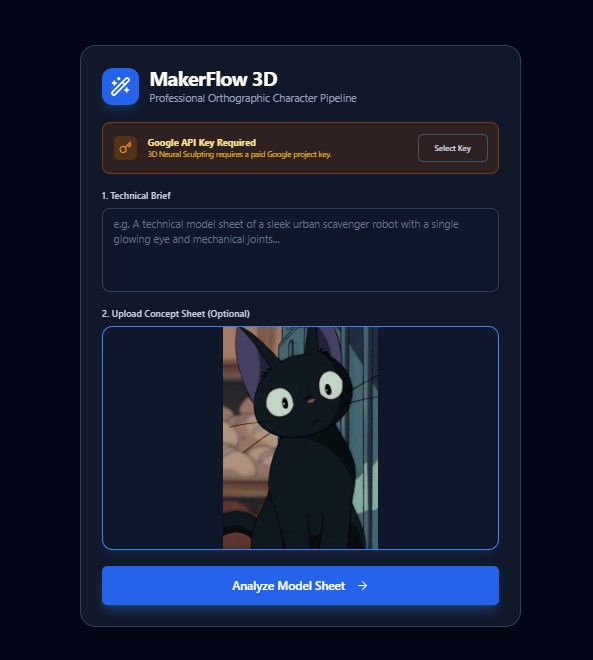
Four-view orthographic blueprint generated from text prompt, showing front, back, left, and right views with artistic style selection.
-
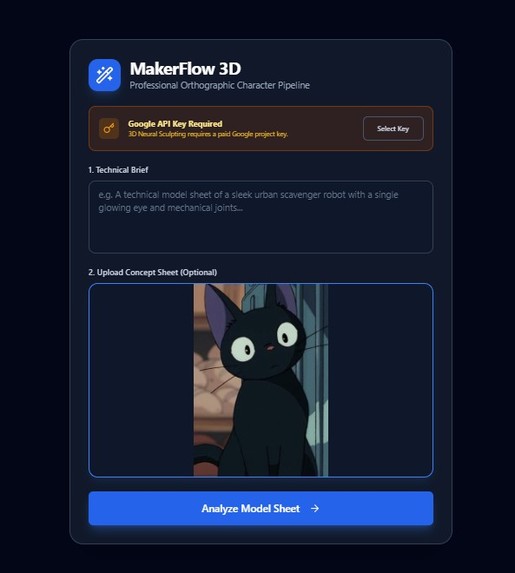
from one image to creating
-
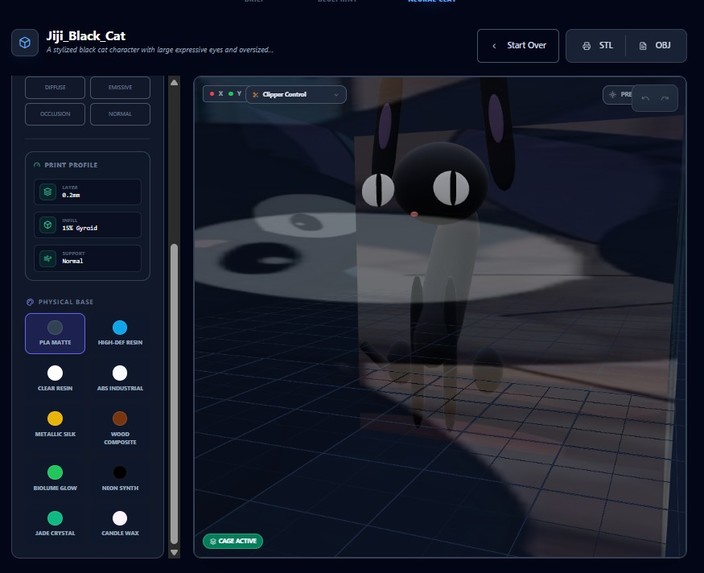
Jiji_Black_Cat in 3D
-
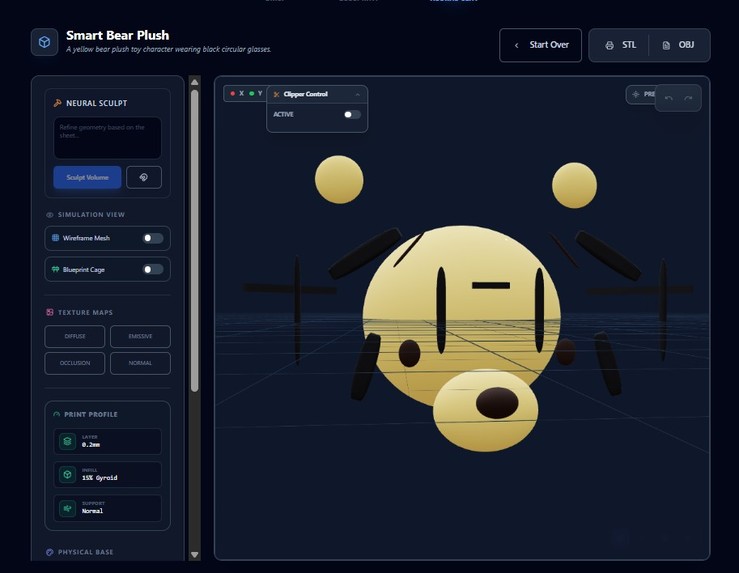
-
MakerFlow‑3D

Inspiration
MakerFlow‑3D grew out of the frustration of turning rough ideas into printable models using traditional CAD tools, which felt too rigid and time‑consuming for quick, creative experimentation. The goal was to let makers describe what they want in natural language or simple sketches and get clean, manifold geometry ready for 3D printing instead of wrestling with complex interfaces.
What it does
MakerFlow‑3D is a browser‑based “Neural Sculptor” that converts text prompts or 2D reference images into 3D printable volumes, rendered in real time in the viewport. It focuses on manifold, watertight meshes suitable for slicing, so users can iterate on functional parts or concept forms through conversational refinements instead of low‑level modelling operations.
How I built it
The app is implemented as a client‑side web application, combining a modern JavaScript/TypeScript front end with WebGL/WebGPU‑based 3D rendering for interactive inspection of generated meshes.
LLM calls orchestrate high‑level spatial reasoning, driving a geometry pipeline that encodes shapes, applies boolean operations, and exports standard 3D formats for printing.
The UI revolves around prompt history, parameter controls, and live scene updates to keep the interaction loop tight and transparent.
Challenges I ran into
Several challenges emerged:
- Translating vague natural‑language prompts into precise geometric constraints.
- Ensuring outputs are actually manifold and 3D‑printable.
- Keeping generation and rendering responsive in the browser.
Getting robust mesh repair and boolean operations to behave on noisy geometry was particularly difficult, as was resolving conflicts between the model’s spatial reasoning and physical constraints like wall thickness or tolerance limits.
Accomplishments that I am proud of
I am proud that MakerFlow‑3D can take plain language or a simple 2D reference and output manifold, 3D‑printable geometry that survives slicing and real‑world printing.
Equally, the fact that the entire experience runs client‑side in the browser — combining AI‑driven spatial reasoning with real‑time 3D rendering — means makers can iterate quickly without heavy CAD installations.
What I learned
I learned to better couple LLM‑driven reasoning with deterministic geometry kernels, using the model for conceptual breakdown while keeping all mesh operations explicit and verifiable.
We also deepened our understanding of browser‑side 3D pipelines, including performance tuning, mesh inspection, and export workflows for real‑world 3D printing.
Most importantly, I saw how natural‑language‑first tools can lower the barriers to CAD for makers who prioritise ideas and iteration speed over mastering complex modelling interfaces.
What’s next for MakerFlow‑3D
Next steps include:
- Expanding the geometry pipeline to handle more complex assemblies, parametric constraints, and printability checks (automatic wall‑thickness and tolerance validation).
- Adding richer prompt workflows such as versioned prompt histories, reusable shape macros, and hybrid editing (mixing conversational edits with direct manipulation).
- Integrating preset profiles for popular printers and slicers to reduce failed prints and manual tweaking.
Longer term, MakerFlow‑3D aims to introduce collaboration features so makers can share prompts, models, and tweakable design recipes, evolving into a community‑driven library of printable AI‑generated designs.
Built With
- github
- javascript
- next.js
- react
- three.js
- typescript
- vercel
- vite
- webgl
- webgpu

