-
-
GihubPage
LinkedIn Translator: Savage Truth
Real Life vs LinkedIn. Highlight any post on linkedin.com, get the brutally honest version in a side-by-side meme card.
Inspiration
LinkedIn has its own dialect: "humbled to announce", "thrilled to share", "this incredible journey." We've all squinted at a 200-word post about someone getting a promotion and thought what is this person actually saying?
The Singapore Stupid Hackathon 2026 brief was explicit:
No business plan. No real use case for people. Make something fun and have a good laugh. Shock value > market gap. Go crazy and have fun.
A LinkedIn translator was an obvious fit — useless to nobody, recognizable to everybody, and just mean enough to be funny without crossing into bullying. The hosts said punch up at the format, not at the person, and that became the prompt's first rule.
What it does
You highlight any LinkedIn post on linkedin.com. A floating red Translate button appears next to your selection. Click it, and a new window opens with a dual-panel meme card:
- Left ("LinkedIn") — the original post, with corporate clichés underlined in dotted red. Hover any underlined phrase to reveal its plain-English meaning.
- Right ("Real Life") — a translation card containing:
- Category badge — one of: Humblebrag · LayoffCoded · Promotion · ConferenceEnergy · ThoughtLeadership · FounderGrindset · CorporatePropaganda · VagueDrama · NetworkingThirst · LifeLessonPost · RecruitingBait · Other
- Real-life translation — 1–2 punchy lines, max 180 chars
- Spice meter — a 1-to-10 visual showing how blunt the translation is
- Tags — 3–5 short labels for the post's tropes
- Two alternate readings — different angles on the same post
- Caption + disclaimer — a shareable headline + a confidence percentage
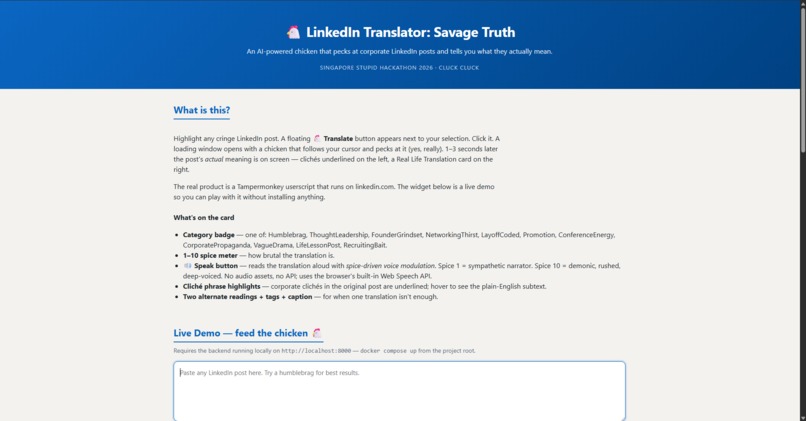
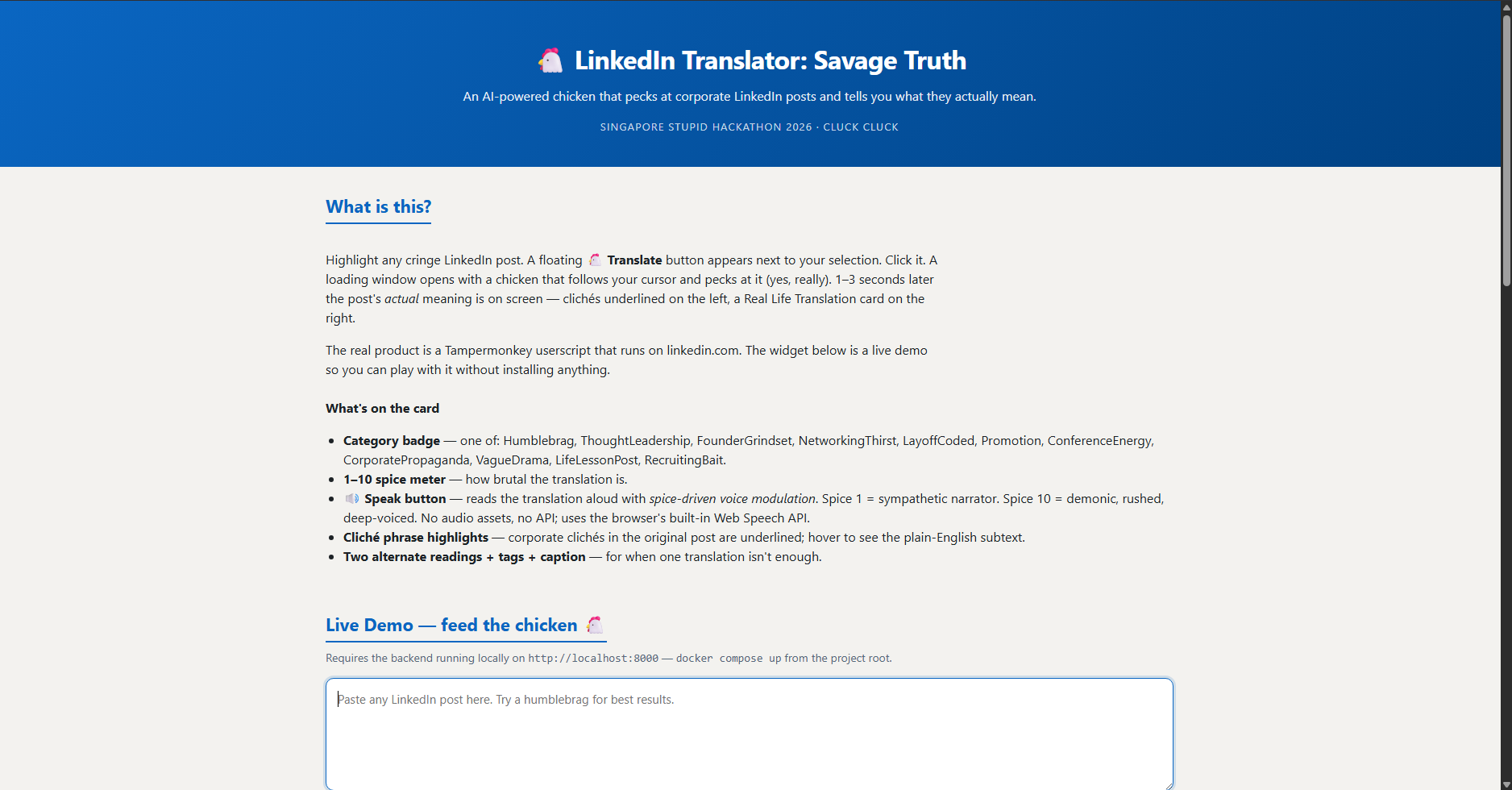
A static showcase page on GitHub Pages also has a paste-and-translate widget for anyone who doesn't want to install a userscript. The widget reuses the exact same renderer as the popup, so the output is identical across both surfaces.
How we built it
The architecture is three independent units talking through stable JSON contracts:
┌─────────────────────────────┐
│  Tampermonkey userscript    │  ← runs on linkedin.com/*
│  · selectionchange watcher  │
│  · floating "Translate" btn │
│  · GM_xmlhttpRequest →      │
└──────────────┬──────────────┘
               ▼
       http://localhost:8000
┌─────────────────────────────┐
│  FastAPI backend (Docker)   │
│   POST /translate           │  ← gpt-4o-mini, JSON mode
│   POST /highlights          │  ← gpt-4o-mini, JSON mode
│   GET  /  → static /docs    │  ← showcase + live demo
└──────────────┬──────────────┘
               ▼
        OpenAI gpt-4o-mini
Backend (FastAPI in Docker)
- Two structured POST endpoints:
/translatereturns the full meme-card JSON,/highlightsreturns an array of{phrase, meaning}pairs. - All requests/responses validated by Pydantic schemas. Bad input → automatic 400 with a clean error message.
- Calls
gpt-4o-miniinresponse_format={"type": "json_object"}mode so we always get parseable JSON back. - Static site mounted at
/so the backend serves both the API and the showcase page on the same origin during local dev. - CORS allowlist for
linkedin.com,t-kandasami.github.io, andlocalhost.
Userscript (Tampermonkey)
- Listens for
selectionchange, positions a floating button near the user's text selection. - On click: opens a popup synchronously (to dodge popup blockers), fires both API calls in parallel via
GM_xmlhttpRequest, then navigates the popup from aloading.htmlplaceholder topopup.html#<json-data>. - Translation data passes via the URL hash, never hits a server, never gets logged.
Static site (/docs)
index.html— showcase + live-demo widget + changelogpopup.html— the page the userscript navigates to with resultsloading.html— placeholder shown while fetches are pendingrender.js— the one renderer, used by both the live demo and the popupstyle.css— shared styling- Served by both the local backend at
/and GitHub Pages at/docs
Challenges we ran into
The whole stack is conceptually simple, but we lost most of the day to modern web security. The userscript-talking-to-localhost path is a CSP minefield. Each layer fails silently in a different way:
Trusted Types blocked
document.write. First version built the popup HTML in a JS string and wrote it to the popup window. LinkedIn's CSP enforcesrequire-trusted-types-for 'script', which silently rejected ourdocument.write(html). Result: a perfectly white popup window. Fix: stop writing strings, navigate the popup to a real URL instead.Blob URLs inherit parent CSP. Second attempt: wrap HTML in a
Blob, get ablob:URL, navigate the popup there. We thought blob documents had no CSP. They do — they inherit the opener'sstyle-srcandscript-src, so loadingstyle.cssandrender.jsfromlocalhostwas blocked. Fix: open the popup athttp://localhost:8000/loading.htmldirectly so the popup's origin islocalhost, which has no CSP.connect-srcblockedfetch()from the userscript. Even with the popup fixed,fetch('http://localhost:8000/translate')from the userscript got rejected by linkedin.com'sconnect-srcwhitelist. With@grant none, the script runs in page context and inherits all CSP rules. Fix: switch toGM_xmlhttpRequestwith@grant GM_xmlhttpRequestand@connect localhost— Tampermonkey's privileged HTTP API runs in the extension process and bypasses page CSP.Chrome Private Network Access (PNA). Saw
TypeError: Failed to fetchearly on; suspected PNA. AddedAccess-Control-Allow-Private-Network: truemiddleware on preflight responses. Turned out the real cause for the userscript wasconnect-src(#3 above), but the PNA fix is still needed for the GitHub-Pages live-demo path (public origin → private localhost).Popup blockers. Calling
window.openafter anawaitis a one-way ticket to "Popup blocked by browser." Fix: open the popup synchronously inside the click handler, then navigate later.
The pattern was the same every time: a perfectly formed request would silently disappear, with the failure visible only deep in DevTools' Network tab or as a console warning that didn't exist in the JS error path. Each fix required choosing the right escape hatch (extension-context API, separate origin, declared host allowlist).
What we learned
- Modern web security has many overlapping layers. CSP
connect-src/script-src/style-src, Trusted Types, mixed content, Private Network Access, popup blockers, CORS — each rejects requests in a different (often silent) way. Triaging "Failed to fetch" requires reading the actual blocked-reason in the Network tab, not the JS exception. - Userscript managers exist for exactly this reason. When you need the page to do something the page's own scripts can't,
GM_xmlhttpRequestis the right tool.@grant nonelooks innocent but means "give me page-context permissions" — i.e., none of the privileged ones. - OpenAI's JSON-output mode plus a Pydantic schema removes almost all parsing/validation code. The few extra prompt tokens are worth it.
- One source of truth for renderers. Serving
render.jsfrom a single location, used by both the popup and the live-demo widget, meant we never had two diverging UIs to keep in sync. - For hackathon judging, a working website beats a slide deck. Judges and other hackers can play with
https://t-kandasami.github.io/makeLinkedinReadableAgain/directly — no install, no permissions, just paste a humblebrag and laugh.
What's next
We probably won't maintain this — but if we did:
- Reverse mode. Paste plain English, get back a perfectly-corporate LinkedIn version. We designed the prompt, didn't ship the UI. Would close the loop into a "before/after" slider on the showcase page.
- Real browser extension. Instead of a userscript, ship a proper Chrome/Firefox extension so end-users don't need Tampermonkey + the Chrome MV3 "Developer mode" toggle.
- Deploy the backend. Currently localhost-only. A hosted version on Fly.io / Railway would make the GitHub Pages live demo work for visitors without them spinning up Docker first.
- More categories. The prompt already lists VagueDrama, RecruitingBait, LayoffCoded; we'd add
ChatGPTGeneratedas the AI-detector tier — meta-decoding posts that were themselves generated by an LLM. - Highlight directly on the page. Instead of a popup, inject the cliché underlines + tooltip directly into the LinkedIn DOM, in place. Higher friction (LinkedIn's DOM churns aggressively) but more Black Mirror-style impressive.
Built for the Singapore Stupid Hackathon 2026 · SMU Connexion, Jay & Marilyn Ng Greenhouse · May 2nd · Hosts: Ahnaf Khan, Shrujan Beesetty, Asish Moturu, Kai
Code: github.com/t-kandasami/makeLinkedinReadableAgain Live demo: t-kandasami.github.io/makeLinkedinReadableAgain (requires backend running locally on port 8000)

Log in or sign up for Devpost to join the conversation.