-
-
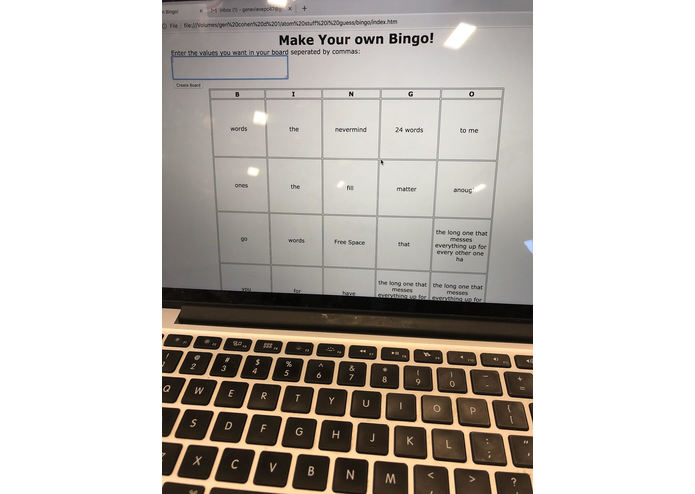
A custom Bingo Board
-
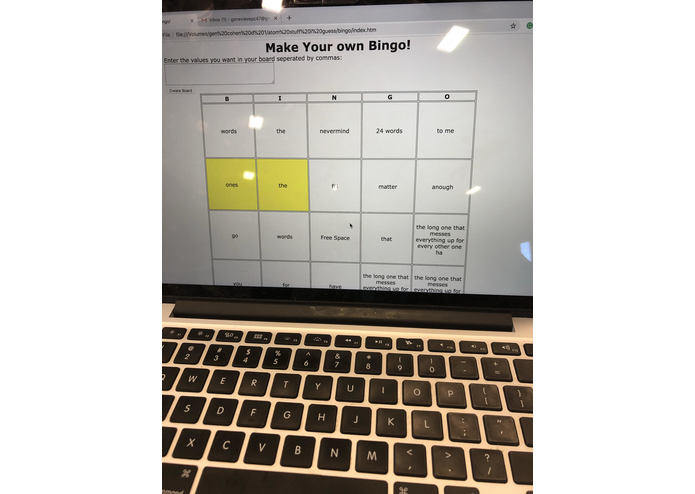
Check off your own squares!
Inspiration
I came up with my own words that I wanted to put on a bingo card. Whenever I want to solve a problem I always think about coding my own solution first!
What it does
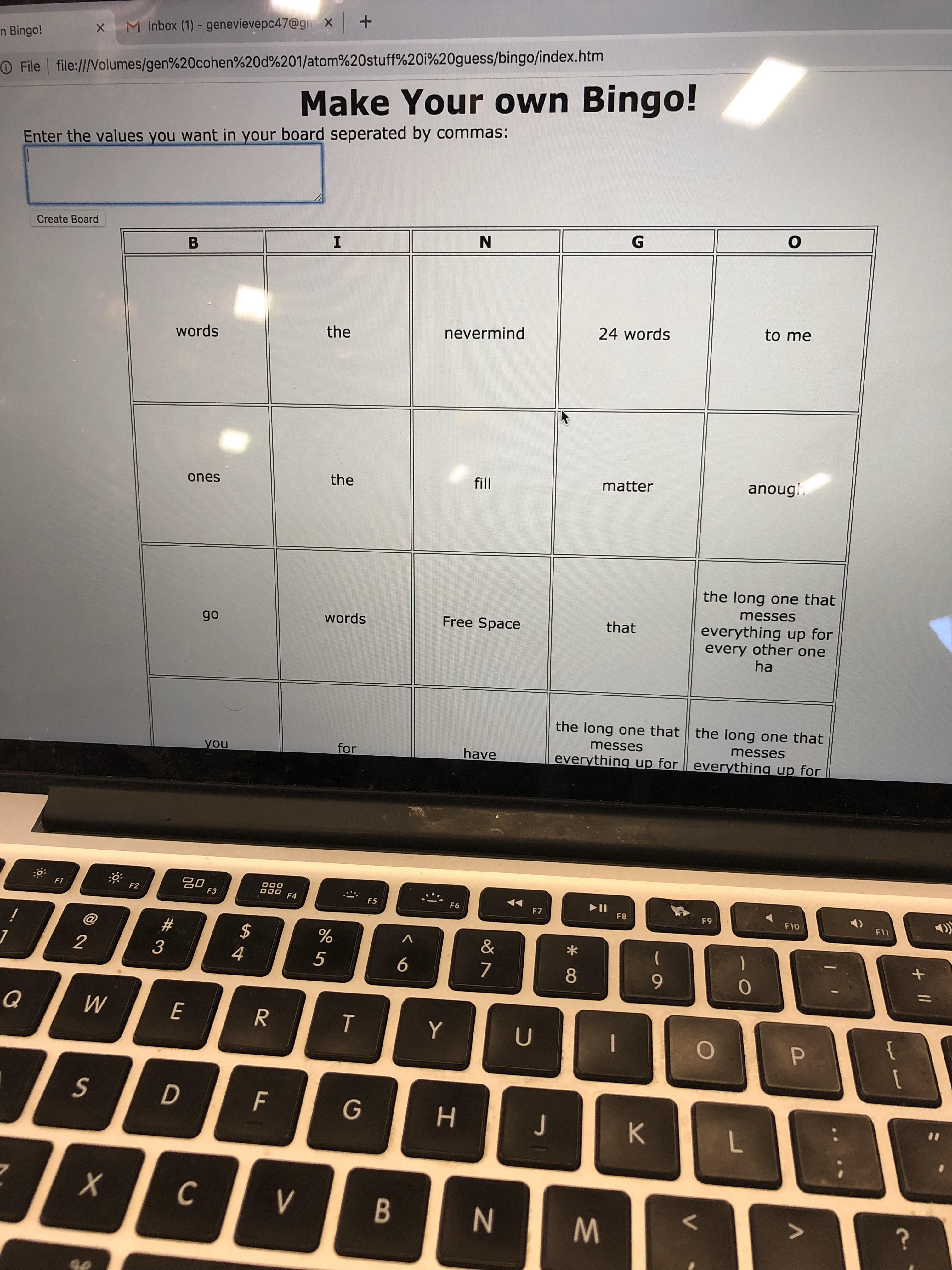
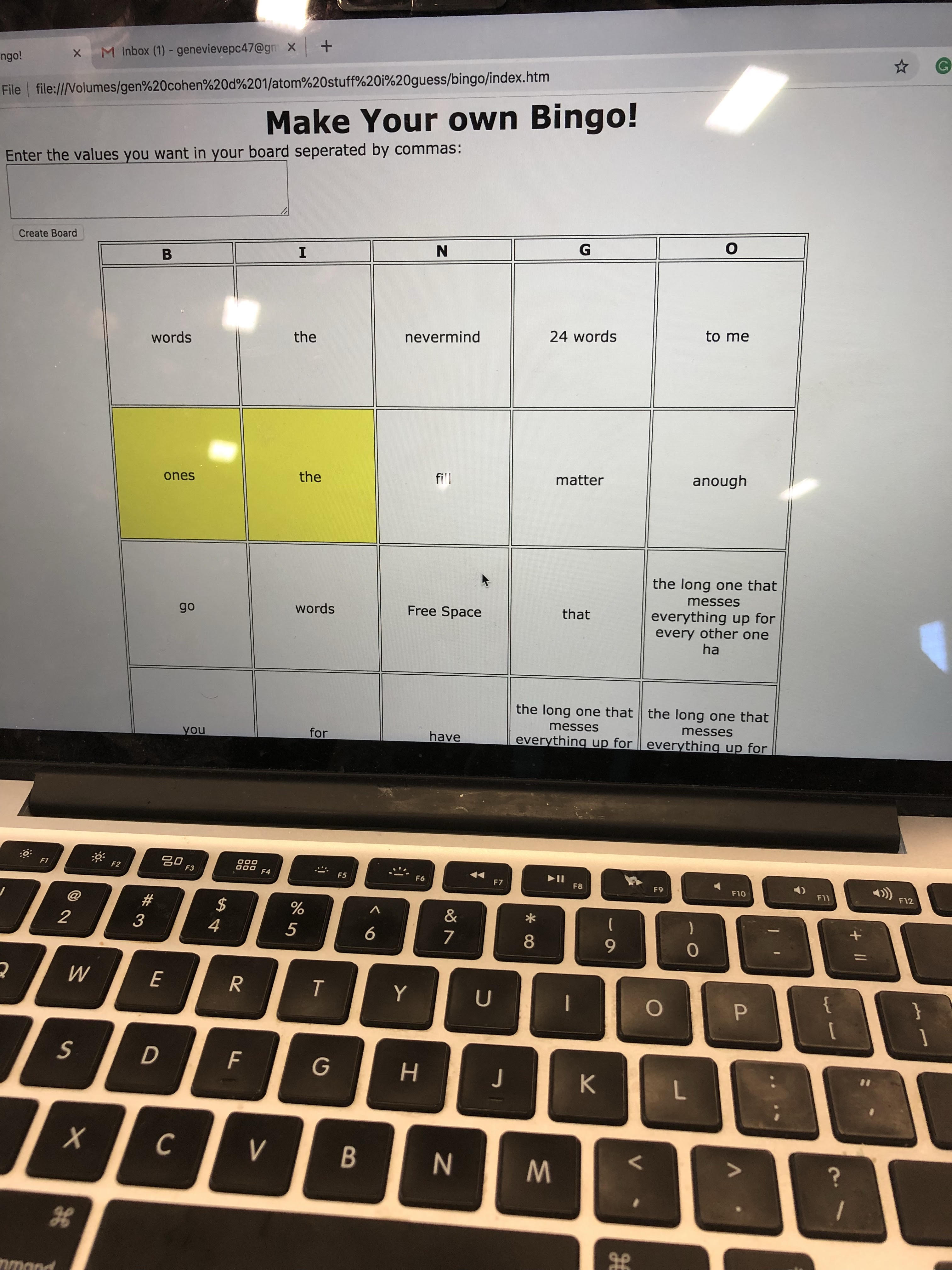
You enter any words that you want on your Bingo card. Click the create board button and the program makes the card for you. You can click on any cell on the Bingo board and it will mark it off as checked. You can click the create board button again to reset your card. The program automatically randomizes the order of words entered so there is a unique board every time!
How I built it
To build this program I started with HTML. I build the skeleton of the web application first, then I coded the javascript behind the HTML skeleton to make it work.
Challenges I ran into
The biggest challenge was making sure the board cells were square no matter what was entered into them. When you play Bingo, you want a square board. But if you enter a long value for one square the formatting gets messed up and your Bingo card won't line up anymore. To fix this I had to learn something new. I used div elements over top of each cell to make sure they kept their shape. I had never worked with div before, so this was a learning experience.
Accomplishments that I'm proud of
I am really proud that I got my program to do what I wanted it to in general. At the beginning I knew this would be a big program for me to complete. I am proud I completed it! I am also proud I was able to make the table be square no matter what was entered
What I learned
I learned a lot about HTML. I haven't used it in a few years, and it was really nice to refresh my skills with it.
What's next for Make Your Own Bingo
I want to make the program look more visually appealing. Right now it does its job and it looks bland. I want to spice it up, add some pizzaz.

Log in or sign up for Devpost to join the conversation.