-
-
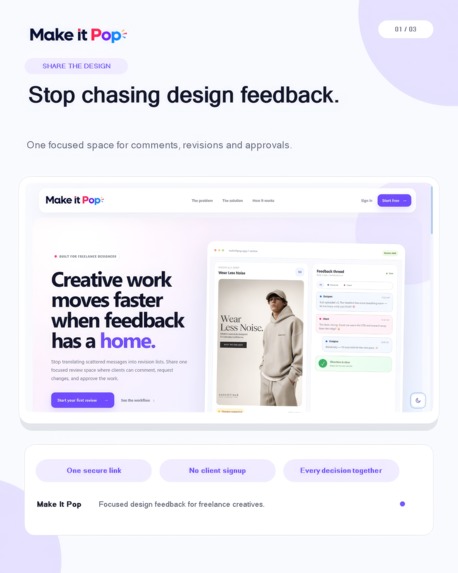
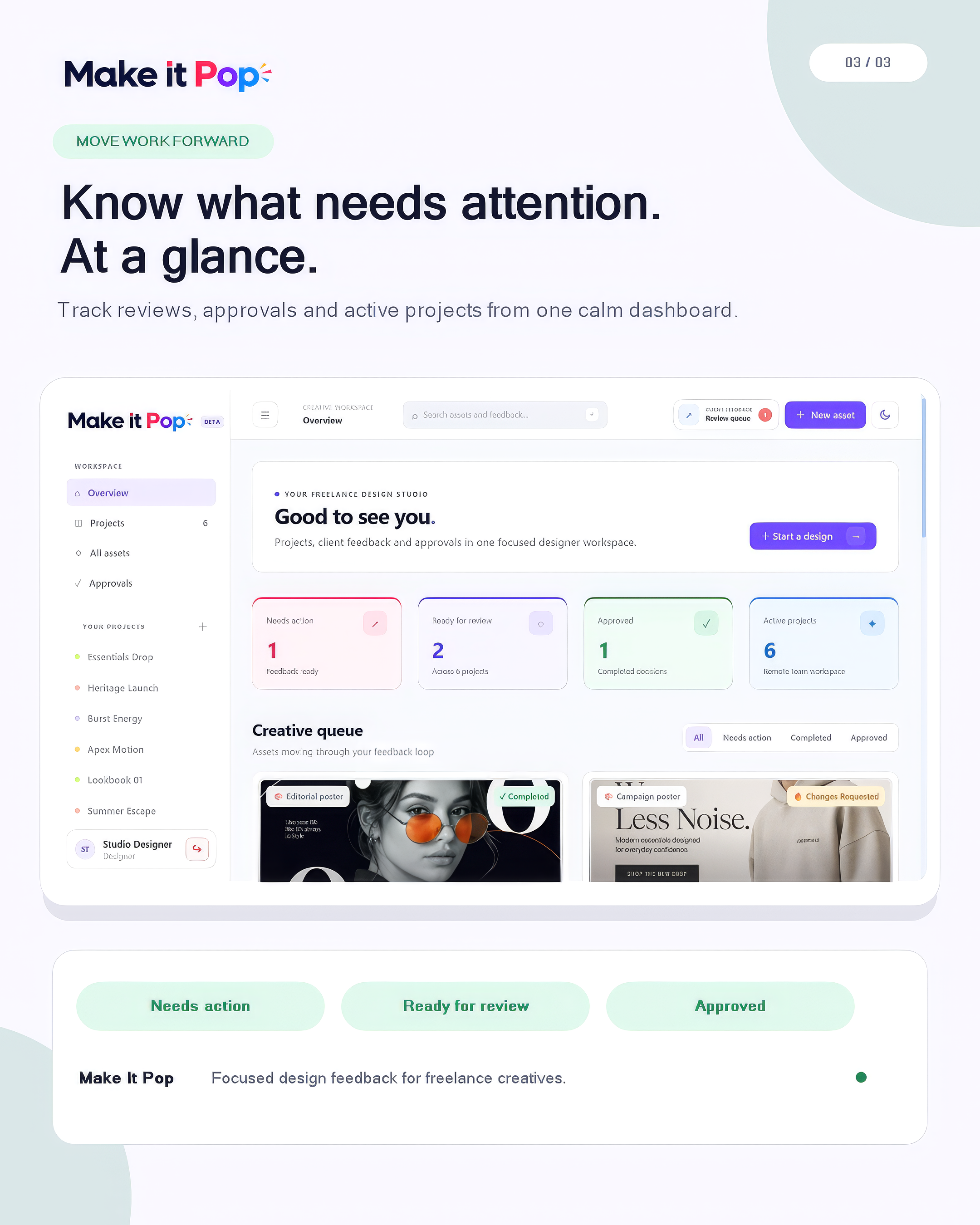
Track reviews, approvals, and active projects from one calm dashboard, so you always know what needs attention.
-
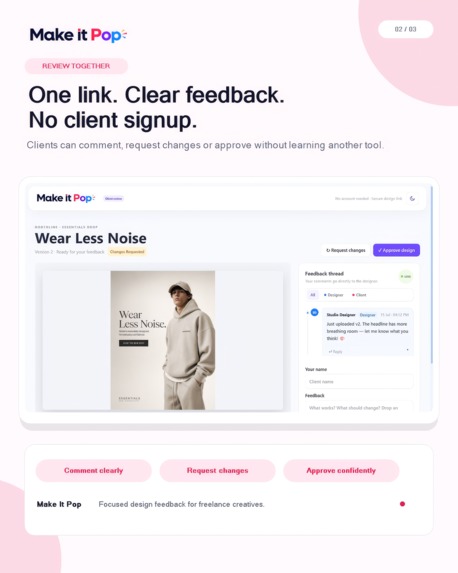
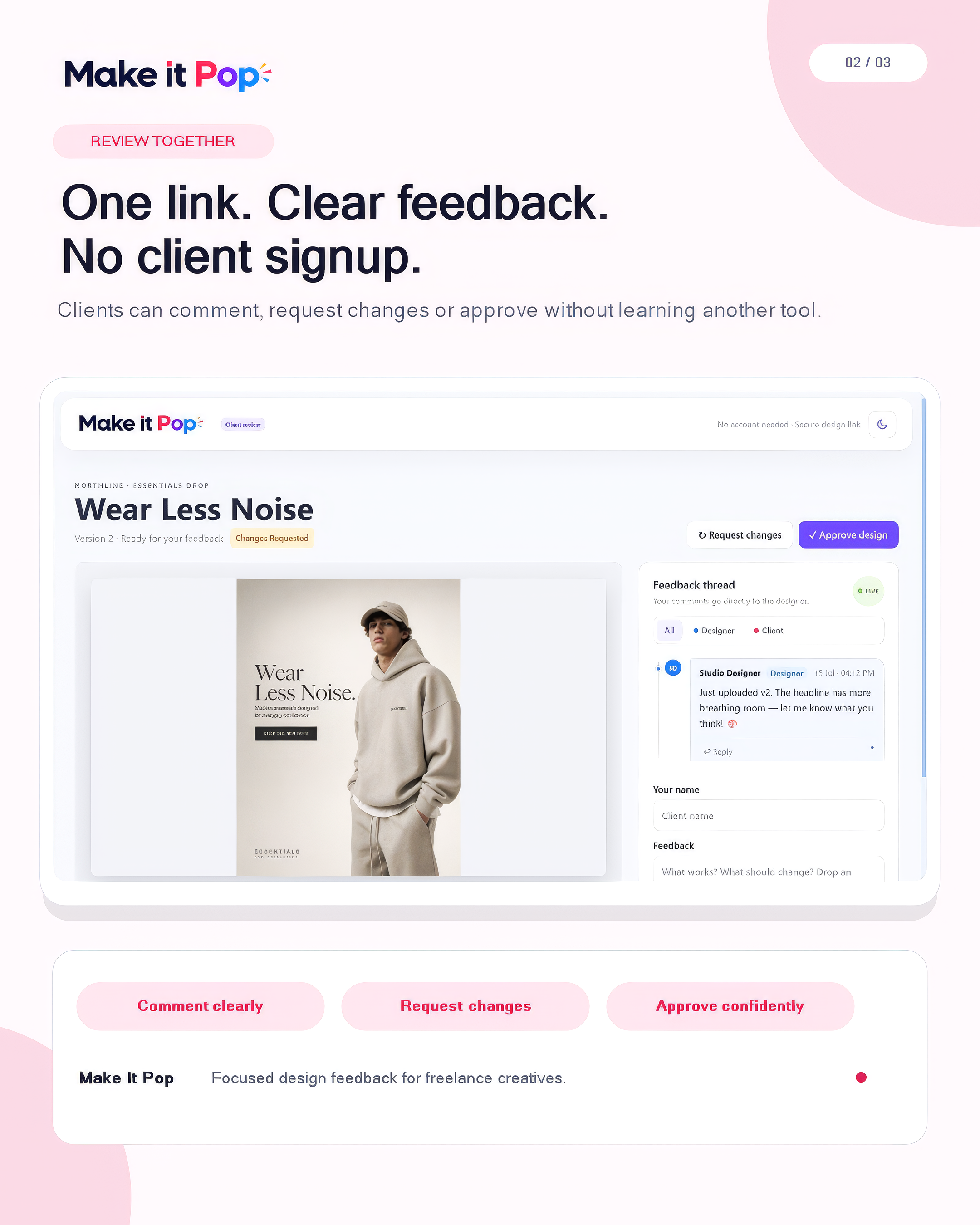
Send one secure link so clients can comment, request changes, or approve without creating an account.
-
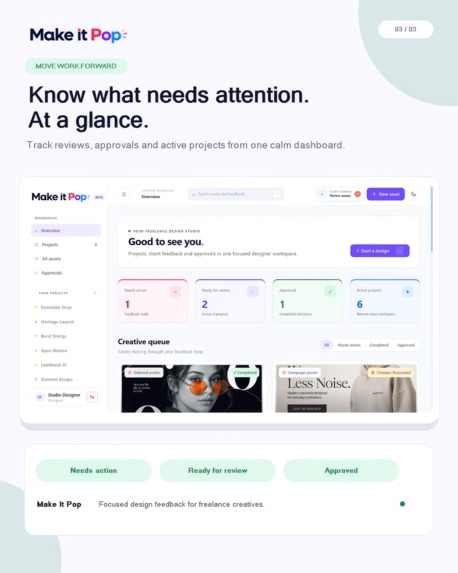
Share your design in one focused space where feedback, revisions, and approvals stay connected.
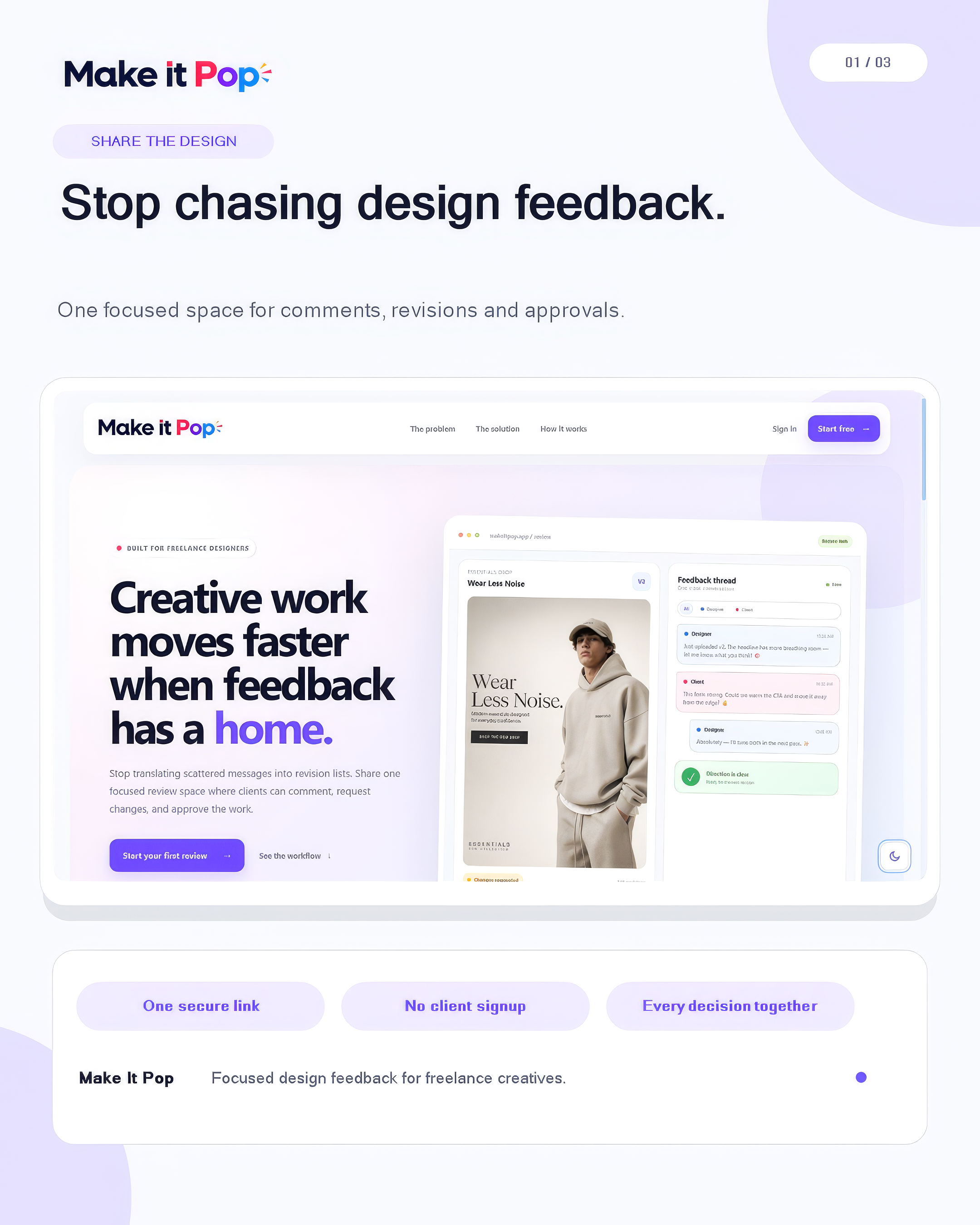
Make It Pop
Clear feedback. Faster revisions. Confident approvals.
Inspiration
I have worked remotely as a graphic designer for years, and one problem kept repeating itself: feedback was everywhere.
A client might leave one comment in Slack, send a screenshot on WhatsApp, explain another change on a call, and later approve the design in a completely different thread. When several projects were running at the same time, even finding the latest feedback became a task.
I kept asking the same questions:
- Is this the latest version?
- Which changes are still pending?
- Has the client actually approved it?
- Which version are they talking about?
- What exactly does “make it pop” mean?
That last phrase inspired the name.
I wanted to build something specifically for the designer-client review process instead of trying to fit it inside a general project-management tool.
What It Does
Make It Pop gives designers one place to share work, collect feedback, manage revisions, and receive a clear final decision.
A designer creates a project, uploads a preview, and sends the client a private review link. The client does not need to create an account. They can leave comments, request changes, or approve the design directly from the review page.
Each new upload is saved as a separate version, so older comments and decisions do not get mixed up with the latest work.
The app can also use AI to summarise a long feedback thread and turn it into a clear revision checklist.
Make It Pop is not trying to replace Figma, Google Drive, Dropbox, or a designer’s local files. Designers can keep their original files wherever they already work. The app focuses on the feedback, revisions, and decisions around those files.
How I Built It
I built the backend using:
- FastAPI
- SQLAlchemy
- Alembic
- SQLite
- JWT authentication
- bcrypt and Passlib
For the frontend, I used:
- Jinja templates
- HTMX
- Alpine.js
- Tailwind CSS
I chose this stack because I wanted the app to feel responsive without building a large JavaScript frontend.
The AI features use the OpenAI Responses API. They run only when the designer requests a summary or revision checklist. I also added output limits, timeouts, retries, rate limits, and fallback behaviour so an AI failure does not stop the normal review process.
The application is containerised with Docker and deployed on Railway.
How I Used Codex
I used Codex throughout the build, from planning the first product structure to testing and deployment.
I worked with it in small steps. I would describe the behaviour I wanted, review the implementation, test it in the browser, find what was wrong, and then improve it.
Codex helped me:
- Structure the application
- Build authentication
- Create private client review links
- Implement comments and replies
- Manage design versions and approval states
- Integrate the OpenAI API
- Refactor backend logic into smaller services
- Write and run tests
- Debug database and deployment problems
- Improve mobile layouts and dark mode
- Handle network failures and repeated submissions
It was especially useful when I needed to trace bugs across multiple parts of the app, such as a comment issue involving the interface, backend, database, and retry logic.
Challenges I Faced
Keeping feedback connected to the right version
A comment on version one should not look like feedback on version three.
I handled this by saving every upload as a separate version and linking comments to the version that was being reviewed. This keeps the complete history available without mixing old and new feedback.
Making client review simple
I did not want clients to create another account just to review a design.
The challenge was keeping the experience easy while still making review links private, secure, expiring, and revocable.
Preventing duplicate comments
A tricky case happens when a comment is saved by the server, but the response is lost because of a network problem. The user may submit it again and accidentally create a duplicate.
I added idempotency keys, database constraints, locally saved drafts, and limited retries so comments can recover more safely from connection problems.
Using AI for something genuinely useful
I did not want to add a chatbot only because this was an AI project.
I kept the AI focused on two jobs:
- Summarizing a feedback conversation
- Turning feedback into revision tasks
These were the parts of the workflow where AI could actually save a designer time.
What I Learned
The biggest lesson was that building a working product is not only about making the main flow work.
I also had to think about:
- What happens when the network fails?
- What happens when someone clicks twice?
- Does a comment survive a failed request?
- What happens when an AI request times out?
- Is the client experience still clear on a phone?
- Can users understand which version is currently under review?
I also learned that AI is more useful when it has a clear and limited responsibility. Designers do not need AI to make creative decisions for them. They need help turning scattered comments into clear next steps.
Finally, this project gave me confidence that FastAPI, HTMX, Alpine.js, and server-rendered templates can be used to build a polished product without making the codebase too complex for one person to manage.
What’s Next
Next, I want to add:
- Feedback pins directly on the design
- Notifications for new comments and approvals
- Better version comparison
- More flexible review permissions
- Additional accessibility improvements
The most important next step is getting the early beta in front of real freelance designers and learning where their review process still feels frustrating.
The goal is simple: help designers spend less time chasing feedback and more time creating.
Built With
- alembic
- bcrypt
- codex
- fastapi
- htmx
- jinja
- jose
- jwt
- openai
- python
- sqlalchemy
- tailwind

Log in or sign up for Devpost to join the conversation.