-
-
Thumbnail
Inspiration
With all of us being UMICH Students, we realized that the amount of work needed to simply stay in a healthy zone is far too excessive. Some eat more than others, some have dietary restrictions while some don't and some have health conditions as well. With all these confounding variables, it is very difficult to be able to maintain a healthy diet as college students. We all know college students struggle with keeping a healthy diet and once one falls into the vicious habit of an unhealthy diet, it is extremely difficult to break out of it. While doing so, with the rapid increase in severity of global warming, we need to keep track of carbon footprints and ensure we are eating at a very respectable pace to keep both us and our planet healthy.
What it does
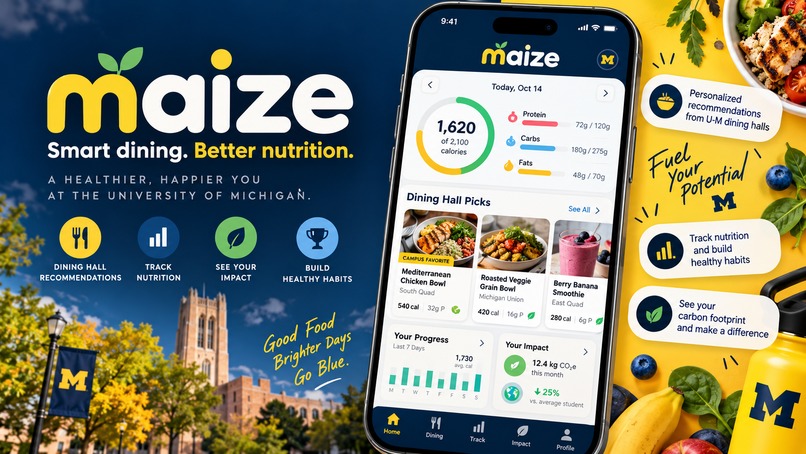
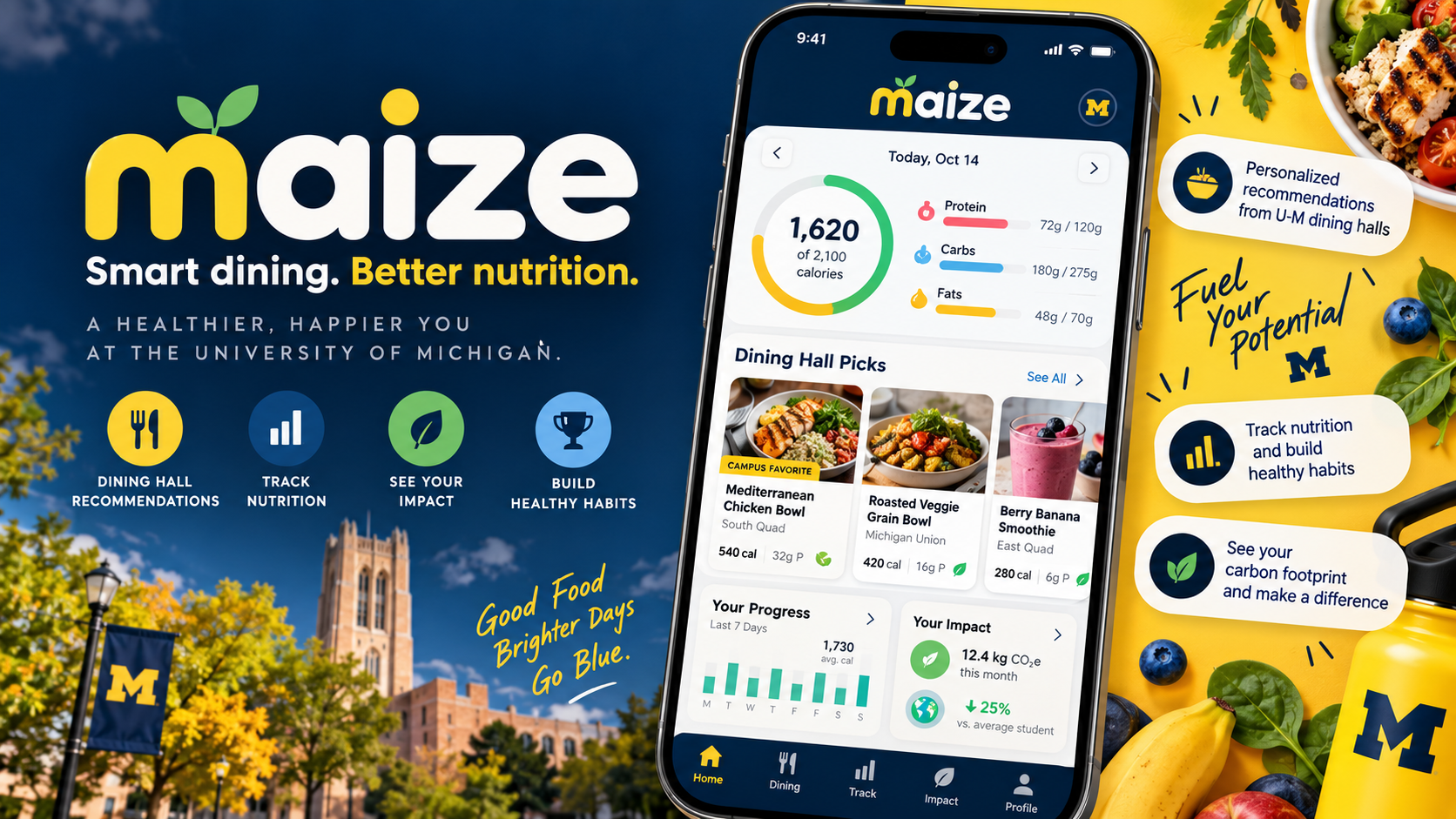
The App prompts the user to login with their phone number and then prompts them to enter in their body stats. This includes: Weight, Height, Gender, and Age so we can accurately calculate the average amount of calories they should be expected to eat daily. We also ask them to list any dietary restrictions or health conditions that prevent them from eating certain foods. We feed all this information into an AI which then takes into consideration their preferred UMICH Dining hall and all of their provided information to accurately provide them with a 3 course diet plan for the day. It would send at most 4 summary messages each day, one for each meal and a final overall summary for the day. This summary would include total nutrients -- which the user can select -- eaten over the course of the day and put it into an iMessage message for easy access. Of course, AI is only a nice side path one can take as you can also input the data yourself, much like recording a gym session. This allows users to personalize their diets even better, potentially allowing change; if a person wants to bulk, they might want to set a high calorie limit and keep track of fats while a person cutting may want to prioritize low calories and minimal carbohydrates. All the data collected daily is eventually put into a weekly/monthly database which will summarize the total calories consumed on average over the course of a given time and the trend. Essentially, this app was especially made for UMICH students who have trouble maintaining a healthy diet and as college students, we know how difficult doing such thing can be.
How we built it
First, we used Figma for the frontend and much of the UI design. Each page and its interface was intricately designed using Figma and catered towards our needs. Making sure all interfaces were user-accessible as well as not to overwhelming, we used Figma to also provide the mellow color palette to match the UMICH logo. Secondly, we used React Native and Expo to convert our idea into an I-phone app. Due to not all our members being on a Mac, we had to settle for React and Expo so people who had windows could also contribute and test on their own local machines. The Windows users would have to download Expo Go on their i-phones to simulate the application while Mac users were able to open up an I-phone emulator already preinstalled with XCode. The Frontend mainly consisted of numerous input fields in which the user would have to fill in themselves and that data would then be collected and stored for each local phone number associated with the machine. For example, the login page, body stats inputter, and the calorie goal setting were all part of the front end where users could either trust the Gemini API to generate them a diet plan or they could create one that catered to their needs. Once this data was stored in the data base, it would be stored locally in respect to their own phone numbers so whenever they log in, they have all their information saved from last time. Of course, there is also a dashboard where they can view their total consumed macros and micros for the day (which are toggleable) as well as input different foods from the preferred dining hall they are eating at. It would also list the carbon footprint level of each food item to help students select foods that have low or high carbon footprints depending on their preferences. As for how we get the foods, we used Cheerio, a React Scraper that allowed us to quickly parse the data from the MDining website and take only the information we needed: Calories, Fats, Carbs, Sugar, Sodium, Allergens, and Traits (Vegan, Halal, etc.). Once this data was parsed and sorted, it would be inputted into the Gemini API to be further processed alongside the user-inputted data for the AI Model to generate an accurate plan that not only considers their diet plan in mind but also the carbon footprint level. Once the AI is done recommending the foods, we used Photon and Spectrum to connect the AI to the phone number to send them up to 4 summaries/reminders throughout the day: One reminder for each meal of the day and an end of the day summary. It is up to 4 summaries because we know students can tend to have questionable sleep schedules so some wake up later than other so we prompted them to set a time frame (7am - 8pm, 2pm - 6pm) so we can adjust the AI to send the messages only within the time frame. We are also able to ask the AI anytime for advice and essentially chat to it like it is a regular conversation partner. Finally, we asked if they were willing to share their Google Calendars in which the AI would be able to check for gaps of at least 1 hour to ensure it does not send them a reminder at an inconvenient time.
Challenges we ran into
Converting the Figma into React was one of our biggest challenges. We had to ensure that all functionalities and features on the Figma were accurately transferred over to the React Framework which took a lot of work. UI would be buggy, Inputs would be weird, Scaling would be uneven, and buttons wouldn't even work. This took the bulk of our time, trying to perfect the UI and frontend as best as we could or else it would essentially just be a glorified google sheets. Secondly, learning Spectrum and Photon was also a bit of a challenge as none of us were experienced with either of the technologies. Messaging the Photon AI would oftentimes result in an error regarding the message passes, authorization and application.
Accomplishments that we're proud of
We are mainly proud of creating a very nice and accessible Figma because none of us are that creative so creating something as an original UI (albeit still a little basic) can go a long way for all of us. Another thing we were proud of was learning how to use new technologies. These include Photon, Spectrum, React, Expo, and APIs. Having effectively less than a day to learn all these technologies felt extremely overwhelming but it was priceless the experience we got out of it.
What we learned
We learned a multitude of things. First and foremost, we learned how to utilize Photon and Spectrum, even if to a very beginner extent. We also learned how to utilize APIs more efficiently and incorporate them into a solution to a very plausible real life problem. We also learned how to accurately transfer the Figma into the codebase and even if we struggled at the beginning a bit, it was a great learning experience we can expect to use for future endeavors. The windows users got to learn how to use Expo Go and Expo with React, allowing them to easily contribute and create IOS applications in the future.
What's next for Maize Footprint
Due to the size of our team, we weren't able add in all the features we had planned. First and foremost, we wanted to not only limit this to just UMICH Students as it would undoubtedly benefit anyone. However, due to the data being easily and readily accessible, it was the most straight-forward objective that we were able to conjure in this short amount of time. At the same time, we also wanted to let the AI use the precise location of the user, which would recommend closer dining halls and their respective food items but due to time limitations, that would've taken a lot of refactoring and rebasing, which would've caused us to rush even more. We will also make the AI in iMessages through Spectrum become more social.
Built With
- expo.io
- figma
- gemini
- javascript
- node.js
- photon
- spectrum
- typescript

Log in or sign up for Devpost to join the conversation.