-
-
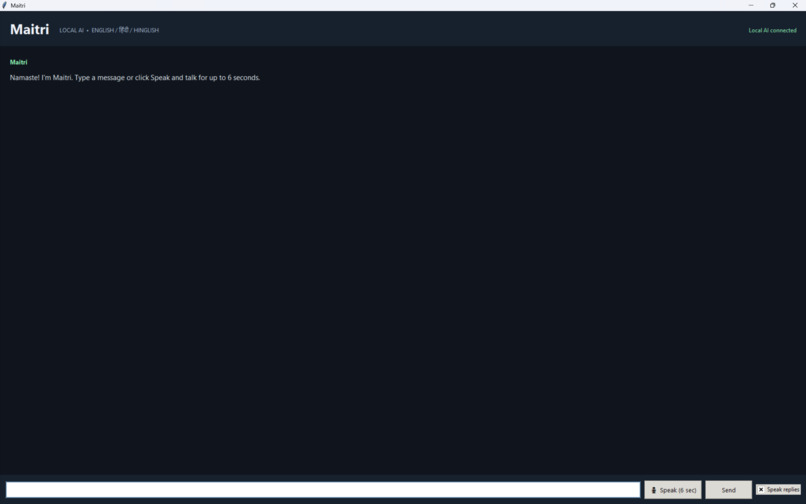
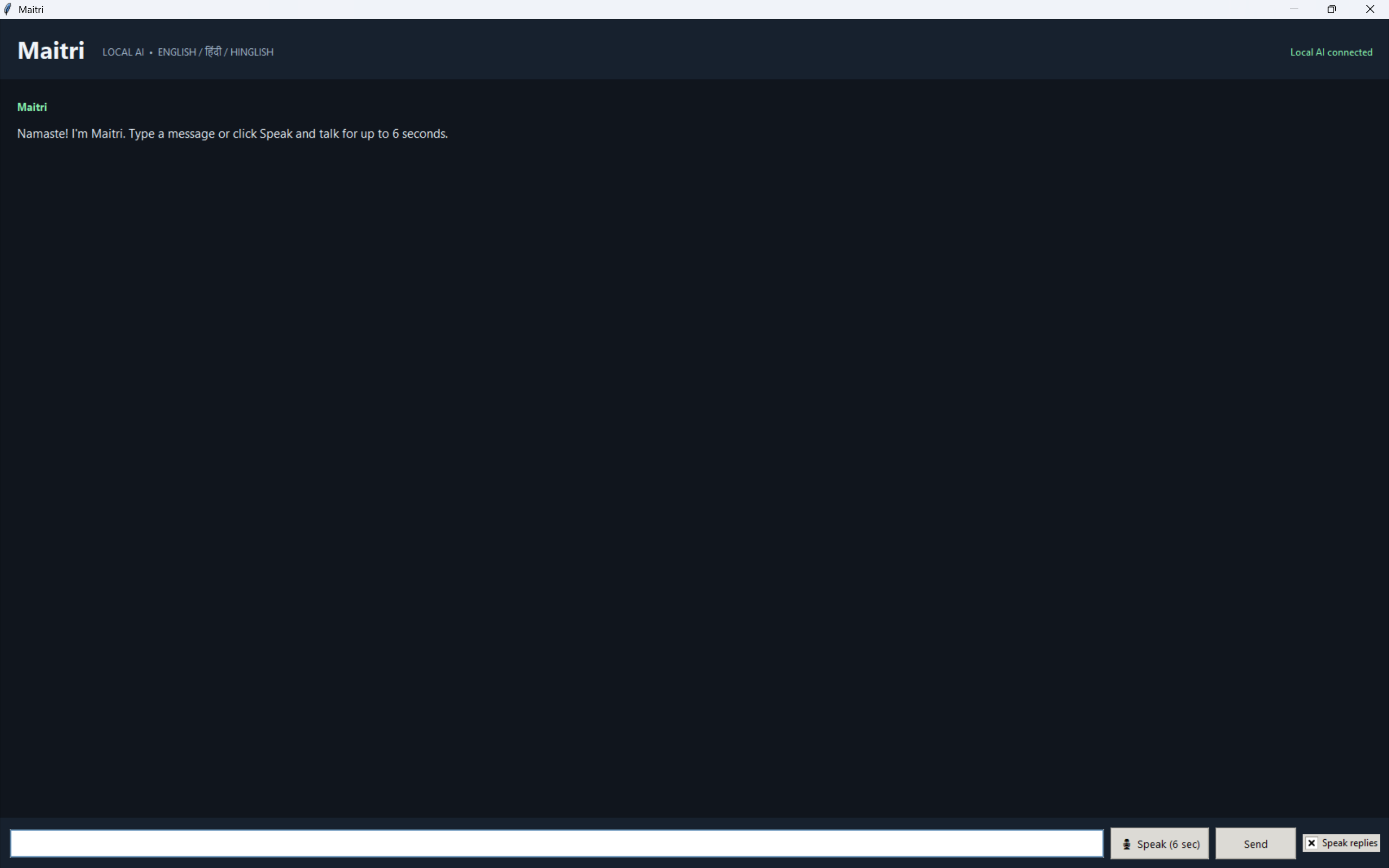
The actual working software
Maitri: Your Local AI Voice Assistant
Inspiration
I wanted to build a personal AI assistant that feels accessible, useful, and more private than relying entirely on cloud-based AI services. That idea became Maitri, a desktop assistant designed to bring local AI conversation, voice interaction, and study-task management into one application.
What It Does
Maitri is an offline-first Windows desktop assistant powered by a locally running language model through Ollama.
Its key features include:
- Local AI conversation: Chat with the Qwen 2.5 7B language model running locally through Ollama.
- Voice input: Speak to Maitri using a microphone, with speech recognition powered by Vosk.
- Spoken responses: Hear replies spoken aloud using Windows text-to-speech for English and a local Pocket TTS workflow for Hindi text.
- MCP-powered tools: Use the Model Context Protocol to connect the assistant to specific local actions.
- Study-task management: Add study tasks, list open or completed tasks, and mark tasks as complete.
- Current-time lookup: Ask Maitri for the computer's current local date and time.
- Desktop interface: Use a Python Tkinter application that brings chat, voice interaction, and tools together.
How I Built It
I built Maitri using Python and connected several local components:
- Ollama and Qwen 2.5 7B for language generation and natural-language tool selection.
- Tkinter for the desktop interface.
- Vosk and sounddevice for microphone recording and offline speech recognition.
- pyttsx3 for English speech output.
- Pocket TTS for the local Hindi speech-generation workflow.
- MCP Python SDK for exposing study-task and time-related actions through a local MCP server.
The application routes ordinary conversation to the local language model and uses a restricted set of available MCP tools for supported actions. The study-task data is stored locally in a JSON file.
Challenges I Faced
One of the biggest challenges was getting multiple Python components to work together reliably. Different Python installations can have different packages, so a module installed in one environment may be missing from another. I also had to coordinate the local language model, microphone input, speech output, MCP client, and MCP server.
I worked through these integration issues and tested ordinary chat, task creation, task listing, task completion, and a voice-driven MCP interaction.
What I Learned
Building Maitri taught me how to integrate local language models with desktop applications, speech recognition, text-to-speech systems, and MCP tools. I also learned the importance of consistent Python environments, clear tool boundaries, and testing complete user workflows instead of testing each component in isolation.
What's Next
Future improvements could include scheduled reminders, stronger multilingual speech recognition, more configurable voice settings, and additional carefully scoped tools.
Maitri is a step toward a personal assistant that combines local AI, voice interaction, and useful everyday actions in one desktop experience.
Built With
- localai
- modelcontextprotocal
- ollama
- pockettts
- python
- pyttsx3
- qwen
- speechrecognition
- text-to-speech
- tkinter
- vosk
