
Inspiration
We wanted to harness the power of LLMs and generative image models to work together coherently in order to create something imaginative and personalized. We debated creating personalized e-cards, but then we loved the idea of kids being able to influence the creation of a story. This makes it an engaging and fun way for kids to read and tap into the right side of their brain. Also, we added functionality for a parent to create stories that cater to their individual children. The features of the application were inspired with the little ones in mind.
What it does?
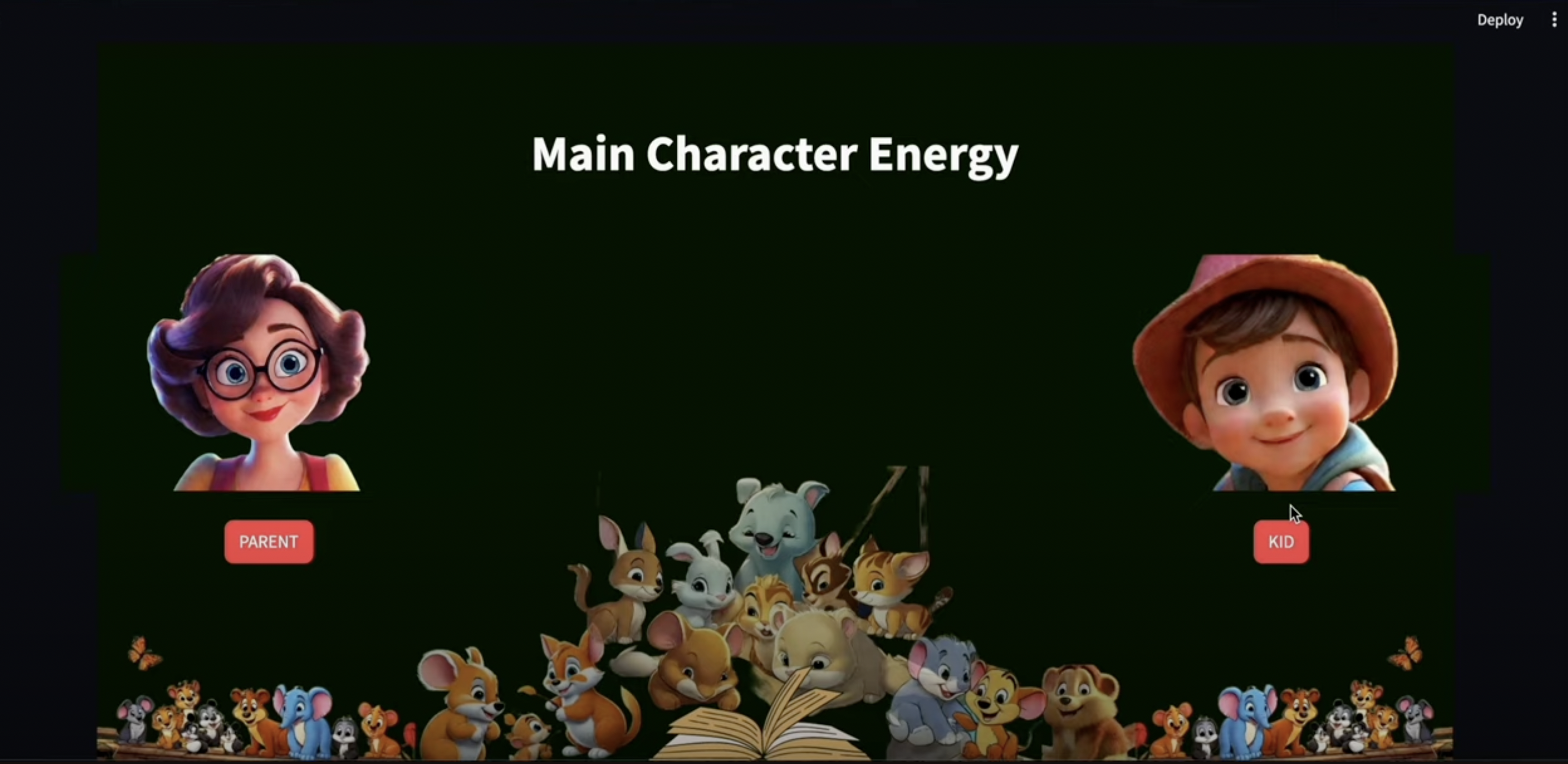
Does your child ever have endless requests for stories? As a parent, do you sometimes struggle to create new and exciting stories for them? We've all been there! Introducing Main Character Energy, the ultimate personalized STORY BOOK(Story+Illustrations/images) generator app designed to spark your child's imagination!
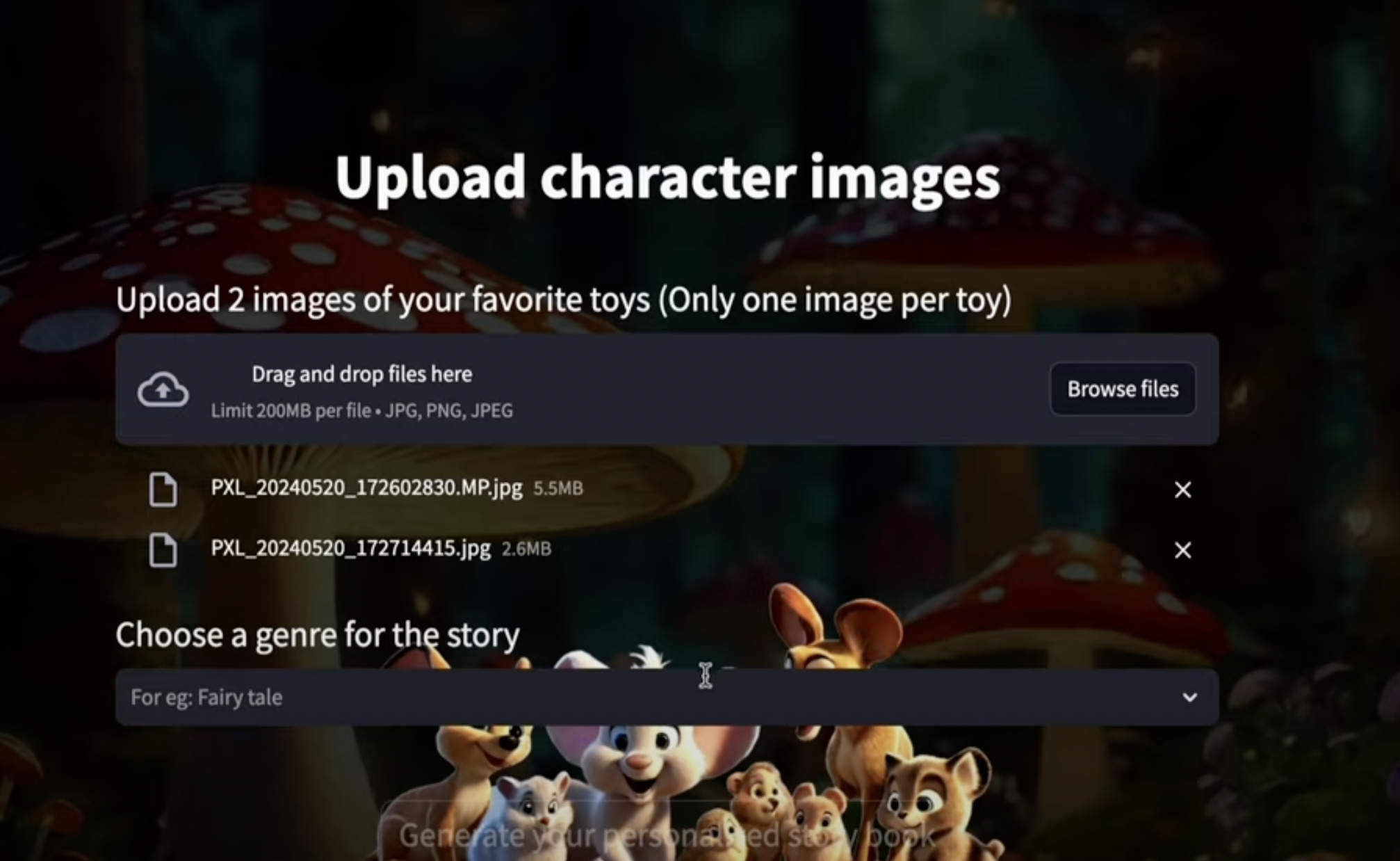
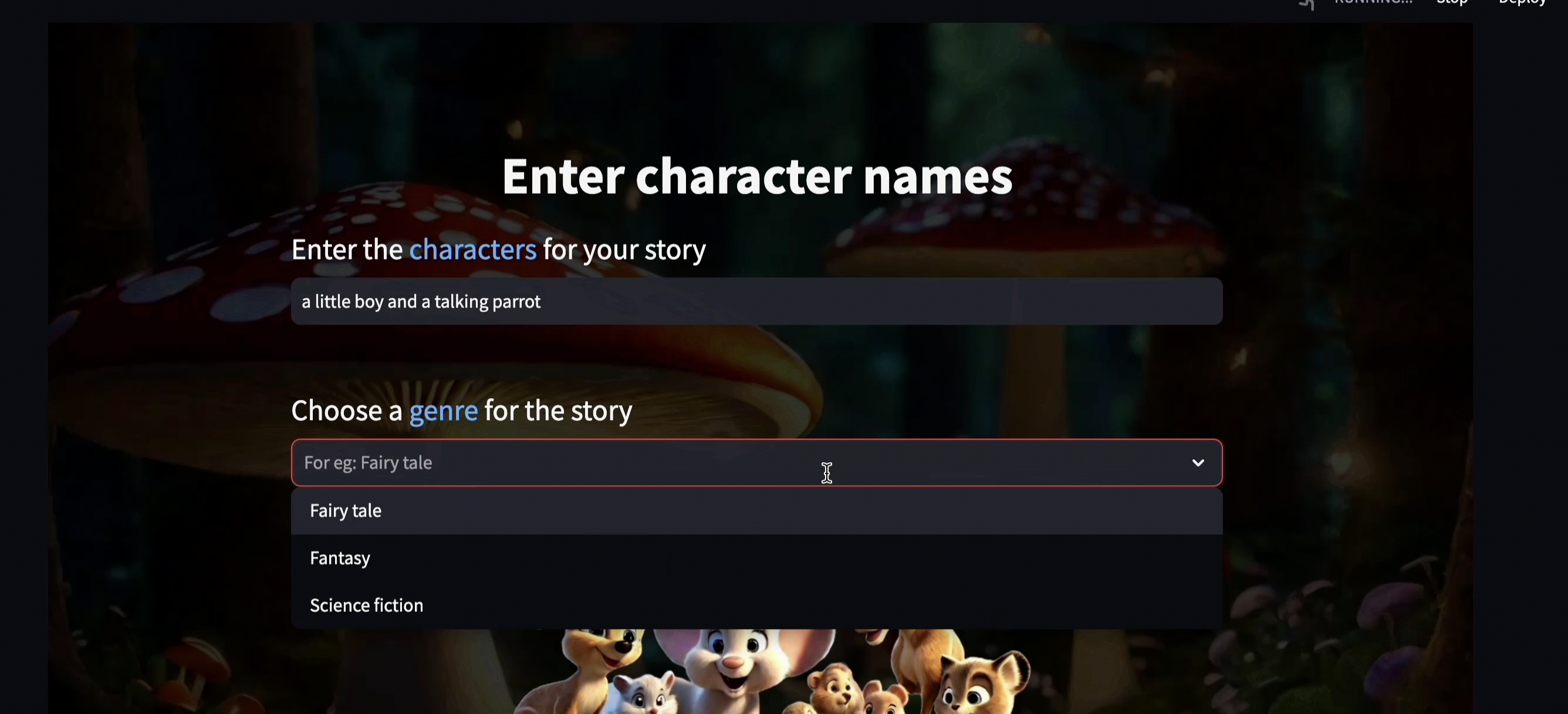
Sometimes, finding new stories feel like a never-ending quest. But with Main Character Energy, every story is an exciting adventure waiting to be created! First, choose your characters! You can type the character names or use a picture of their favorite toy! Then, pick the kind of story! Do you want a magical adventure, a classic fairy tale, or a thrilling space mission? With fun questions and choices, Main Character Energy helps you shape the story together. Will your characters face a grumpy dragon or a mischievous robot? You decide! Plus, Main Character Energy goes beyond simple text generation, it brings their stories to life with stunning illustrations for every scene in the story!!
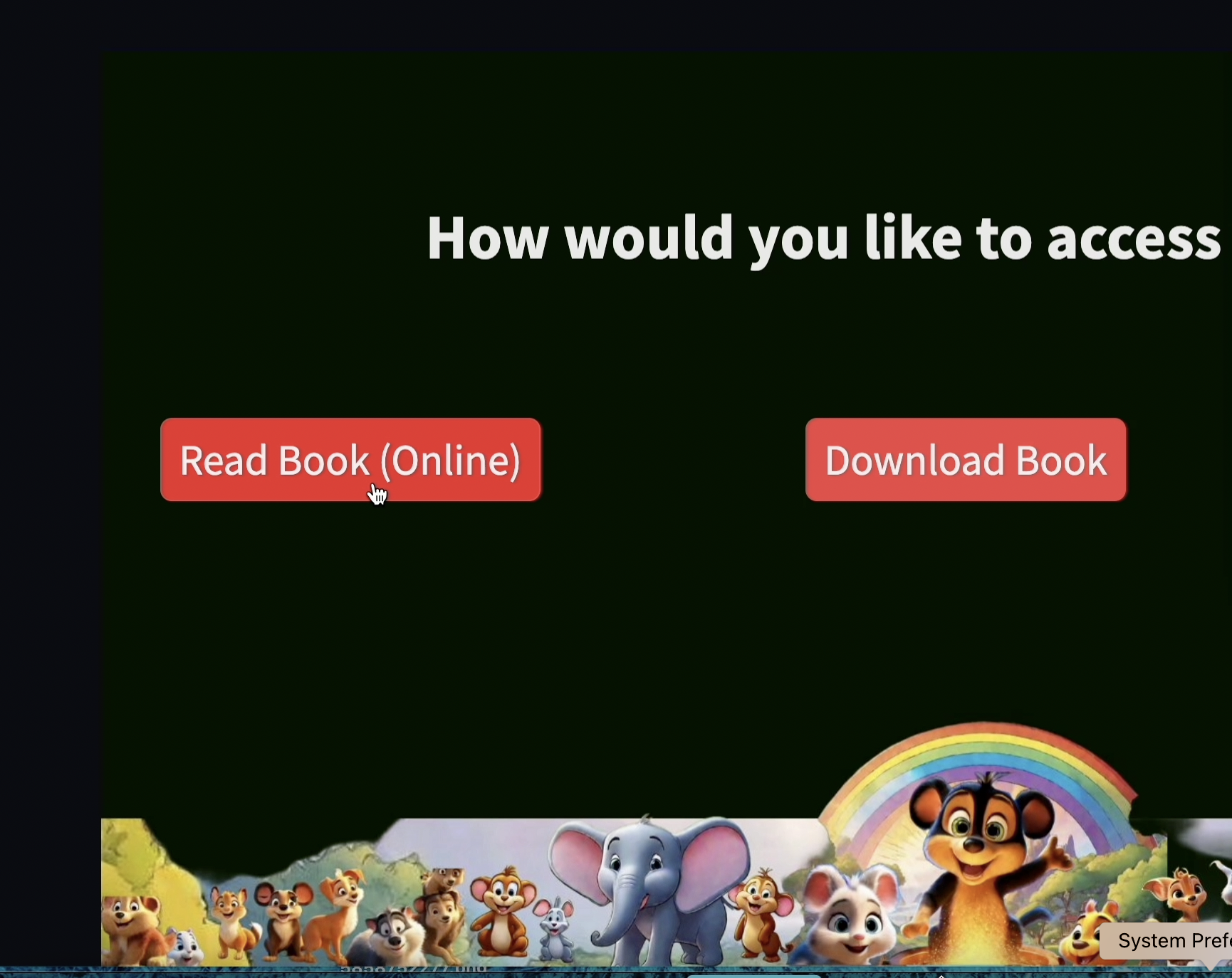
Once your story is complete, you can read it right away! Worried about screen time? No problem! Download the story as a PDF to print and read anywhere.
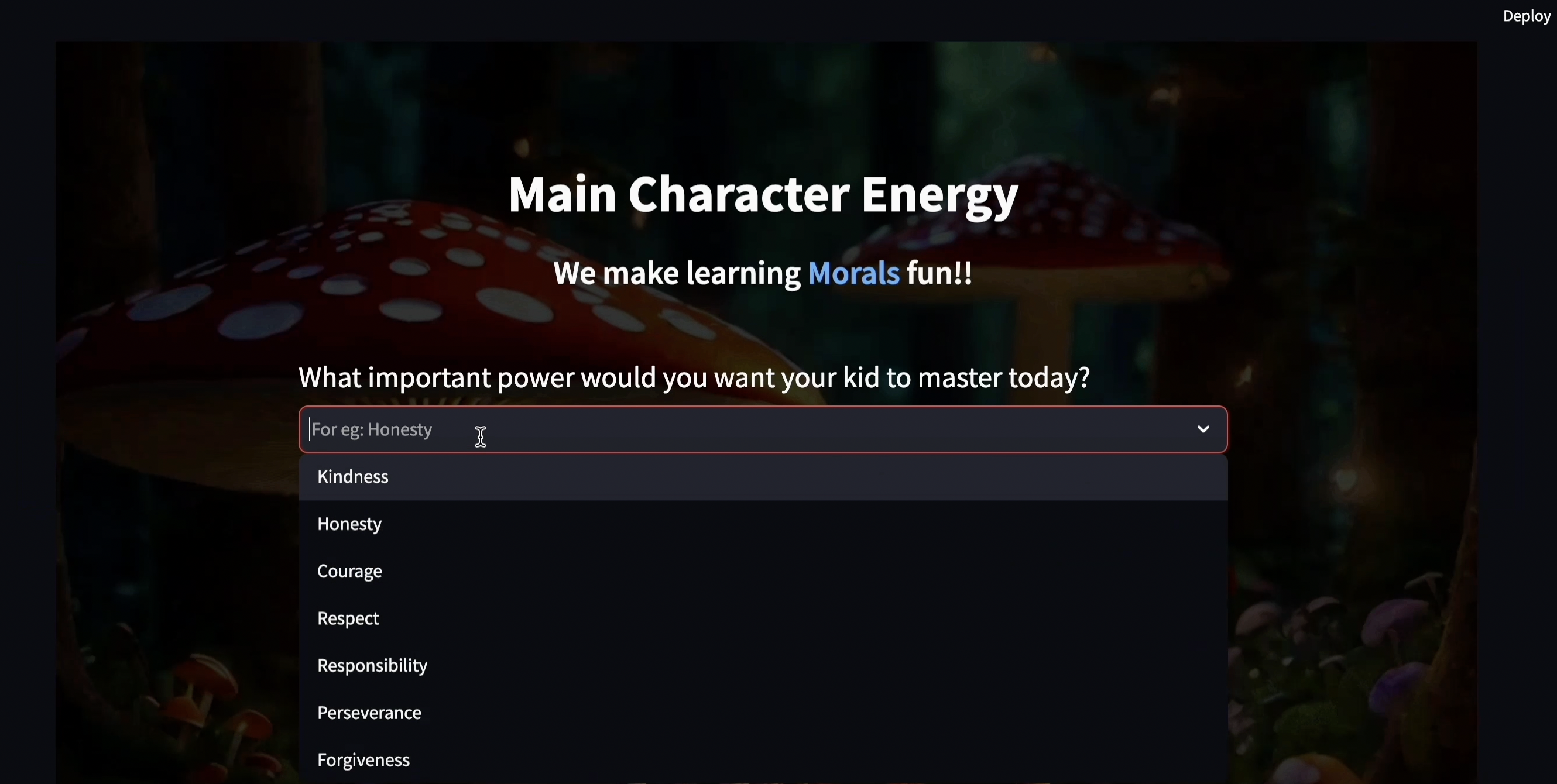
Main Character Energy has a special section for parents too. Want to teach your child valuable lessons about kindness, courage, or honesty, etc.? Create heartwarming stories with positive messages to help your child grow and learn.
Take a look at some of the amazing story books(with illustrations) generated by our app Main character Energy: Generated Story Books with illustrations
How we built it
Our tech stack includes Python, Streamlit, Arctic, Gemini, and Segmind.
Snowflake Arctic model - We used the snowflake Arctic model in the following ways:
Interactive questions generator: Model generated interactive questions based on the user inputs.
Story Builder: To build an engaging a meaningful story based on the user responses.
Descriptive illustrations generator: To generate descriptive illustrations for the story created.
Gemini-1.5-Pro model - We used gemini model to identify objects in the images that are uploaded by the user.
Segmind API - We used segmind api to access "sdxl1.0-txt2img" (text-to-image) model and we utilized this model to generate images/illustrations for the story generated by arctic model
Python - To build the backend
Streamlit - To build the user interface
Challenges we ran into
Image Generation - We ran into a lot of challenges with generating images that would be consistent looking across the story - this is still a challenge. Often times, the illustrations generated by the text-to-image model have different illustration styles and the characters can look different in each picture.
Arctic Model Output - If we said to write a story in 3 paragraphs, it would write 4 or 5 paragraphs and cut off the story mid-sentence. We overcame this by having the output of the Arctic model follow a specific JSON format.
Creating a Book PDF - There were a lot of challenges when combining the text generated by the Arctic model with the associated images that were generated to create a book style PDF.
Accomplishments that we're proud of
We're going _ beyond _ pre-written stories. Our app lets you create custom storybooks with illustrations, tailored to your child's interests and helps their development in the process. We are proud of architecting an application that has quite a few moving parts.
What we learned
To help aid in producing more consistent looking images throughout the story we got better at prompt engineering (still a work in progress).
To get a better output from the Arctic model, utilize a JSON format and provide it a specific JSON object as an example in the prompt.
How to build multipage Streamlit applications and deploy them using Streamlit secret keys.
What's next for Main Character Energy
We want to refactor the code to scale, so multiple people can use it at once. Also, we want to add age as an attribute, so we can generate stories with vocabulary that's suitable for that particular age group. Adding quiz section at the end of the story. Due to limited context window size, we focused on generating short stories, but we would like to find a work around for this to start generating lengthier stories.
We would also like to improve upon some of the UI functionality and better refine the images being generated. Also, if a boy/girl wants to be a part of the story, he/she can upload a picture of himself/herself into the application. Instead of it being a generic, random boy/girl that gets generated in the images, it would be a cartoon-ized version of him/her! Children could be a part of the stories they create!


Log in or sign up for Devpost to join the conversation.