-
-
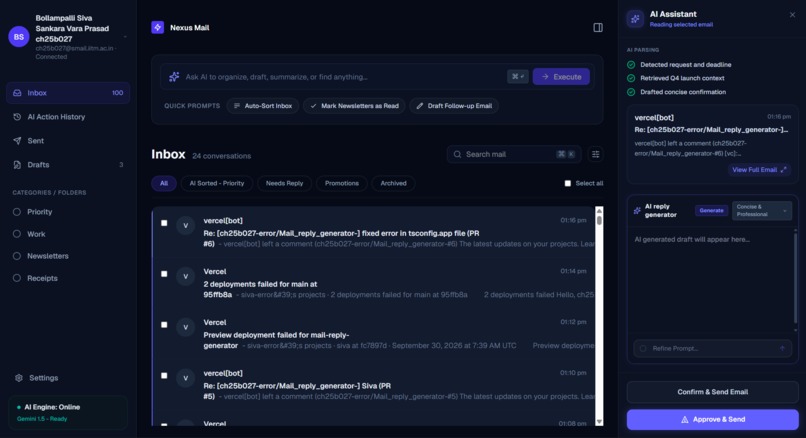
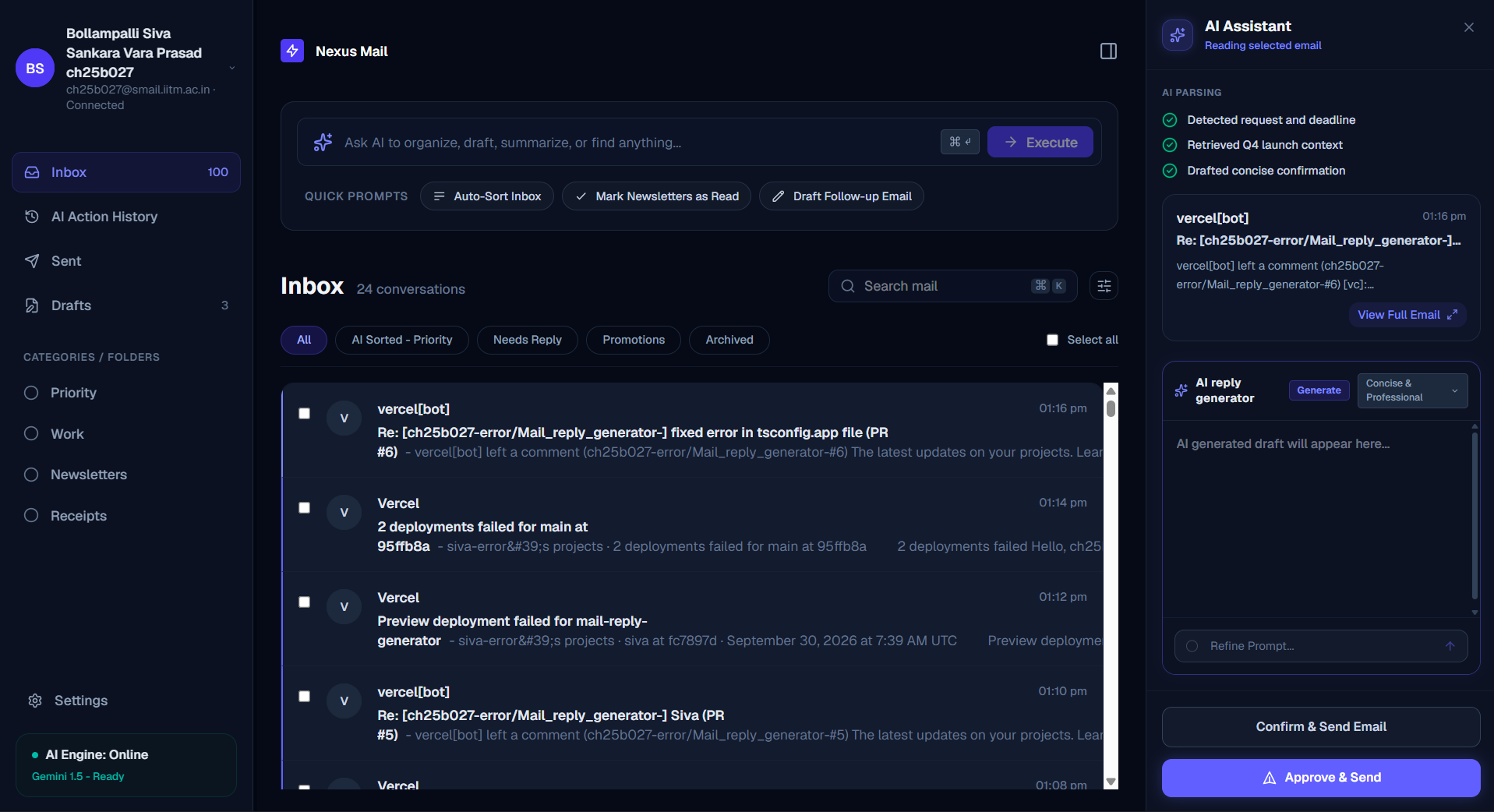
main homepage here recent 100 emails are going to be fetched
-
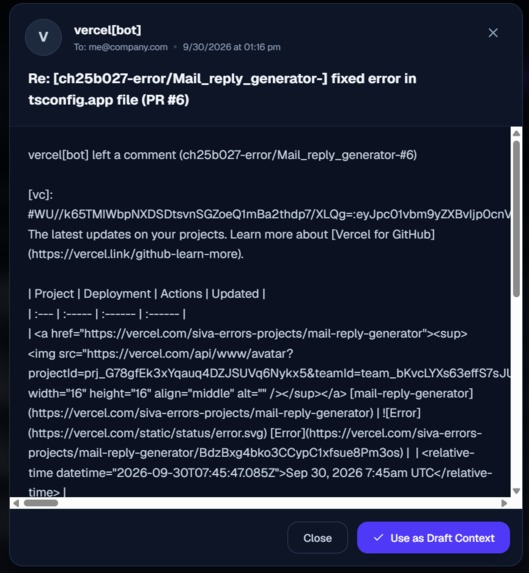
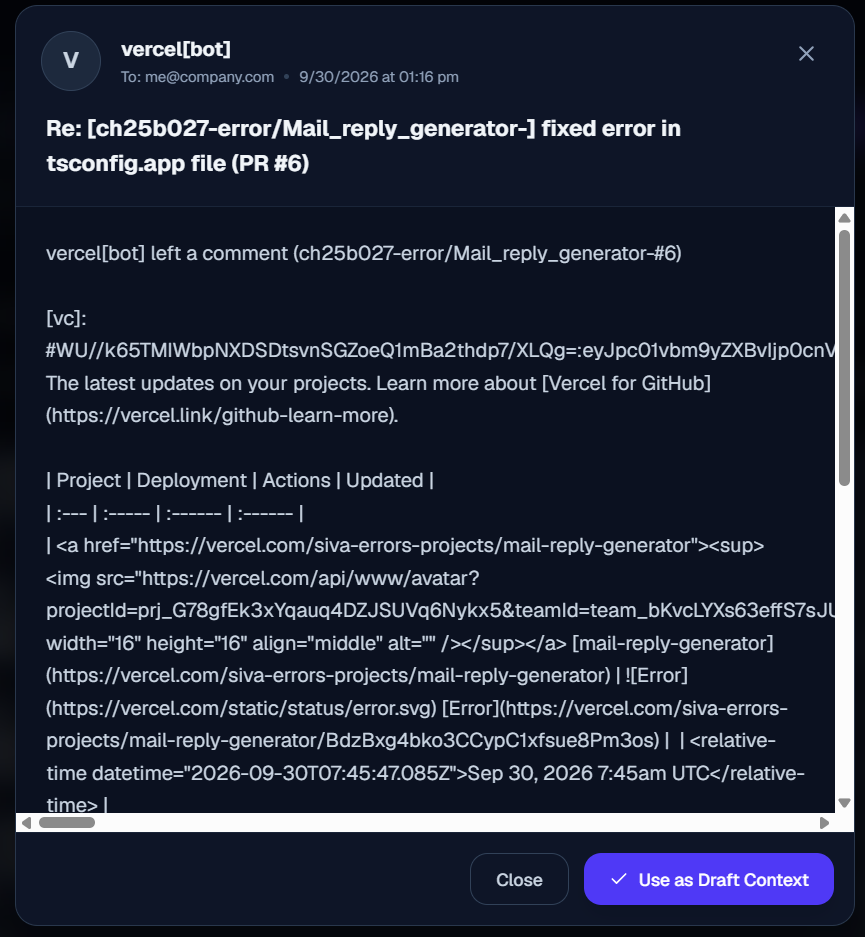
can view full mail by clicking on view full on right ai panel and also can draft
-
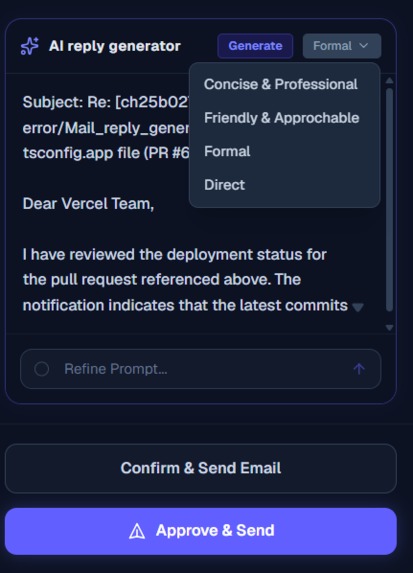
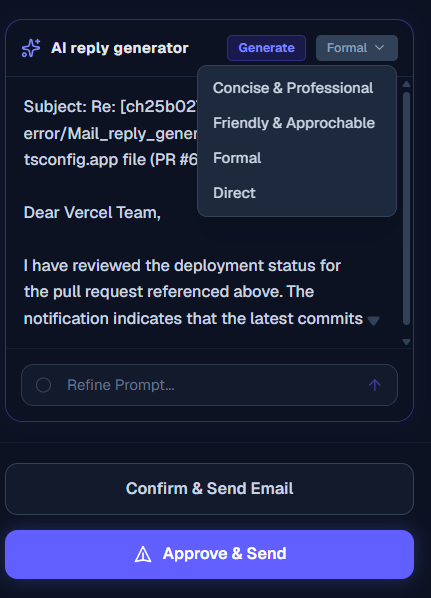
can generate reply with a specific tone and either draft it or directly send the mail
-
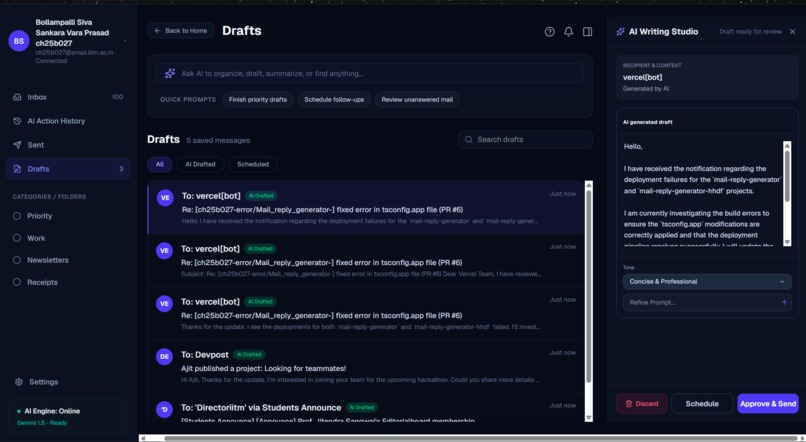
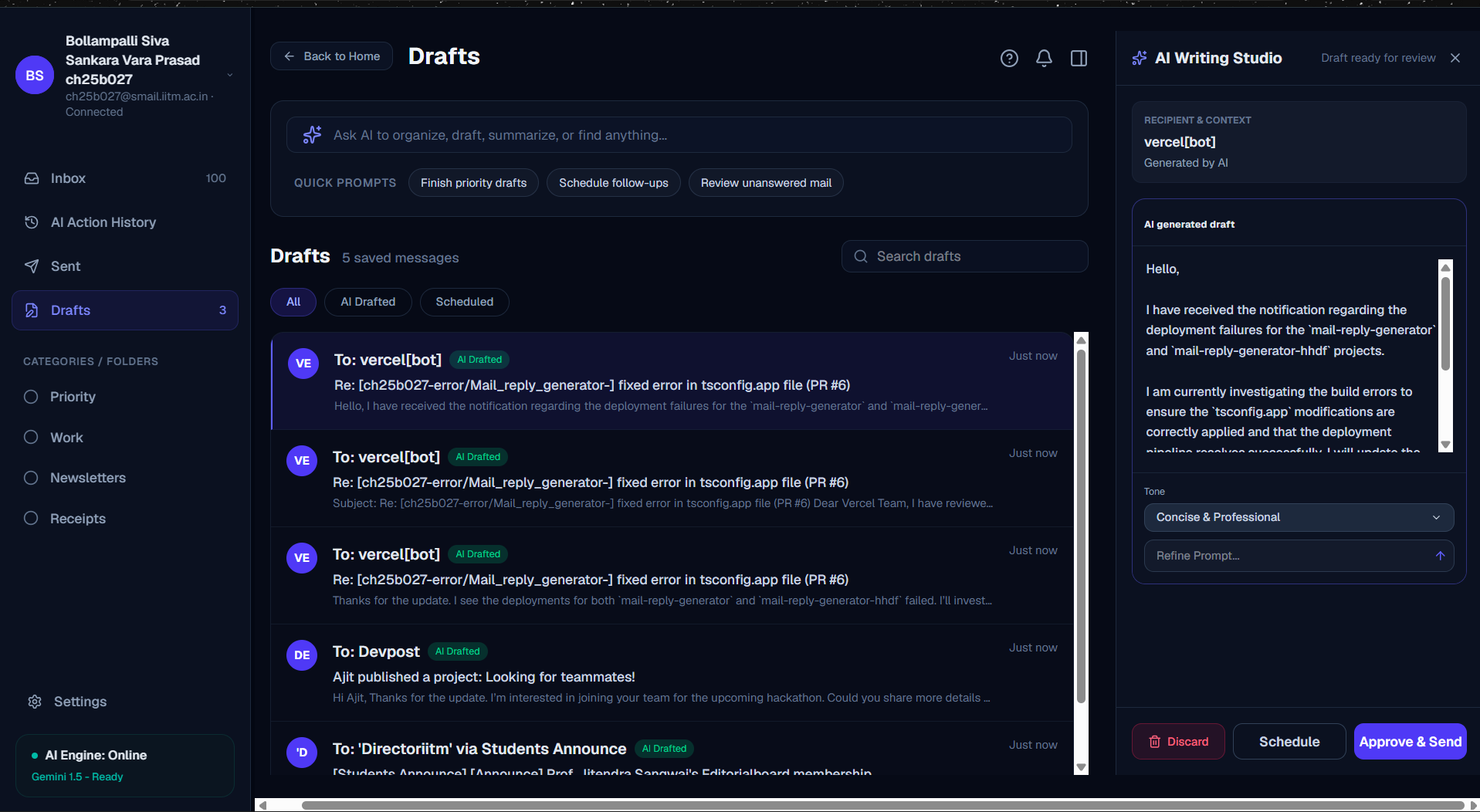
once drafted we can again generate the reply and either send the mail or schedule it for future or just remove from then draft
-
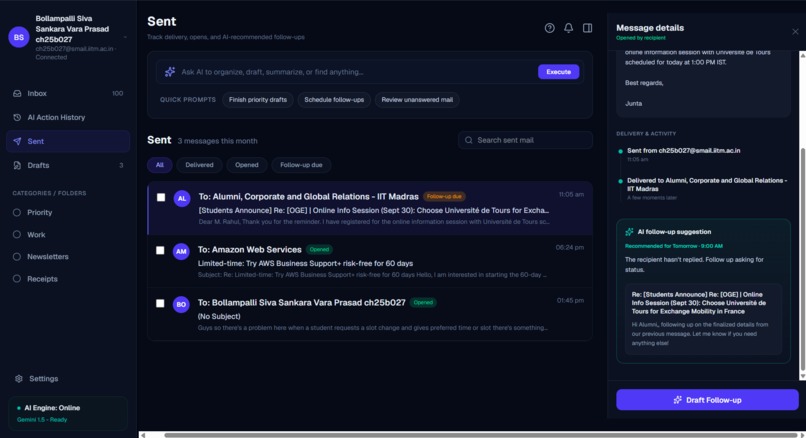
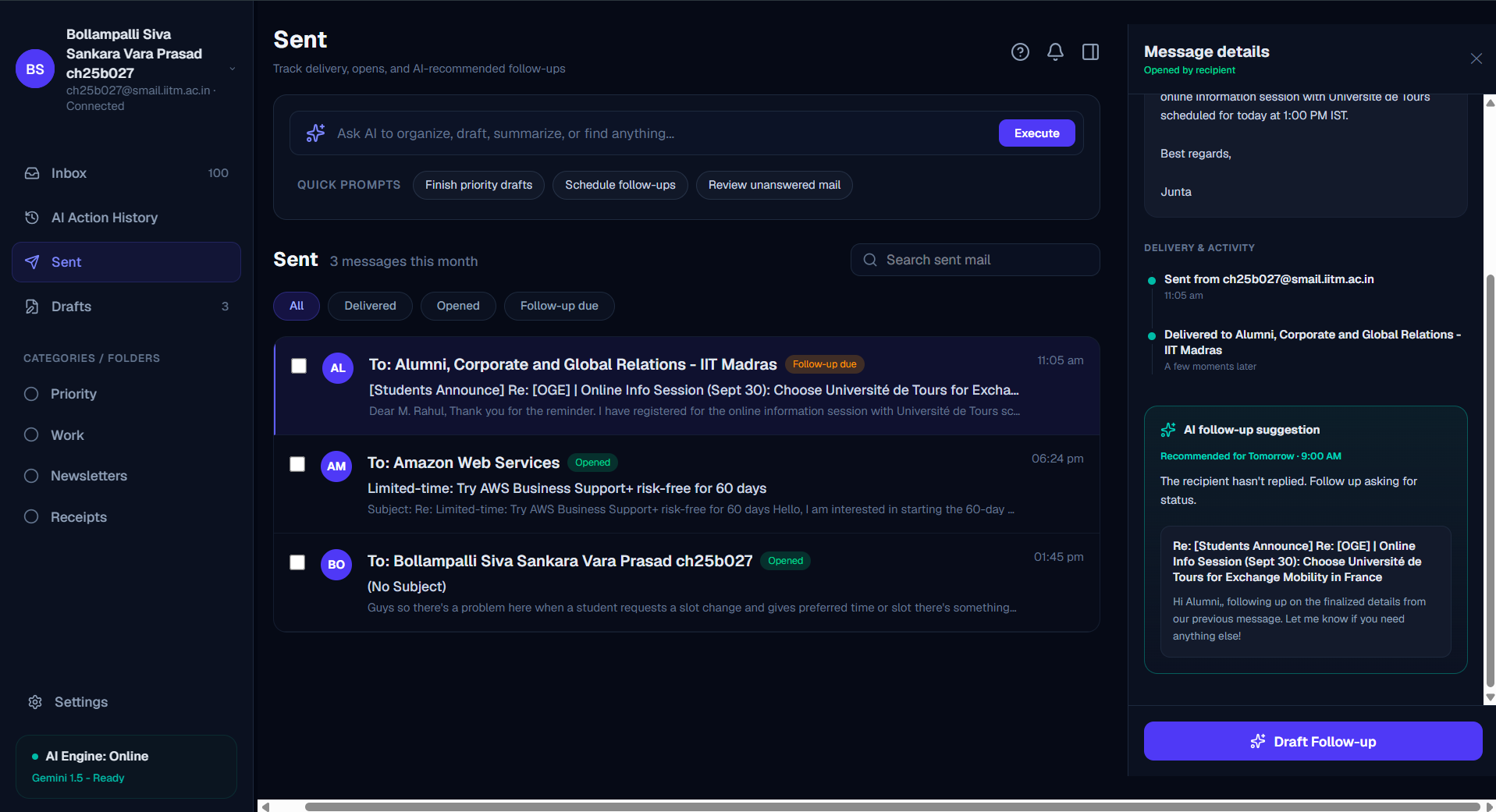
Here we see all the mails that we sent and draft follow up
-
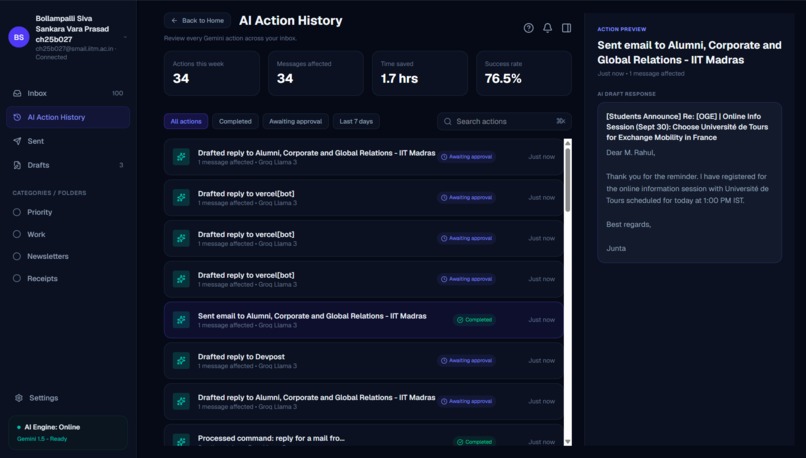
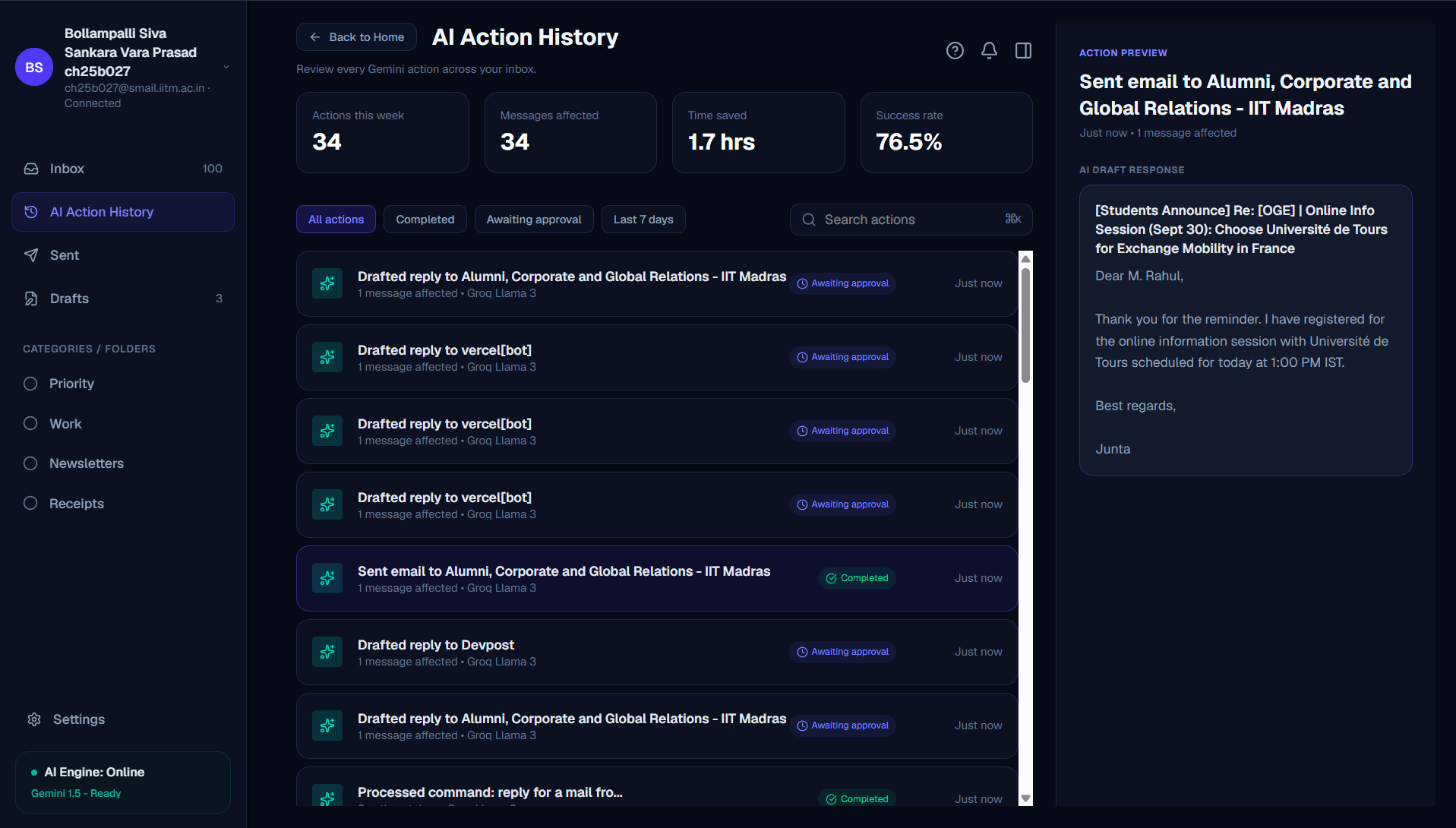
here we see all the ai actions and what each specific action meant and status of the action
-
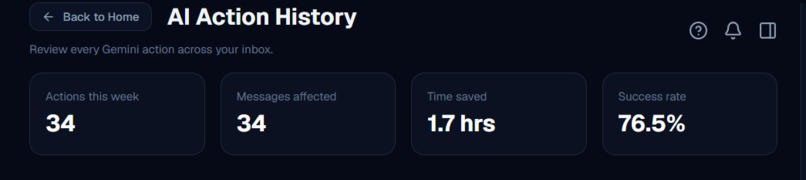
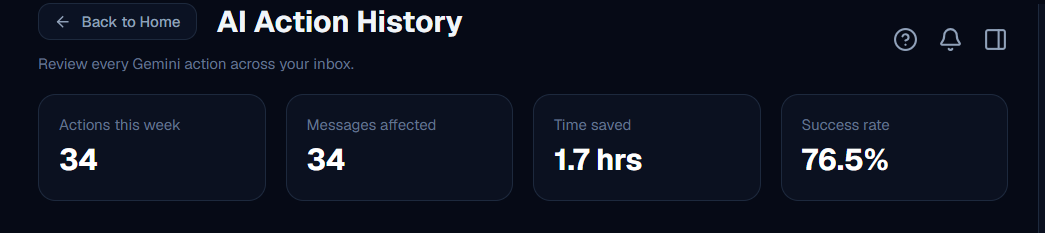
This part contains all the actions and stats and how much of time was saved
-
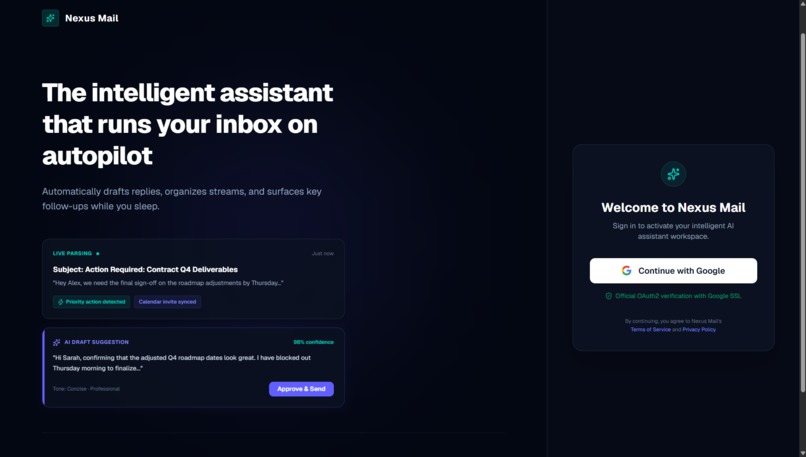
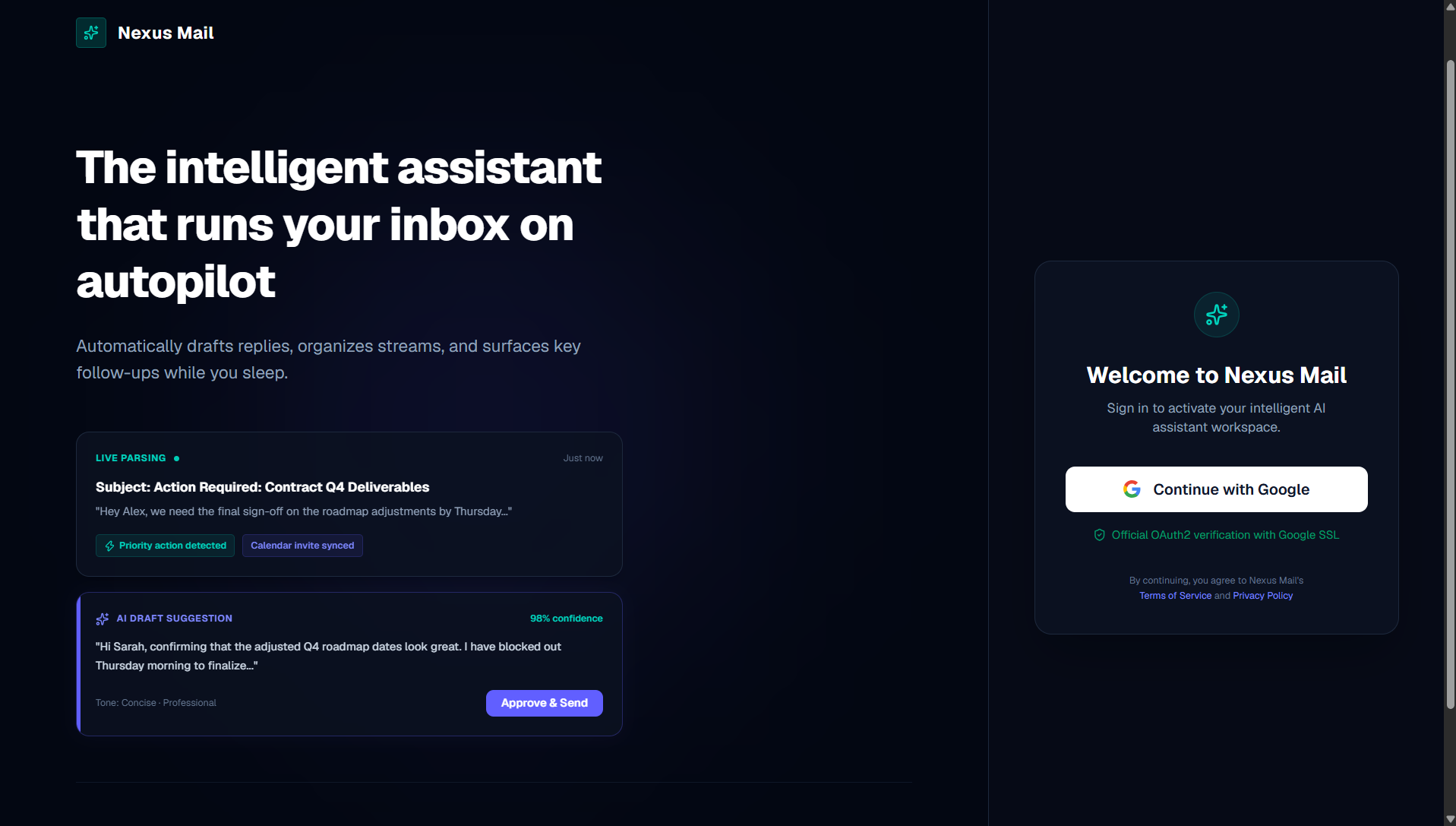
The login page was designed to login with google to access the gmail
-
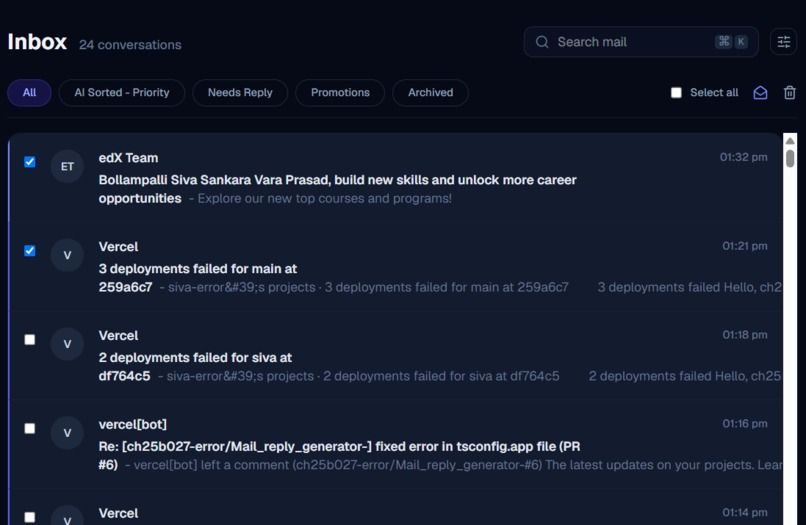
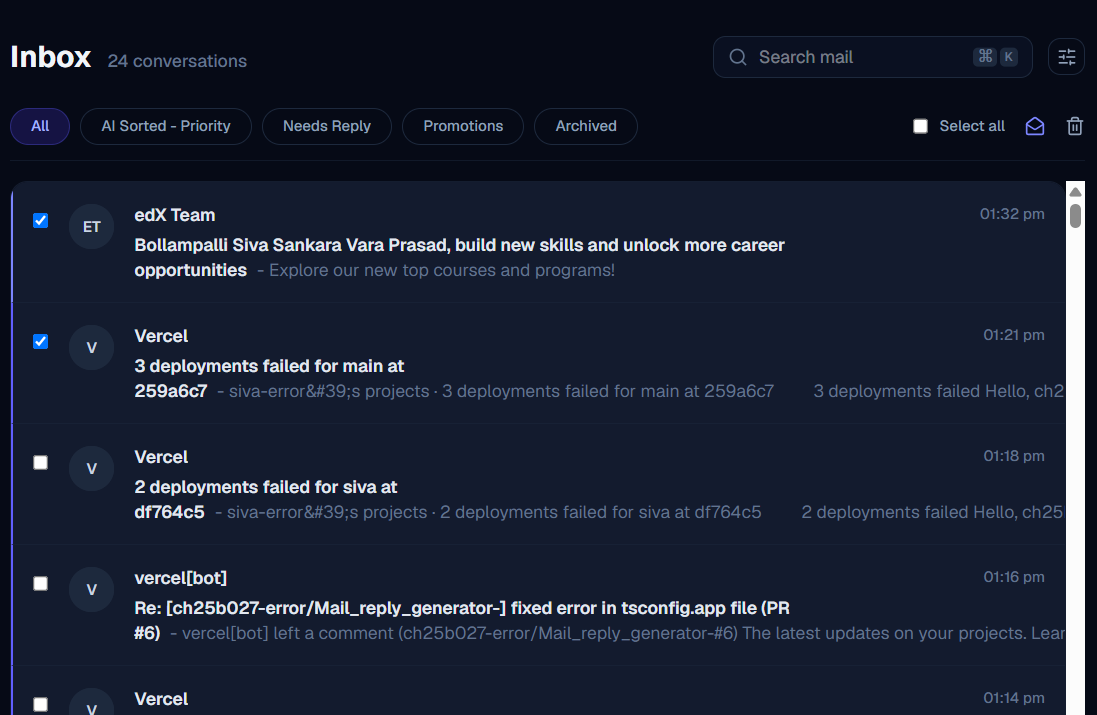
We can set the checked mails as mark as read and also delete them with ease
-
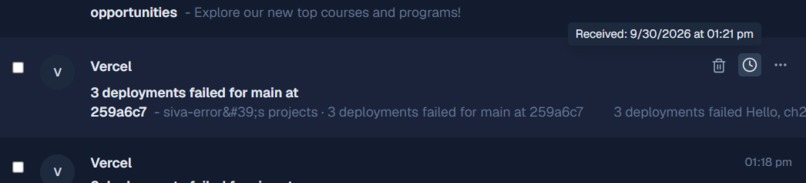
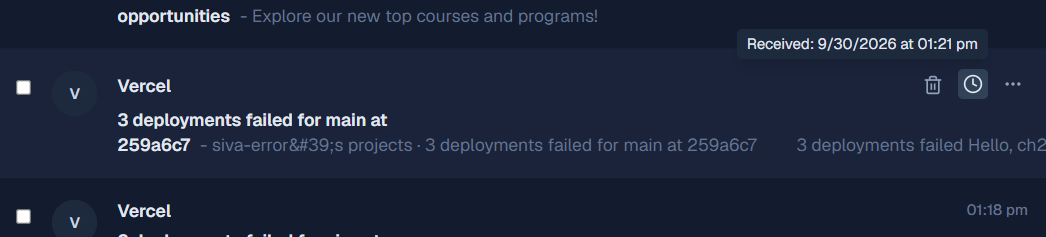
On hover we get three options, with delete we can delete individual mail and on hovering clock we will get time when the mail as posted
-
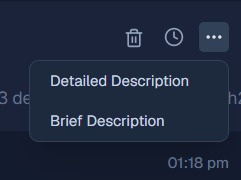
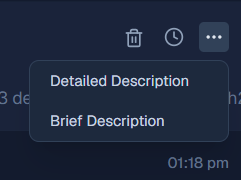
on clicking the three dots we will get to see the description of mail in 2 ways
-
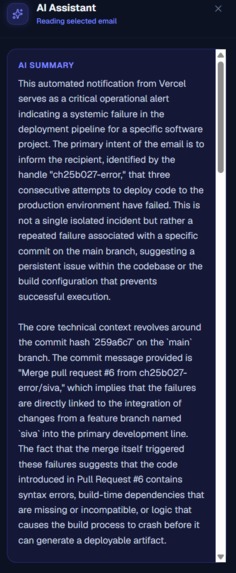
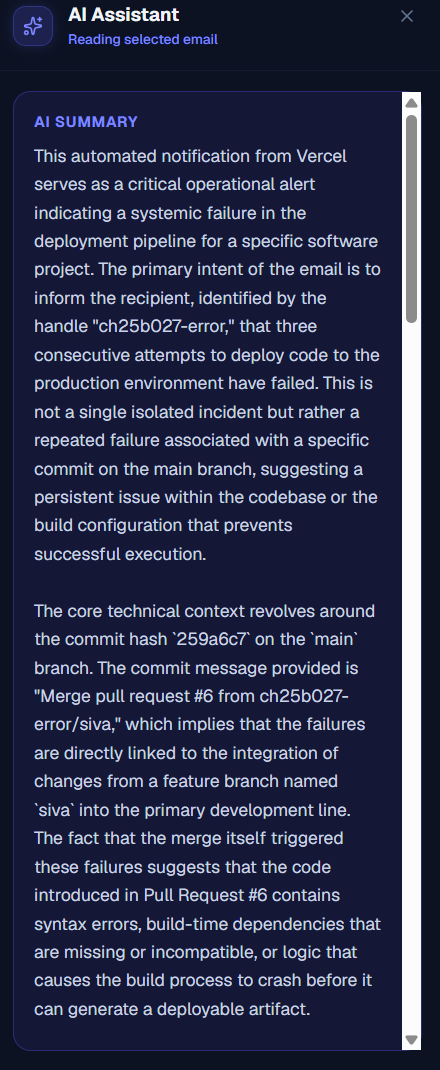
when we click the detailed description we will get an ai generated long description of mail
-
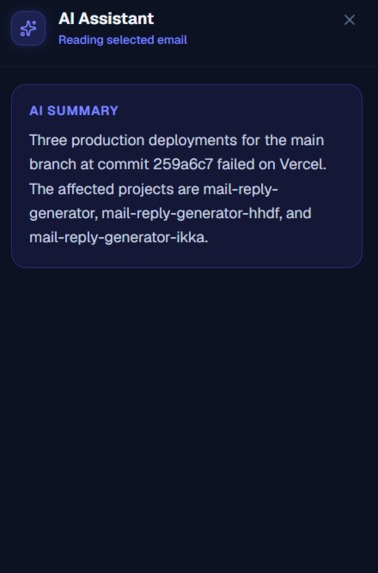
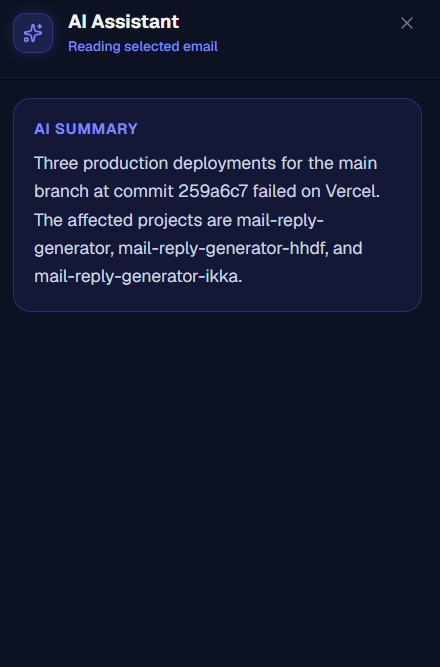
On clicking brief description we get a very brief explanation generated by ai
-
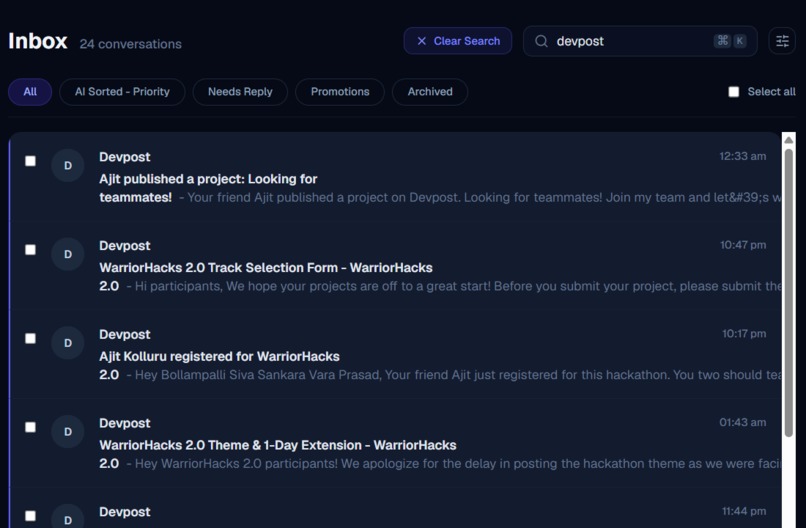
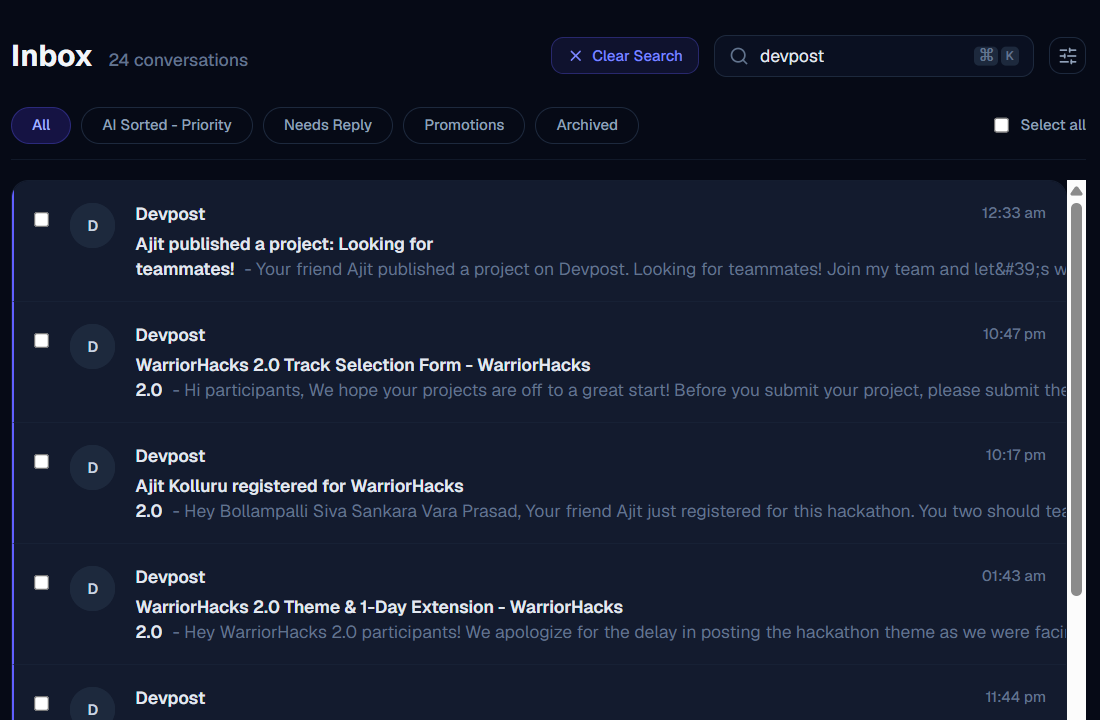
the lower searchbar searches based on keywords and sender of mail
-
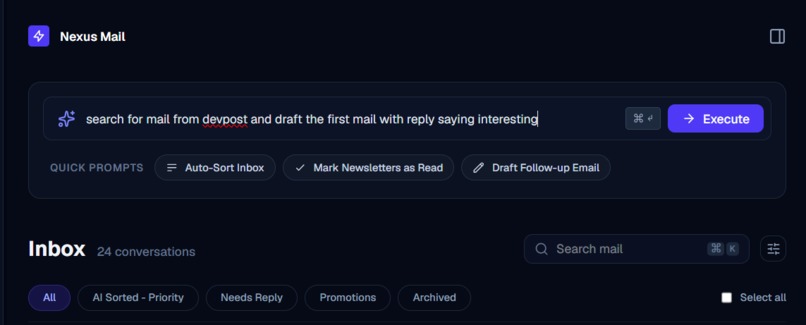
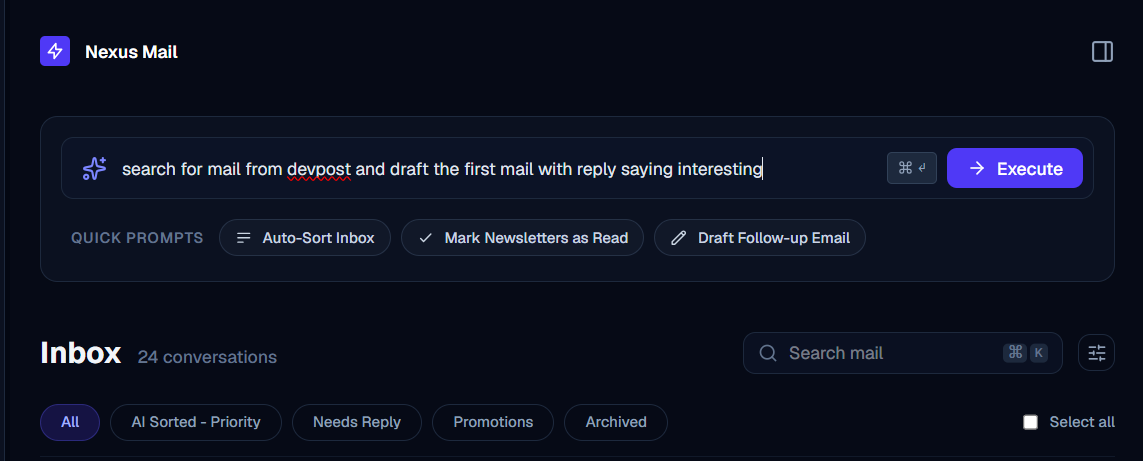
we can also use ai to give commands like this and itll follow the command, to know more watch the video or go through the code
Mail Sorter
This is an AI powered web application which helps in sorting, marking as read and also sending mails with just a single prompt.
Updates

Leave feedback in the comments!
Log in or sign up for Devpost to join the conversation.