-
-
web app ai
Inspiration
I work with digital marketing tools every day: Google Ads, Google Business Profile, Local Services Ads, Meta, WordPress, spreadsheets, reports, and client files.
I wanted AI to help with this work, but I kept running into the same limitation: most agents depend on APIs. Many marketing platforms either do not provide an API for what I need, restrict important features, require complicated integrations, or expose only part of what a person can see and do.
A human can simply open a browser, sign in, review the page, download a report, compare the numbers, and continue working. My AI agent could explain those steps, but it could not reliably perform them.
That is why I built Maibe.
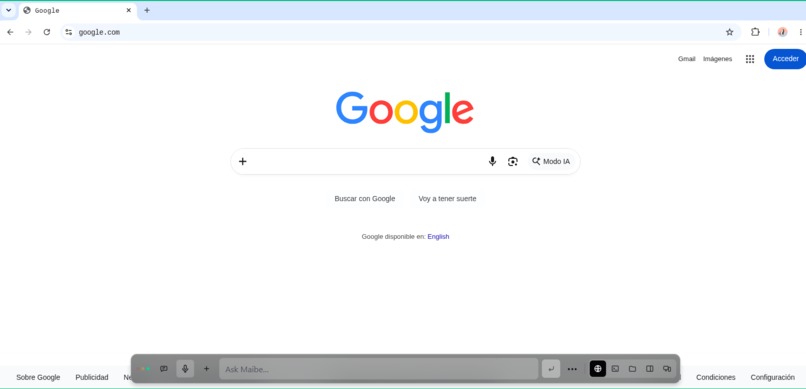
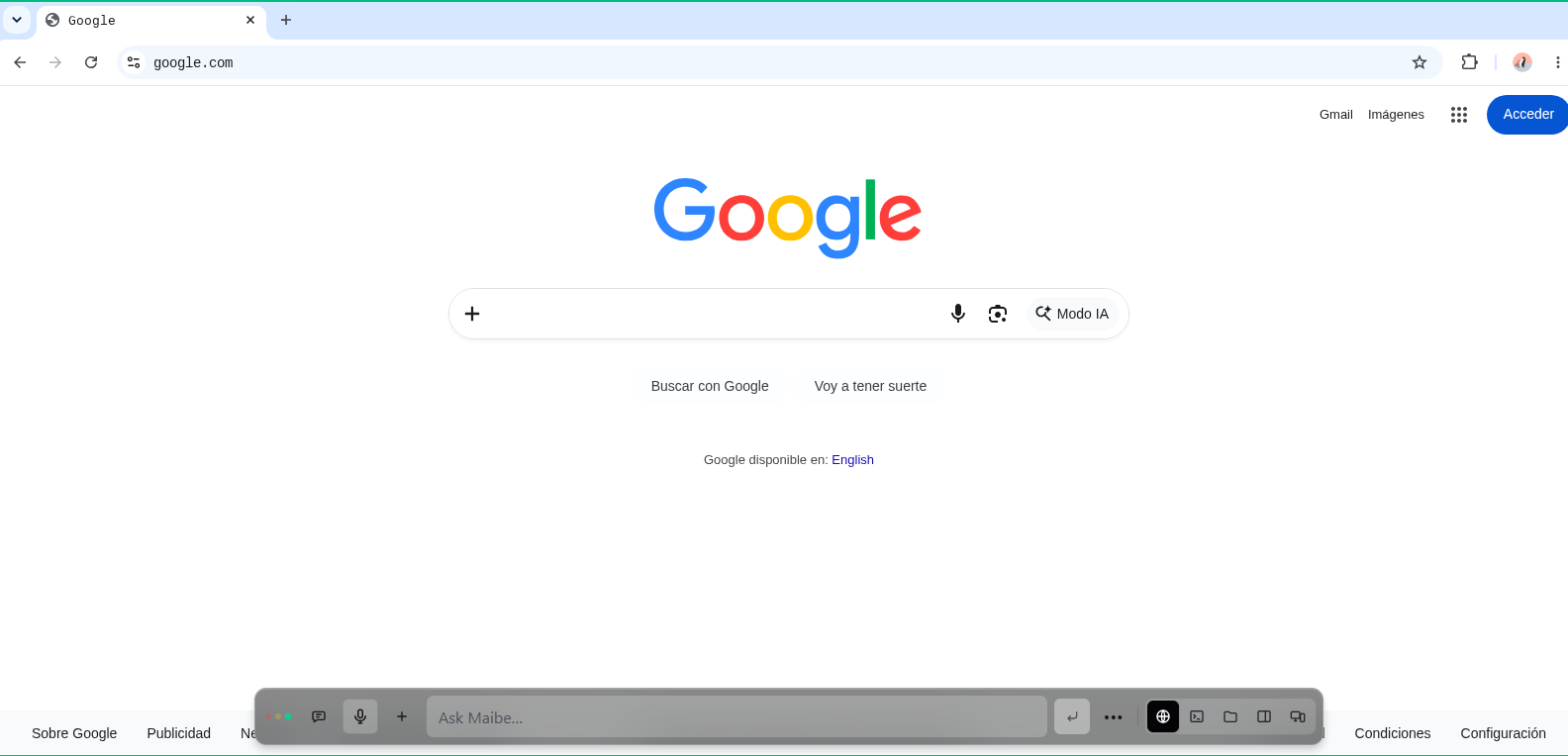
Maibe gives an AI agent a real computer inside a web application. The agent and the human share the same persistent browser, terminal, and files. If a task can be completed through the normal website, Maibe does not need to wait for a special API integration.
## What Maibe does
Maibe is an autonomous digital-marketing agent that works inside a browser-based mini computer.
It has access to:
- A real persistent Chromium browser
- A secure terminal
- An organized Workspace for files and reports
The important difference is that Maibe and the user share the same browser session. When I sign in to Google, Meta, WordPress, or another platform, Maibe can continue working in that exact session. It does not open a separate automated browser and lose my login, tabs, cookies, or current page.
For example, I can ask:
Audit this website for SEO and conversions, identify the most important improvements, create an HTML report and CSV, and verify the final report on desktop and mobile.
Maibe can inspect the rendered website, understand its controls and content, analyze the findings, create the files, and verify the final result.
For authenticated work, I can sign in myself and then ask Maibe to review the account. Passwords, CAPTCHA, 2FA, payments, publishing, deletion, and other sensitive actions remain under human control.
## Why this matters
APIs are useful, but they should not determine everything an AI agent is capable of doing.
Many real business tasks happen in dashboards that:
- Have no public API
- Expose only limited information through their API
- Require expensive or difficult integrations
- Change frequently
- Contain features available only in the graphical interface
- Require an existing authenticated user session
Maibe works through the same interface a person already uses. It can read the page semantically, inspect the rendered website, interact with controls, use downloads, analyze files, and move between applications.
This makes Maibe useful from the first day, even before a custom API integration exists.
## How I built it
Maibe has three main parts.
### The shared computer
Each workspace runs an isolated Docker environment containing Chromium, a terminal, persistent storage, and the Hermes agent framework.
The browser profile is persistent, so sessions, cookies, and tabs can survive restarts. Separate client workspaces can keep their browser sessions and files isolated from one another.
### The agent
Maibe is Hermes under a product name, not a second agent or a restricted chatbot.
Hermes keeps its reasoning, memory, skills, research, and delegation capabilities. My application gives it three primary physical tools: Browser, Workspace, and Terminal.
Instead of depending only on screenshots or guessed coordinates, Maibe can read the page’s DOM and accessibility information. It can identify buttons, fields, links, headings, tabs, frames, and page content semantically.
Vision remains available when the page cannot be understood through structure alone.
### The human interface
The responsive dashboard lets the user watch Maibe work, chat with it, inspect files, use the terminal, switch between desktop and mobile views, and take control of the browser at any moment.
The human and agent are collaborators using the same virtual computer.
## How Codex and GPT-5.6 helped
I used Codex as an engineering partner throughout the project.
Codex helped me inspect the live application, understand why tasks failed, trace problems across the frontend, WebSockets, Chromium, Hermes, Docker, and file system, and then implement and test improvements.
Some of the most valuable work included:
- Connecting Hermes directly to the shared browser, terminal, and Workspace
- Preserving authenticated Chromium profiles
- Improving semantic browser navigation
- Recovering from stale controls and changing pages
- Adding tab management and image understanding
- Creating persistent task evidence and activity logs
- Building mobile and desktop manual takeover
- Adding digital-marketing skills and workflows
- Creating automated tests, benchmarks, installation scripts, and deployment checks
GPT-5.6 powers Maibe’s task reasoning and tool selection. The model receives the current state of the mini computer, decides which tool to use, reviews the result, and continues until the task is complete or genuinely requires the person.
## Challenges I faced
The hardest part was not making the browser click. It was making Maibe understand whether the click actually worked.
Modern marketing platforms change constantly. Controls disappear, pages rerender, references become stale, dialogs cover buttons, and applications use nested frames or unusual navigation.
I learned that sending an action is not enough. Maibe must observe the result, confirm progress, recover when necessary, and never report success simply because it attempted something.
Another challenge was deciding how much autonomy to give the agent. I wanted Maibe to work independently without making it dangerous.
My approach was to allow autonomous reading, navigation, analysis, downloads, and file creation while keeping credentials and consequential actions under human control.
## What I learned
The biggest lesson was that a strong model is only one part of a useful agent.
To complete real work, an agent also needs:
- A persistent environment
- Access to the same tools as the user
- Reliable browser perception
- Memory and reusable skills
- Safe access to files and computation
- Evidence after every important action
- Recovery when websites change
- A human who can take control when needed
I also learned that APIs and browser interaction should complement each other. APIs are excellent when they are available and complete. The browser becomes the universal interface when they are not.
## What’s next
I want to continue expanding Maibe’s digital-marketing abilities across Google Workspace, Google Ads, Local Services Ads, Google Business Profile, Meta, WordPress, SEO, analytics, and reporting.
I also want Maibe to learn safe procedures from successful tasks and reuse them for future clients.
My main goal is:
Give an AI agent the same practical access to a computer that a human has, so it can complete real work even when no suitable API exists—while keeping the human in control of sensitive decisions.
Built With
- accessibility-api
- ai-agents
- browser-automation
- chrome-devtools-protocol
- chromium
- css3
- digital
- docker
- docker-compose
- gpt-5.6
- hermes-agent
- html5
- javascript
- nginx
- node.js
- openai-codex
- playwright
- python
- react
- rest-api
- tailscale
- tailwind-css
- typescript
- vite
- websockets


Log in or sign up for Devpost to join the conversation.