-
-
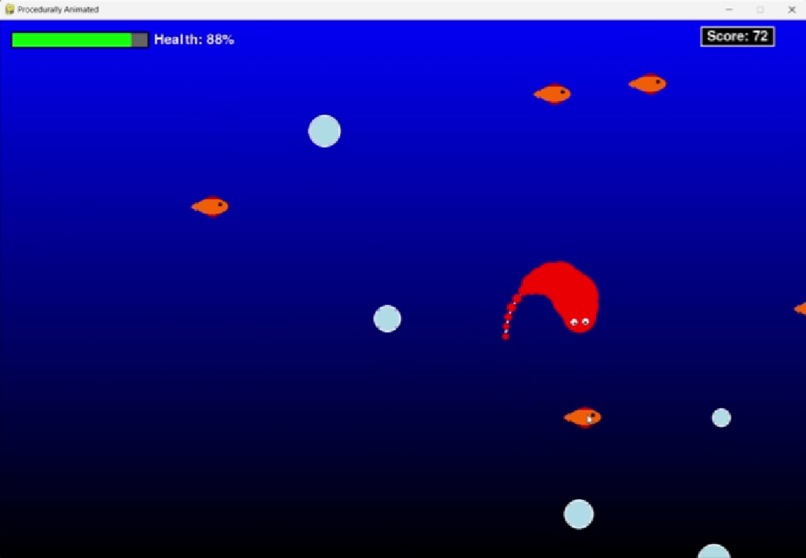
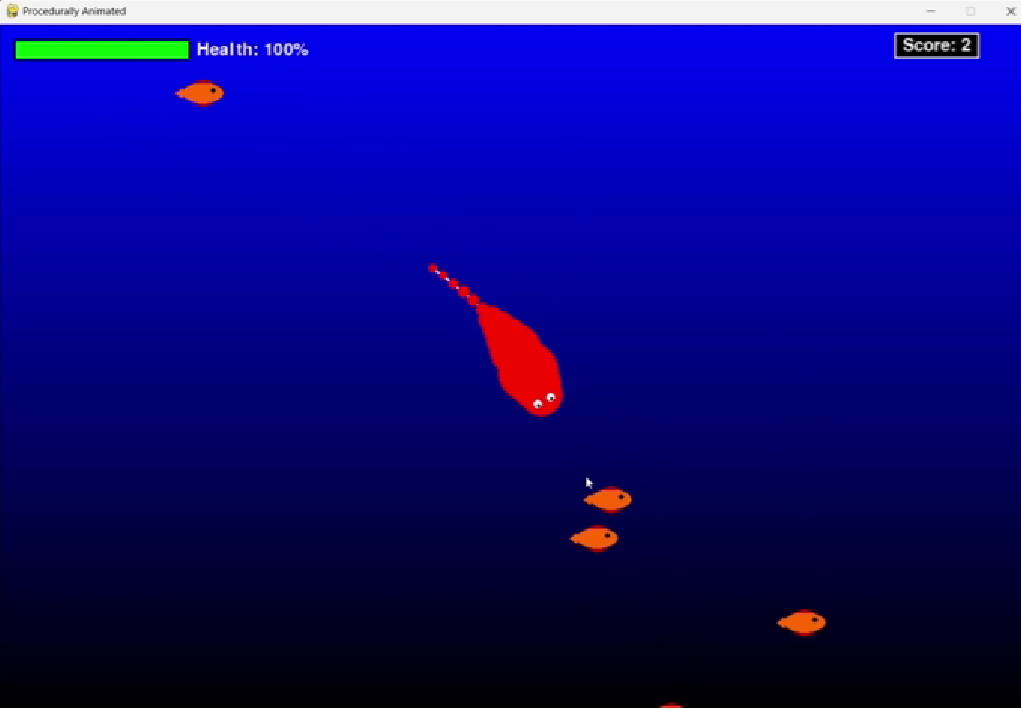
Eat fish to gain health
-
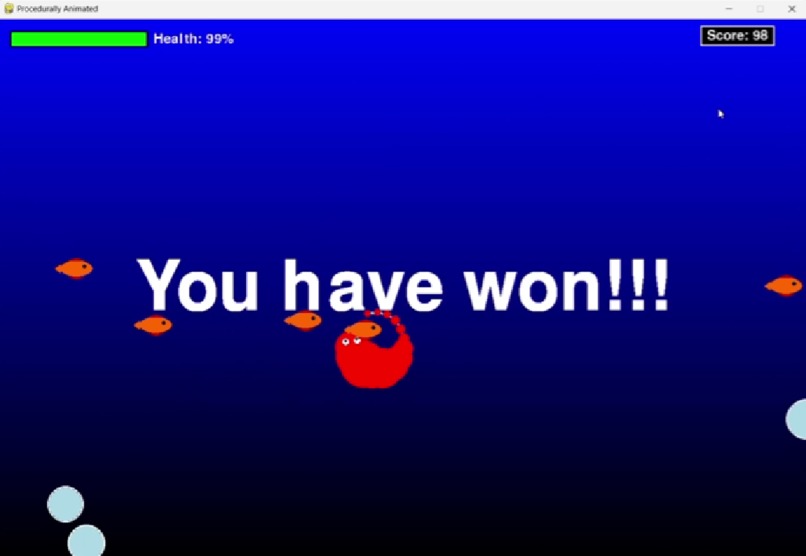
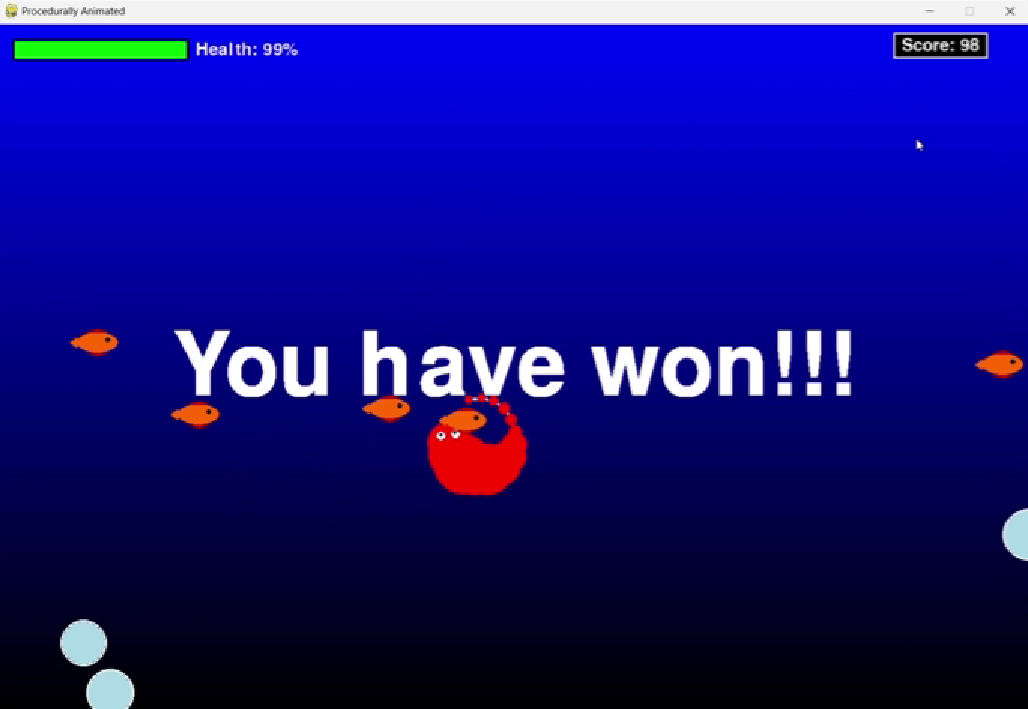
Win screen
-
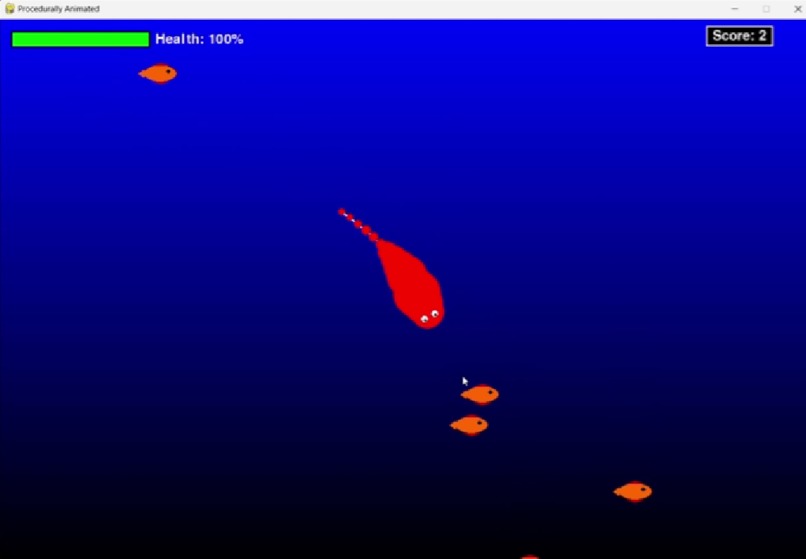
pop balloons and lose health
Inspiration
I've always enjoyed watching game development videos on YouTube, especially those showcasing games with seemingly impossible animations. Modules like pygame, which are designed for developing games, do not have any existing modules or libraries that can help create procedurally animated entities. This inspired me to create my own game with fluid, procedural animations in pygame, that don't rely on traditional 'frame-loop' animations
What it does
CircleMotion considers a set of vertices and edges connecting them as a single entity, placing constraints on their movement to simulate fluid-like motion. This creates a dynamic, procedural animation effect.
How I built it
I chose Pygame for this project due to its easy-to-use commands and flexibility in handling the game logic.
Challenges I ran into
Placing angle constraints on the edges and managing their movements in the next game iteration loop was challenging. The concept of vectors and angles in my mind was different from how Pygame handles them, making the implementation tricky.
Accomplishments that we're proud of
I'm proud to have completed an entity capable of producing procedurally animated effects. To demonstrate its capabilities, I built a small game where the goal is to achieve a high score by eating as many fishes as possible within a given time limit.
What I learned
Throughout this project, I learned various aspects of computer graphics, such as Bezier curves, which are used to draw smooth curves given four points. Although I initially aimed to give the entity a smooth, curved shape using Bezier curves, I ultimately decided to use circles as they achieved the desired effect albeit having room for improvement.
What's next for CircleMotion
I plan to formally develop a library for automating procedural animations in Pygame, aiming to help programmers create even better games in less time and contributing to the Pygame community.


Log in or sign up for Devpost to join the conversation.