
Inspiration
I’ve always loved 3Blue1Brown’s (a popular educational YouTuber) way of explaining math, which made tough concepts feel intuitive. But creating animations like that takes tons of time and coding skill. I wanted to build something that lets anyone — teachers, students, or developers — instantly generate those kinds of visuals. Plus, my dad’s a teacher, and I thought: how cool would it be if he could use this in class tomorrow?
What it does
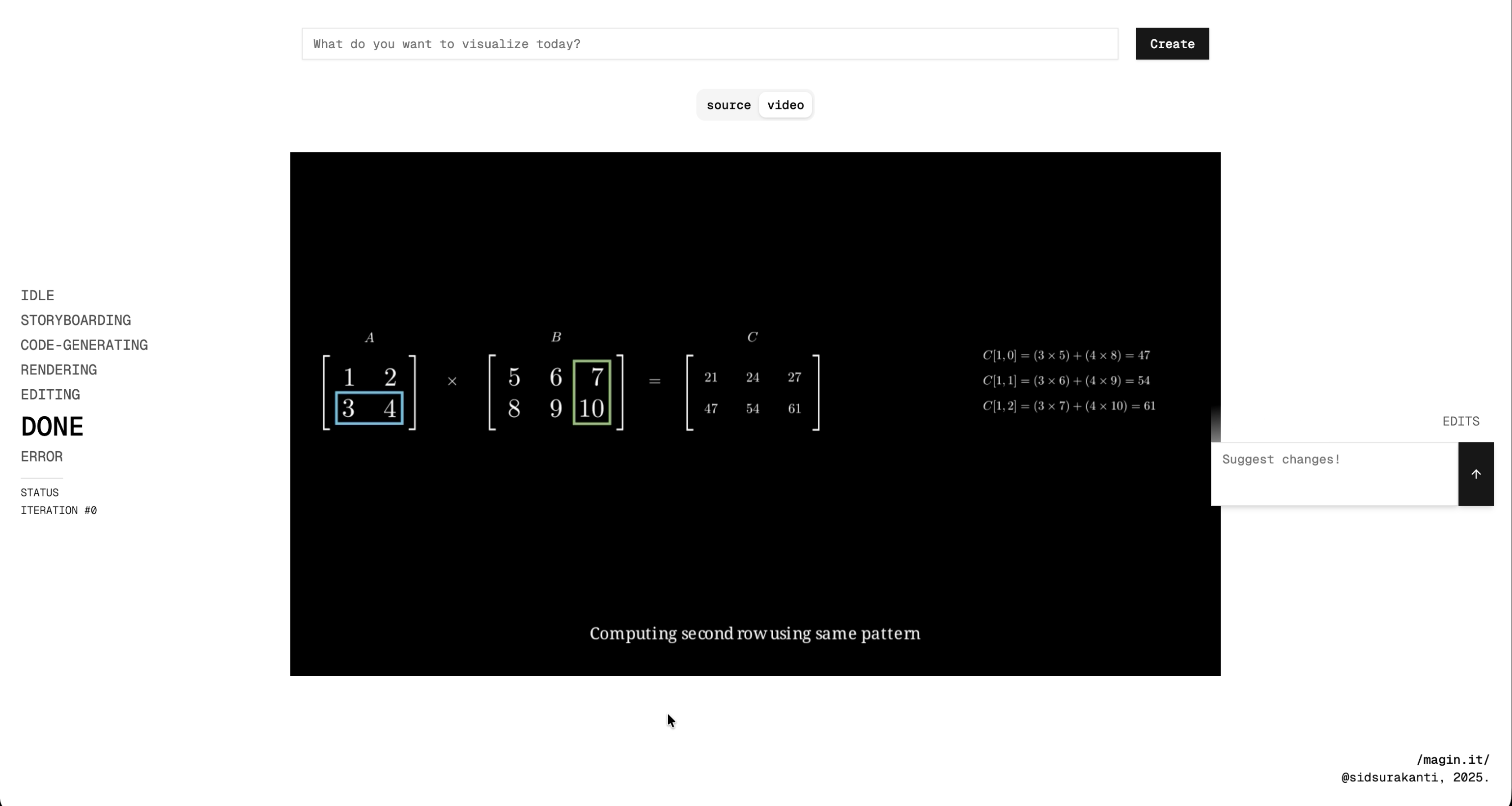
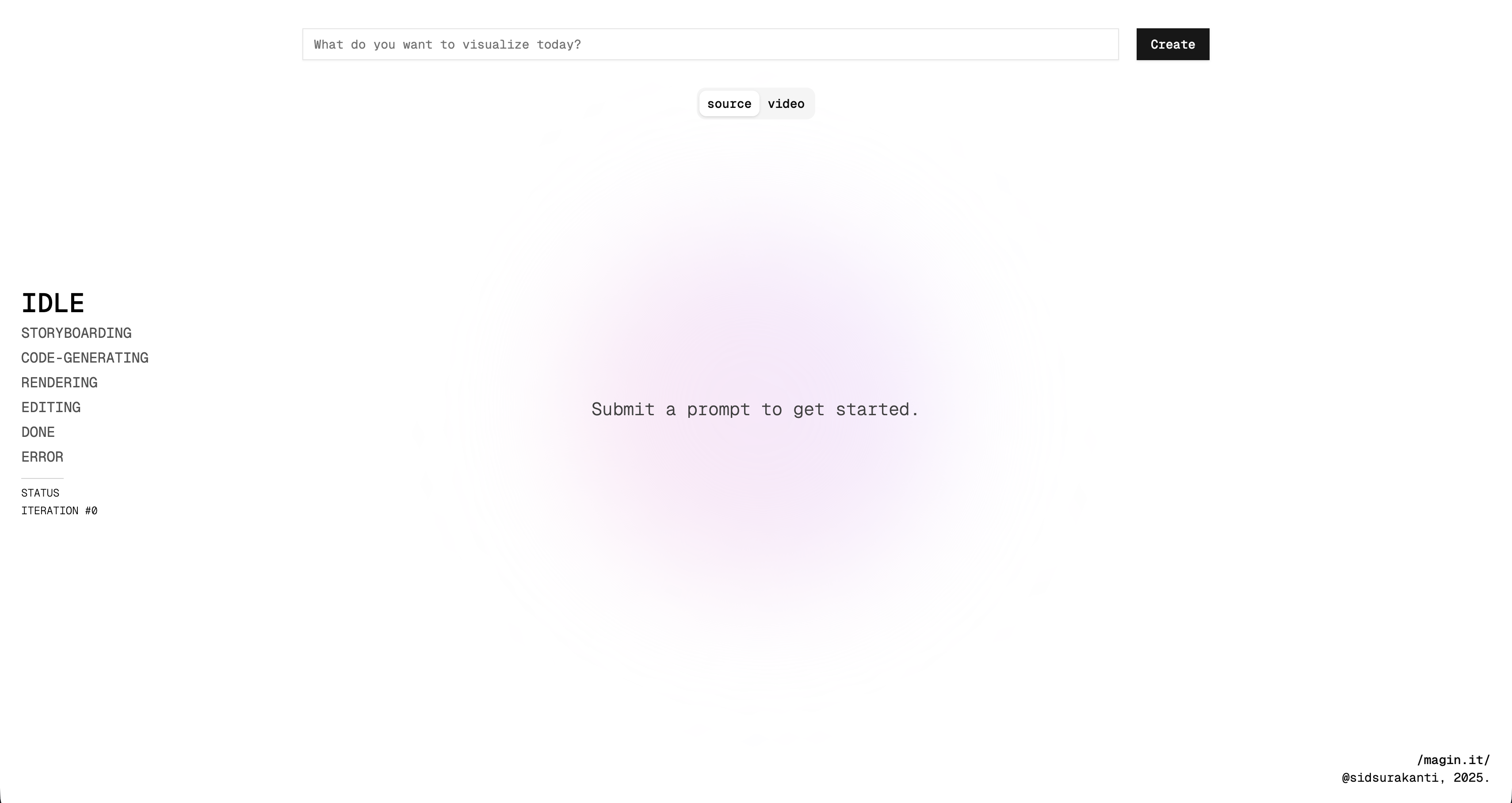
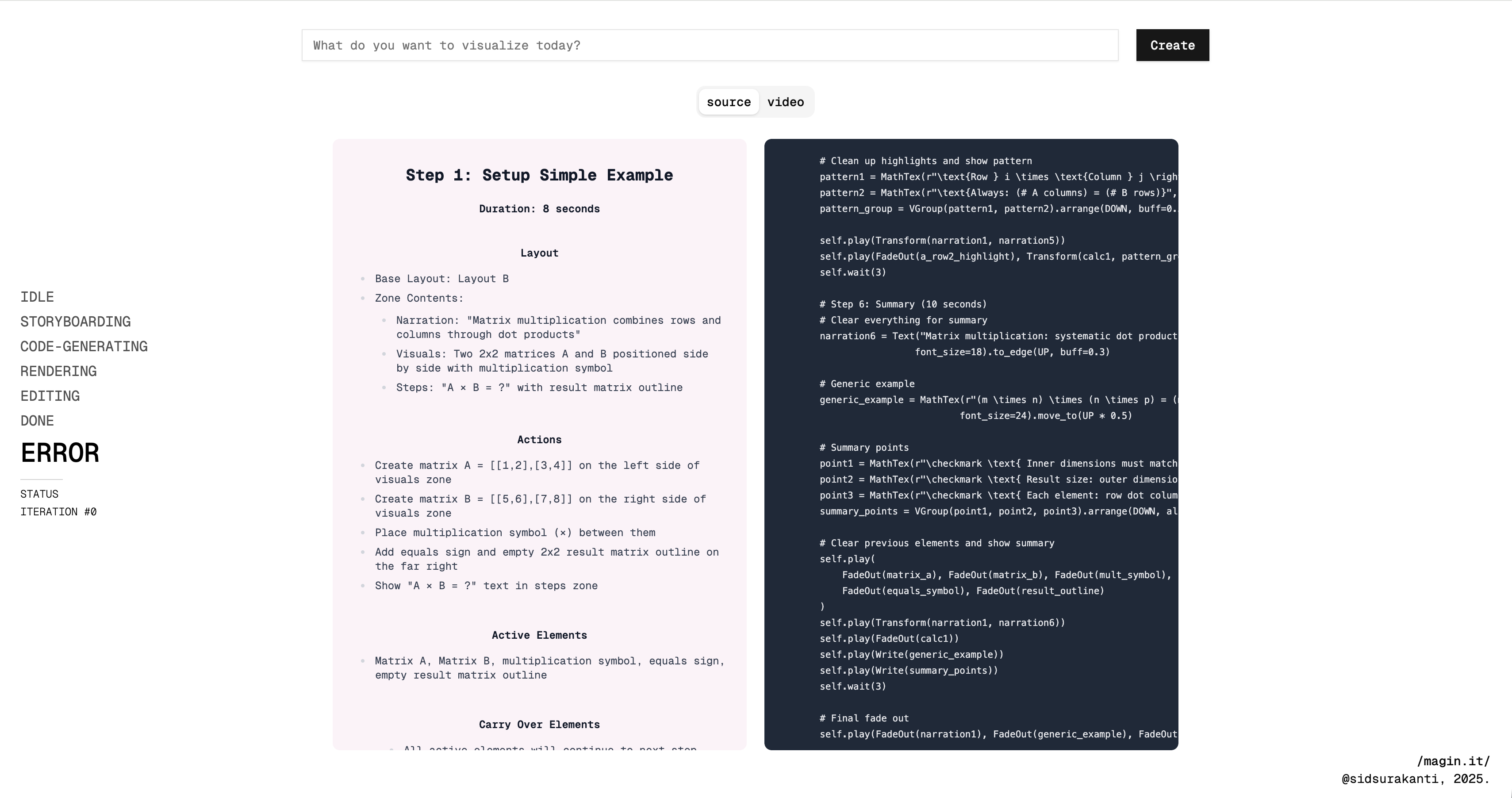
Magin.it generates short, 3Blue1Brown-style animations to explain tricky math and CS concepts. You type in a topic — like matrix multiplication, gradient descent, or even CUDA GPU warps — and Magin.it uses LLMs + Manim CE to plan, code, and render an explainer animation.
- Teachers can use it for lectures.
- Students can use it to study visually.
- Developers can use it to understand abstract CS ideas such as GPU warps.
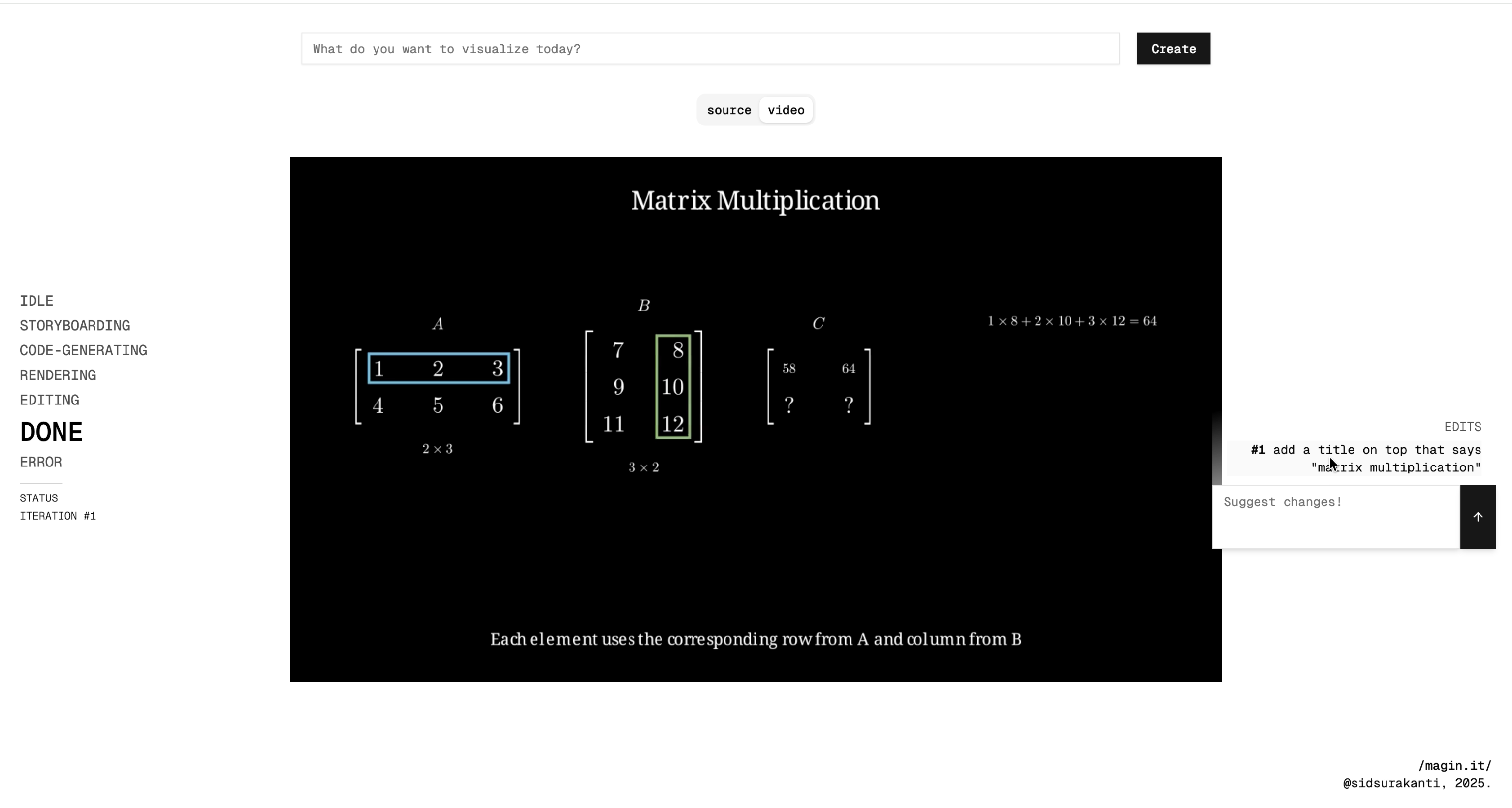
It also supports iteration: pause the video, add edit suggestions, and regenerate new versions, along with version history so you can compare across iterations.
How I built it
- Frontend: NextJS + Tailwind for a clean, responsive UI with real-time streaming updates.
- Backend: FastAPI orchestrates requests; Celery + Redis handle long-running render jobs.
- LLMs: Calls to Anthropic for script + Manim code generation.
- Rendering: Manim CE and Magin.it's API Server inside Docker containers.
Challenges I ran into
- LLM reliability: Manim code wasn’t always valid; had to add error handling + auto-retries. Went through hell and back trying to make the LLM not overlap objects.
- Iteration UX: Getting smooth “edit and re-render” workflow was tricky but worth.
- Going solo: Building frontend, backend, and infra all by myself in 36 hours was rough but rewarding.
Accomplishments that I'm proud of
- Got a full end-to-end MVP working: prompt → plan → code → render → watch.
- Built an editgen system so users can refine animations without restarting.
- Added version history to view and compare iterations.
- Branded and polished the UI — it looks like a real product, not just a hackathon demo.
- Actually used Magin.it to help friends with homework during the hackathon (and it worked).
What I learned
- Prompt Engineering of max level doom and despair bro i had to write 400 lines of straight prompts and spent like 10 hrs on ts
- The importance of caching + user feedback loops in making AI tools usable.
- To find time to sleep before driving back home 4 hrs on 0 sleep after hackathon
What's next for Magin.it
- Cloud Deployment: Move rendering pipeline to AWS/GCP for real scaling.
- Better Editing Tools: Smarter ways for users to tweak animations with ability to use exact timestamps.
- Gemini Integration: Add support for Google’s Gemini for storyboard generation to get better creative output.
- Community Sharing: A hub where students/teachers can upload + remix each other’s animations.
Built With
- anthropic
- celery
- fastapi
- nextjs
- python
- redis
- tailwindcss
- typescript


Log in or sign up for Devpost to join the conversation.