-
-
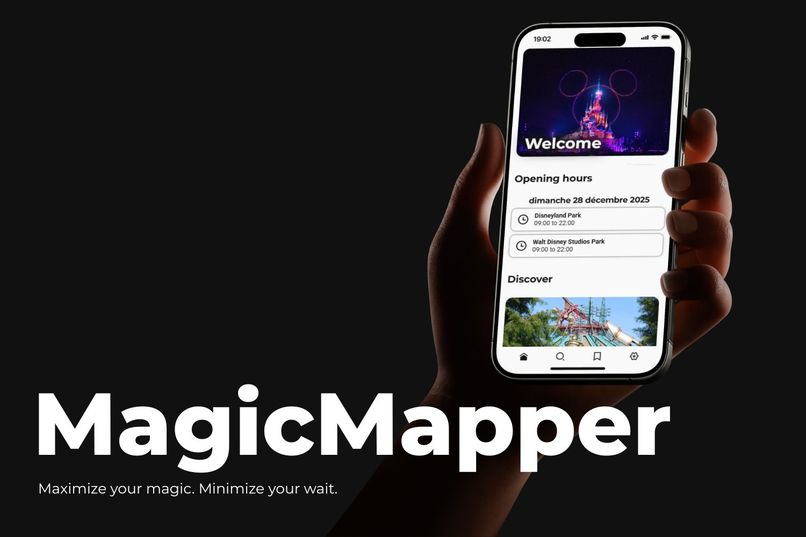
Tumbnail
-
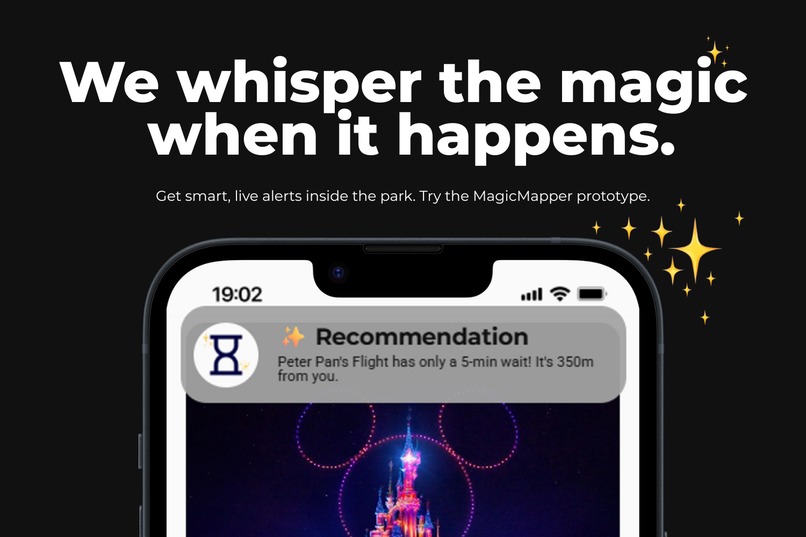
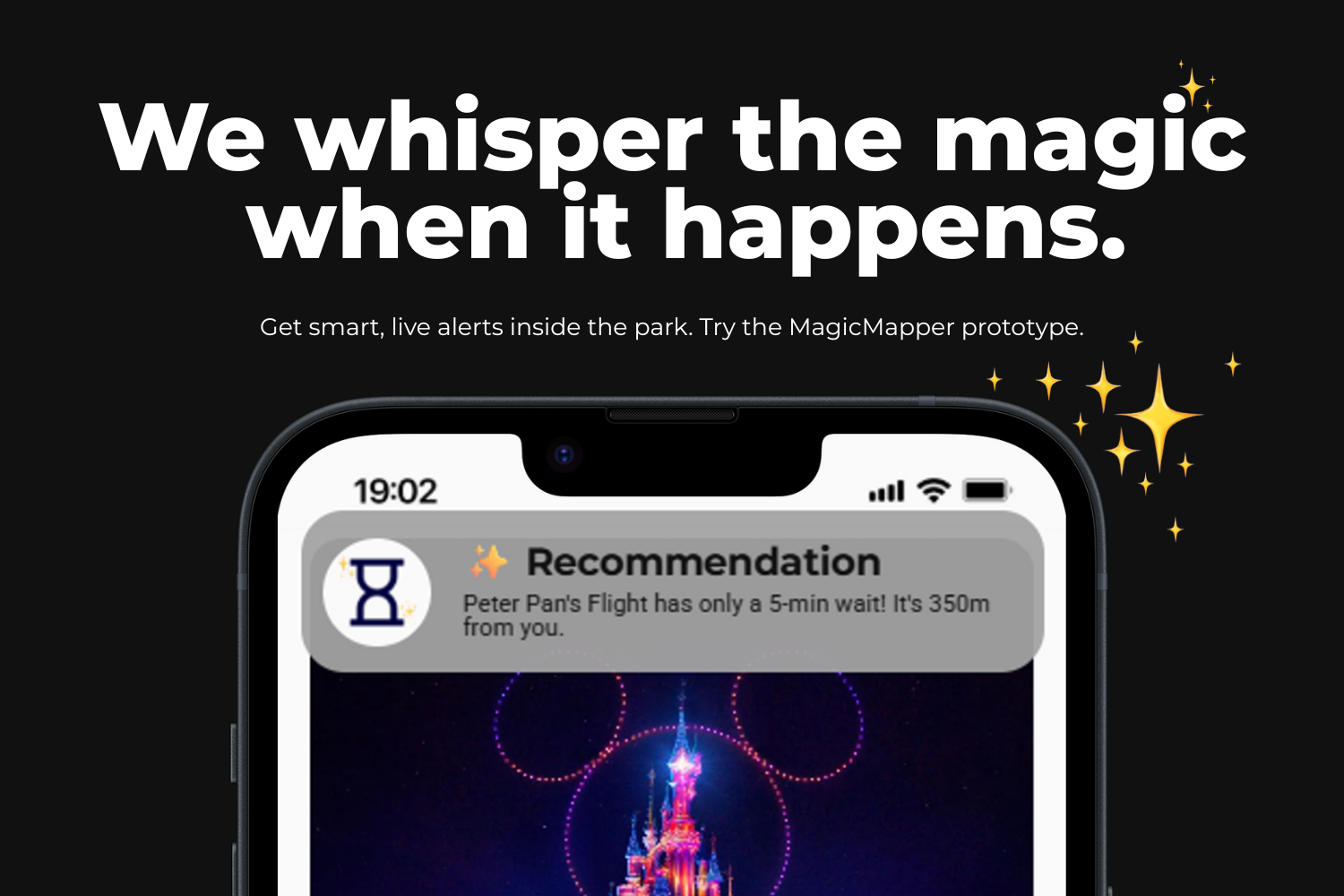
Ad 1 - Attraction and wait time
-
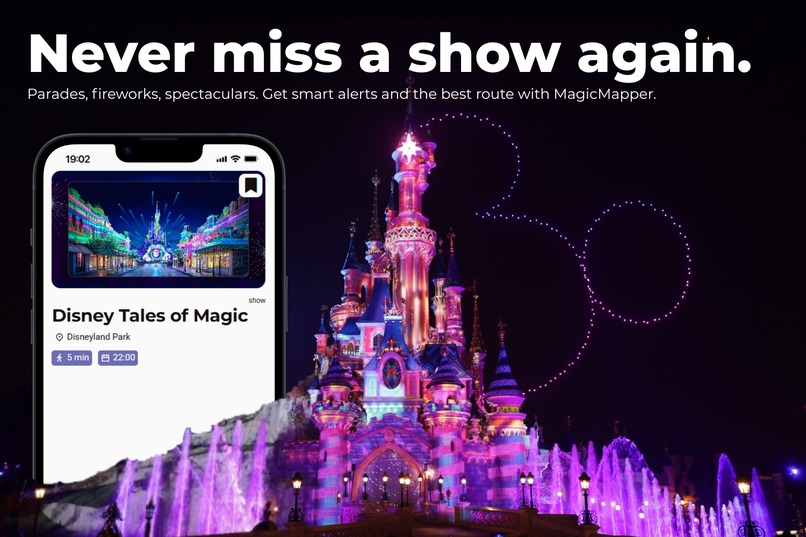
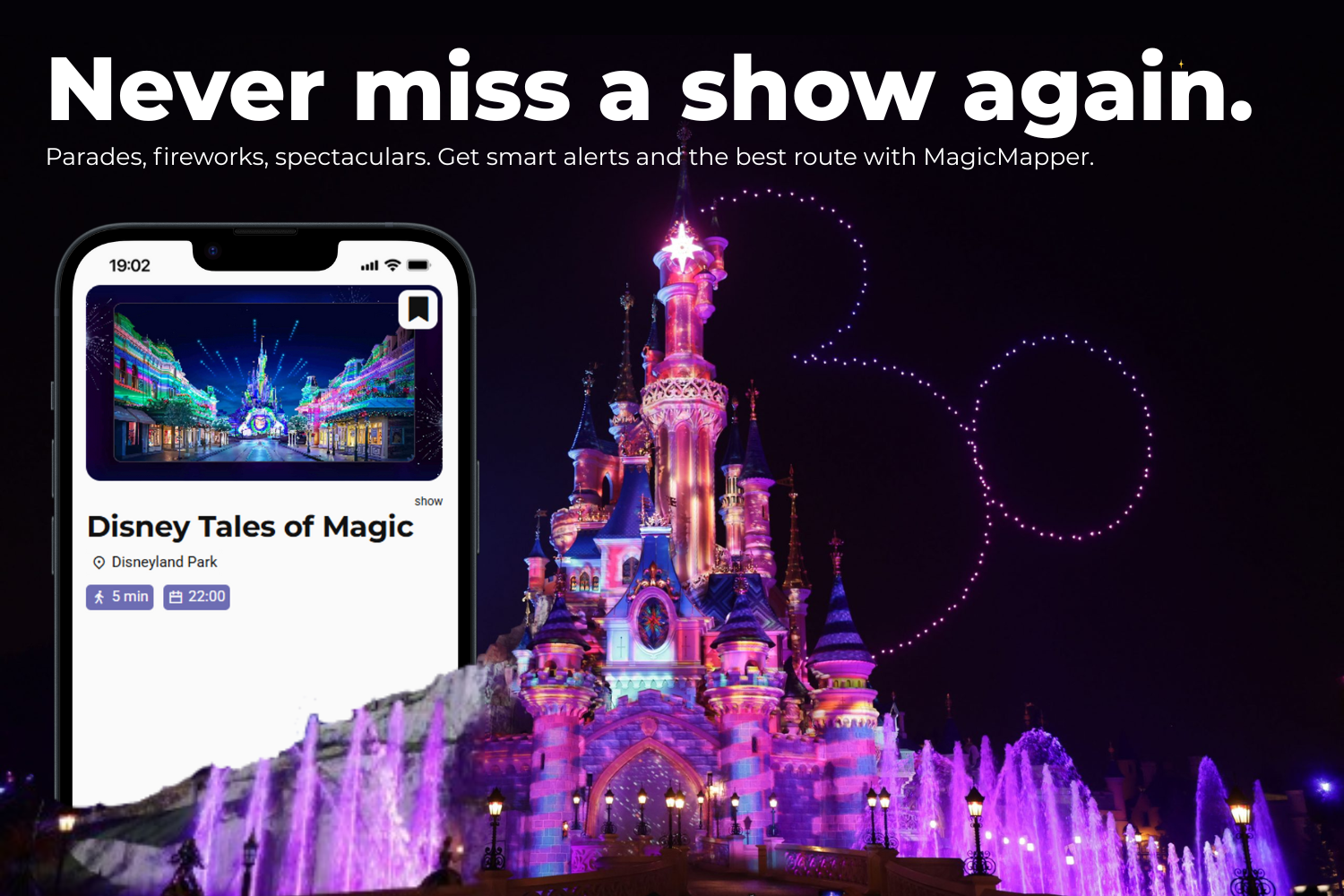
Ad 2 - Show
-
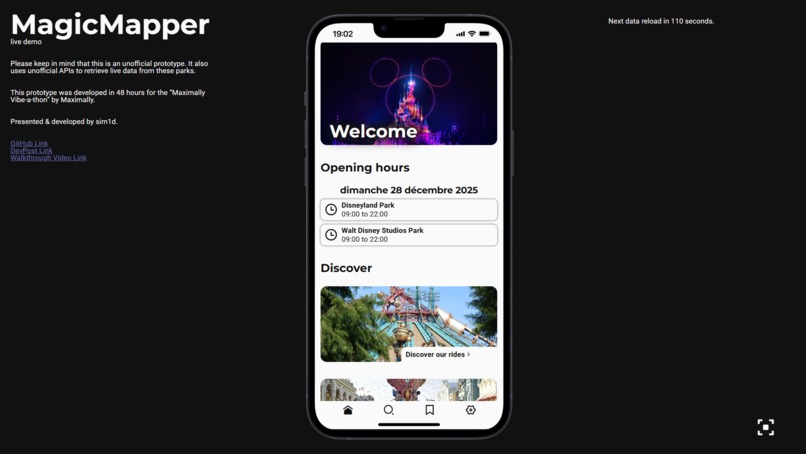
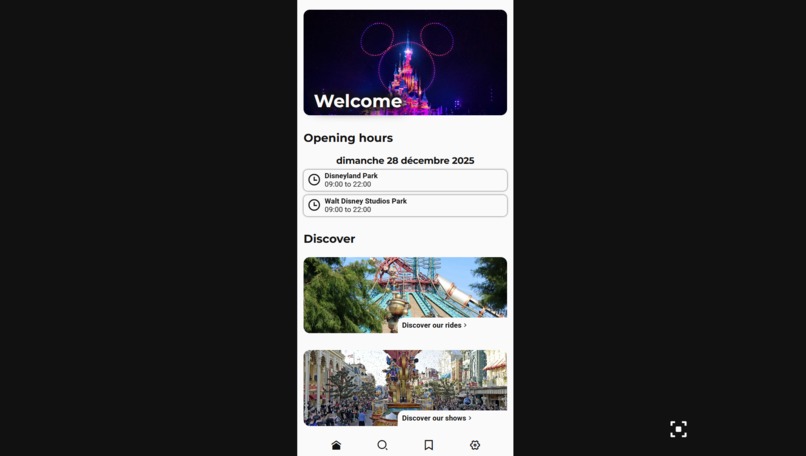
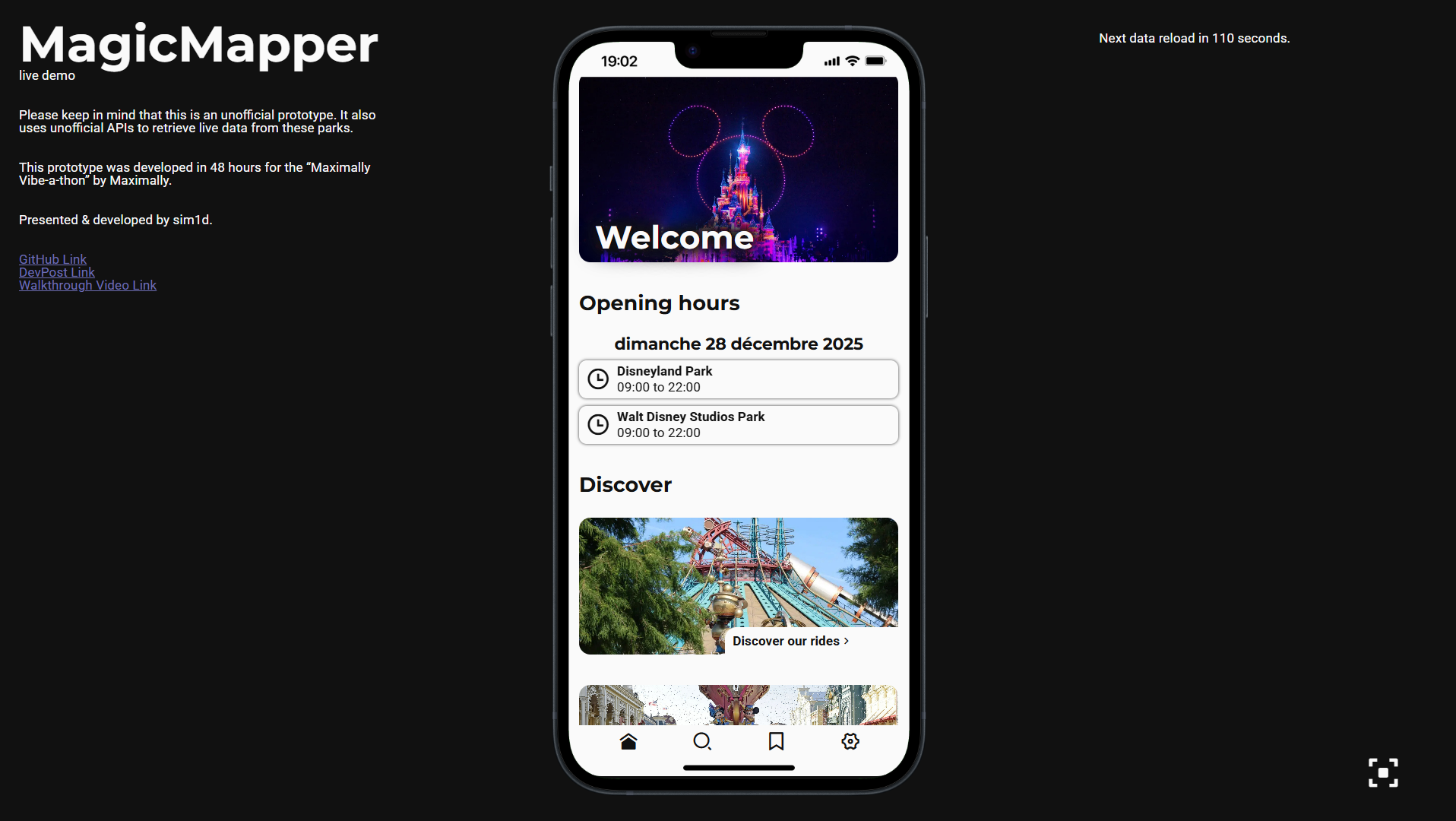
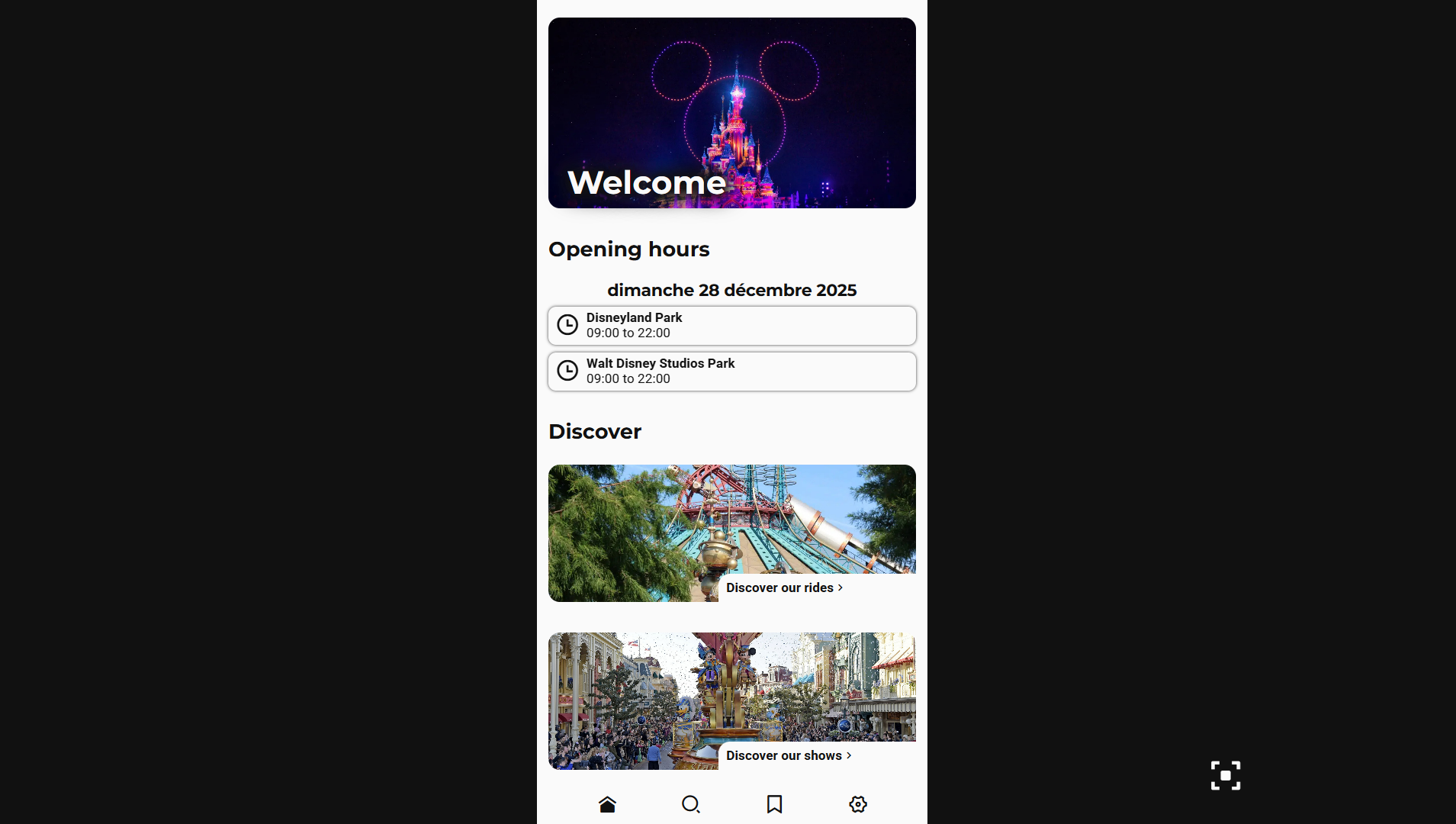
Screenshot - Home page
-
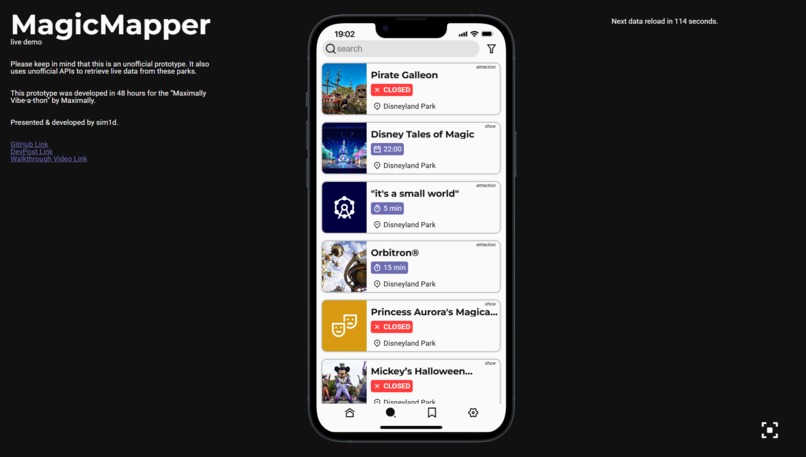
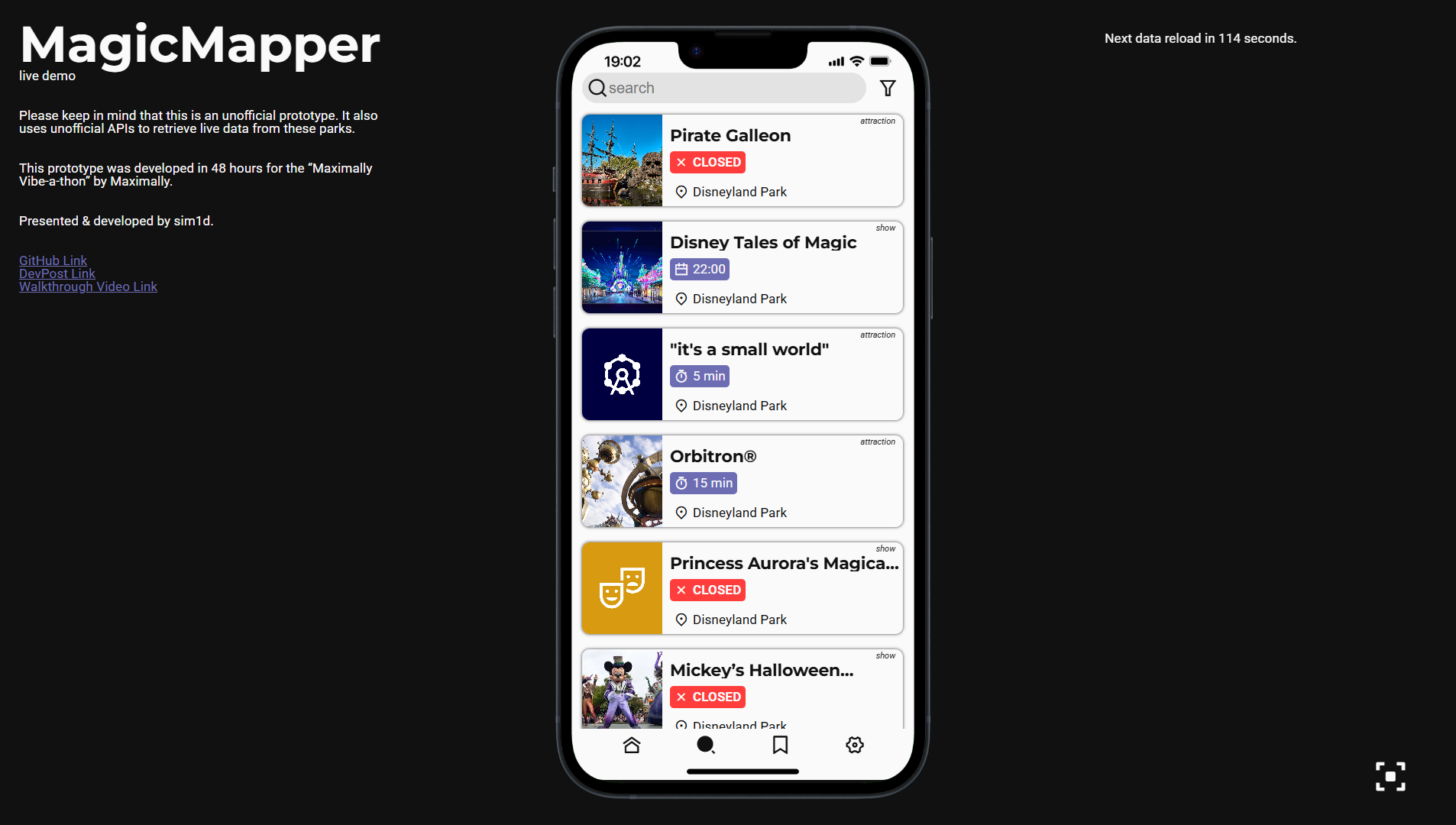
Screenshot - Search page
-
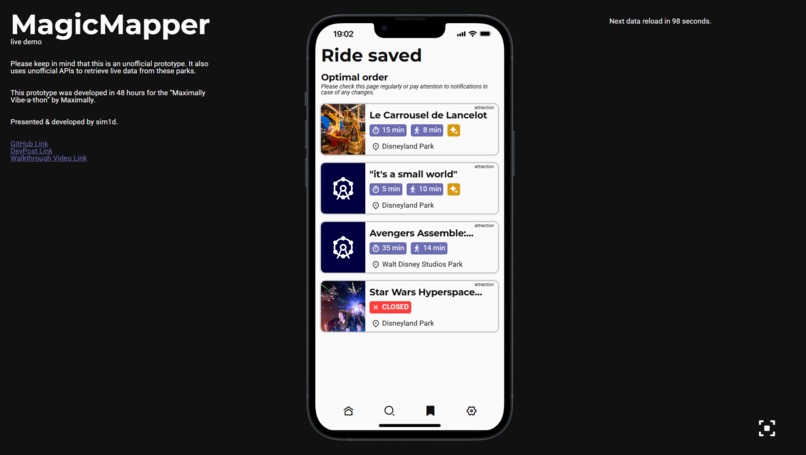
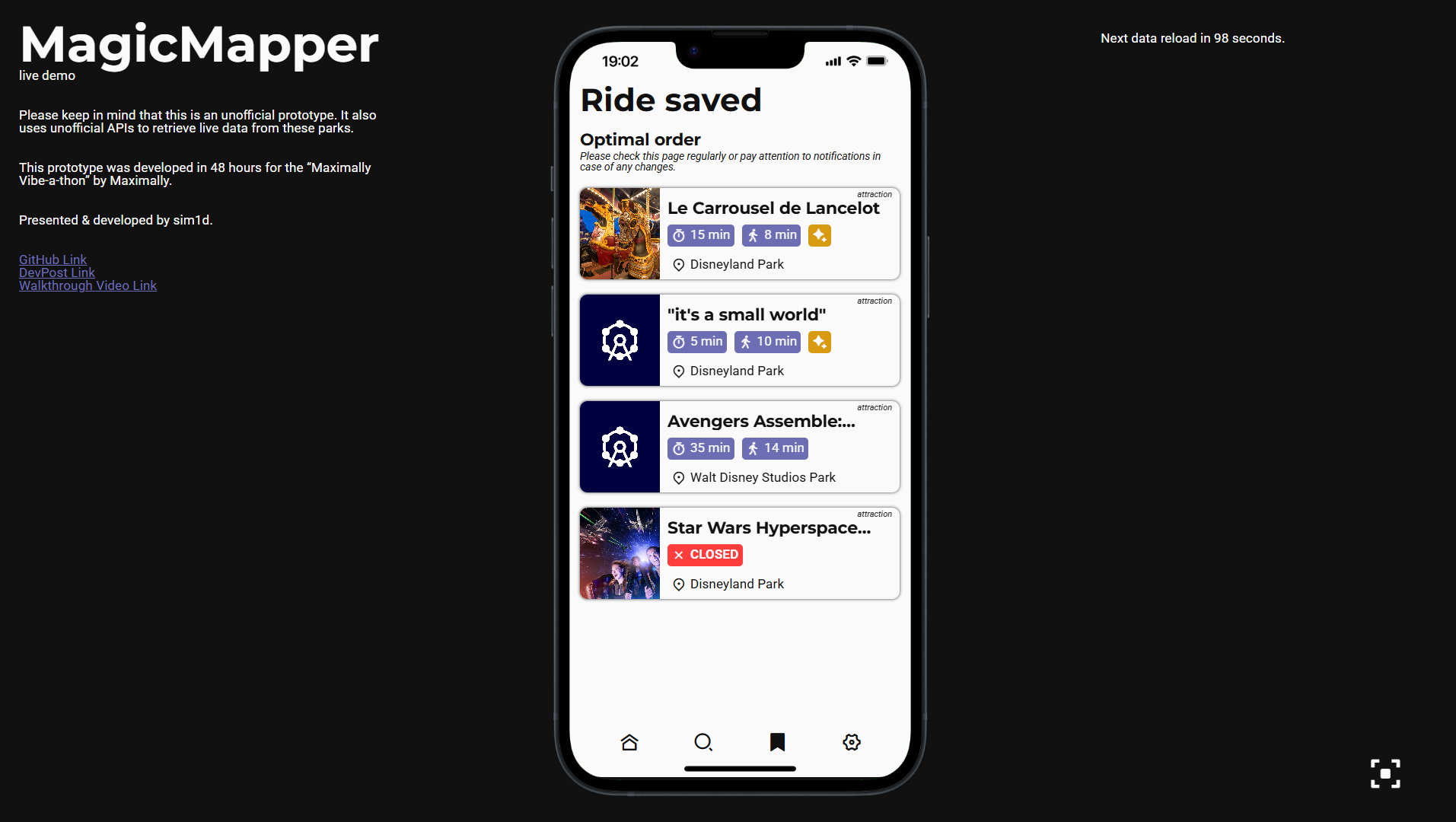
Screenshot - Saved page
-
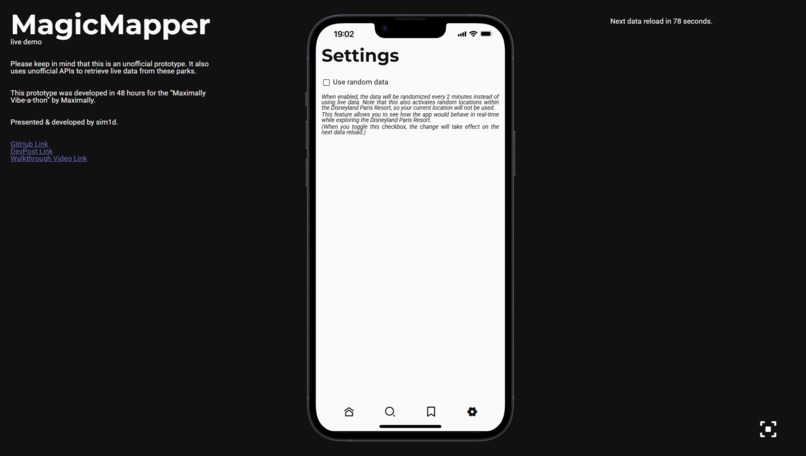
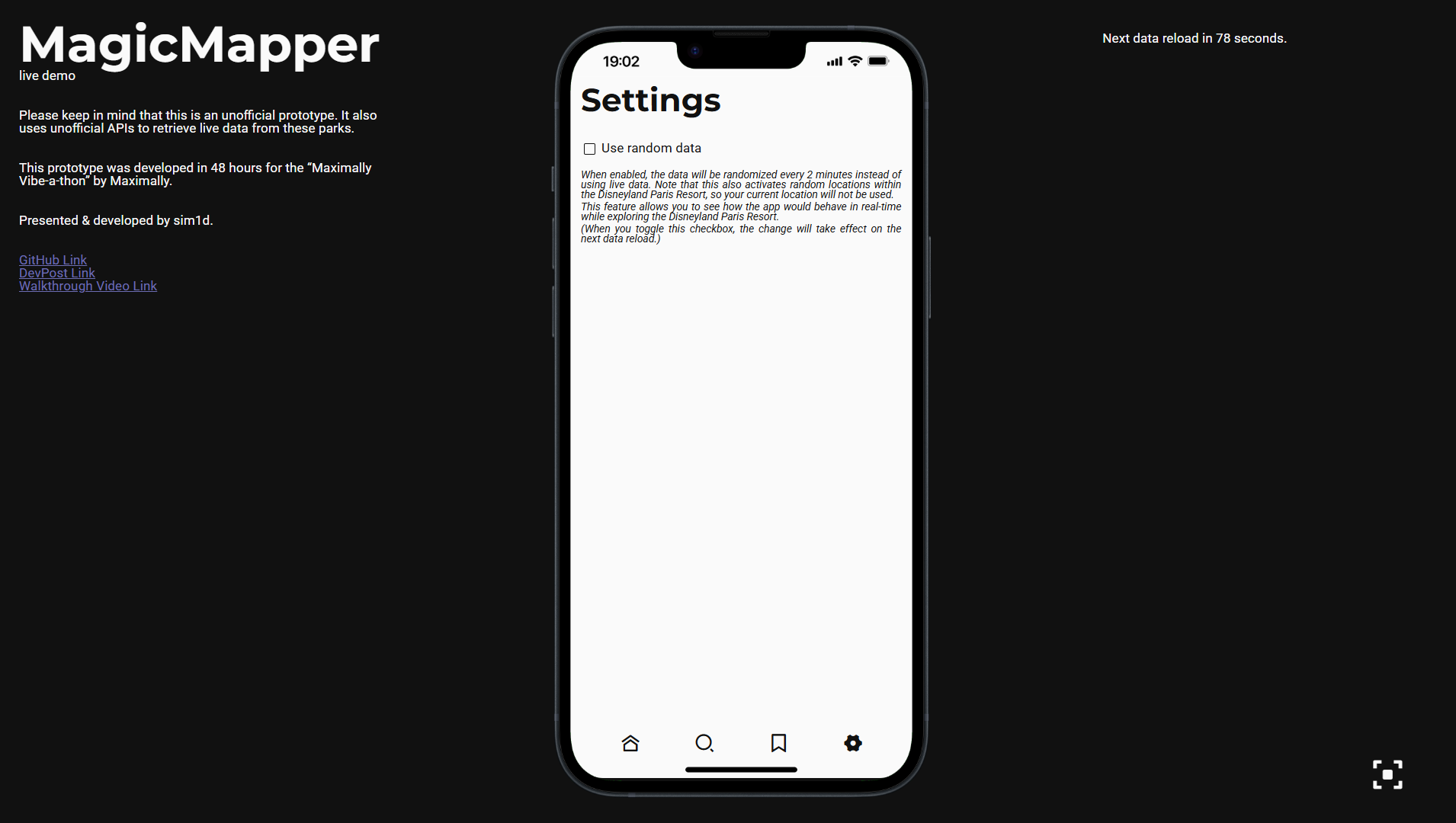
Screenshot - Settings page
-
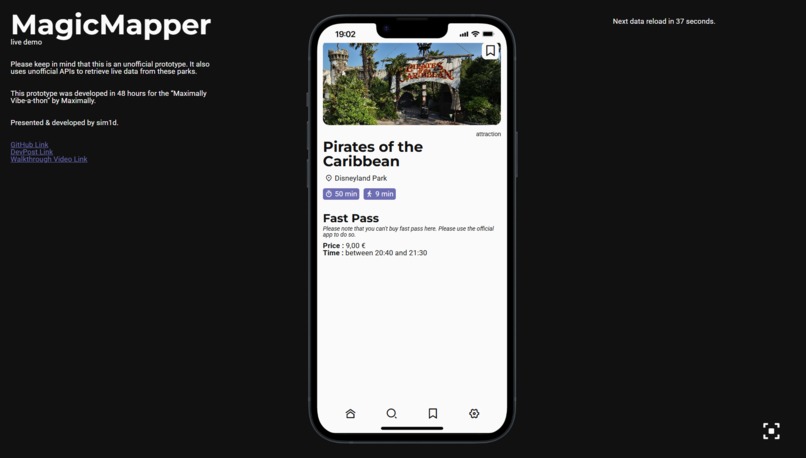
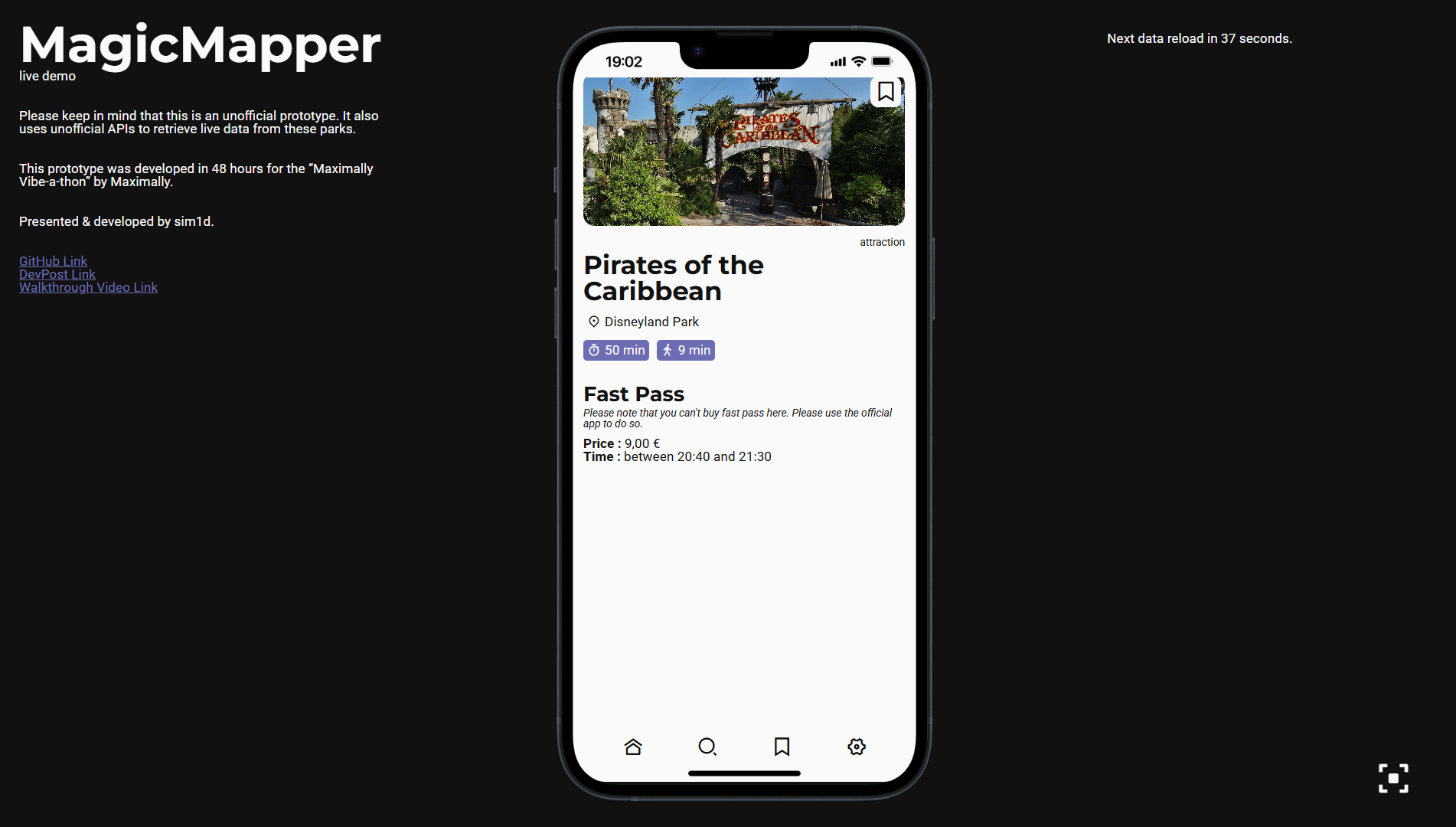
Screenshot - Attraction
-
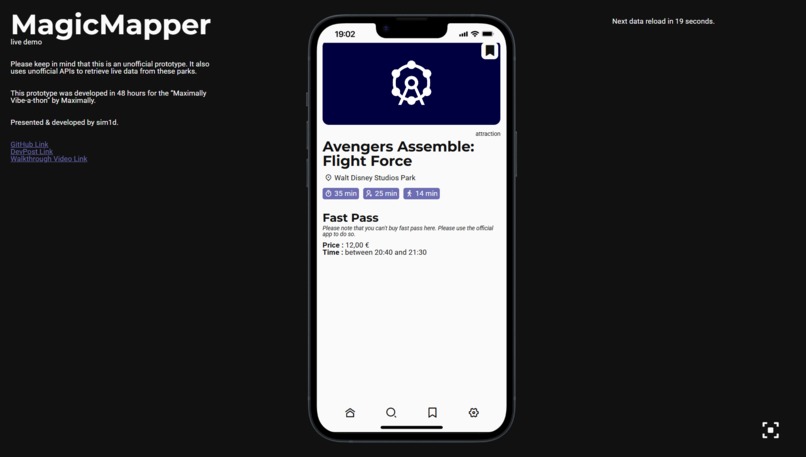
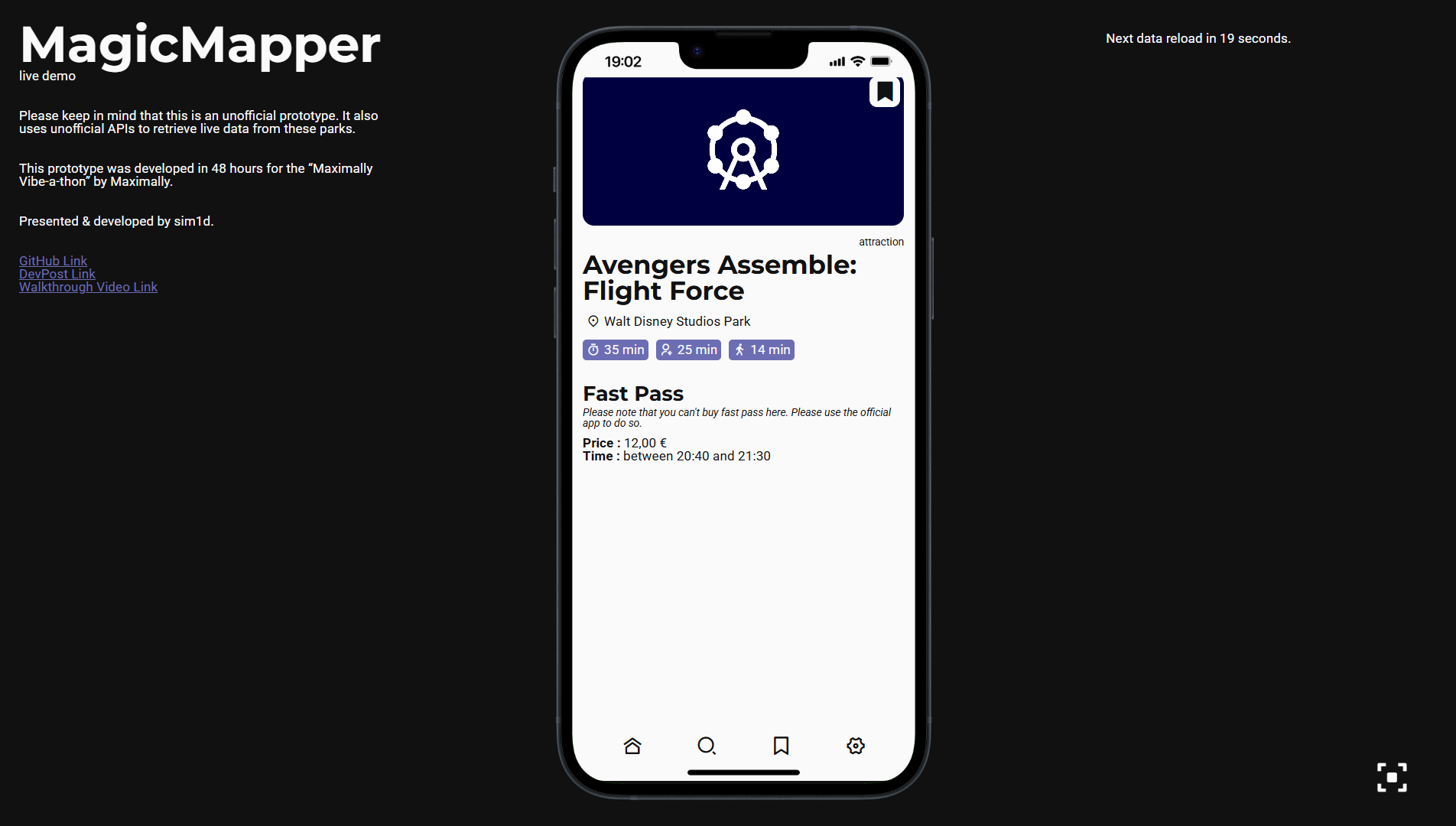
Screenshot - Attraction with Single Rider line
-
Screenshot - Mode focus
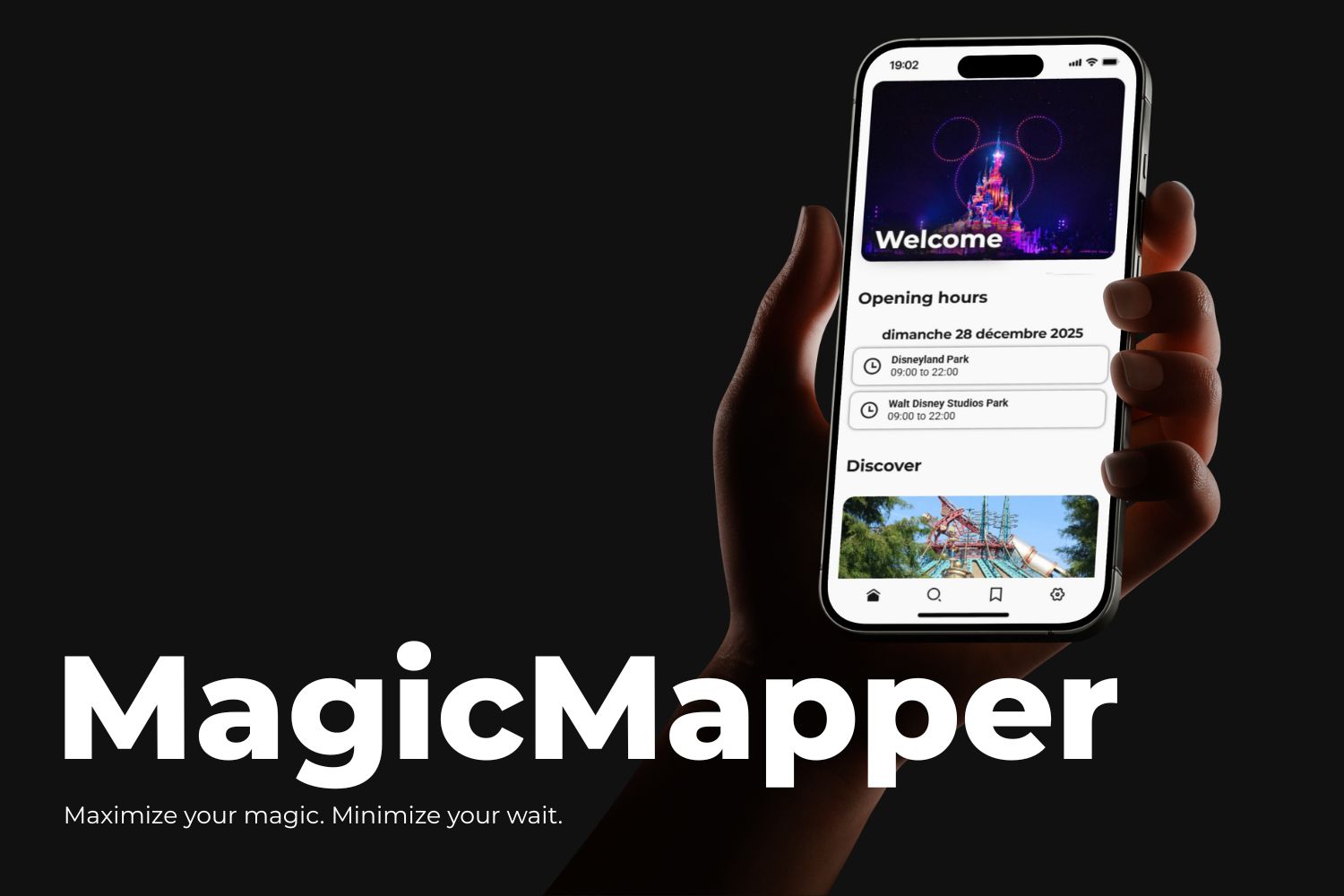
Meet MagicMapper, an unofficial Disneyland Paris Resort assistant that helps visitors optimize their day using live wait times, distance tracking, and smart attraction recommendations.
This project was developed entirely from scratch during the hackathon.
I’m proud to present my first project for a Hackathon! (I haven’t coded in 6 months btw)
Description
MagicMapper is an unofficial prototype designed for visitors of Disneyland Paris Resort (Disneyland Park and Walt Disney Studios Park). Many visitors struggle to decide which attractions or shows to prioritize due to long wait times and limited time in the parks. MagicMapper helps guests optimize their day by providing live attraction wait times, distance between the user and each attraction, and smart recommendations on what to experience first. By combining real-time data and location data, the prototype suggests the most efficient next steps, helping visitors reduce waiting time and make better decisions throughout the day. This project uses unofficial APIs to retrieve live park data and is not affiliated with or endorsed by Disneyland Paris.
Inspiration
The idea for this app came to me a long time ago, and this hackathon was the perfect opportunity to finally turn it into a real prototype. Since I hadn’t coded for six months, it was a challenging experience, but I’m proud of the progress I’ve made. The project was inspired by online resources and the official Disneyland Paris application.
How I built it
Since I don’t have experience with mobile app development, I chose to build a web application that simulates a mobile app experience. The application is built using Nuxt and relies on free public APIs to retrieve live data.
APIs used in this project:
- themepark API : Provides live information about the two Disneyland Paris parks, including attraction wait times.
- ipapi API : Used to retrieve an approximate user location when location access is denied in the browser.
To calculate the distance between the user and each attraction, I use Google Maps APIs to retrieve attraction coordinates. These coordinates are stored on the server. The DuckDuckGo Search is also used to automatically fetch images for attractions.
Challenges I ran into
Working on MagicMapper taught me a lot about web development and building prototypes from scratch. This was my first hackathon, so it was an exciting opportunity to learn quickly and apply new skills under time pressure. I learned how to structure a web app to simulate a mobile experience, including handling dynamic data and user interactions. I gained experience in using public APIs, dealing with their limitations, and designing fallback solutions when live data isn’t available. I also improved my skills in data processing, such as calculating distances between the user and attractions, storing and updating this information efficiently. Finally, I learned the importance of creating a functional prototype that demonstrates the core ideas, even with limited time and resources, and how to make it presentable and interactive for a hackathon demo.
Accomplishments that I am proud of
We successfully built MagicMapper from scratch in 48 hours, including a web-based simulation of a smartphone interface. The app allows users to choose between live data and randomized data, with dynamic location updates to simulate being in the park. This was also my first time integrating a location system, which worked perfectly for the prototype. I implemented a “fake notification” system within the phone simulator to enhance the user experience. Overall, I’m proud to have delivered a solid demo that fully represents the vision I had for the app and is ready to showcase to others.
What I learned
Working on MagicMapper taught me many new skills. I learned how to use public APIs and structure the received data, as well as enrich it with additional information to make it more useful. I gained experience in designing a coherent and user-friendly interface. I also learned how to use geolocation systems and calculate distances between coordinates, which was essential for the app’s functionality. Finally, I successfully built a phone simulation system within a web app, allowing users to experience the app as if it were on a mobile device.
What's next for MagicMapper
MagicMapper will remain in a prototype state. I’m a student and don’t have enough time to continue full development of this app. However, this prototype and live demo showcase everything I envisioned for the app. For future improvements, the app could include a live interactive map showing the optimal path to each attraction, smarter recommendations based on real-time crowd patterns, and personalized itineraries to further help visitors optimize their day.
Built With
- api
- javascript
- nuxt
- vercel
- vue

Log in or sign up for Devpost to join the conversation.