-
-

A simple question that starts the magic.
-
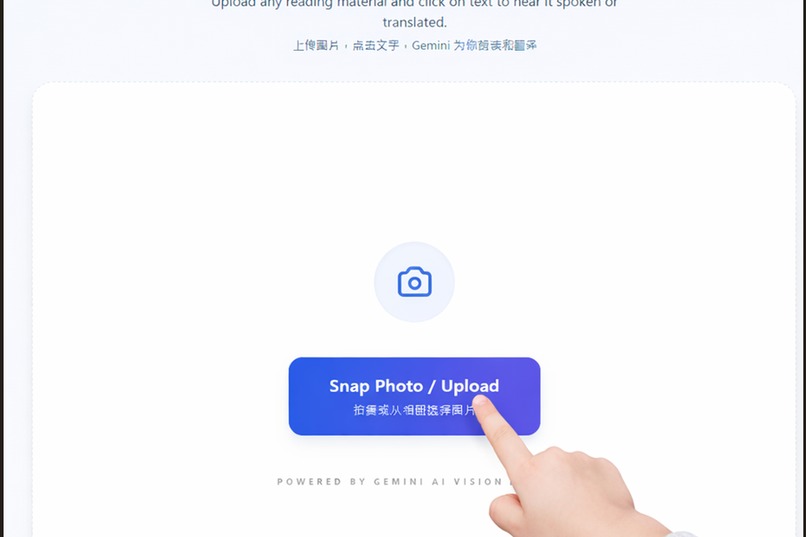
Point once. The text comes to life.
-
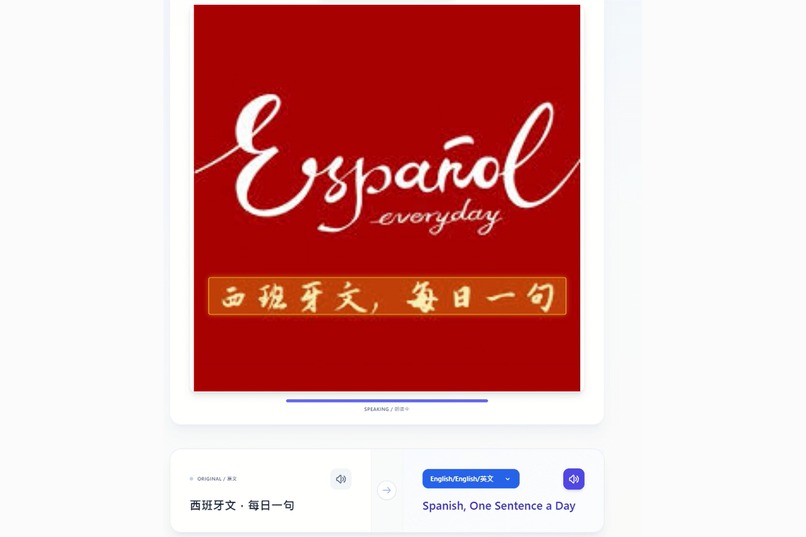
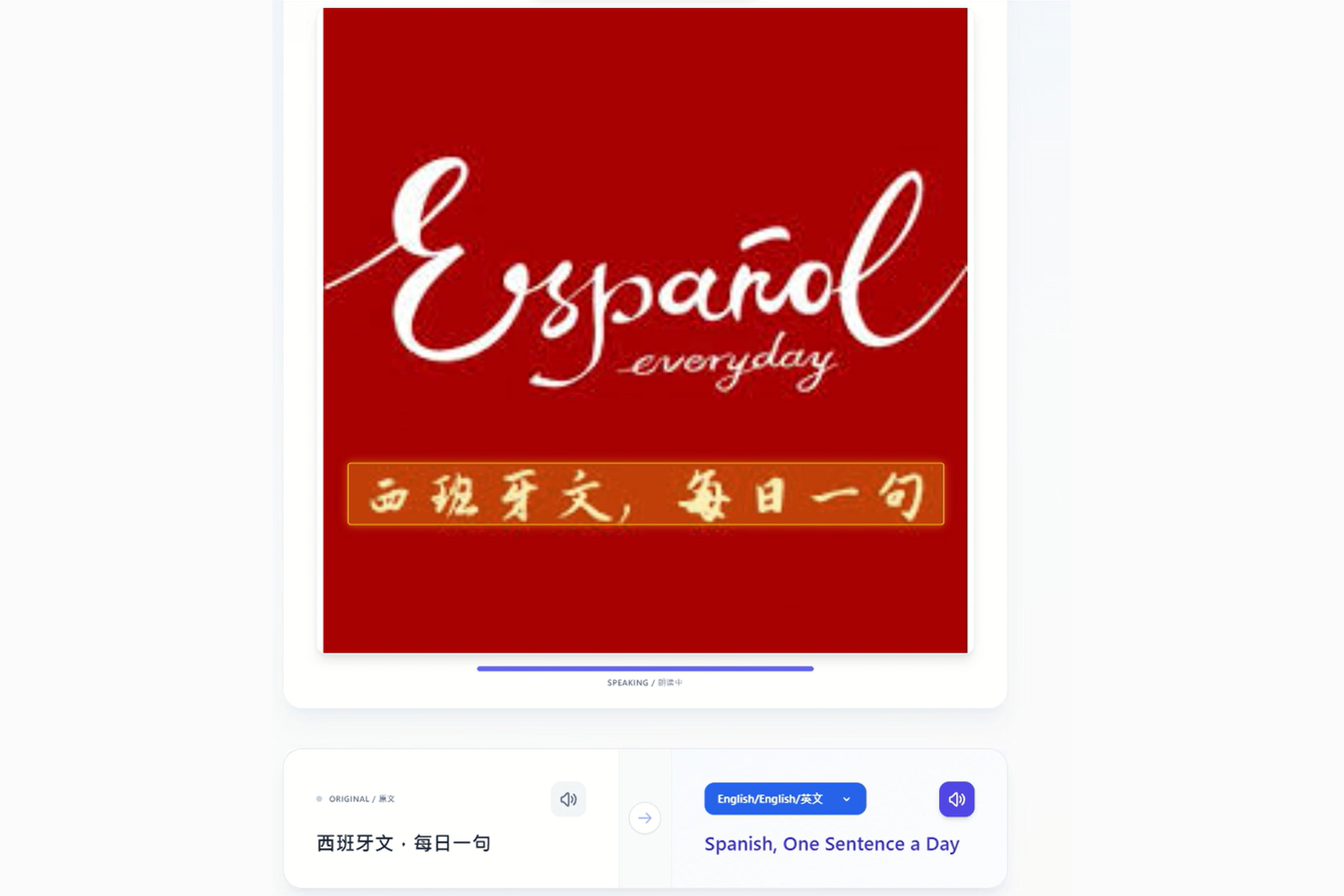
Any text. Any language. Instantly understood. Menus, signs, books, manuals, and more.
-
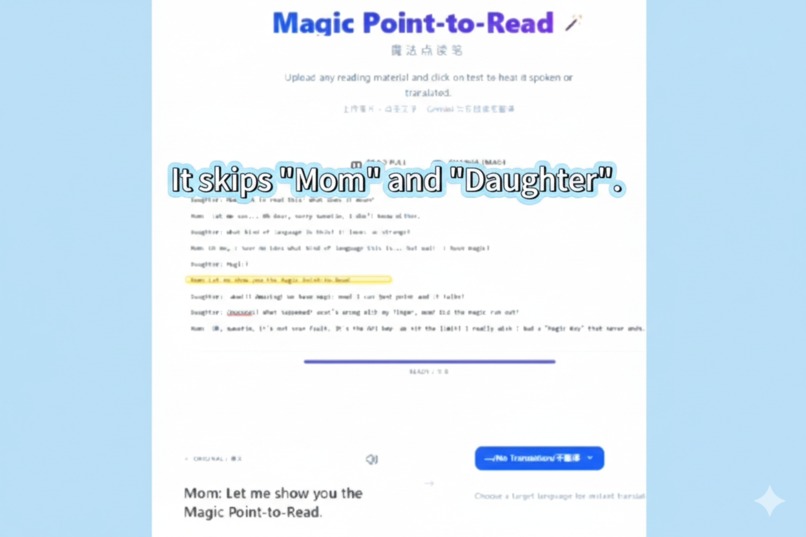
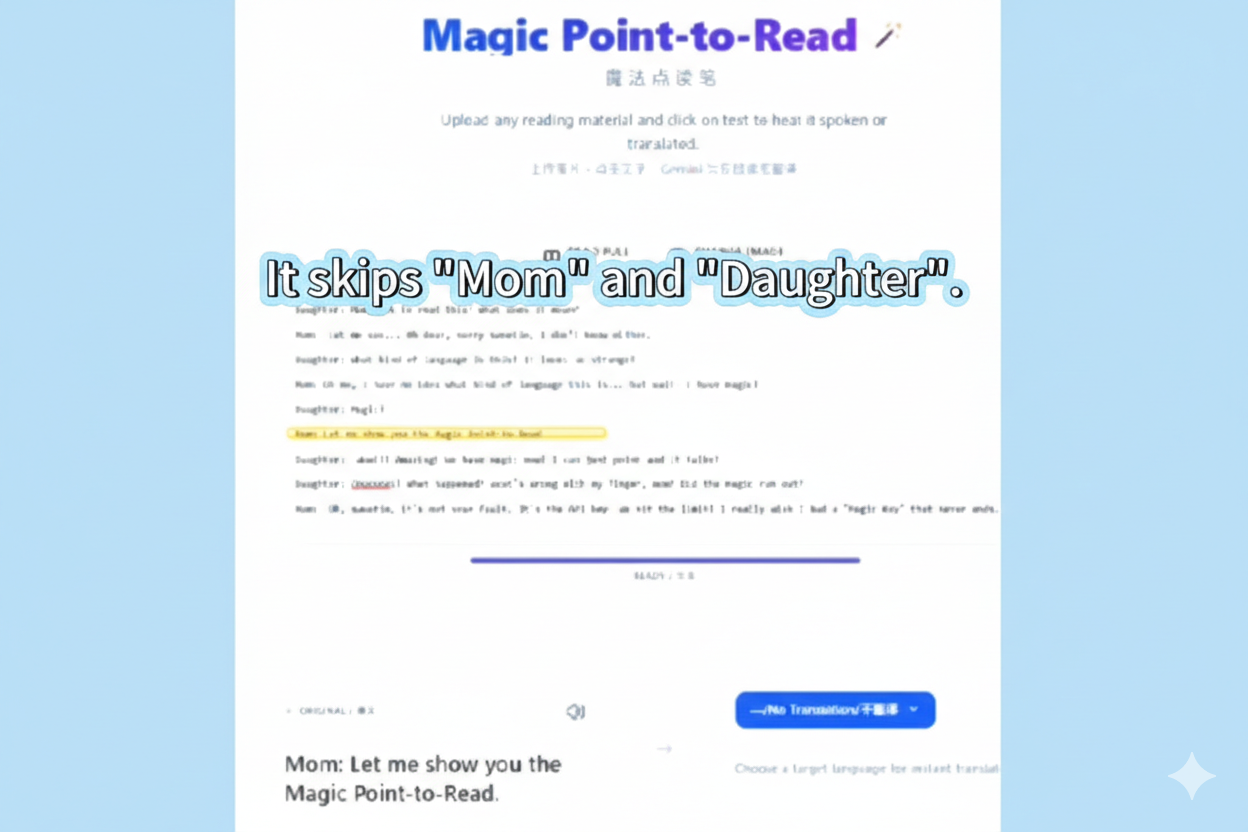
It automatically skips speaker labels like “Mom” and “Daughter”, reading the story with feeling.

Inspiration
Magic Point-to-Read began with a moment many parents will recognize.
My child was reading a book and suddenly got stuck—not because the story was hard, but because a few words were unfamiliar. “What does this mean?” “Can you read this part for me?”
This kind of interruption happens constantly when children read. Not because they don’t want to read, but because understanding breaks the flow.
I first thought of traditional reading pens designed for printed books. They can be helpful—but they are limited to specific titles, often expensive, easy to lose, and usually read isolated words or short phrases. They don’t read a story naturally, skip dialogue labels, or help children truly understand what they’re reading. Translation is rarely supported.
Then I looked at modern translation tools. Some can read or highlight text—but they usually work with typed text or digital documents. When reading from a physical book, a printed page, or any real-world image, the experience breaks down. Users are forced to switch apps, capture screenshots, or translate entire blocks of text instead of focusing on a specific word or sentence.
What felt missing was something simple.
Reading from images is different from reading digital text. It requires seeing, selecting, and understanding text exactly where attention falls.
I began to wonder: What if you could point directly to text inside an image and hear it read naturally, with feeling? What if that same interaction could instantly translate the selected text, without requiring full-page translation? What if this worked on any book, any page, or any image—without extra devices or setup?
That idea—combining image-based point-to-read, expressive reading, and translation into a single, simple experience—became the foundation of Magic Point-to-Read.
What it does
Magic Point-to-Read lets users turn any printed text into a spoken, multilingual experience.
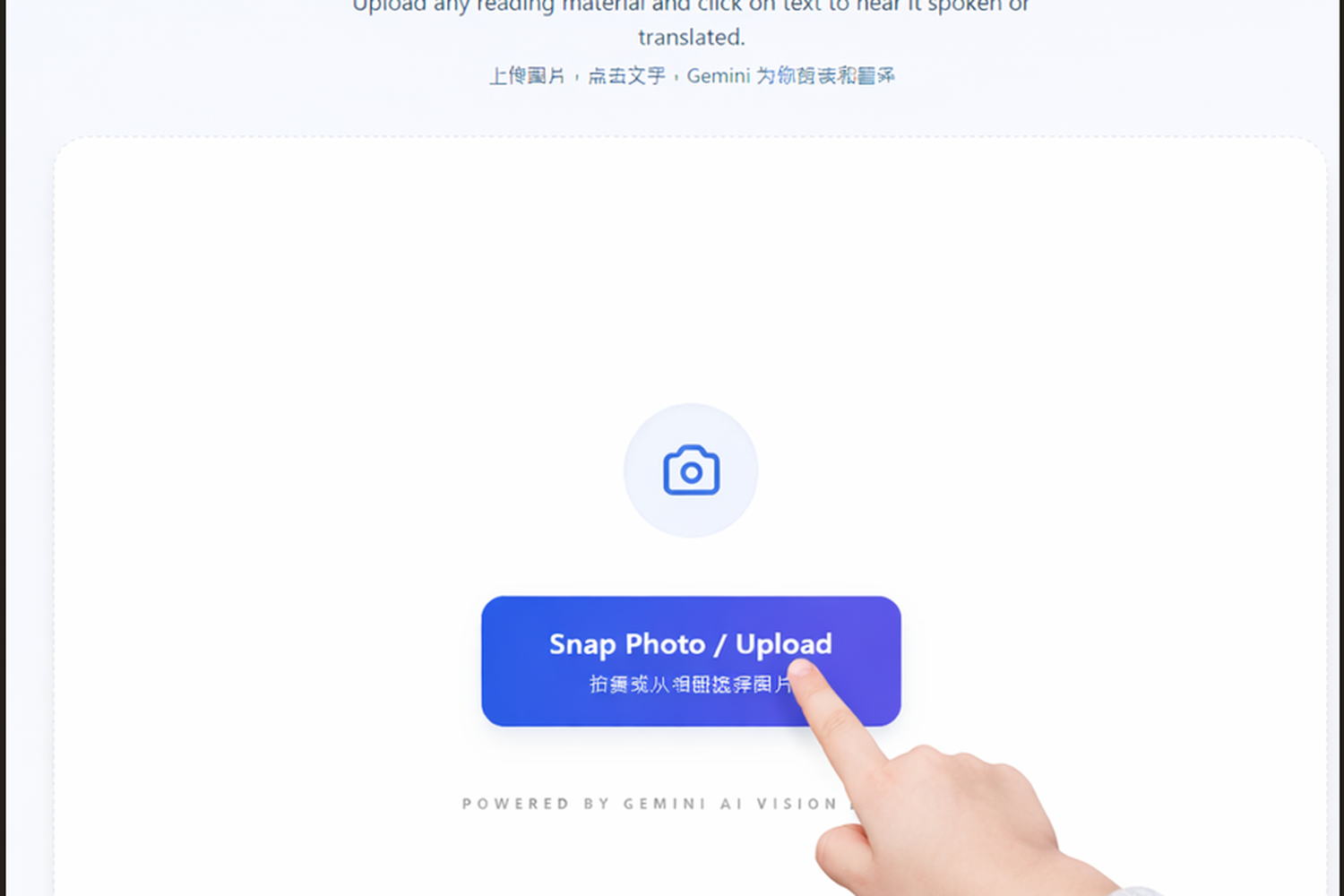
Users can upload or snap a photo of reading material, then tap on the text to:
- Hear words read aloud naturally
- Understand text across different languages
- Read dialogue smoothly without speaker labels,with feeling
- Experience automatic voice and emotion changes
No special hardware. No manual setup. Just point—and read.
How we built it
Magic Point-to-Read is built as a pure front-end web application, designed to be lightweight, responsive, and instantly accessible without any backend setup.
The entire experience runs directly in the browser. Users capture or upload images, which are processed on the client and securely sent to Google Gemini APIs for text understanding and speech generation.
We use vision-based text recognition and intelligent text segmentation to detect readable content from images. To create a more natural listening experience, the system automatically ignores speaker labels such as “Mom” or “Daughter” and focuses on reading the story itself, with appropriate voice and emotional variation.
All AI capabilities—including OCR, translation, and text-to-speech—are powered by Google Gemini models. Audio playback is handled through the Web Audio API to provide smooth, real-time feedback as users interact with the text.
The user interface is built with React and styled using a utility-first approach to keep interactions fast, clear, and intuitive across both desktop and mobile browsers.
By keeping the architecture entirely front-end and avoiding a dedicated backend server, we reduced complexity, improved responsiveness, and were able to focus on crafting a thoughtful, user-centered reading experience rather than infrastructure.
Core technologies:
- TypeScript, React, Vite
- Tailwind CSS for UI styling
- Gemini 3 Flash Preview — OCR image recognition and text translation
- Gemini 2.5 Flash Preview TTS — Speech synthesis (using Kore voice)
- Web Audio, Canvas, and FileReader APIs
- Deployed on Vercel
Challenges we ran into
One of the biggest challenges we faced was working within strict API key limits.
Because the application relies on real-time vision and text-to-speech capabilities, hitting usage limits during development made debugging and iteration difficult. Simple actions—such as testing different text layouts or audio behaviors—could quickly exhaust available requests.
Another challenge was the latency of vision-based text recognition. OCR processing is inherently more time-consuming than simple text input, and scanning complex images can introduce noticeable delays. While this is a limitation of current vision models rather than something we could fully control, it directly impacted how responsive the experience felt.
These constraints forced us to be more intentional about how and when AI calls were made. We carefully structured interactions, reused results whenever possible, and designed the experience so that each user action was meaningful rather than repetitive. Instead of optimizing for raw speed, we focused on creating a flow where users clearly understood when processing was happening and why.
While challenging, these limitations ultimately pushed us to build a more efficient and thoughtful system—one that treats AI resources as valuable rather than infinite. This was especially noticeable during live demo preparation, where reliability and clarity mattered more than aggressive experimentation.
Accomplishments that we're proud of
We’re especially proud that:
- The experience feels intuitive even for first-time users
- Dialogue can be read naturally without manual speaker labeling
- The interface remains simple while supporting powerful capabilities
- The project successfully demonstrates a real, usable interaction—not just a concept
Most importantly, the project shows that advanced technology can feel gentle and approachable.
What we learned
We learned that good tools don’t explain themselves—they invite interaction.
When users don’t have to think about how something works, they can focus on what it enables: confidence, curiosity, and connection to language.
While building Magic Point-to-Read, we were deeply struck by how quickly AI is changing who gets to create.
Capabilities that once required specialized expertise or complex infrastructure are now accessible to individuals with an idea and curiosity. This shift genuinely surprised us and reshaped how we think about creativity and access.
At the same time, we learned that technology alone is not enough. AI can lower the barrier to creation, but it is thoughtful design that turns access into something meaningful. When experiences feel intuitive and human, people focus less on the tool—and more on what they want to explore, understand, and express.
What's next for Magic Point-to-Read
Magic Point-to-Read is just the beginning.
Today, the experience focuses on reading from a single image at a time. One clear next step is to support longer-form reading—such as uploading an entire book or document and allowing users to flip pages naturally while continuing to point and listen. This would make the experience feel closer to real reading, rather than isolated interactions.
Another important direction is giving users more control over what is being read. At the moment, the system determines whether a tap corresponds to a word, a sentence, or a larger text segment. In the future, we want users to be able to intentionally choose the reading granularity—whether they want to hear a single word, a full sentence, or a paragraph—depending on their reading goals.
We also plan to improve layout handling across pages, so text detection and reading remain consistent even as content flows from one page to the next. The goal is to keep the interaction effortless: turn a page, choose what to read, and listen—without reconfiguring or restarting the experience.
In the longer term, we want Magic Point-to-Read to grow into a companion for everyday reading, wherever text appears. As AI continues to evolve, our focus will remain on thoughtful design—using powerful models to reduce friction, not add complexity—and helping reading feel more like discovery than a task.
Point to read. Magic happens.
Built With
- audio
- canvas
- gemini
- javascript
- ocr
- react
- tailwind
- text-to-speech
- translation
- typescript
- vercel


Log in or sign up for Devpost to join the conversation.