Inspiration
Throughout the years, I’ve played with different ways to control my media (play/pause, volume, brightness, ...)
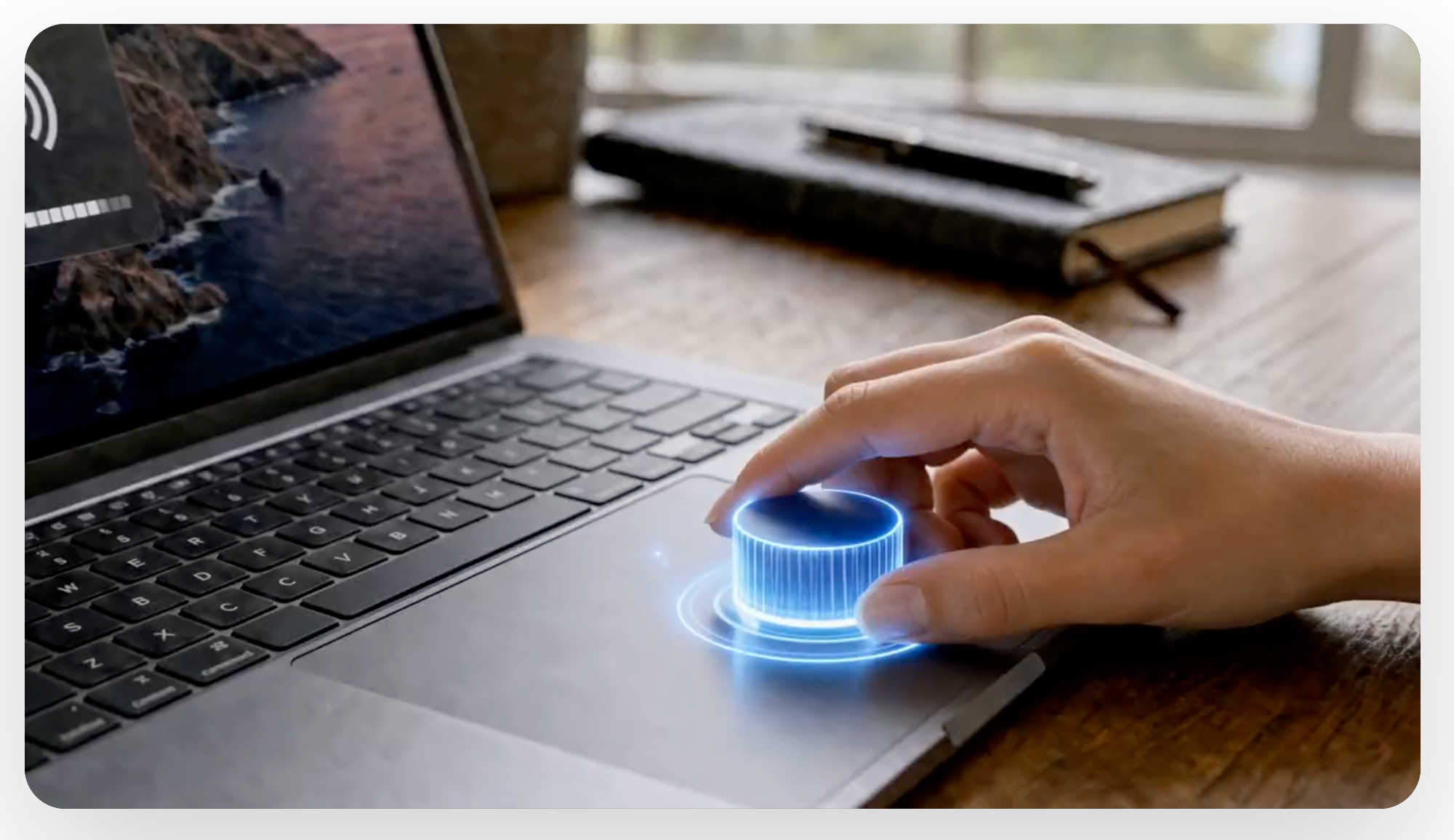
I landed on 2 finger rotation gesture, which felt the most natural and intuitive to use.
I used this setup for about two years, my friends would feel amazed when they see it, but it was super custom and there's wasn't a simple button I could push to give them access to it. So I finally decided to bring it to life as a product. With help from Codex, I turned it into Magic Knob, a native media control utility for macOS.
What it does
Magic Knob is a media control utility for macOS that centralizes common playback actions in one clean interface. It helps me control media faster, with fewer clicks and less friction, so I can stay focused while working or watching my agents work.
How I built it
I built it as a native macOS app using Swift and SwiftUI, starting with core media controls and keeping the UI minimal and practical. I focused on responsiveness, reliability, and low-latency interaction so media actions feel immediate and predictable.
Challenges we ran into
- False triggers, the app keeps showing the HUD while the user is typing..
- Lack of reliability, sometimes it works sometimes it doesn't
- Making media controls feel fast and consistent across workflows
- Balancing a minimal interface with enough useful controls
- Keeping the app lightweight while preserving stable behavior during repeated use
- Polishing edge cases around focus, state changes, and quick interactions
Accomplishments I'm proud of
- Launching my first paid app
- Shipping a polished native media control utility from a focused concept
- Creating a clean, distraction-free interface for everyday media tasks
What I learned
I learned that I can make a product out of something as simple as media controls, if it's packaged correctly, I can find people interested in using it.
What's next for Magic Knob
- Improve and expand media controls (more actions, better presets)
- Add more customization for different user usecases
- Refine accessibility and shortcut support
- Continue improving stability and polish based on usage feedback
- Add more and more actions the users can configure for their gestures
Built With
- html
- swiftui
- typescript

Log in or sign up for Devpost to join the conversation.