-
-
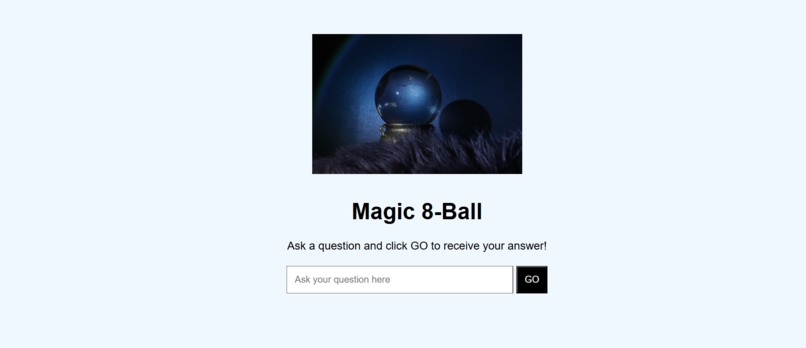
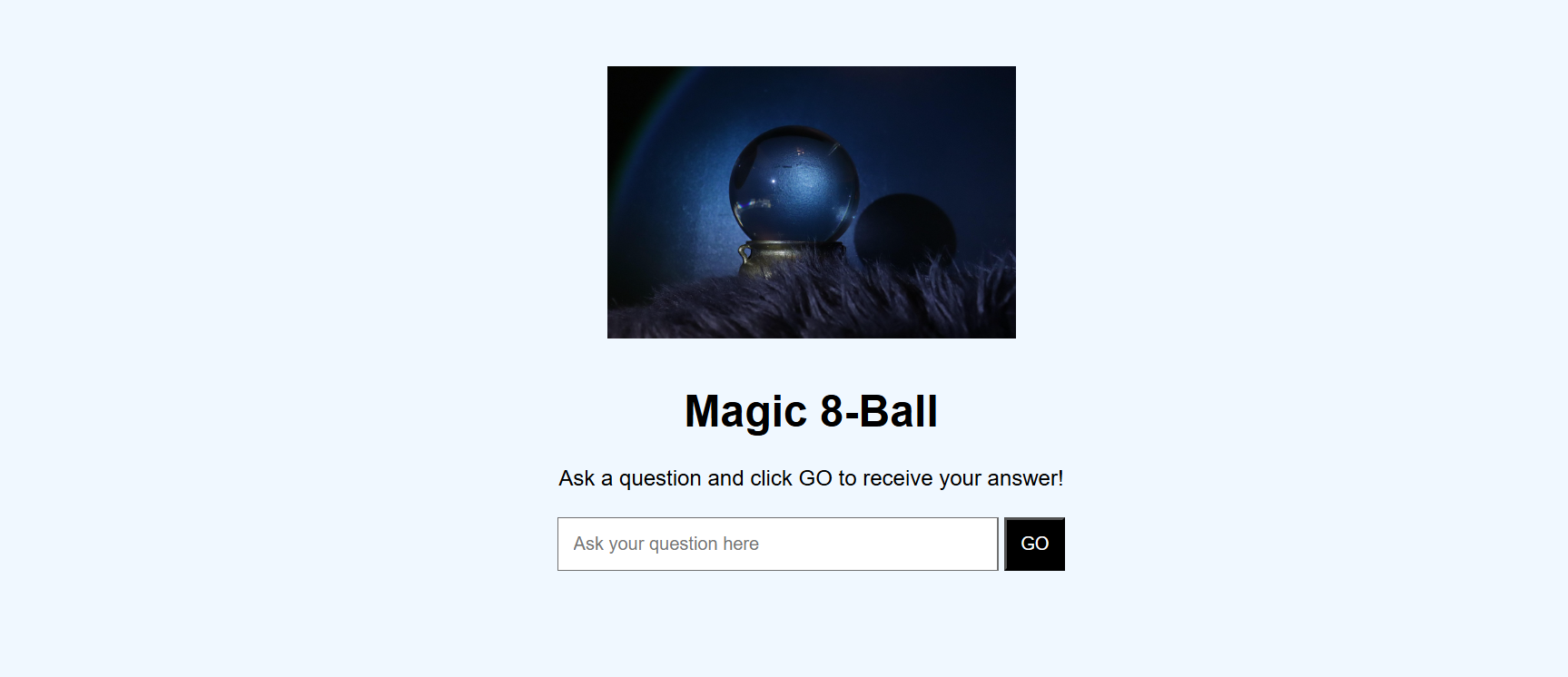
Initial page of Magic 8-Ball
-
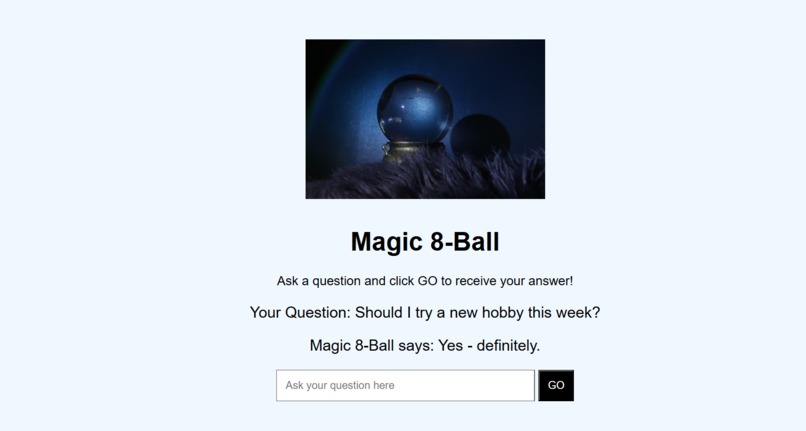
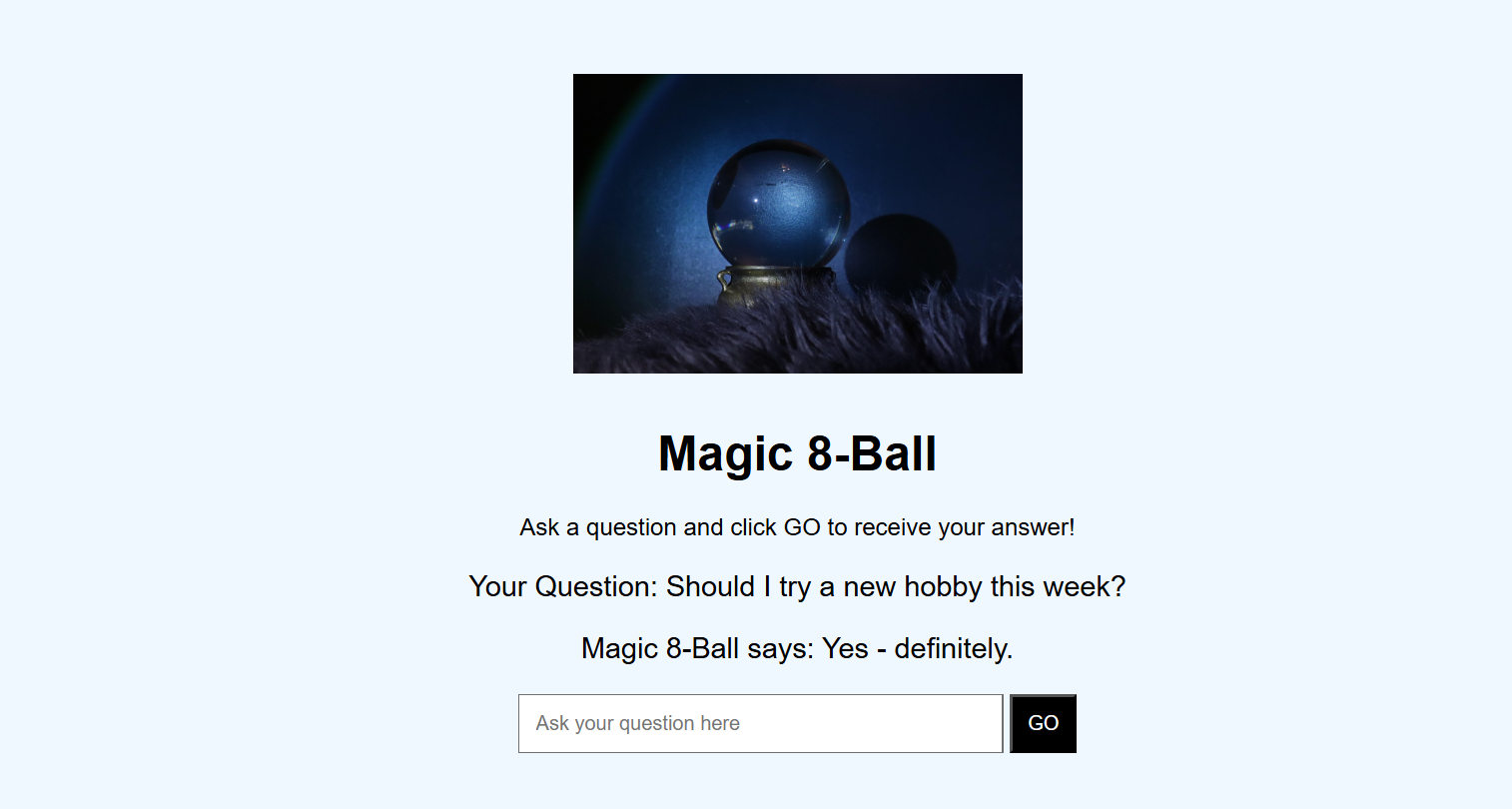
A sample question and answer
Inspiration
It is inspired by the classic Magic 8-Ball toy
What it does
Magic 8-Ball lets users ask any question and receive a random, fun response from a list of 9 possible answers.
How we built it
HTML: Structured the page with a heading, input box, image, question/answer display, and button. CSS: **Used inline styling for background color, fonts, spacing, button color, and image size. **JavaScript: Captures the user input from the text box (document.getElementById("Input").value). Generates a random number between 0–8 to select an answer from the array. Updates the DOM dynamically using .innerText. Clears the input box after submission. Updated the DOM using .innerText to display both the question and answer.
Challenges we ran into
Switching from prompt() to a text input field required understanding how to get values from an input box. Styling with only inline CSS was limiting, so layout and spacing needed careful adjustment. Ensuring the input box is cleared after submitting while still displaying the previous question/answer.
Accomplishments that we're proud of
Learned to capture user input from the page instead of using prompt().
What we learned
How to manipulate the DOM dynamically using document.getElementById() and .innerText. How to generate random responses with Math.random() and arrays. Basics of UI/UX design for input fields, buttons, and page layout. The importance of clearing inputs and giving immediate feedback to the user.
What's next for Magic 8-ball
Make the page responsive for mobile screens. Add sound effects or visual effects when the GO button is clicked.

Log in or sign up for Devpost to join the conversation.