-
-
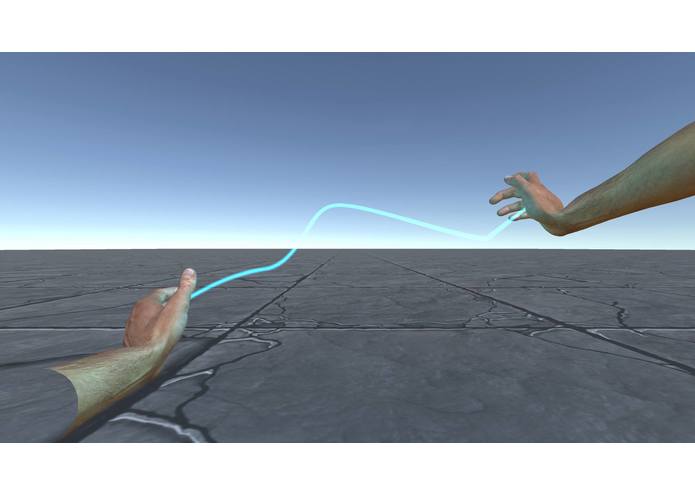
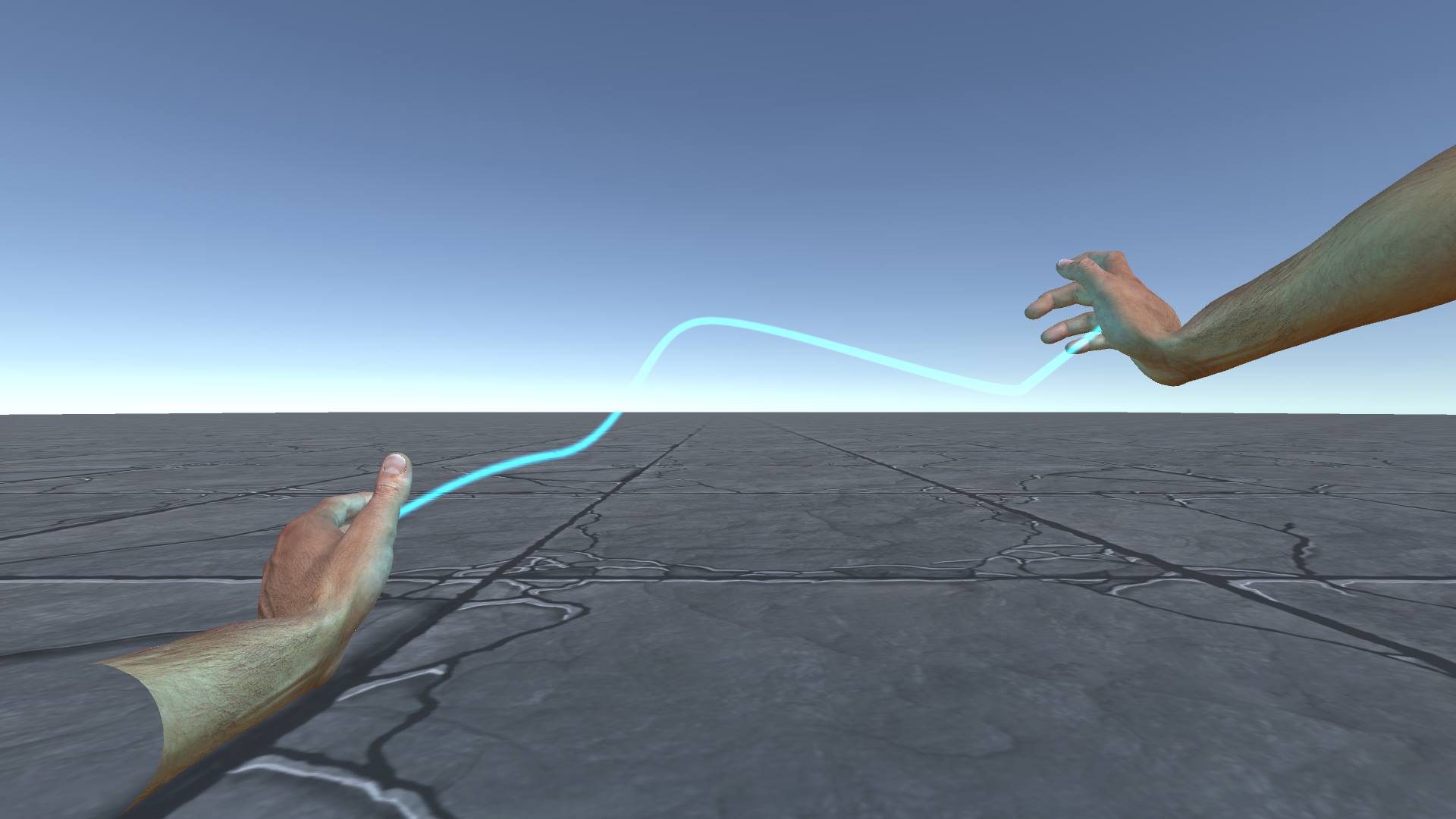
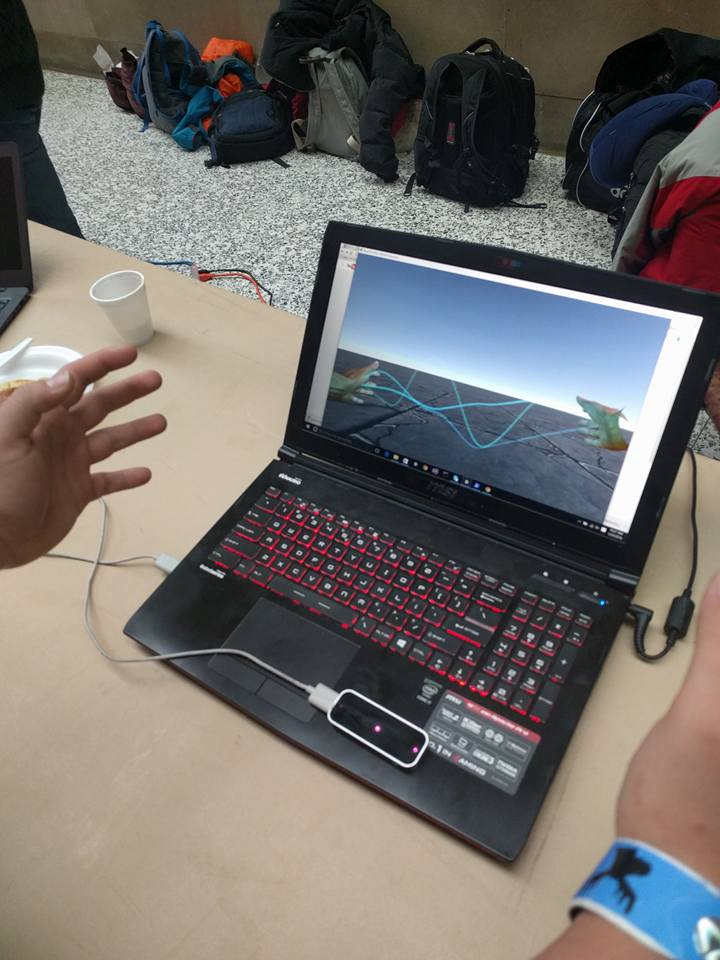
lighting bolt
-
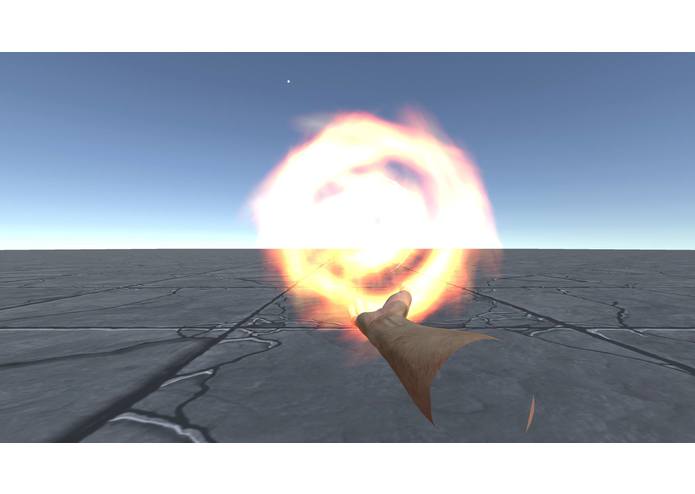
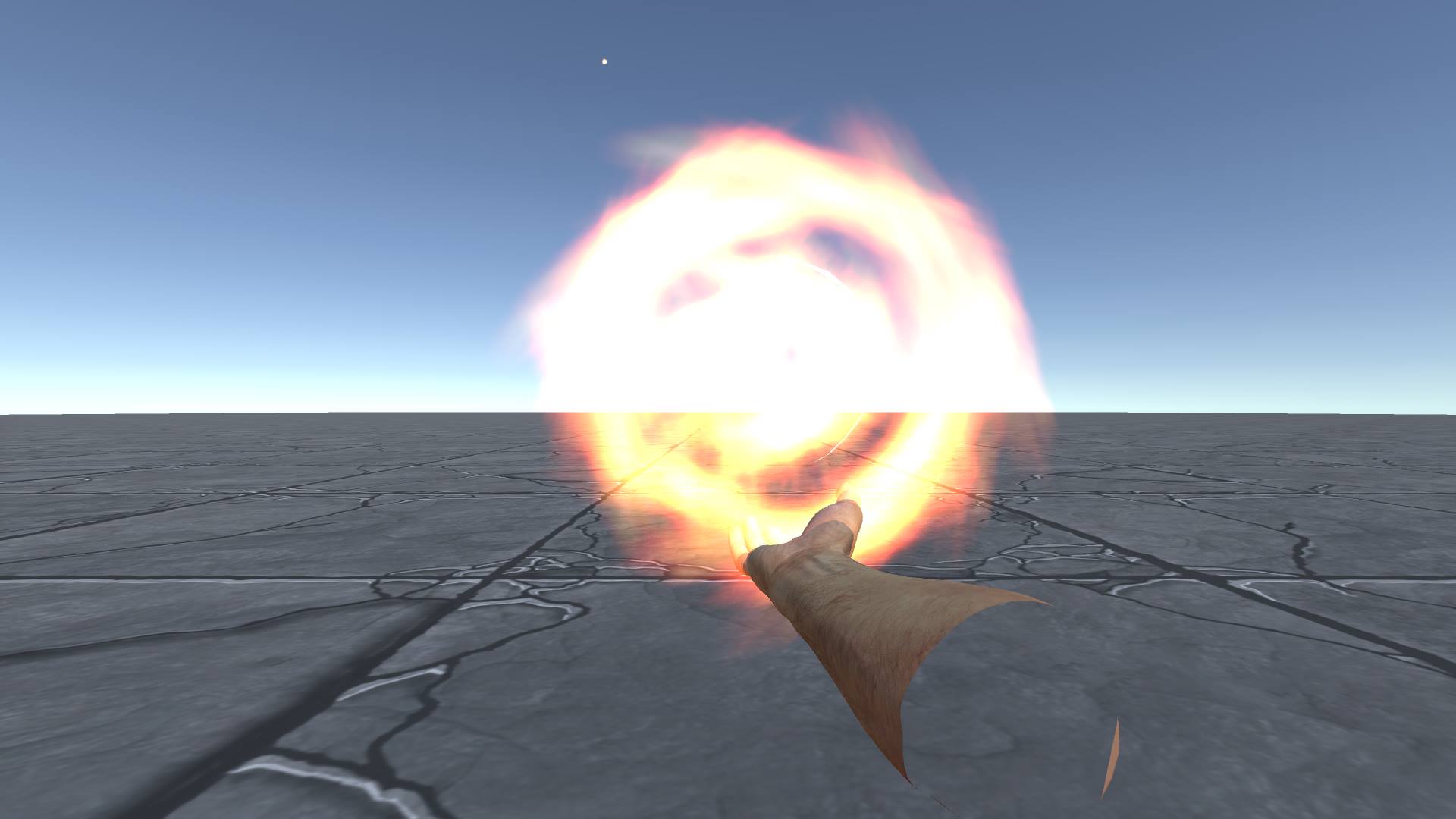
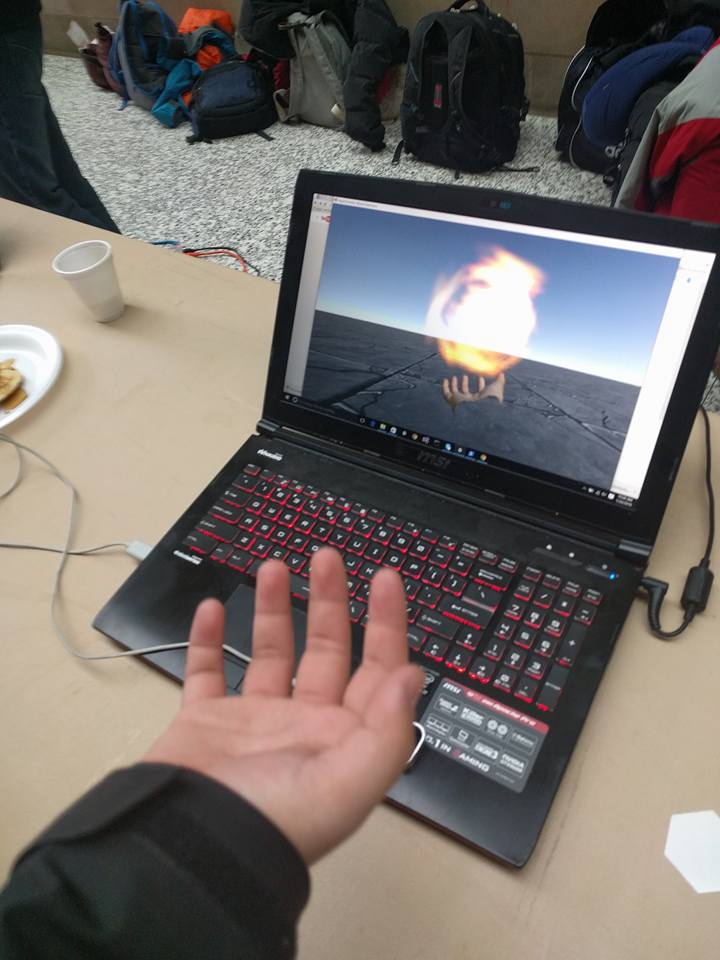
fire ball
-
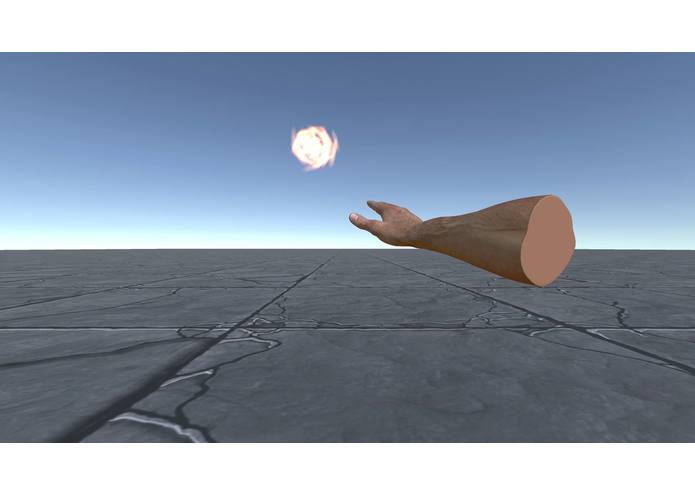
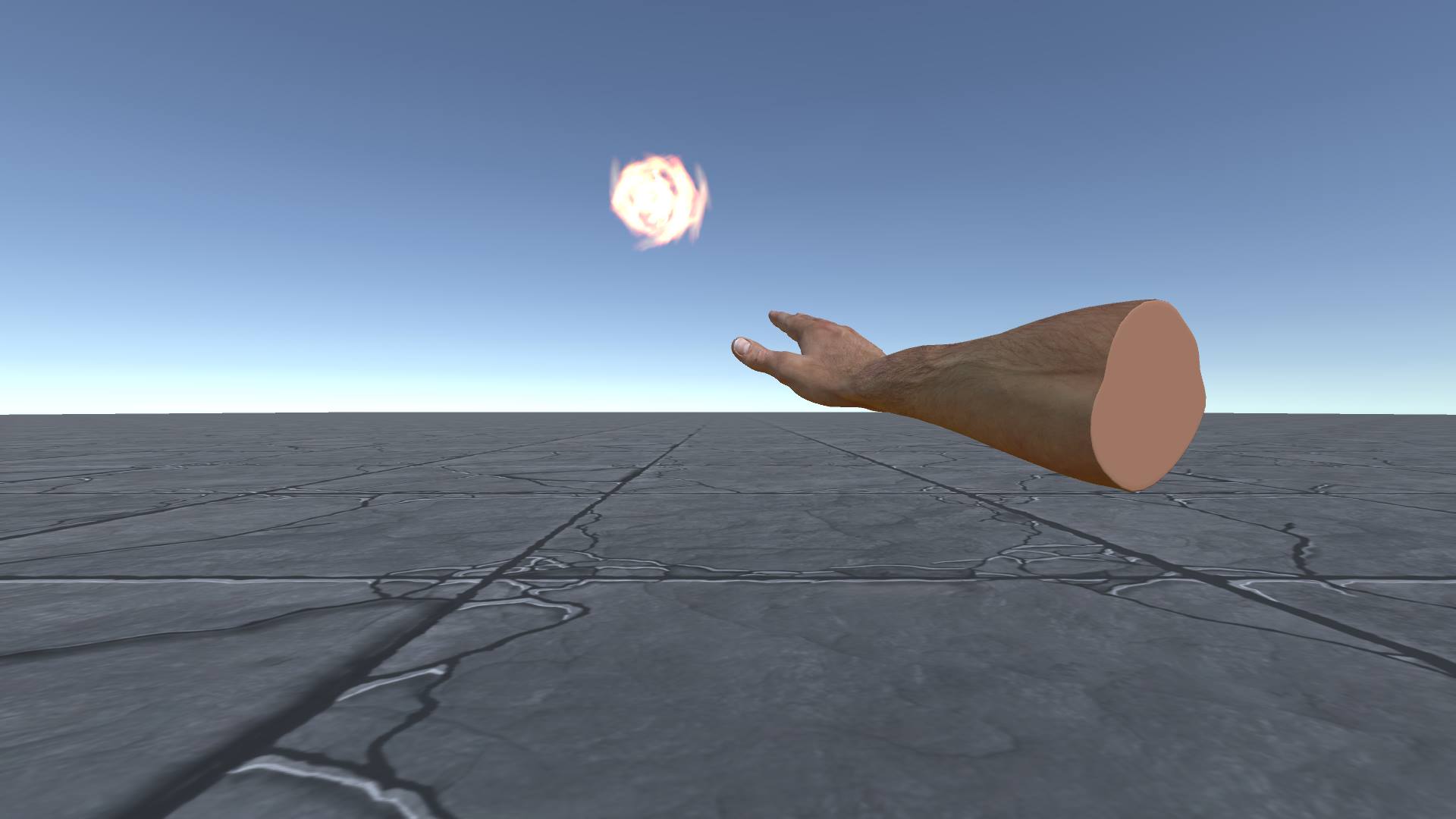
throw fire ball
-
light bolt with hands
-
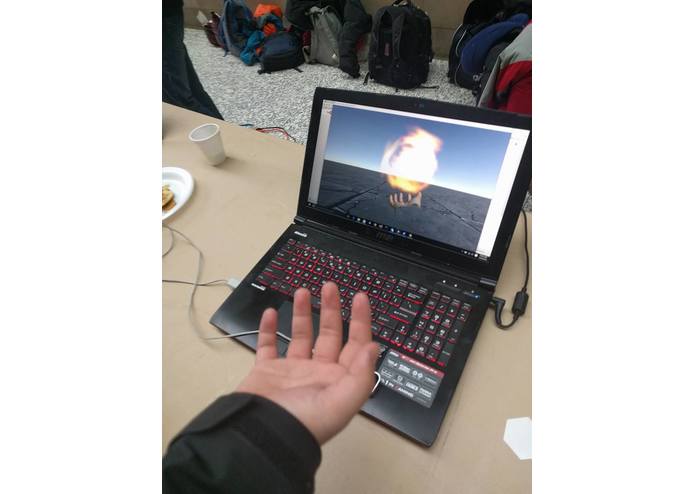
fire ball with hand
-
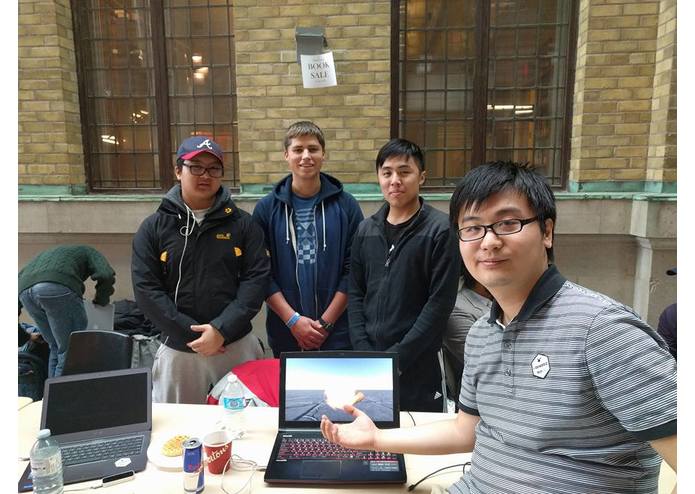
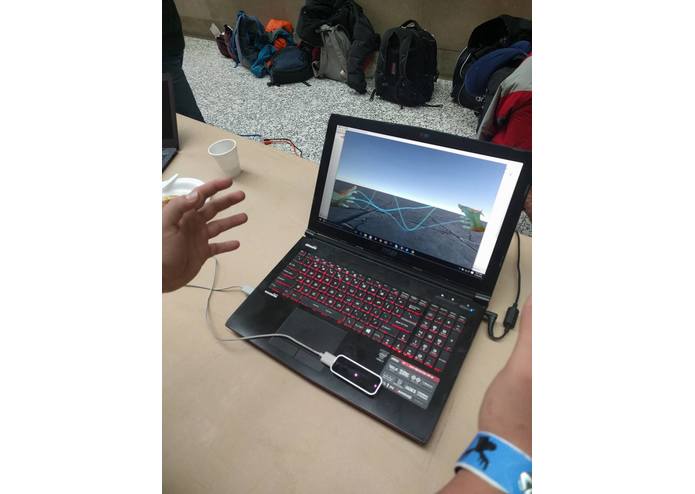
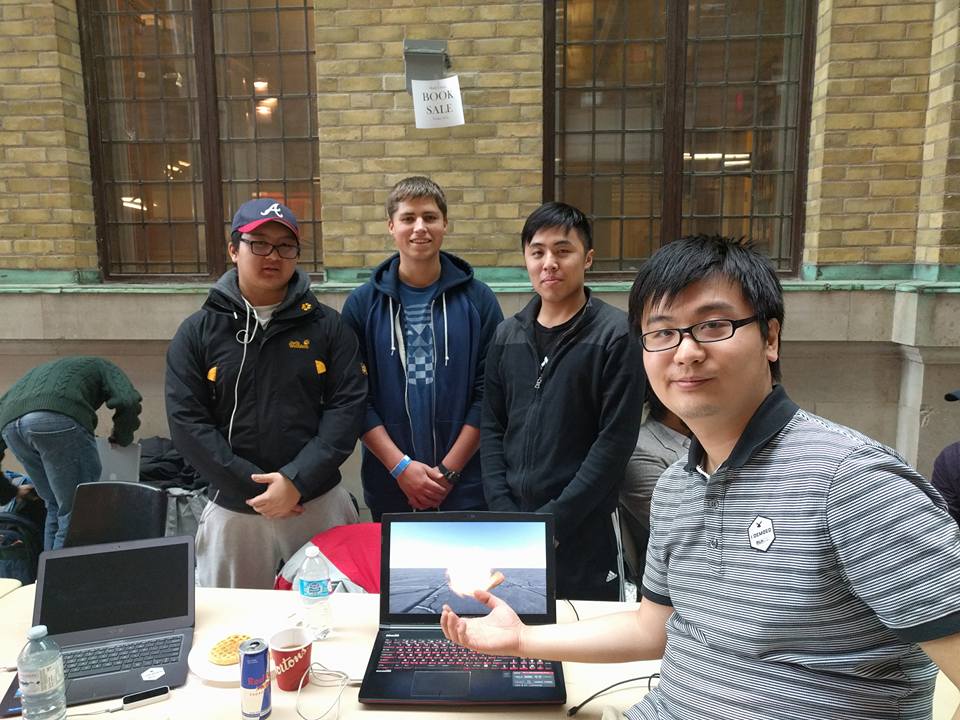
team photo
Mage-Simulator-Wizard-Adventure
Mage Simulator - Wizard Adventure is a game prototype where player can cast fire balls and light bolts with mage style. It uses Leap motion controller to catch gestures of hands to perform certain spell casting.
Videos and screenshots can be found here:
The prequel of this prototype is called Mage Simulator which can be found here: http://devpost.com/software/magesimulator.
Credit
Lead designer & programmer
- Zhongshi Xi
Assisstant desginer & programmer
- Alfred Lam
- Daniel Kolo
- Dylan Park
System Requirement
- Windows 7 and above.
- Leap Motion controller, Leap motion SDK v2.3 above ( https://developer.leapmotion.com/downloads).
Install the game
- Download Release folder, find **MageSimulatorWizardAdventure.exe", execute it.
Game Control & Play.
- When game starts, you will see a monster coming towards you, but do not worry, it does no harm just looks scary. Your goal is try to cast spells to beat it. Press "R" to reset the game.
Cast fire ball
- Place either left or right hand in the interactive box of leap motion controller ( 15cm above the leap motion surface) until you can see the hand in the game world.
- Rotate the hand unitl its palm faces upwards. You can see a small fire ball starts to appear.
- Clench to cast fireball (makesure all your fingers are bent), the more time you clench , the bigger the fireball is.
- Move and yaw your hand ( rotate with respect to upwards direction) to change the position and direciton of fire ball.
- Release the clench and strech all your fingers hard ( make them straight) to shoot the fire ball.
Cast lighting bolt
- Place both left and right hand in the interactive box of leap motion controller ( 15cm above the leap motion surface) until you can see both of hands in the game world.
- Rotate both hands until their palms facing each other and clench both hands ( *make sure all your fingers are bent *). You can see a blue light bolt between palms.
- Bring both of hands close or away from each other can reduce or increase the length of the lighting bolt.
- Move both hands at the same time to change the position of lighting bolt. Rotat, pitch and yaw both hands at the same time to change the direction of lighting bolt.
- Release the clench and strech all your fingers hard ( make them straight) to shoot the lighting bolt.


Log in or sign up for Devpost to join the conversation.