Madhyam was inspired by the need to bridge the communication gap between NGOs and government authorities. We noticed that existing platforms lacked a centralized hub where NGOs could efficiently convey their requirements, launch crowdfunding campaigns, and make direct requests to relevant government organizations. This gap inspired us to create a solution that would empower NGOs and streamline their operations.
What We Learned
Throughout this project, we learned the importance of effective communication and collaboration in the non-profit sector. We also gained valuable insights into web development, user interface design, and the integration of various technologies to create a seamless user experience. Understanding the specific needs of NGOs and how to address them through technology was a key learning experience.
How We Built Our Project
Madhyam is a website designed to function as a central hub for NGOs. Here's a breakdown of its features and components:
NGO Hub Functionality:
- NGOs can share requests (e.g., need for clothes or food supply) in a social media-like format.
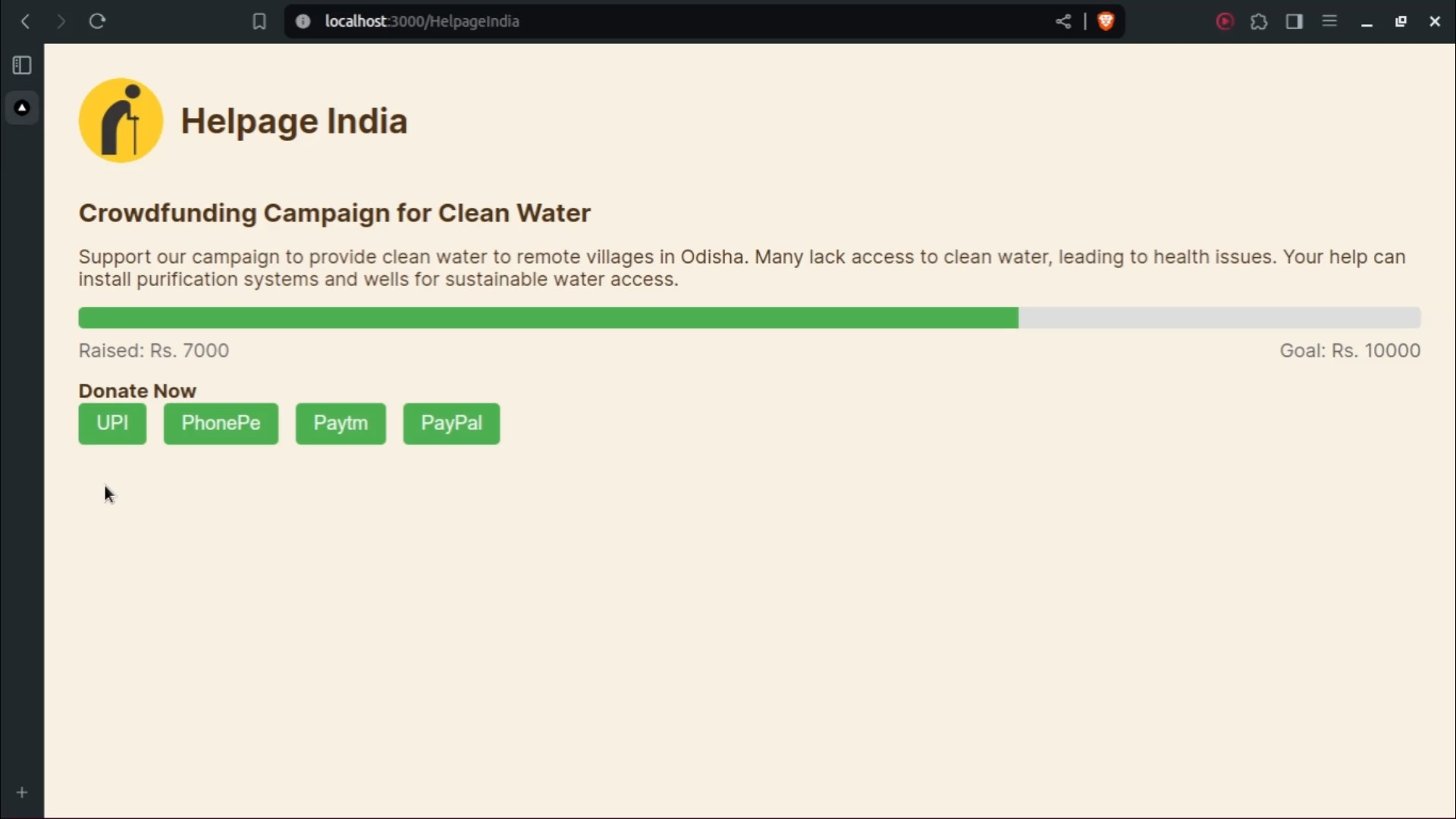
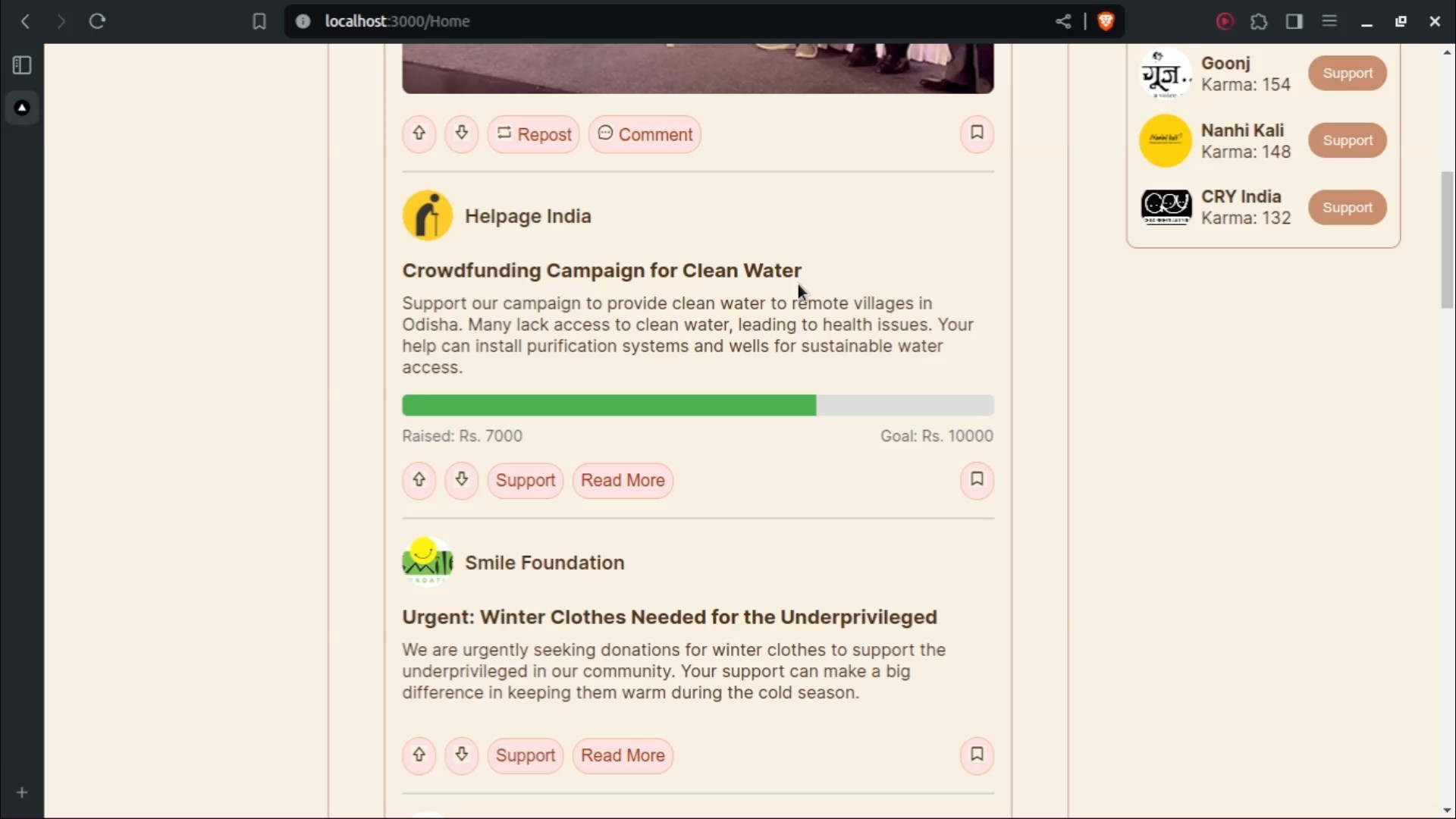
- Crowdfunding posts can be created for initiatives like building a school.
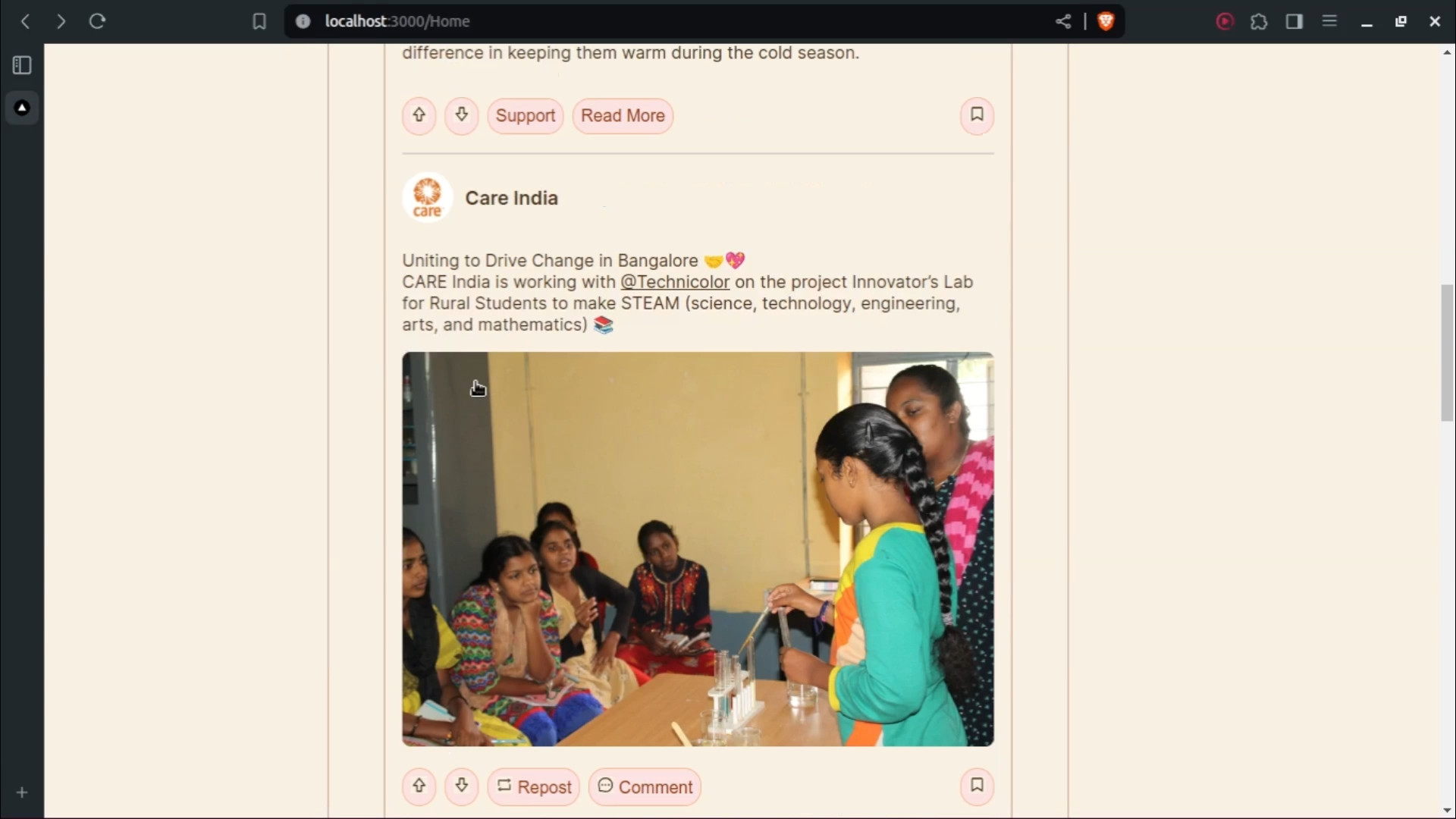
- NGOs can post updates on their activities and progress, climbing leaderboards for most active and most funded NGOs.
Landing Page:
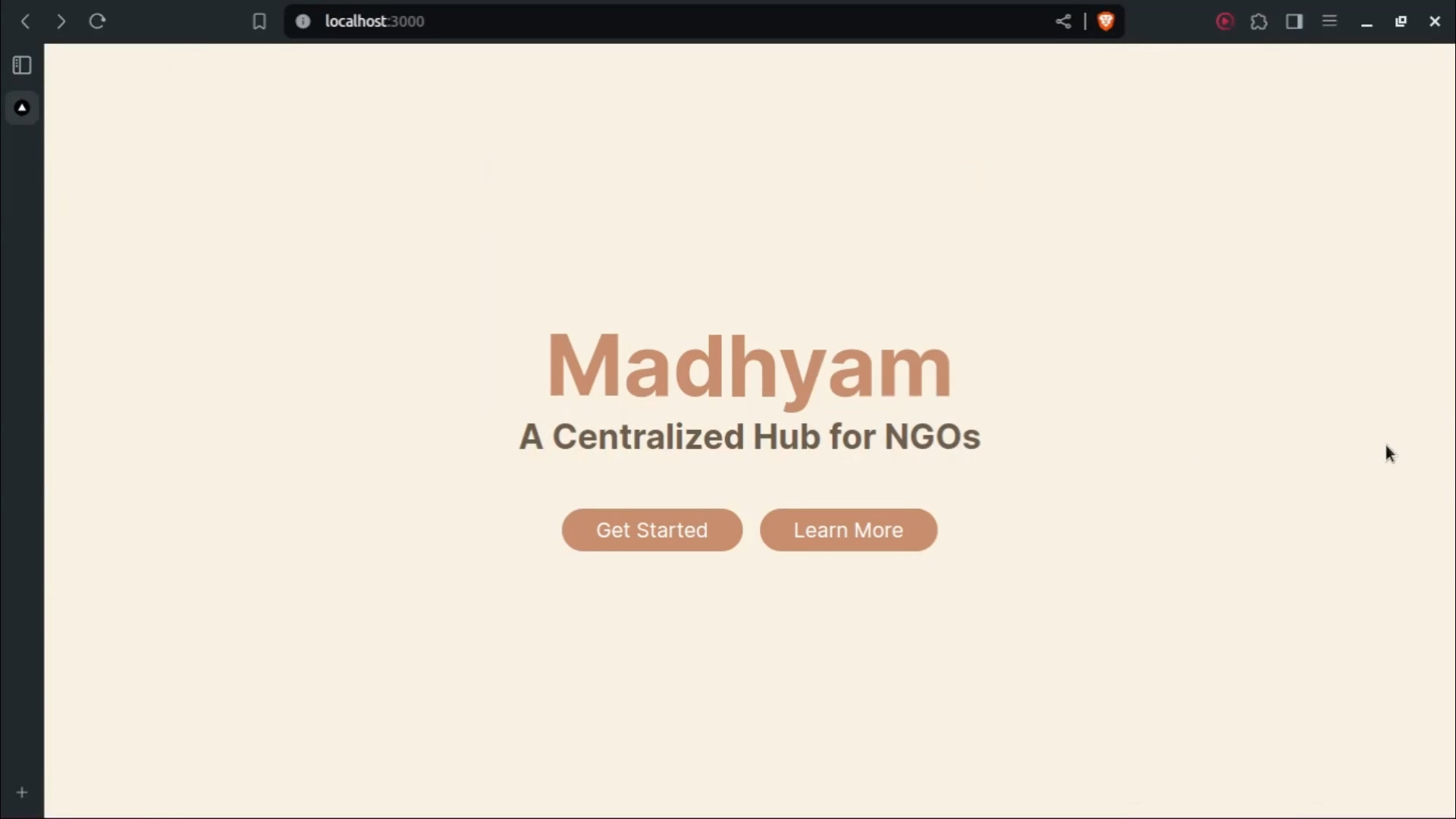
- The landing page provides information about the website and a "Get Started" button.
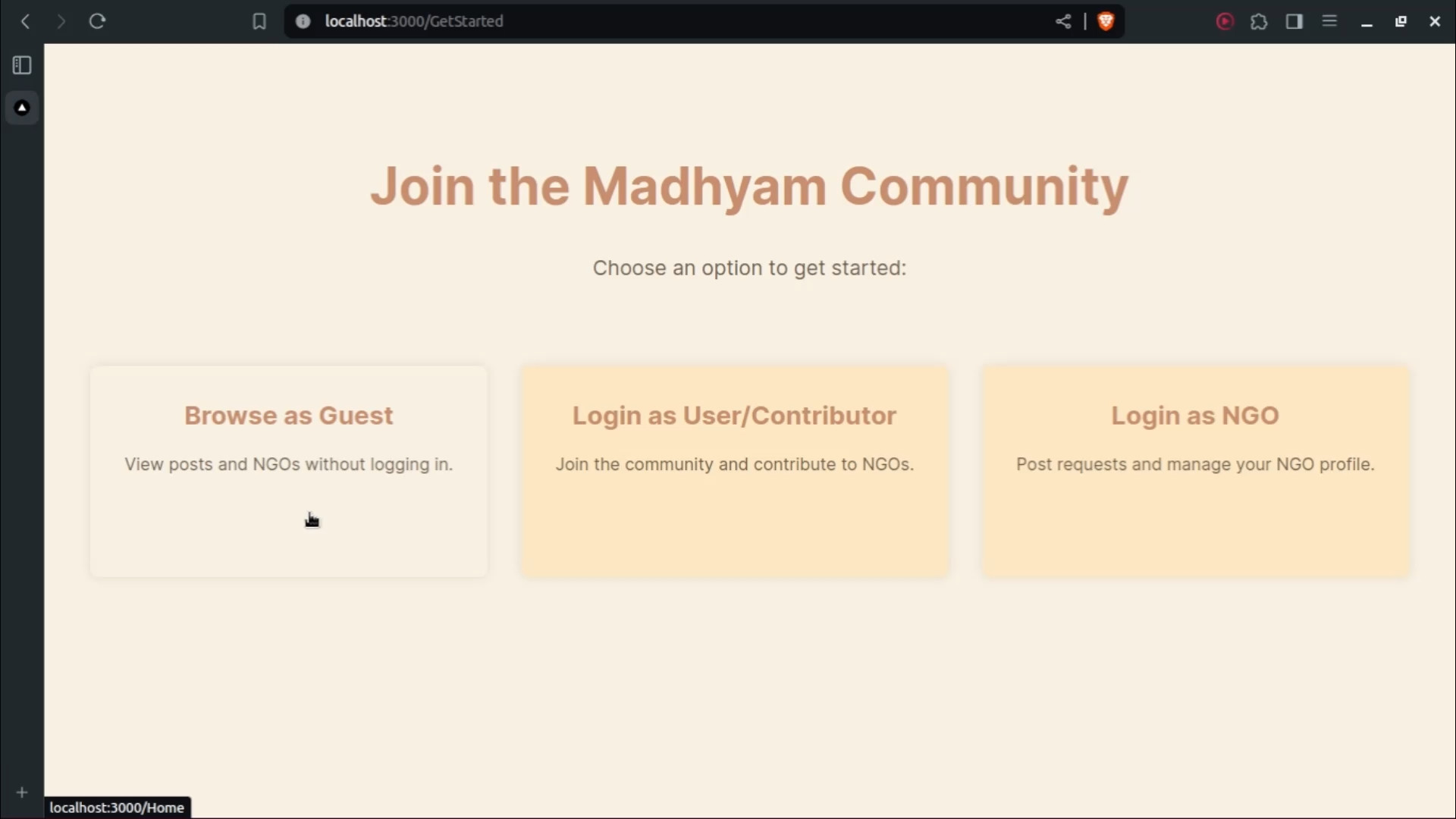
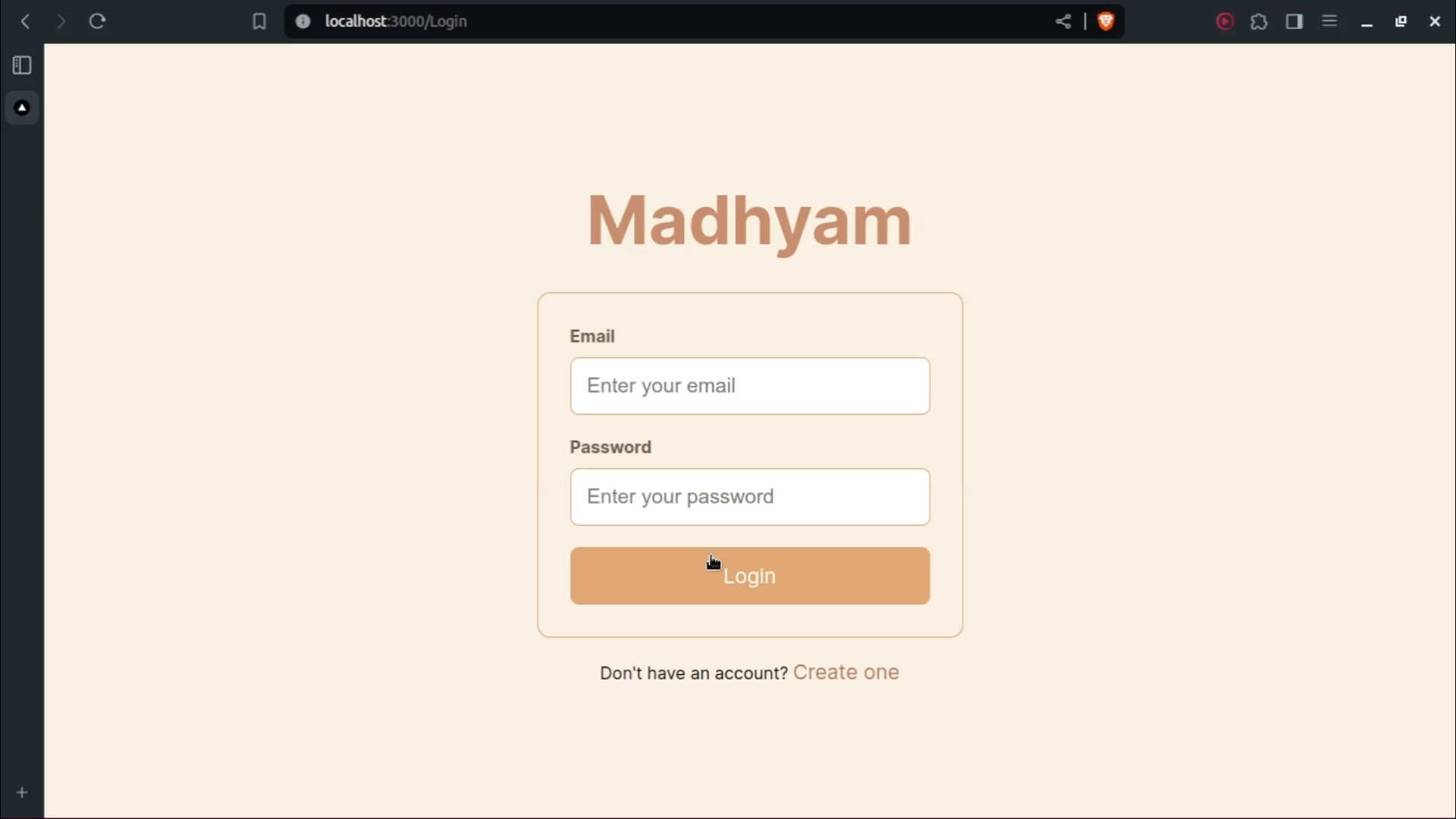
- Users have three options: browse as a guest, log in as a user/contributor, or log in as an NGO.
Browse as Guest:
- Guests can view ongoing posts on the website without logging in.
Login as Contributor:
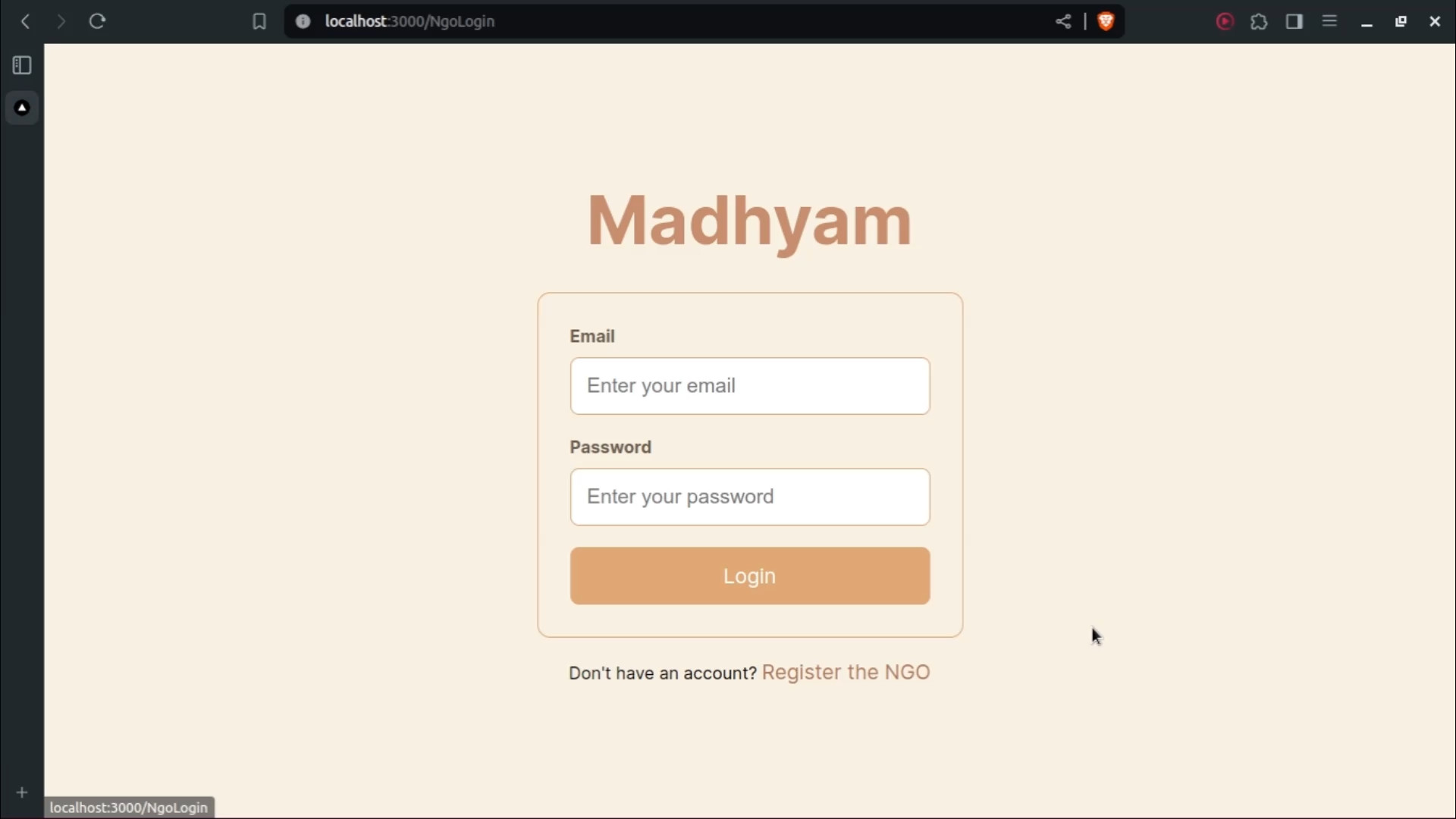
- Contributors can create accounts, log in, browse posts, and fulfill requests.
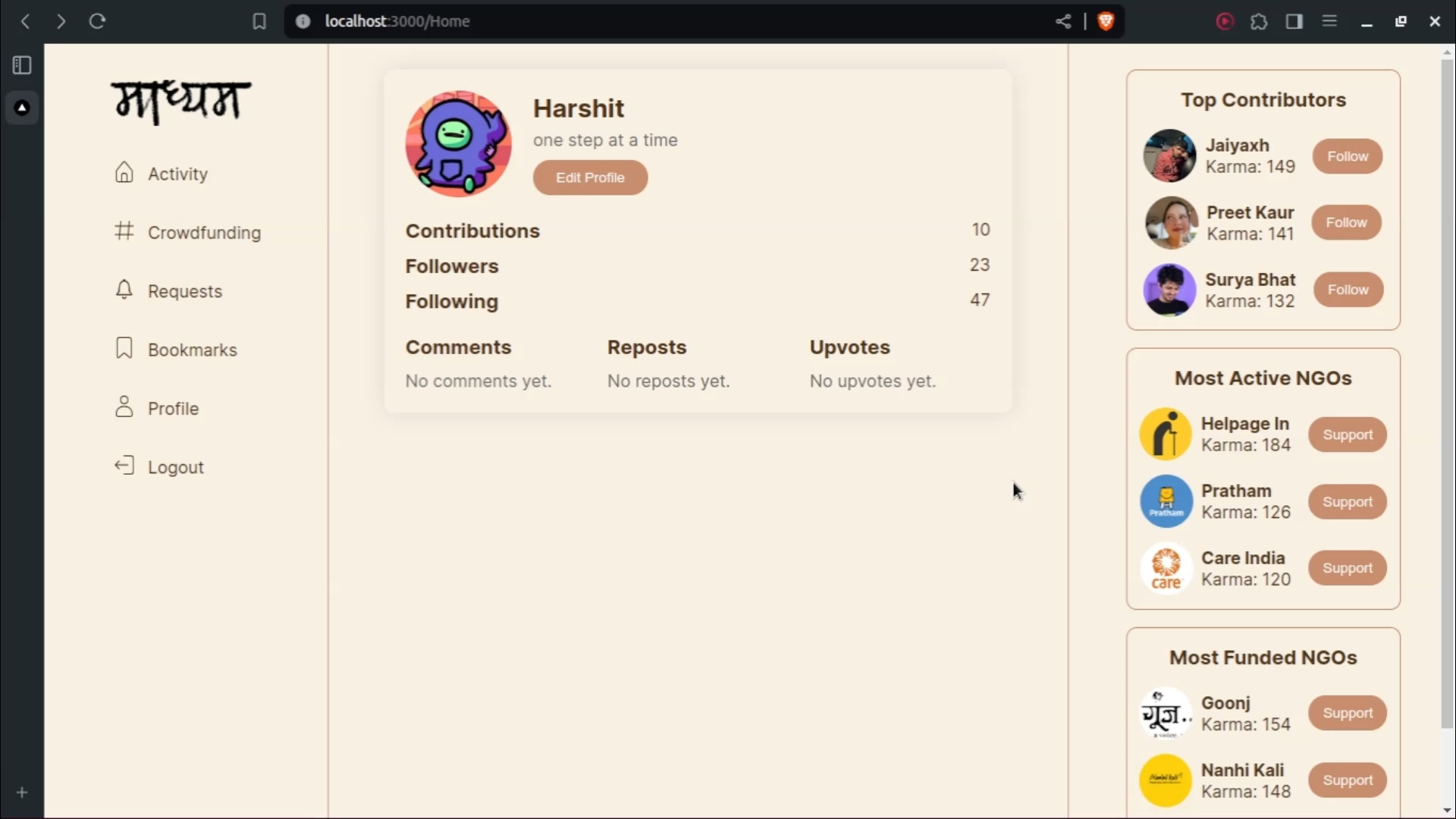
- Contributor profiles include their picture, name, bio, contribution stats, and more.
- Top contributors are featured on a leaderboard.
Login as NGO:
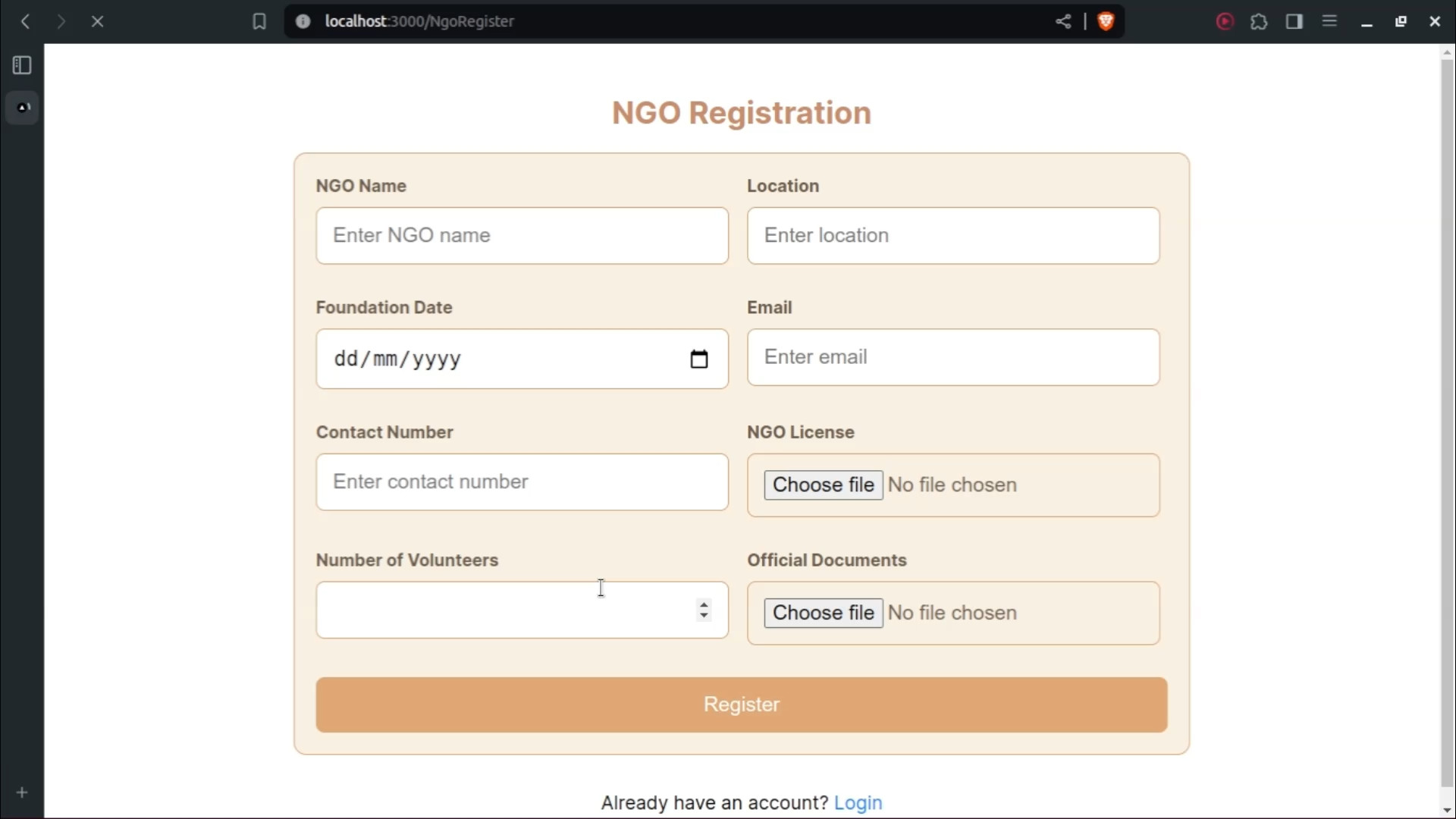
- NGOs can register by providing their name, location, foundation date, email, contact number, number of volunteers, and official documents for verification.
- The verification process can be manual or automated using web scraping and AI.
- Verified NGOs can create various posts: progress updates, crowdfunding campaigns, and request posts.
Home Page:
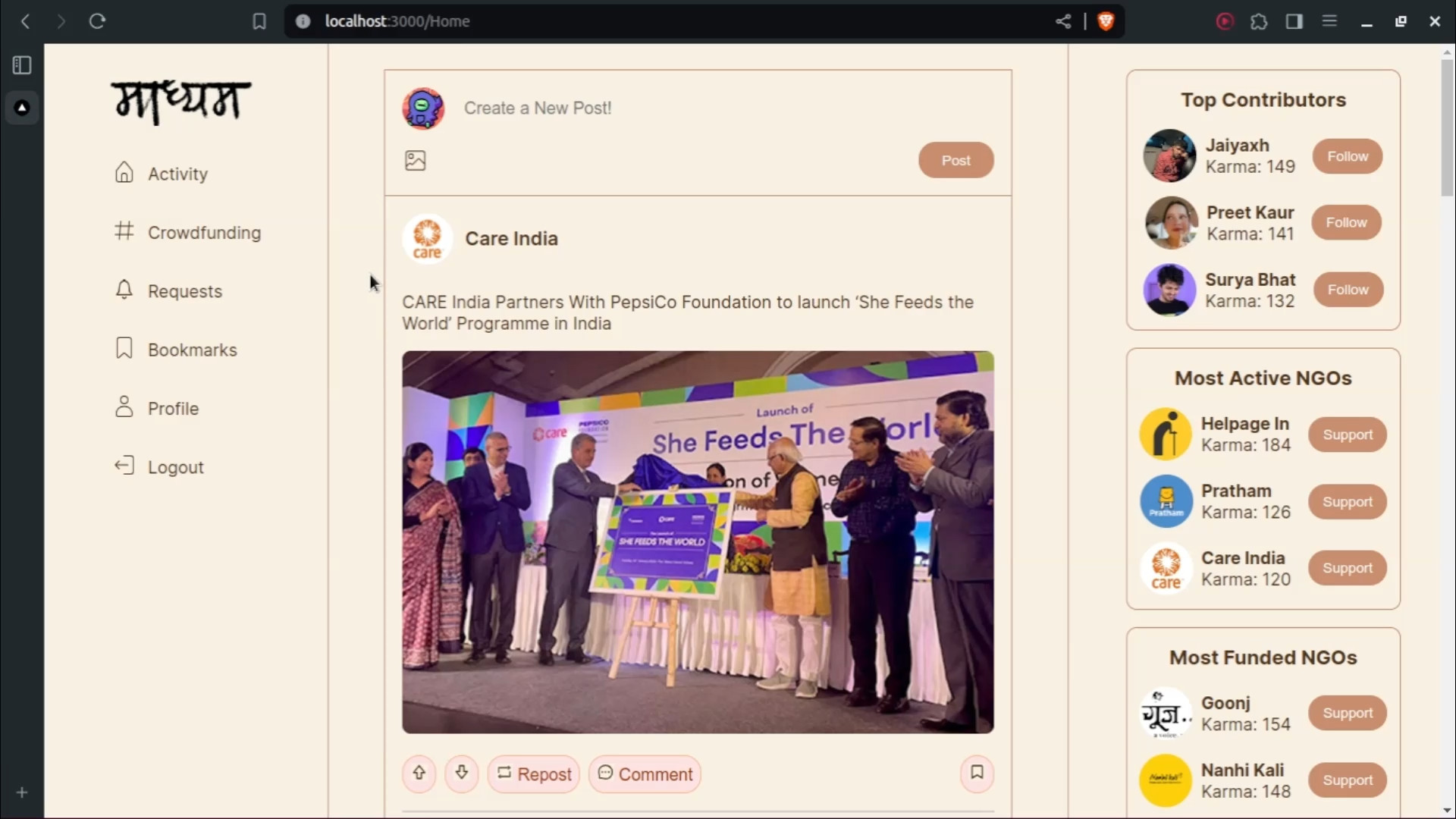
- The home page is divided into three vertical sections:
- Left Section: Categories like crowdfunding, requests, progress, and profile.
- Center Section: A feed similar to Twitter, prioritizing posts from followed accounts and NGOs.
- Right Section: Leaderboards for top contributors, most active NGOs, and most funded NGOs.
- The home page is divided into three vertical sections:
Challenges We Faced
One of the significant challenges was designing a verification system for NGOs to ensure authenticity. We considered both manual verification and automated methods involving web scraping and AI. Balancing the user experience with robust security measures was also a key challenge.
Tech Stack
- Next.js (React): For building the user interface.
- Express Server: To handle server-side tasks.
- MongoDB: For database management.
- Paytm or Razorpay: For payment integration.
Future Enhancements
We plan to enable content monetization by adding features that allow NGOs to generate revenue from their activities on the platform.


Log in or sign up for Devpost to join the conversation.