-
-
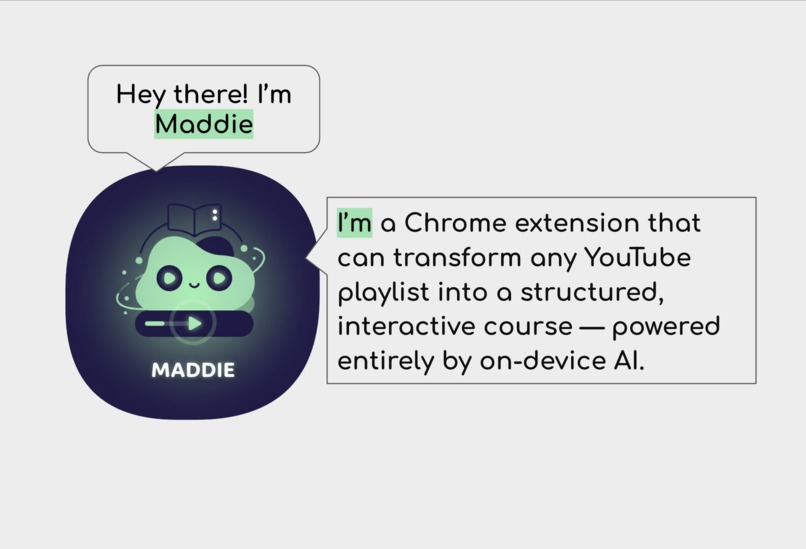
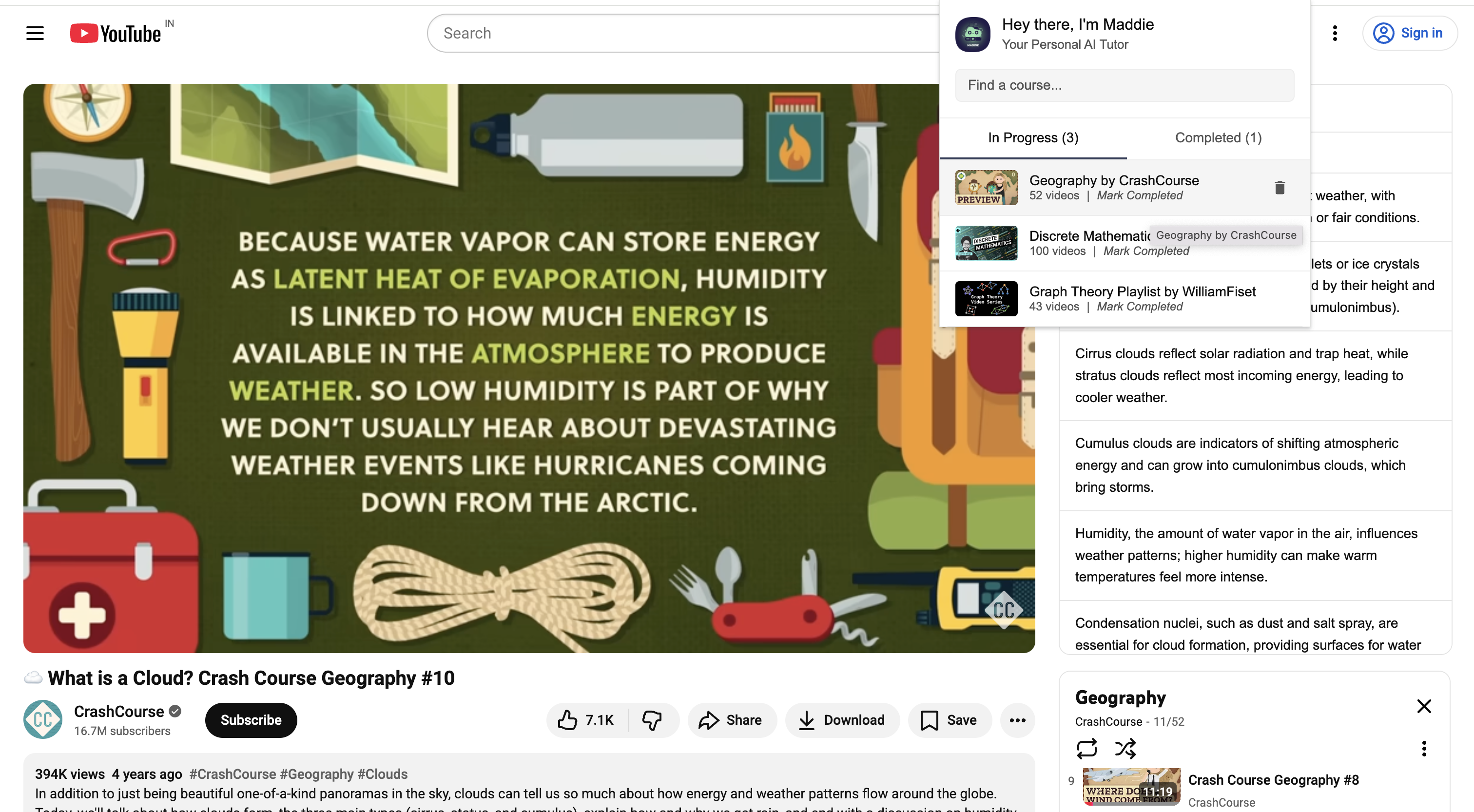
Introduction Slide
-
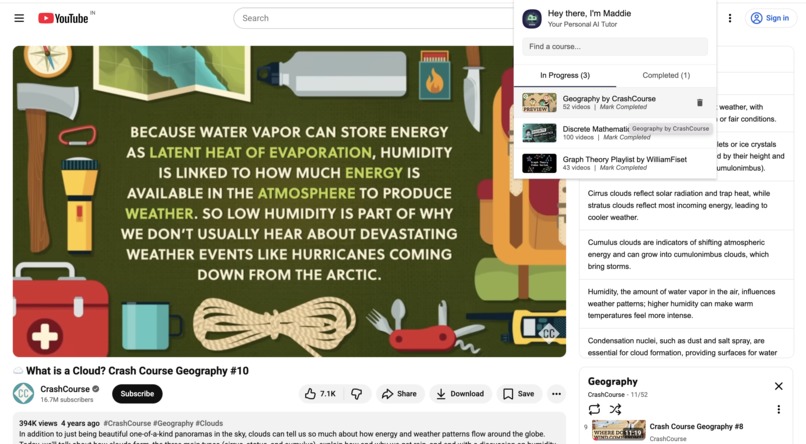
Popup Slide
-
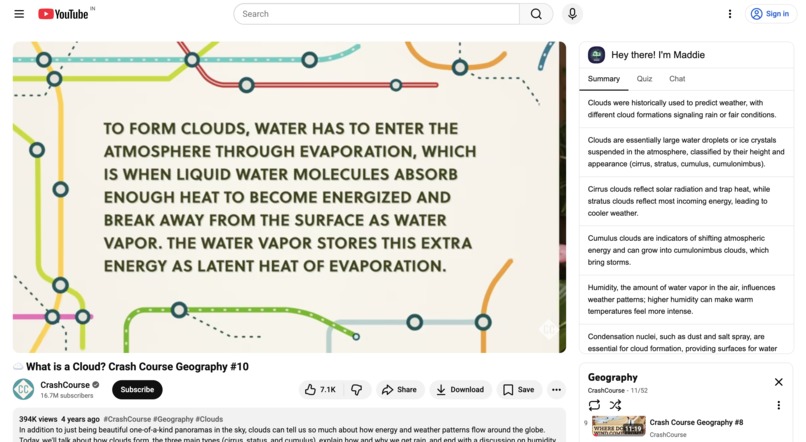
Notes Slide
-
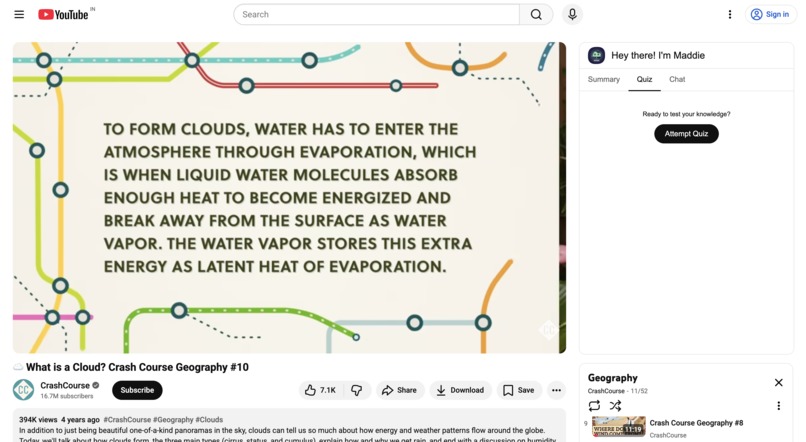
Quiz Slide
-
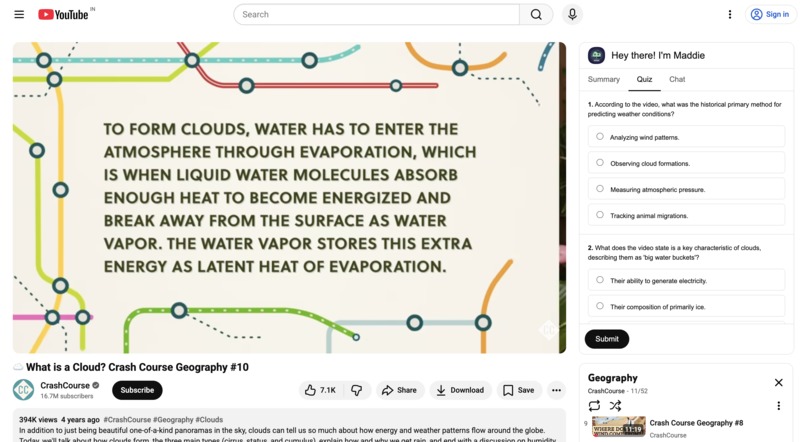
Quiz Slide - Attempting
-
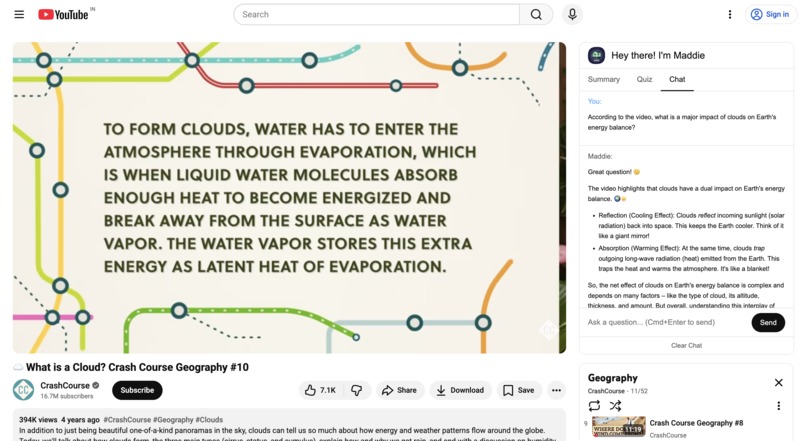
Chat Slide

Inspiration
Last semester, while studying for my final exams using a 50-part YouTube playlist, I hit a wall. I had disorganized notes, dozens of open tabs, and a nagging feeling that I was passively watching, not actively learning. The information was all there, but my brain couldn't connect the dots. I realized YouTube is the world's greatest library, but a terrible school. I built Maddie to fix that—to create the focused, interactive, and intelligent learning environment I wish I had.
What it does
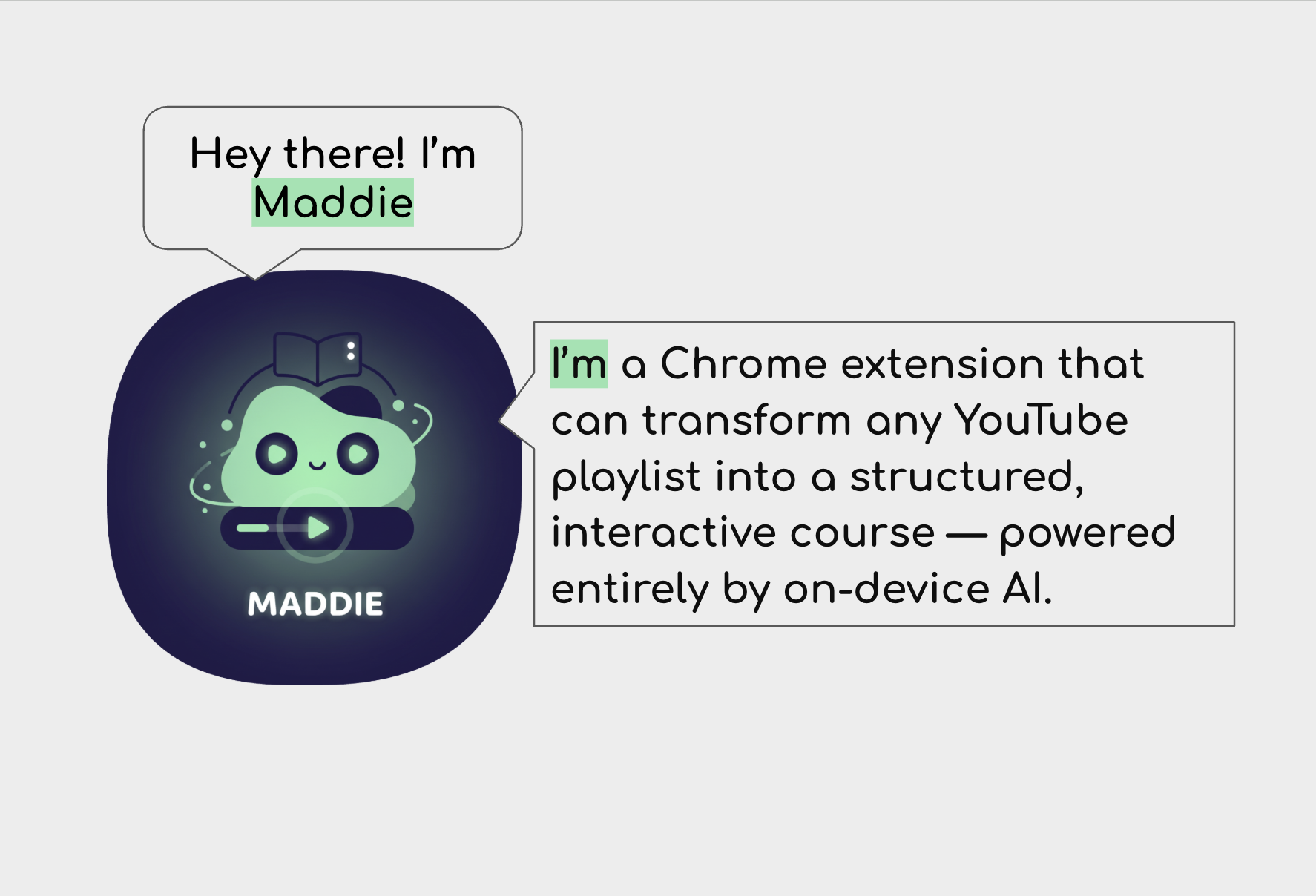
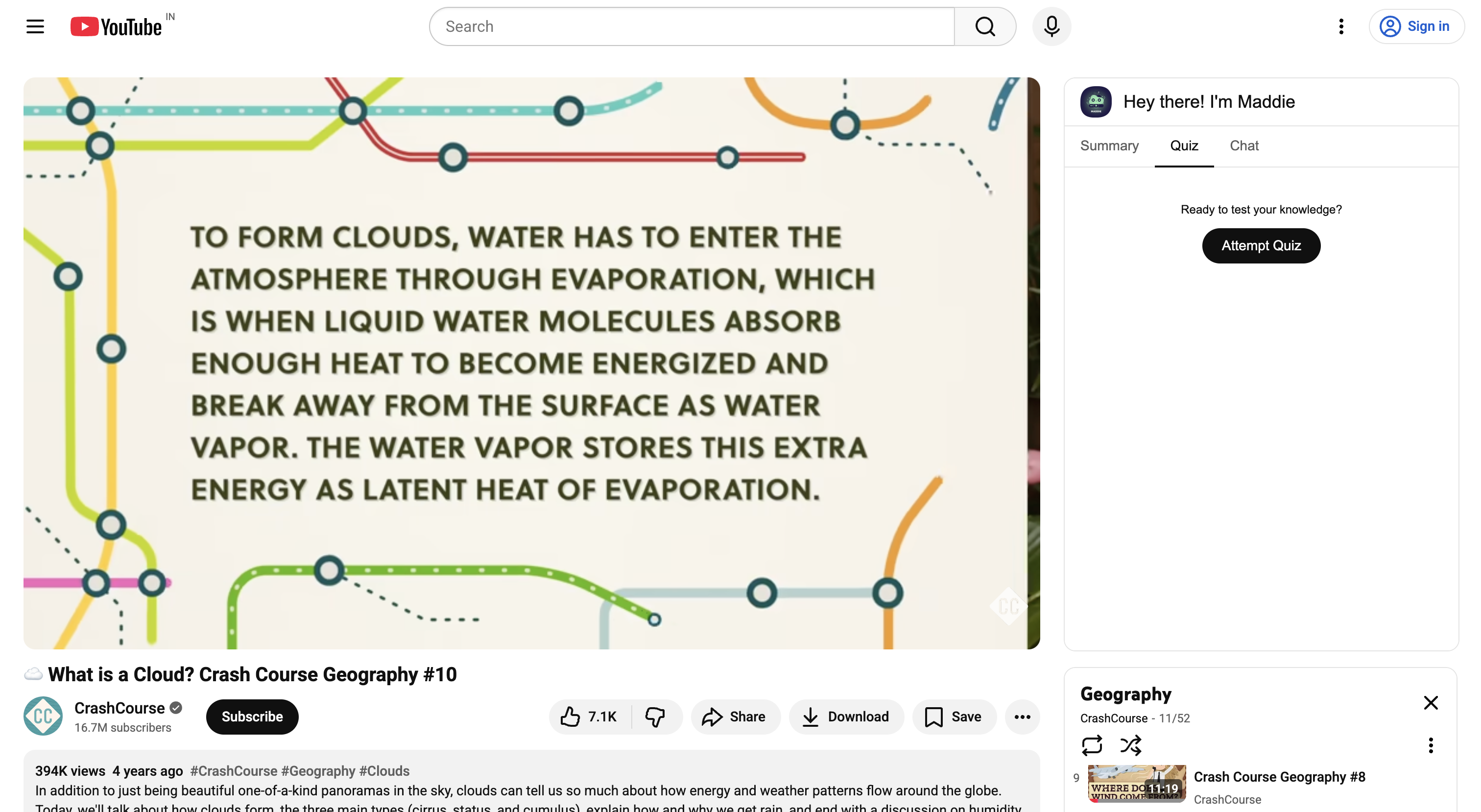
Maddie is a Chrome extension that transforms any YouTube playlist into an interactive, private learning course powered entirely by on-device Gemini Nano AI.
- Focused Dashboard: It turns your browser into a clean, distraction-free dashboard of all your enrolled courses.
- AI-Generated Notes: The Summarizer API instantly distills long video transcripts into concise, bulleted key points using a custom Map-Reduce pipeline for videos of any length.
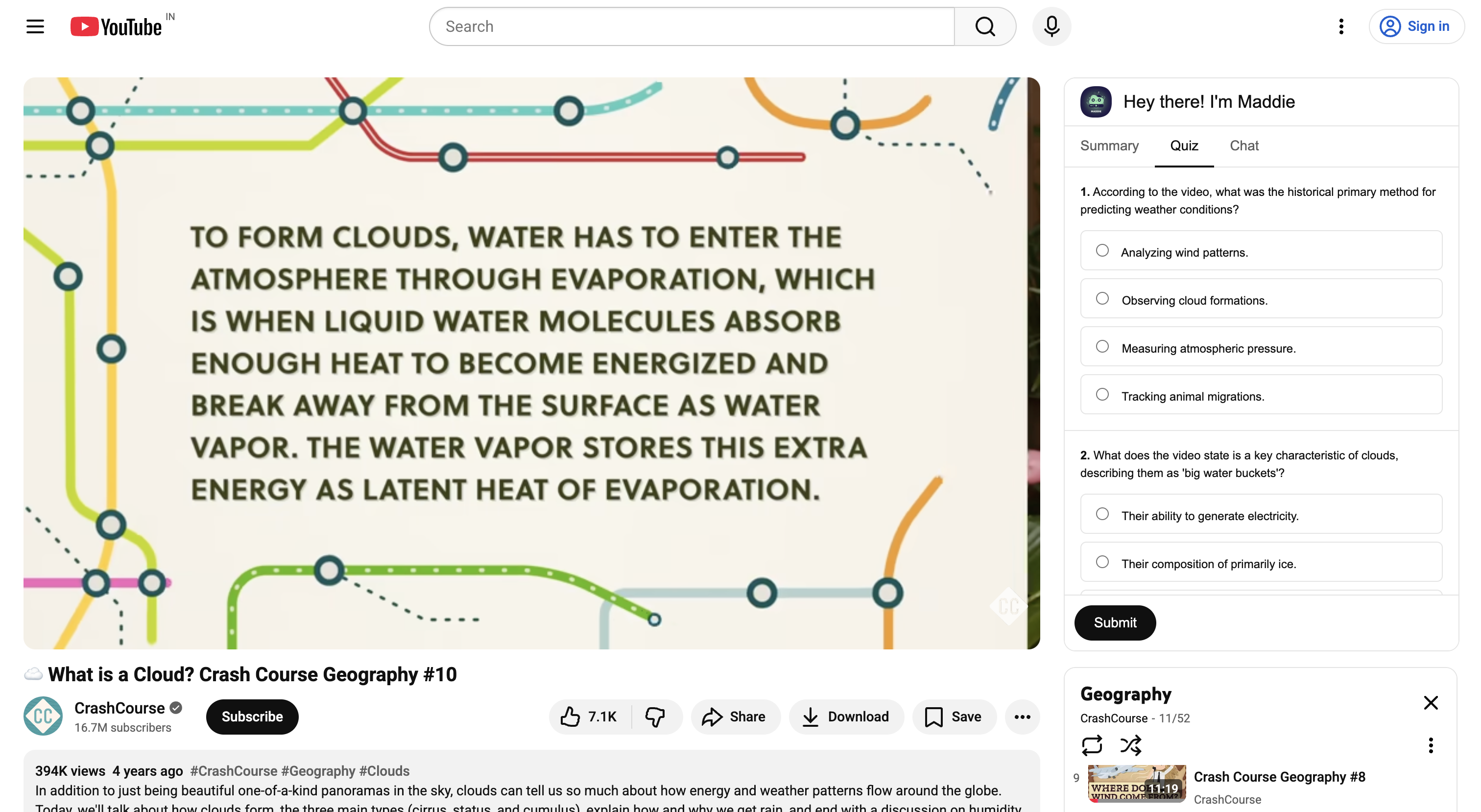
- Active Recall Quizzes: The Prompt API generates comprehensive, distributed quizzes that test your knowledge across the entire video, turning passive viewing into active recall.
- The Socratic Loop: For any incorrect quiz answer, a single click on "Ask Maddie Why" seamlessly pivots to the chat, pre-filling a smart, contextual prompt that asks the AI to explain why your answer was wrong based on the video's content.
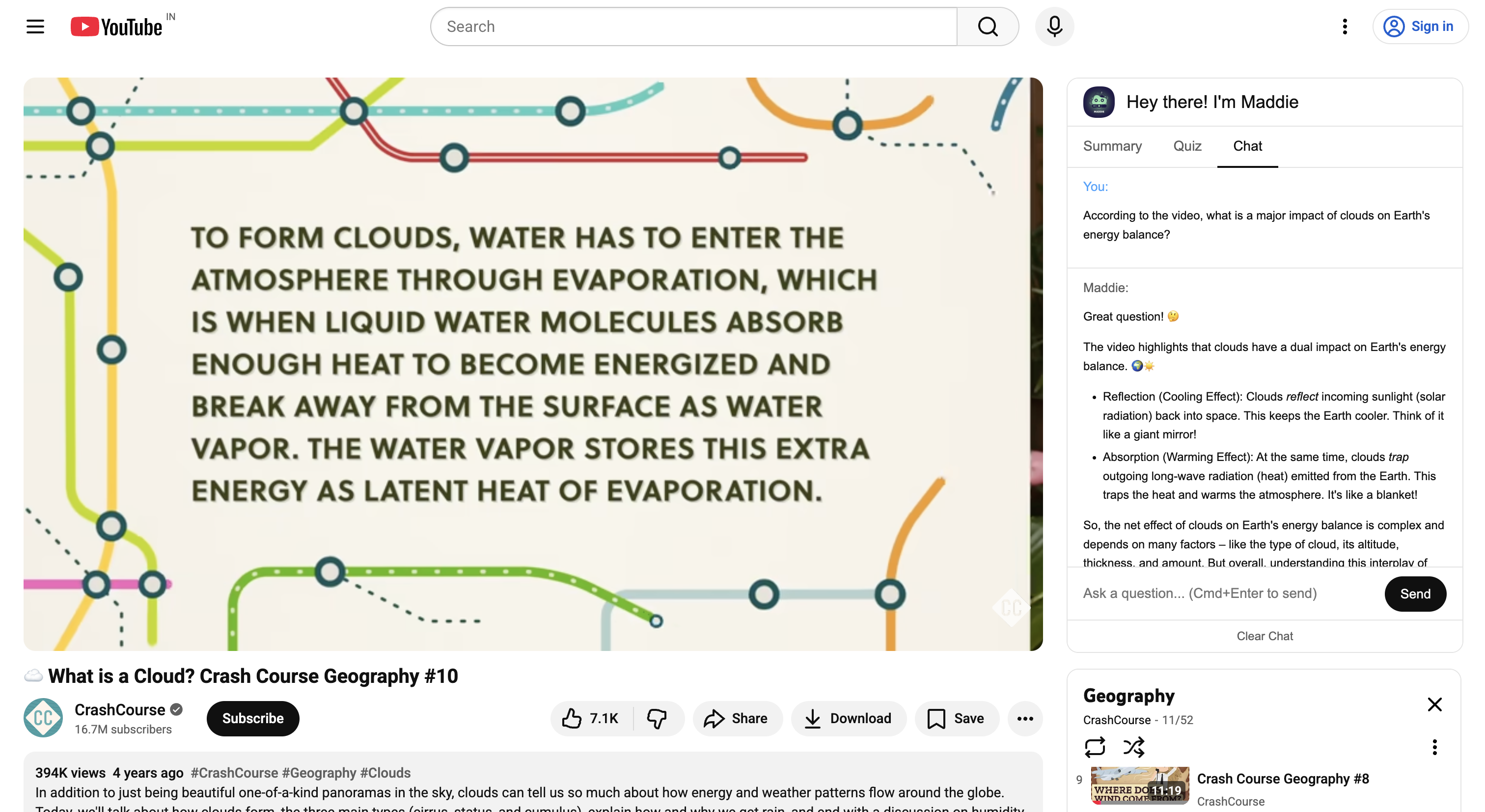
- Context-Aware Chat: Maddie's chat uses a lightweight, "Just-in-Time" retrieval system (a mini-RAG) that intelligently finds the most relevant chunk of the transcript to ground every answer, ensuring responses are accurate, private, and efficient. With friendly personality and designed to induce CRITICAL THINKING with Advanced System Prompting. Also implemented proventions for XSS attacks and beautiful output response formating.
How we built it
Maddie is built on a robust, modern, and resilient architecture designed for a high-security environment.
- Frontend: The UI is built with Svelte 4, chosen for its stability and minimal footprint. The entire application is rendered inside a sandboxed
<iframe>, creating a hermetically sealed environment that completely bypasses YouTube's strict Content Security Policies (CSP) and Trusted Types. This architectural choice guarantees that our extension can never be broken by YouTube's front-end changes. - Backend / Service Worker: The
background.jsscript acts as a powerful "AI Service Layer." It contains a single, unified message router that handles all application logic, including:- Data Persistence: Managing enrolled courses in
chrome.storage.local. - Transcript Caching: A sophisticated caching layer with a 7-day TTL for transcripts, minimizing redundant API calls.
- AI Orchestration: All
chrome.aiAPI calls are managed here. For long transcripts that exceed the on-device model's context window, we implemented a custom orchestration engine that automatically chunks the transcript and distributes AI tasks (summarization, quiz generation) across the content for comprehensive results.
- Data Persistence: Managing enrolled courses in
- State Management: We used Svelte's built-in writable stores to manage cross-component communication, enabling complex features like "Ask Maddie Why" in a clean, decoupled, and maintainable way.
Challenges we ran into
The single greatest challenge was battling YouTube's formidable, multi-layered security architecture. Our initial attempts at direct DOM injection with a Shadow DOM were consistently blocked by TrustedHTML assignment errors and Content Security Policies. After a frustrating series of failed patches and workarounds, we made the critical architectural decision to pivot to an <iframe> sandbox. This solved all security issues at their root but introduced a new challenge: creating a pixel-perfect, theme-aware UI that was completely isolated from the host page's CSS. We solved this by creating a postMessage bridge that allows the <iframe> to query the host page for its theme colors, which are then applied dynamically.
Accomplishments that we're proud of
We are incredibly proud of the "Ask Maddie Why" feature. It's more than just a button; it represents a complete, closed-loop learning system (Test -> Grade -> Understand). Architecting the seamless, stateful transition between the Quiz and Chat components using a Svelte store was a major technical accomplishment.
Furthermore, building the AI orchestration engine to handle long transcripts was a significant win. Instead of simply failing on long videos, our system gracefully chunks the content and uses patterns like Map-Reduce for summarization and "Just-in-Time" context for chat. This makes Maddie a truly scalable and resilient tool, not just a proof-of-concept.
What we learned
This project was a masterclass in resilient front-end architecture. We learned that in a hostile, high-security environment like YouTube, "clever" patches are a losing strategy. The only winning move is total isolation. Our journey from a failing Shadow DOM to a rock-solid <iframe> taught us to identify the root cause of a problem and choose the architecture that solves it definitively, even if it requires a major refactor. We also learned the immense power of Svelte's reactivity and stores for building complex, decoupled user experiences.
What's next for Maddie
The current architecture is a powerful foundation. The next logical steps are to deepen the learning loop:
- Progress Tracking: Implement a robust system to track which videos in a course have been watched and which quizzes have been passed, providing a true sense of completion.
- Spaced Repetition: Integrate the generated flashcards into a spaced repetition system (SRS) within the dashboard, notifying users when it's the optimal time to review material.
- "Explain This Section": Add a feature to highlight a portion of the transcript and ask Maddie to explain just that section in more detail, creating an even more fine-grained learning tool.
Built With
- javascript
- svelte


Log in or sign up for Devpost to join the conversation.