-
-
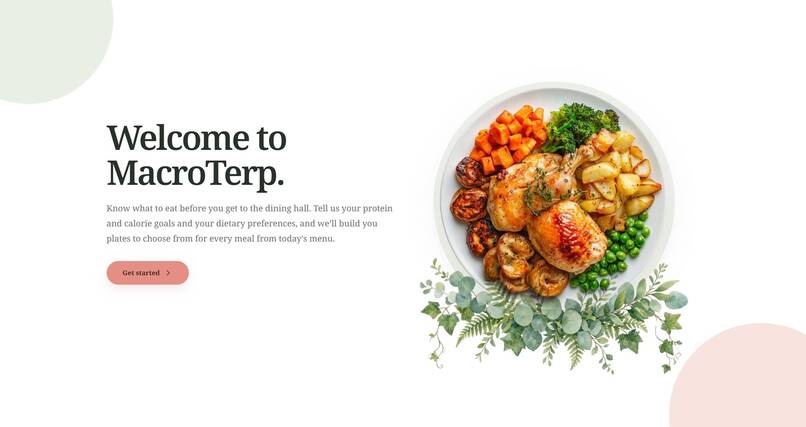
Home Page
-
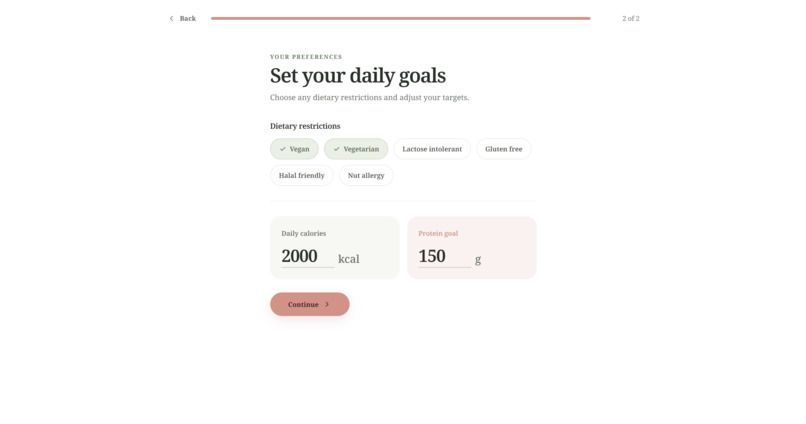
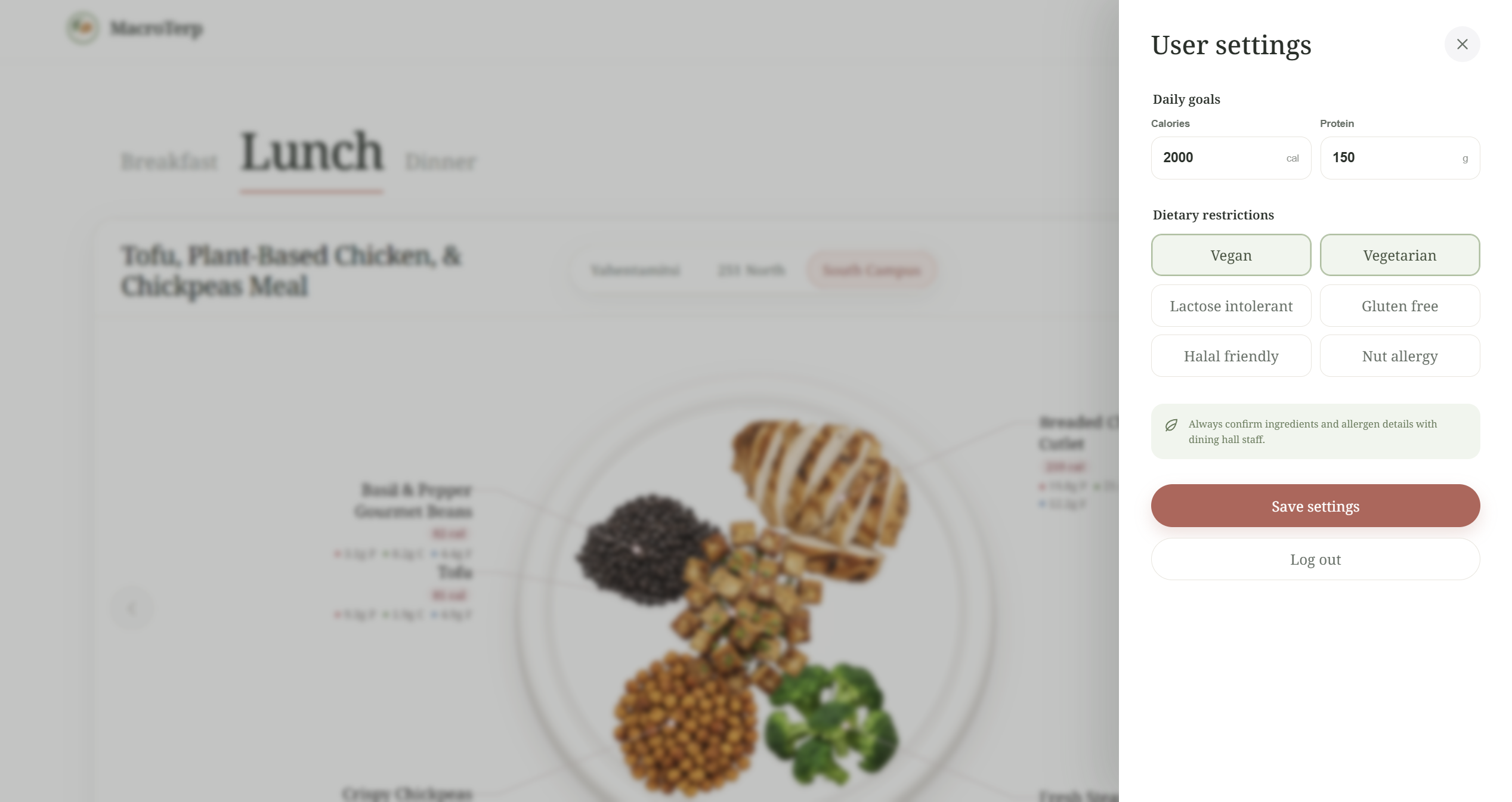
Customize User
-
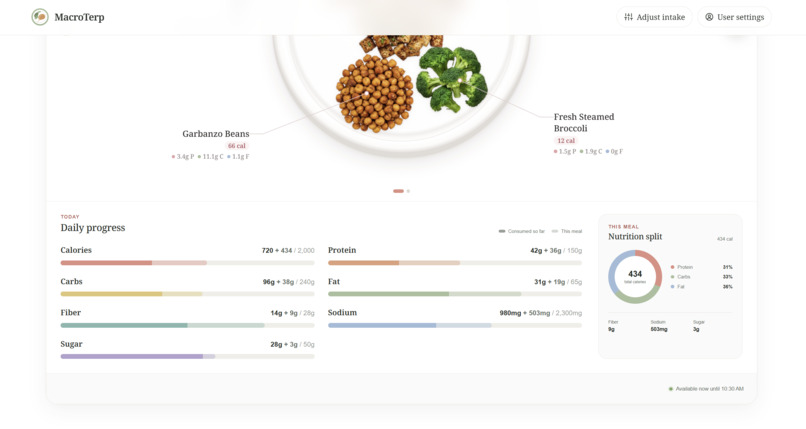
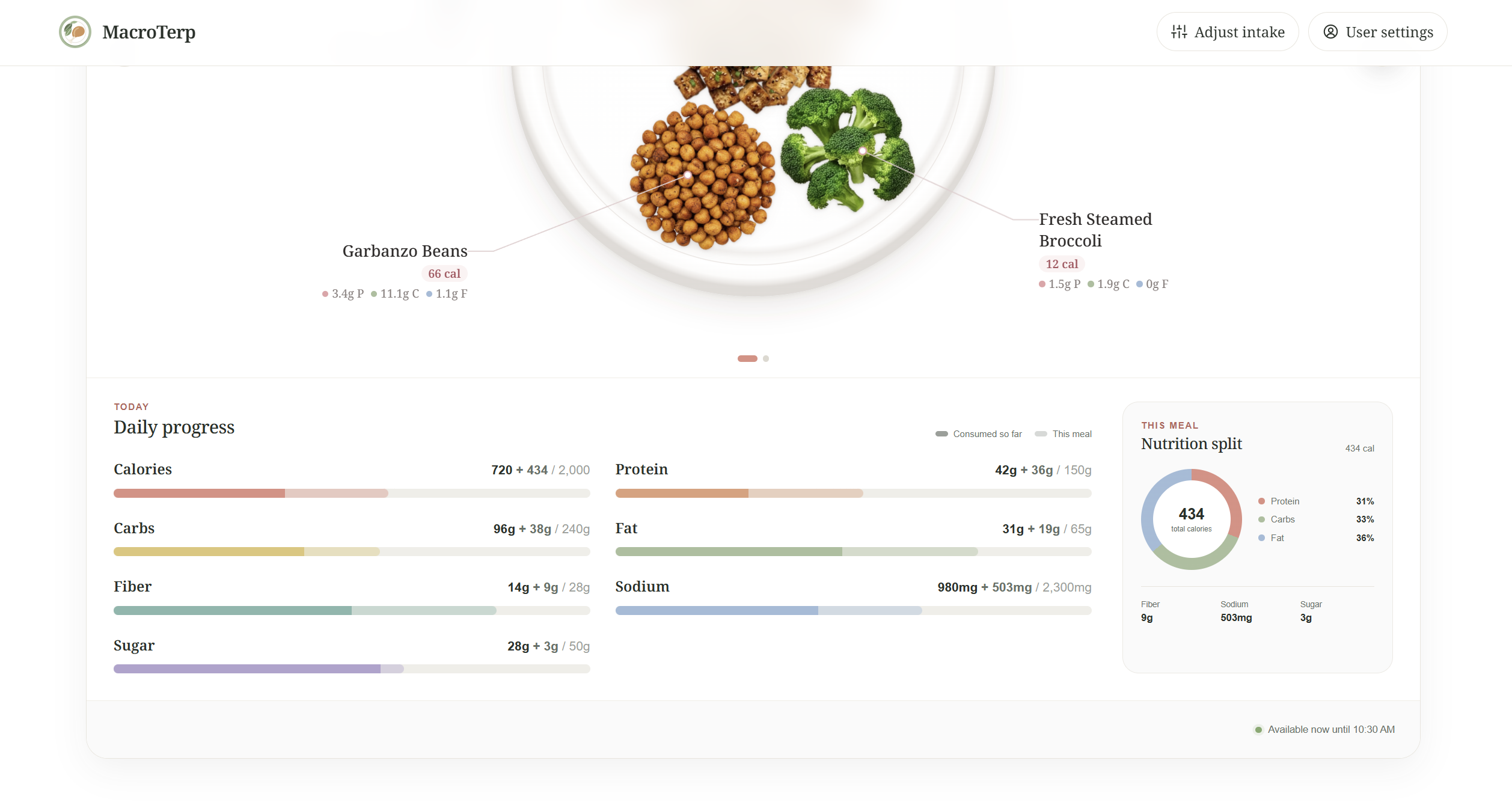
Nutrition Split below Meal
-
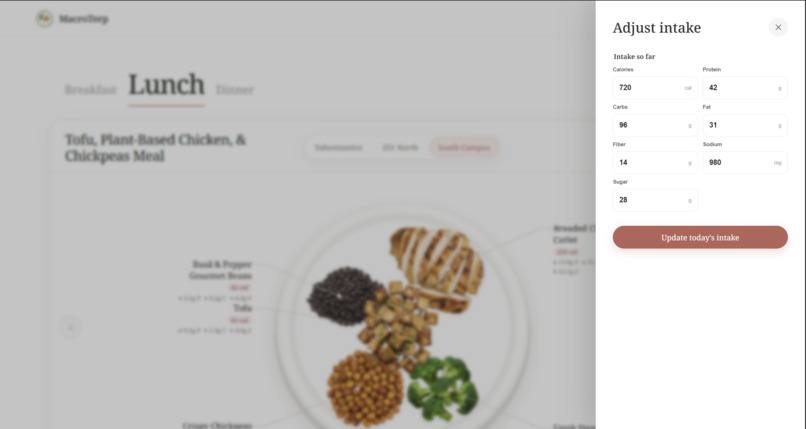
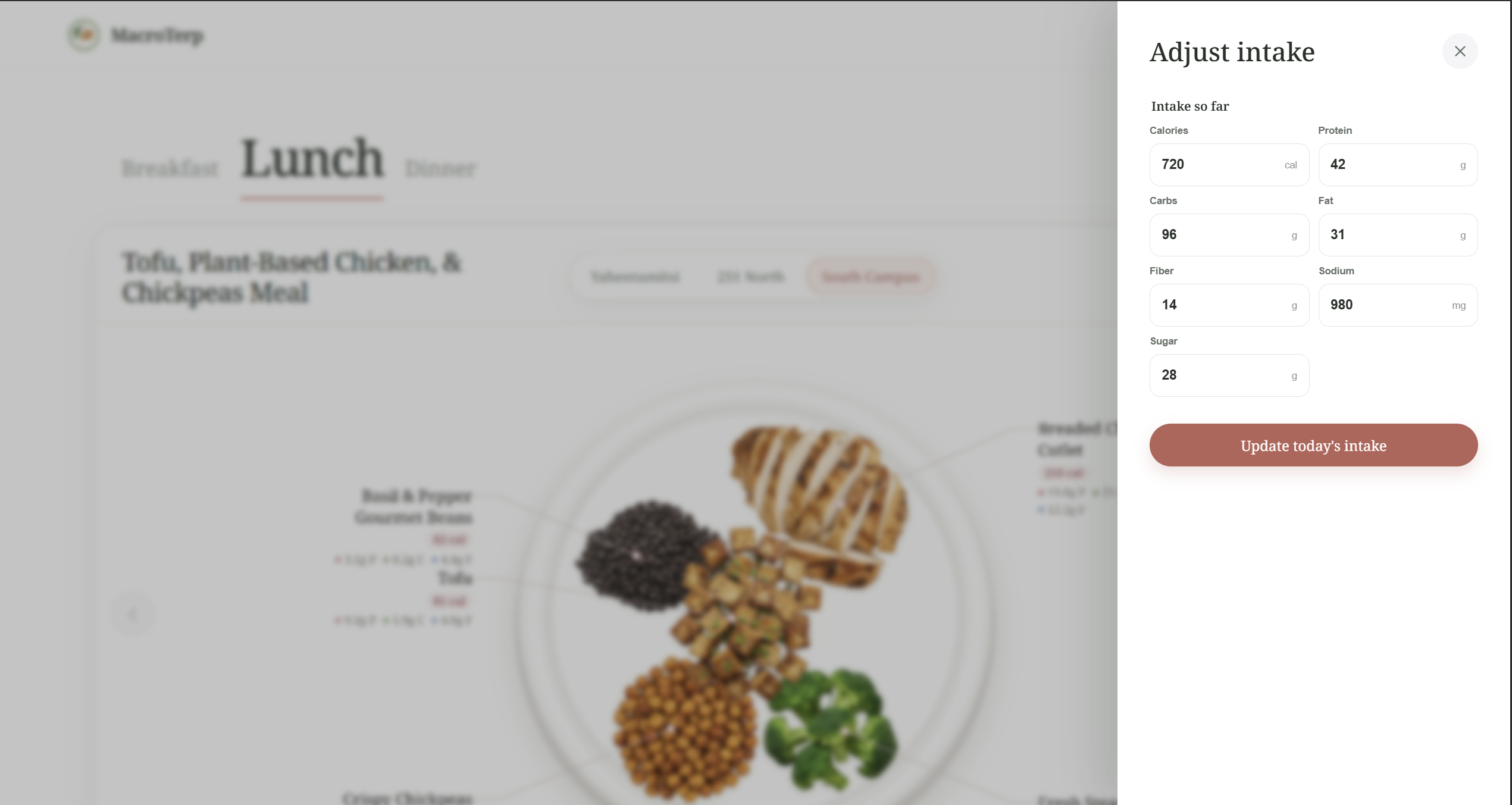
Adjust Intake
-
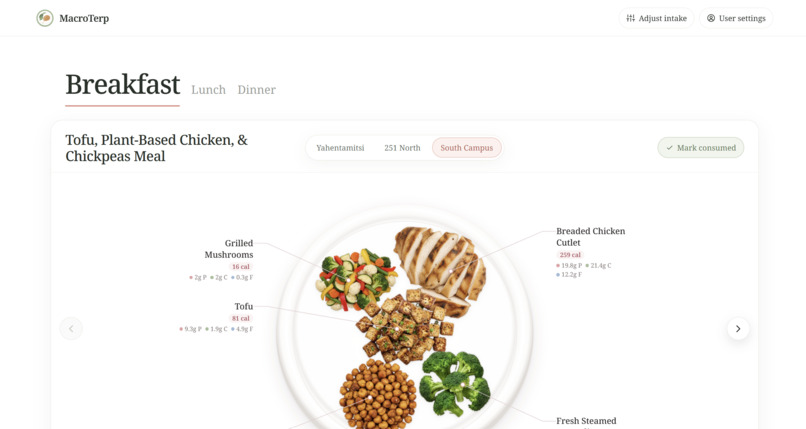
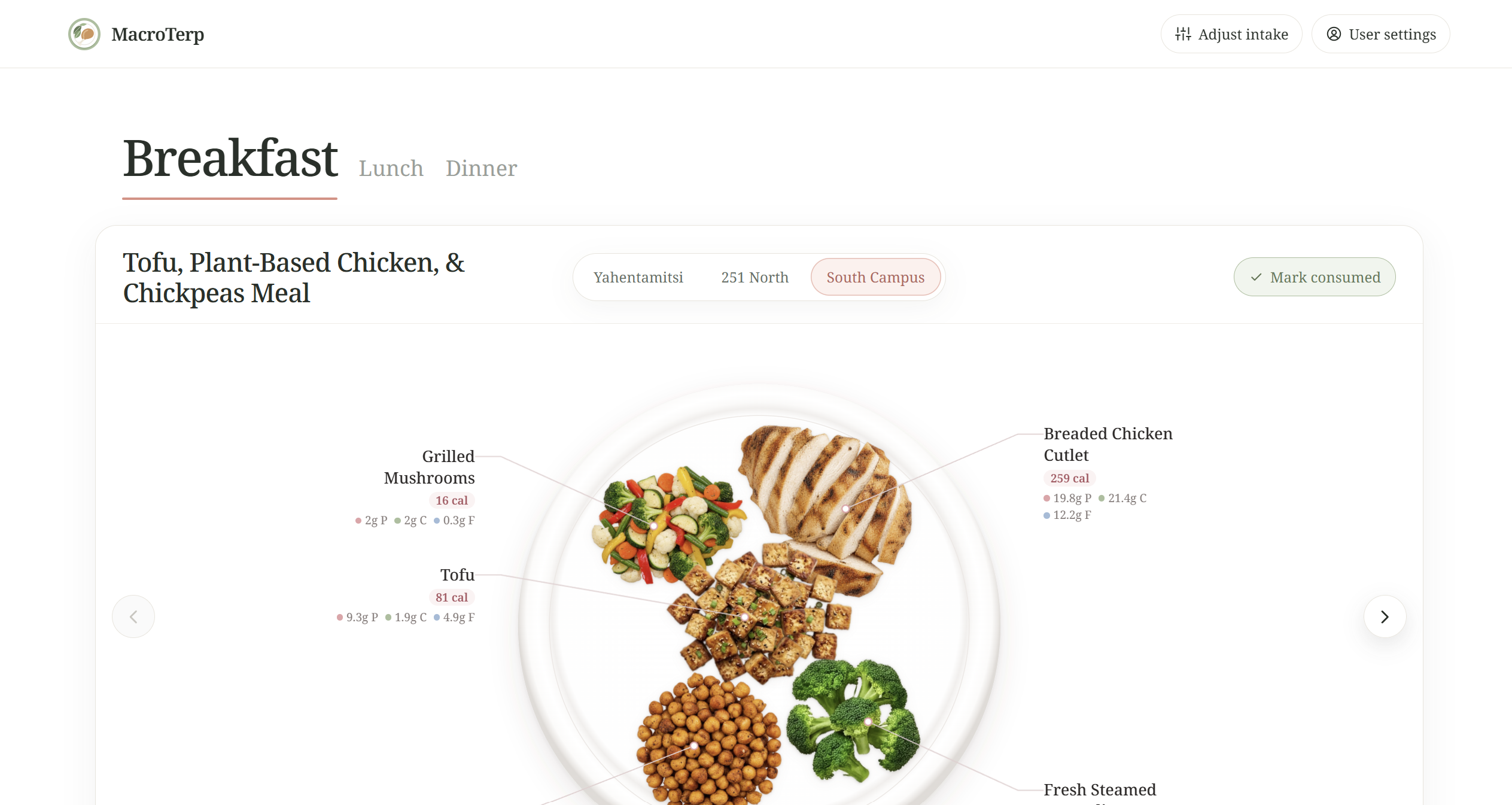
Main Page- Plate Visualizer
-
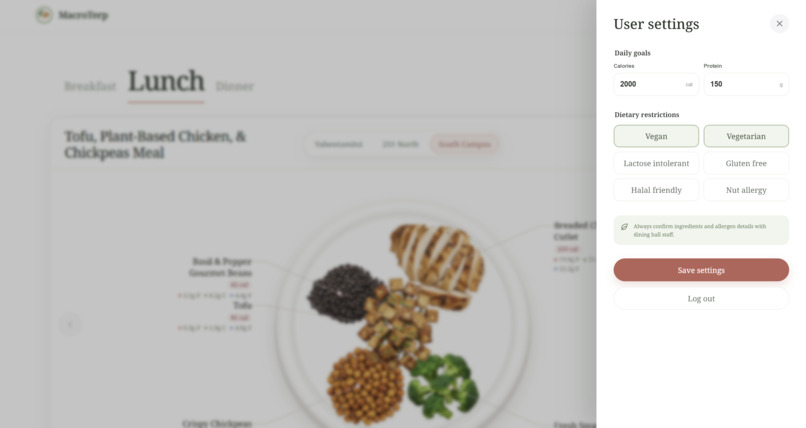
Update user settings
Inspiration
All three of us live on campus, work out, and have different dietary restrictions, so we eat at the UMD dining halls every day while trying to hit our protein and calorie goals. That meant standing in line scrolling the nutrition website, checking what we could actually eat, and still guessing. The information is all there, it's just hard to use when you're hungry and in a hurry. We wanted to open an app and see "here's what to get."
What it does
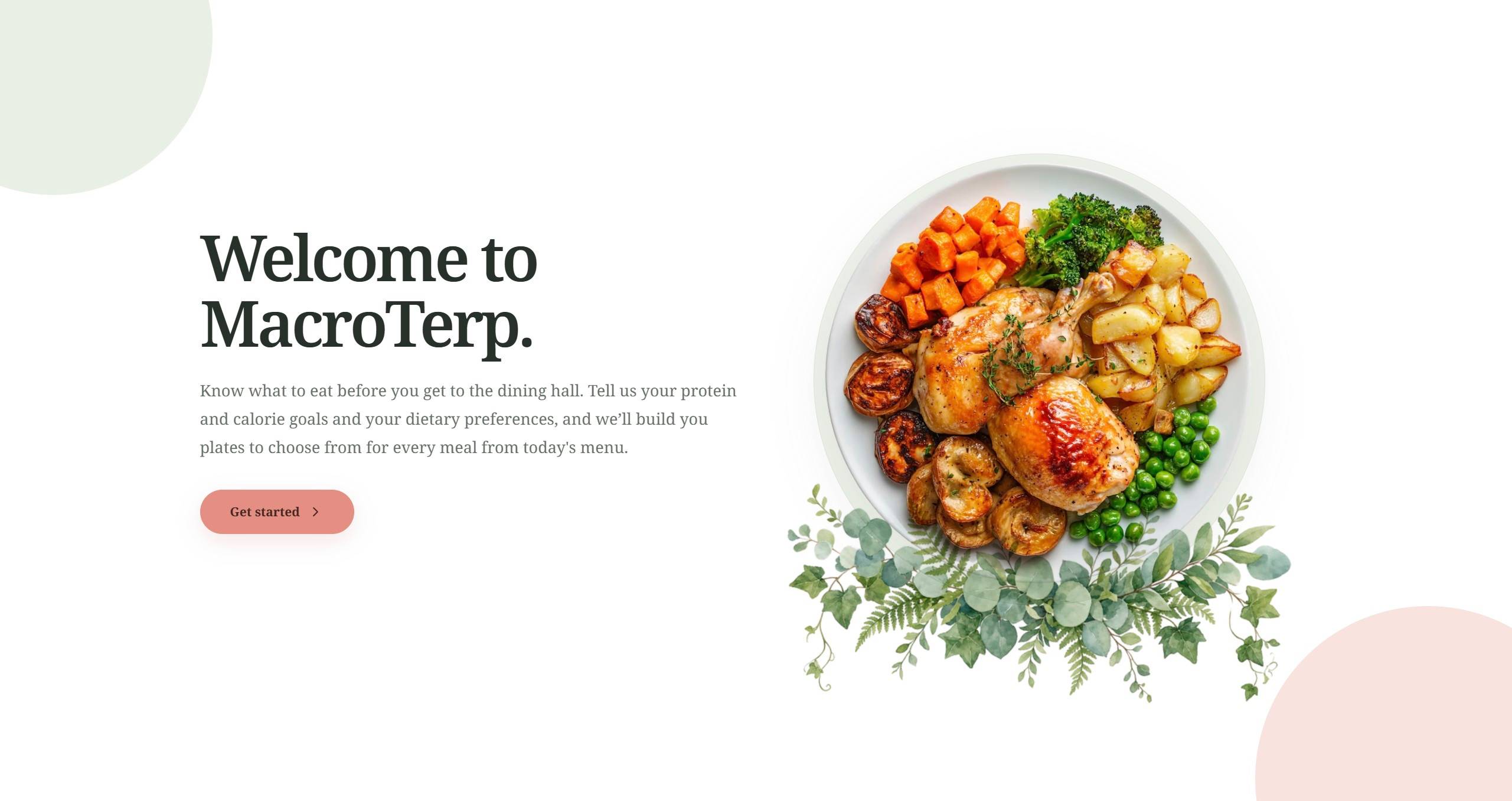
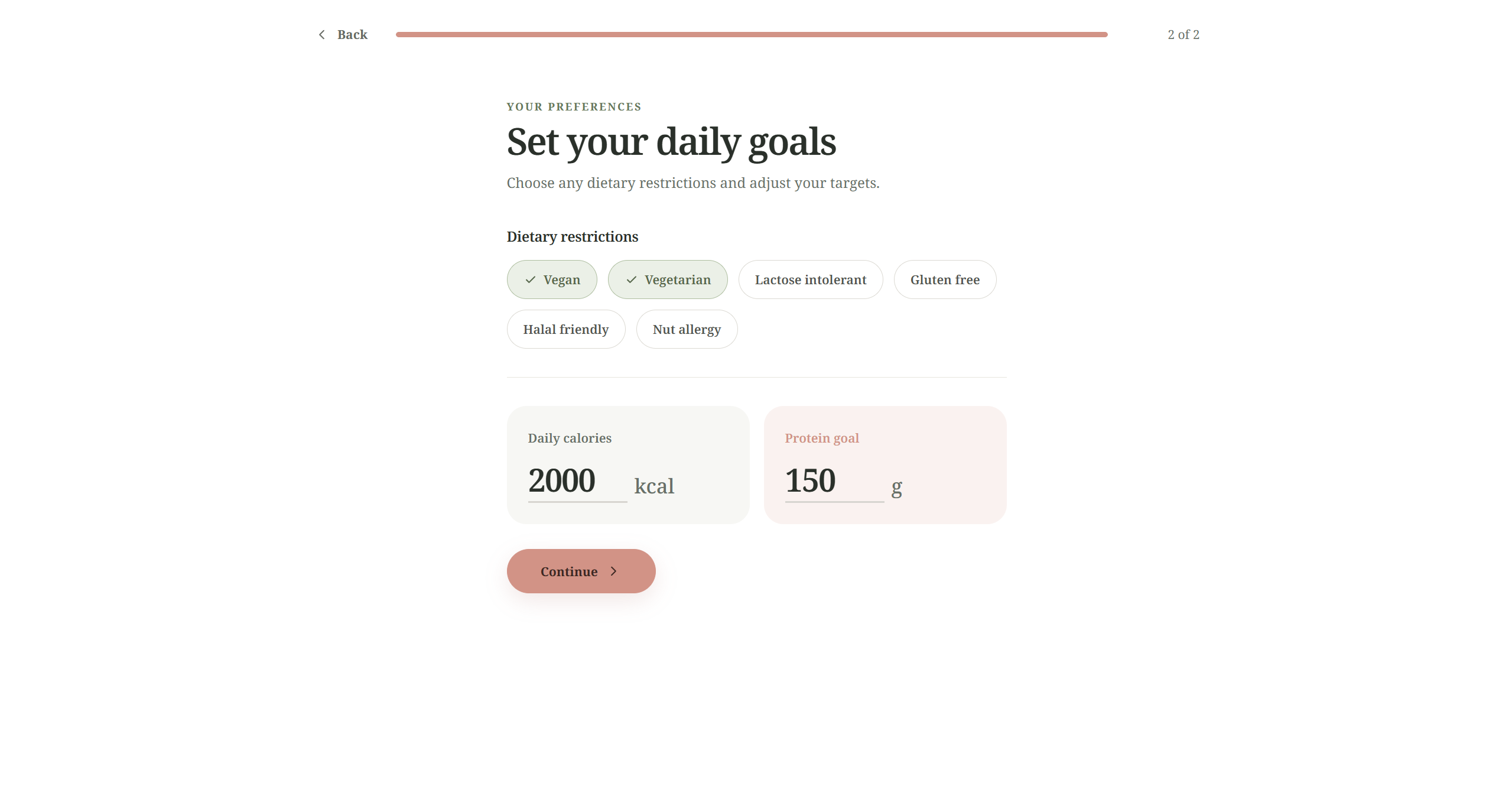
You set your daily calorie and protein goals and any dietary needs (vegetarian, halal friendly, lactose intolerant, and so on). MacroTerp looks at today's menus at all three dining halls and builds two plates for each one that fit what you have left for the day.
Each plate is drawn as an actual plate of food, with every item labeled with its calories, protein, carbs and fat. You can flip between halls, meals and options. When you eat something, tap "Mark consumed" and your daily progress updates. The rest of your day's meals then adjust around what you've already eaten. If you eat something outside of the dining halls, or estimated different portion sizes, you can manually adjust your intake for the day so far, as well as update your goals and restrictions at any time.
How we built it
- Menu data: a Python scraper pulls every item and its nutrition facts from UMD's dining nutrition site.
- Meal planning: a Python program groups menu items into food types (chicken, rice, greens, …), filters out anything that doesn't fit your restrictions, and scores combinations against your remaining calories, protein, carbs, fiber, sodium and sugar. Each plate needs a green item and doesn't repeat a category.
- App: React and TypeScript, designed in Figma and built from those designs. Accounts and saved goals use Supabase.
- The plate: a custom component that places cut-out food photos on a plate so they look naturally served rather than like icons in a grid. We made 51 food images for it.
- Hosting: the site is on Vercel and the meal API on Render.
Challenges we ran into
- Messy menu data. Item names vary a lot ("Grilled Chicken Breast," "Chicken Tikka," "Plant-Based Chicken"), so we had to sort hundreds of items into food types that both the meal planner and the plate pictures could use.
- Making the plate look like food. Our first versions looked like stickers floating on a circle. Getting foods to fill the plate, overlap a little and sit in a natural arrangement took a lot of tuning.
- Plates that fit. Balancing calories, protein and restrictions while still making meals someone would actually want to eat was harder than just hitting the numbers.
- Speed. Building meals takes a few seconds, so we cache results to keep switching between halls and meals quick.
Accomplishments that we're proud of
- It uses real, current UMD menus, not sample data.
- The plate view: you can see your meal at a glance instead of reading a nutrition table.
- The day adjusts as you go. If you eat a big lunch, dinner suggestions change to match.
- It's a full working app with accounts, onboarding and saved goals, built in a less than a weekend.
What we learned
- Real-world data is messy, and cleaning it up was most of the work.
- Small visual details, like shadows, spacing and how food overlaps, decide whether something feels polished or thrown together.
- Splitting the work (scraping, meal planning, design, frontend) and agreeing early on what data passes between those parts let us build in parallel.
What's next for MacroTerp
- Allergen filters based on meal ingredients.
- Allowing the user to set micronutrient goals too.
- Logging a meal's intake based on a photo the user takes of their food.
- Taking height, weight, and activity level during the onboarding process to suggest calorie and protein goals.
Built With
- beautiful-soup
- css
- figma
- github
- javascript
- node.js
- postgresql
- python
- react
- render
- requests
- sq-lite
- sqlite
- supabase
- typescript
- vercel
- vite
- webp


Log in or sign up for Devpost to join the conversation.