-
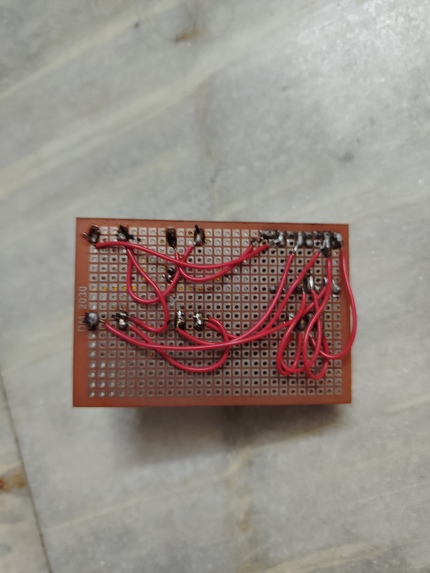
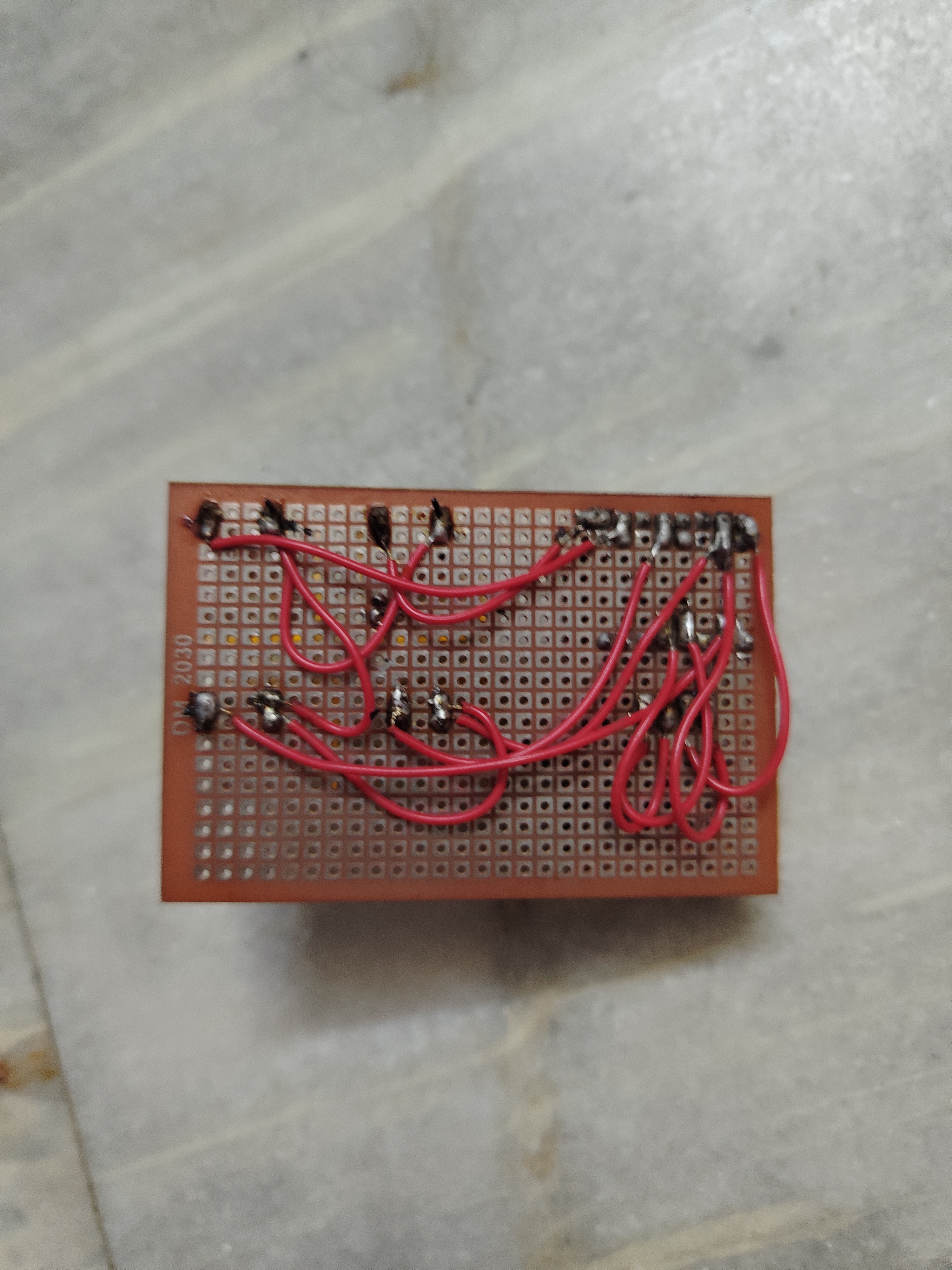
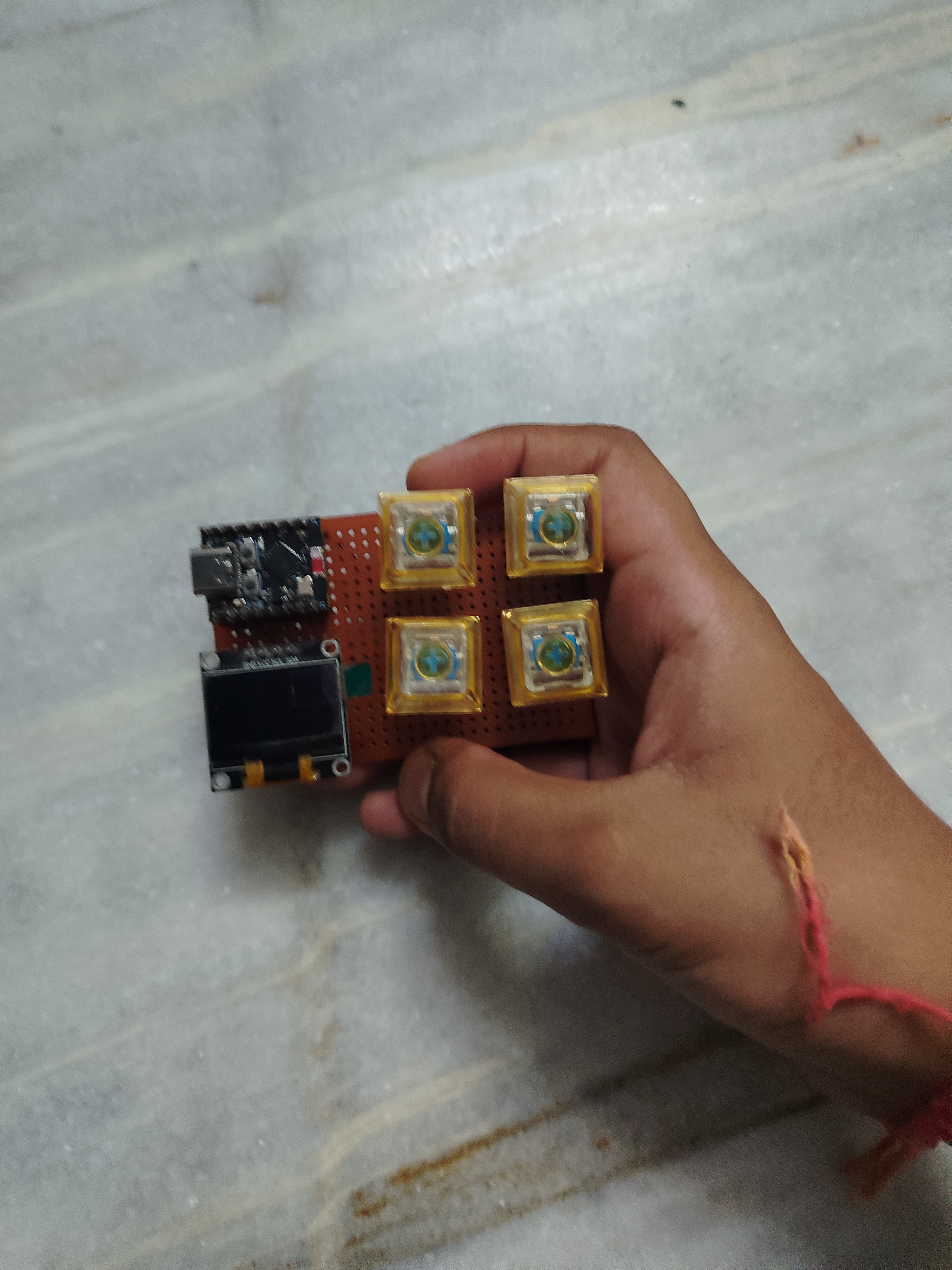
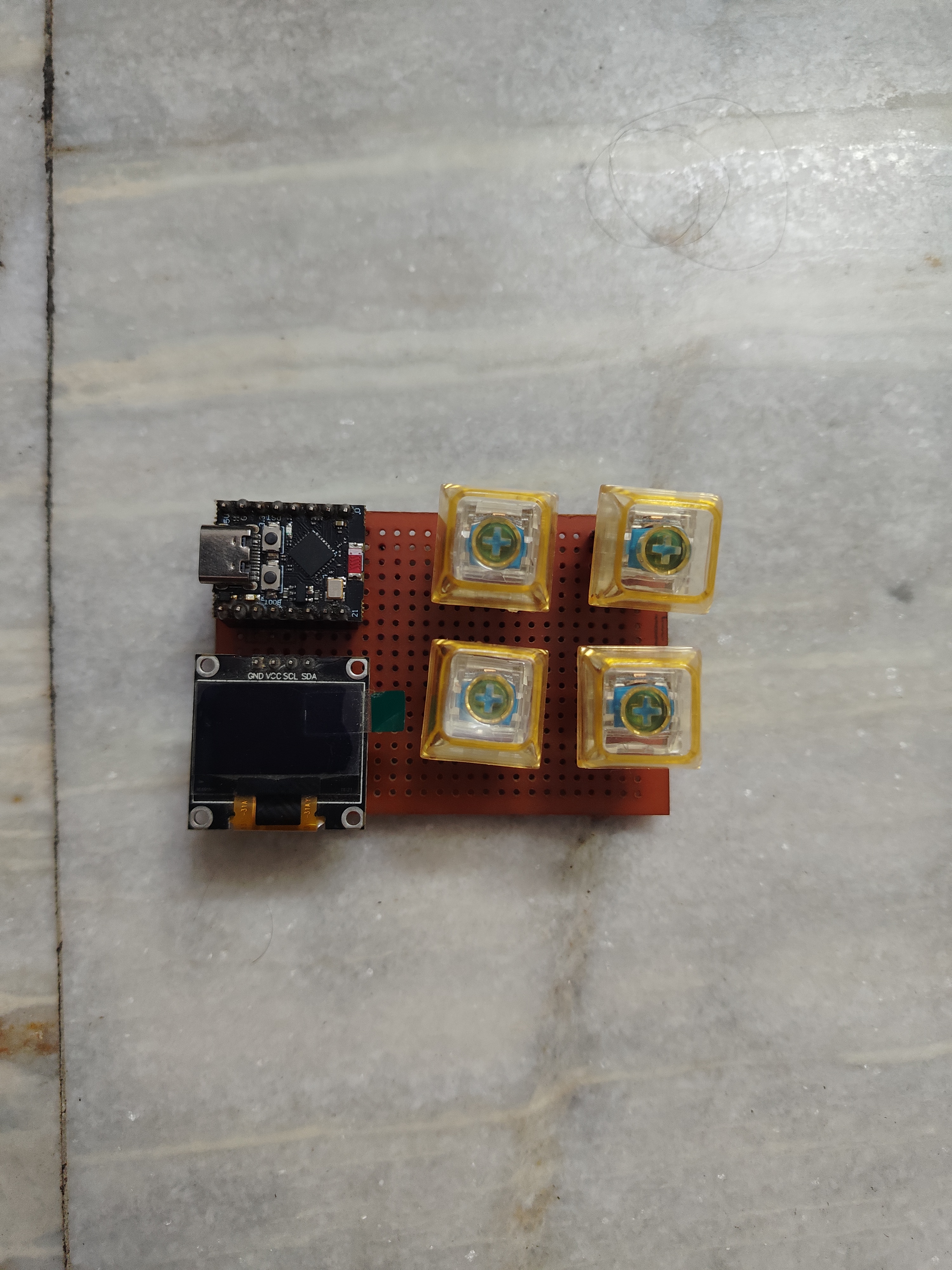
I have soldered everything on zero pcb board.
-
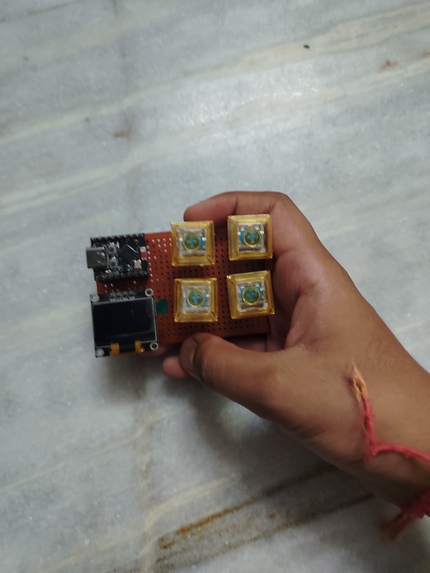
I am holding that portable macropad in my hand.
-
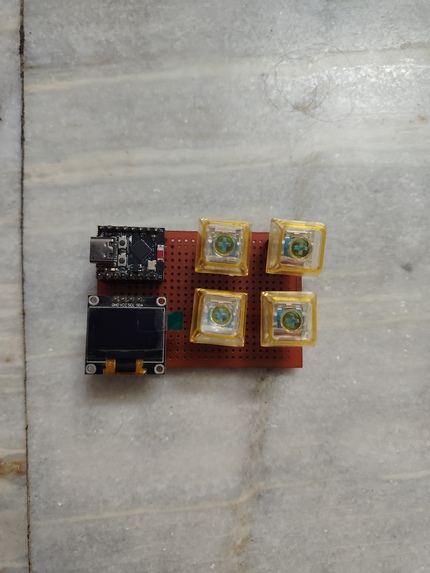
This is the front view!
Inspiration
What it does# About the Project
I have always been interested in electronics and building projects that can make everyday tasks easier. While working on my computer, I noticed that I frequently use keyboard shortcuts for simple actions like copying, pasting, refreshing pages, and opening applications. This gave me the idea of building my own wireless macro pad that could perform these actions with a single button press.
For this project, I decided to use an ESP32-C3 SuperMini microcontroller because of its compact size and built-in Bluetooth Low Energy support. I also wanted the device to have a small display, so I added a 0.96-inch OLED screen to show which action is being performed. Instead of using ordinary push buttons, I chose four mechanical keyboard switches to make the device feel more like a proper keyboard.
The macro pad is designed to perform four different functions. The first button is assigned to Copy (Ctrl+C), the second to Paste (Ctrl+V), the third to take a screenshot (Win+Shift+S), and the fourth to Refresh (F5). These shortcuts are intended to be sent wirelessly to a computer using Bluetooth Low Energy.
Hardware and Connections
The main components used in this project are an ESP32-C3 SuperMini, a 0.96-inch OLED display, four mechanical keyboard switches, and a Zero PCB.
I connected the OLED display to the ESP32-C3 using the I2C communication protocol. The SDA and SCL pins are connected to GPIO8 and GPIO9, respectively, while the display receives power through the 3.3V and GND pins.
For the mechanical switches, I used GPIO0, GPIO1, GPIO3, and GPIO6. Each switch is connected between its assigned GPIO pin and ground. By using the ESP32-C3's internal pull-up resistors, I can detect when a button is pressed without needing additional external resistors.
Before working on the complete Bluetooth functionality, I tested the OLED display and switches separately. I wrote a simple program that displayed the corresponding button number on the OLED whenever a switch was pressed. I also used the Serial Monitor to verify that the ESP32-C3 was detecting the inputs correctly. These initial tests worked successfully.
Software Development
I programmed the ESP32-C3 using Arduino IDE and C++. For the display, I used the Adafruit GFX and Adafruit SSD1306 libraries.
One of the main challenges I faced was implementing the Bluetooth keyboard functionality. Although the ESP32-C3 supports Bluetooth Low Energy, I encountered compatibility problems with some BLE keyboard libraries.
During development, I faced compilation errors involving library definitions, missing header files, and conflicts between different installed libraries. I spent time investigating these errors and understanding how the libraries worked.
I also tested Bluetooth connectivity with my Windows computer. Although the device could connect, getting the keyboard shortcuts to work correctly required further troubleshooting.
This part of the project helped me learn more about Bluetooth HID devices, Arduino libraries, and debugging C++ code.
PCB Design and Assembly
Initially, I tested the components using temporary connections. However, I wanted to make the project more permanent and compact, so I decided to use a Zero PCB.
The Zero PCB I selected has 27 holes along its length and 18 holes along its width. I started planning the positions of the ESP32-C3, OLED display, and four mechanical switches so that everything could fit on the board.
One interesting challenge was planning the connections on the back of the PCB. Since the components are placed on the front and soldering is done on the back, the soldering layout needs to be mirrored correctly.
I also had to consider the spacing between the legs of the mechanical switches and make sure the connections would be easy to solder without creating accidental short circuits.
My goal is to create a clean and compact circuit that looks more organized than a temporary breadboard prototype.
Challenges and Learning Experience
This project has taught me several things about both hardware and software development.
I learned how to connect and program an OLED display, read inputs from mechanical switches, use internal pull-up resistors, and work with Bluetooth Low Energy.
I also gained experience troubleshooting compilation errors, managing Arduino libraries, and planning electronic circuits for permanent assembly.
The most challenging part has been getting the BLE keyboard functionality to work reliably with the ESP32-C3. However, working through these problems has helped me understand the microcontroller and its software environment much better.
Another important part of the project has been learning how to plan a circuit before soldering. I realized that component placement, pin spacing, and wire routing are just as important as writing the code.
Current Progress and Future Plans
So far, I have successfully tested the OLED display and all four mechanical switch inputs. I have also worked on the keyboard shortcut programming and Bluetooth connectivity.
The complete BLE keyboard functionality still needs final verification, and I am continuing to work on the permanent hardware assembly.
In the future, I would like to improve the OLED interface, make the keyboard shortcuts customizable, and design a 3D-printed enclosure for the macro pad. I would also like to explore designing a custom PCB instead of using a Zero PCB.
Conclusion
I started this project with a simple idea: to create a small device that could make using my computer more convenient.
As I worked on it, I realized that even a relatively small electronics project involves many different skills, including circuit design, programming, debugging, and hardware assembly.
Although there are still a few things I want to improve, I have enjoyed the process of designing and developing this macro pad.
For me, the most interesting part of building electronics projects is turning an idea into something physical that I can actually use. This macro pad is another step in that learning process, and I hope to keep improving it until I have a fully functional wireless keyboard accessory that I designed and built myself.
How we built it
Challenges we ran into
Accomplishments that we're proud of
What we learned
What's next for MacroPad
Built With
- c++
- coding
- esp
- macropad


Log in or sign up for Devpost to join the conversation.