-
-
Macon+ app icon, 1024 x 1024.
-
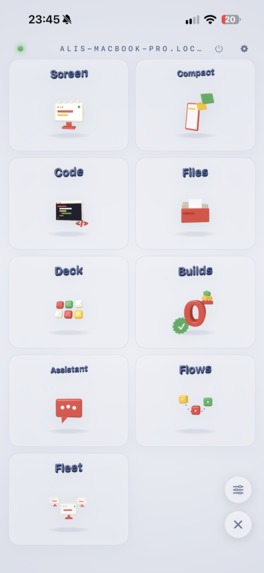
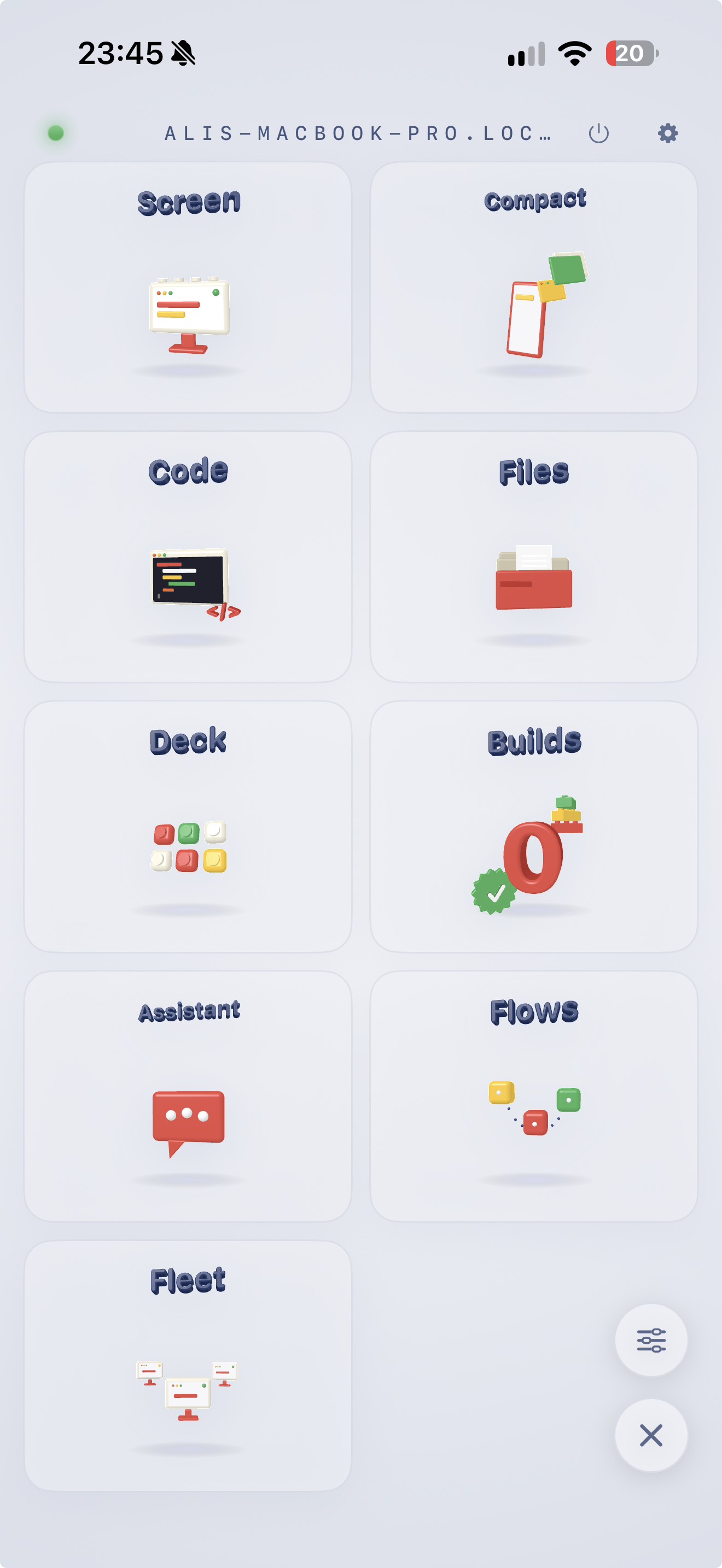
Home: a spinning clay world with a station for everything your desktop does.
-
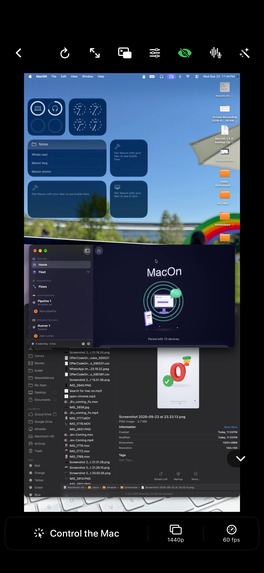
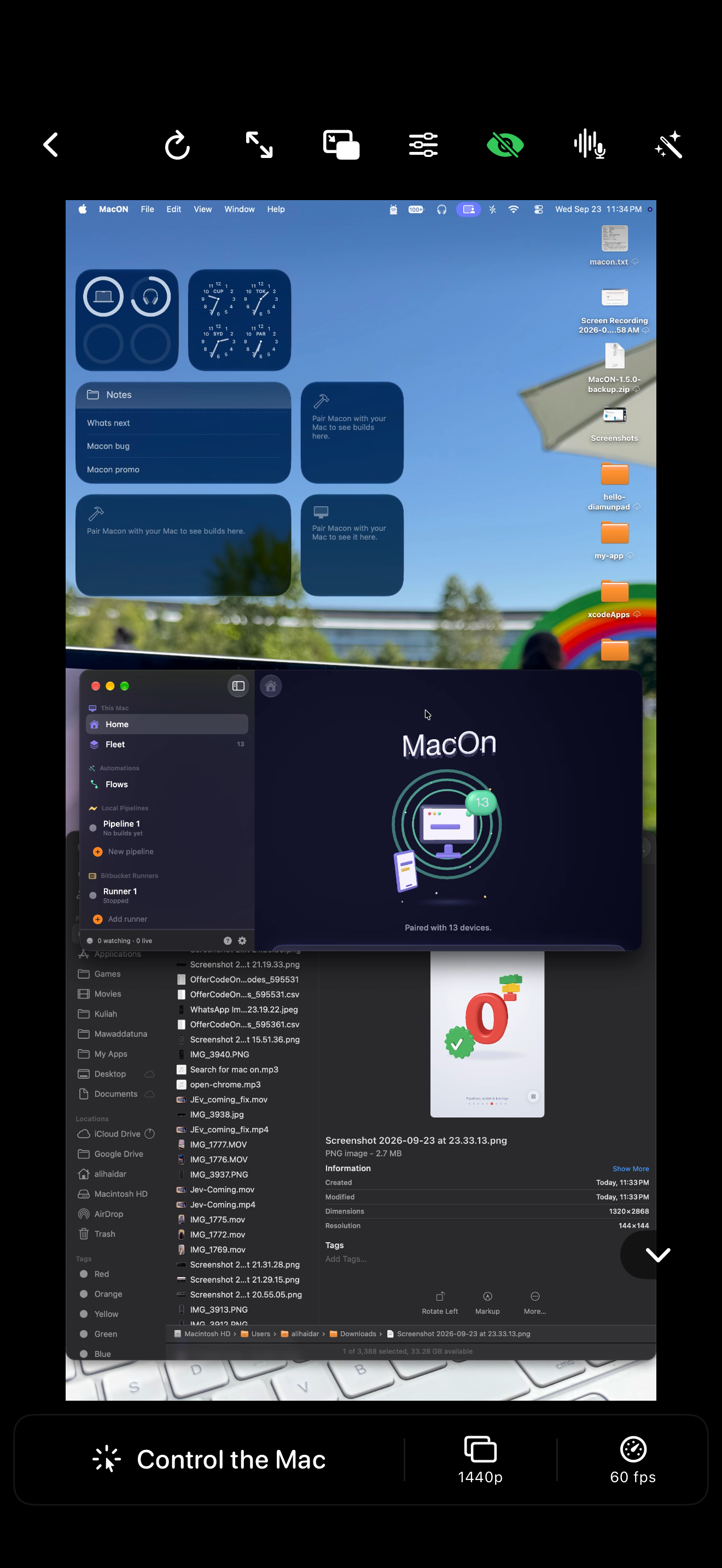
Screen: the desktop streamed in hardware H.264 at up to 120 fps, driven by touch.
-
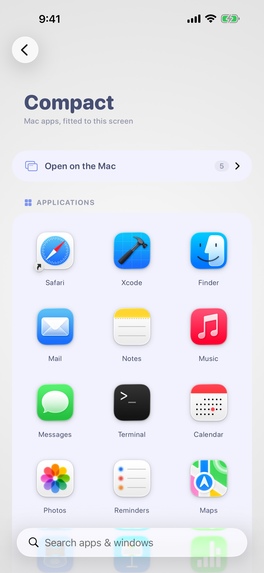
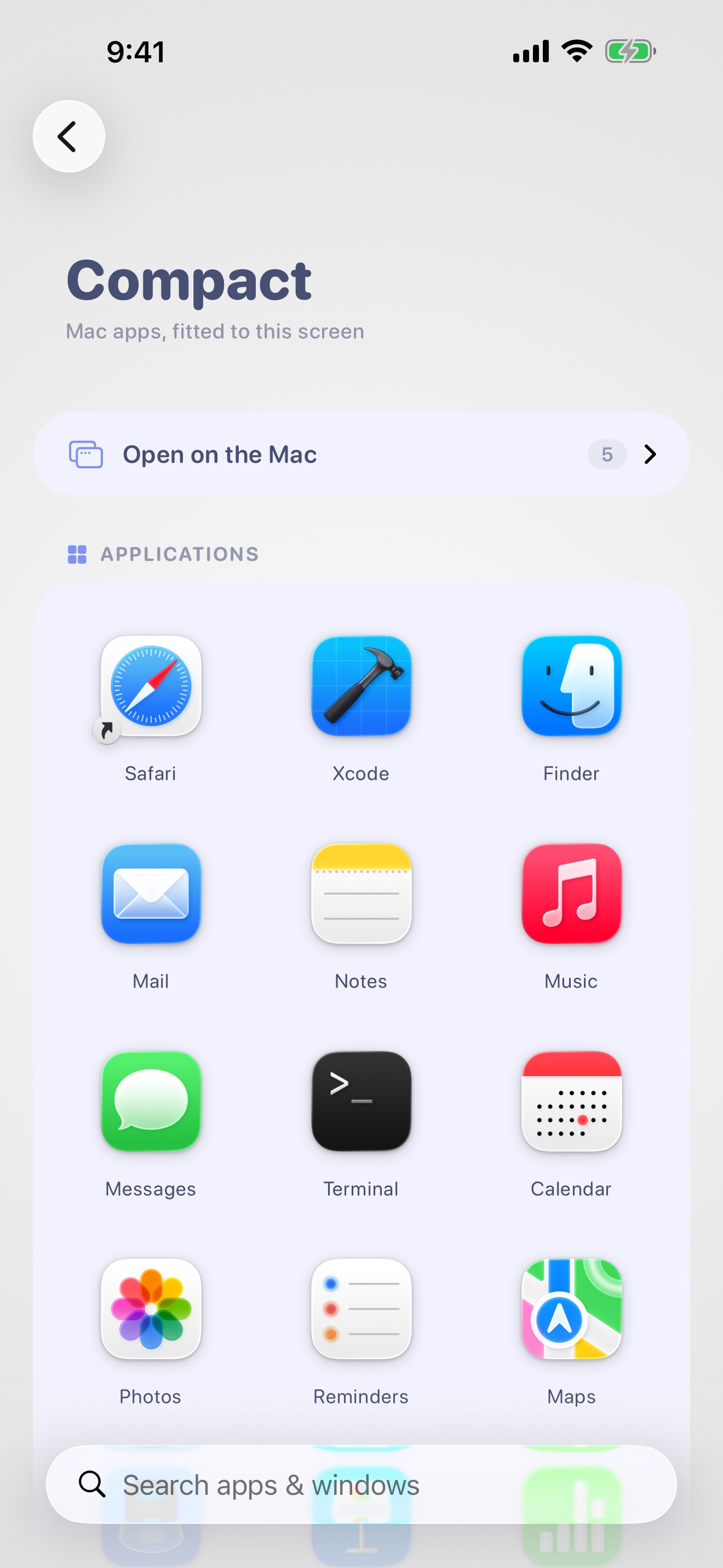
Compact: one desktop window refitted to the phone, so it behaves like a phone app.
-
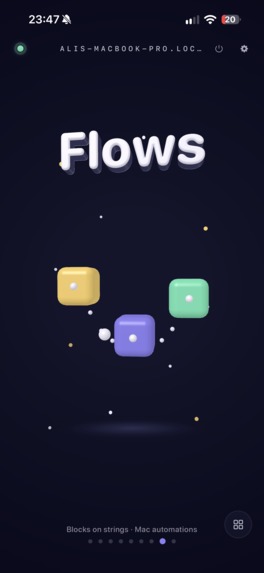
Flows
-
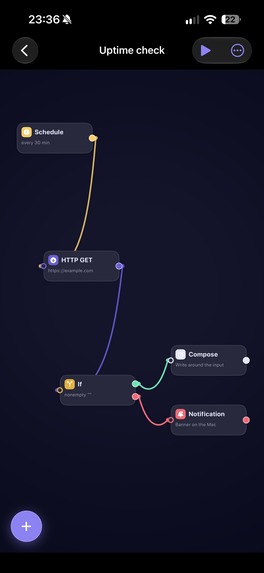
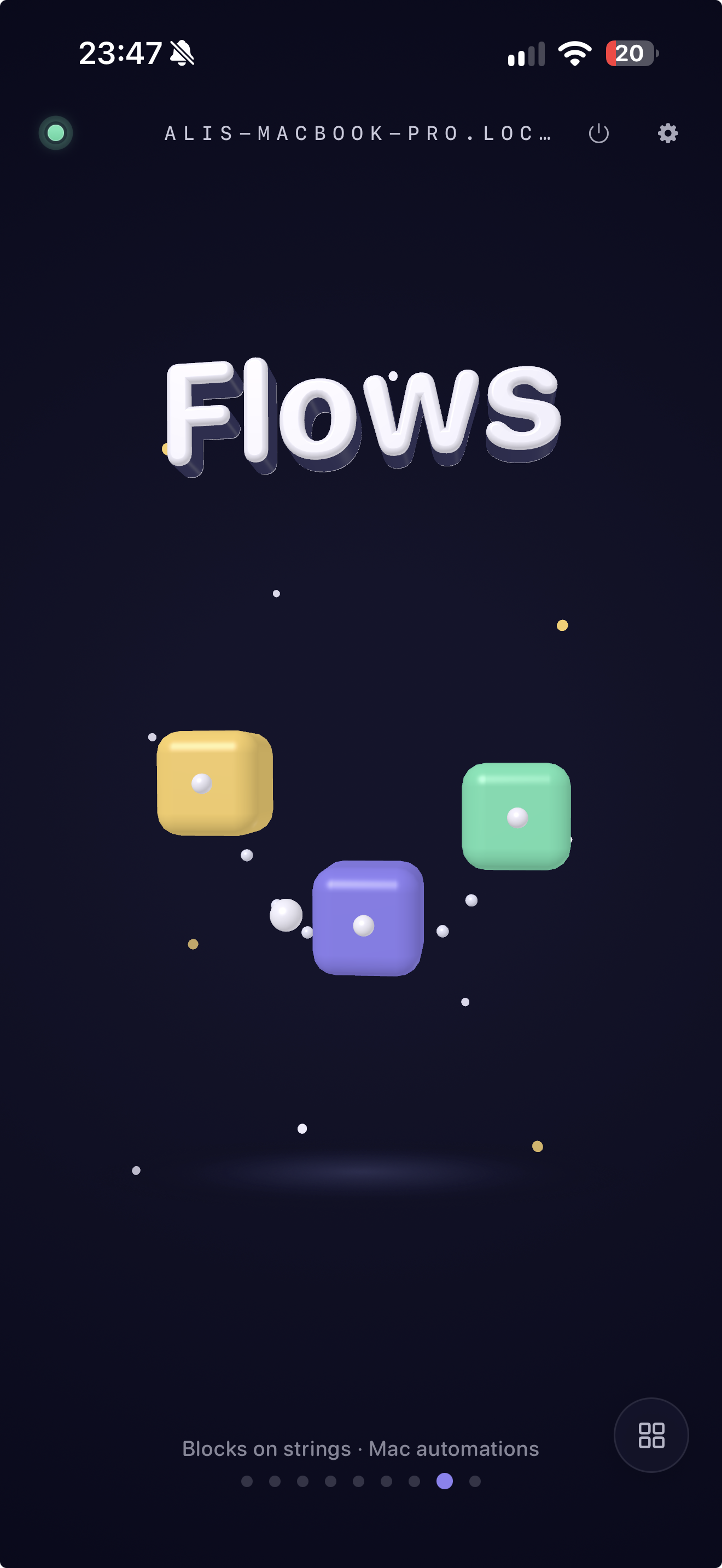
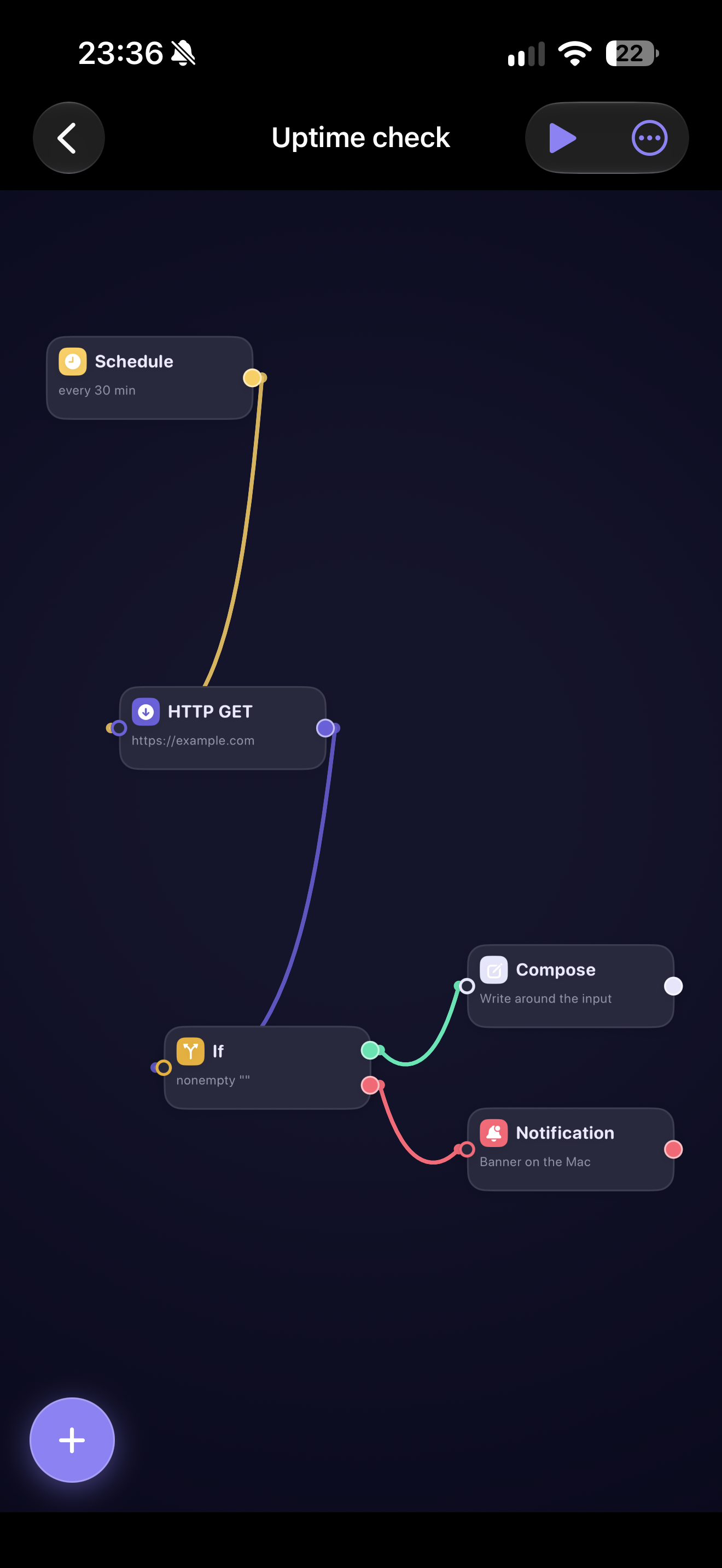
Flows: automations as clay blocks on strings, run on a schedule or a folder change.
-
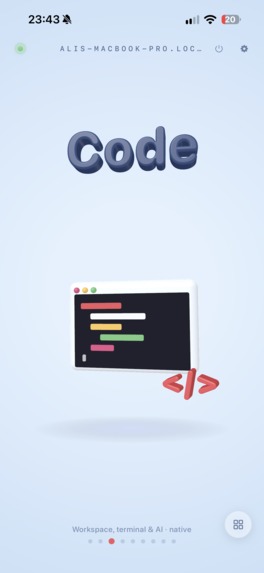
Code
-
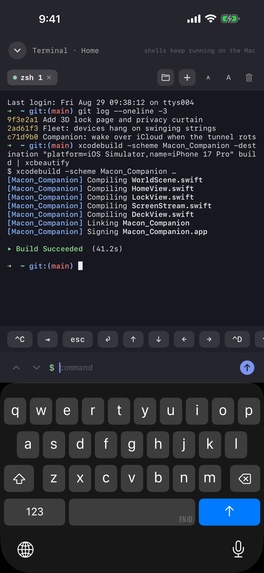
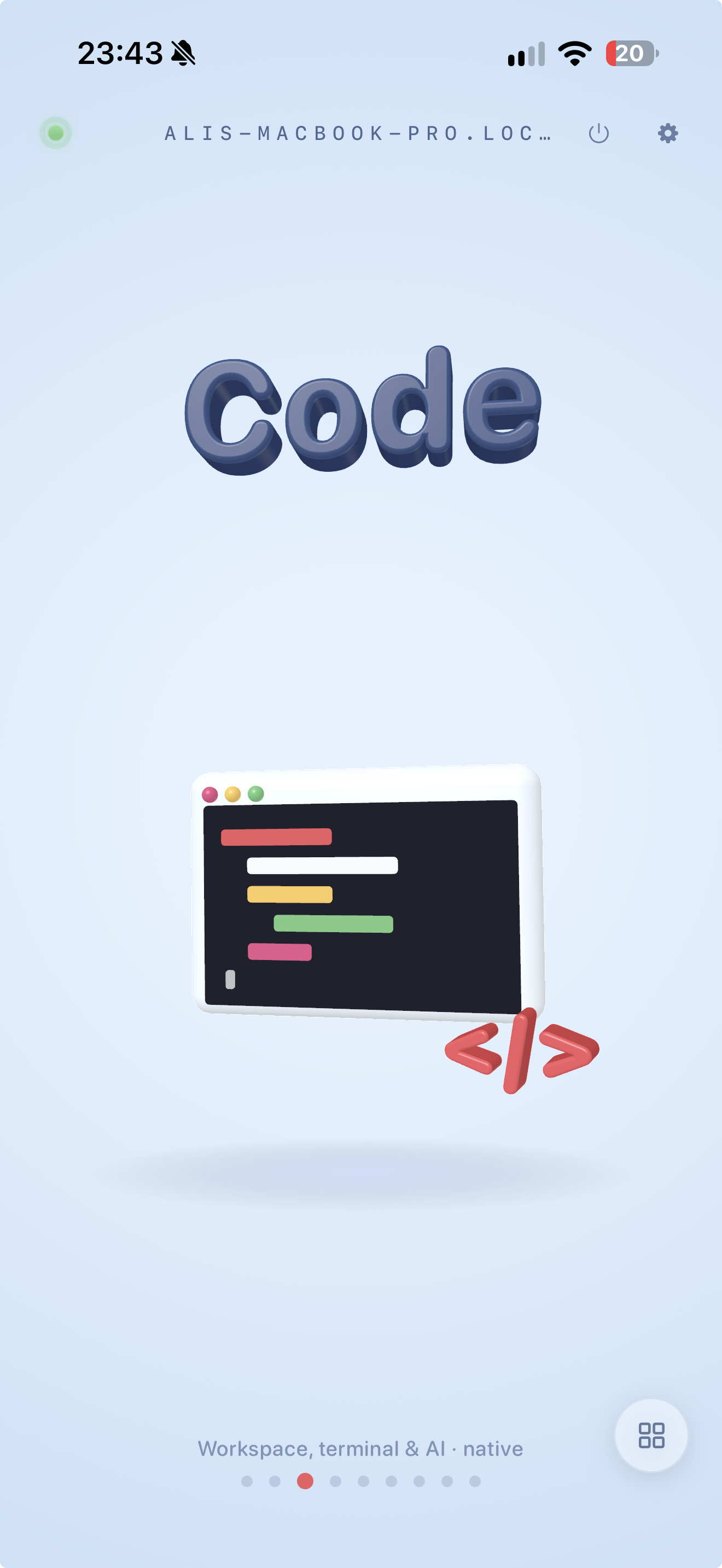
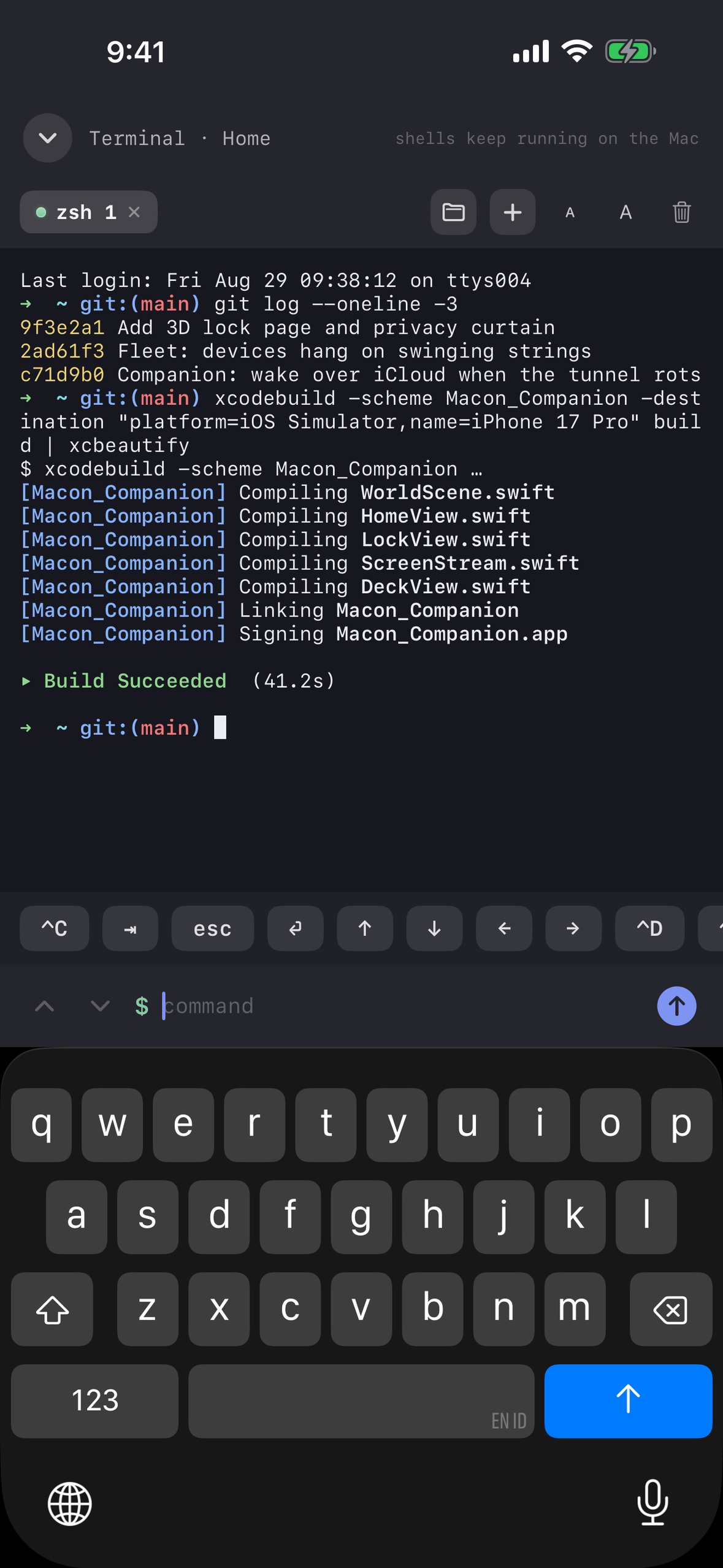
Code: a real terminal on your desktop, tabs included, that keeps running when you leave.
-
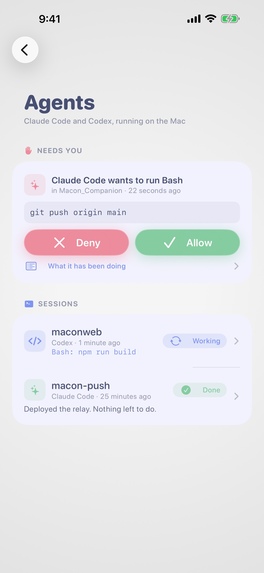
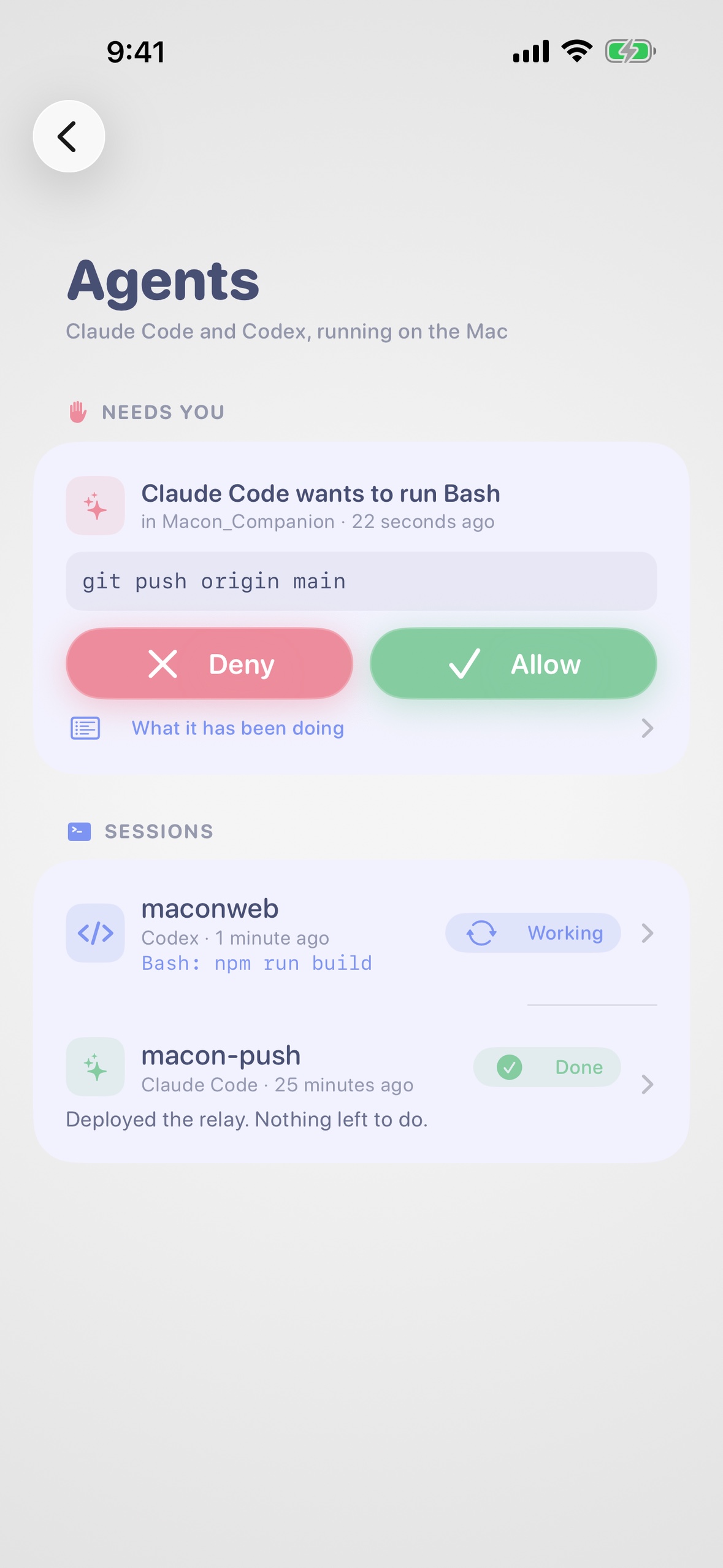
Agents: every Claude Code or Codex session, with Allow and Deny from your pocket.
-
Builds
-
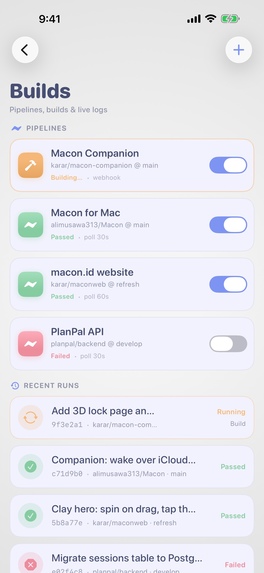
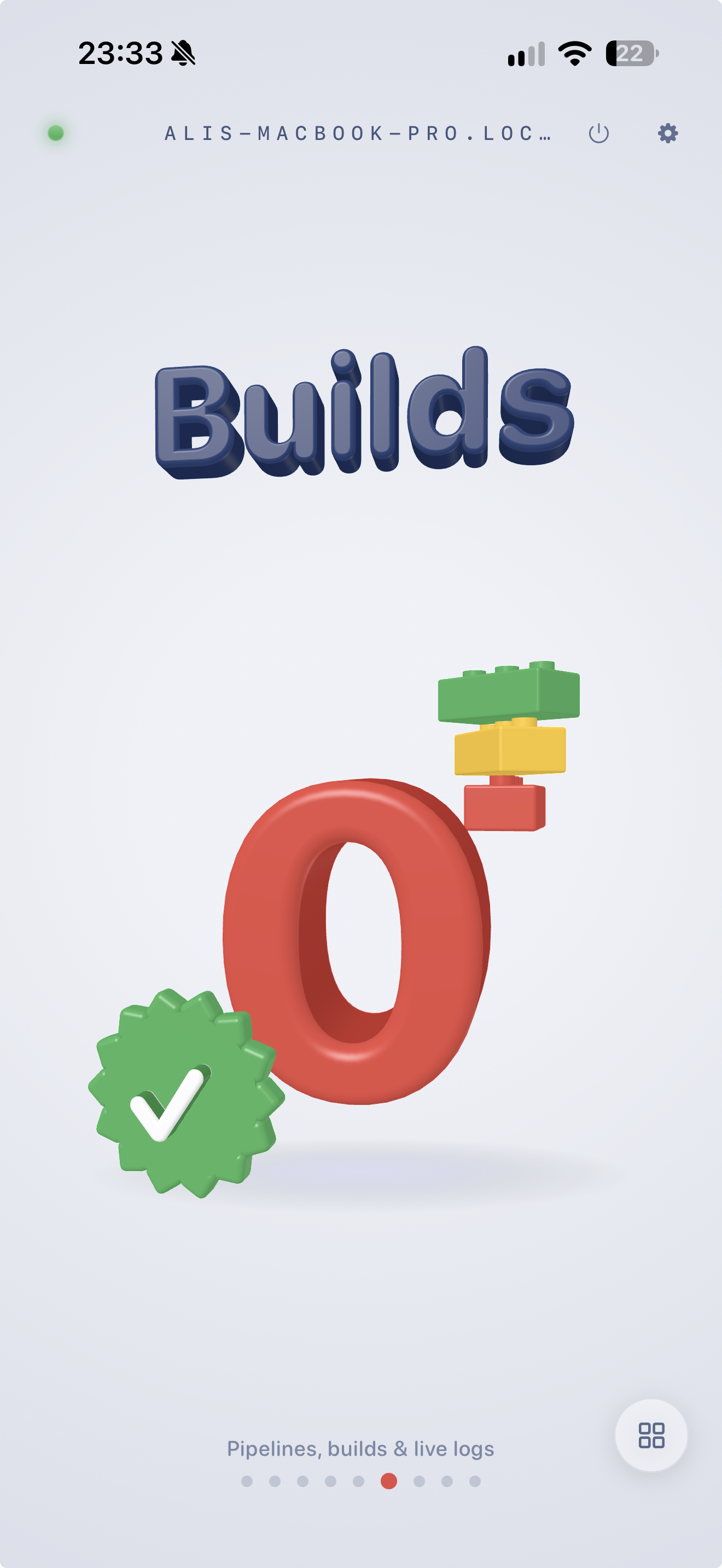
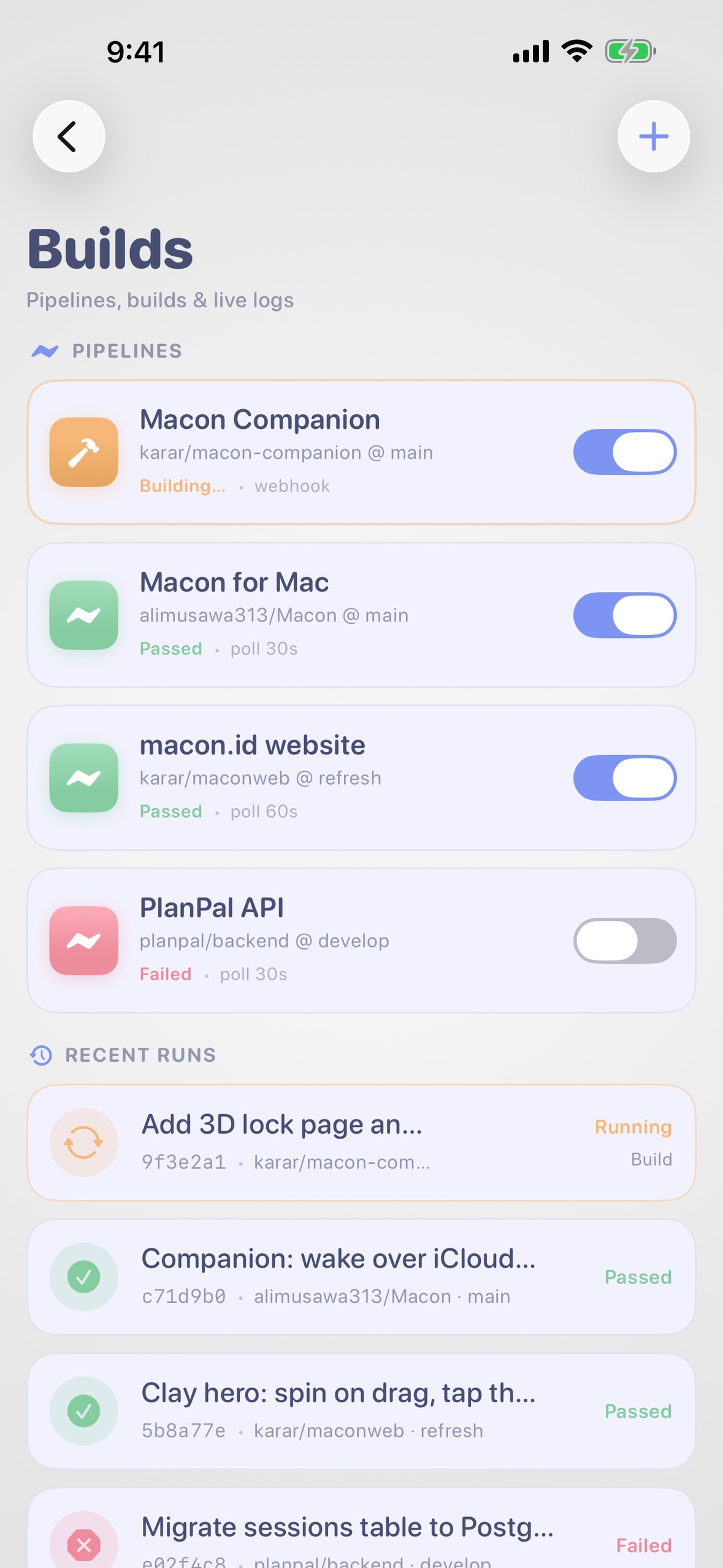
Builds: every pipeline as a step timeline with live logs. Re-run from anywhere.
-
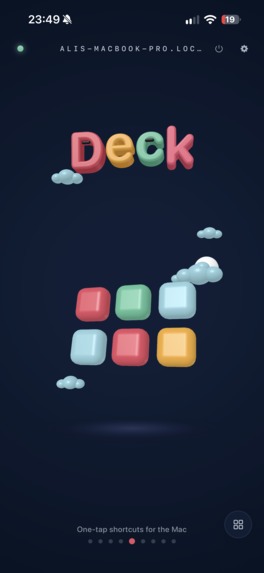
Deck
-
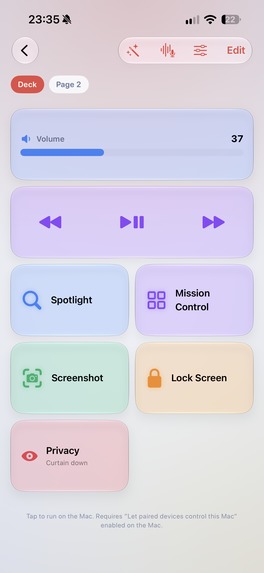
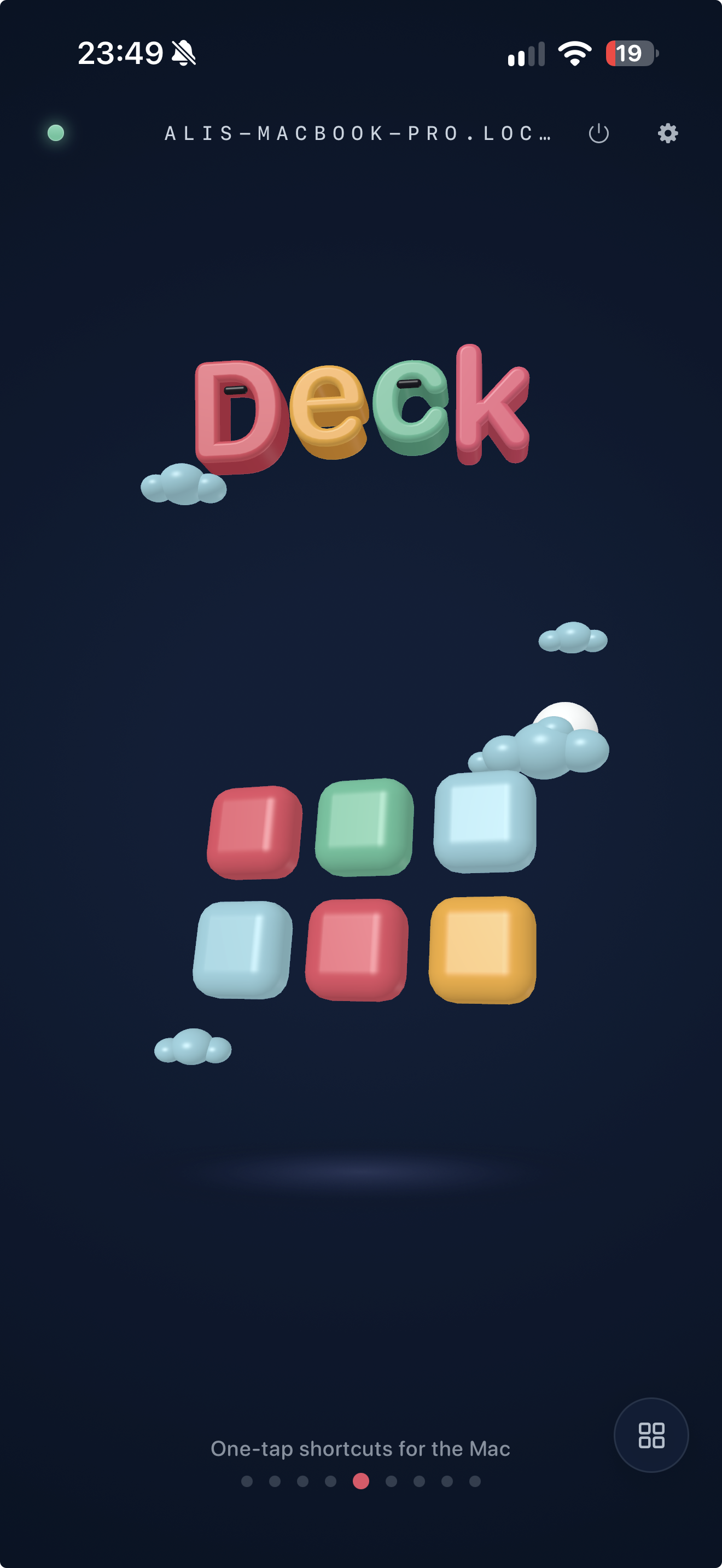
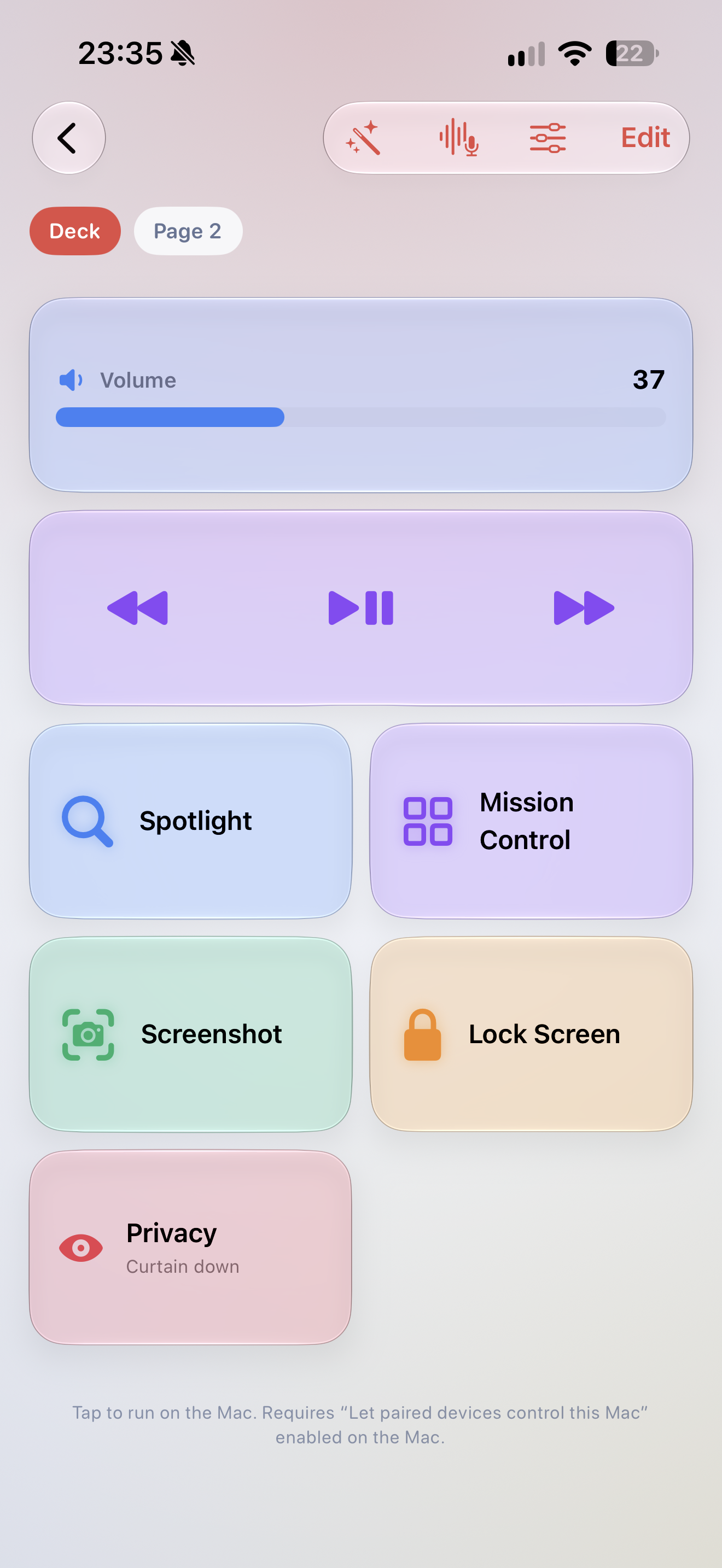
Deck: a Stream Deck in your pocket, with live tiles for CPU, battery and builds.
-
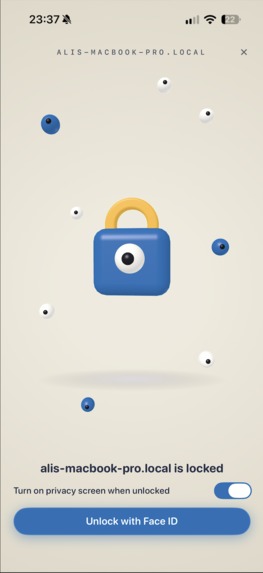
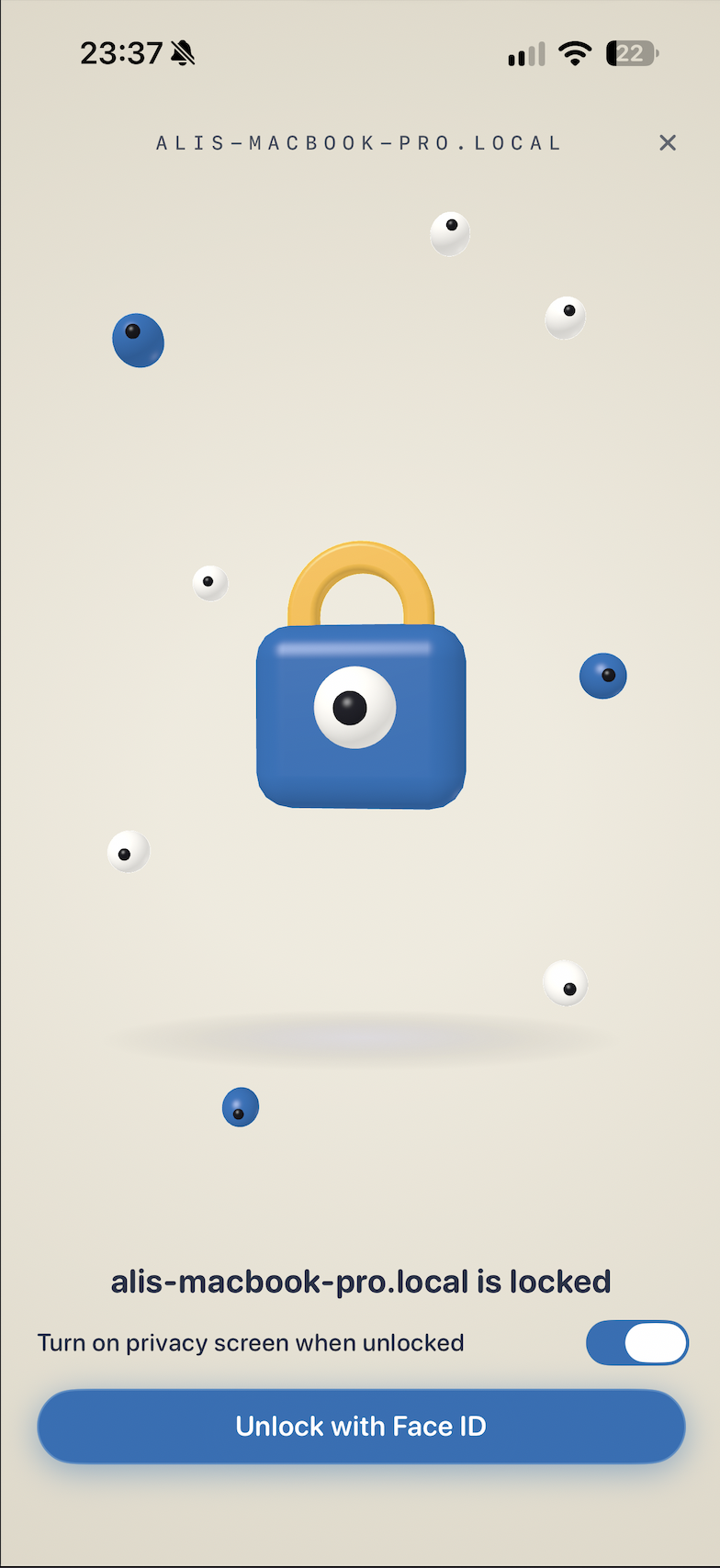
Lock: wake and unlock your desktop from a 3D padlock, lid shut or not.
-
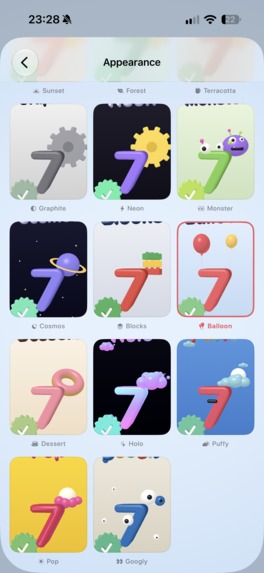
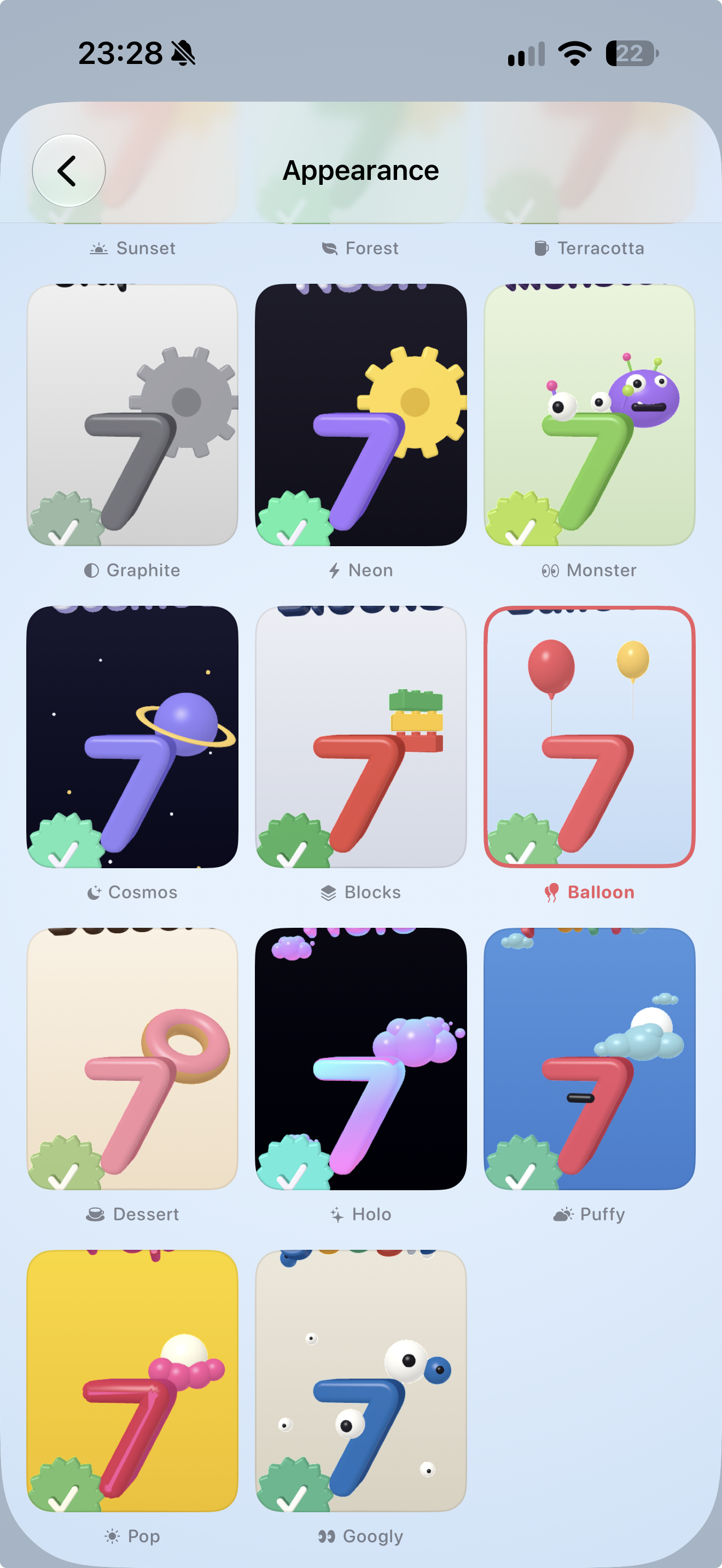
Worlds: seventeen clay themes, shared with the macOS app.
Inspiration
Coding agents changed how I work. Claude Code or Codex runs on the computer at my desk for ten or thirty minutes at a stretch and I am not needed at the keyboard. I am needed for one tap: approve, deny, try again, ship it. So I kept walking back to the desk for a tap.
The other trigger was a CI bill. Cloud runners wanted to charge me by the minute while my own machine sat idle twenty hours a day. The best build box and the best AI box I have is the one I already own. I just could not reach it.
So I made the desktop come with me. Pair once and its screen, its apps, its terminals, its builds, its coding agents, even its lock screen are on the phone. I build Macon+ through Macon+, from bed, from the bus, from campus.
What it does
Macon+ turns an iPhone or iPad into a home screen for your desktop. The whole app is a soft 3D clay world you spin with a finger, in seventeen worlds.
You can see the desktop and drive it. The screen streams in hardware H.264 at up to 120 fps on ProMotion, with touch control, a virtual trackpad and a Touch Bar strip. CompactOS refits one desktop window to the phone so Xcode, Safari or Notes behave like phone apps. Picture in Picture keeps the desktop on screen while you use something else.
Coding agents are the reason I made it. Claude Code and Codex hooks on the desktop report every session: the prompt, each tool call, the permission requests, the final message. The phone lists them, pushes you when one needs an answer, and you Allow or Deny from the notification on the Lock Screen. The terminals are real, with tabs, and the shells keep running after you leave.
Jev drives the desktop for you. Say what you want and Jev does it, one step at a time. It reads the accessibility tree of what is on screen, picks the control to act on, acts, reads again, and stops when the task is done. Voice is continuous: you keep talking, each partial sentence reaches the desktop as you say it, the app you named opens before you finish the sentence, and "stop" halts the run on the spot. Jev comes with Pro, so there is no API key to find and nothing to set up.
Builds show up as a step timeline with streaming logs. You can watch, run, re-run or cancel from anywhere, edit the whole pipeline on the phone, and install a finished build straight onto your iPhone or iPad.
There is a Stream Deck in your pocket: apps with their real icons, shortcuts, media keys, sliders, and live tiles for CPU, battery and builds. Automations are clay blocks on swinging strings. Snap them together and run them from the deck, on a schedule, or when a folder changes. The Classify block asks Jev to sort what comes in, and the Decide block branches on its answer.
The code workspace browses the repo, edits in tabs and saves back. You can build and test Xcode projects and pick schemes and destinations.
You can chat with AI running locally through Ollama. For chat, code help and the AI composers you can also bring your own model: Claude, OpenAI, Gemini or a local one. Those keys live in the desktop's Keychain, never on the phone. Jev is the only thing that clicks.
The desktop wakes over Wi-Fi, a free Cloudflare tunnel or iCloud. You unlock it from a themed 3D padlock, with an optional privacy curtain so nobody at the desk sees the screen but you. It works with the lid closed. When I leave watches a circle around your desk, and when the phone walks out of it the desktop locks, or drops the curtain, or both.
You can pair several desktops. Each keeps its own token, its own certificate pin and its own pinned terminals, and you switch from the name at the top of Home.
Everything is off until you turn it on in the macOS app: screen sharing, control, wake, unlock. Pairing codes are single-use and expire. There is no Macon server in the path of your screen or your code, and every remote action is written to an audit log on the desktop that you can read, export and clear.
Free, forever: unlimited screen, control and CompactOS on your home network, build monitoring and live logs from anywhere, coding agent sessions and their pushes, local AI chat, and 40 minutes a day of remote screen when you are away. Pro adds unlimited remote access, answering agents from away, Jev, unlock and the privacy curtain, the full code workspace, unlimited deck keys and flows, Picture in Picture, 120 fps at full resolution, every world, and every desktop you own.
How I built it
Alone, in Swift, in about eight weeks, with Claude Code as my pair programmer. There are three codebases: the iOS app, the free macOS host, and MaconKit, an open-source CLI and kit the host embeds.
Streaming is VideoToolbox H.264 over my own protocol on Network.framework, with a virtual display so the desktop still streams with the lid shut. The 3D world is SceneKit with a clay material and physics strings, and it is the same scene on the phone and the desktop so the worlds match. Remote reach is a Cloudflare tunnel the macOS app sets up for you, plus iCloud as a beacon for wake. Push goes through a small Cloudflare Worker that keeps no state, so nobody has to import an APNs key.
Jev is TypeSafe's System One model. It never writes text. You hand it the options and it answers which one it picked, with a confidence. So instead of asking a chat model to write a plan and then executing it, the desktop decides one step at a time: the operation, the control, the key chord, and whether the task is already finished, all in one request against the accessibility tree it just read. The text to type and the app to open come from the user's own sentence. The chat models serve the assistant, the code helper and the Flow composers, never clicks.
Jev is paid for by the subscription. The API key never ships in either app. The phone proves its RevenueCat entitlement to Macon's relay, which checks it server to server with RevenueCat and mints a short-lived grant. The grant carries no secret, expires on its own, is rate limited per subscriber, and is the only thing the desktop sends with each decision. A patched app cannot fake it.
Money runs through RevenueCat with one pro entitlement, and every gate in the app checks that one boolean. Three SKUs: weekly, monthly and yearly. Apple's offer-code sheet is wired to syncPurchases so a redeemed code shows up at once, and Restore lives on the paywall and in Settings. No price is compiled in. The paywall shows whatever the store says today, so a price test runs through RevenueCat Experiments without a release. All purchases are in the app; there is no web checkout.
The rest: thirteen languages including right-to-left, App Intents for Siri and Shortcuts, a Lock Screen widget, a desktop widget, a geofence, and the audit log.
Challenges I ran into
Off by default is harder than always on. Every capability is a separate grant on the desktop, and the phone has to make sense when half of them are off.
Jev quotes 70 to 500 ms, and measured from Southeast Asia the round trip is closer to 900 ms. That is the network, not the thinking, so the win had to come from starting sooner: the app opens while you are still talking, and each decision is one small request rather than a whole plan.
macOS 27 posts the display-change notification synchronously inside the display reconfiguration call, which froze the host the first time a phone connected. I found it by sampling the main thread and fixed it with a re-entrancy guard.
Streaming with the lid closed only works on AC power. That is Apple's clamshell policy, so the app says so instead of failing quietly.
The apps list used to send 7.8 MB of icons inline, and the phone read that as "couldn't reach the desktop". It now fetches one icon per row with a cache.
For a month, free users burned their 40 remote minutes at home, because "remote" was defined as "the connection is HTTPS" and the home network had switched to TLS. It now means "not a local address", and the desktop keeps the ledger.
App Review taught me two things: a word-boundary rule on Apple's product names inside intent descriptions, and exactly what a paywall has to say about renewal. Both are in the shipped copy.
Accomplishments I'm proud of
Approved and live on the App Store on September 10, 2026, seven weeks after the first commit, with one person on the team. Two updates since, the second with Jev, and the app is on the App Store in mainland China as of 1.2.
I use it every day, and a lot of the commits that shipped it were approved from my phone through the app itself.
It launched in thirteen languages, with a String Catalog pipeline that catches strings that silently skip localization.
The free tier gives someone on my Wi-Fi the whole product. The paid line is the one I can defend with a straight face: reaching your desktop when you are not at home, and an agent whose bill I pay.
Thirteen days in it has 26 downloads and no paying subscriber yet. The version with Jev, the feature I expect to sell Pro, shipped yesterday.
What I learned
The free/paid line has to match how people feel about the product. "Unlimited at home, 40 minutes a day away" is a sentence users repeat back to me. "Limited to 3 devices" never was.
A hosted model is a cleaner Pro feature than a bring-your-own key. Nobody wants to paste a key into a phone. Tying the grant to the RevenueCat entitlement made the subscription the login.
Keeping RevenueCat in one file and giving the rest of the app a single boolean meant that every later change (a price, a SKU, offer codes, the Jev grant) touched one file.
My best-performing spots show one real thing happening. A build going green from a bus seat did better than anything polished.
What's next
iOS 18 support, so the older phones people actually own can pair. Several desktops already pair; next is treating them as one machine for builds and local AI. Jev in more places: Flows already classify and branch on it, the deck is next. Localized App Store screenshots are at 19 of 26 sets.
Built With
- app-intents
- claude-api
- cloudflare-tunnel
- cloudflare-workers
- cloudkit
- core-location
- h.264
- ios
- jev
- macos
- network.framework
- ollama
- openai-api
- revenuecat
- scenekit
- storekit-2
- swift
- swiftui
- videotoolbox
- widgetkit
- xcode-cloud


Log in or sign up for Devpost to join the conversation.