
Inspiration
Mechanical engineering is often taught through dense textbooks and static diagrams. These materials explain terminology and formulas, but they rarely show how parts interact inside a real mechanism. Bearings, gears, synchronizers, planetary transmissions, automatic gearboxes, and CVTs become much easier to understand when learners can see them move and inspect every component from any angle.
We created Machine Elements to turn this traditionally abstract subject into a visual and interactive learning experience. Our goal was to combine the clarity of an engineering textbook with the engagement of a learning game and the freedom of an interactive 3D workspace.
What it does
Machine Elements is an interactive mechanical-engineering course for Android and iOS.
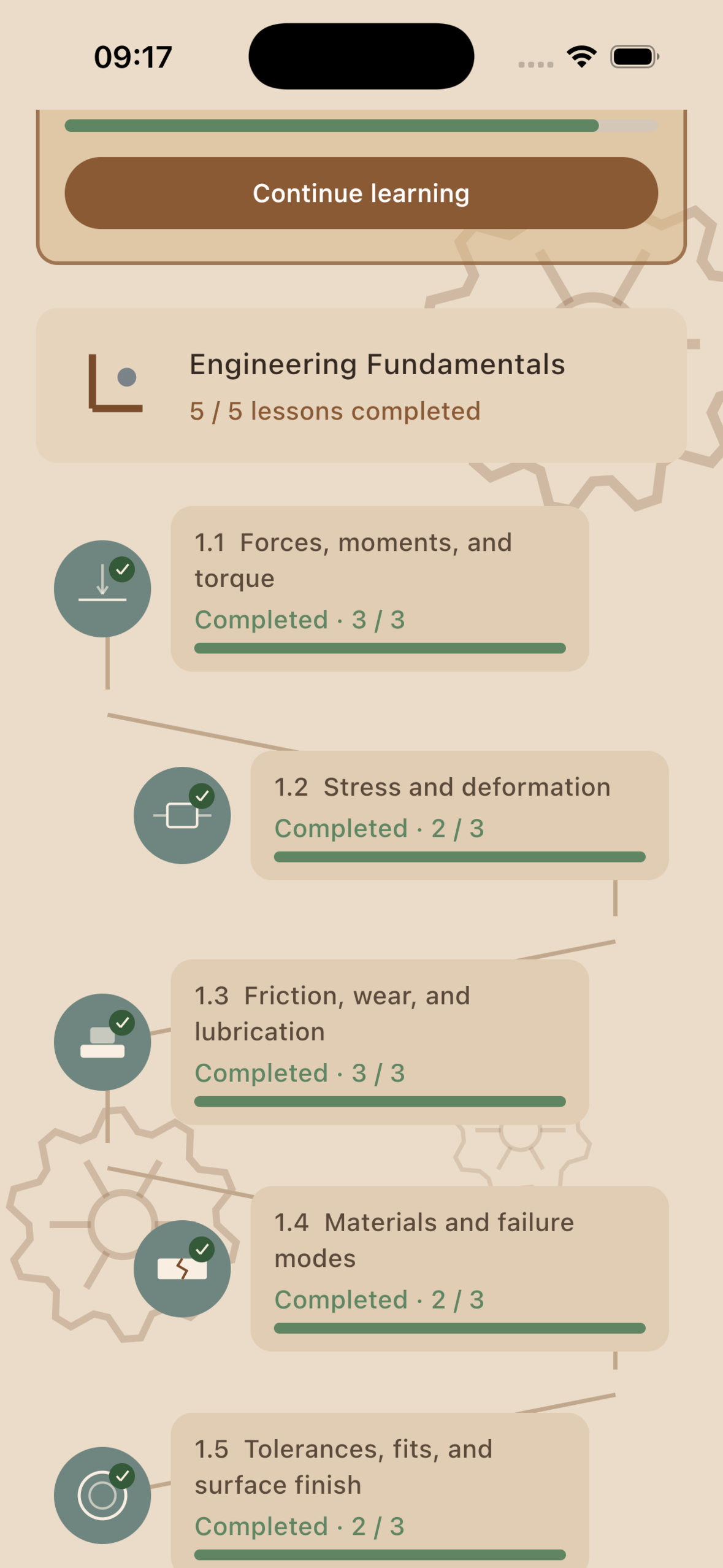
Learners follow a structured, game-like path covering forces and moments, shafts, bearings, mechanical joints, belt and chain drives, gears, planetary systems, manual transmissions, automatic transmissions, and continuously variable transmissions.
Each lesson combines several learning formats:
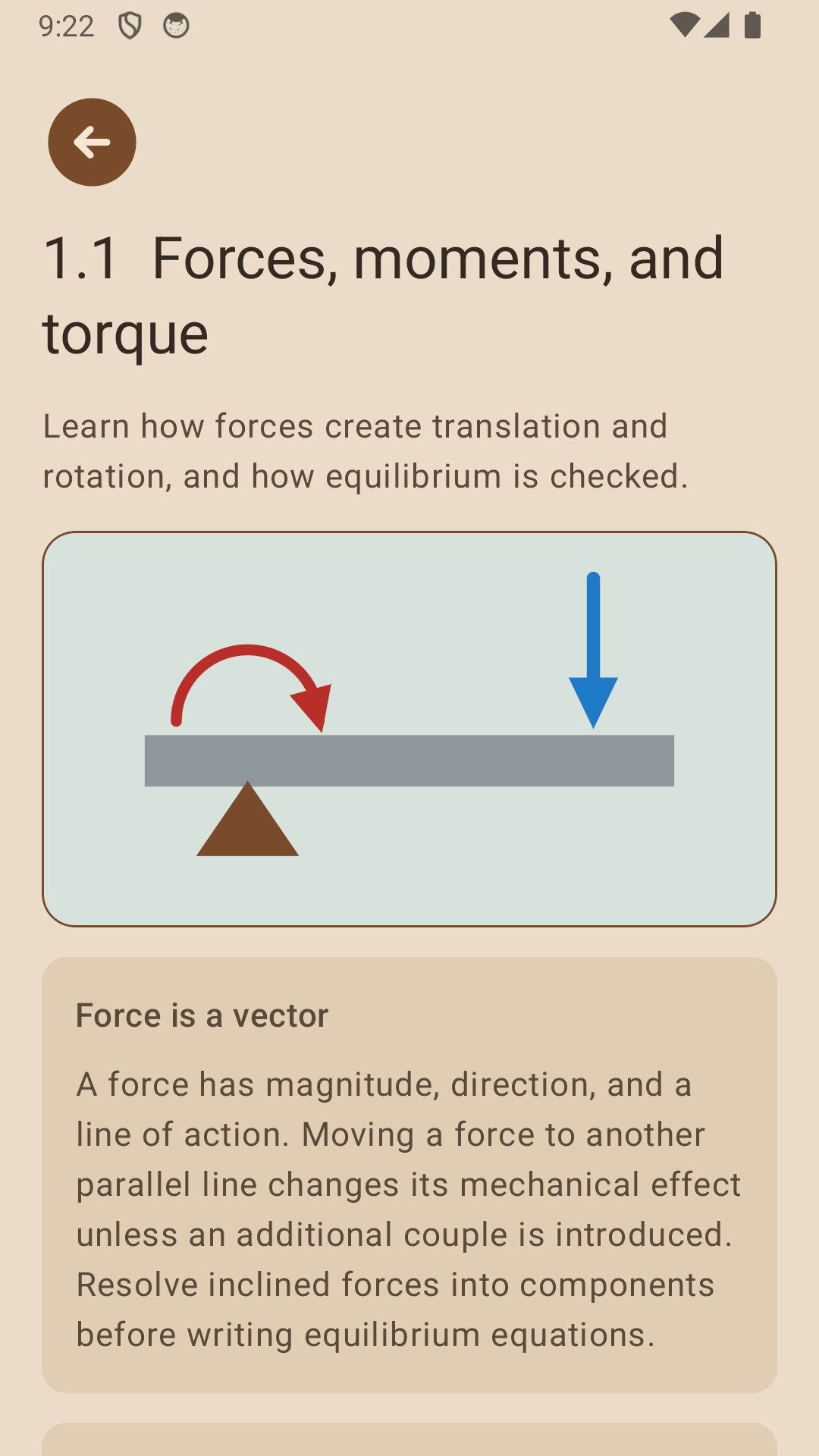
- Animated engineering diagrams demonstrate motion, forces, torque, and mechanical relationships.
- Clear explanations introduce terminology, construction, operating principles, advantages, limitations, and applications.
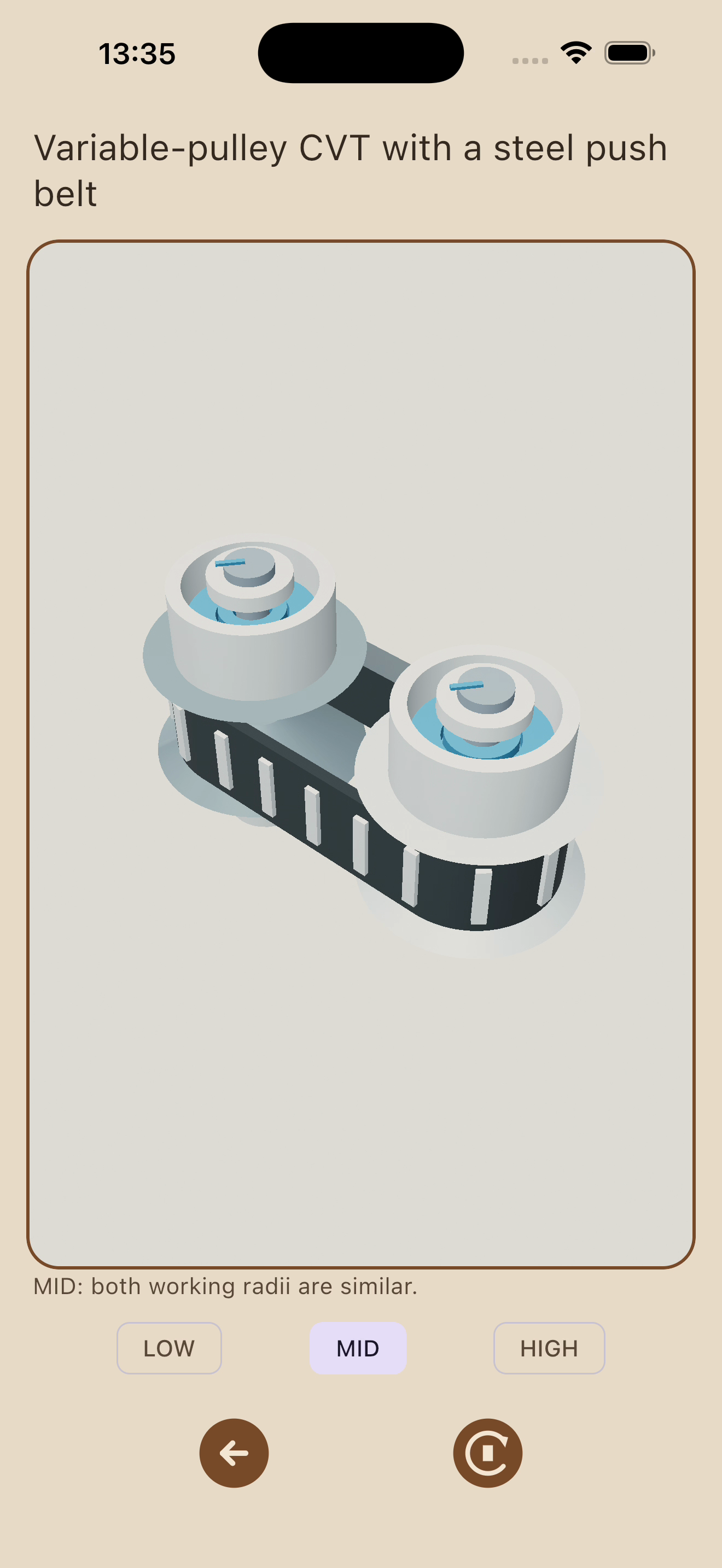
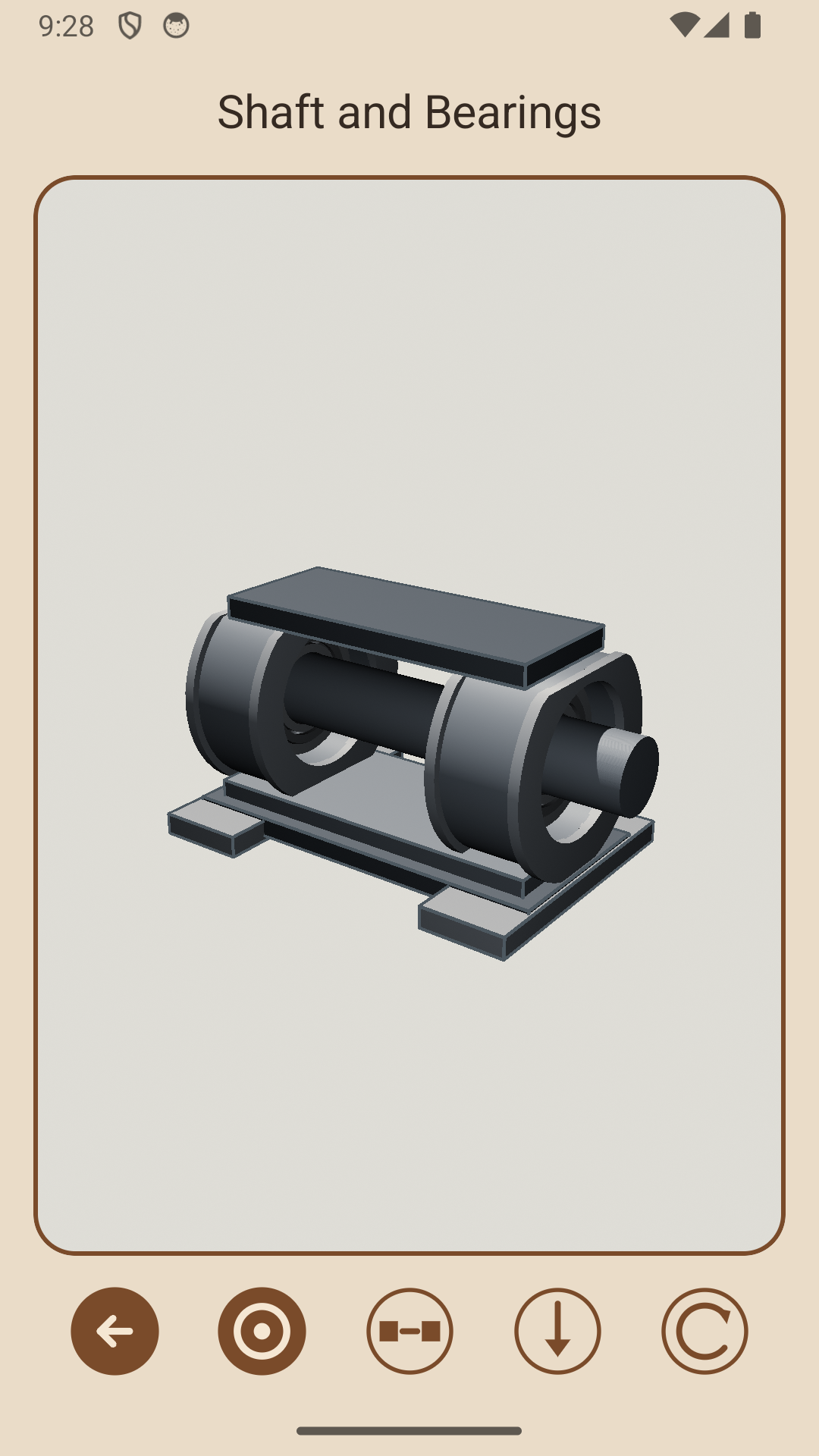
- Interactive 3D assemblies can be rotated and zoomed using continuous touch gestures.
- Components can be selected, hidden, revealed, or separated using exploded views.
- Contextual descriptions explain the purpose of each selected component.
- Short quizzes verify understanding and preserve progress between sessions.
Advanced topics are available through Premium access powered by RevenueCat. The application supports English, Russian, Spanish, and Greek, with the system language used by default.
How we built it
Machine Elements is built with Kotlin Multiplatform and Compose Multiplatform. The shared Kotlin module contains the course structure, lesson content, navigation, progress tracking, localization, quizzes, animated diagrams, 3D scene descriptions, interaction logic, and most of the interface. Android and iOS use thin platform-specific hosts for application setup and store integration.
A major part of the project is ComposeScene3D, a 3D library that we designed and developed ourselves specifically for Kotlin Multiplatform and Compose Multiplatform.
Open-source library:
https://github.com/AleksandrKdev/compose-scene-3d
Instead of maintaining separate 3D implementations for Android and iOS, we built a reusable shared foundation for scene graphs, procedural geometry, cameras, materials, lighting, shadows, object selection, clipping, annotations, gestures, and Compose integration. We later published ComposeScene3D as a standalone open-source project so other Kotlin developers can build interactive 3D experiences without recreating the same cross-platform infrastructure.
The educational models are constructed using reusable procedural geometry rather than prerecorded animations. This allows learners to inspect mechanisms freely while shafts, gears, pulleys, chains, synchronizers, clutches, brakes, and CVT sheaves continue moving according to their mechanical relationships.
RevenueCat manages Premium entitlements, subscription state, and purchase restoration across both platforms. Store-specific purchase integration remains native while access state and the Premium interface are shared through Kotlin Multiplatform.
Challenges we ran into
The hardest challenge was making complex


