Inspiration
We wanted a more efficient way to keep things safe. A regular lock only protects your stuff while you're standing next to it, and you never find out when someone tried to get in. We wanted a lock that is harder to guess than a single key and that tells you what's happening, even when you're not there.
What it does
M&N Vault is a small combination-locked box. You choose a color with one push button, and an RGB LED shows your choice:
- 1 press (red) or 3 presses (blue): wave at the motion sensor, then scan your RFID tag, and the servo unlocks the vault.
- 2 presses (green): a decoy path. Any wave, or waiting too long, sounds the alarm.
- Too many presses or a missed step: the alarm sounds.
Every unlock and every alarm sends a Telegram message to the owner's phone, such as "Vault OPENED (RED combo)". After 30 seconds the vault re-locks itself.
How we built it
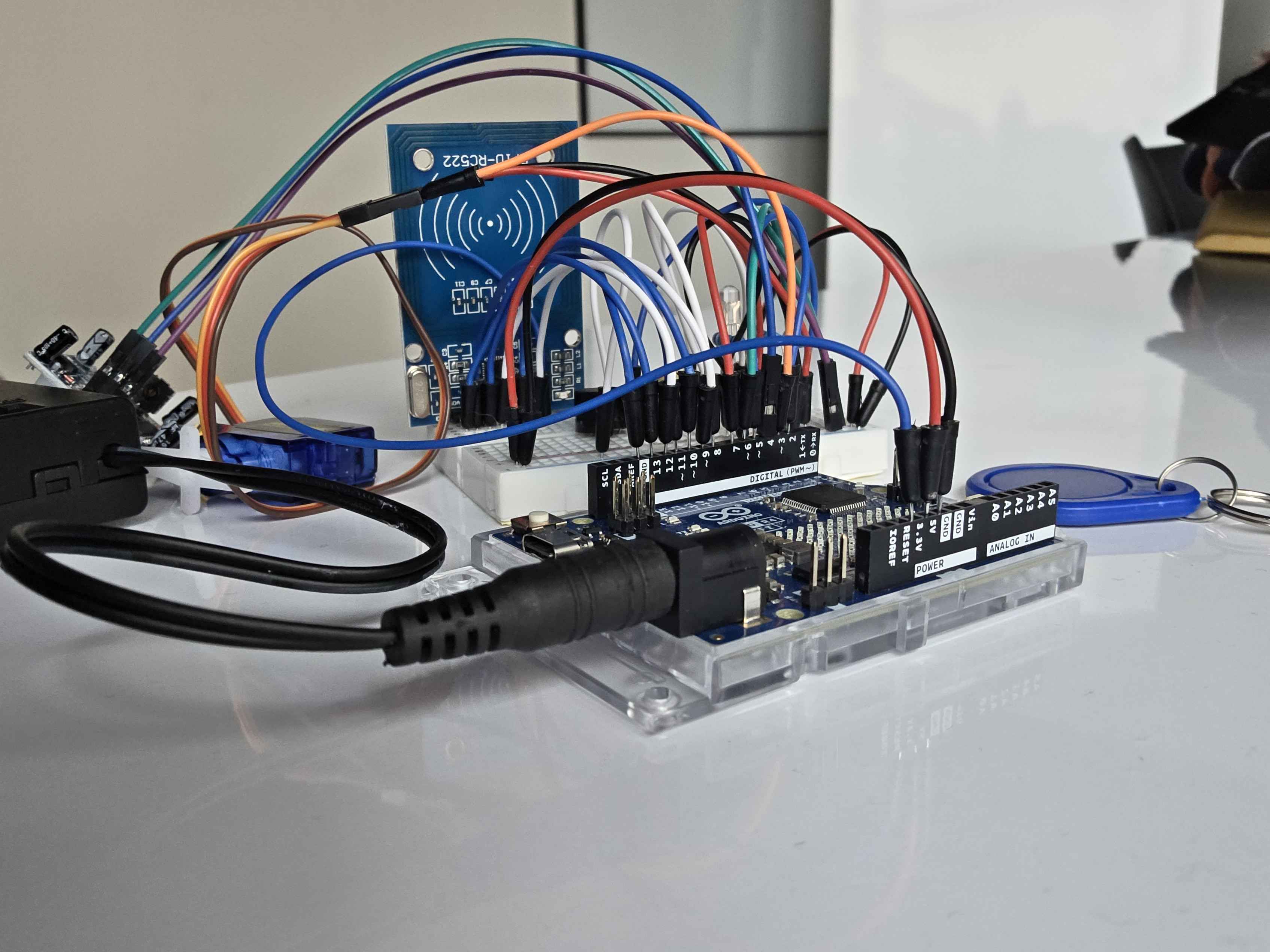
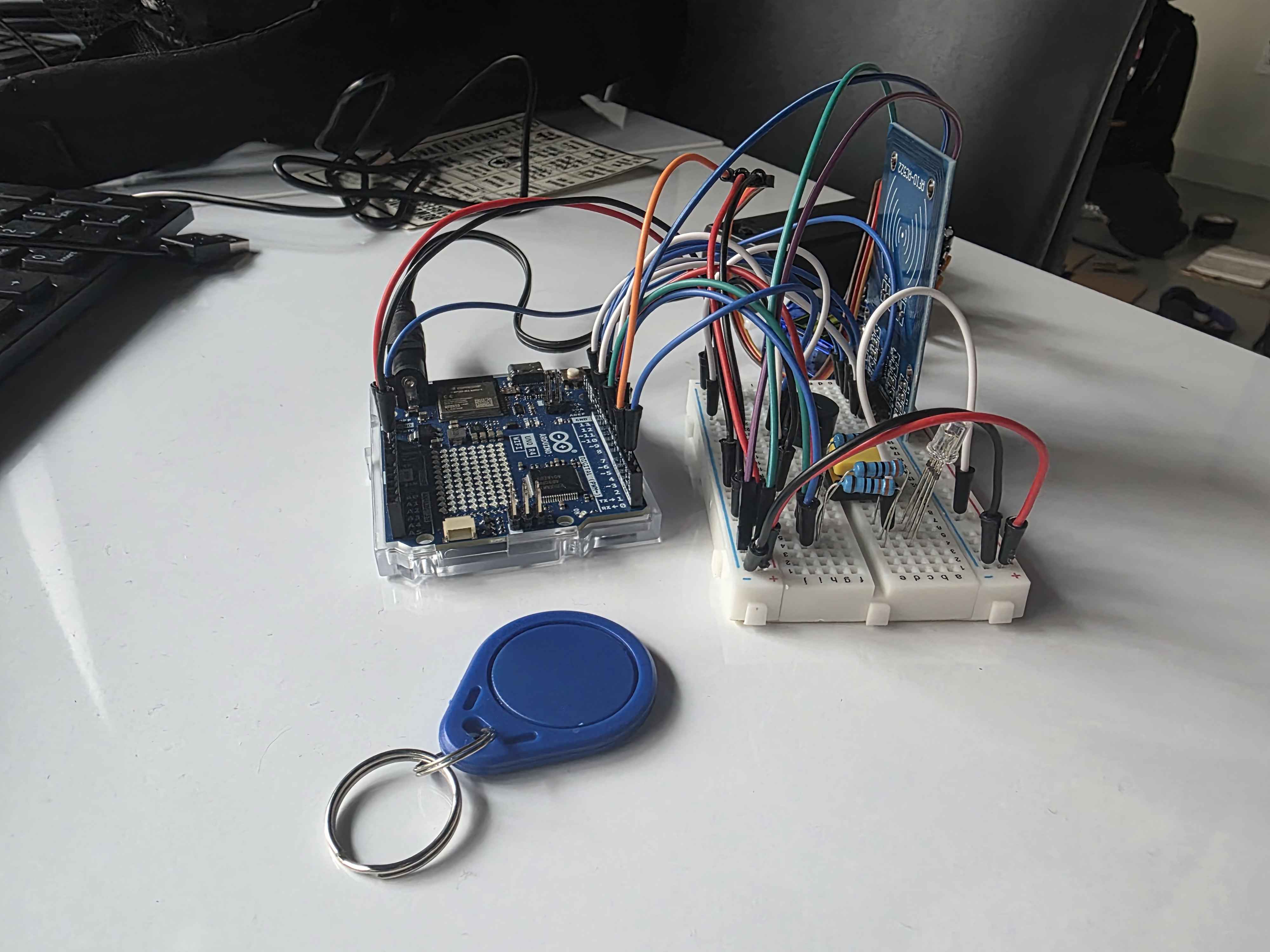
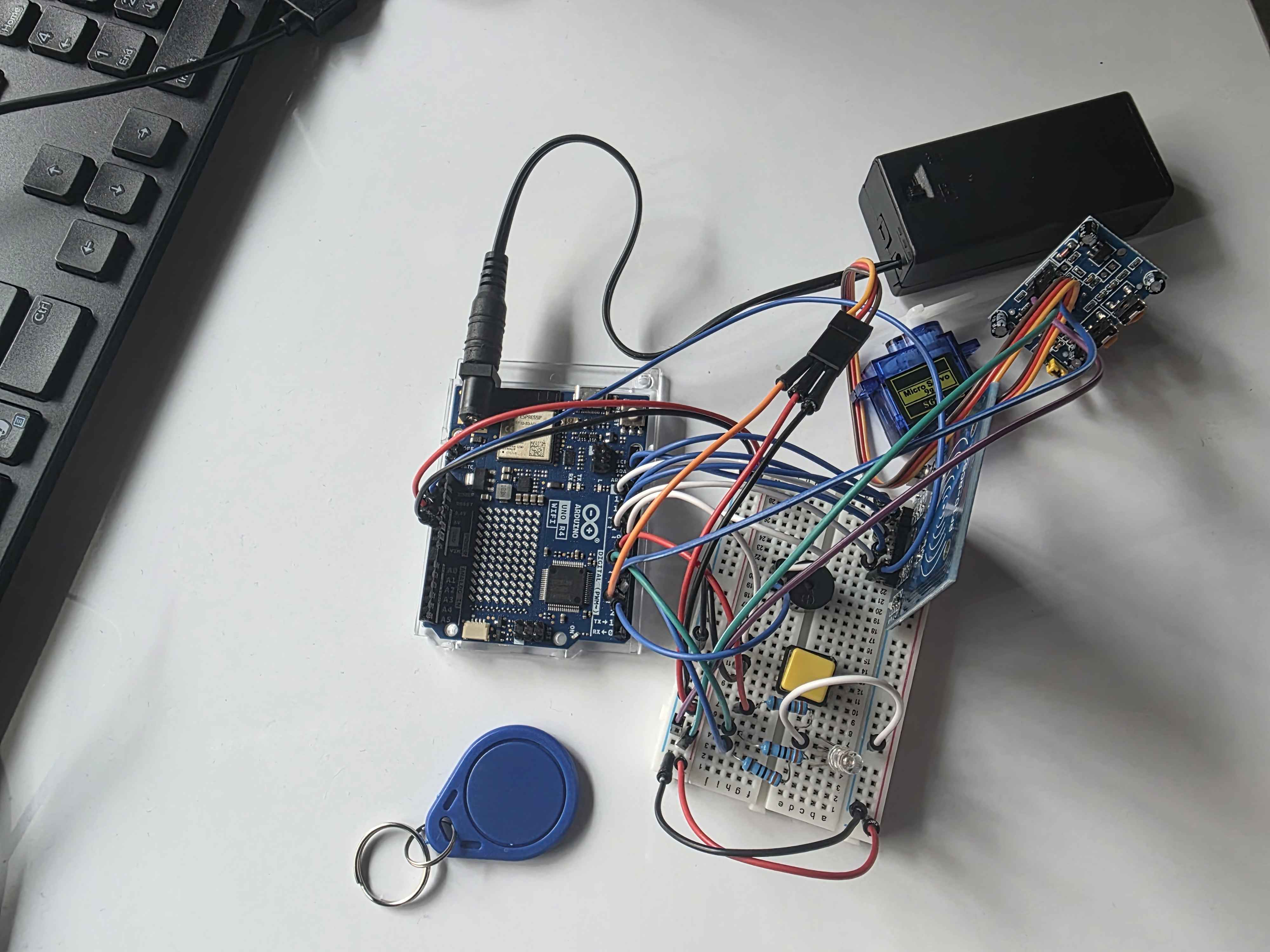
We built it on an Arduino UNO R4 WiFi using parts from the SunFounder Elite Explorer kit: an MFRC522 RFID reader, a PIR motion sensor, a push button, an RGB LED, a buzzer, and an SG90 servo as the lock. Everything is wired on a breadboard and powered by a 9V battery pack through the barrel jack.
The code is Arduino C++ built around a state machine: one state for choosing a color, then states that wait for the wave and the RFID scan on each valid path, and a trap state for green. The board's built-in WiFi sends an HTTPS request to the Telegram Bot API, which pushes the message to our phones.
Code, wiring, and photos: https://github.com/TheLoreBore/heist-vault
Challenges we ran into
- Getting texts without paying or signing up for trials. SMS services like Twilio need a trial account, and carrier email-to-text gateways depend on the carrier and some have been shut down. We switched to a free Telegram bot, which works on any carrier.
- Finding the Telegram chat ID. The bot never replies on its own, so at first it looked broken. We learned to message the bot, then read our chat ID from the bot's
getUpdatespage. - Guest WiFi. The board connected to the school guest network, but those networks often require a login page the Arduino can't complete. We used a phone hotspot instead.
- Unknown RFID pin. Our tutorial video didn't use the reader's IRQ pin, so we didn't know where to connect it. It's an optional pin, and leaving it disconnected works.
- Power. A 9V battery can't deliver steady current when the servo moves, so we powered the board through the barrel jack and ran the sensors from the board's regulated 5V and 3.3V pins, with the RFID reader on 3.3V only.
- Servo direction. The servo turned the wrong way for our latch. Because the locked and open angles are two constants in the code, we swapped them without changing anything else.
Accomplishments that we're proud of
We got a button, a motion sensor, and an RFID reader working together in one sequence, sent real phone notifications from a microcontroller, and built a working prototype in a short hackathon using only the parts in the kit.
What we learned
We learned how to read an RFID reader over SPI, how to call a web API from an Arduino over a secure connection, and how to get around the practical limits of hardware, like battery power and restricted WiFi. We also learned to keep passwords and tokens out of public code by using a git-ignored secrets file.
What's next for M&N Vault
Right now any RFID tag can unlock the vault. Next we want to accept only specific card IDs, add a daily-changing combination, and build a 3D-printed enclosure around the lock.


Log in or sign up for Devpost to join the conversation.