-
-
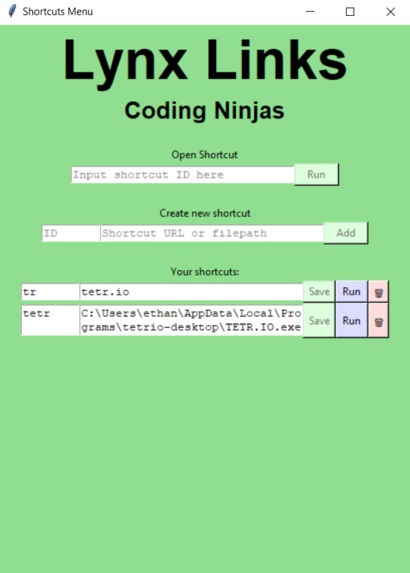
App
-
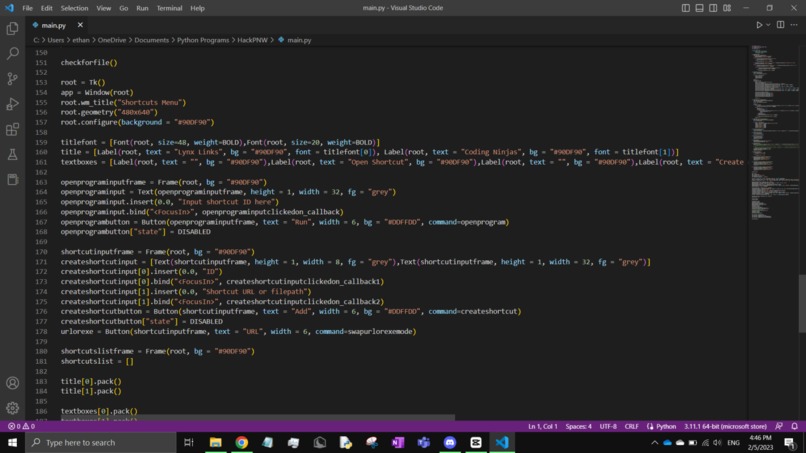
Code Pt. 2
-
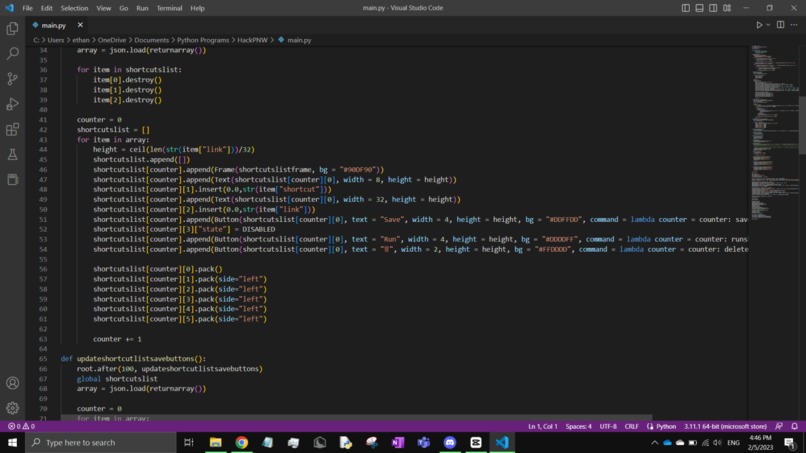
Code Pt. 1
-

Logo


A program for managing links and file shortcuts! :D You can use it to save file shortcuts and URLs. It's very easy to use and quick to run. File shortcuts and URLs can be tough to manage, so this program helps with that!
About the project:
We recognize that, as high schoolers, we often have to continuously use the same links for multiple assignments many times a day, but keeping those tabs open can make the computer slow, clustered, and hard to navigate. Once we heard the theme, "automate an aspect of our every day lives", we thought of the idea of making a more efficient way to access your frequently used websites and apps. Our program takes a shortcut, made by the user, and assigns it to the corresponding website link/app location. Once created, the user can just call the shortcut, and our program will pull up the website/app. The user can also edit, resave, or delete shortcuts once made. In order to prevent confusion, we don't allow multiple links assigned to a single shortcut, and the user is blocked from creating a shortcut with missing information. We used python 3 to code the app. It uses the python module Tkinter to create the main GUI, and we made functions that run in the background managing buttons, opening links, and opening apps. Our whole team worked on research and we built the main program together. Some challenges we faced were accounting for all the exceptional cases that could cause our program to crash/return an unexpected output. These include assigning two links to a single shortcut name, creating duplicate shortcuts, and assigning a shortcut with missing information. Another challenge we ran into was styling the GUI, as we didn't leave time for that before hand so we ended up rushing the designs at the last minute. The text boxes were also sometimes too small for the links, so a function was made to make them larger depending on the size of their displayed.
Built With
- python
- tkinter
- webbrowser
