-
-
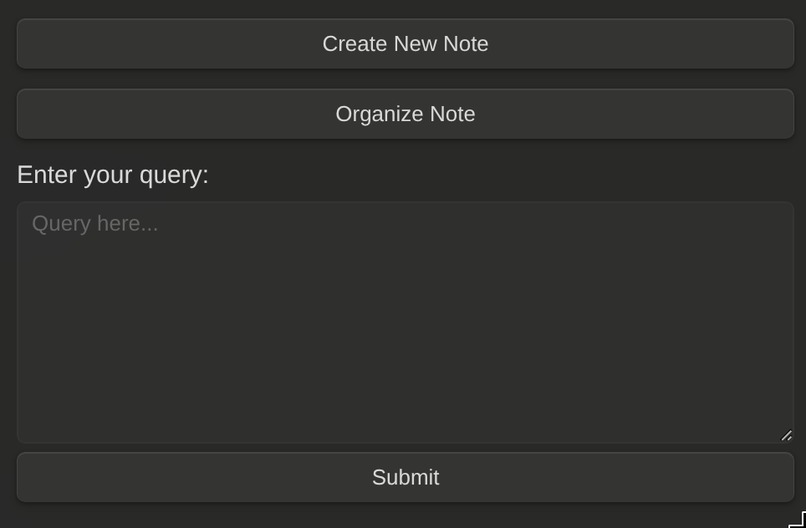
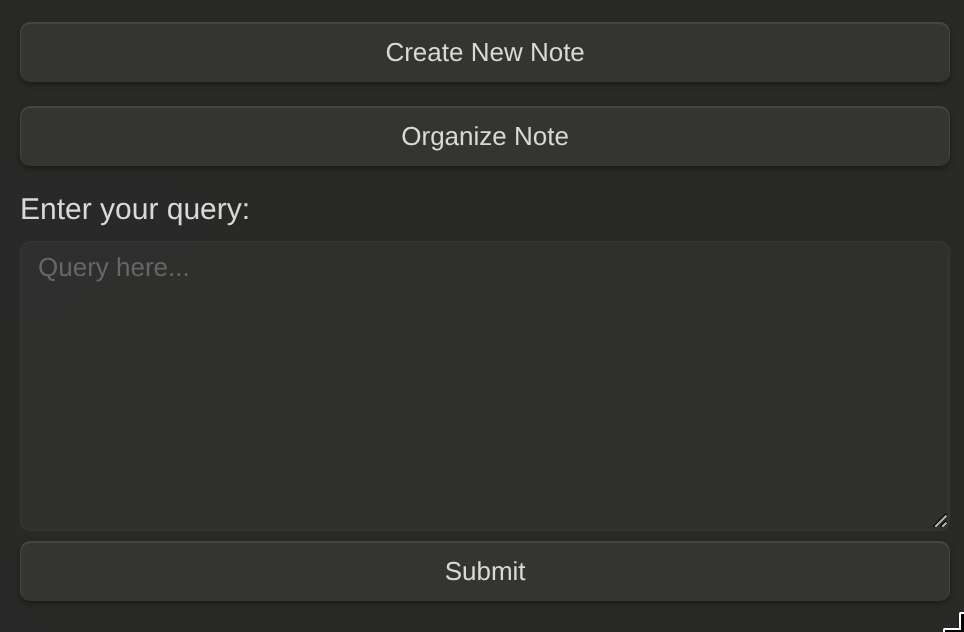
Plugin UI
-
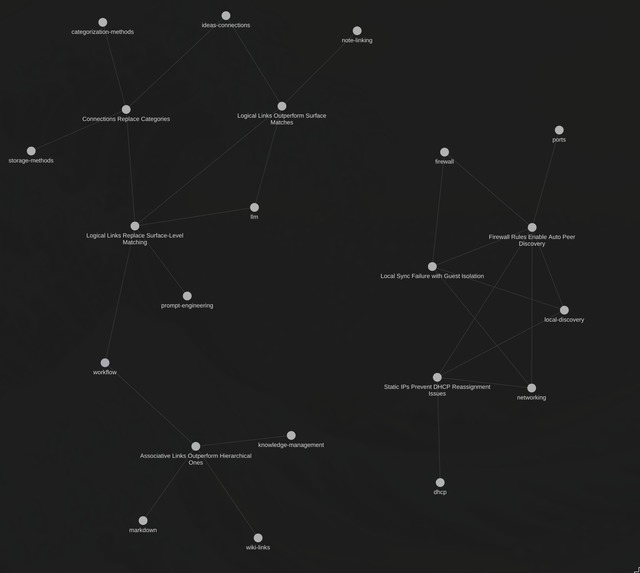
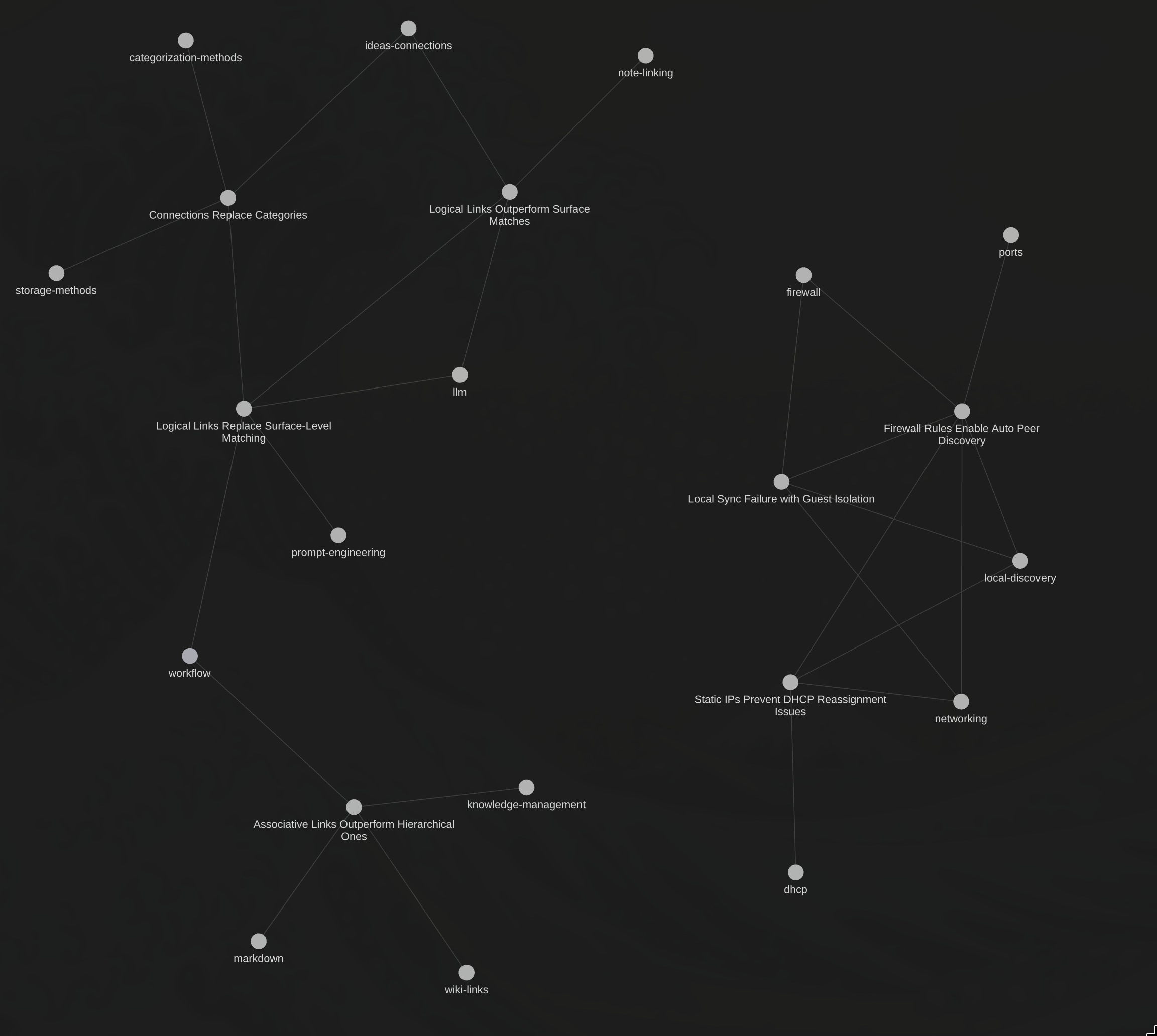
Example Graph
-
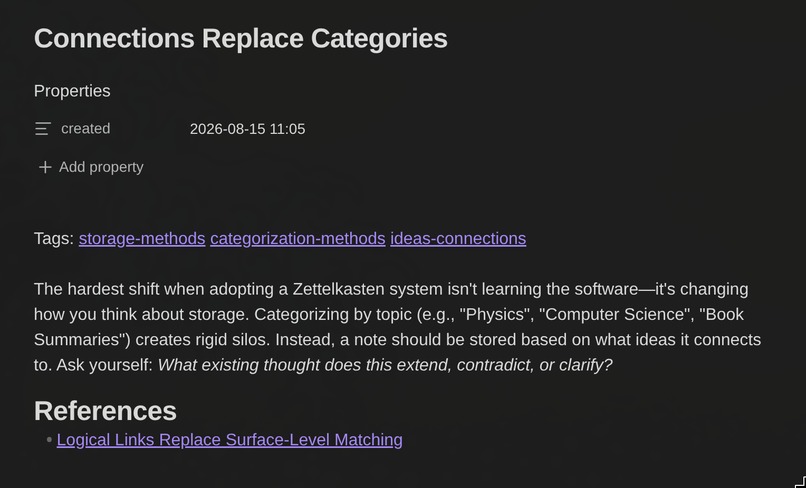
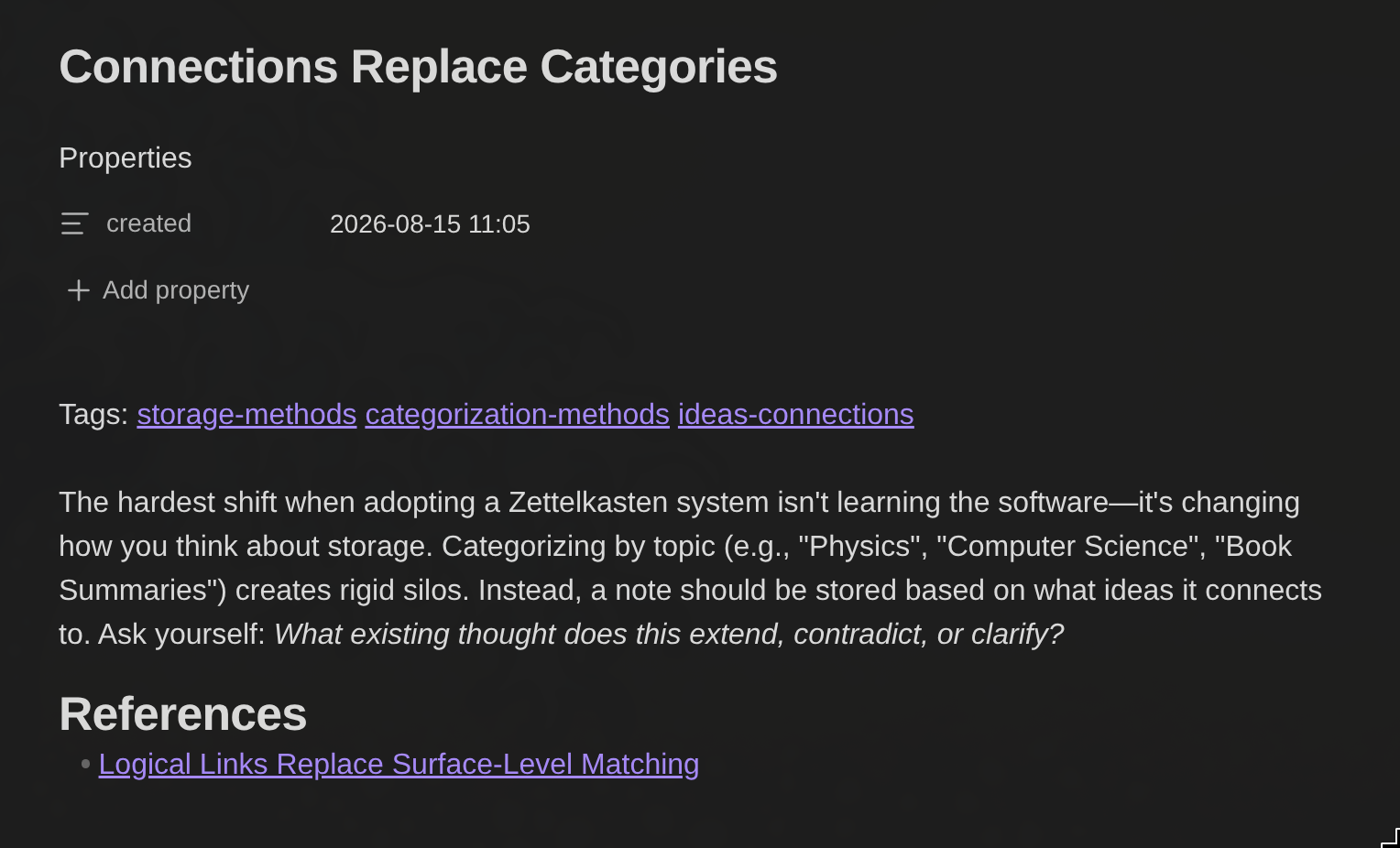
Example Note (the AI fills in the tags and references)
-
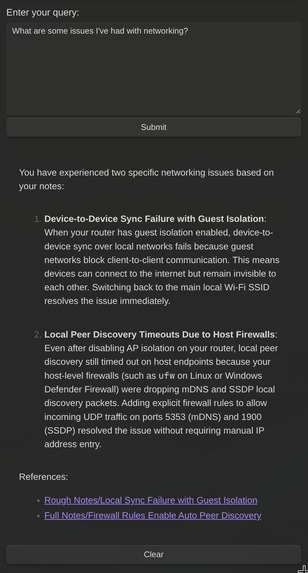
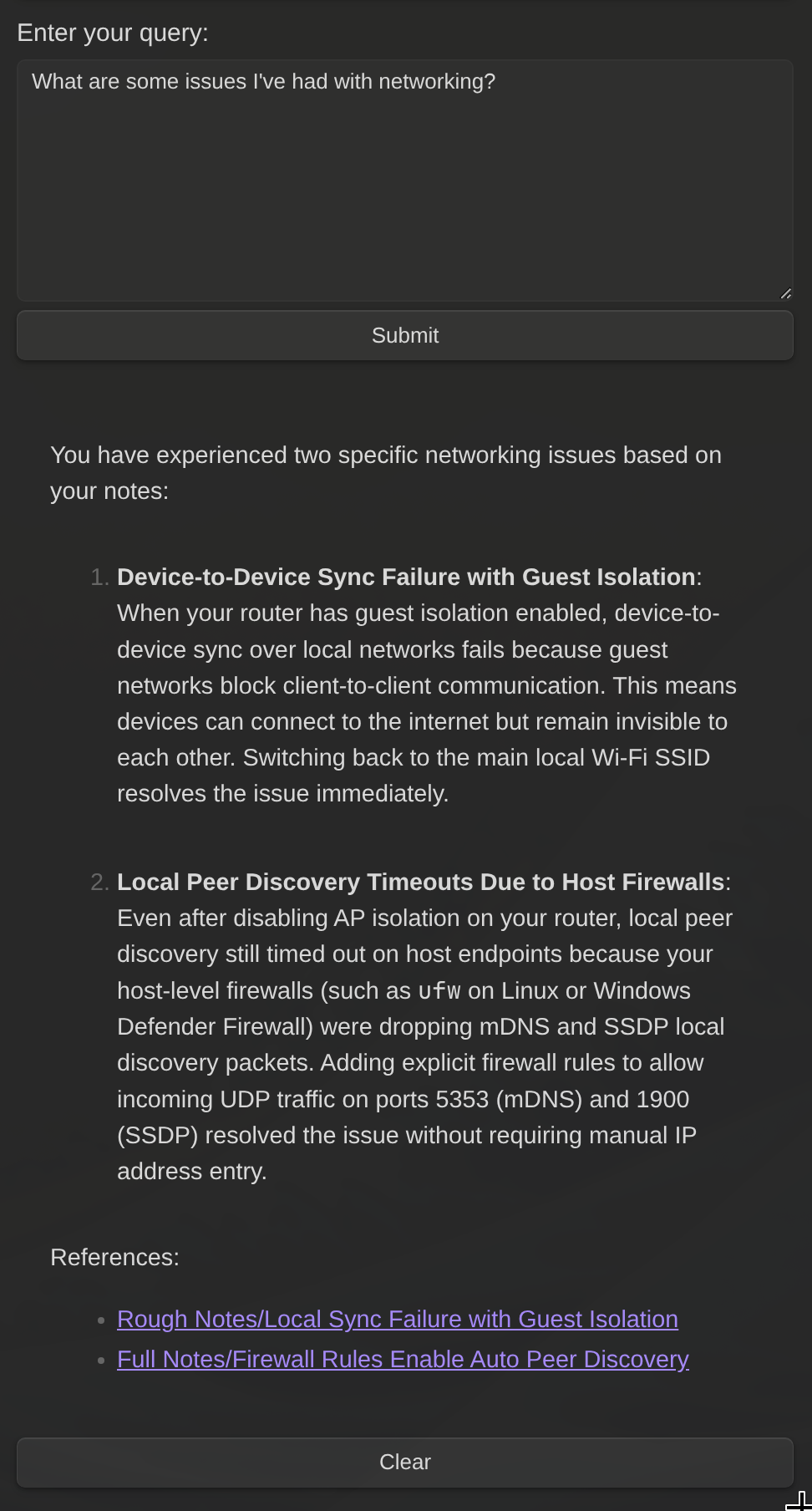
Example query result
-
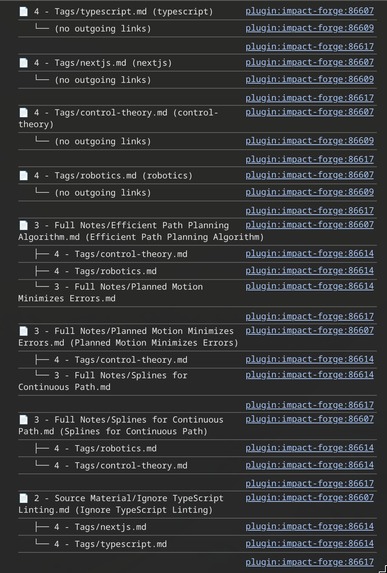
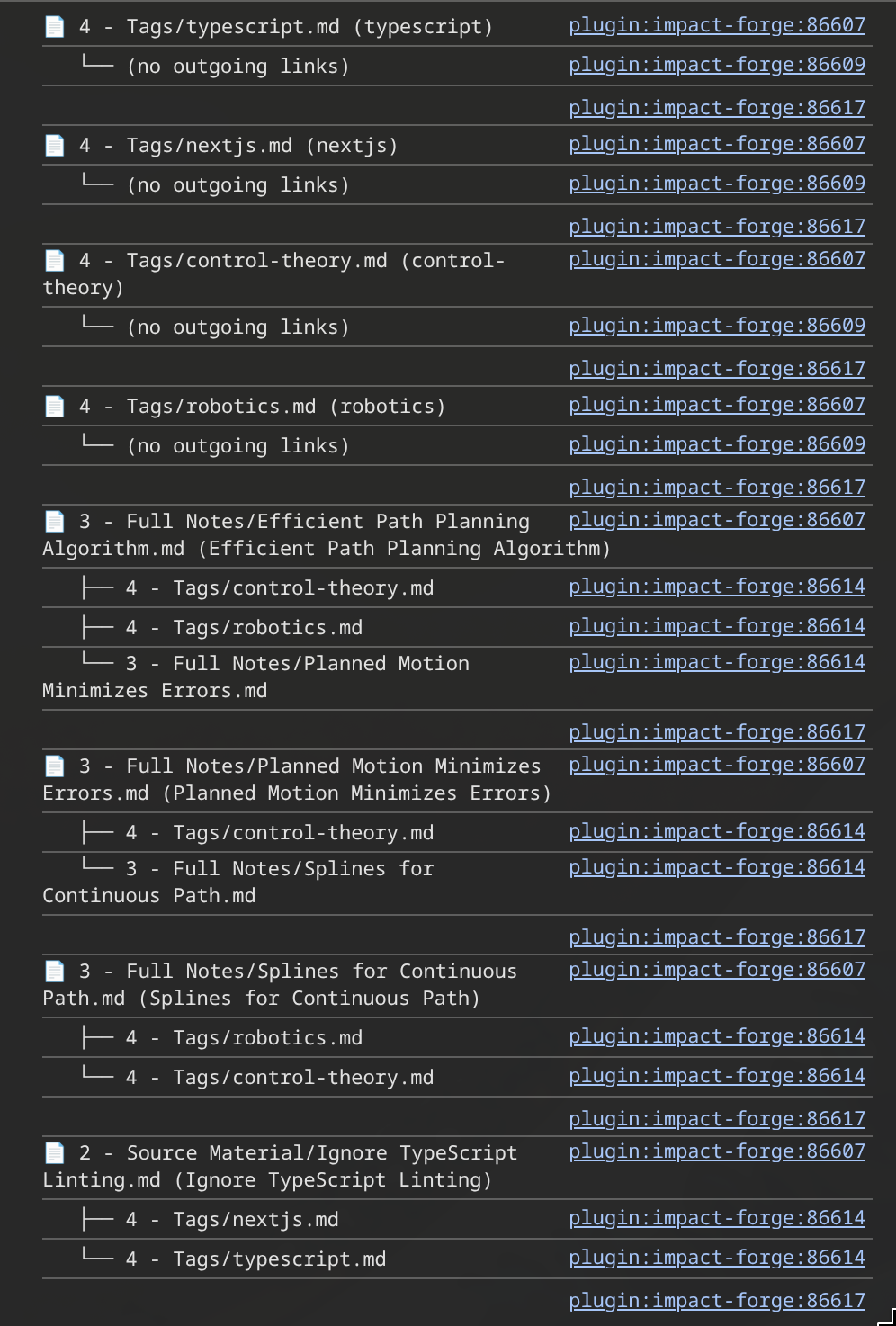
How the app internally represents the whole graph network (used for GraphRAG)
-
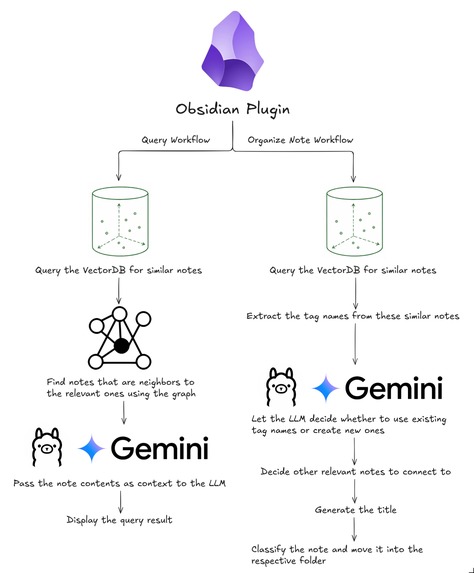
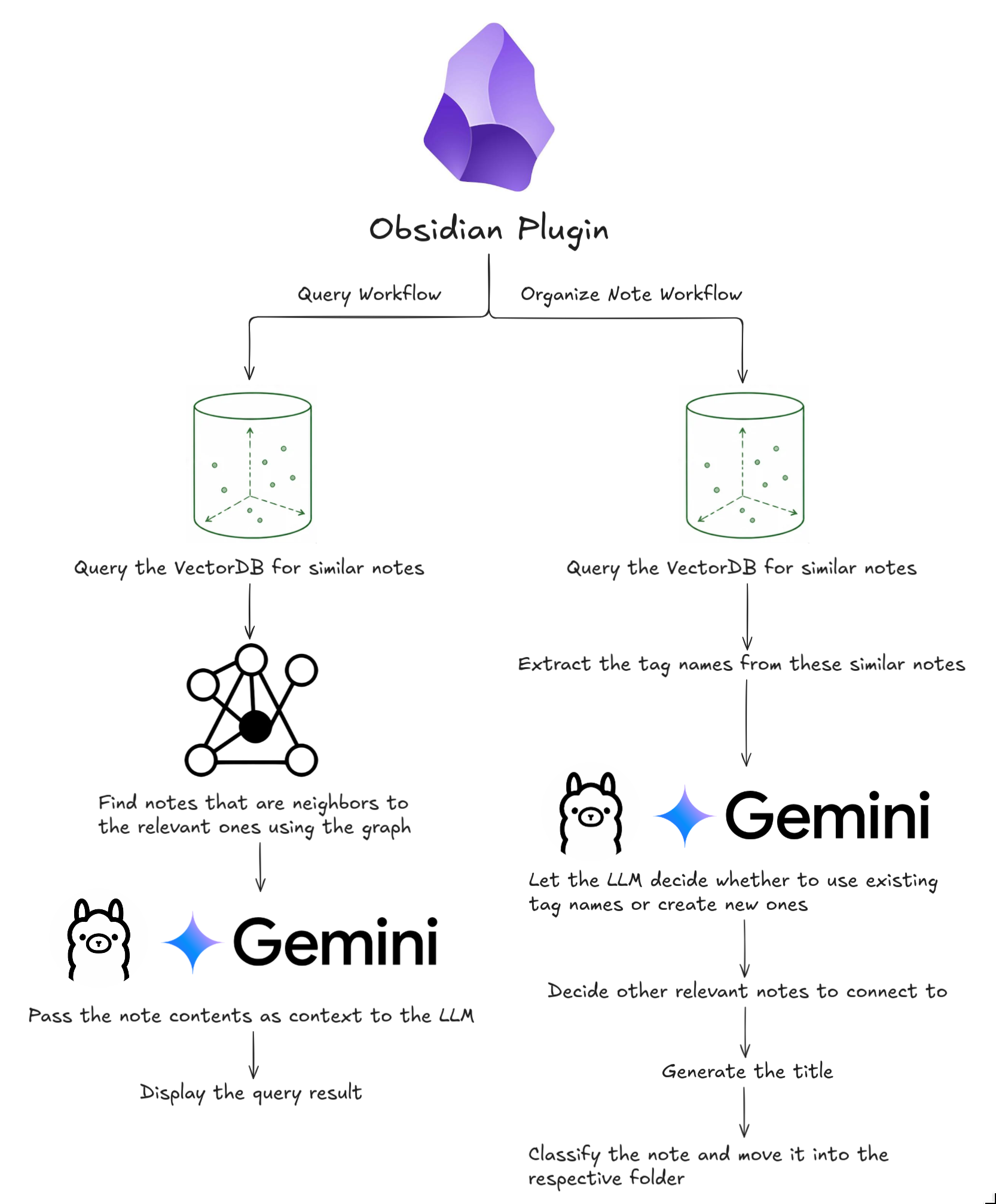
App architecture
Inspiration
Usually, if I'm using Notion or Obsidian, I would create folders for thoughts, ideas, and notes but that structure is too rigid and doesn't allow things to connect easily.
That's why I made Lynx, it allows me to drop some note into Obsidian, and then I don't have to worry about how it's organized. However, I can still recall the note later since each note has a tag (so I can look for some topic like machine learning) and references to other notes that have some logical connection to it.
What it does
Lynx uses the Zettelkasten note taking method which essentially uses atomic notes (standalone units of knowledge) that have tags and reference to other notes that may be connected to the current one. The plugin will essentially generate a title, find suitable tags, decide what other notes to reference to, and move the note into a folder corresponding to the note type (rough note, source note, or full/polished note). This plugin can be used by anyone that wants a place to jot ideas down without worrying about the organization or the ideas getting lost.
How it works
Lynx is an Obsidian plugin which you can download from the community plugins store.
Organizing notes
After you're created a new note you can click the "Organize Note" button in the sidebar to let a LLM (either running fully locally or using the Gemini API) do the following:
- Find relevant notes similar to the current one using vector search. The vector database is also store locally using Langchain's MemoryVectorStore.
- Extract the tag names on these relevant notes and let an LLM decide whether to reuse existing tags or create new ones.
- Decide whether the current note connects to these similar notes or not.
- Generate the note title.
- Decide whether the note is a rough note, source material, or a polished note and then move it into it's respective folder.
Querying notes
When you organize a note, it also adds it to a graph network that's created using Graphology. This graph network is then used when the user queries the notes using GraphRAG:
- Relevant notes are found using vector search (again using the local vector database).
- Using the graph network, the neighbors of these relevant notes are found.
- The contents of both the relevant notes and it's neighbors are then fed into the as context LLM for an answer to the user's query.
A screenshot has been attached in the project media to show what the graph structure looks like internally.
Architecture Visualization

Challenges
- Keeping the graph network and vector store updated when the user moves notes, renames them, or modifies the contents.
- Understanding the Obsidian API for creating plugins.
Accomplishments
- Implementing a RAG and GraphRAG system for organizing and querying notes.
- Having everything run off of local LLMs using Ollama since the LLMs have to be quite small 4B or 1.7B models.
Built With
- gemini
- graphology
- langchain
- obsidian
- ollama
- typescript

Log in or sign up for Devpost to join the conversation.