-
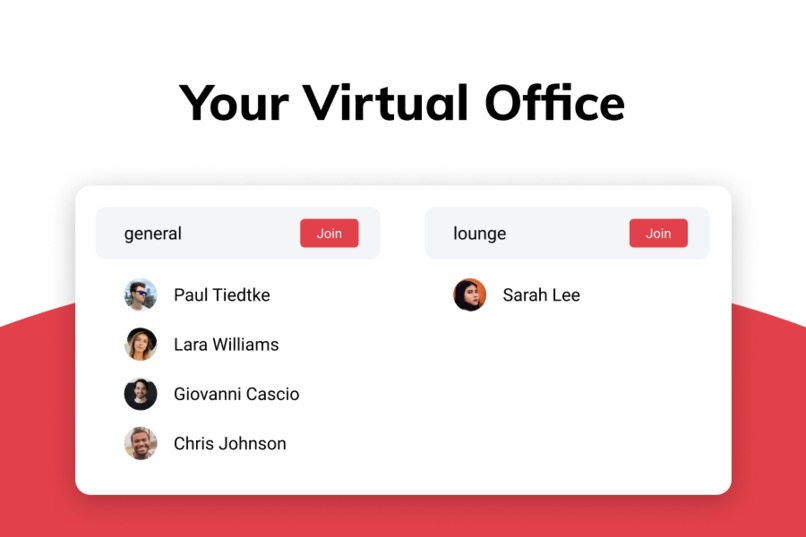
Lyno - Your Virtual Office
-
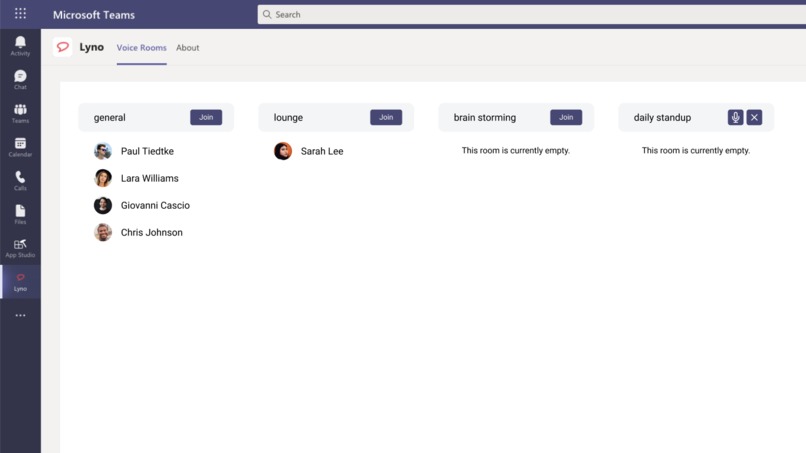
Lyno - Screenshot
Inspiration
In remote teams we often have a decrease in communication, visibility of colleagues and team spirit. All the communication between meetings, like at the water cooler/coffee machine or even quickly asking a colleague next to you, is completely lost. These problems will be solved by providing virtual rooms.
What it does
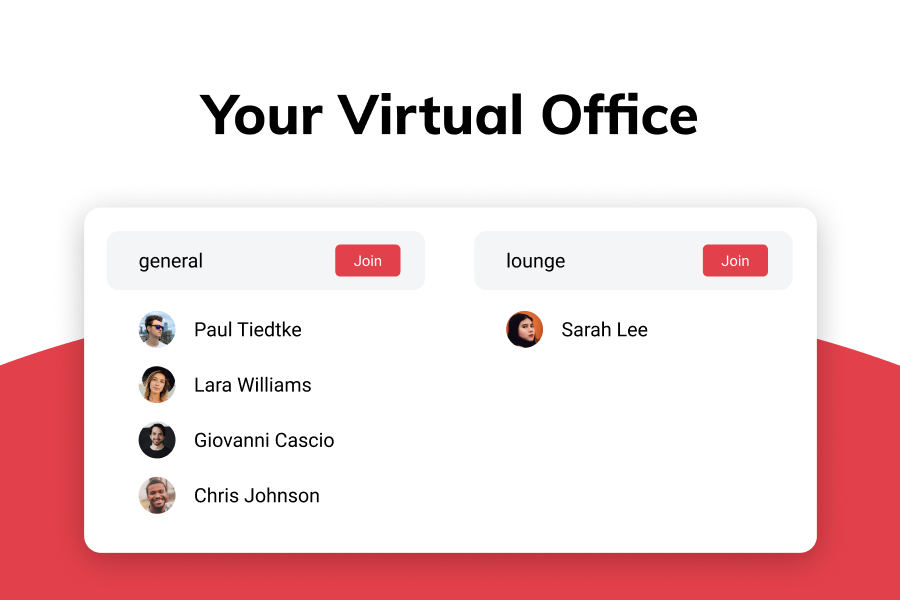
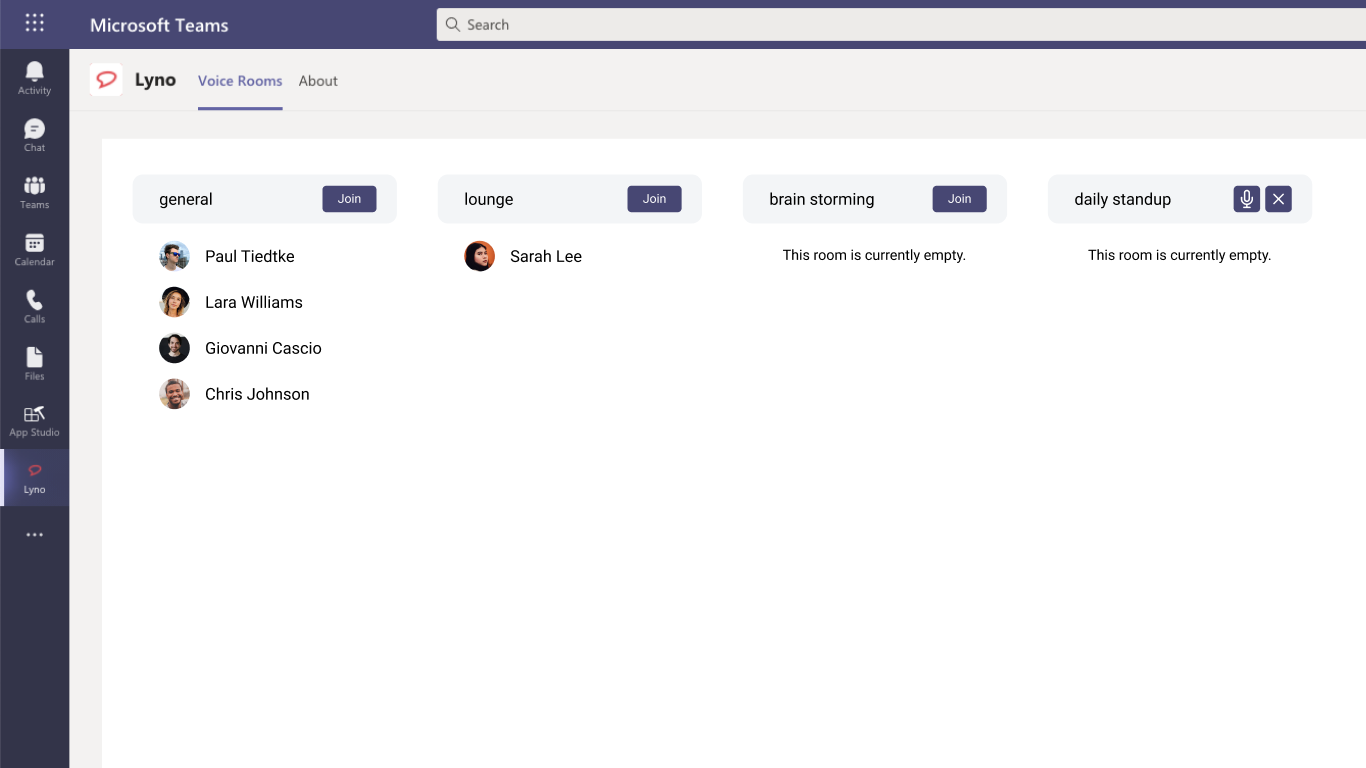
A virtual room is like an open space office in the real world, you can see who is currently present, who is talking to whom and join a conversation. No need for a random call or scheduling an appointment, just see who is there and talk immediately to your team with a single click.
How I built it
At lyno.io we built an SDK for our platform so that we are able to built plugins for other apps in a very short amount of time. For this project we used this SDK to implement our virtual office experience directly into Microsoft Teams.
Challenges I ran into
Challenging has been that the authorization has not been that clear to me and I also had to reqrite the plugin example to not use create-react-app additionally to converting it to TypeScript. The example project should be updated in my opinion.
Accomplishments that I'm proud of
I'm proud that after we already have a login via Office 365, we now also have a direct integration of our core feature.
What I learned
I learned how to build apps for Microsoft Teams.
What's next for Lyno Voice Rooms
Next up you will be able to create more rooms yourself and we will also introduce a new design language soon. If there are any features requests, we are very open for them.
Built With
- graphql
- jitsi
- node.js
- postgresql
- react
- typescript


Log in or sign up for Devpost to join the conversation.