Inspiration
LUZYX started with a simple question: What if I could build my own AI chatbot?
Initially, I wanted to create a chatbot that could respond to messages. But as I continued working on it, I wanted to go beyond basic conversations and build something closer to a personal AI assistant. That idea became LUZYX AI — Mini Personal AI Assistant.
What it does
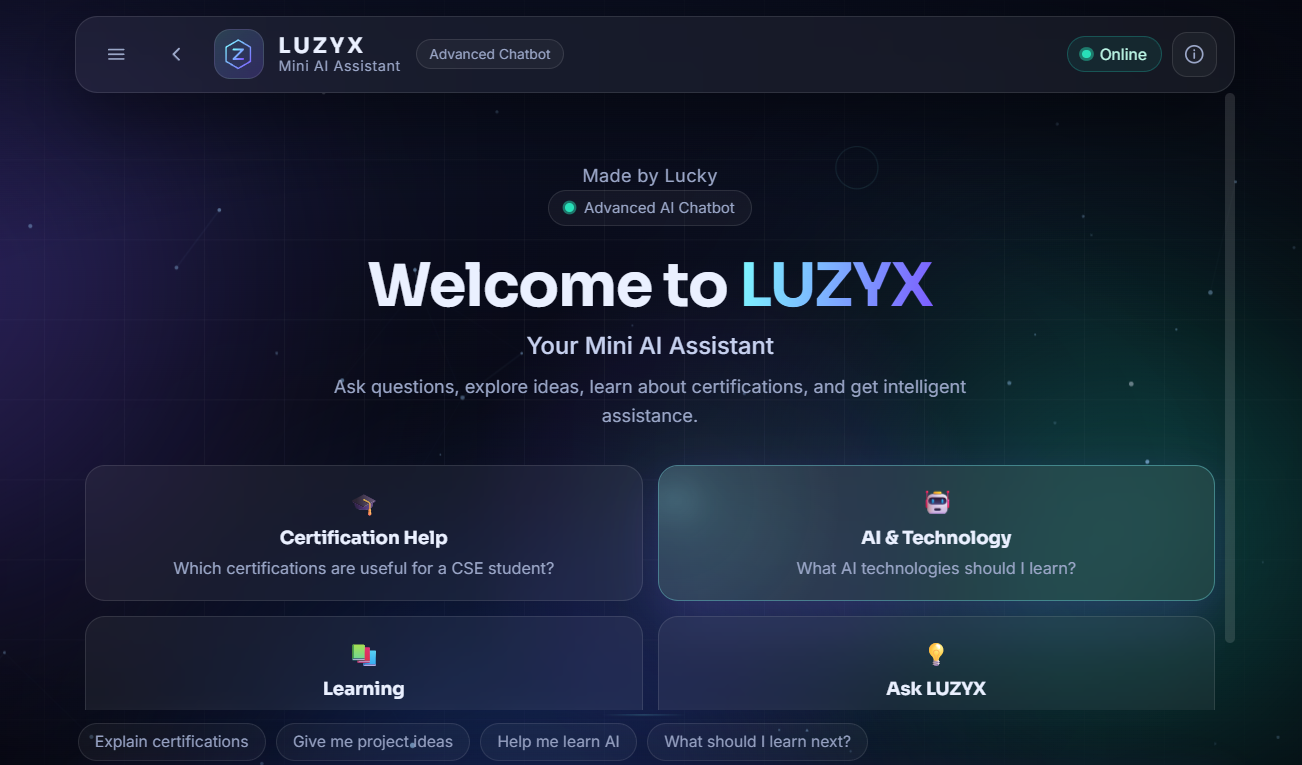
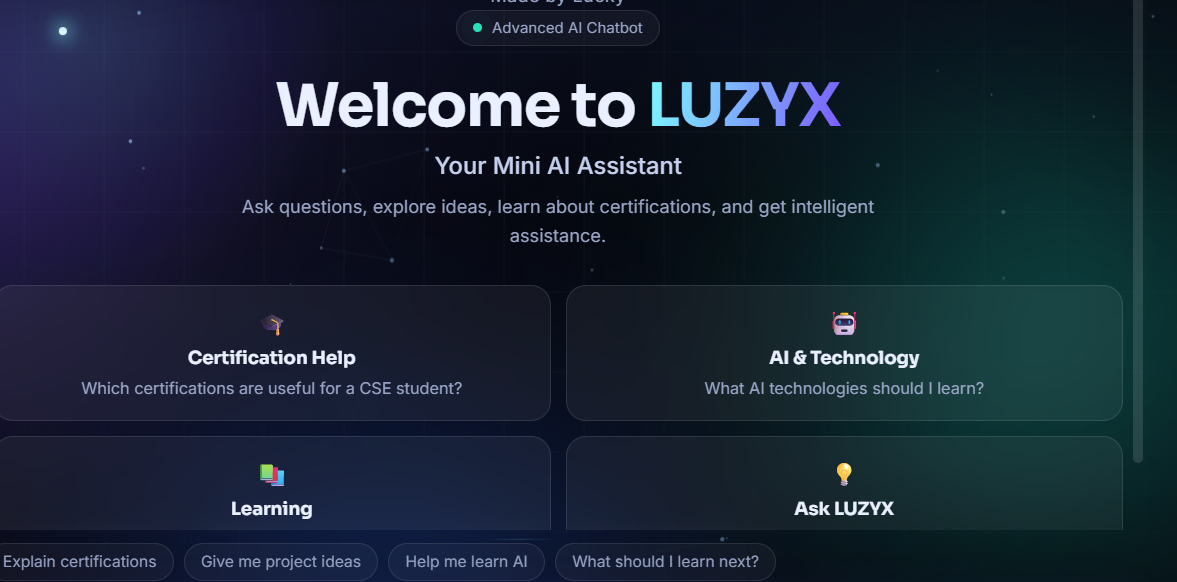
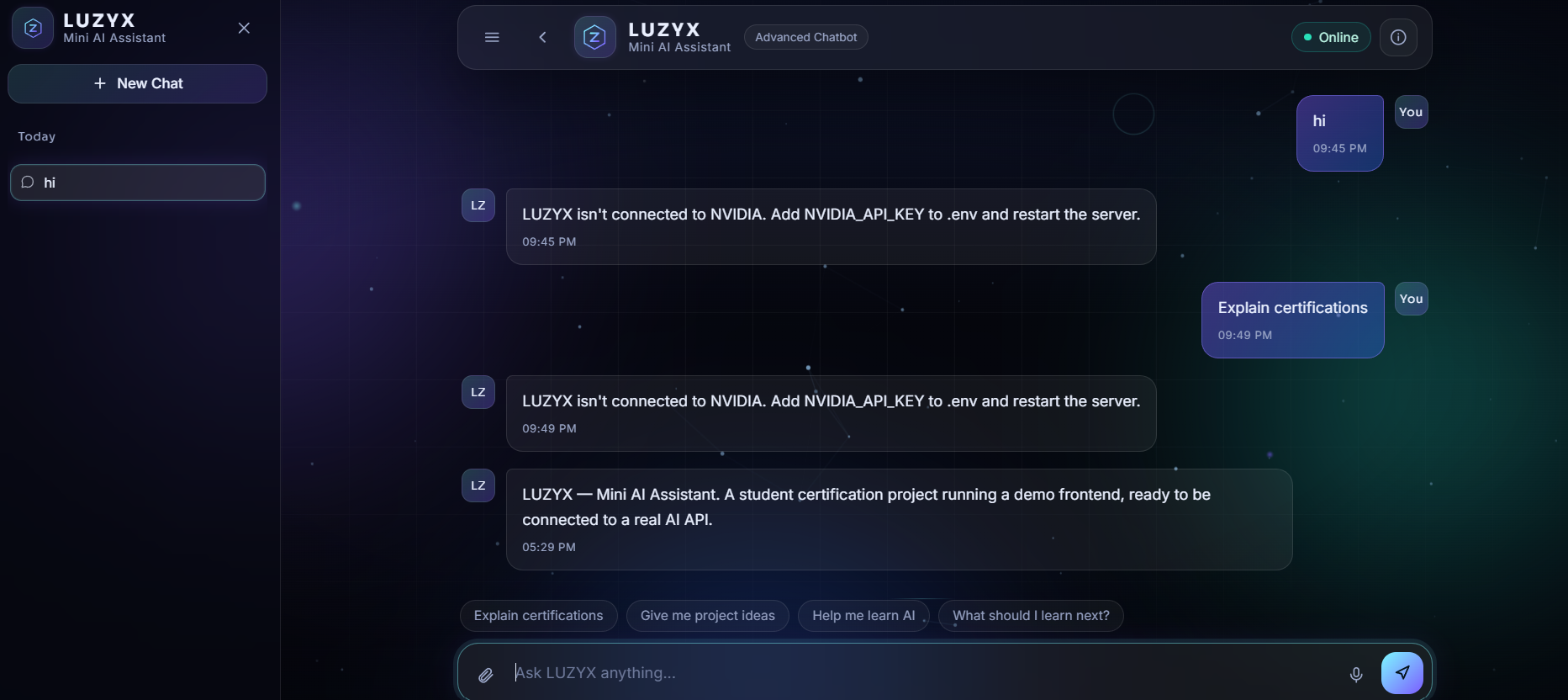
LUZYX AI provides an interactive chat interface for communicating with AI models. It also supports document handling, allowing users to work with documents and get explanations through the assistant.
The project includes local AI integration using Ollama, a web demo, and a downloadable Windows application. Users can also explore and modify the source code to experiment with their own ideas.
How we built it
I built LUZYX using HTML, CSS, and JavaScript for the frontend, with Python and FastAPI handling backend requests and AI integration.
I worked on connecting AI models, implementing document handling, improving the chat experience, and packaging the application into a Windows setup file.
I also explored Ollama to support running compatible AI models locally, giving users another way to experiment with LUZYX on their own computers.
Technologies used: HTML, CSS, JavaScript, Python, FastAPI, and Ollama.
Challenges we ran into
One of the biggest challenges was getting all the components to work together smoothly. I faced frontend and backend bugs, AI connection issues, slow responses, and problems while packaging the application for Windows.
Experimenting with NVIDIA's Nemotron model was particularly frustrating. I encountered connection problems, inconsistent replies, and delays that made testing time-consuming.
Local AI models also required considerable system resources. Fixing one issue sometimes introduced another, so I had to keep testing, debugging, and trying different approaches until things worked properly.
Accomplishments that we're proud of
I'm proud that an idea that started as a simple chatbot gradually became a working personal AI assistant project.
Getting the chat interface, AI integration, document handling, and Windows application packaging working together was a significant milestone for me.
I'm also happy to make the project publicly available so others can explore the code, customize it, and experiment with building their own AI applications.
What we learned
Building LUZYX taught me that developing an AI application involves much more than connecting a model to a chat interface.
I gained practical experience with frontend and backend integration, working with AI models, document handling, debugging, and packaging a Python application for Windows.
I also learned the importance of choosing reliable models, managing system resources, and testing features properly. Most importantly, I learned to approach problems patiently and keep experimenting when things don't work on the first try.
What's next for LUZYX AI — Mini Personal AI Assistant
I want to continue improving LUZYX's reliability, response speed, document handling, and overall user experience.
My goal is to make it more customizable, support smoother AI model integration, and explore additional features that make it more useful as a personal AI assistant.
LUZYX is still a learning journey for me, and I'm excited to keep building, experimenting, and improving it.
GitHub Repository: https://github.com/luckymanur-cpu/LUZYX-AI
Windows Setup: https://github.com/luckymanur-cpu/LUZYX-AI/releases/tag/v1.0.0
Live Demo: https://luzyx.vercel.app/

Log in or sign up for Devpost to join the conversation.