Inspiration
I'd already spent a few hackathons this year building agent-driven tools for local businesses — a WhatsApp front-desk agent for salons and clinics being one of them. The recurring problem was always the same: to let an agent act on a business's behalf, you had to build a whole separate backend integration for it, replicating auth and state that already existed in the web app.
WebMCP flips that. Instead of standing up a server-side API just so an agent can act, you expose the tools directly in the browser, in the same JavaScript that already runs your app. When the WebMCP Challenge came up, a salon booking flow felt like the perfect fit — it's a pattern (search → check availability → book) that's instantly understandable in a 90-second demo, and mirrors exactly the kind of local-business use case I'd been building toward already.
What it does
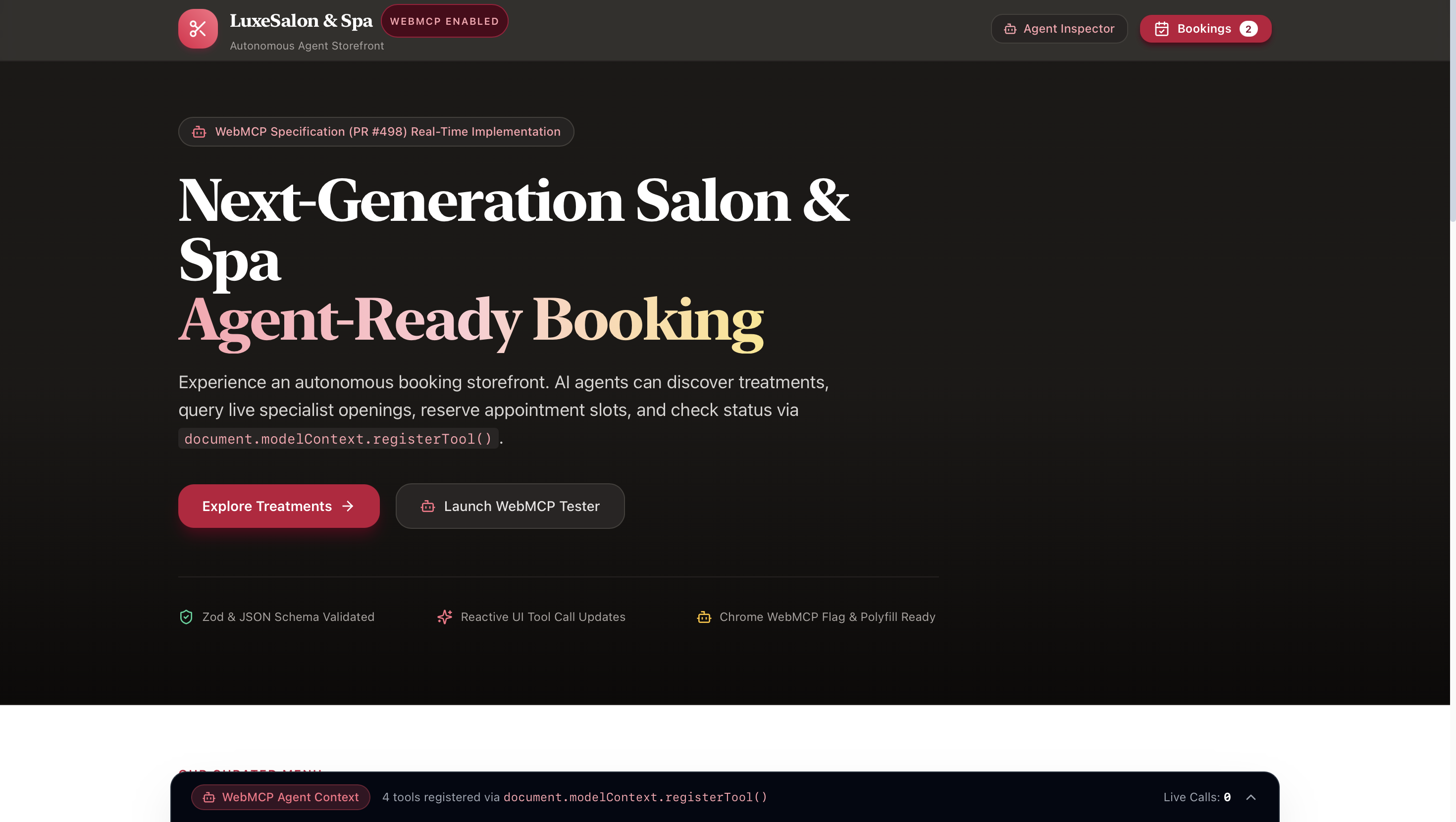
LuxeSalon & Spa is a booking storefront that an AI agent can operate directly, not just describe. It registers four tools on document.modelContext:
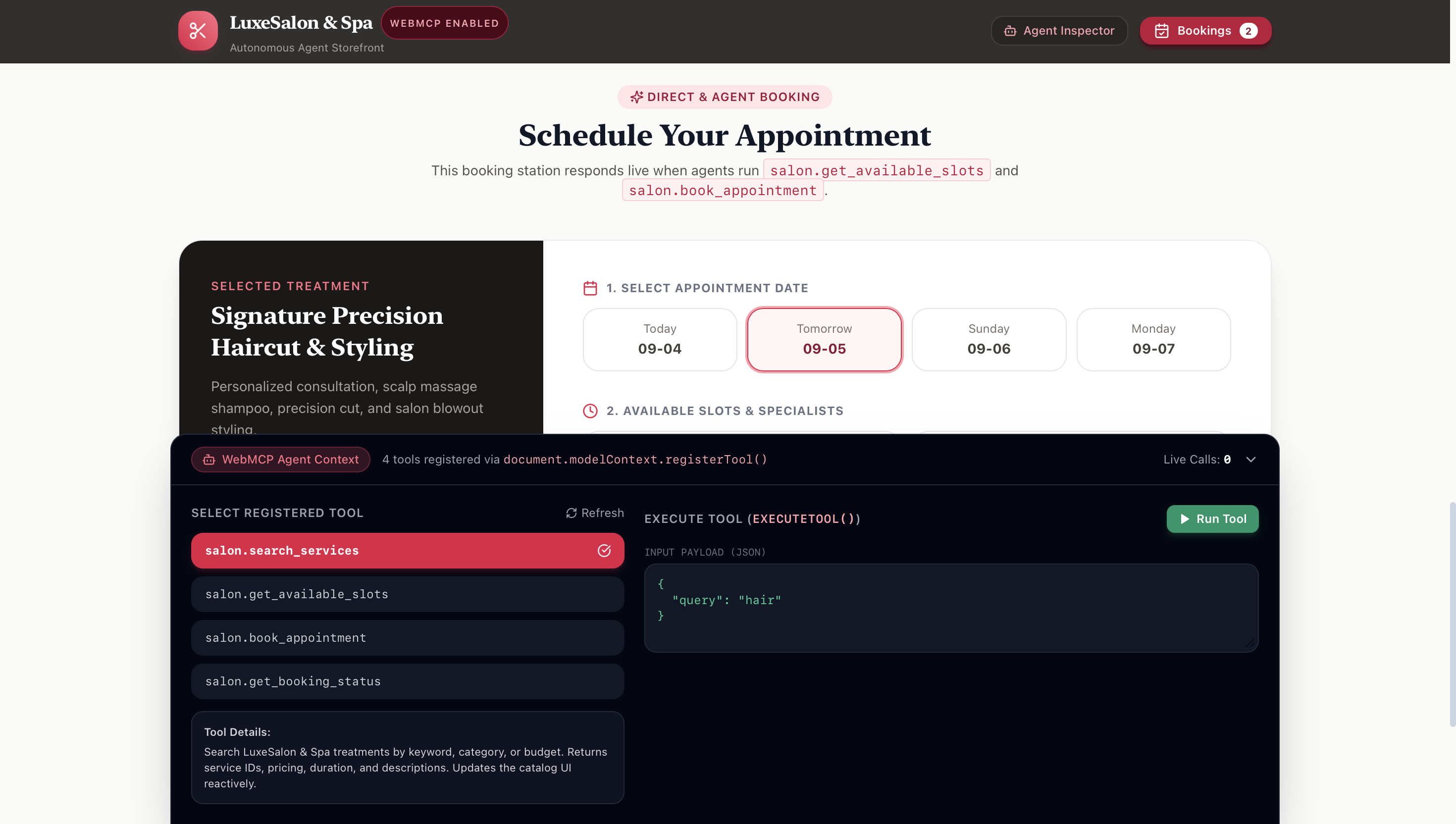
salon.search_services— find treatments by keyword, category, or budgetsalon.get_available_slots— check live stylist openings for a service and datesalon.book_appointment— propose a reservation, gated behind a human confirmation stepsalon.get_booking_status— look up an existing booking by reference or phone number
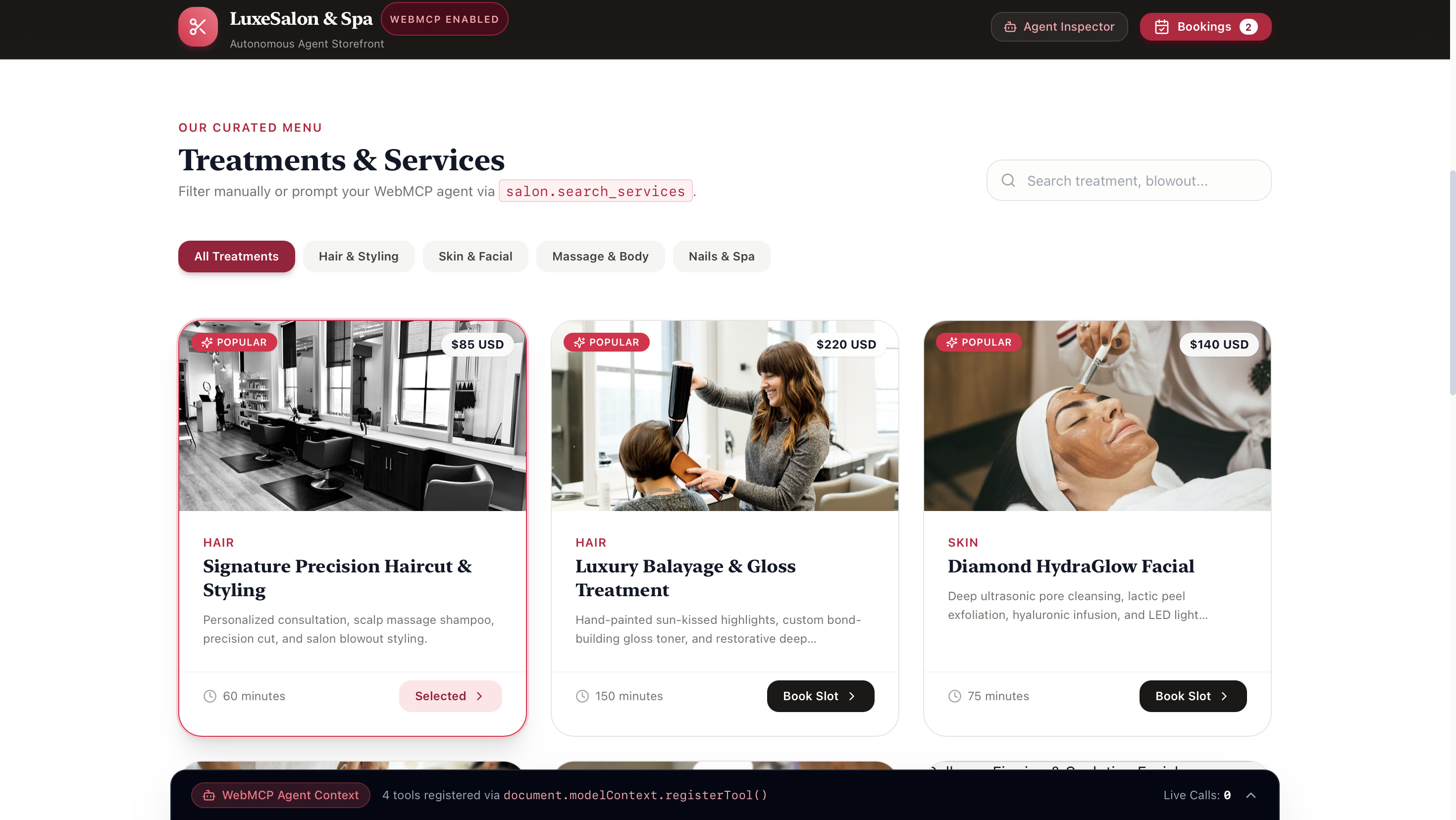
Every tool call reacts live in the UI — the catalog filters as the agent searches, the schedule panel highlights the chosen slot, the appointments drawer opens when a booking is checked. A built-in Agent Inspector panel also lets anyone watch tool calls happen in real time, without needing dev tools open.
How we built it
I forked the WebMCP pattern from vercel/shop's reference PR (#498) into a fresh Next.js app, then built out the salon's own domain model — services, stylists, time slots, and bookings — backed by a React context.
Each tool's inputSchema was written as strict JSON Schema aimed at an LLM reader rather than a human one: field descriptions spell out exactly what format and values are expected, since that's what the agent actually reasons over when deciding how to call a tool.
The part I spent the most care on was book_appointment. Chrome's WebMCP security guidance is explicit that state-changing tools shouldn't commit silently, so instead of booking immediately, the tool suspends on a Promise and surfaces a confirmation modal — the appointment only becomes real once a human clicks "Approve & Confirm." Read-only tools are marked with readOnlyHint: true; the booking tool isn't.
Testing went through three layers: a custom in-app inspector for quick iteration, Google's official Model Context Tool Inspector Chrome extension to verify the tools were actually reachable via the real browser API, and finally a Gemini-backed agent inside that extension calling the tools from plain-language prompts — not scripted JSON.
Challenges we ran into
- WebMCP is Chrome-only right now. I do most of my daily browsing in Safari, so development and testing ended up split across two browsers — build and iterate anywhere, but every real verification had to happen in Chrome behind
chrome://flags/#enable-webmcp-testing. - The flag needs a real relaunch, not just quitting the browser. I lost real time thinking my tool registration code was broken, when it was actually a stale flag state —
document.modelContextsimply wasn't injected yet. - Vercel's preview URLs are login-walled by default. Right before wrapping up, I nearly submitted a preview deployment link that silently sits behind Vercel's SSO protection — invisible to anyone without account access. Caught it just in time and switched to the public production alias.
- Building a genuine human-in-the-loop pause, not a fake one — the booking tool's
execute()had to actually suspend on a real Promise tied to a user click, so an agent calling it truly waits on a person, rather than the UI just cosmetically showing a modal after the fact.
Accomplishments that we're proud of
- Verified spec compliance the hard way: not just "the code looks right," but confirmed via Google's own inspector extension and a live Gemini agent successfully discovering and calling the tools from natural language.
- A confirmation flow that's a real safety mechanism, directly reflecting the WebMCP security guide's read-only-vs-action distinction, rather than a decorative modal.
- Going from a forked reference PR to a fully deployed, agent-tested, submission-ready storefront solo, inside the hackathon window.
What we learned
- WebMCP's actual value isn't just "another API" — it's giving an agent access to a page's real client-side state and logic, instead of screen-scraping a UI built for humans.
- Tool descriptions are a UX surface too, just for a different reader. An agent decides whether and how to call your tool based entirely on how well you've described it.
- Agentic tools need the same "don't trust the caller blindly" instincts as any other security-sensitive code — read-only actions can run freely, but anything that spends money or commits a resource needs a checkpoint a human controls.
What's next for LuxeSalon & Spa — WebMCP Autonomous Storefront
- Extend from a single salon to a small directory of local Bengaluru businesses, closer to the original WhatsApp front-desk concept this grew out of.
- Add
cancel_appointmentandreschedule_appointmenttools, plus stylist-specific search. - Look into a WebMCP polyfill so agents in non-Chrome browsers can still discover and call the same tools.
- Apply for the Chrome Origin Trial so the experience works for real users without requiring the testing flag.
Built With
- context
- css
- json
- model
- next.js
- protocol
- react
- tailwind
- typescript
- webmcp

Log in or sign up for Devpost to join the conversation.