-
-
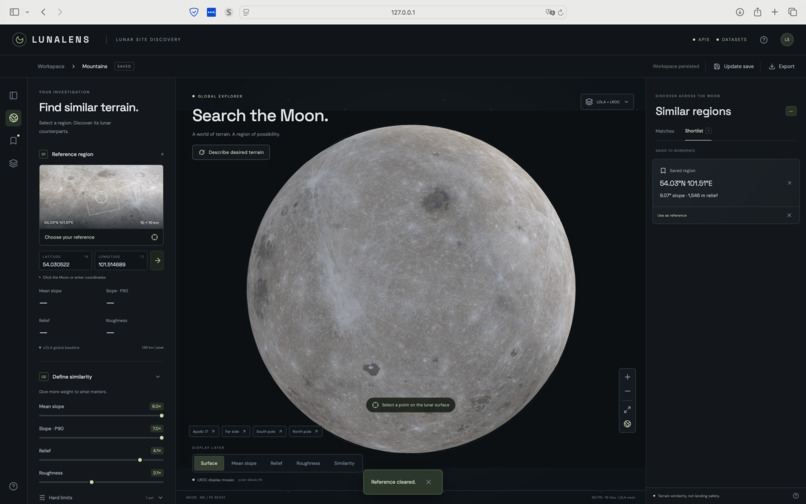
Landing, Explore the Lunar Surface
-
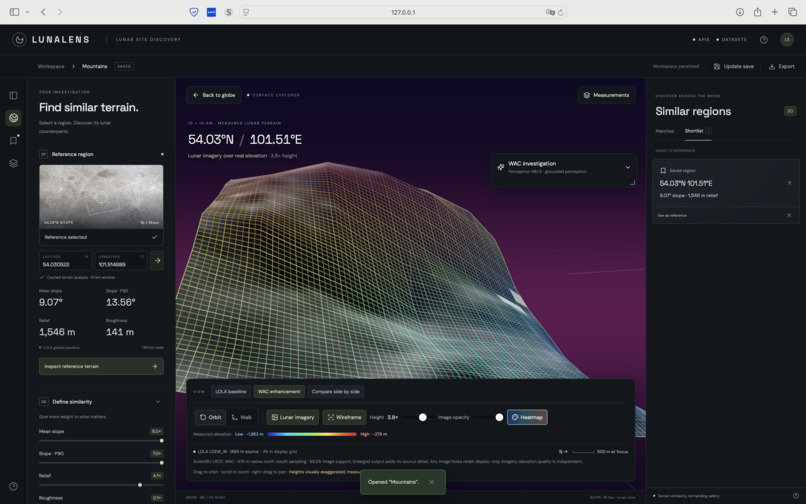
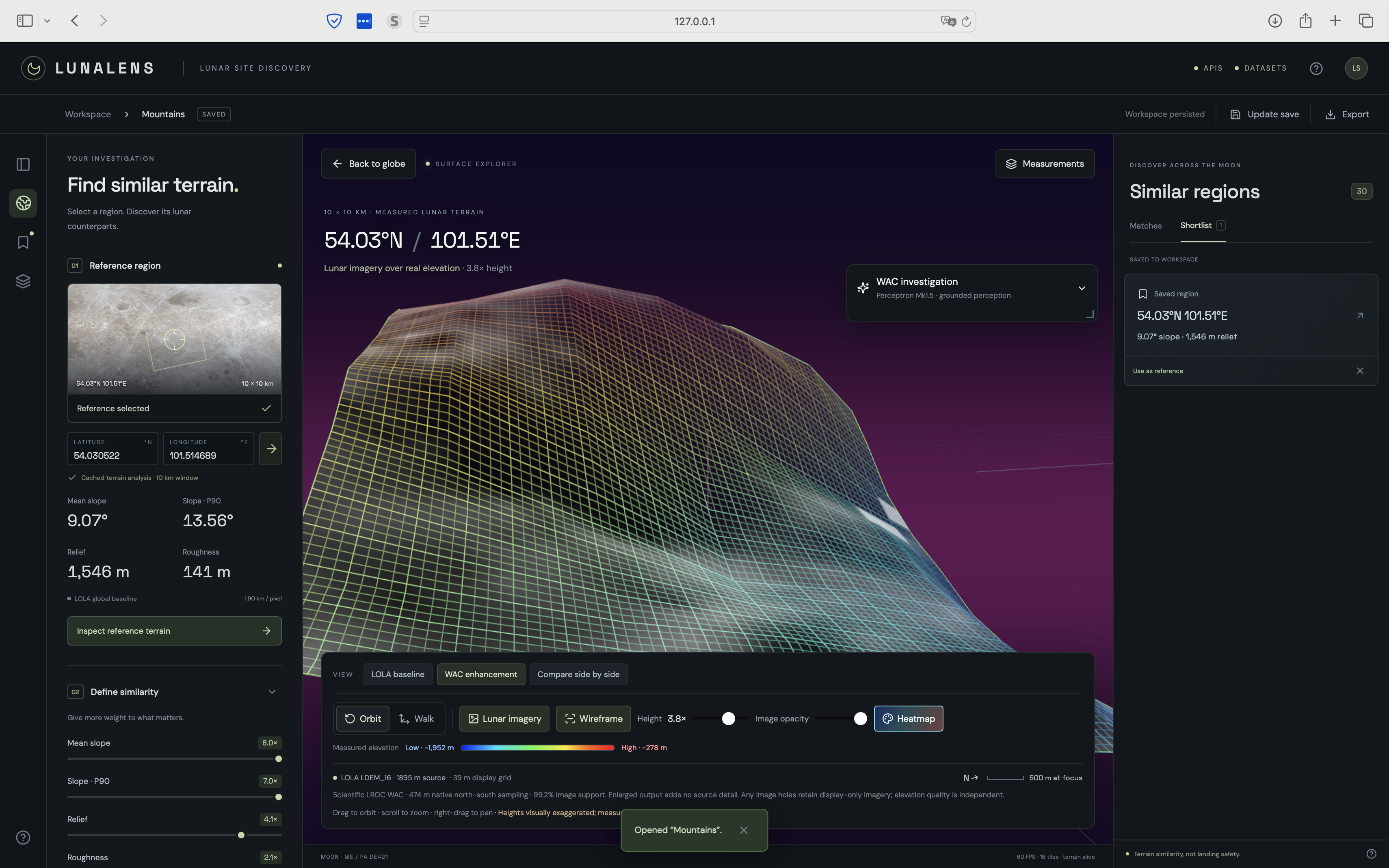
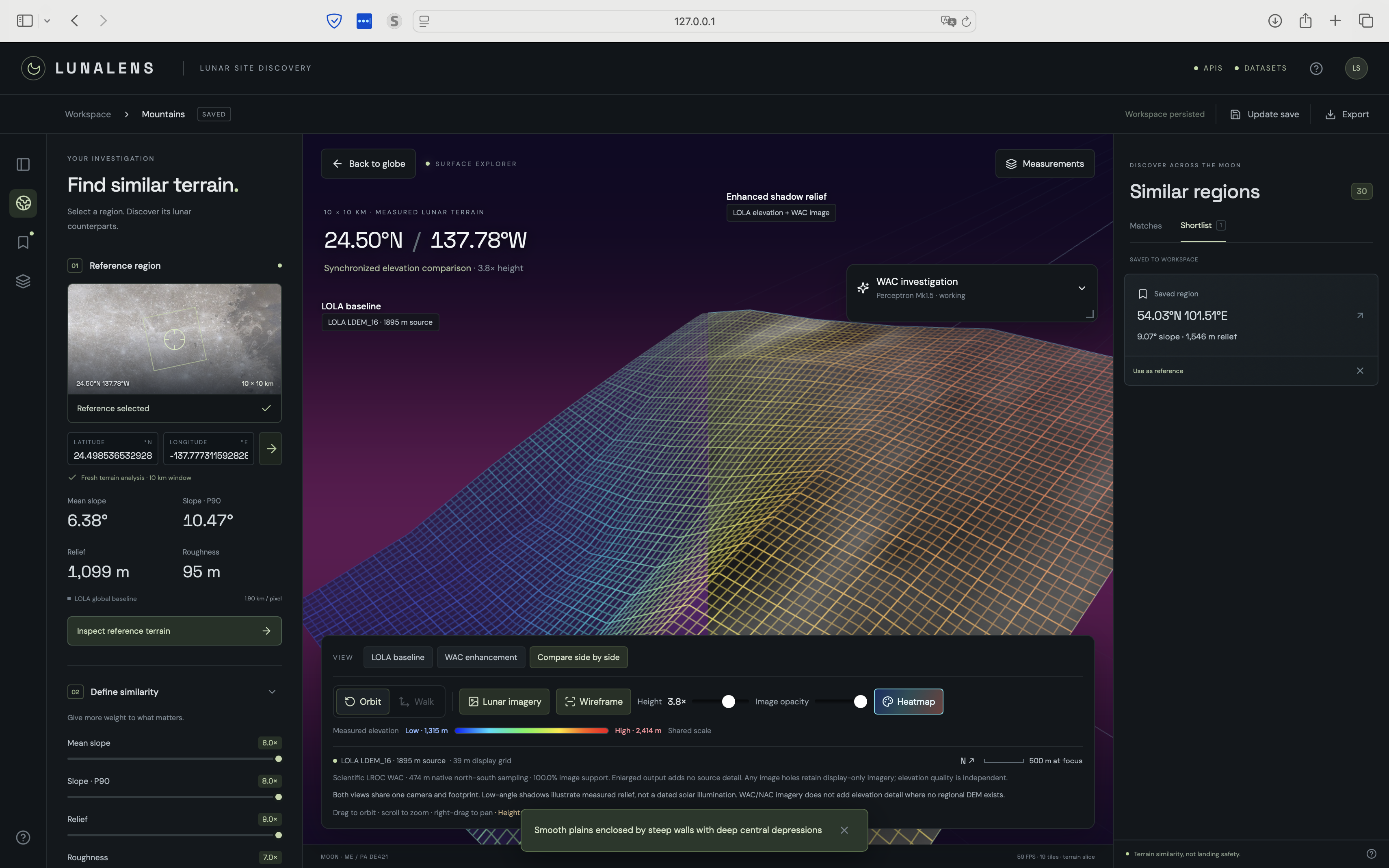
Investigating a Mountainous Site
-
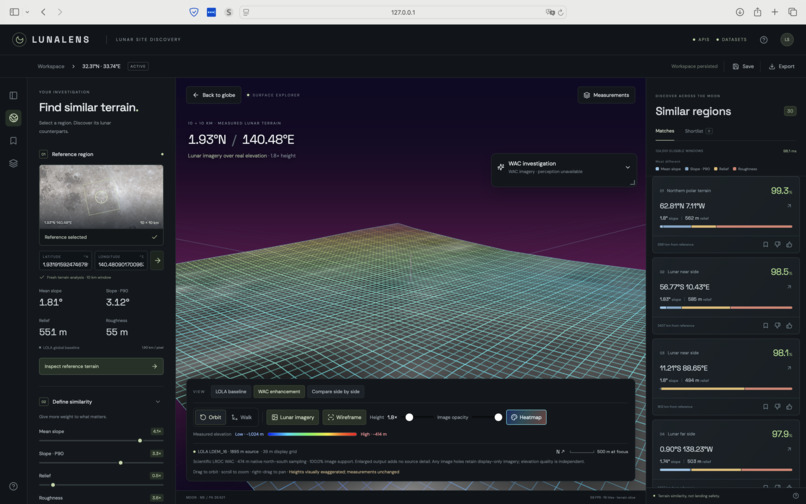
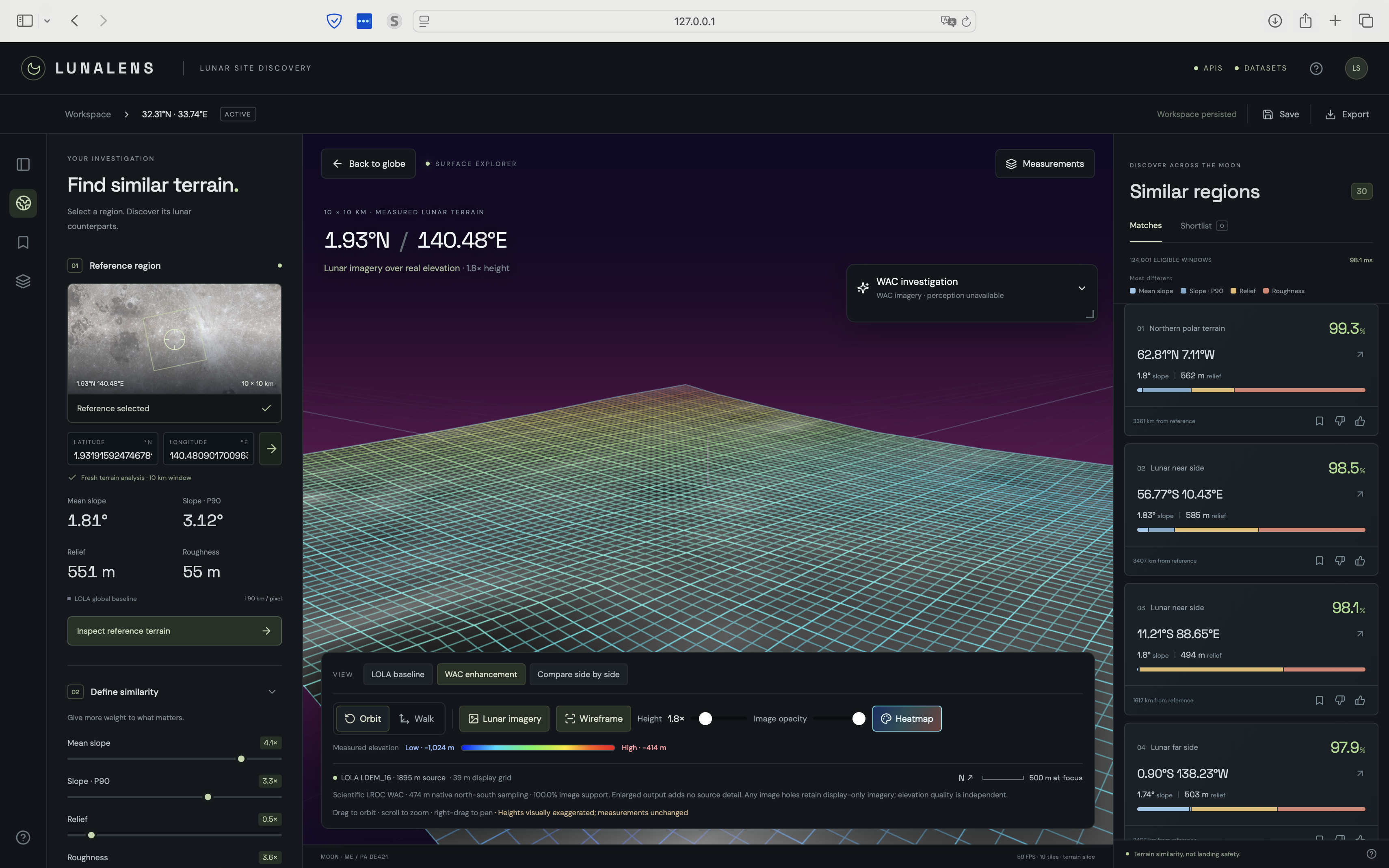
Investigating a Flat Site
-
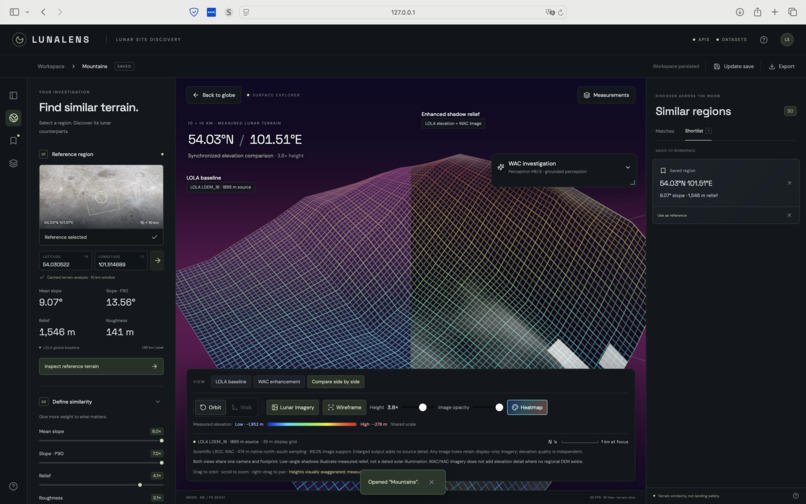
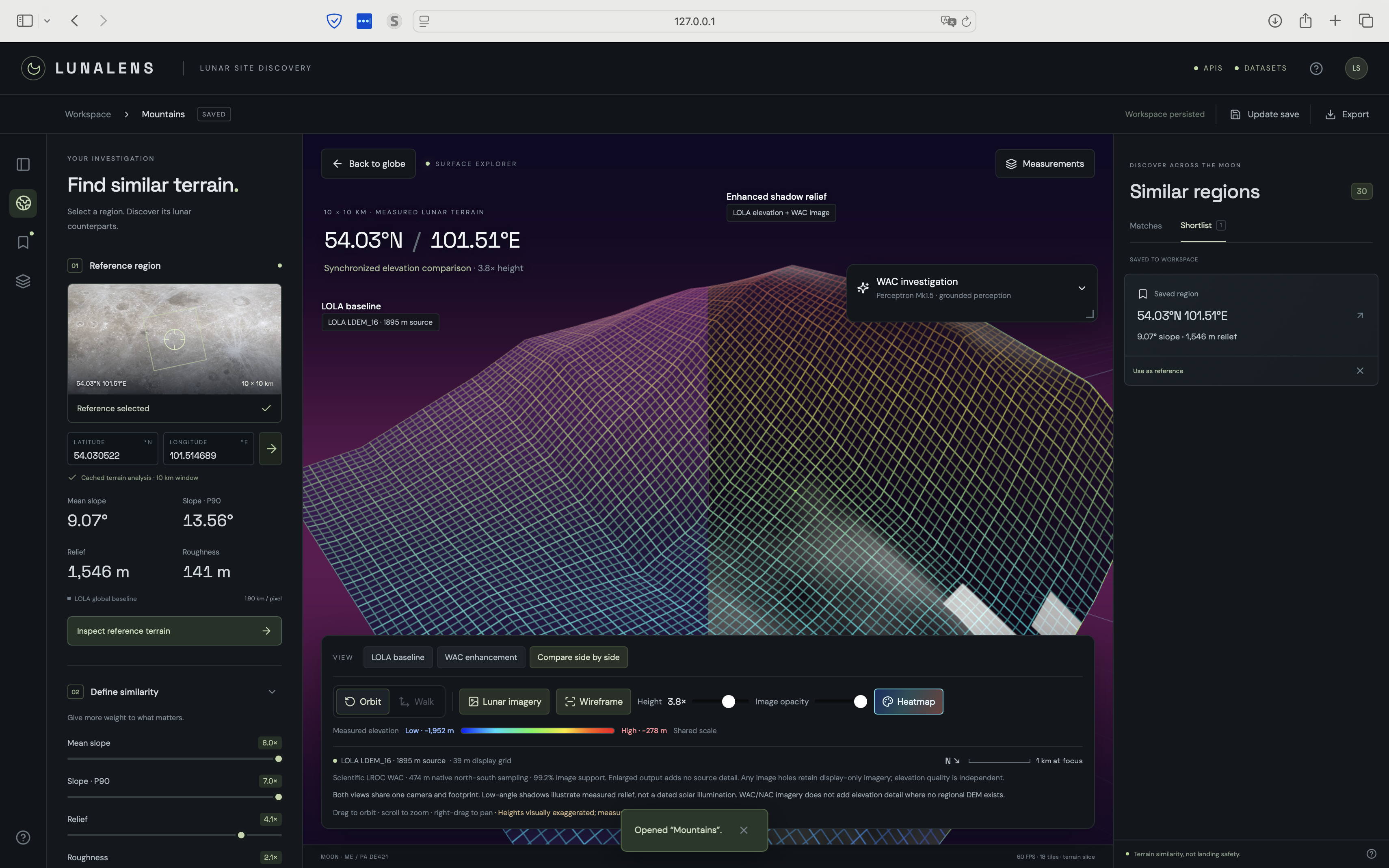
Comparing a Perceptron-Enriched WAC Mesh vs NASA LOLA Baseline
-
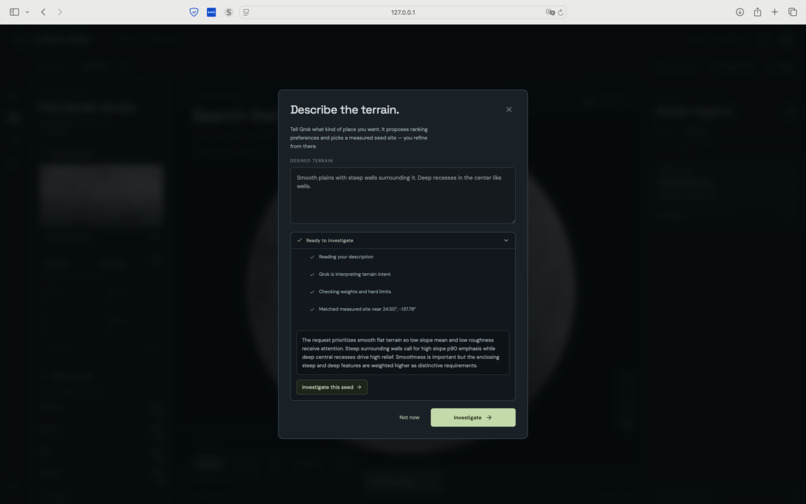
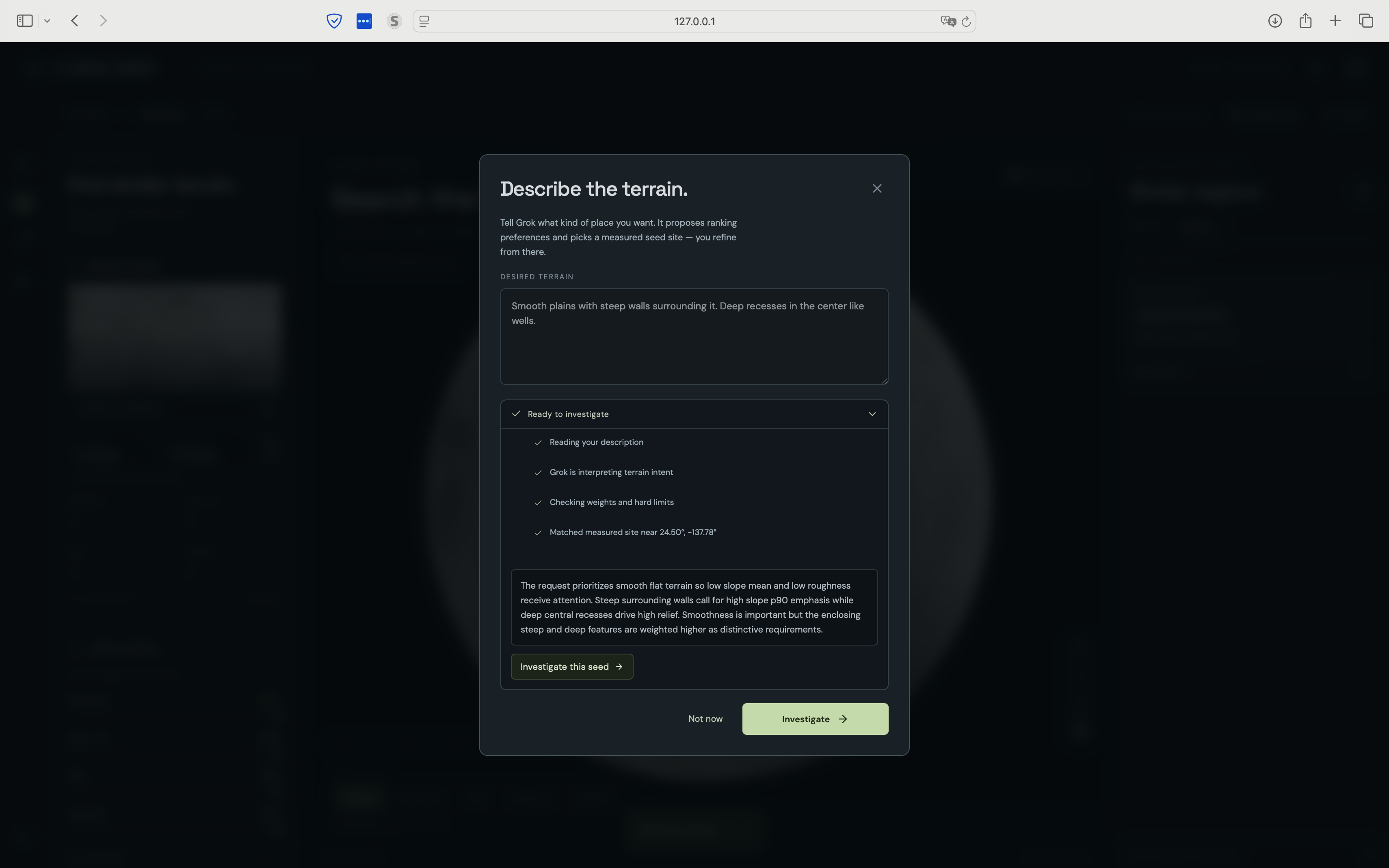
Using Grok to Turn Plain Language into Deterministic Site Preferences
-
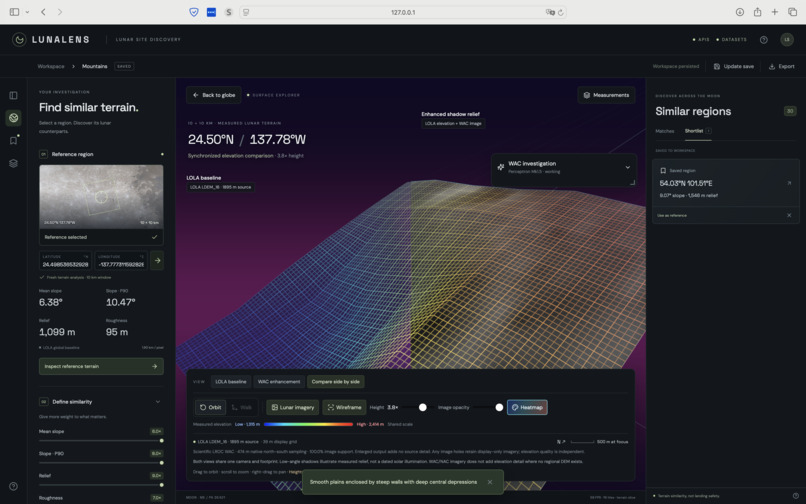
Comparing a Perceptron-Enriched WAC Mesh vs NASA LOLA Baseline
-
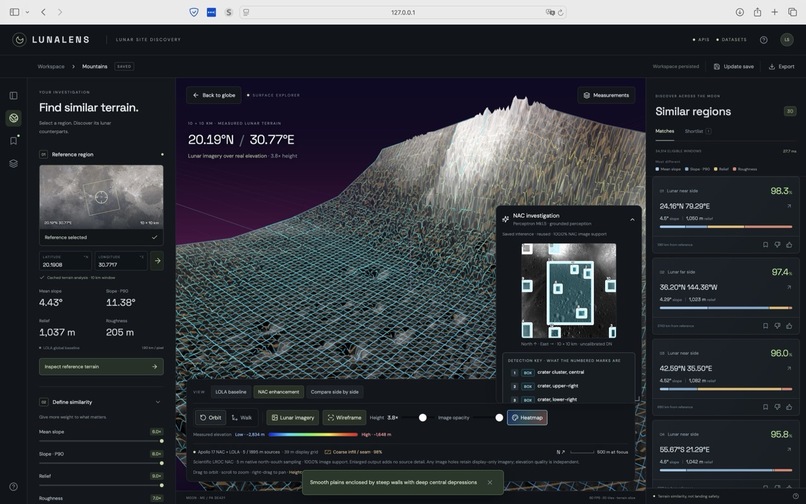
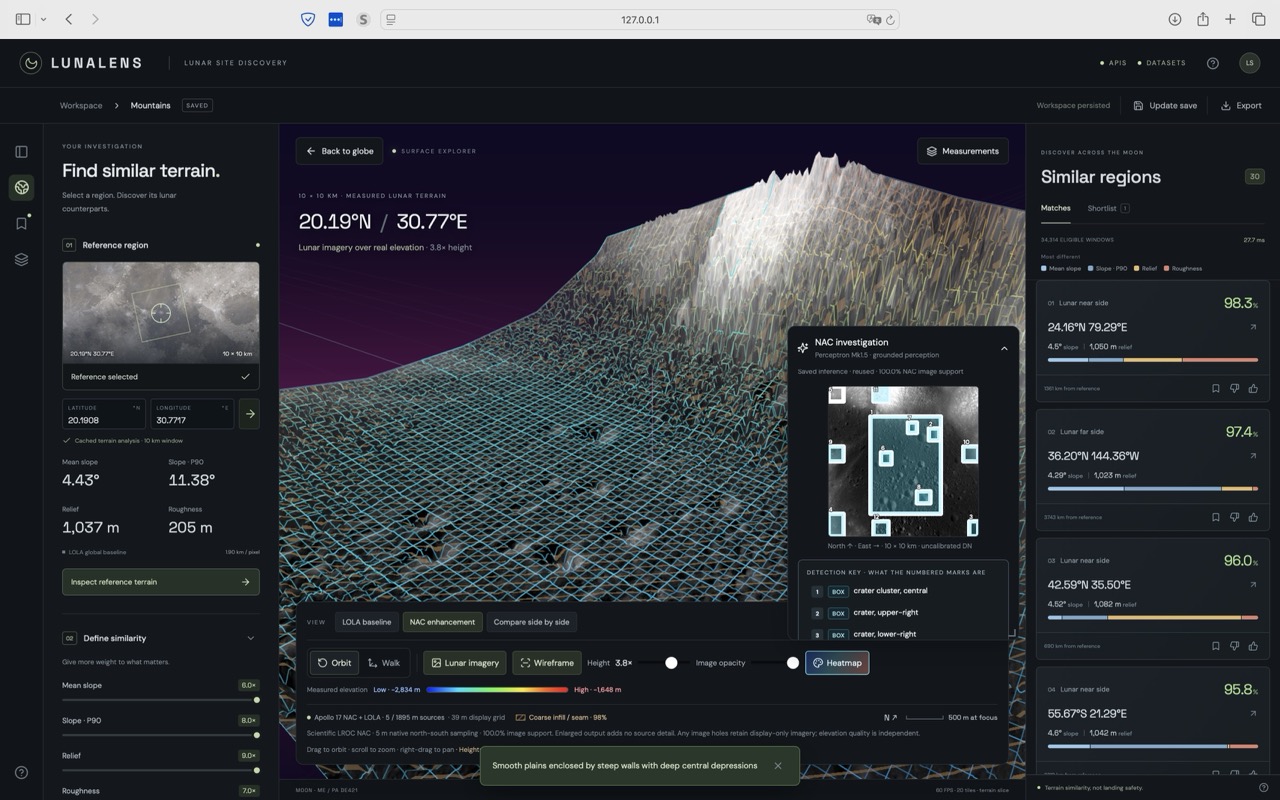
Perceptron Crater Classification at Apollo 17
Inspiration
SpaceX talks about building infrastructure on the Moon, about landing pads, habitats, and routes, before anyone has a map of “good ground.” We kept hitting the same gap: lunar data exists in archives, but after we find the perfect spot, finding another place "just like this one" still means starting from scratch. Moonshot started with the question: what if pointing at terrain was enough to ask the whole globe that question?
What it does
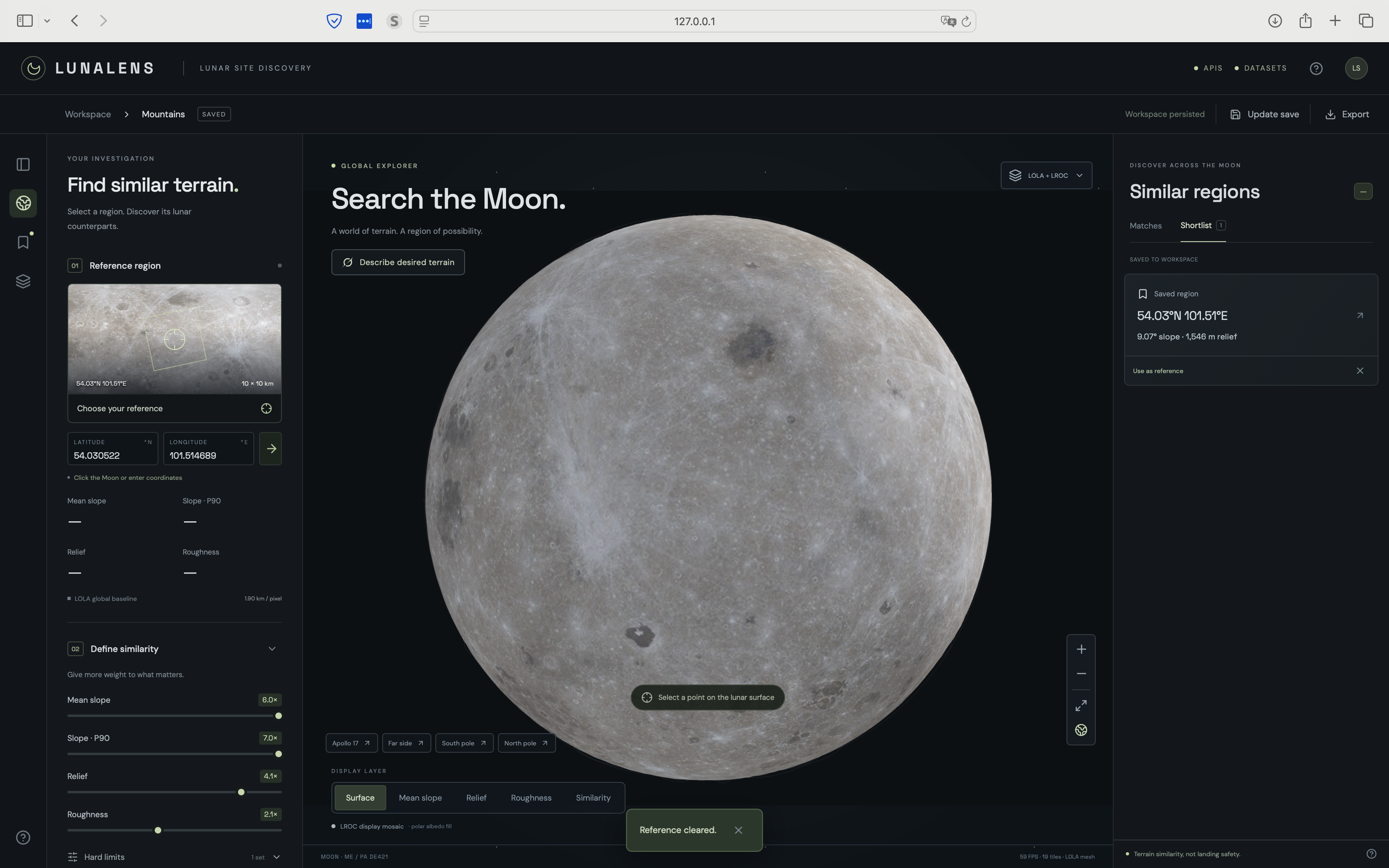
- You pick a 10×10 km patch—click the globe, drop coordinates, or jump to Apollo 17.
- Moonshot scores 124,002 real LOLA terrain windows on shape-like measurements: slope, relief, and roughness.
- Results fly you into a navigable, mesh-like 3D slice; your preferences about the locations and weight tweaks re-rank what “alike” means for you and what spots you see next.
- Geographic diversity spreads matches (~200 km apart) so you don’t get one crater family ten times.
- Where coverage allows: Perceptron Mk1.5 grounds NAC/WAC detections on the mesh; Grok can turn a plain-language description into preferences and a seed site.
- Investigations persist—shortlists, feedback, exports—so a session is a reusable workspace, not a one-off demo click.
How we built it
- Science path: PDS LOLA elevations → spherical 10 km windows → versioned feature index with z-scored vectors and deterministic similarity with relevance feedback
- Product path: React + Three.js globe and terrain explorer; Python/FastAPI workspace with SQLite sessions, jobs, and revision-safe prefs.
- Site visual enrichment: Apollo 17 NAC packs, global WAC fallback, and Perceptron using high quality NAC data to enrich low-fidelity topographical maps and classify and localize craters and other obstructions.
- Loop polish: orbit/walk, compare baseline vs enhanced, saved investigations sidebar, status badges for APIs and datasets.
Challenges we ran into
- Making polar and dateline windows physically comparable, not just pixel-comparable.
- Turning rasters into something you can orbit without inventing mountains or implying fake resolution.
- Teaching “similarity” as a ranked signal rooted in deterministic matching.
- Wiring live perception (Perceptron, Grok) without hallucinating coverage, crops, or provider success.
- Keeping interactivity snappy while the index, meshes, and enrichment jobs stay scientifically bounded.
Accomplishments that we're proud of
- A closed loop: select → measure → search → descend → feedback → remember, on real lunar data end to end.
- A globe that allows you to explore and stand on the terrain..
- Regional perception that paints detections on measured elevation, with provenance you can read.
- Shipping the hard boring parts: versioned indexes, undoable feedback, job recovery, and explicit “not available” paths.
What we learned
Terrain has so much information, we barely scratched the surface with slope percentiles, relief, and plane residual, and we can use it to inform a myriad of different operational decisions. We also learned that trust is a feature: labeling interpolation, WAC vs NAC limits, and what similarity is not makes the demo more powerful. Exploration tools help the most when they help you ask better questions of the archive and challenge your assumptions.
Our Next Moonshot
More verified regional packs, sharper preference and diversity controls, planning overlays that sit on top of discovery (routes, constraints, shortlist stories), and a path from loopback prototype to shared workspaces, so “find ground like this” becomes something crews and researchers can run together and use to support real missions at SpaceX and beyond.


Log in or sign up for Devpost to join the conversation.