-
-
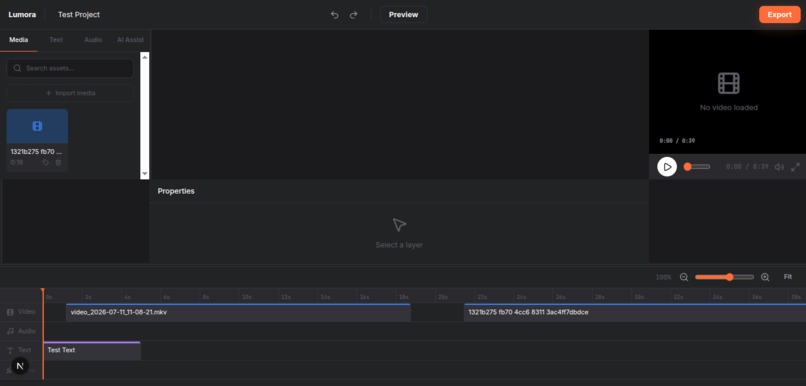
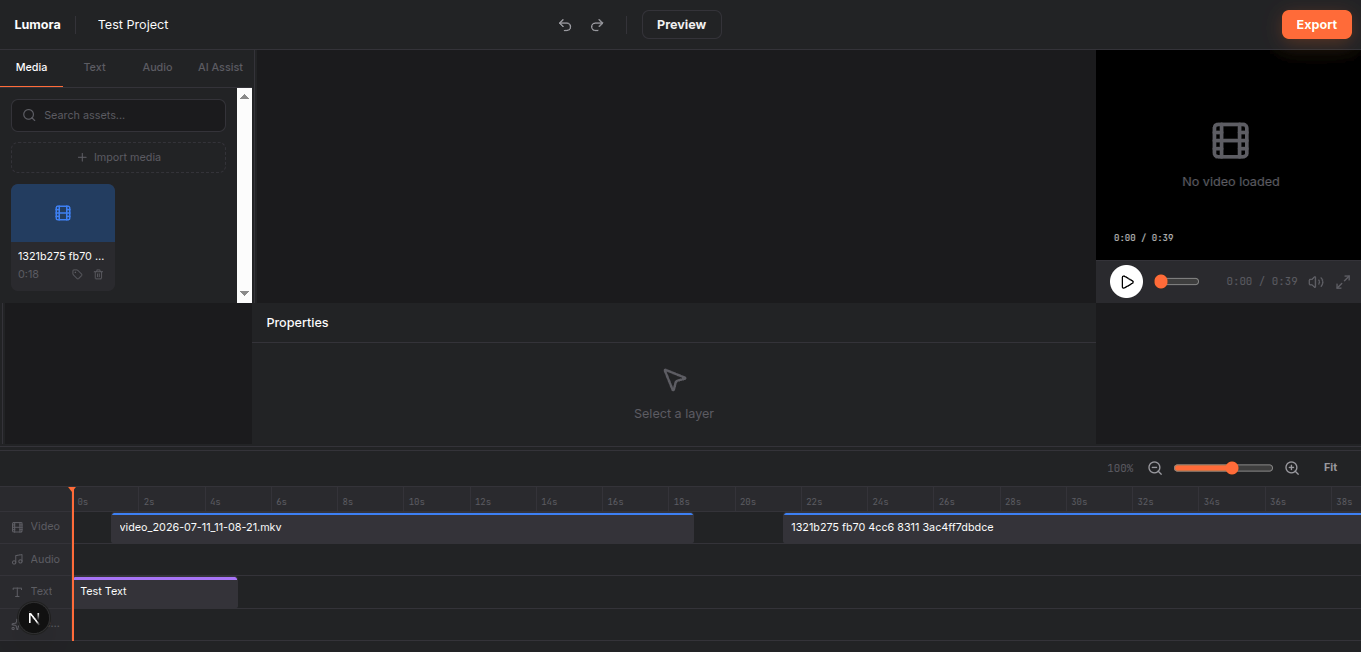
Lumora Time Line Editor Page
-
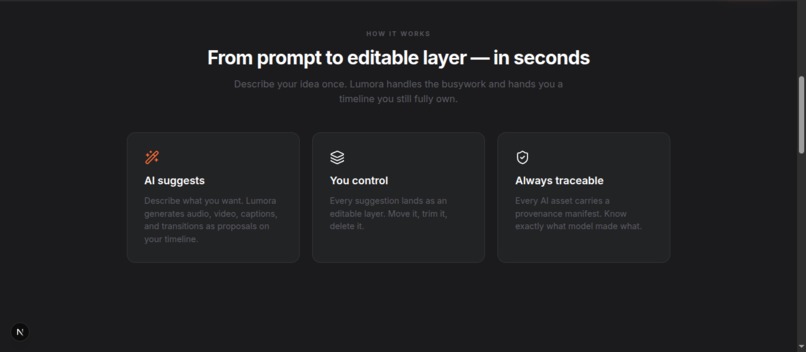
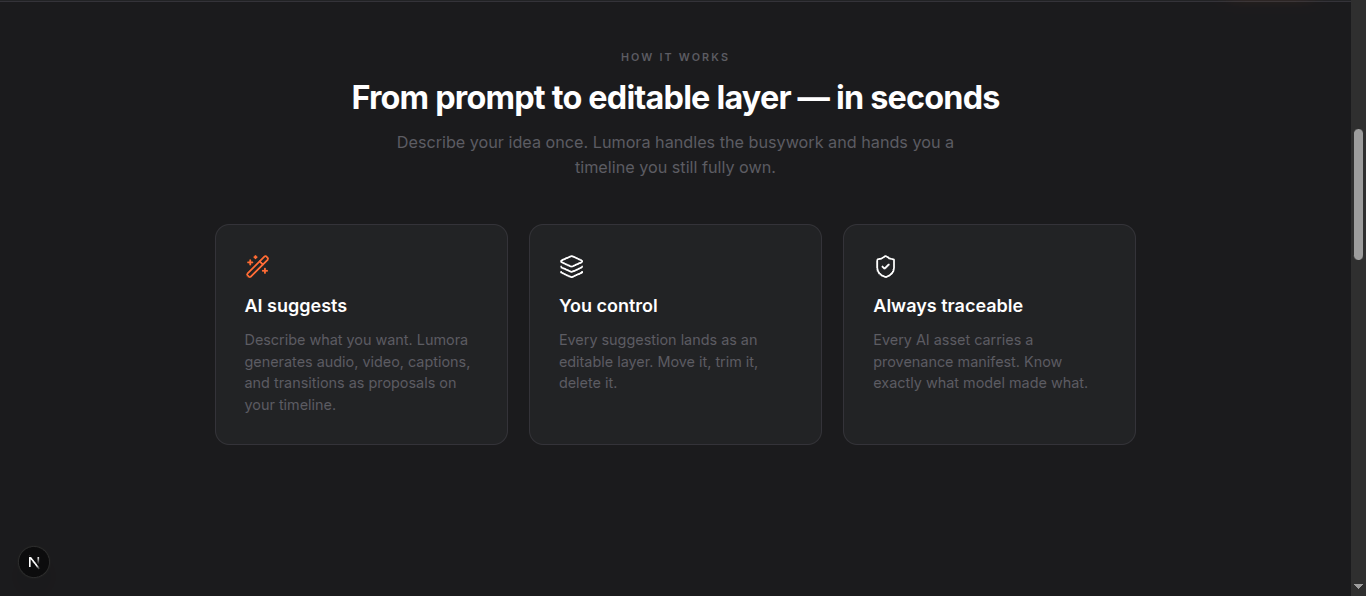
How it works page
-
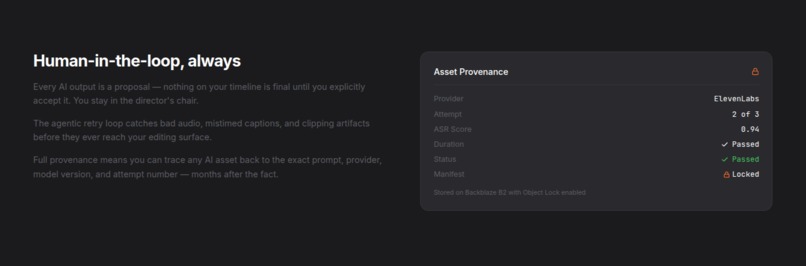
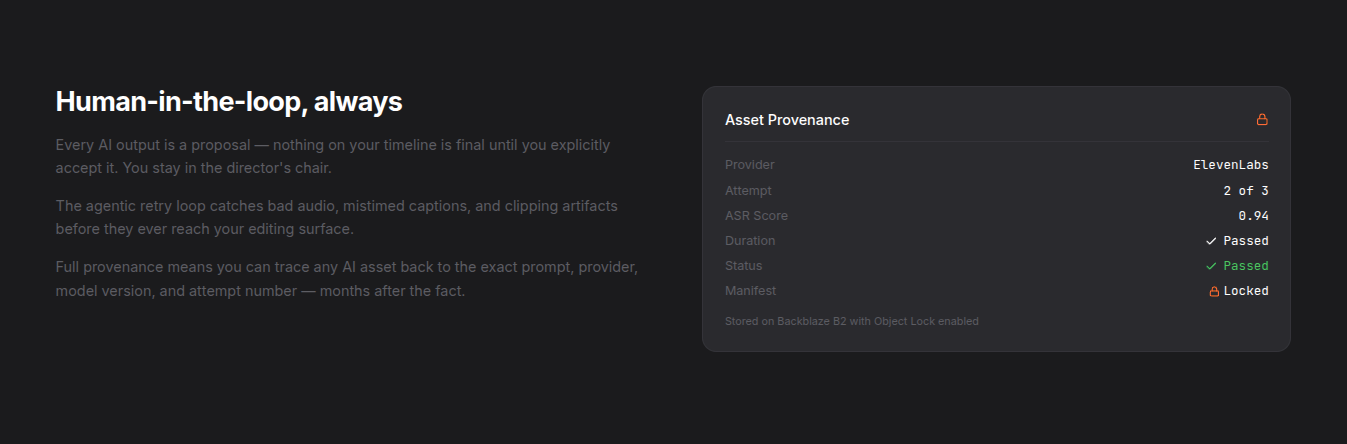
how it works page
-
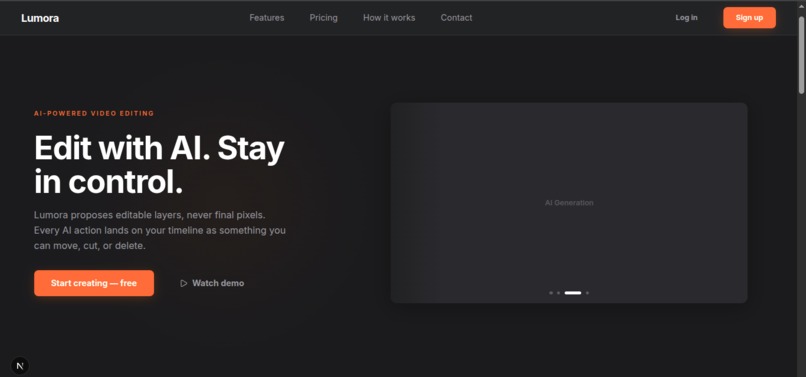
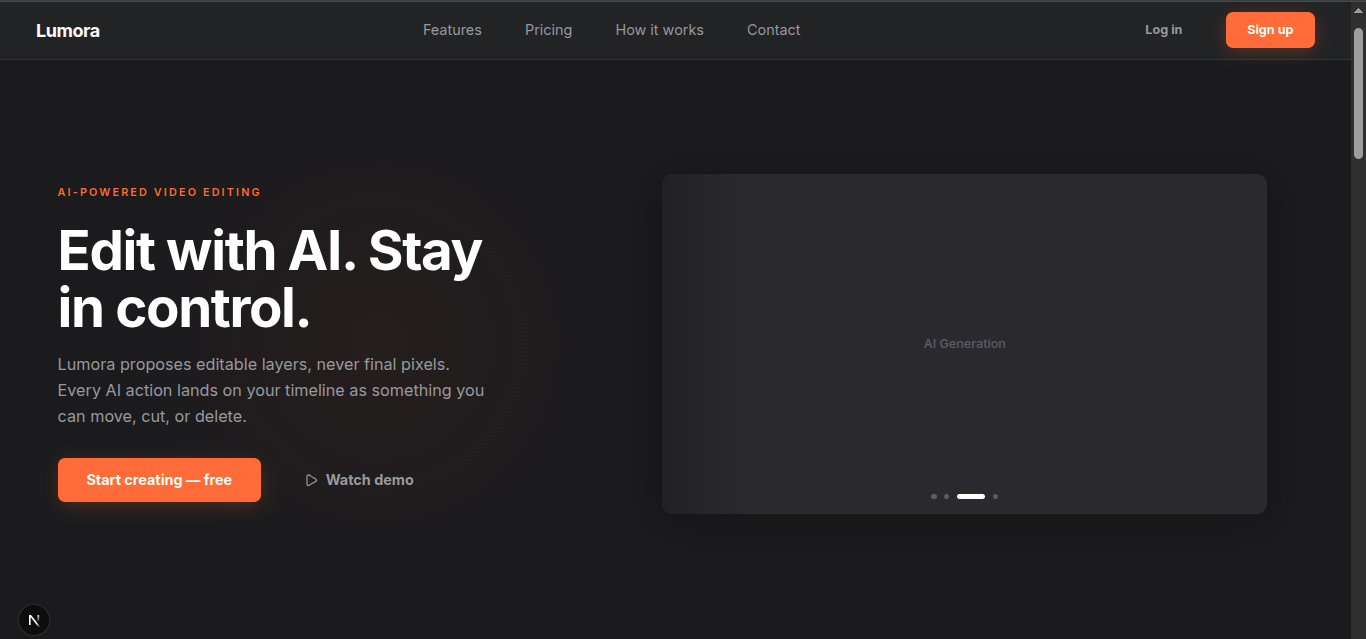
Home Hero Page
Lumora: Building an AI Video Editor for the Next Generation of Media Apps
What Inspired Us
We were inspired by a simple frustration: modern creative tools often force you to choose between speed and control. AI tools can generate impressive media quickly, but too often the output is locked, hard to edit, and disconnected from the rest of the creative workflow.
That idea led us to build Lumora , a generative video editor where AI does not replace the editor, it supports the editor. Instead of producing a final, baked video file right away, Lumora generates editable layers that live on the timeline. That means creators can prompt the app in natural language, let AI generate media assets, and still fine-tune everything manually afterward.
The Backblaze Generative AI Media Hackathon was the perfect challenge for this vision because it focused on the exact problem I wanted to solve: how to move from prompt → pipeline → durable storage → usable media experience.
What We Learned
This project taught us that building an AI media app is not just about generation. The real challenge is designing the full pipeline around it.
We learned how important it is to:
- treat generated assets as part of a larger workflow, not as isolated outputs
- keep provenance and metadata attached to every asset
- design storage so media can be reused, tracked, and served reliably
- think like a product builder, not just a model user
- balance automated generation with human control
We also learned that production-minded AI apps need more than a clever prompt. They need structure: storage, job tracking, asset management, reproducibility, and a user experience that makes the AI output actually usable.
How We Built It
We built Lumora as a generative video editing platform with a FastAPI backend and a Next.js frontend.
The system is designed around a timeline-first workflow:
- A user describes what they want in plain language.
- The app sends that request through a generation pipeline.
- Media assets are created and stored durably in Backblaze B2.
- The generated results are attached to editable timeline layers.
- The user can inspect, modify, and refine the result manually.
To make the media pipeline more flexible, We used Genblaze as the orchestration layer for generative workflows. That gives the app a clean way to connect to media generation providers and handle different asset types such as video, images, audio, and multimodal outputs.
Backblaze B2 plays a central role in the architecture. We used it not just as file storage, but as the durable home for:
- generated media assets
- thumbnails
- metadata
- provenance records
- logs
- application files used in the media pipeline
That storage design matters because generative media apps create a lot of content very quickly. Without a reliable storage layer, the workflow becomes fragile and hard to scale.
We also designed the app to feel usable, not just technical. The frontend focuses on the creative workflow:
- prompt input
- generation progress
- timeline editing
- asset preview
- job status
- real-time feedback
Challenges We Faced
The biggest challenge was making AI generation feel like part of a real creative product instead of a disconnected demo.
1. Keeping outputs editable
It would have been easy to generate a final asset and stop there. But the real challenge was preserving editability. I had to think carefully about how generated media would be represented in the timeline so that users could still adjust and rearrange content after generation.
2. Designing reliable storage
Generative workflows can produce many intermediate files and variants. I had to make sure the project could store assets, metadata, and provenance in a way that stays organized and durable, especially as the media pipeline grows.
3. Managing complexity across media types
Video, images, audio, and metadata all behave differently. Building one pipeline that can handle multiple media formats while still staying coherent was a real architectural challenge.
4. Balancing creativity and production-minded structure
Hackathon projects can be flashy, but I wanted Lumora to feel like something that could realistically grow into a production app. That meant making hard choices around workflow clarity, storage strategy, and modular design instead of chasing only the most impressive visual result.
Final Thoughts
Lumora-B2 is our attempt to answer a bigger question: what does the next generation of AI media apps actually look like?
For us, the answer is not “AI that generates content and stops there.” It is AI that fits into a durable, editable, human-centered workflow.
With Backblaze B2 providing the storage foundation and Genblaze powering the media pipeline, Lumora shows how AI-generated media can move from a prompt to a complete creative system one that is practical, scalable, and still gives creators the final say.

Log in or sign up for Devpost to join the conversation.