-
-
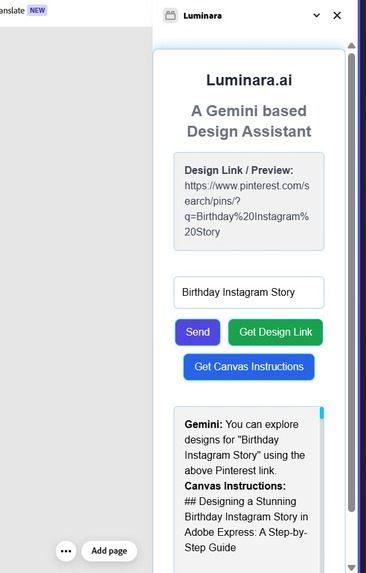
Working Add-on
-
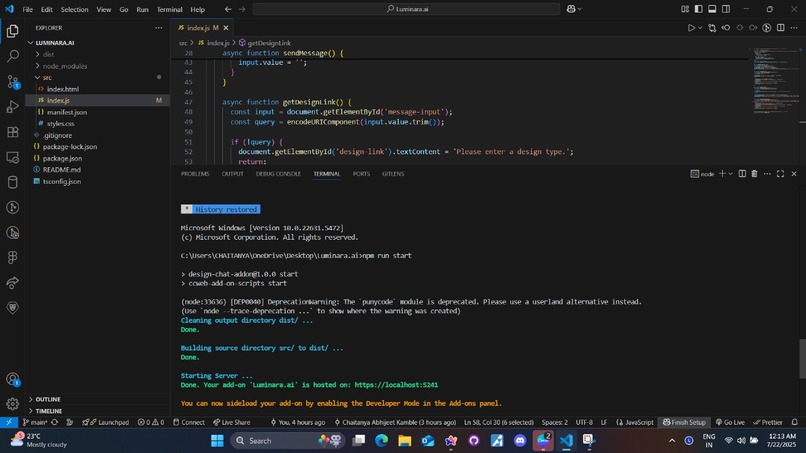
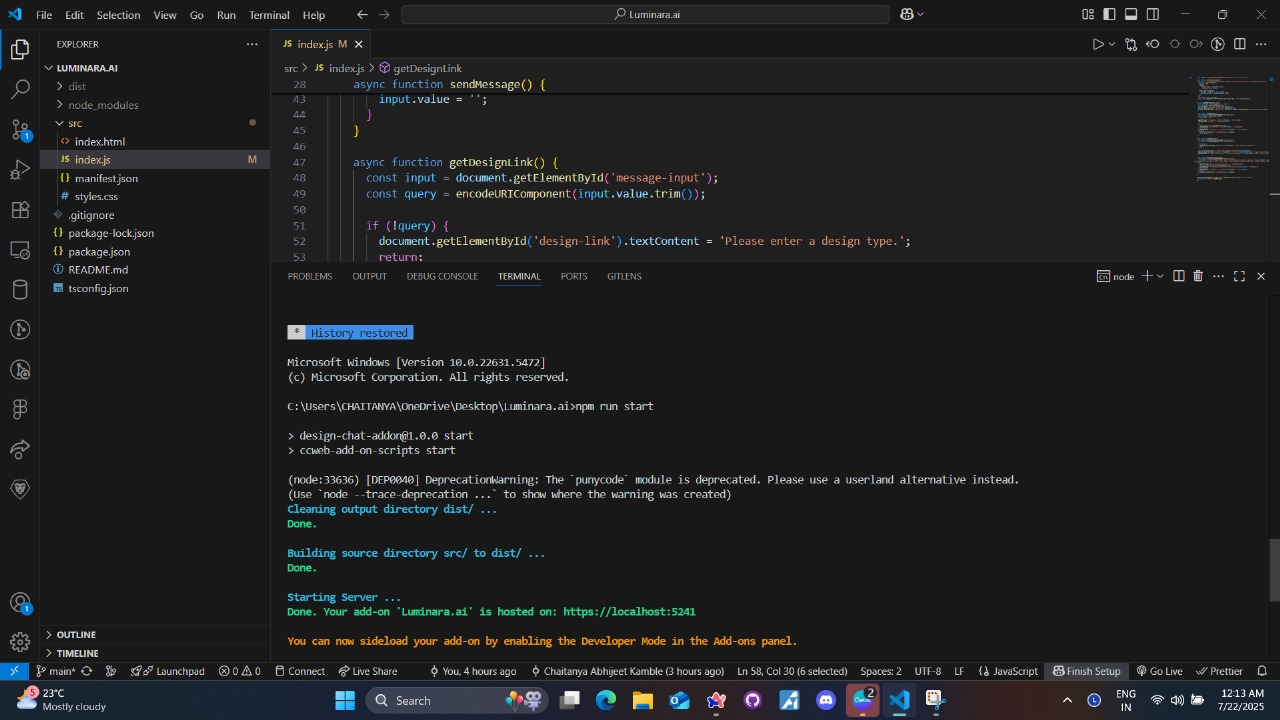
Add-on Initialization
-
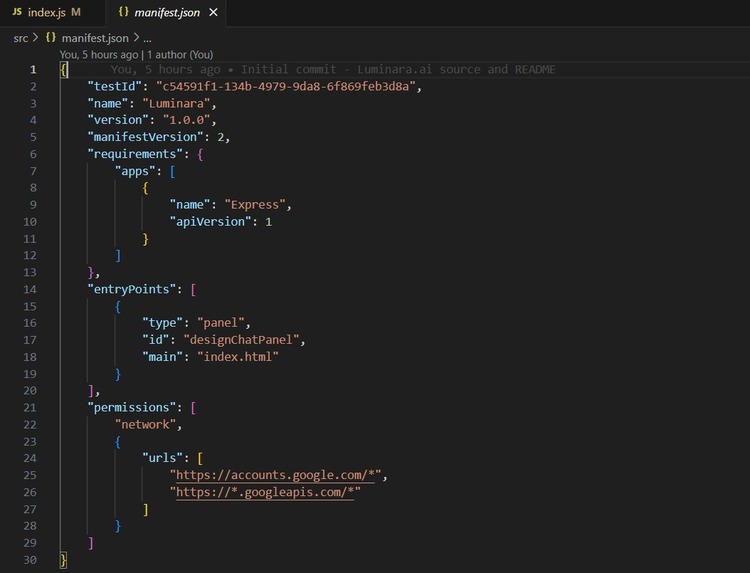
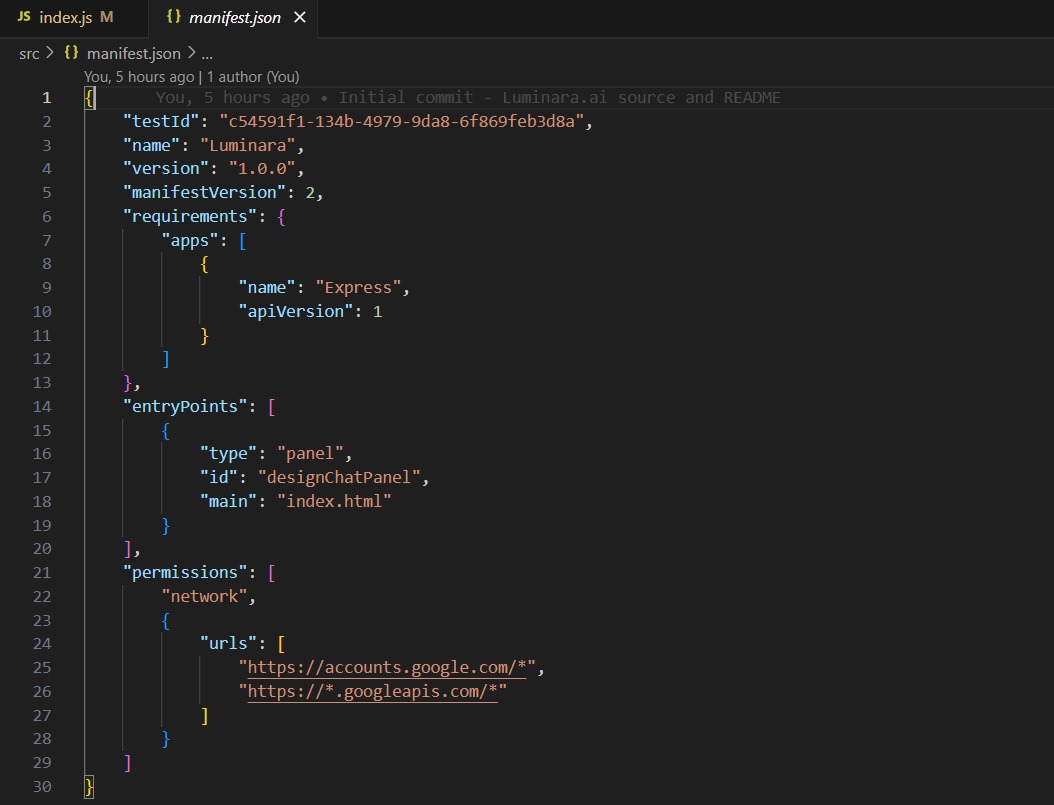
Manifest.json
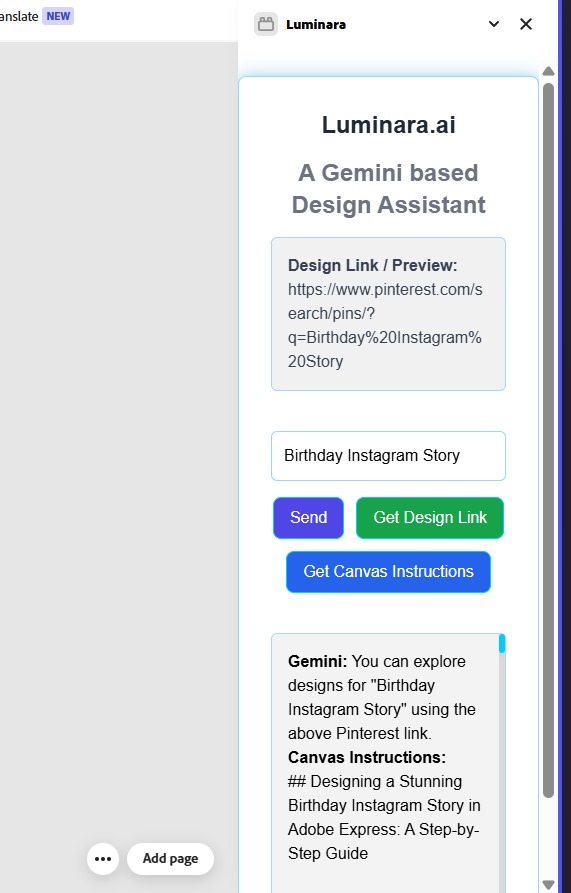
Inspiration
Designers often face creative blocks — moments when ideas stall and inspiration fades. We wanted to solve that by integrating an AI assistant directly inside Adobe Express. Instead of switching tabs or juggling multiple tools, what if users could just ask for help, guidance, or ideas right where they're designing?
That’s how Luminara.ai was born — an AI co-creator you can talk to anytime, without breaking your flow.
What it does
Luminara.ai adds a smart chat assistant to Adobe Express. It lets users:
- Ask for layout or design suggestions
- Get help writing taglines, captions, or content
- Brainstorm creative ideas or direction
It doesn't touch or analyze the canvas (yet) — it's purely conversational, acting as a helpful thought partner right in the sidebar.
How we built it
We used:
- Adobe Express Add-ons API to create the sidebar panel
- Google Gemini 1.5 Flash to generate AI responses
- TypeScript, HTML, and CSS for the frontend
ccweb-add-on-scriptsto handle build and local development
Challenges we faced
- Setting up the HTTPS environment required for add-on testing locally
- Integrating and formatting Gemini's API response into clean, readable HTML
- Designing a lightweight UI that feels natural and non-intrusive within Express
What we learned
- How Adobe Express Add-ons are structured and built
- How to integrate large language models into real-time UI interactions
- That small, focused tools can massively improve creative flow
What's next
We plan to:
- Add context awareness (like reading selected text or current project type)
- Let the AI suggest direct design changes or templates
- Launch Luminara.ai publicly via the Adobe Express Add-ons store
Built With
- adobe
- ccweb-add-on-scripts
- css3
- gemini
- html5
- javascript
- node.js


Log in or sign up for Devpost to join the conversation.