The Inspiration
In many countries, especially in classrooms with students of different learning levels — like secondary schools in Nigeria preparing for WAEC — students struggle with long, hard textbook passages. Big words, fast text, and no pictures make it tough to understand. Many students fall behind.We built LumiLearn to fix this. It uses AI to turn boring, text-heavy notes into short, slow, illustrated videos with clear captions and quizzes. So every student, no matter their reading level, can learn and understand any subject.
What LumiLearn Does
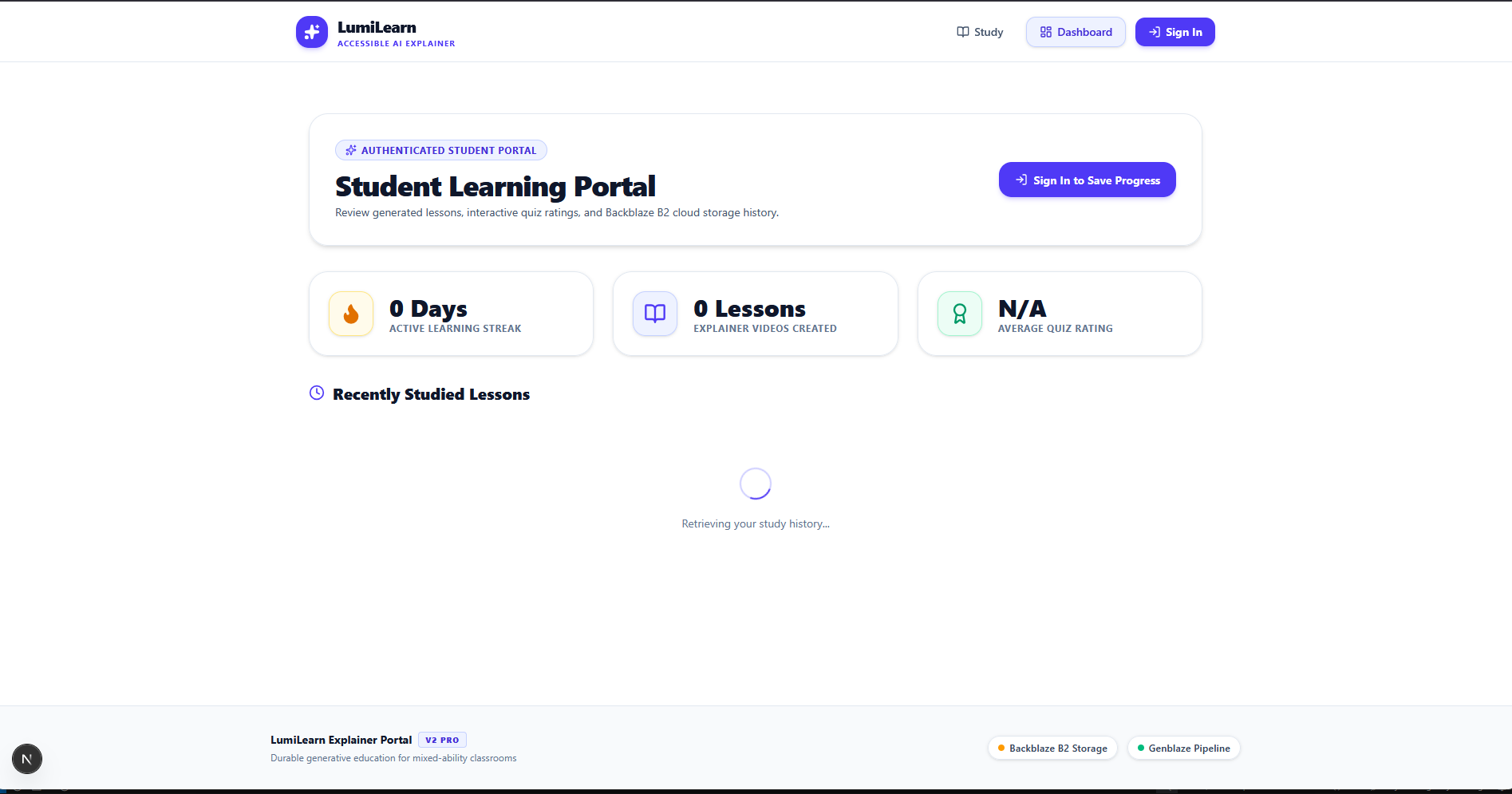
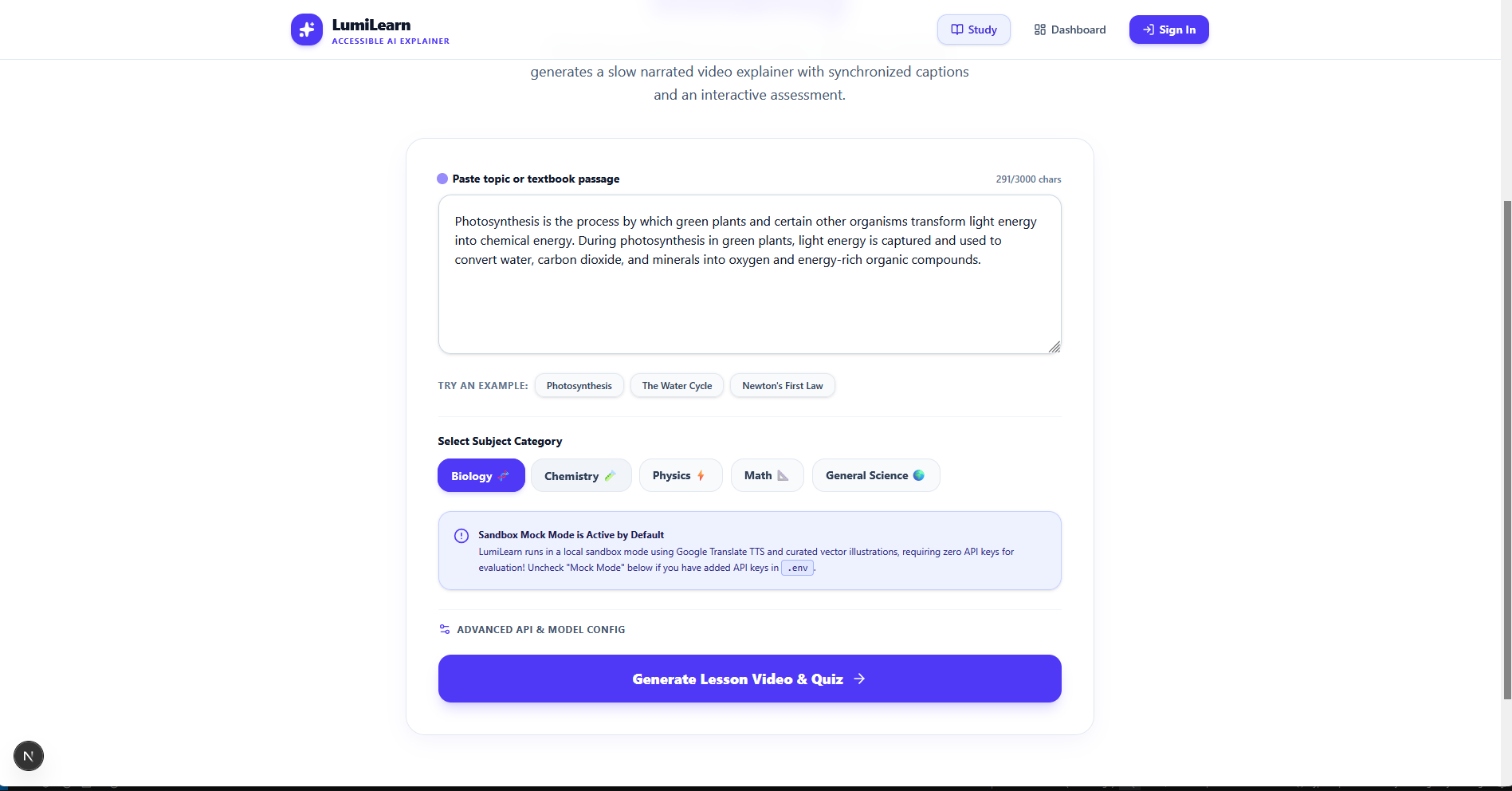
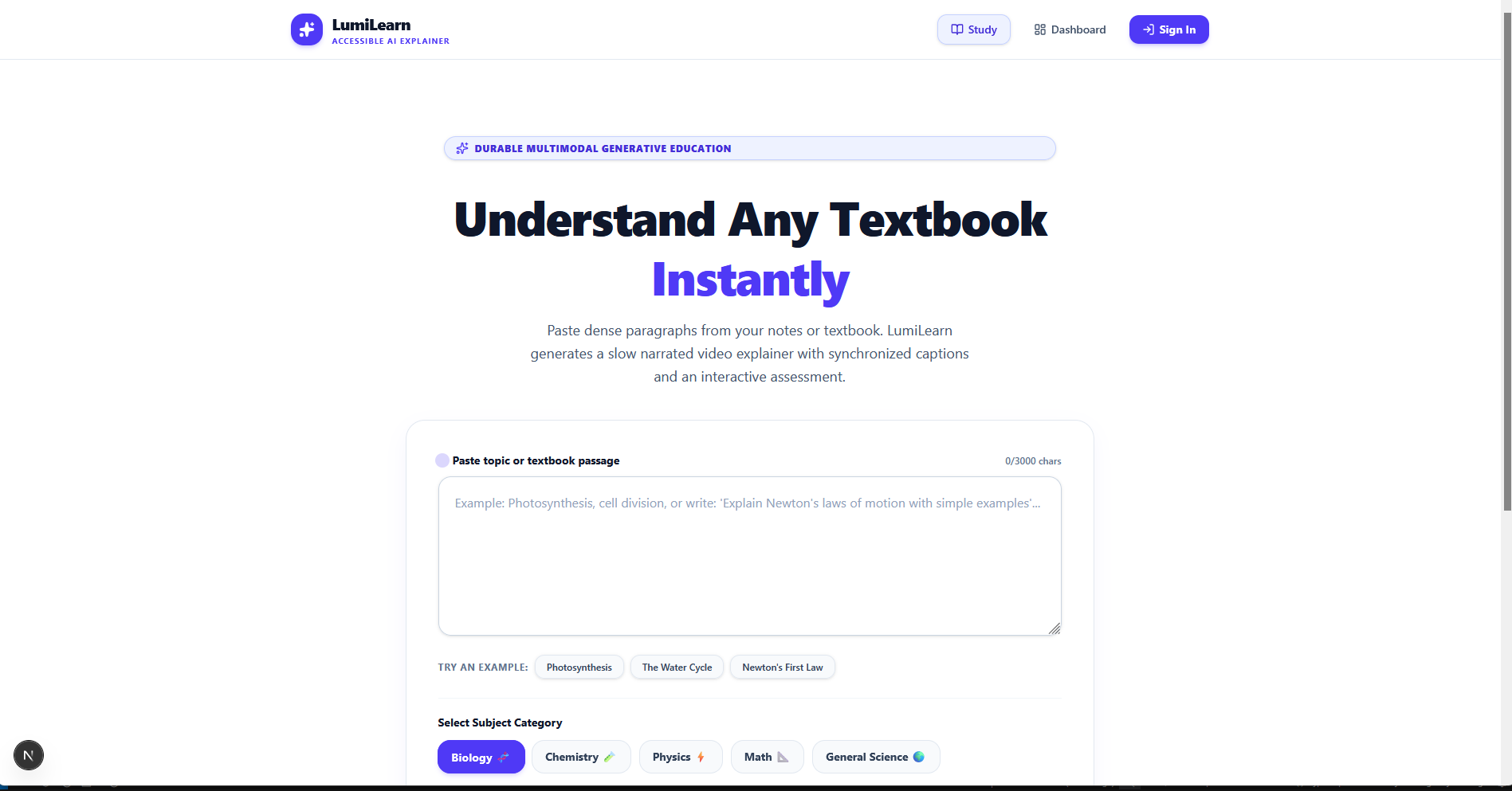
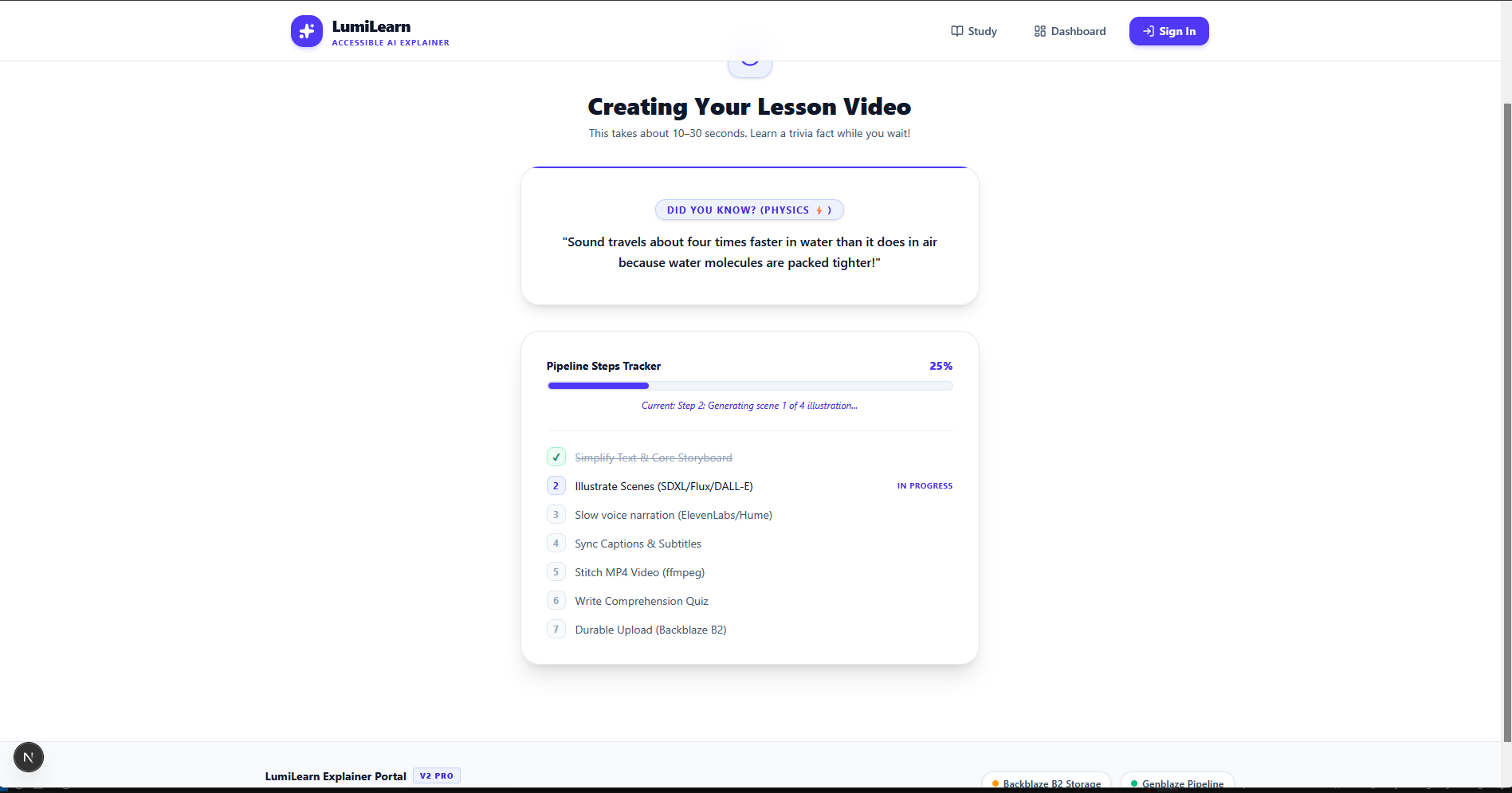
LumiLearn is an AI tool that turns hard school topics into easy videos and practice questions:Simplifies Text: Paste up to 3,000 characters from a textbook. LumiLearn rewrites it in simple English for ages 12–16 and breaks it into 4–6 easy scenes.Creates Pictures: Makes friendly, custom illustrations for each scene.Adds Voice: Reads the lesson slowly and clearly so it’s easy to follow.Makes a Video: Puts the pictures, voice, and captions together into a video you can watch in your browser.Adds Quizzes: Gives 3 multiple-choice questions with simple explanations to help you remember.Saves Everything: Stores the videos, captions, and your progress safely in the cloud.
How We Built It
Website: Built with Next.js, TypeScript, and Tailwind CSS. It has clear buttons, caption settings, speed controls, and progress trackers.AI Brain: Uses Google Gemini and GPT-4o-mini to simplify text, plan scenes, and make quizzes.Voice + Pictures: Uses ElevenLabs for voice, and DALL-E / SDXL to create the images.
Video Making: Uses Node.js and ffmpeg to combine everything into an MP4 video.Storage: Saves videos and files in Backblaze B2. Saves student accounts and progress in Supabase.
Challenges We FacedSyncing captions and audio: Making sure the words on screen match the voice timing.Making it fast: Running text, images, audio, and video steps together without the app crashing.Saving files reliably: Uploading everything to the cloud and still having a backup if internet is slow.
What We’re Proud Of
Full videos in 20–30 seconds: Voice, pictures, captions, and quizzes — all done fast.Full transparency: Students can see how their video was made, what AI tools were used, and direct links to their files.Built for everyone: Slow voice, big captions, speed controls, and high-contrast mode to help all learners.
What We Learned
How to connect many AI tools together to work as one.How to make videos on the server without slowing things down.Why we need backup plans, like offline images and voices, so students can still learn with bad internet.
What’s NextLocal Languages:
Add voice and translations in Yoruba, Hausa, Igbo, and Nigerian Pidgin. Offline App: A mobile app that can save videos to watch without internet. Teacher Tools: Let teachers upload full textbooks and auto-generate weeks of video lessons + WAEC-style qui
Built With
- blackbazeb2
- gemini
- openai
- replicate
- supabase

Log in or sign up for Devpost to join the conversation.