-
-
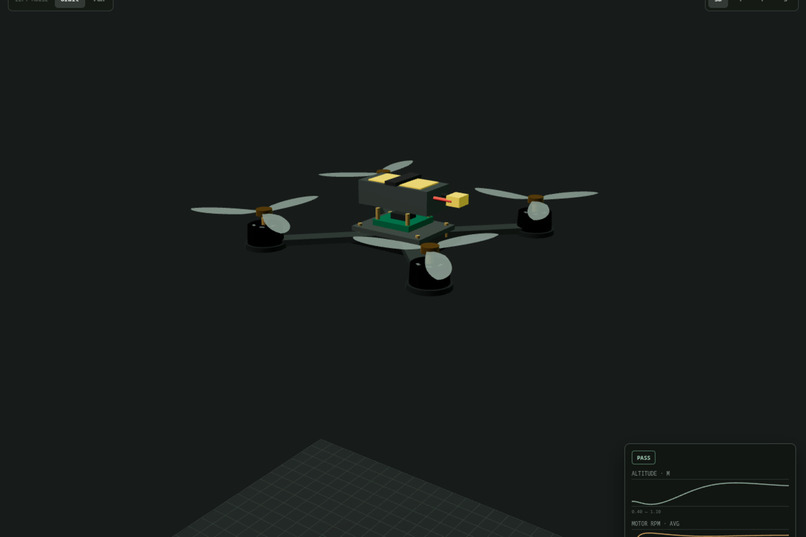
drone
-
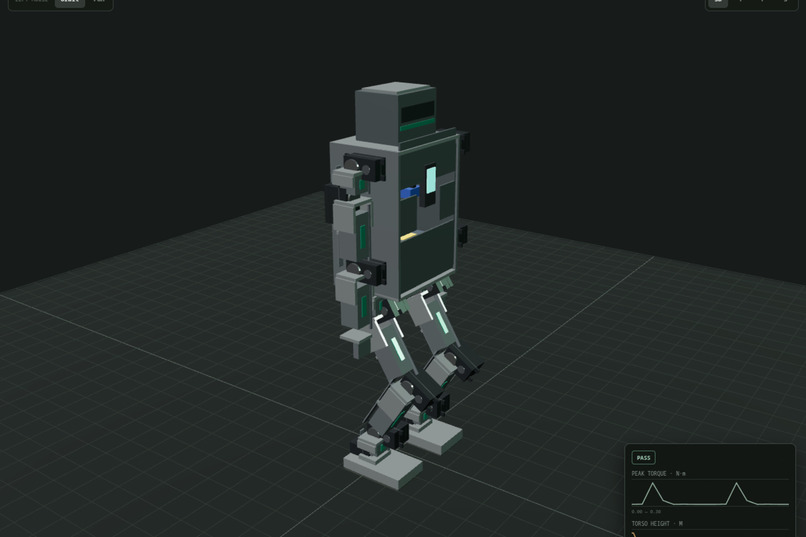
humanoid robot
-
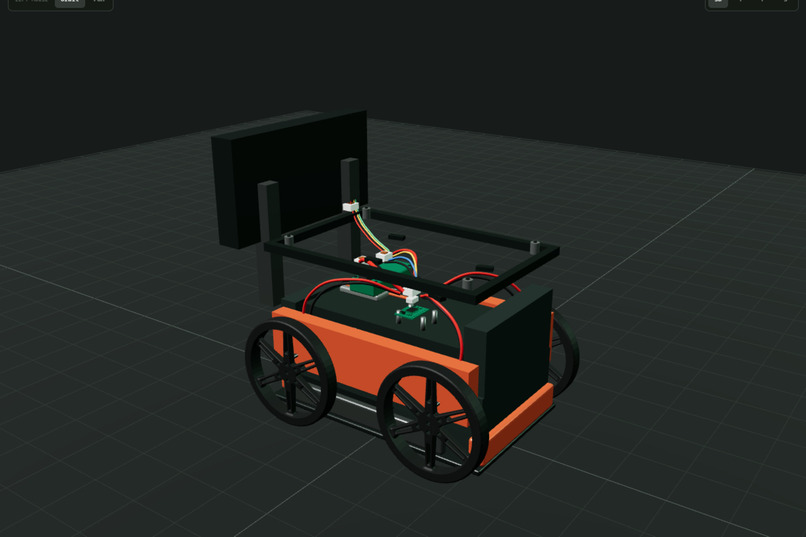
ai rover
Inspiration
A robot can look complete in a 3D viewer while its motors are underpowered, its battery is incompatible, or its wiring cannot work. Creating an attractive model is only part of the problem. Creating a machine whose parts, interfaces, and physics are supported by real evidence is another.
We kept running into the gap between a product page and a simulation-ready component. Specifications are scattered across tables, descriptions, diagrams, and downloads. Important values are missing, units disagree, and copying everything manually makes it easy to lose track of where a number came from.
We wanted the AI to remain involved after collecting that information. Instead of producing another isolated design, could it work beside the engineer, inspect the same project, and help build and test the actual machine?
That question became Lumi.
What it does
Lumi is a browser-native hardware studio where people and AI agents build and simulate machines in the same live 3D workspace.
You can import public product pages, inspect the resulting components, choose quantities, create an assembly, validate its wiring, and run deterministic physics experiments. Every value keeps its evidence status, so sourced measurements remain separate from provisional suggestions.
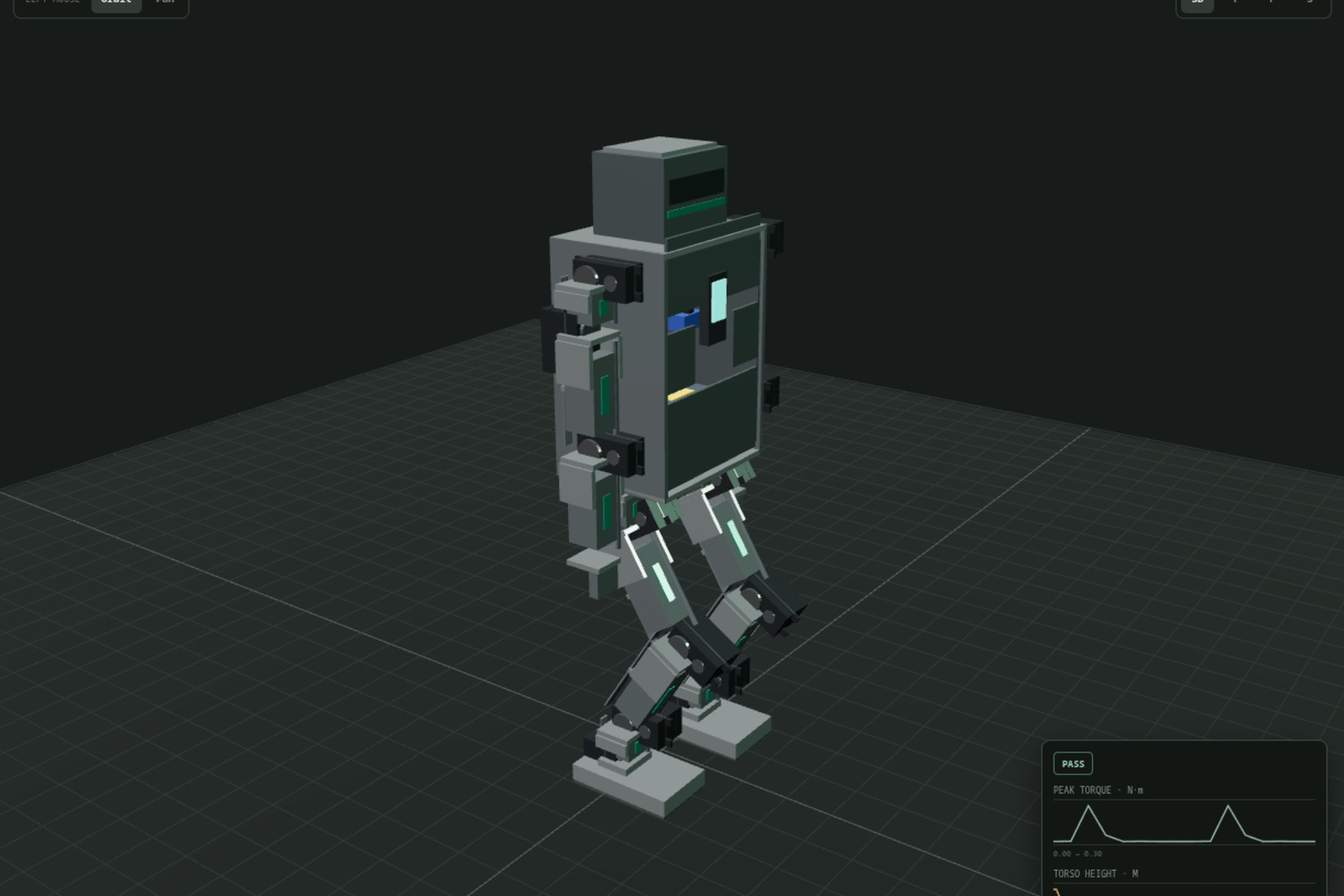
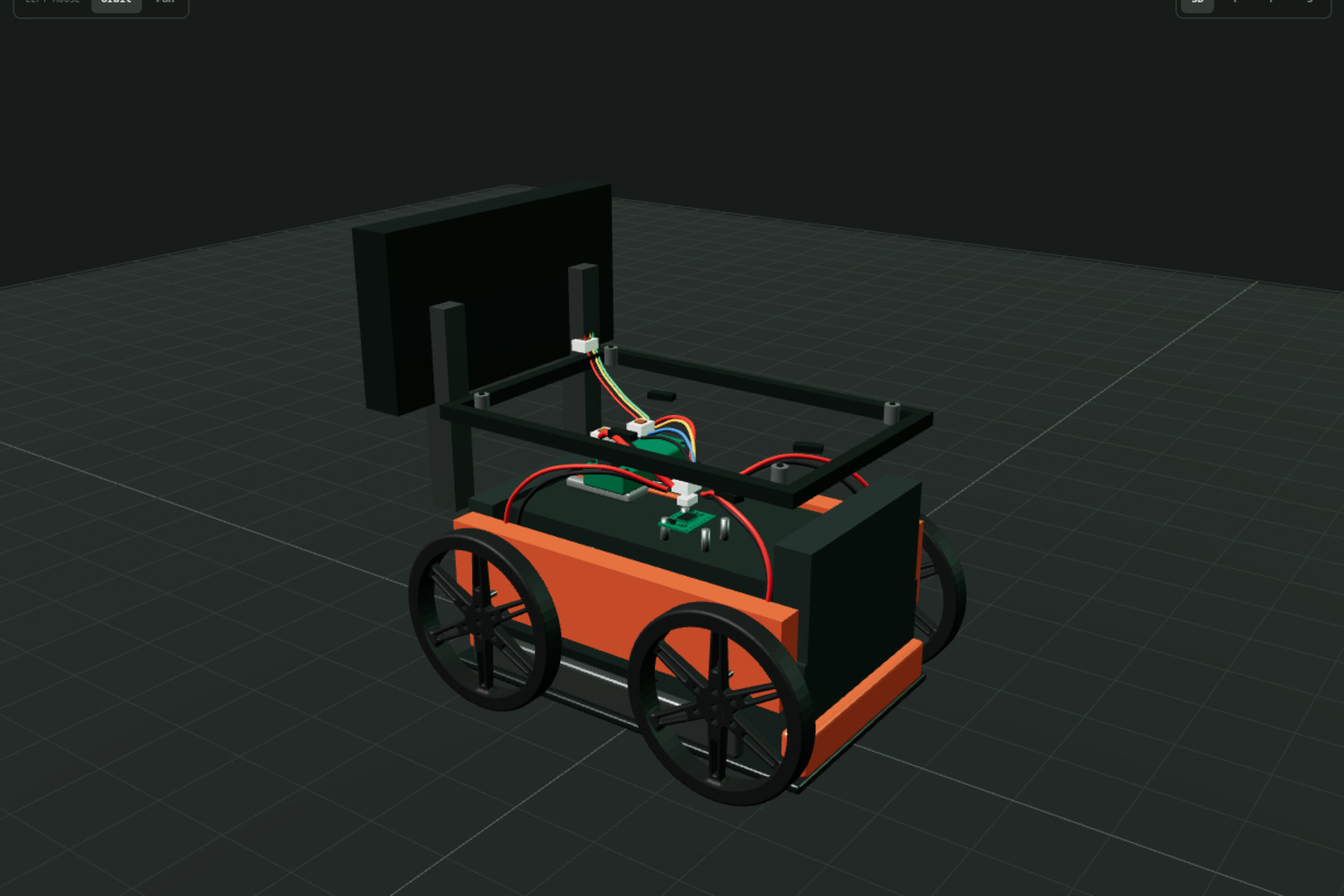
Through WebMCP, an agent can inspect the open project, load a rover, drone, or humanoid example, arrange selected components, confirm a topology, validate connections, control the 3D view, run simulations, and compare saved results.
Both collaborators use the same project state. When an agent loads a rover, it appears in the Studio the person is already viewing. When it runs an experiment, the same timeline, telemetry, and findings become visible to both.
Lumi can also turn a measured trajectory into a cinematic world visualization. The generated footage remains clearly labeled as imagined and never replaces MuJoCo’s measured result.
WebMCP fits because the work depends on live page context: the available components, current design, readiness findings, selected experiment, simulation history, and hardware state. The agent can act on that context directly instead of maintaining a separate copy of the project.
How we built it
The central decision was to represent hardware as typed component evidence instead of free-form AI descriptions.
Each component records its category, specifications, units, ports, geometry, capabilities, and provenance. Deterministic gates check power, signals, connections, geometry, and adapter readiness before a supported simulation can run.
The Next.js, React, and TypeScript frontend contains the workflow controls, WebMCP integration, simulation timeline, evidence inspector, and Three.js workspace. React Three Fiber renders the component models and complete machine assemblies.
A FastAPI and Pydantic backend manages projects, validates external data, builds supported topologies, and stores immutable simulation runs. MuJoCo produces the authoritative physics and telemetry.
The Studio registers 22 task-level tools with document.modelContext.registerTool. Human controls and agent tools call the same application actions, so there is no second agent-only workflow to keep synchronized.
Tools are scoped to the current project state. A new workspace initially exposes inspection and import operations. Design tools appear after components exist, simulation tools appear after a confirmed design passes its checks, and hardware controls appear only when the required connection state exists.
The underlying product-to-simulation prototype began under the development name Scrape2Sim. For the WebMCP Challenge, we added the browser-native collaboration layer, state-aware tool registration, visible WebMCP status, cancellation handling, shared agent and human state, tool-contract tests, and guarded hardware actions.
Challenges we ran into
The hardest failures were often successful actions applied at the wrong time.
Registering every tool immediately would let an agent request operations whose prerequisites did not exist. We instead made tool availability follow the project’s capabilities, which required registration to update safely as components, designs, simulations, generated worlds, and hardware connections changed.
Long-running actions introduced another challenge. Product collection, design generation, physics simulation, and world generation cannot be treated like instant button clicks. Tool calls needed cancellation signals and structured errors without leaving the visible Studio in a misleading state.
The human interface and agent interface also had to remain aligned. If an agent loaded one project while the person saw another, the result could appear correct while operating on the wrong machine. Sharing the same action layer and visible state was essential.
Adding a visible WebMCP status indicator uncovered a subtle recording issue: existing automation assumed the first status label always described the simulation. Once WebMCP had its own status, those selectors targeted the wrong label. We updated the capture flow to distinguish registration status from workflow status.
Finally, we had to preserve the boundary between simulation and generated imagery. Cinematic footage can communicate an experiment beautifully, but it must never be presented as measured engineering evidence.
Accomplishments that we're proud of
We built a working shared engineering loop: inspect the Studio, invoke a registered WebMCP tool, see the project change immediately, and continue from the new state.
An agent can call get_studio_state, load the evidence-backed rover with load_demo, and run a bounded MuJoCo experiment with run_simulation. The results appear in the same 3D workspace, telemetry panels, and timeline used by the person.
We implemented 22 state-aware tools across component ingestion, design, wiring, simulation, generated device families, world visualization, and guarded rover hardware.
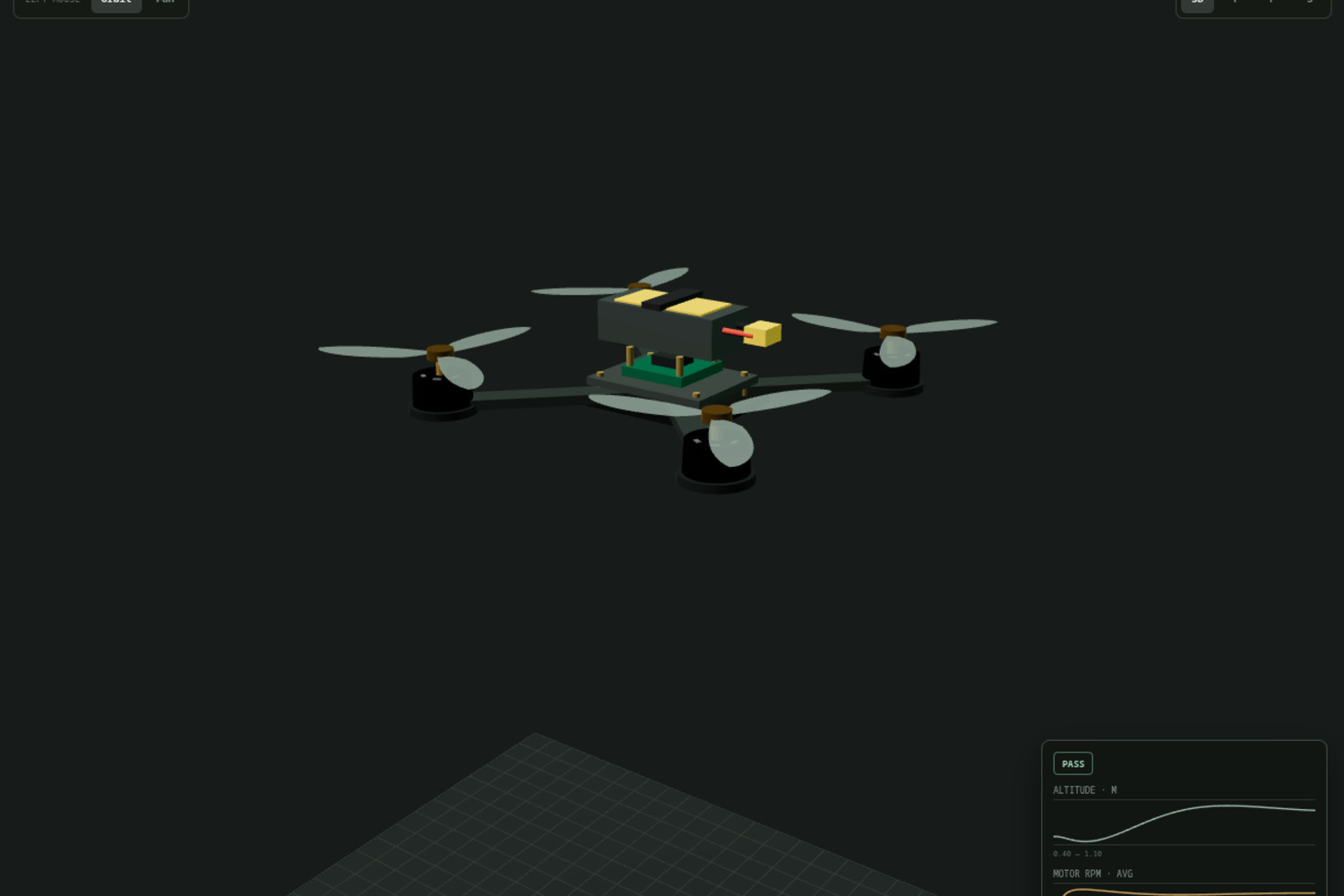
We also built three deterministic demonstration families: a differential-drive rover, a measured FPV drone, and a servo humanoid. Unsupported projects remain honest editable assemblies instead of receiving invented physics.
The latest verification passed the TypeScript check, WebMCP contract test, and production build. We also recorded the real WebMCP registration state and verified that a registered tool could load the rover through the live application.
Most importantly, Lumi remains useful without an AI conversation. WebMCP adds another collaborator rather than replacing the engineer or the existing controls.
What we learned
A valid 3D model is not automatically a valid machine. Electrical compatibility, mechanical interfaces, evidence quality, and physical behavior need checks that visual generation alone cannot provide.
We learned that good agent tools should describe meaningful goals rather than individual button presses. run_simulation is a stronger contract than asking an agent to locate and click a changing interface element.
We also learned that tool availability can communicate product state. When an action is not safe or meaningful yet, hiding that tool gives the agent a clearer workflow than exposing it and returning avoidable errors.
The strongest AI interaction was not an unconstrained design. It was a small, traceable action performed on the project already in front of the engineer, using the same validation rules and producing a visible result.
What's next for Lumi
Next comes broader evidence-backed component ingestion and more deterministic simulation families. We want users to move from unfamiliar product pages to trustworthy experiments with less manual cleanup.
We also want stronger run comparison, improved calibration workflows, and clearer explanations of why a proposed machine is or is not ready to simulate.
The physical rover workflow needs further validation across additional hardware configurations. Human confirmation and emergency-stop controls will remain mandatory for any action that can move a real machine.
Finally, we plan to complete the transition from the Scrape2Sim development branding to Lumi across the public Studio, repository, documentation, and demonstration material.

Log in or sign up for Devpost to join the conversation.