Lumen
##Inspiration
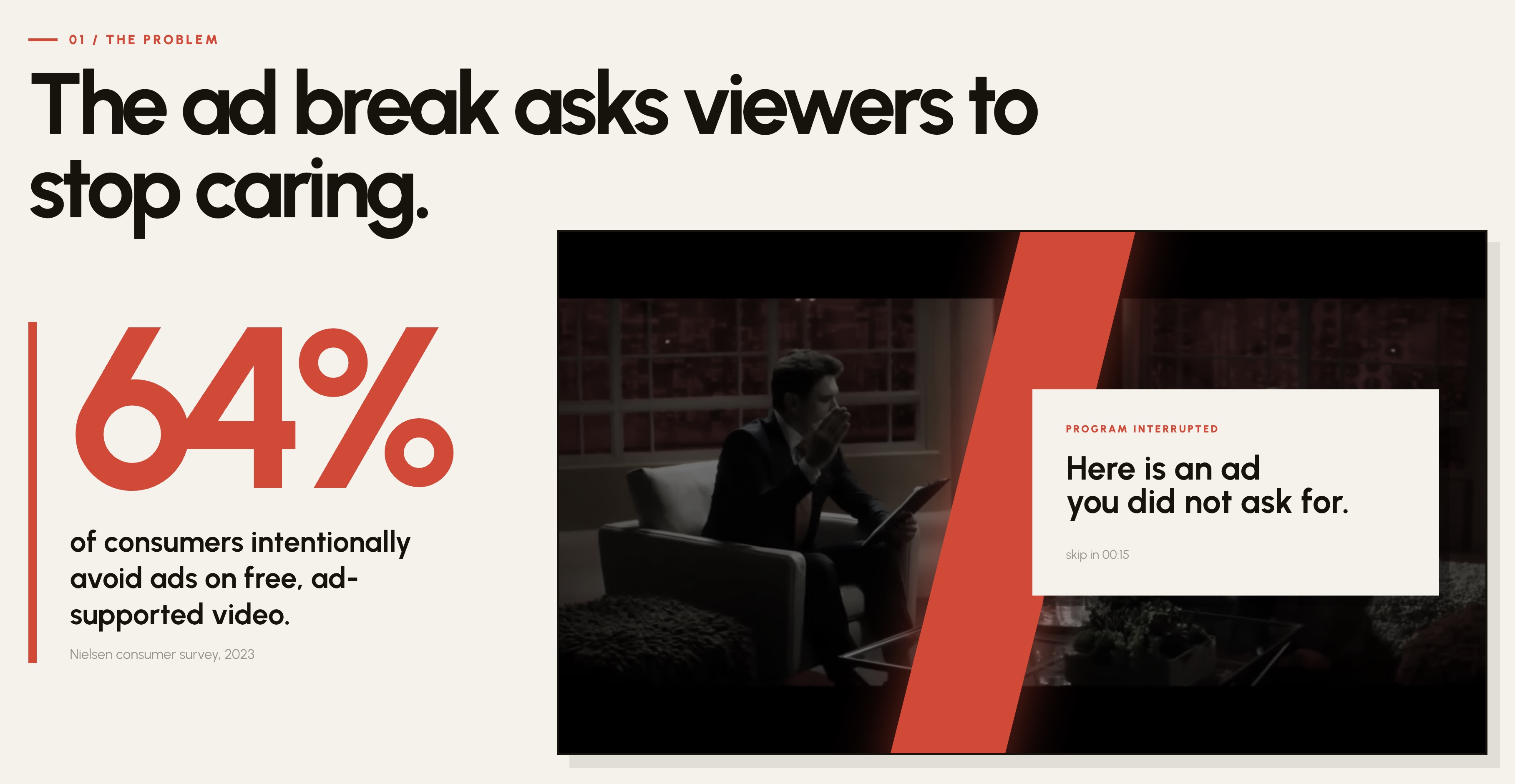
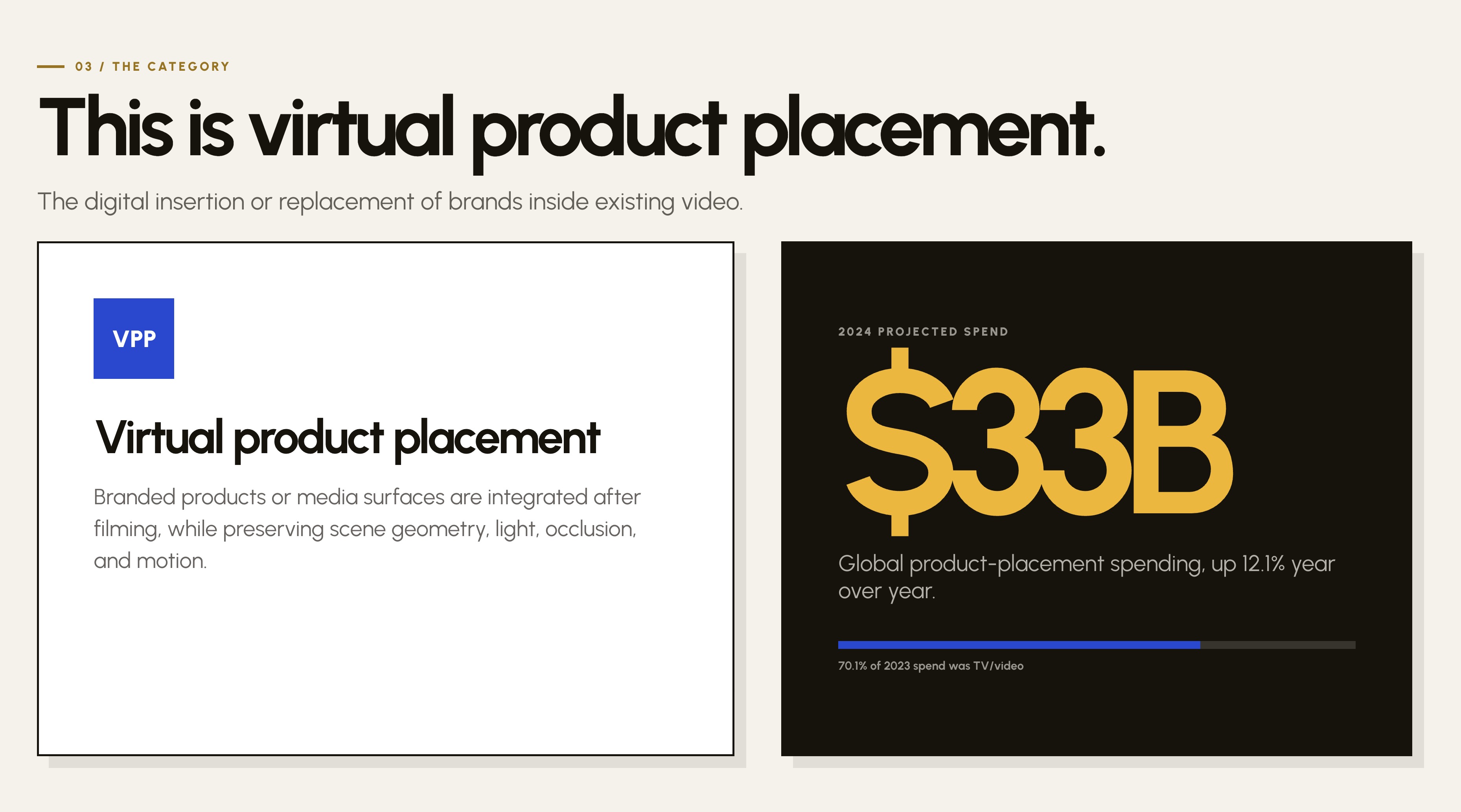
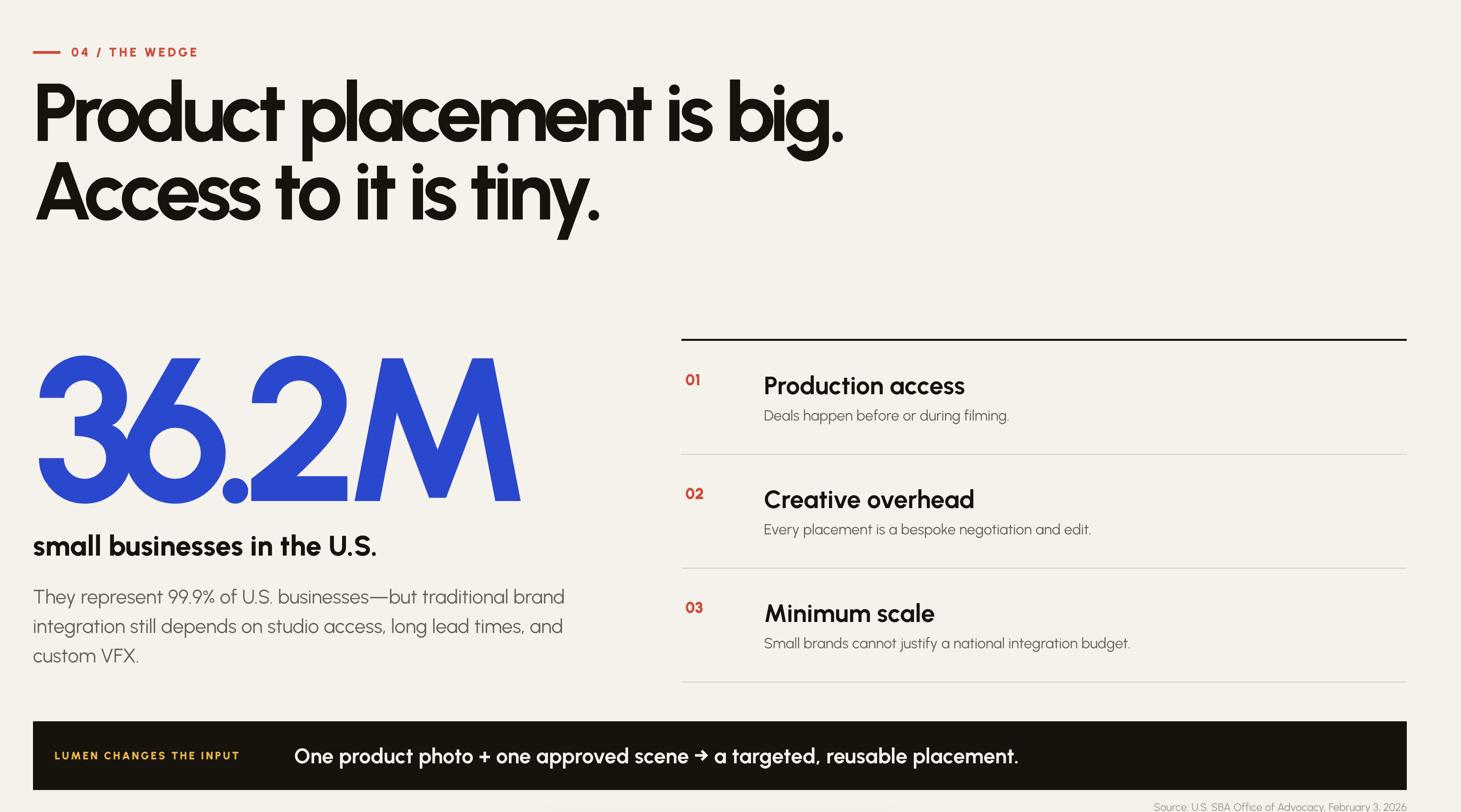
64% of people on free, ad-supported video actively avoid ads. The ad break literally asks you to stop caring about what you came to watch. Product placement doesn't do that — it's a $33B market — but it's locked behind studio deals, long lead times, and custom VFX. So roughly 36M U.S. small businesses are shut out. I wanted to flip the price of entry down to one product photo and one scene.
##Short description
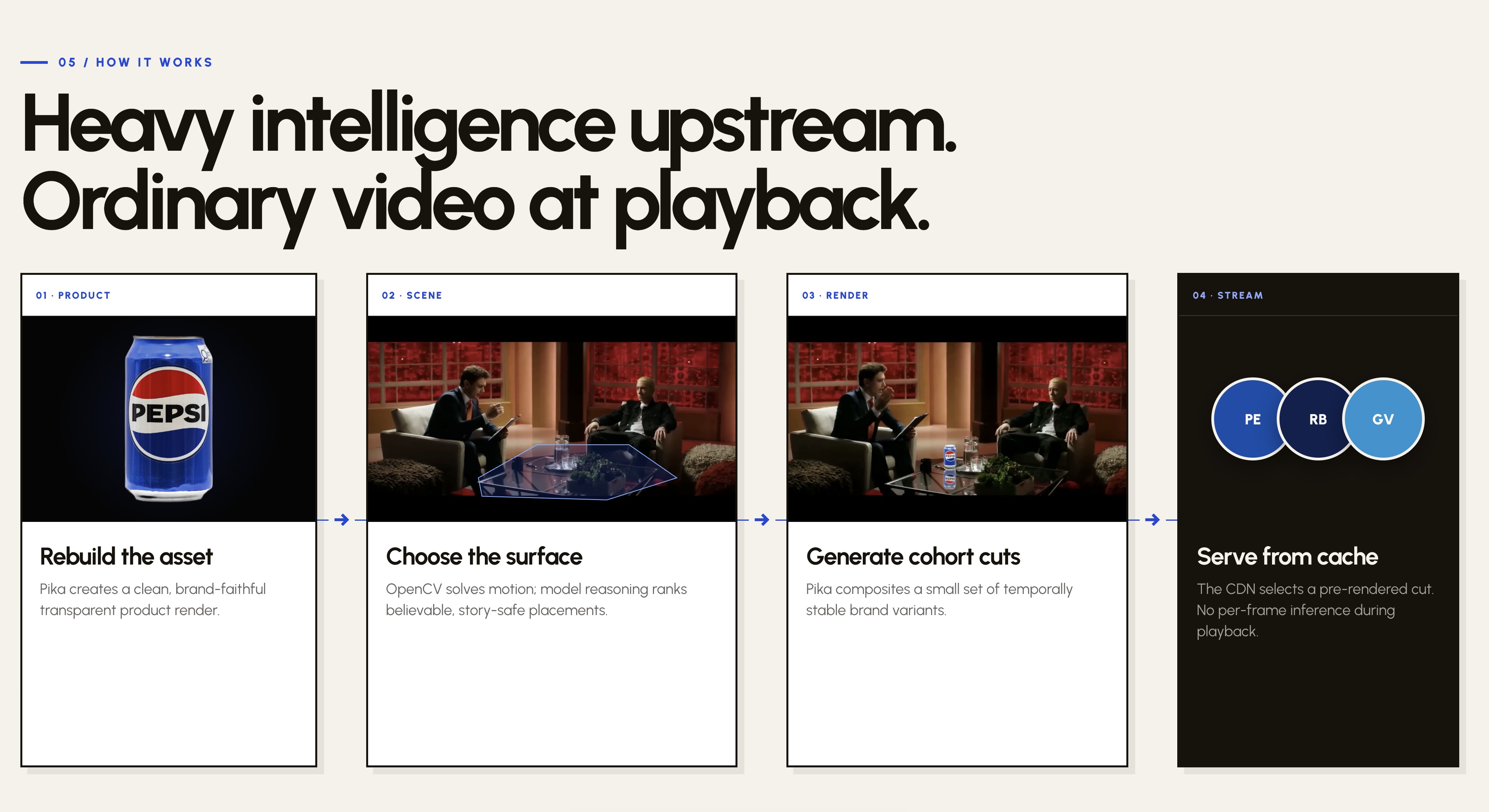
Most people skip ads. So instead of interrupting the show, Lumen drops real, brand-faithful products into it — on the right surface, with the right light and motion. One product photo plus one scene becomes a set of ready-to-stream placement cuts. All the heavy AI runs once, upfront, so playback costs the same as normal video. That's what finally makes product placement affordable for small businesses that could never get on a set.
## What it does
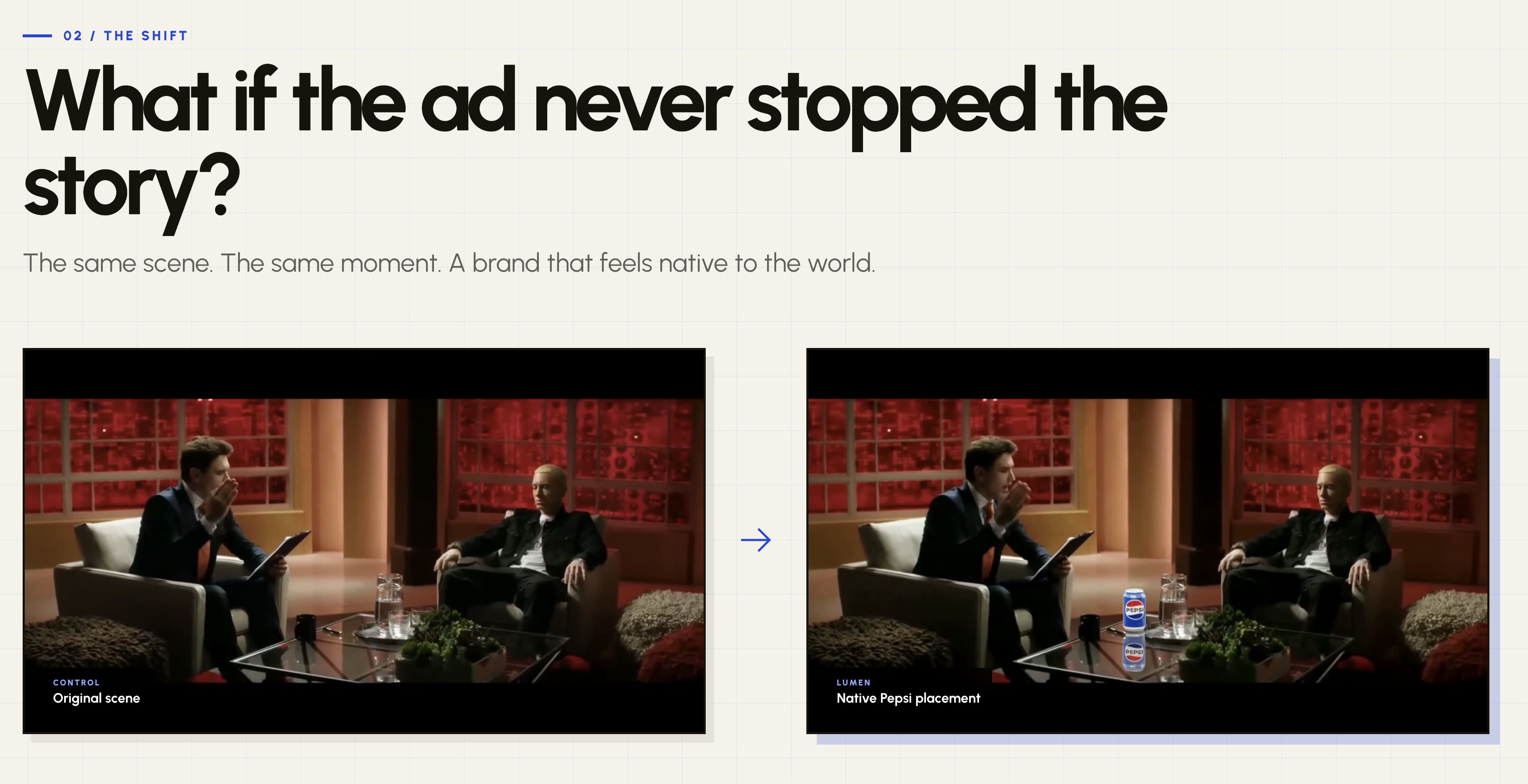
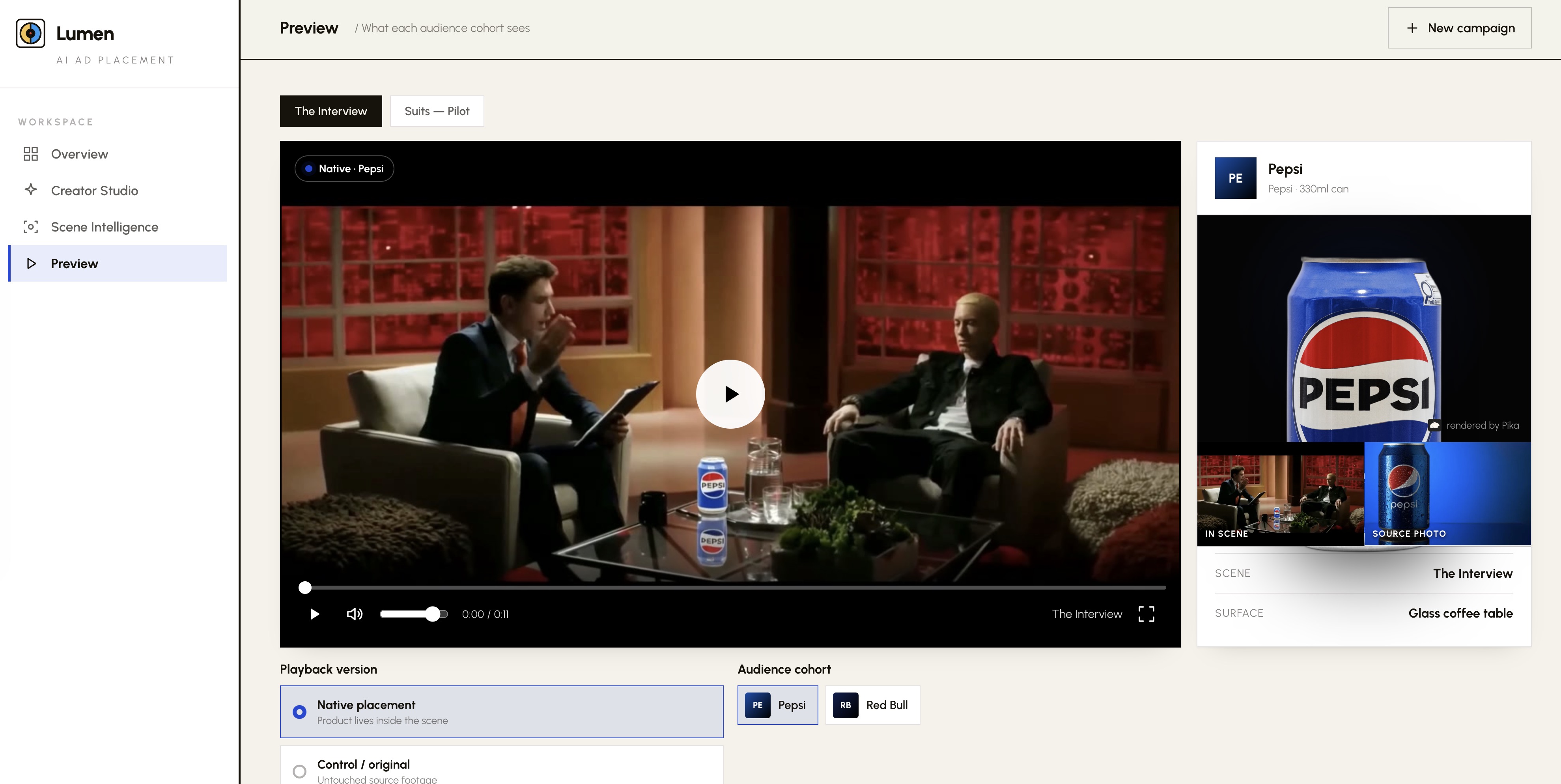
Upload a phone photo of a product and Lumen rebuilds it as a clean studio render. Upload a clip and it finds the stable, believable surfaces to place on. Then it generates a small set of temporally stable variants — the same scene with Pepsi, or Red Bull, or a tracked billboard on a skyscraper — and a custom player swaps between them mid-playback. Render once, reuse the same scene for many brands.
##How I built it
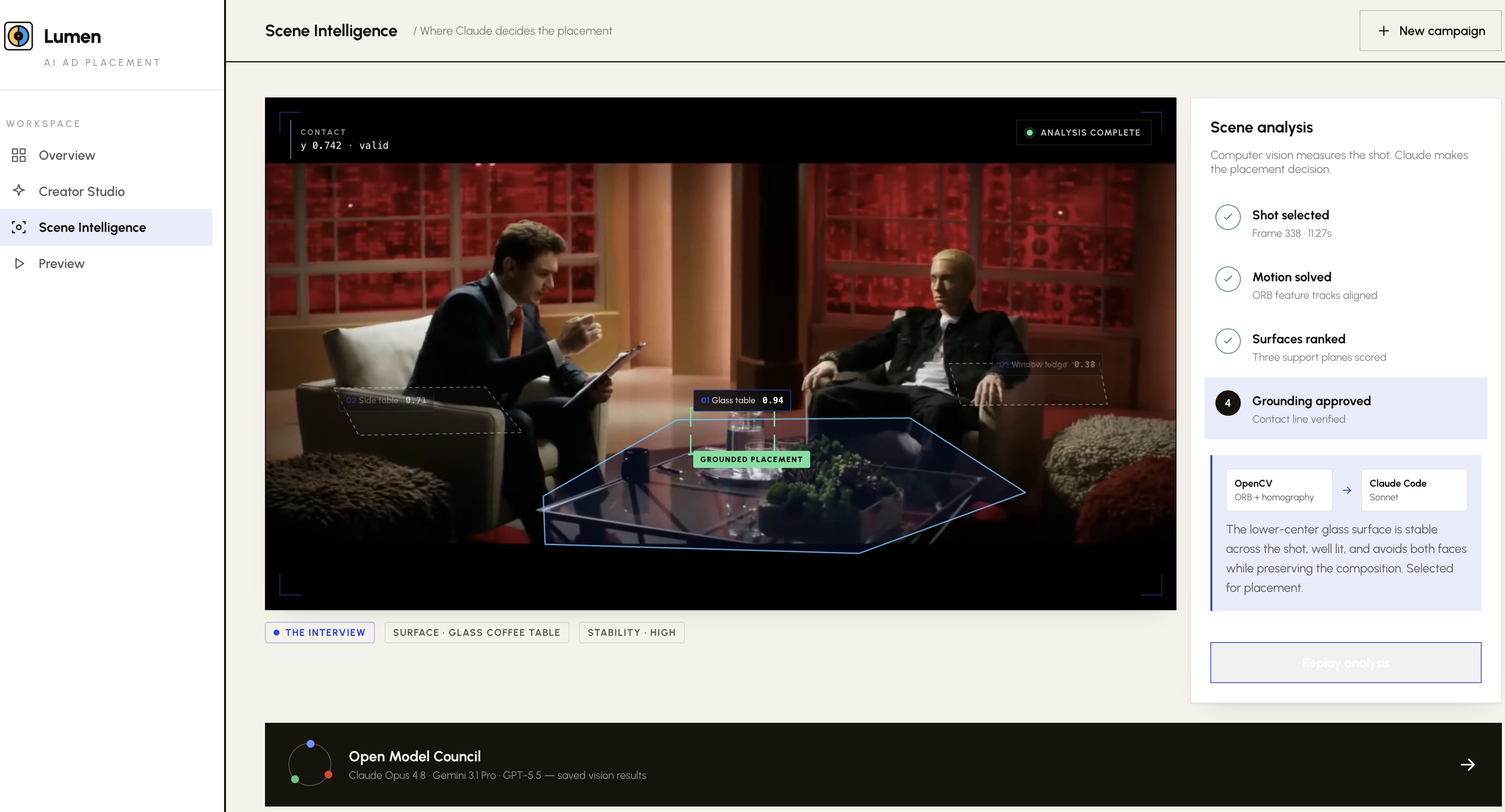
Pika MCP for generation — nano-banana-pro (Gemini 3 Pro) for brand-faithful product renders, and Kling v3 omni in base-edit mode for the actual placement (source clip as base, product as reference, original audio kept). OpenCV handles shot detection and surface tracking, with a model council (Claude Opus 4.8, Gemini 3.1 Pro, GPT-5.5) ranking placements. ffmpeg stitches the swapped shots back with lip-synced audio. The front end is a self-contained Creator Studio where the product-render step runs live.
##Challenges
Local FLUX on my Mac kernel-panicked and had no temporal consistency, so I scrapped it for hosted models. Hand-tracking with OpenCV homography shook badly — the fix was to stop hand-tracking and let the video model glue the placement in. Kling also faithfully reproduced a shot-cut hiding in my source clip, so I learned to trim down to one clean continuous shot (about 3 seconds). And it kept rendering cans too tall until I anchored their size to the glasses in frame.
##What I'm proud of
Real, stable video placement with zero local compute: a Pepsi can holding steady on a glass table while people move and the original audio plays. A billboard tracked onto a skyscraper in a drone shot. And one scene serving four interchangeable brands — proof of the "render once, serve many" economics.
##What I learned
Push the expensive intelligence upstream and playback stays cheap — that's the whole business. Don't hand-track; let the video model do the placement, and only ever feed it one clean shot. Brand fidelity and physical scale are the hard part, and prompts matter as much as the model.
##What's next
Self-serve targeting by geography and content niche, a marketplace where content owners list approved scenes as renewable ad space, and automated surface detection across full catalogs.
##Built with
Pika MCP · nano-banana-pro (Gemini 3 Pro) · Kling v3 omni · Claude Opus 4.8 · OpenCV · ffmpeg · Python · JavaScript · TokenRouter
Built With
- javascript
- pika
- python
- tokenrouter


Log in or sign up for Devpost to join the conversation.