-
-
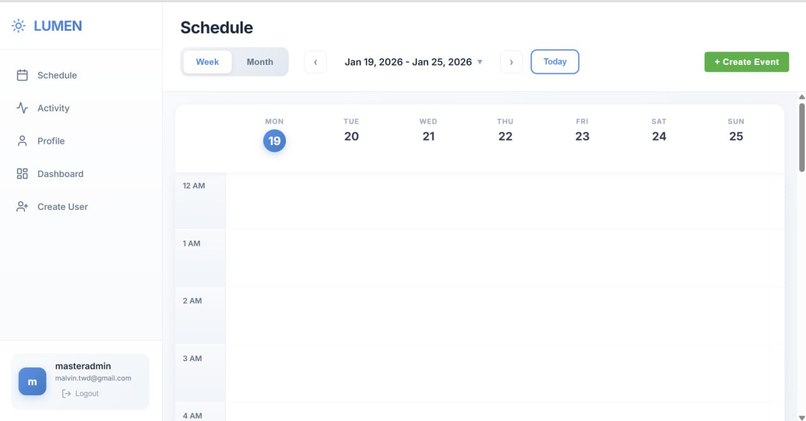
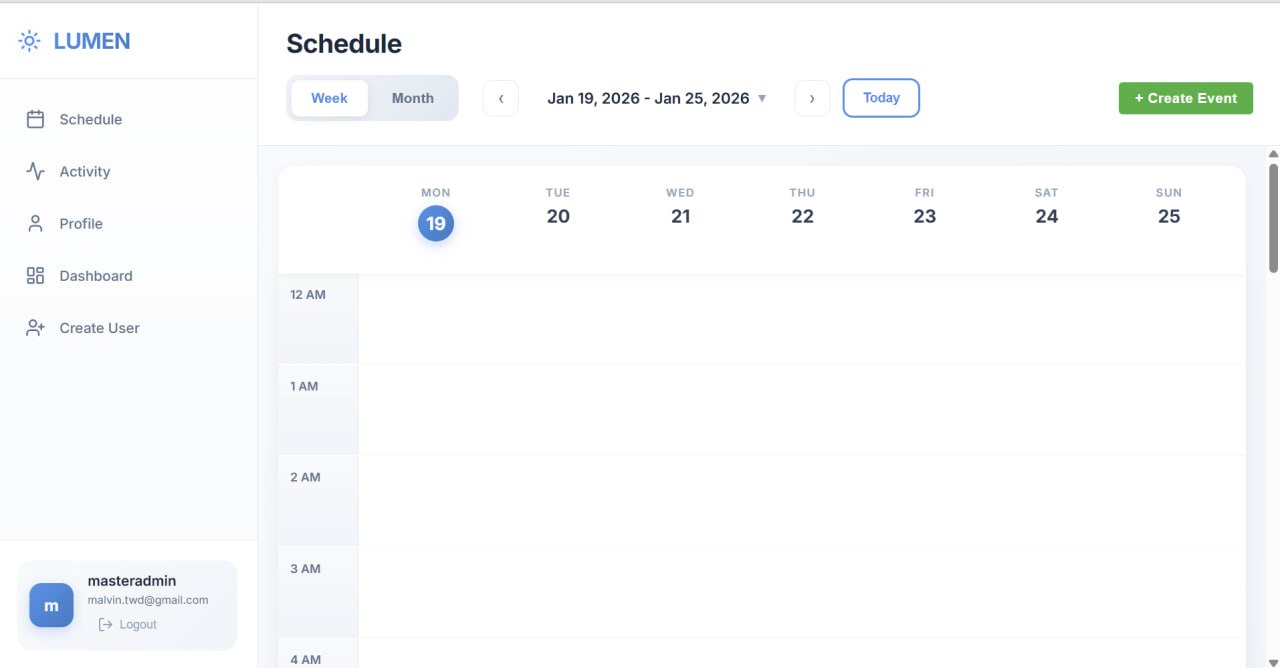
The calender page to view all events for each day or month
-
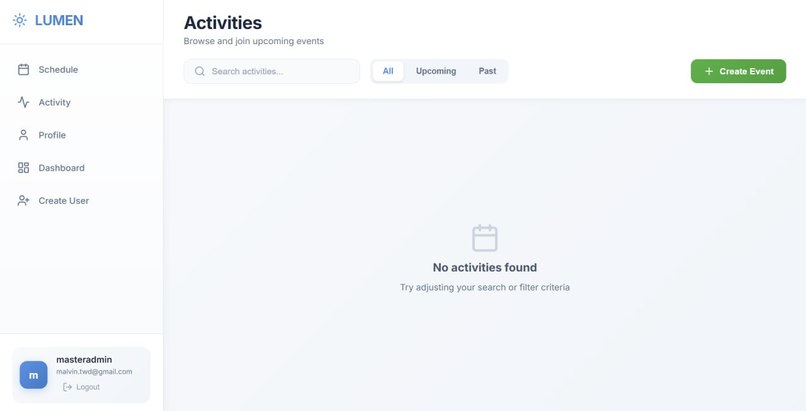
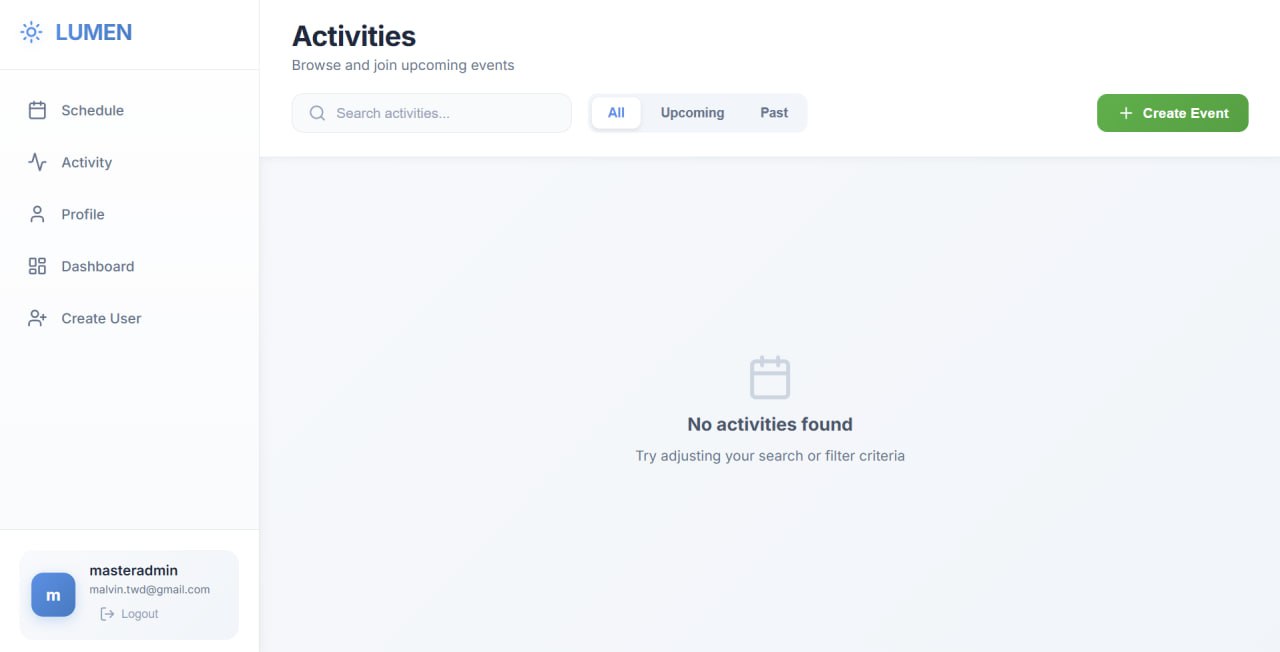
The activity list to show all the events
-
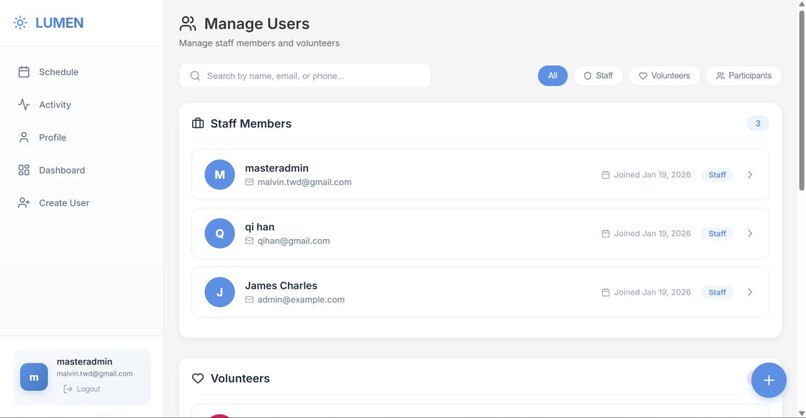
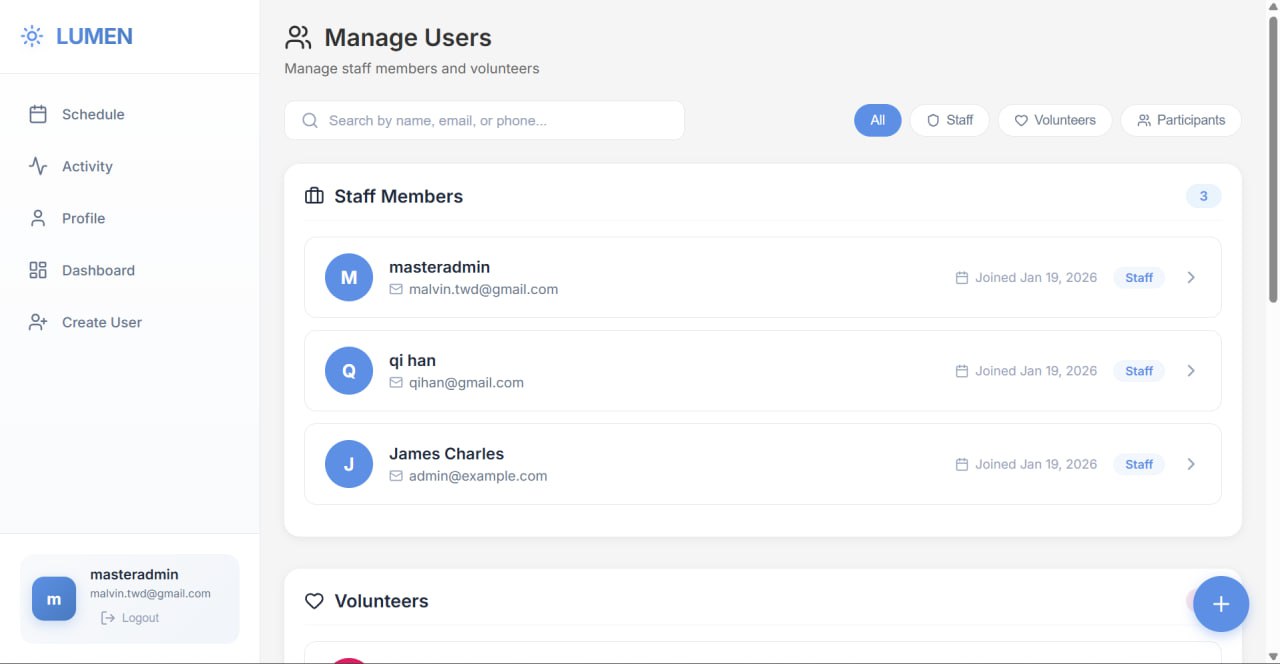
The admin dashboard to see all the users
Welcome to the MINDS Activity Hub
Welcome to Lumen, a platform uniquely designed with accessibility at its core to help you stay active and connected. We have built this interface to be incredibly easy to use, ensuring that technology acts as a bridge, not a barrier, for our senior community.
Key Features: Designed for Accessibility
We Speak Your Language
We understand the importance of comfort and clarity. You can use the application in either English or Chinese (中文). A clear, accessible toggle allows you to switch the language at any time, ensuring you can read all event details.
High-Visibility Activity Calendar
The calendar is designed to be clear and readable, prioritizing ease of navigation:
- Flexible Views: View your schedule by the week or see the whole month at a glance, allowing you to plan at your own pace.
- Clear Availability: The system uses simple indicators to show if a class is "Full" or how many spots are left, avoiding small text or confusing metrics.
- Distinct Activity Types: Activities are clearly labeled (e.g., Home Visits, Video Calls, Meetings) so you know exactly what to expect before you join.
Simplified Registration Process
We have minimized the steps required to join an activity:
- One-Click Registration: Found an activity you like? Simply select the large "Register" button to save your spot immediately.
- My Schedule: Access your personal "My Schedule" view to see only the events you have signed up for, keeping your view uncluttered.
- Hassle-Free Cancellation: If plans change, a single click on "Cancel Registration" removes you from the list.
Barrier-Free Sign-In
We have removed complex passwords to make access as smooth as possible:
- No Password Required: Participants can sign in using just their Phone Number and Date of Birth, information you already know by heart.
- Secure Verification: We handle security automatically by sending a verification code to your phone, ensuring your account remains safe without you needing to remember complex credentials.
How to Start
- Sign In: Select "I'm a Participant" on the main screen.
- Browse: Look through the "Upcoming Activities" list.
- Join: Select an activity and click Register.
- Enjoy: Attend your event and connect with others!


Log in or sign up for Devpost to join the conversation.