-
-
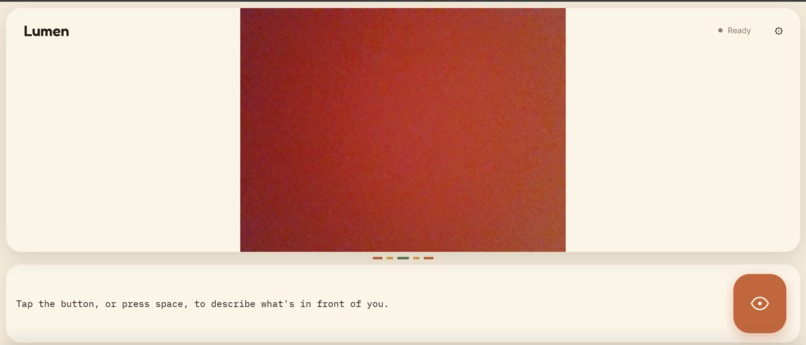
Lumen being used on a laptop(not made for laptops)
-
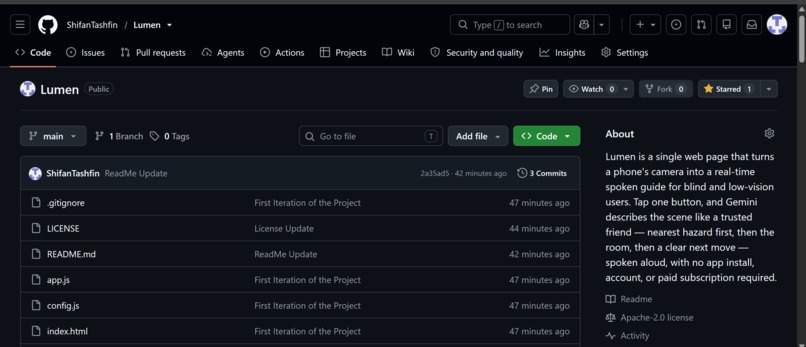
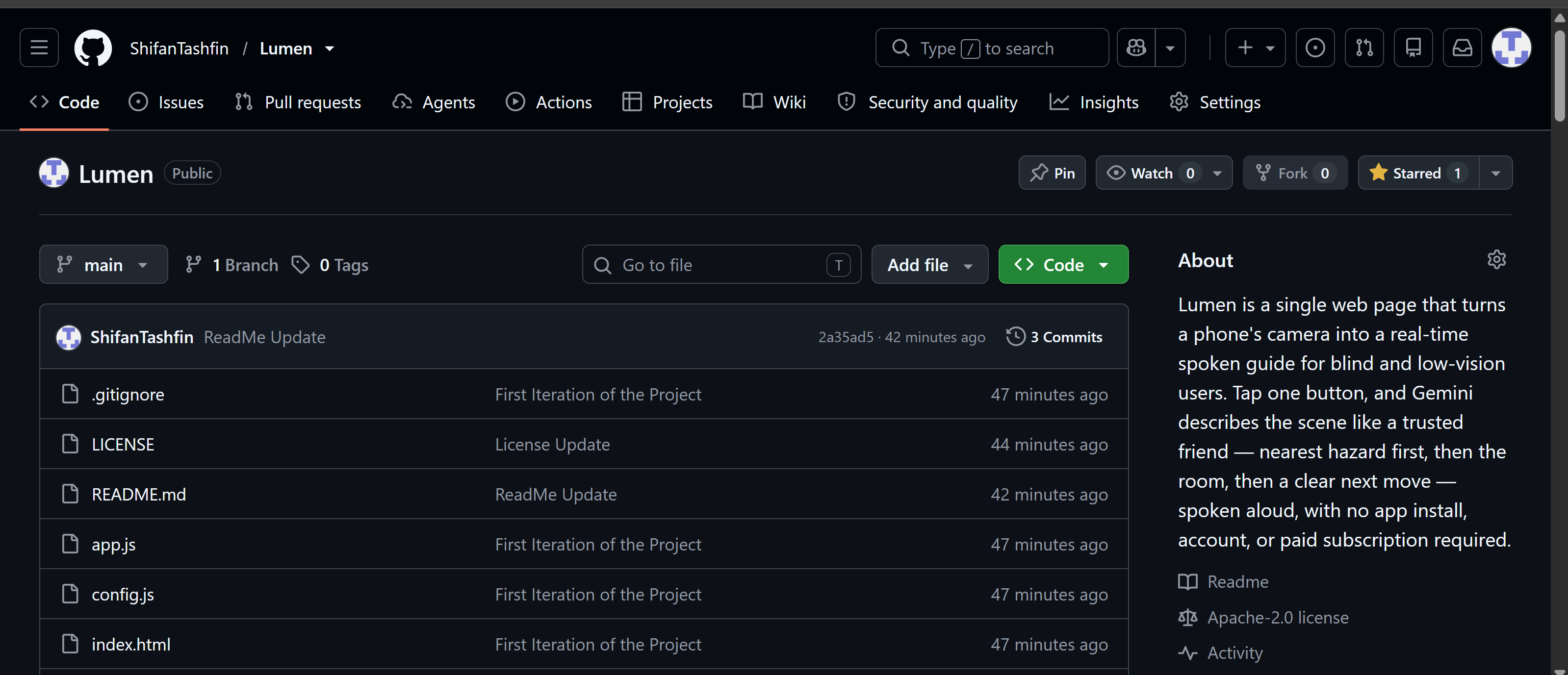
lumens github repo
-
Inspiration
I kept thinking about how much I take for granted just glancing across a room and instantly knowing what's in it. For someone who's blind or low-vision, that's not automatic — it takes a cane, a memory of the space, or someone else describing it to them. The tools that already exist for this are either expensive, need special hardware, or require downloading and setting up a whole app. I wanted to build something you could just open on a phone you already own and use immediately, no setup, no cost. That's basically the whole idea behind Lumen.
What it does
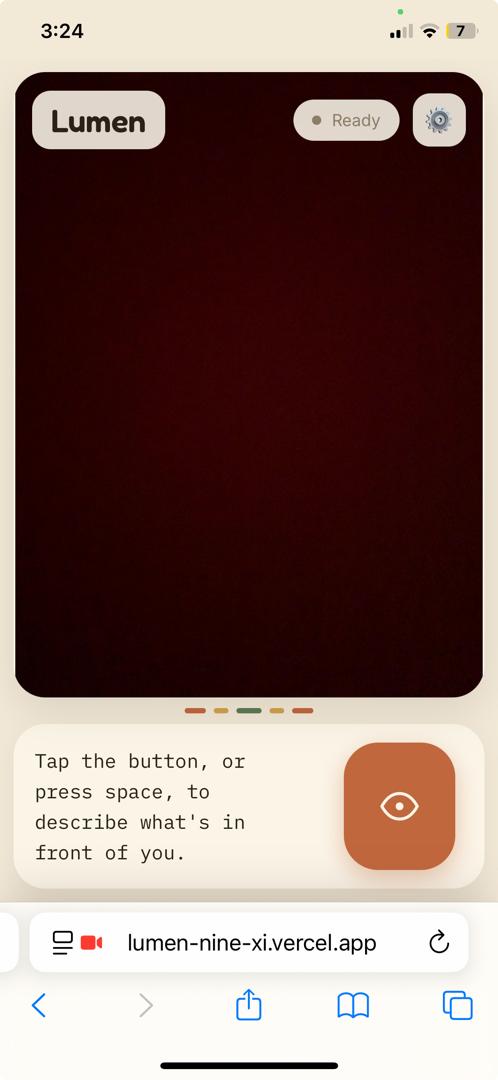
You open Lumen in your phone's browser, point the camera at whatever's in front of you, and tap one big button. A few seconds later it describes the scene out loud — not like a robot listing random objects, but more like a friend walking next to you would:
- What's closest and could be a hazard
- What kind of space you're in
- What else is around
- One clear instruction on what to do next — like "step left around the table and you're clear"
The text also highlights on screen as it's spoken, in case someone with partial vision wants to follow along.
How we built it
It's just plain HTML, CSS, and JavaScript — no frameworks, no build step. When you tap the button it grabs a frame from the camera, shrinks it down, and sends it to gemini-3.6-flash with a prompt written to sound like an orientation-and-mobility guide instead of a generic image caption. The description that comes back gets split into small chunks and sent to Gemini's TTS model so it can start speaking almost right away instead of waiting for the whole thing to generate. If Gemini's speech API ever fails for any reason, the browser's built-in voice takes over automatically so it still says something.
We also had to handle picking the right camera — rear camera on phones, front camera on laptops — and specifically avoid picking up things like Windows Phone Link or Continuity Camera, which kept accidentally hijacking the video feed during testing.
Challenges we ran into
The biggest one: narration kept getting cut off partway through, every time, not randomly. Turned out our safety timeout was based on total time since the tap, capped at 28 seconds. But if you do the math on our own prompt — descriptions run about 90–160 words, and natural speech is roughly 150 words/minute — just the speaking time alone comes out to:
$$ \frac{130 \text{ words}}{150 \text{ words/min}} \approx 0.87 \text{ min} \approx 52 \text{ seconds} $$
So the timeout was shorter than the narration itself. It wasn't a rare bug — it was basically guaranteed to kill every narration early. We fixed it by changing what the timeout actually measures — instead of "how long since the tap," it now checks "how long since anything last happened." As long as it's still making progress, even a long narration is allowed to keep going; it only steps in if things actually go quiet.
Another one was rate limits. We assumed we'd run into Gemini's daily free-tier cap, but real testing showed we were getting rate-limited after way fewer requests than that — it's actually a per-minute limit, and each single tap uses at least two API calls (vision + speech), so it adds up fast if you tap a few times quickly. We had to slow down and pace our own requests client-side so we don't hit that wall ourselves.
The one that changed how we thought about the whole project, though, was realizing that a silent failure and a broken app look identical if you can't see the screen. If something went wrong and we just displayed an error message, a blind user would have no idea anything happened at all — the tap would just seem to do nothing. So we went back through every single failure case — no camera, no internet, rate limited, API error, whatever — and made sure every one of them is actually spoken out loud, not just shown as text.
Accomplishments that we're proud of
- Getting the narration to actually sound natural and prioritize the right information first — the hazard, then the room, then everything else — instead of just listing random objects it sees.
- Getting speech to start almost instantly instead of making people wait for a huge chunk of text to generate all at once.
- Getting to a point where every single tap of the button reliably does something and says something, even when something behind the scenes goes wrong.
What we learned
Mostly that building for accessibility isn't something you bolt on at the end — it changes what "working" even means. A timer that fires exactly when it's supposed to can still be a real bug if what it interrupts is someone's only way of knowing what's around them. We had to test the failure cases just as much as the normal ones, because for this specific use case, a quiet failure is basically the same as a crash.
What's next for Lumen
- Some kind of offline fallback for when there's no connection at all
- Support for more languages
- A safer version of an auto-narrate mode for situations like walking down a long hallway without needing to keep tapping
- Letting people adjust how much detail they get — a quick one-liner for a familiar space versus the full description for somewhere new
Built With
- css
- geminiapi
- html
- javascript
- vscode


Log in or sign up for Devpost to join the conversation.