-
-
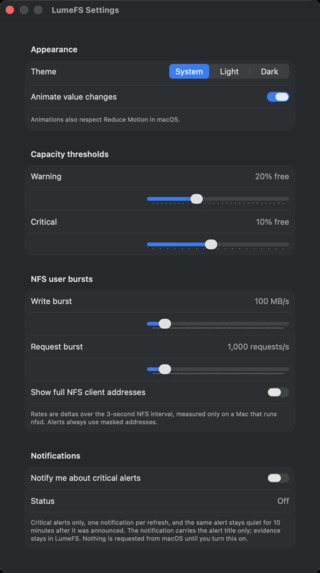
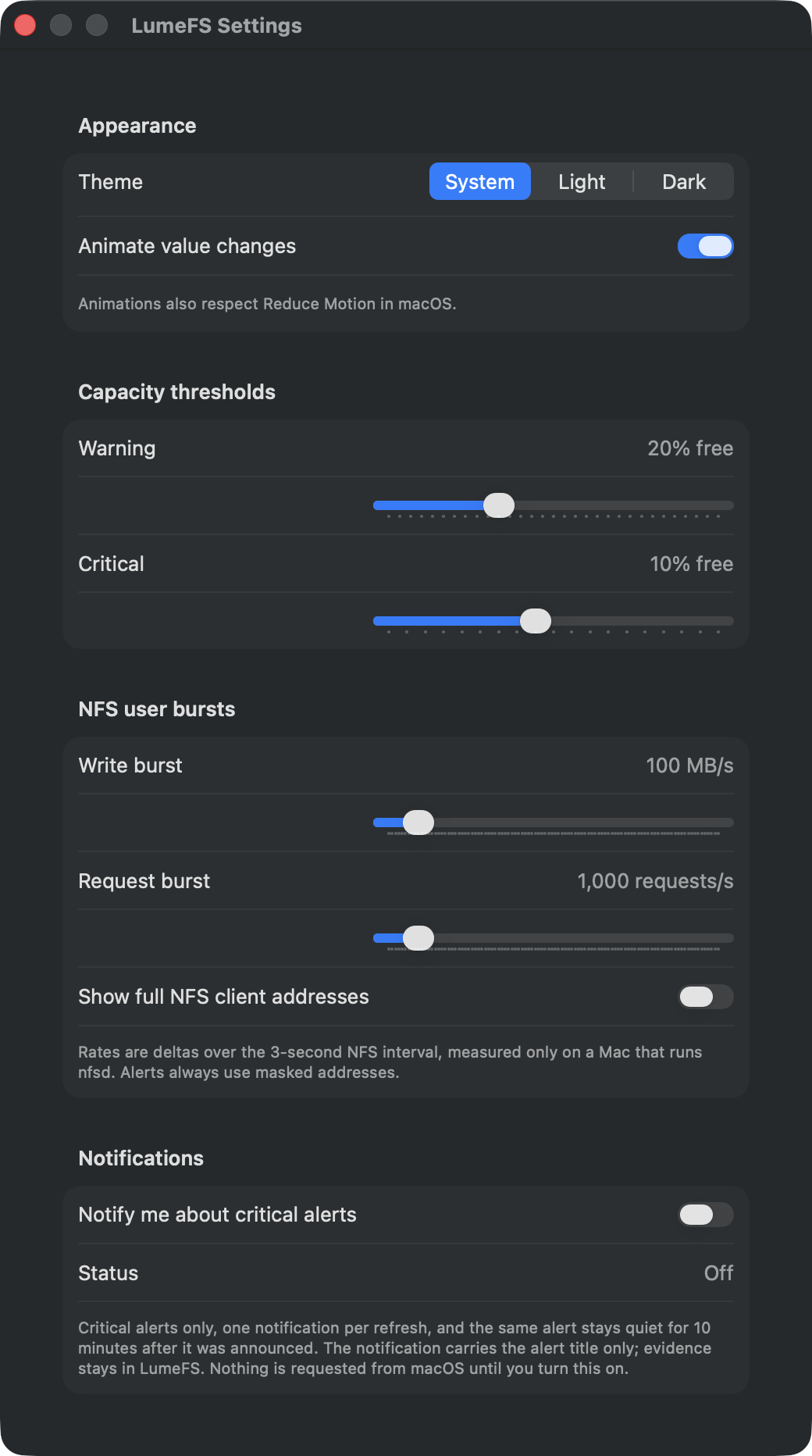
Settings — native appearance, thresholds, privacy, and notifications
-
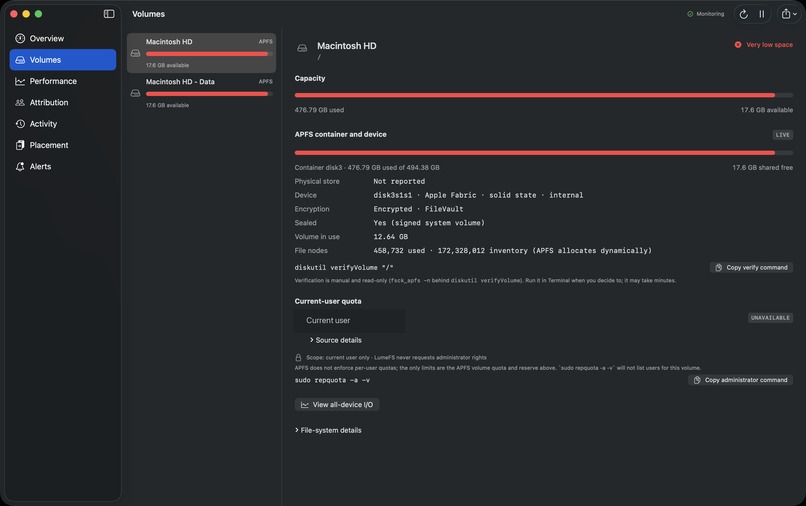
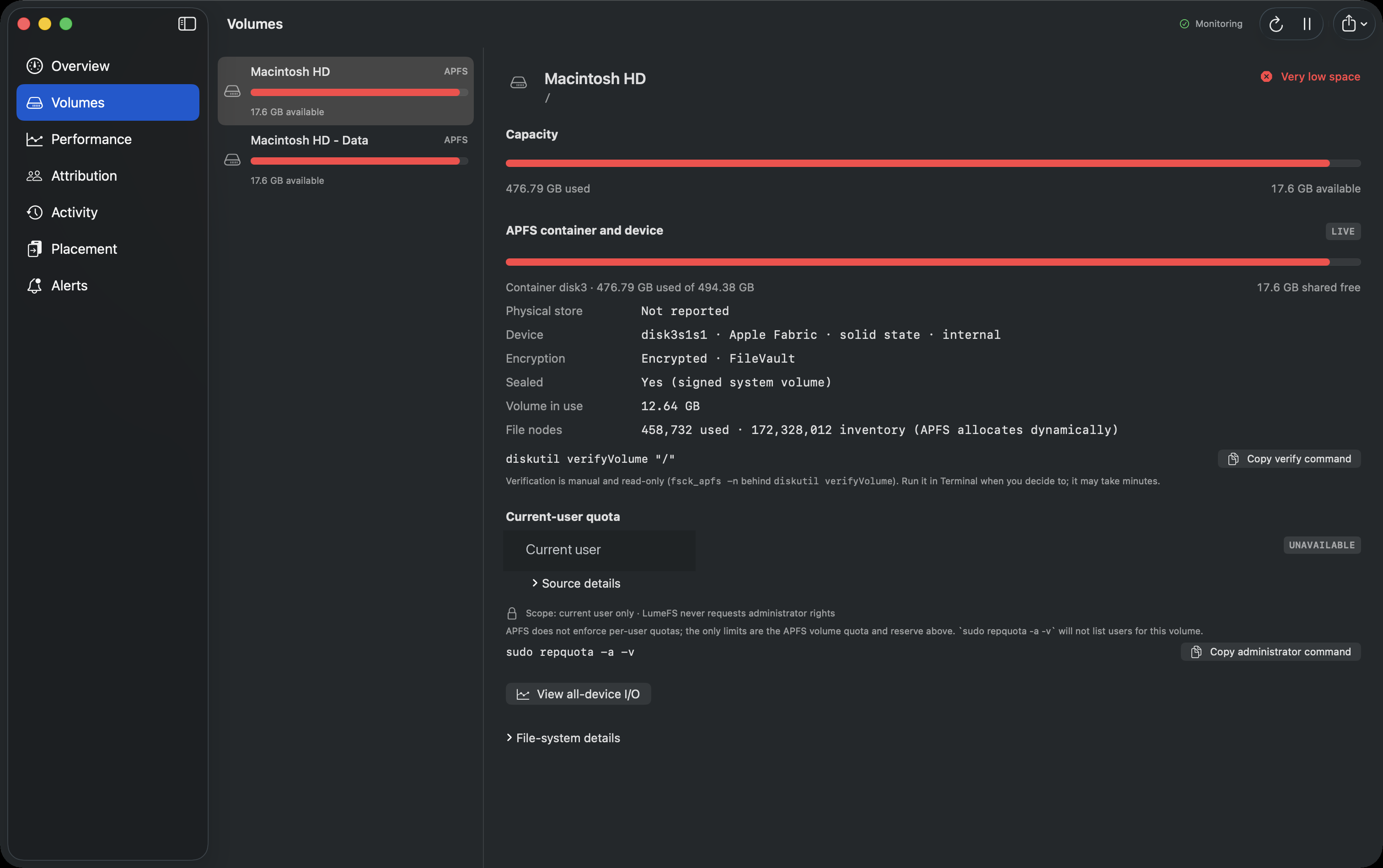
Volumes — APFS capacity, container evidence, and safe verification
-
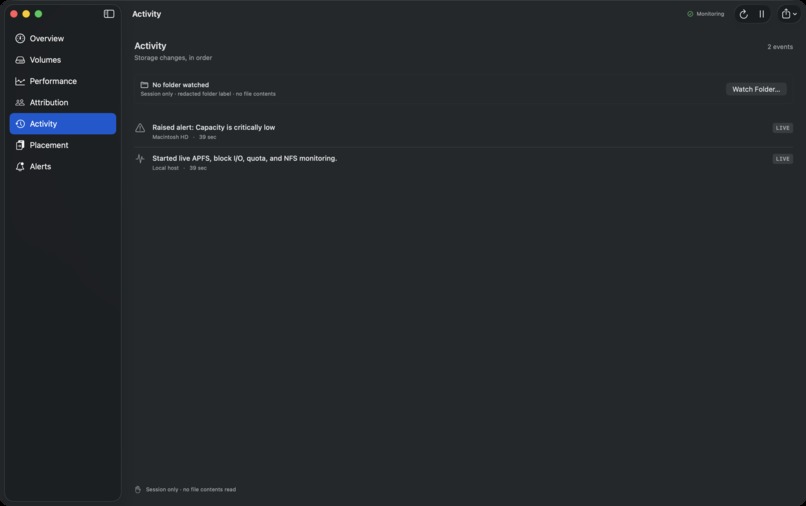
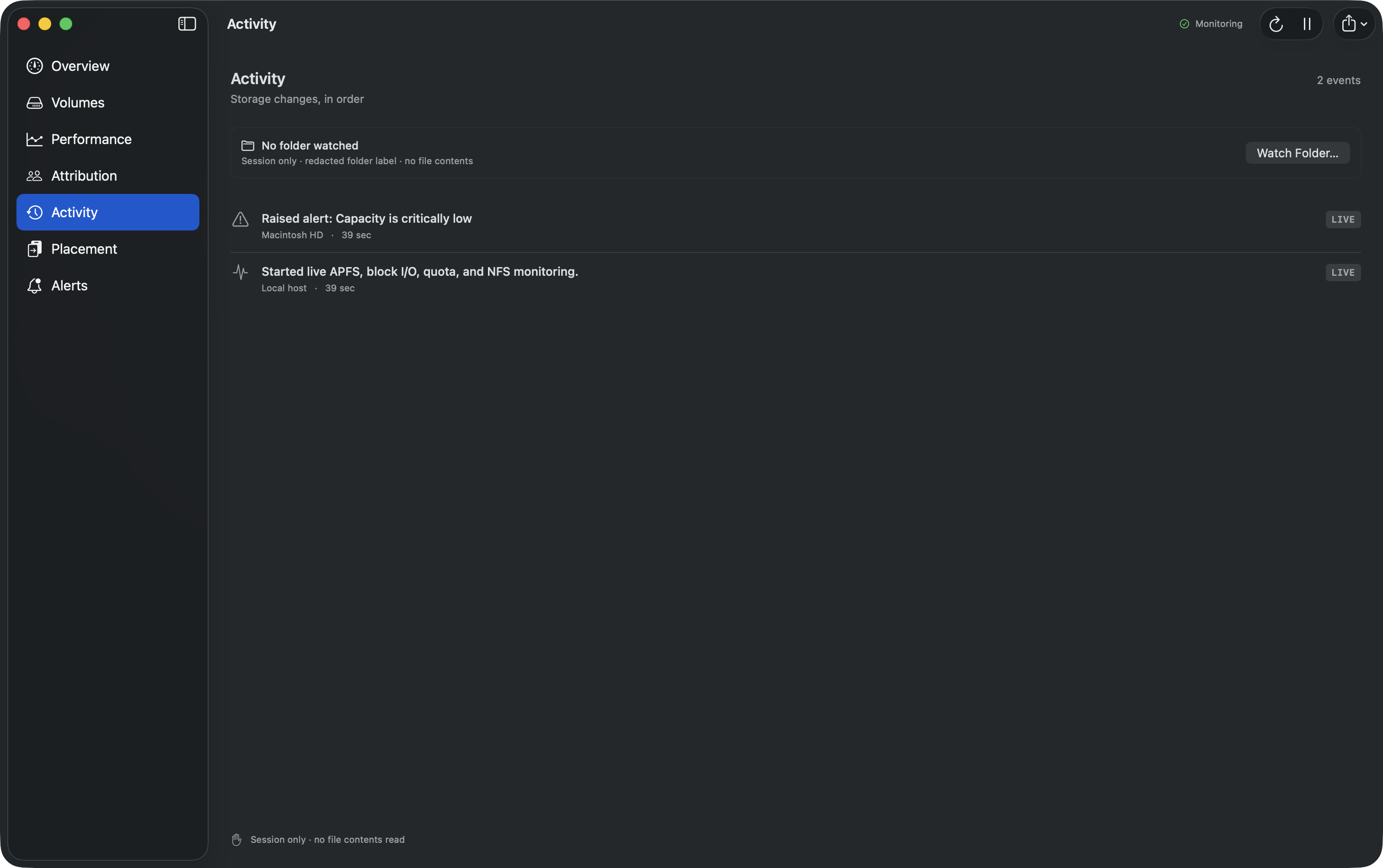
Activity — local, redacted storage events without reading file contents
-
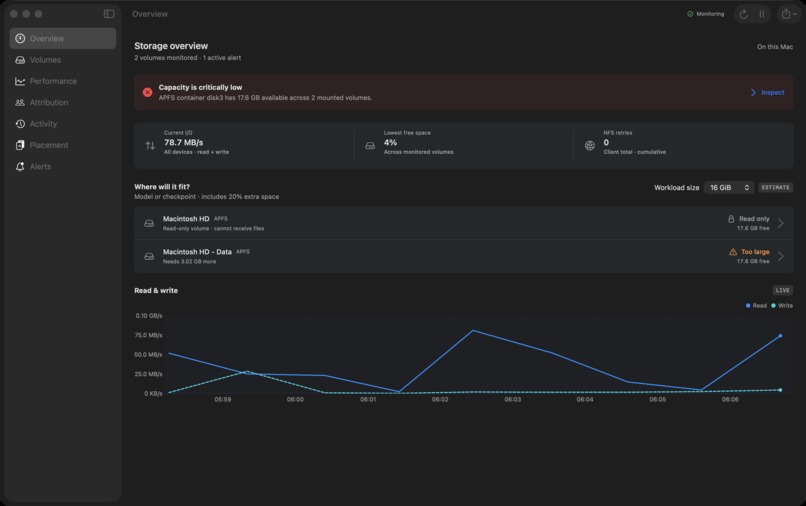
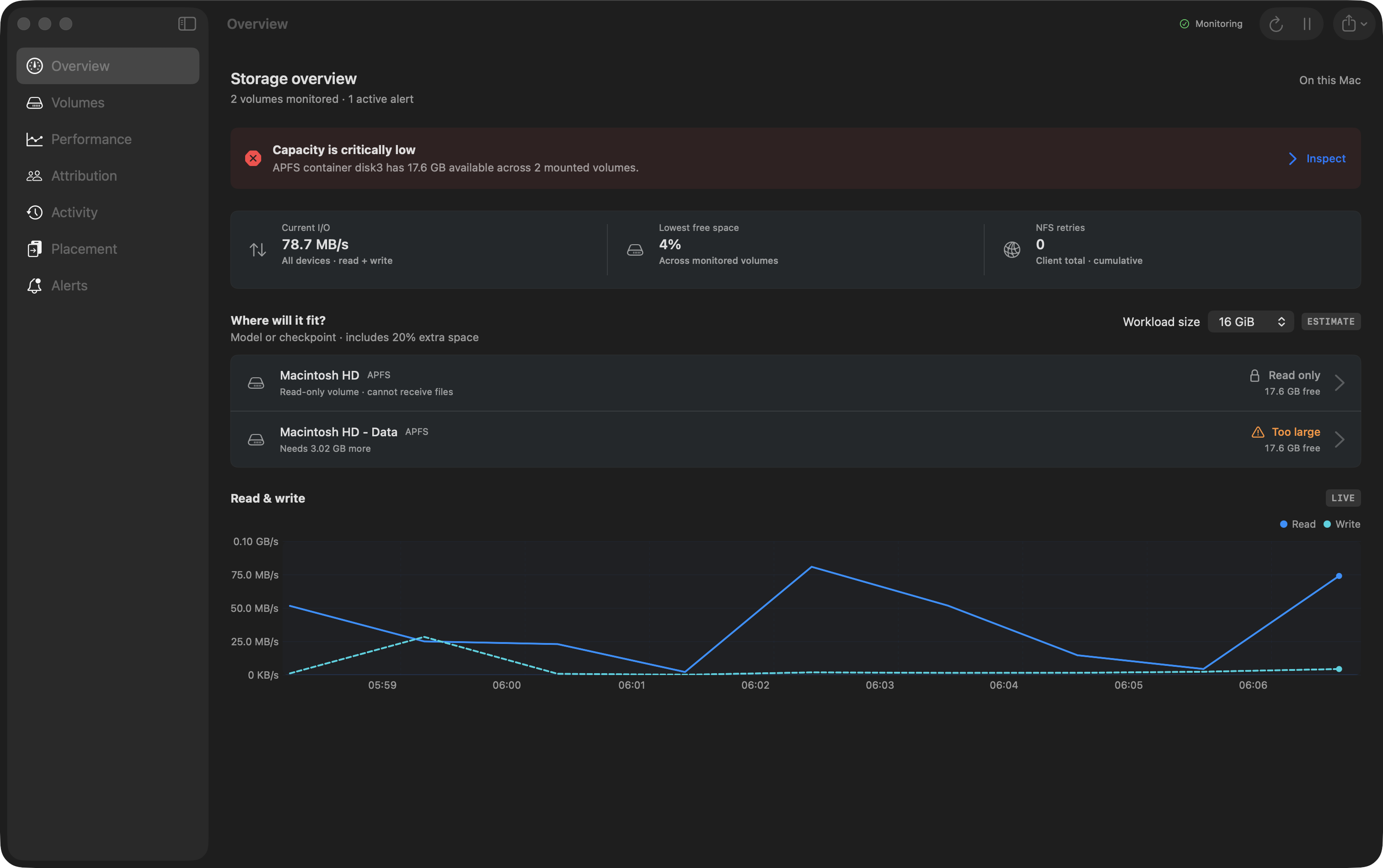
Overview — capacity, live I/O, and workload fit at a glance
-
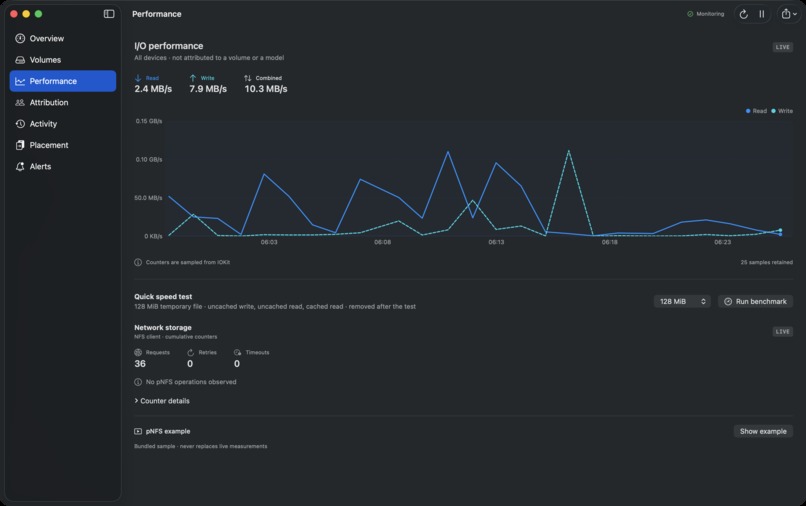
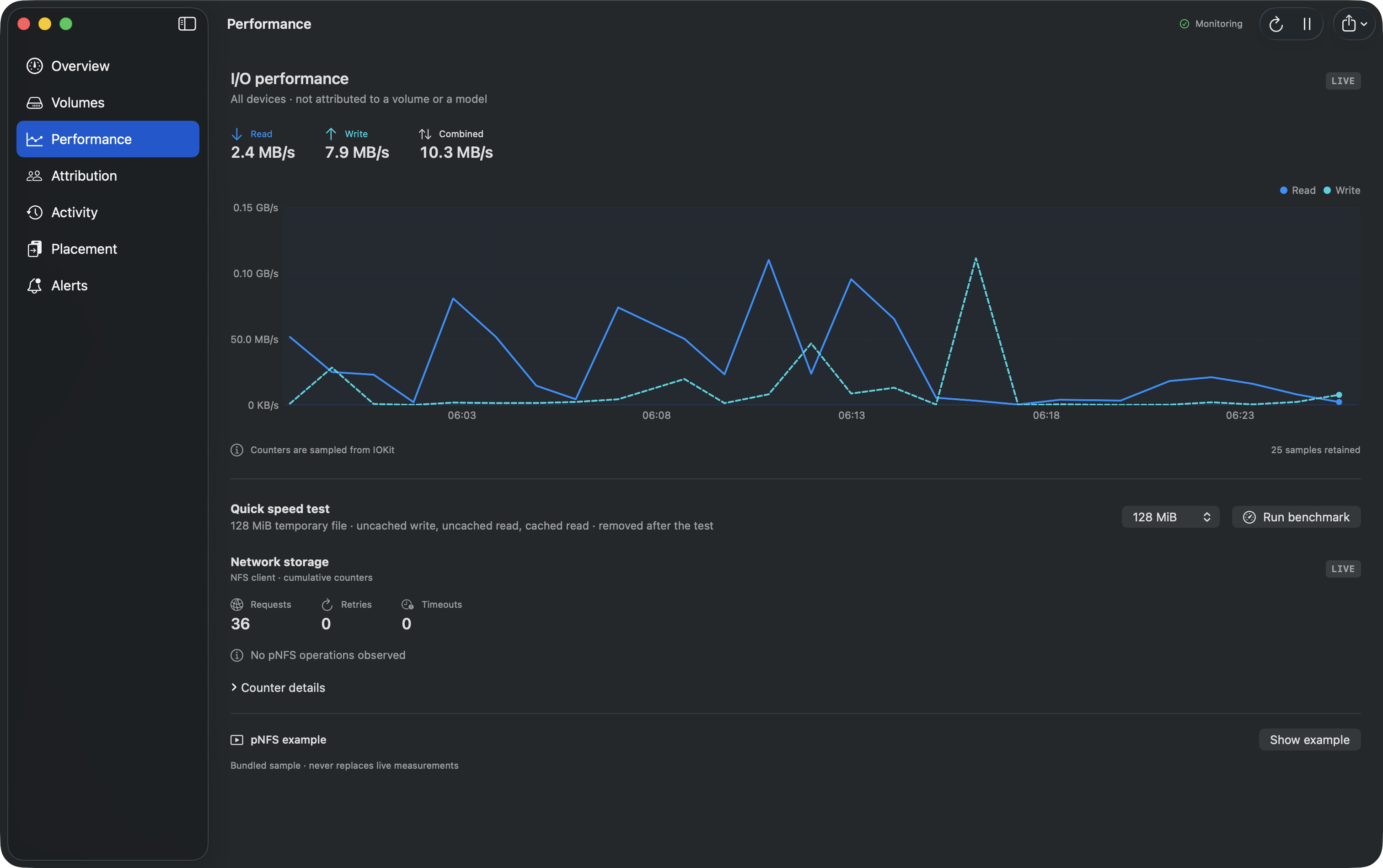
Performance — live read/write throughput and a bounded benchmark
-
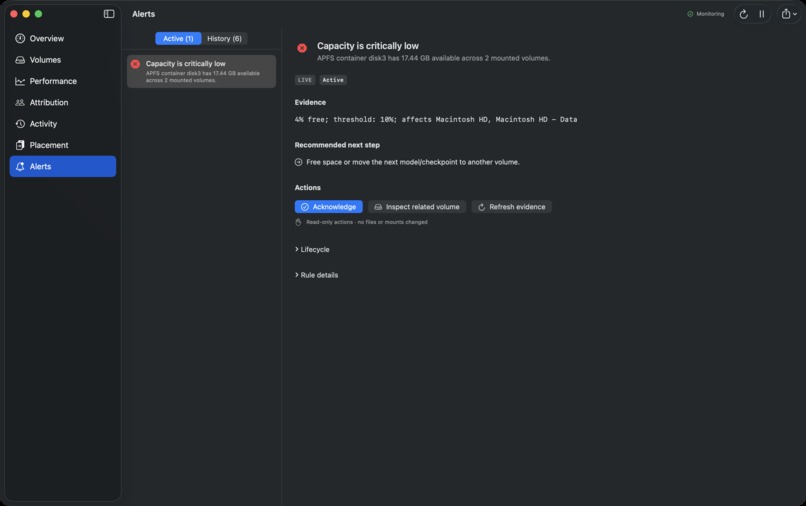
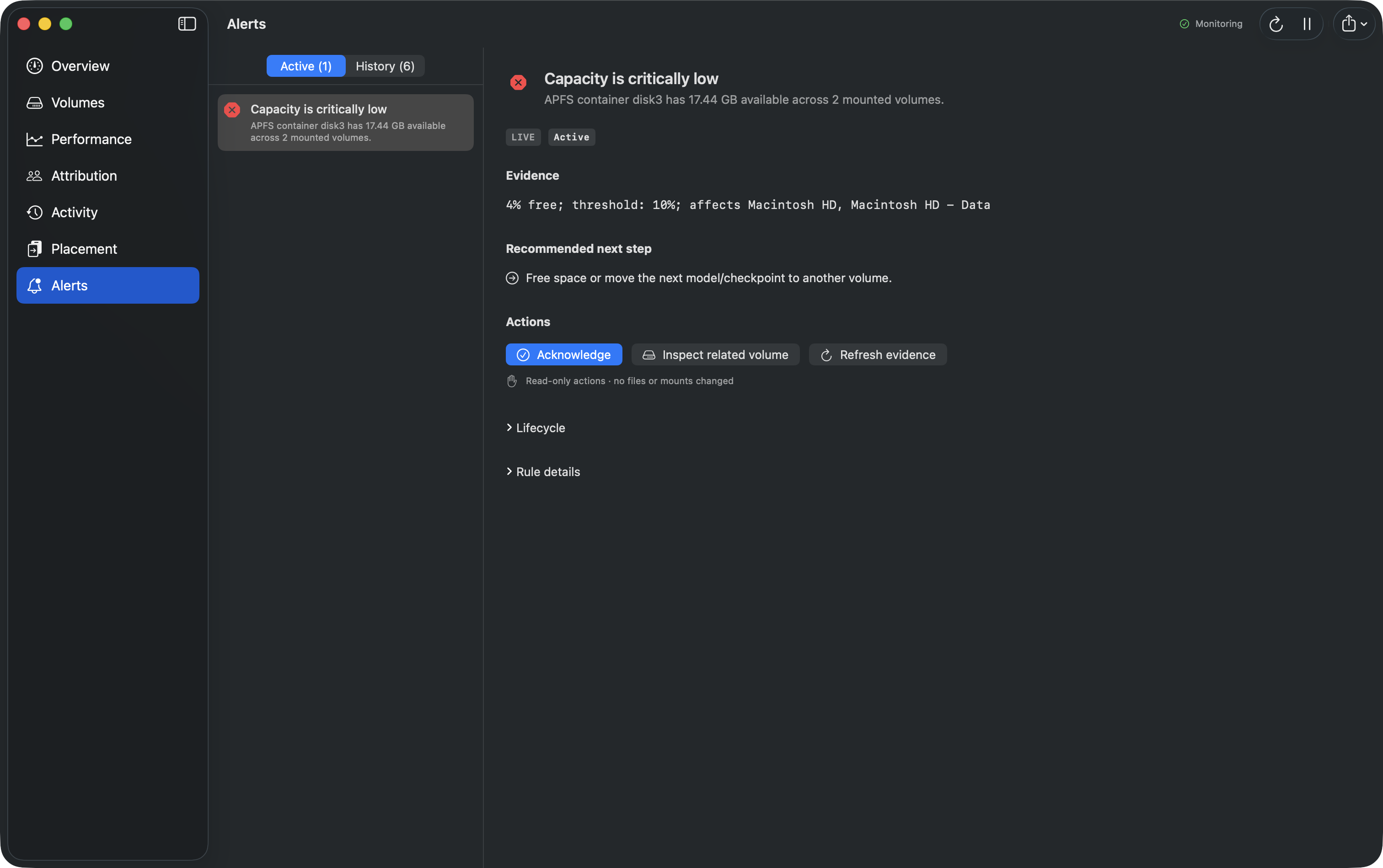
Alerts — grouped evidence, affected volumes, and a clear next action
Inspiration
Running AI models locally creates a storage problem that is easy to miss until a disk is full or I/O slows to a crawl. Checkpoints, datasets, caches, and shared NFS volumes all matter, but macOS spreads the useful signals across several system tools. I built LumeFS to bring those signals together without hiding where the data came from.
What it does
LumeFS is a native macOS storage monitor for local AI workloads. It shows:
- APFS and mounted-volume capacity, health, and metadata
- whole-device read and write activity
- local process and user attribution when macOS permits it
- NFS mount state, client counters, server-side user activity, and quota evidence when available
- alerts with the evidence behind them and a practical next step
- a dry-run-first Placement workflow that copies a workload to a safer destination without deleting or overwriting the original
Every metric is labeled as live, unavailable, benchmarked, estimated, or replayed. That distinction matters: LumeFS does not turn a demo fixture into a claim about a real system.
How I built it
I built LumeFS in Swift and SwiftUI, using native macOS interfaces including getfsstat, diskutil plist output, IOKit, libproc, FSEvents, nfsstat, and quota. The app has no third-party runtime dependencies.
The interface is organized around seven focused views: Overview, Volumes, I/O Performance, Attribution, Activity, Placement, and Alerts. Collection runs locally, file contents are never inspected, and the app does not repair disks or change mounts.
Challenges I ran into
The hardest part was making several different system signals tell one honest story. APFS System and Data volumes can describe the same container, so capacity incidents must be grouped instead of duplicated. Process information also changes with macOS permissions, and native macOS does not currently provide a real pNFS client path. I handled those limits explicitly rather than filling the gaps with mock data.
Designing safe actions was another challenge. Placement is additive by default: it inventories the source, checks the destination and capacity margin, asks for confirmation, copies with progress, and verifies file sizes. It never deletes the source or overwrites existing data.
Accomplishments that I am proud of
- A complete native monitoring workflow instead of a collection of disconnected charts
- Evidence-backed alerts that explain what happened and what to do next
- Clear provenance and permission states throughout the product
- A bounded benchmark and a cautious workload-placement estimate
- An open-source project with documented build steps, tests, architecture, metrics, and security boundaries
What I learned
macOS exposes enough information to build useful storage observability, but no single API answers the whole problem. I also learned that honest unavailable states are more valuable than polished but misleading numbers, especially for NFS, quotas, and pNFS.
What's next
Next I would validate pNFS against a sponsor-provided or non-macOS client environment, add authorized administrator quota reports, retain longer-term history for time-to-full estimates, and strengthen copy verification with checksums.

Log in or sign up for Devpost to join the conversation.