Inspiration
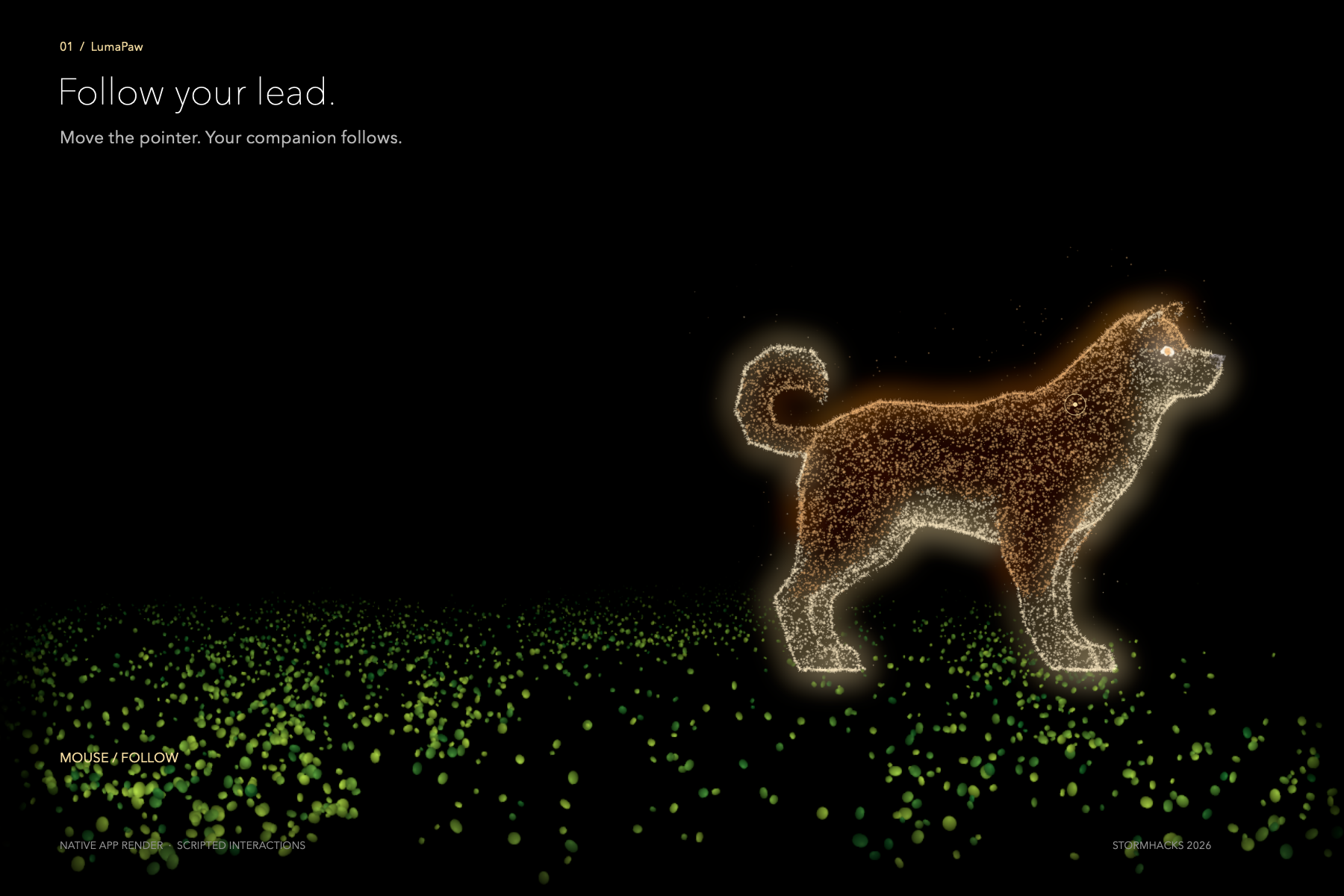
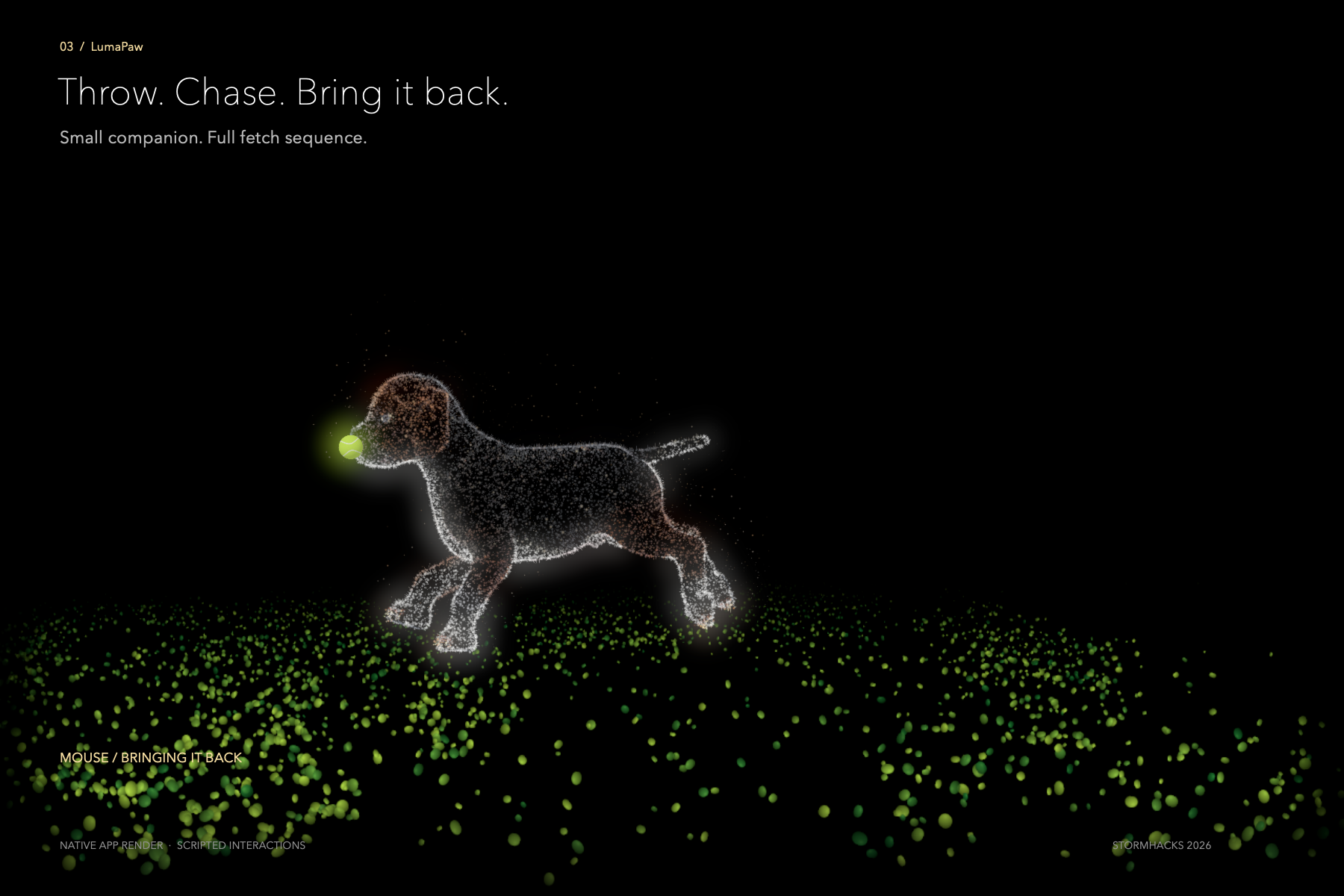
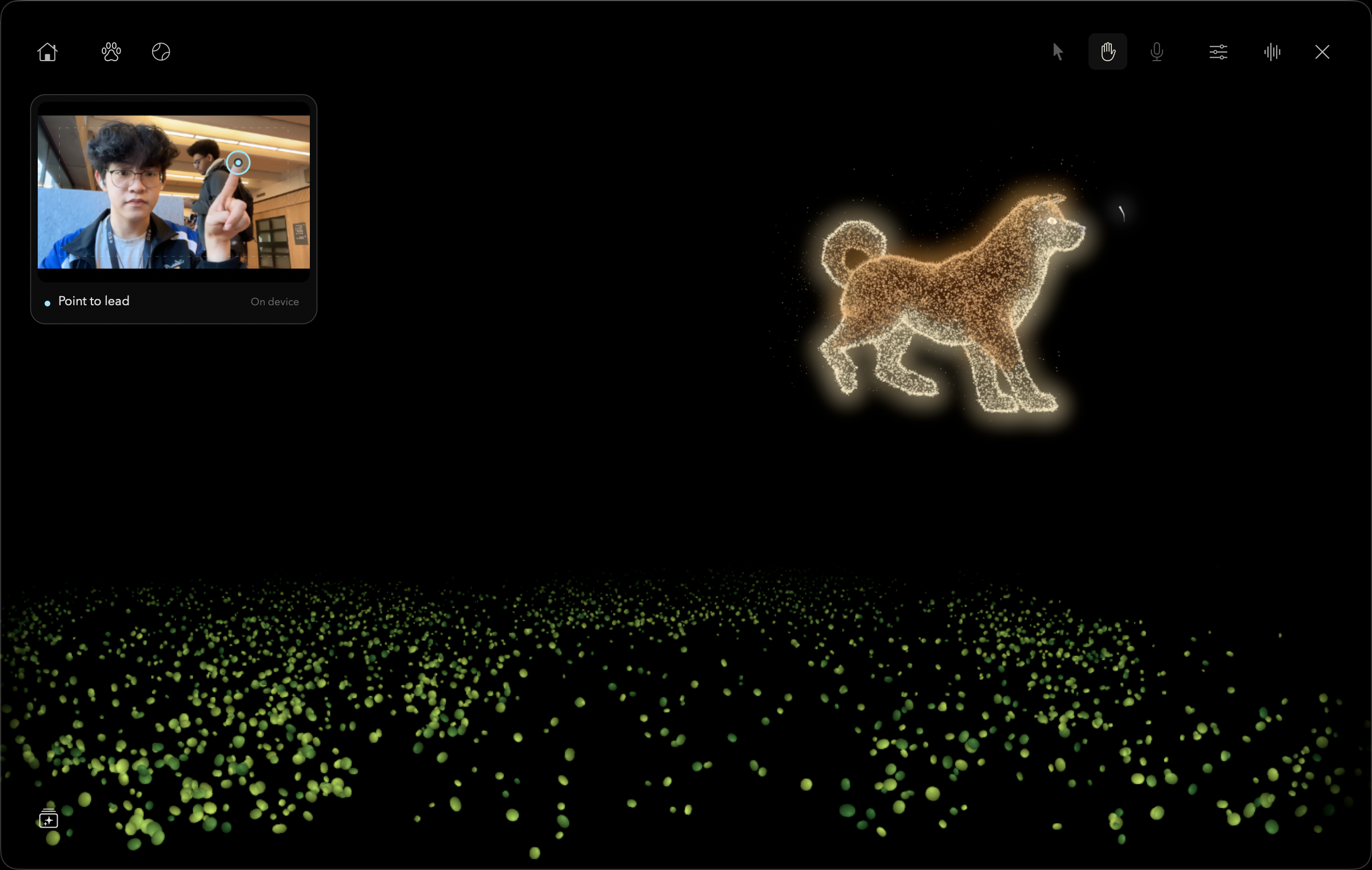
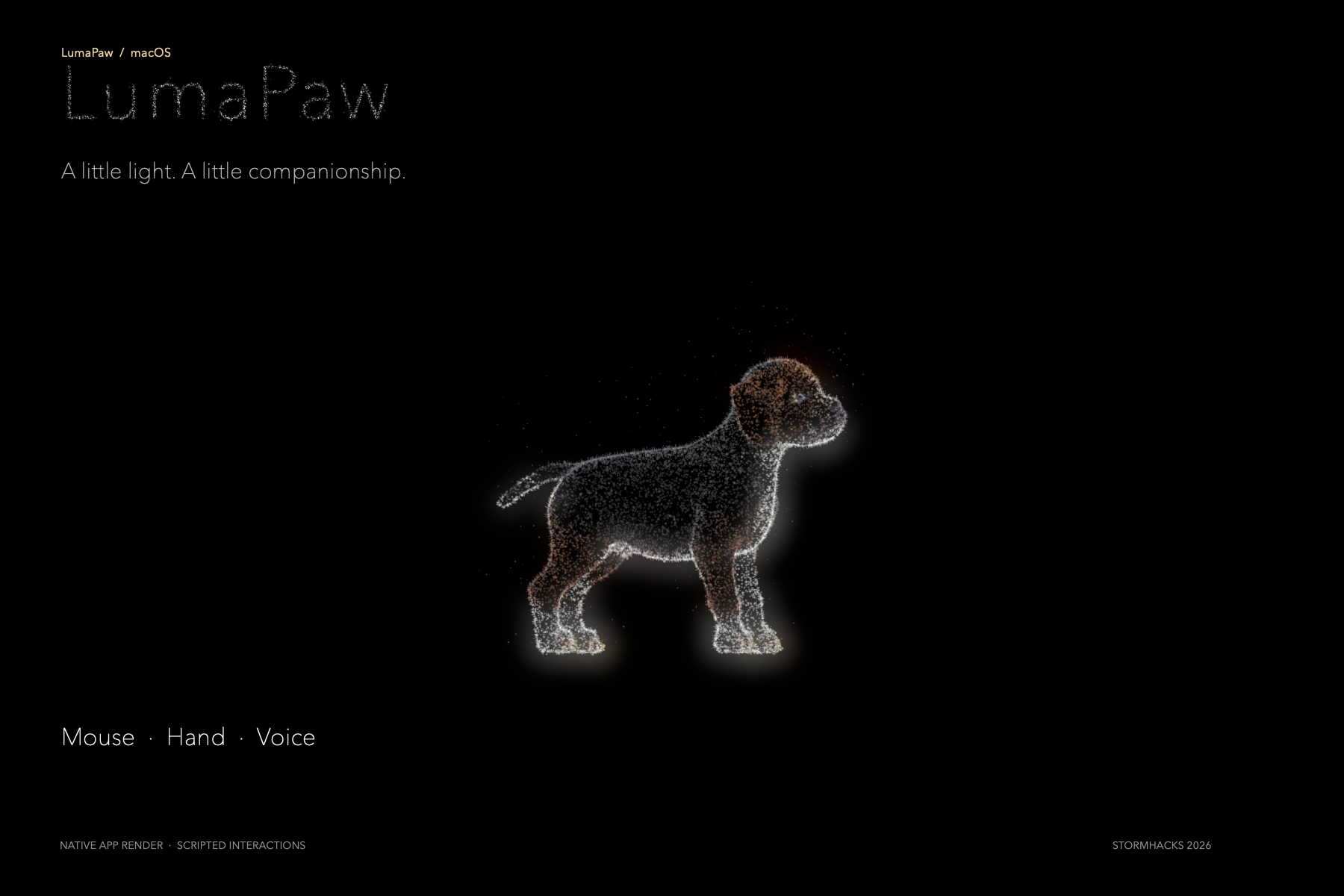
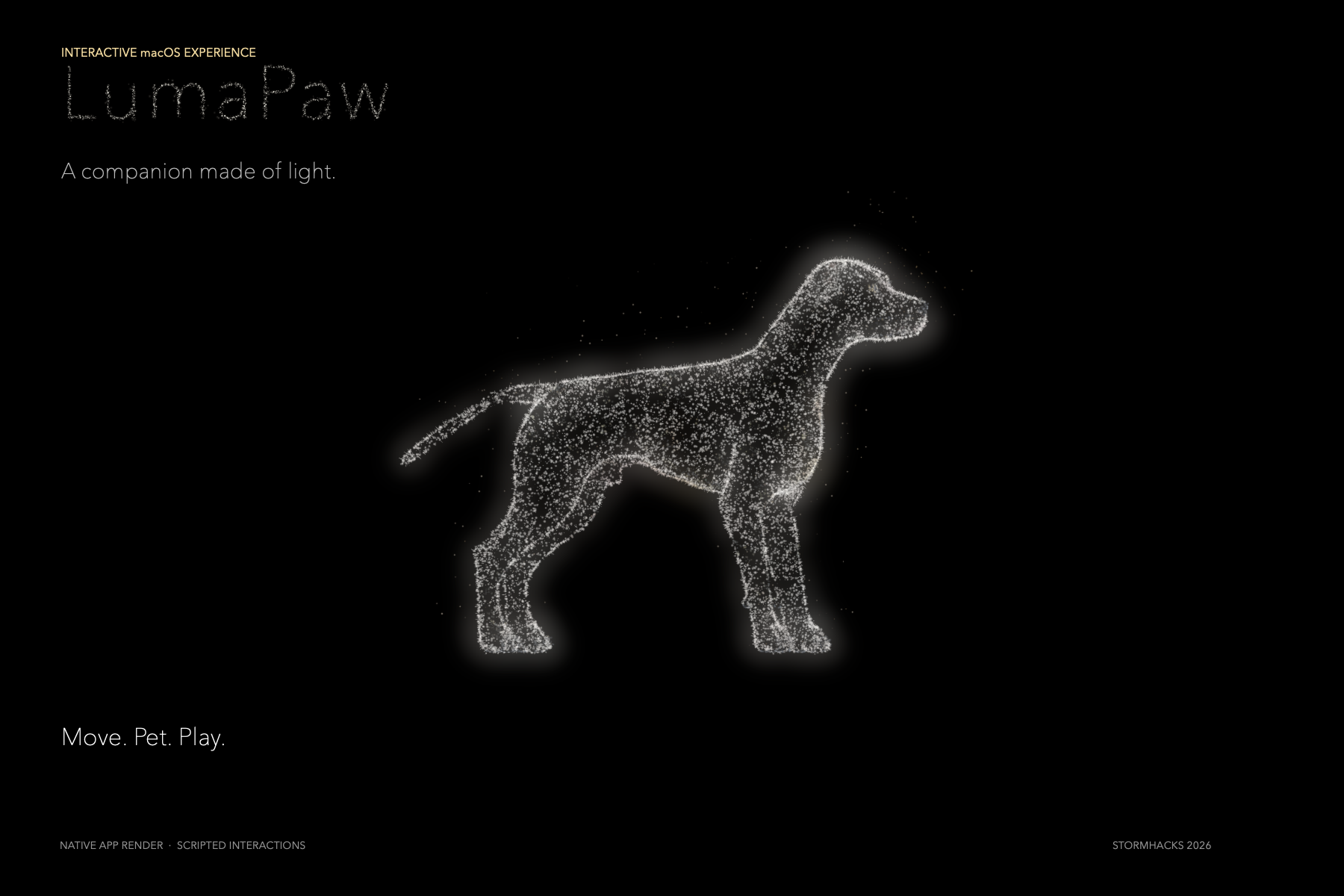
Recently, I’ve been bringing my 3D models into TouchDesigner to experiment with particles and glow. Huawei’s Challenge 2 felt like the perfect match—and a chance to try camera and sound interaction. That sparked LumaPaw: a dreamy little dog you can play with using your mouse, gestures, or voice.
What it does
Upload a dog photo to personalize your pup’s colors and proportions. Then choose mouse, gesture, or voice control to guide it around, ask it to sit, or give it a gentle pet.
How we built it
I started with a free dog model from the internet and used Codex to help with rigging, animations, and interaction logic. I explored particle and glow effects in TouchDesigner, packaged the experience as a Mac app, and added Gaussian-splat captures of SFU scenery as a 3D background.
Challenges we ran into
Supporting three interaction modes made the app bulky and difficult to modify, so I simplified some features along the way. The particles were transparent, and the dog model was complex, so overlapping body parts often showed through each other.
Accomplishments that we're proud of
I got all three interaction modes working and gave the pup some really cute movements. I completed the whole project on my own—with almost no sleep!
What we learned
I learned how to use my knowledge of different tools to find an approach I could complete within 24 hours. GPT helped me work more efficiently and turn my idea into a working project faster.
What's next for LumaPaw
I want LumaPaw to become an interactive desktop companion that keeps you company throughout the day. I also hope to explore Gaussian splatting to capture real dogs, with AI-assisted model cleanup and rigging so people can bring their own pup to life.
Built With
- codex
- gaussiansplatting
- gestureinteraction
- huaweichallenge
- openai
- touchdesinger
- voiceinteraction


Log in or sign up for Devpost to join the conversation.