Inspiration
For a neurotypical person, productivity means writing a to-do list. But for a neurodivergent child (ADHD, Autism), productivity requires Executive Function and Sensory Regulation*. You cannot execute a task if your nervous system is overwhelmed, if you are experiencing time-blindness, or if working-memory overload causes task paralysis. I built **LumaDesk VR* because traditional 2D productivity apps consistently fail neurodivergent learners. I wanted to build a spatial executive function and homework productivity cockpit that replaces overwhelming 2D apps with an ergonomic, three-table Mixed Reality command center. LumaDesk doesn't just manage tasks—it regulates the nervous system so children can finally focus.
What it does
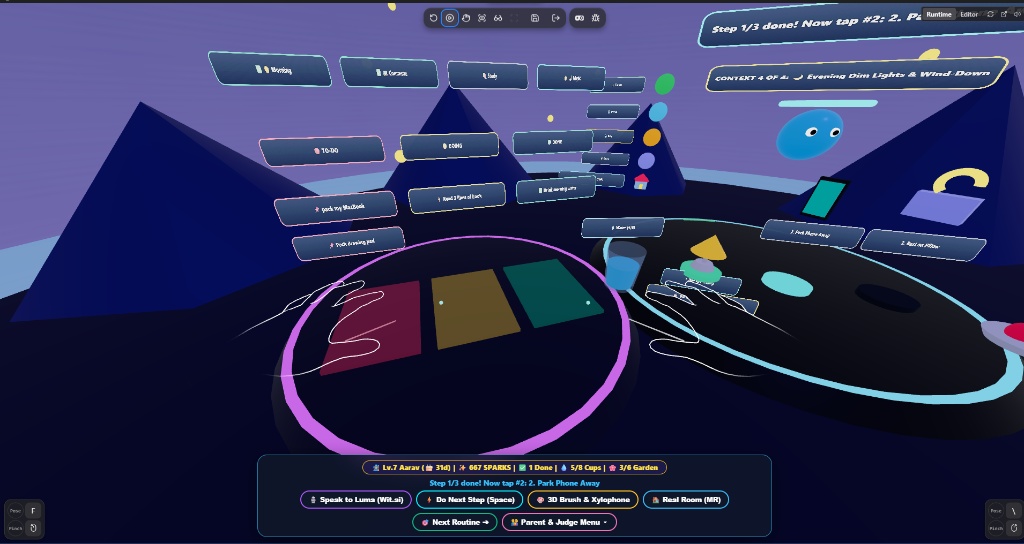
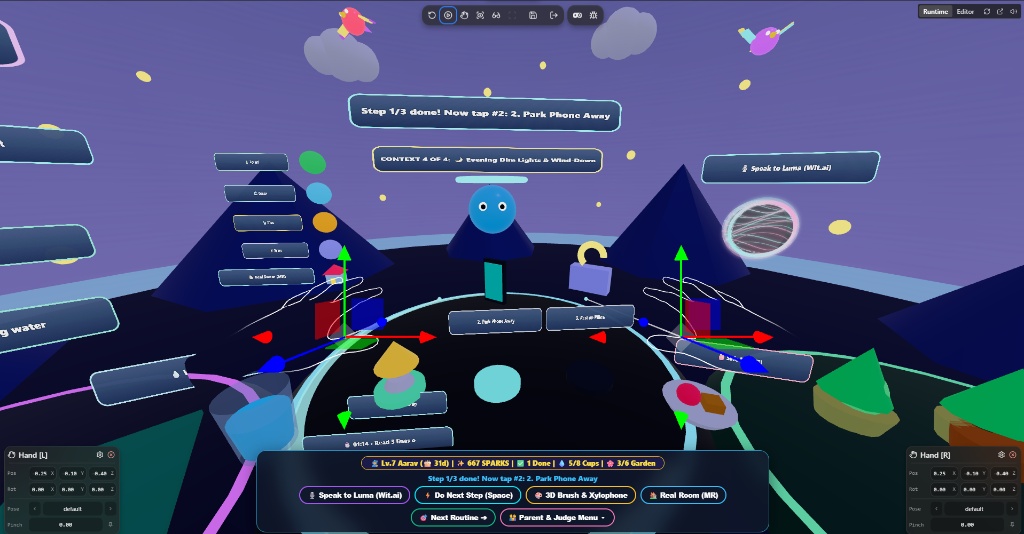
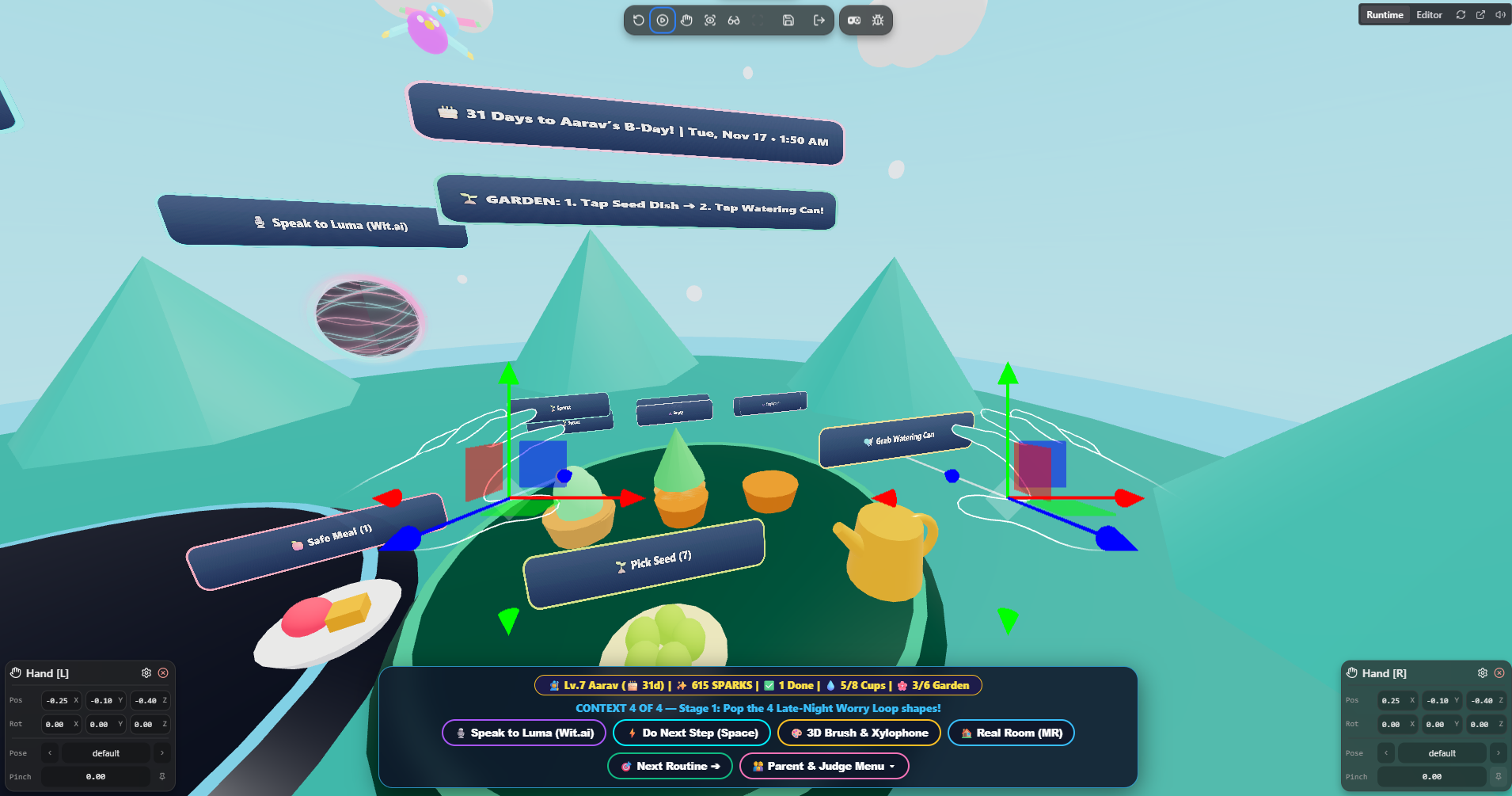
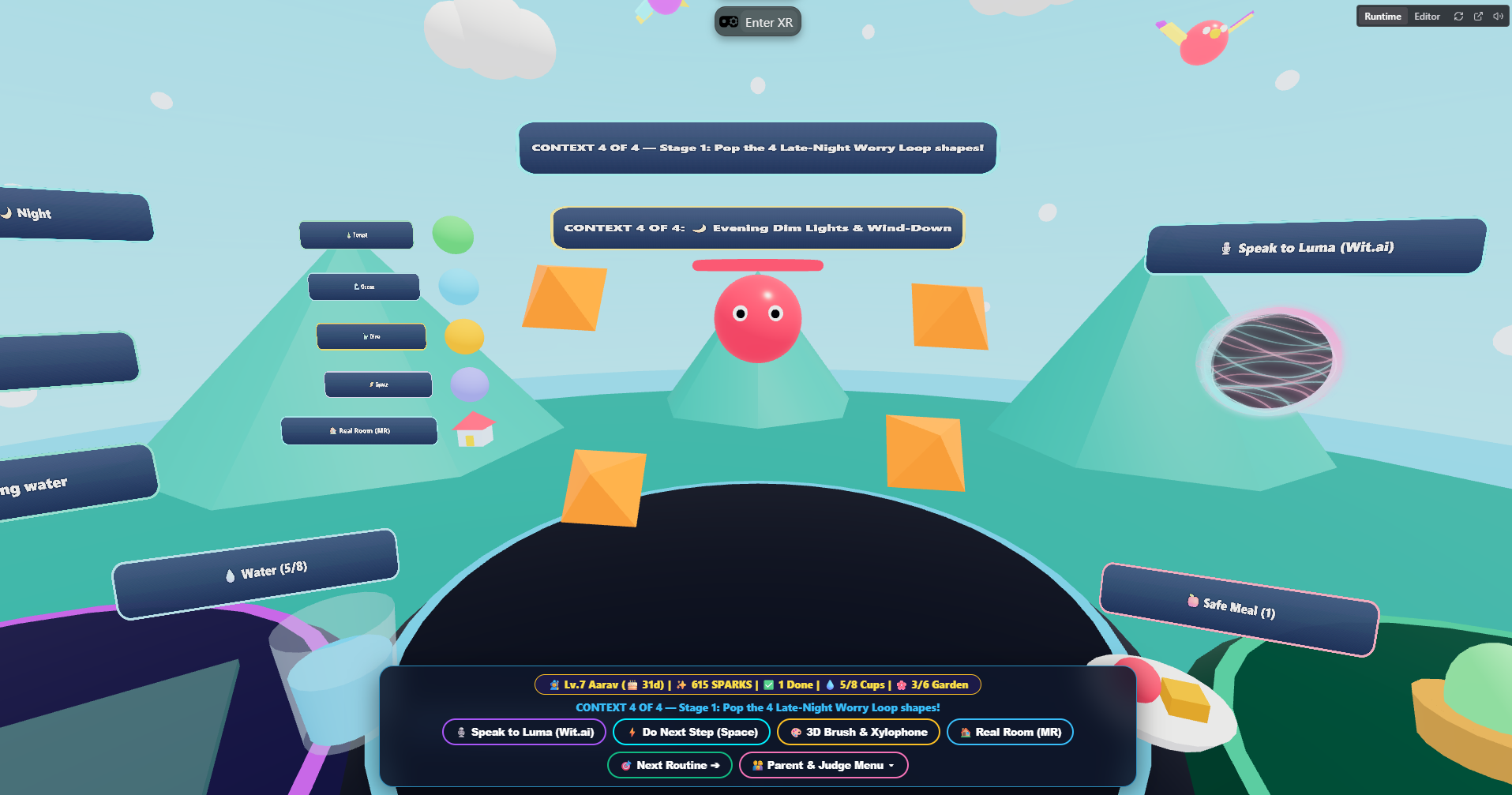
LumaDesk VR is a WebXR application that pioneers the "Anchor-and-Release" Transition & Focus Bridge Model.
- Curing Transition Paralysis:** We start in a calm 360° environment. The child selects a Context Pill (
Morning,Study) to "pre-rehearse" a daily routine before it happens. - Curing Working Memory Overload:** We externalize working memory to a 3D Kanban Board. By physically moving a task from
TO-DOinto the glowingDOINGlane, we enforce strict single-tasking. - Curing Time Blindness:** When a task enters
DOING, a 3D Focus Timer ring wraps around the desk, shrinking and changing color. This translates invisible time into tangible spatial geometry. Voice Macro-Chunking:* Tapping our Meta Wit.ai Voice Orb lets a child say, "Break down my math homework." The AI instantly chunks the macro-task into three tiny micro-steps. The Productivity Bridge:* Tapping Real Room (MR) hollows out the center desk. The virtual sky vanishes, and passthrough cameras reveal their physical paper notebook while their 3D tools float around their workspace.
How we built it
LumaDesk VR was built natively for the web on Meta Quest hardware using:
- Meta Immersive Web SDK (
@iwsdk/core)** for the core ECS architecture, scene graph, and WebXR bindings. - Three.js (WebGL2)** for building the 3-table cockpit, the 3D Shrinking Focus Timer ring, and procedural sky domes.
- Vite & TypeScript** for the build pipeline and typed state management.
- Meta Wit.ai NLU** paired with the Web Speech API to handle voice-driven task chunking and environmental commands.
Challenges we ran into
Building a robust WebXR UI using raw Three.js primitives and the Meta IWSDK brought several technical hurdles:
- Hierarchical Mesh Stripping:** Initially, calling
createTransformEntity(mesh)inside our registration flow stripped our tabletop meshes out of their parent table groups. We fixed this by preserving the Three.js parent-child hierarchy before registration. - MR Passthrough UX:** Relying purely on virtual buttons for MR felt clunky. We engineered a 3D Mini House Icon that dynamically toggles
centerTableMesh.visible = falsewhile preserving the glowing Focus Timer Ring around the physical desk. - XR Hand Raycasting:** Fixed-length beams caused a gap between the white ray line and the cursor dot. We fixed this by dynamically scaling the
-Zcylinders every frame to match the exact hit distance.
Accomplishments that we're proud of
We successfully translated complex clinical occupational therapy concepts into an accessible digital tool. Turning "time blindness" into a tangible, shrinking neon ring, and building isolated 3D Tracing Canvases that force the user to cross their body's bilateral midline (a clinical method to reset the nervous system) inside a browser-based WebXR environment was incredibly rewarding. We are also proud of successfully integrating Wit.ai so kids don't have to type anything to capture their tasks.
What we learned
We learned that spatial computing is the ultimate medium for accessibility. When you take abstract concepts (like tasks, time, and hydration) and turn them into physical objects in 3D space, you offload the cognitive burden from the brain's fragile working memory to its highly robust spatial memory. We also learned how to heavily optimize Three.js materials and geometries to run smoothly at 90Hz inside the Quest browser without dropping frames.
What's next for LumaDesk
Google Classroom Sync:* Auto-import school assignments and IEP goals directly into the Left TO-DO Kanban lane.
Web Bluetooth Biofeedback:* Connecting an HRV wearable to auto-trigger Luma's "Sensory SOS" breathing sync when a child's heart rate spikes.
Clinical Telemetry Dashboard:* A HIPAA/FERPA compliant cloud dashboard so occupational therapists can review the child's daily reaction times and milestone completion.
LumaDesk VR - Game Design Document (GDD) & Technical Architecture link
Built With
- meta-immersive-web-sdk
- meta-quest
- three.js
- typescript
- vite
- webxr
- wit.ai
