Inspiration
Early cognitive decline is easy to miss. In a care home, staff look after many residents at once, and one bad day (poor sleep, distraction) looks exactly like the start of real decline. So meaningful change often goes unnoticed for months, until it is obvious and harder to act on.
Many residents also have low literacy or limited comfort with technology, which rules out any app built on reading or typing. We wanted a tool that notices change early and is designed around those residents from the start.
What it does
Luma: care that notices early.
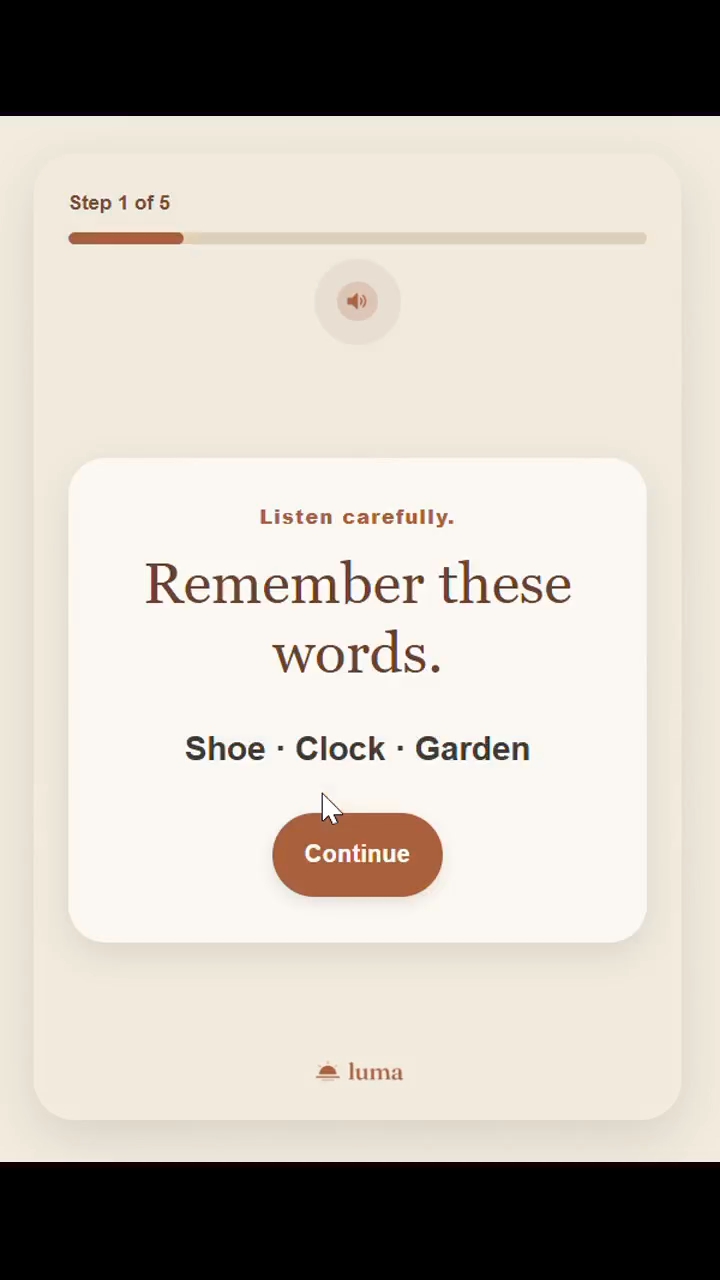
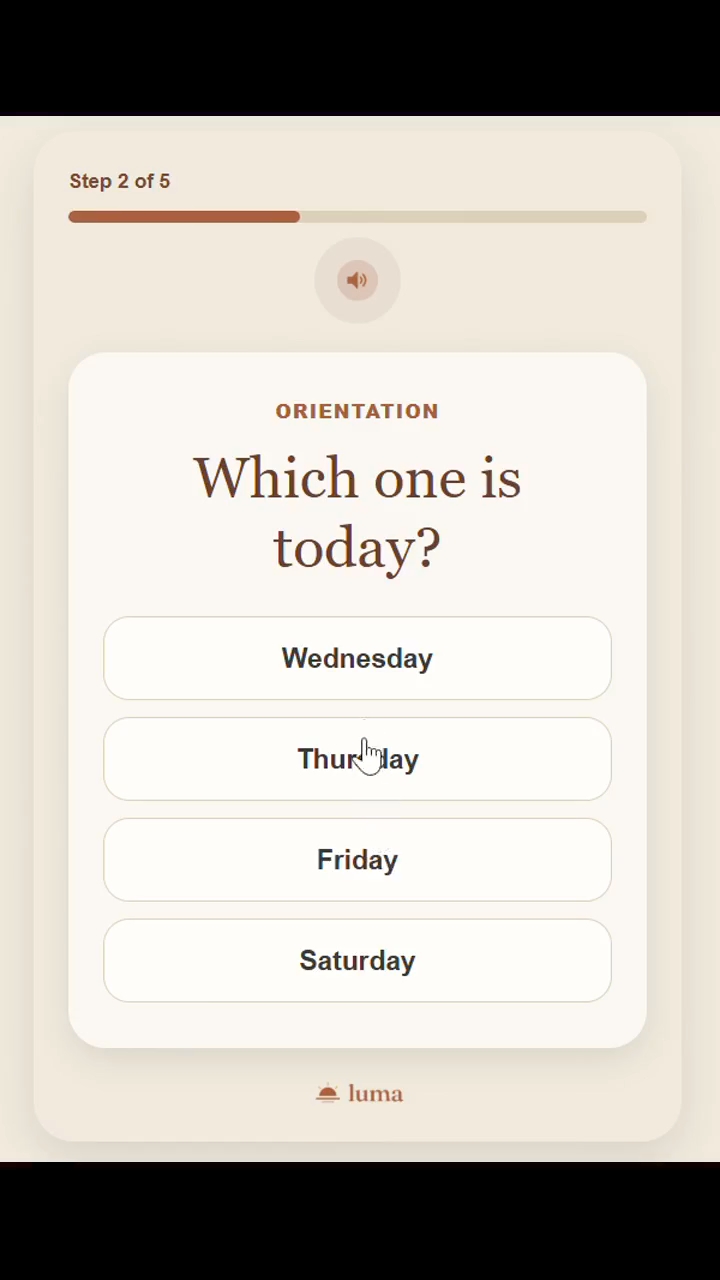
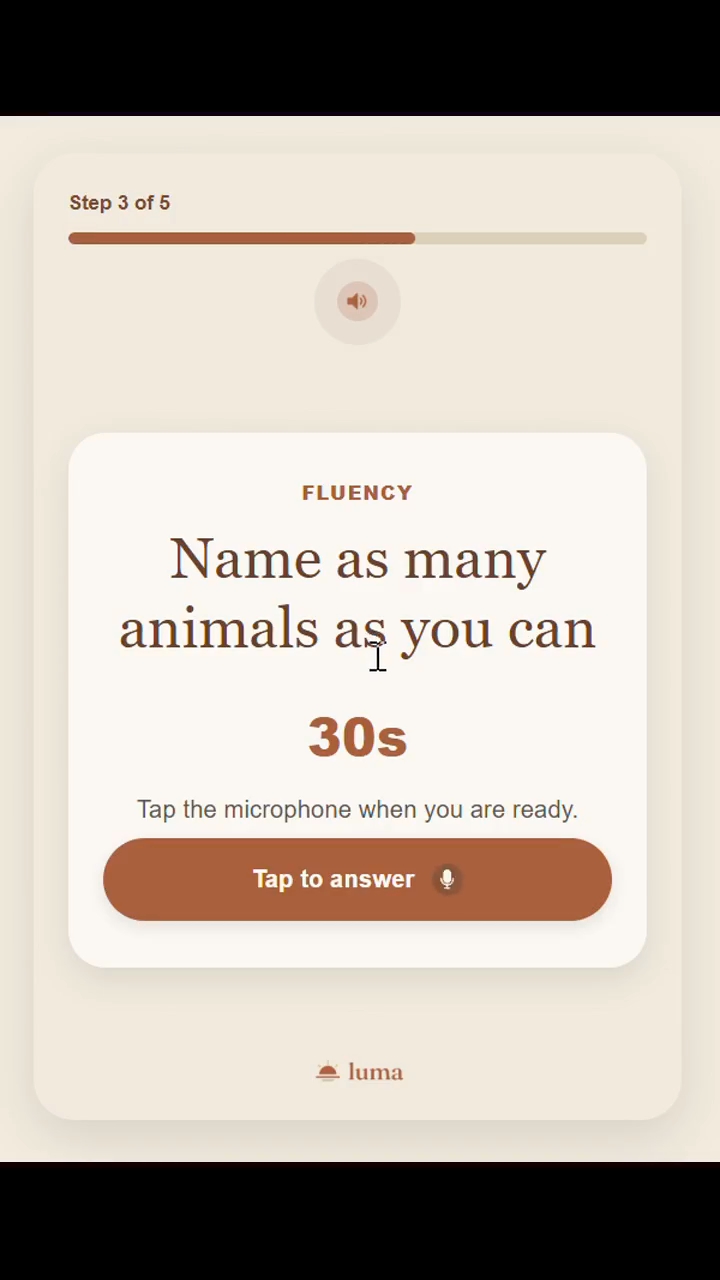
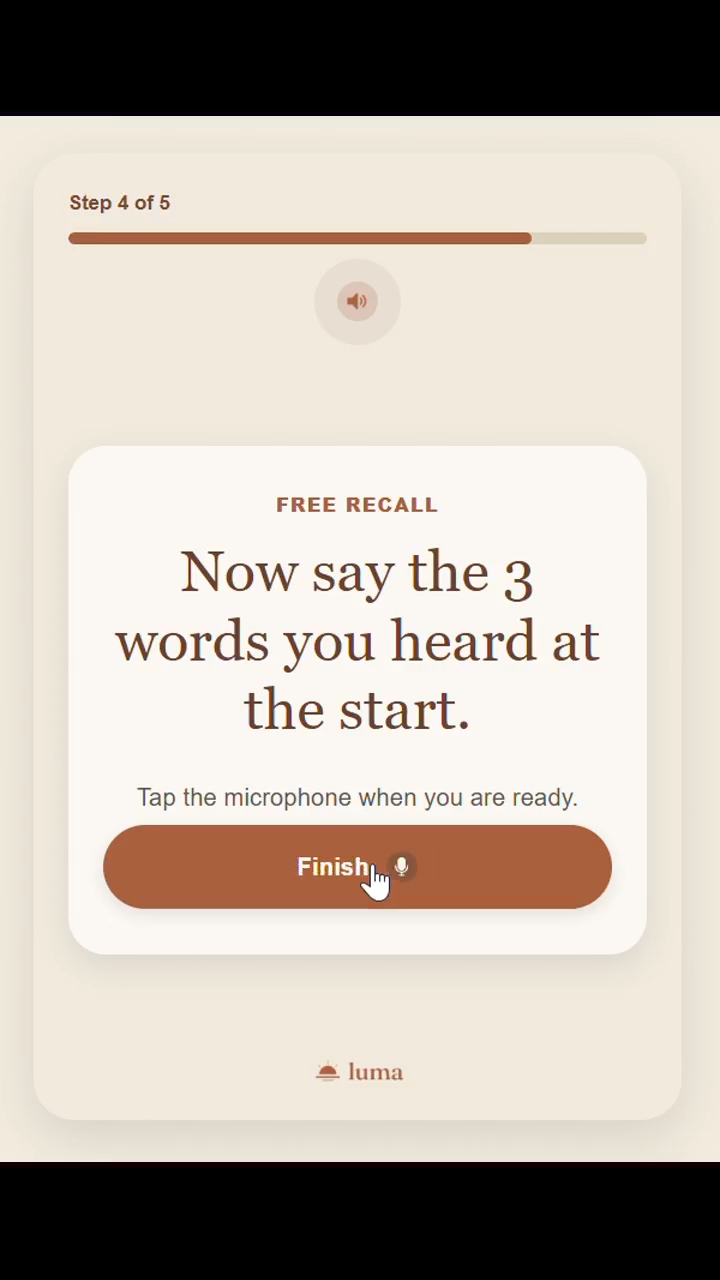
Luma is a daily 2-minute cognitive check-in that is speak-and-tap only. The resident:
- hears 3 words
- taps today's day (orientation)
- names as many items as they can from a rotating category for 30 seconds (category fluency: animals, fruits, vegetables, kitchen items)
- says the 3 words again (spoken free recall, the main memory signal)
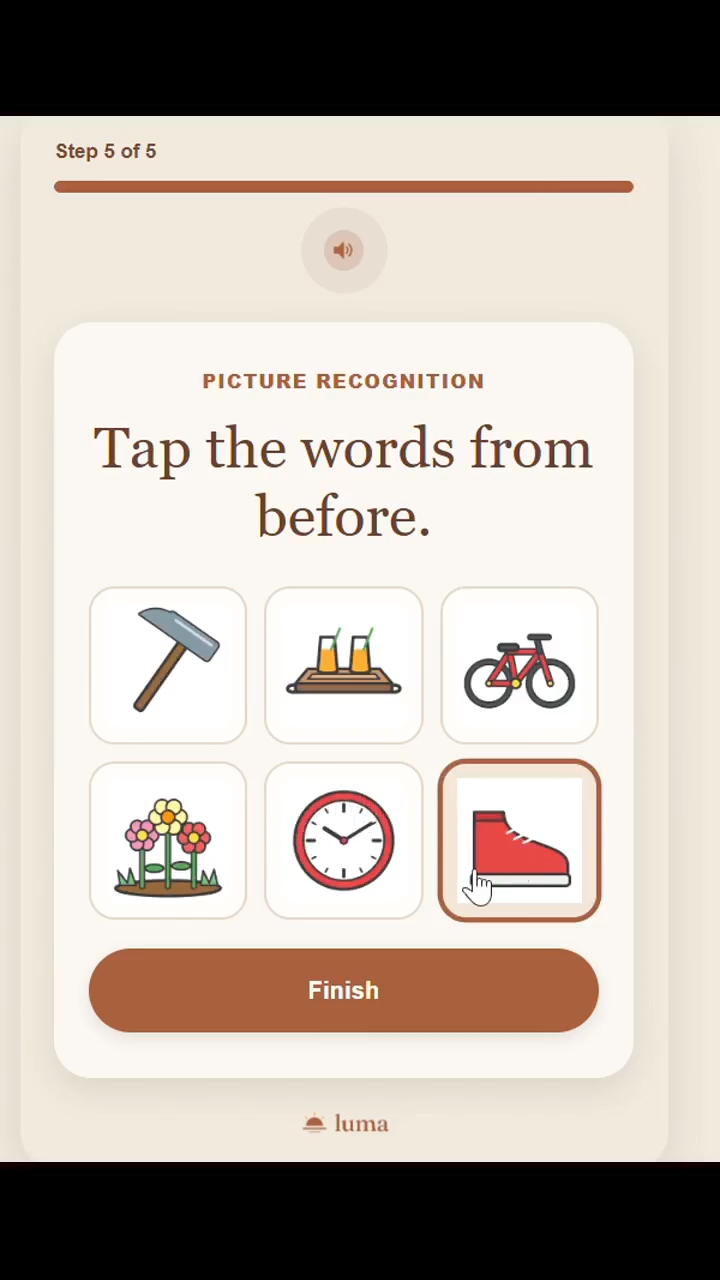
- taps the 3 words among 6 picture icons with no text labels (recognition)
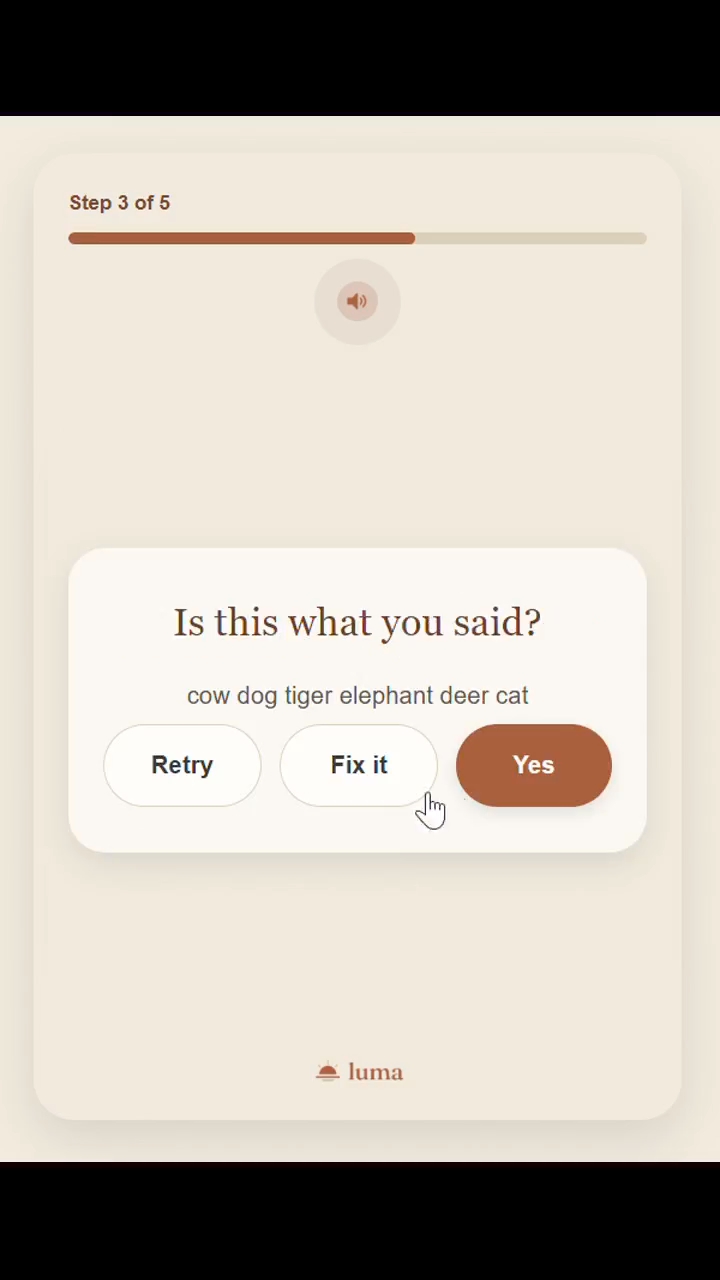
After every spoken task, the screen shows what the app heard and the resident taps Retry, Yes or Fix it. The resident never sees a score, only a calm, non-clinical message.
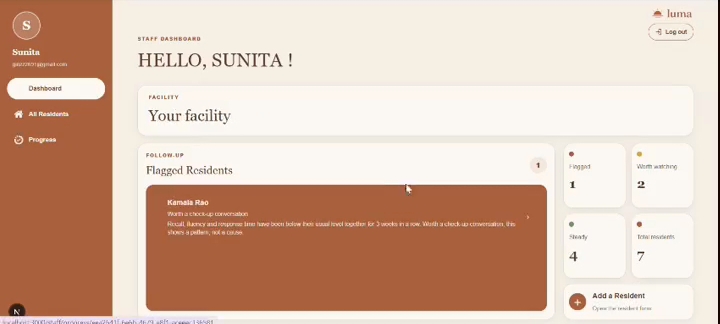
Instead of reacting to a single result, Luma compares each resident against their own personal baseline. A flag only appears when two or more metrics decline together for 3+ consecutive weeks. A separate "gone quiet" rule catches missed check-ins.
Staff use a dashboard with three sections:
- Dashboard: the facility summary, such as "3 residents flagged this week".
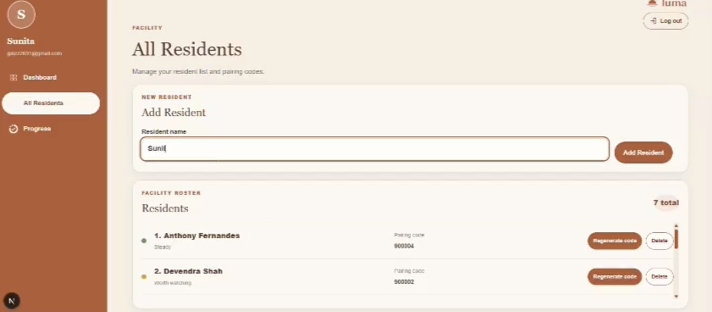
- All Residents: add a resident by name, see each status (Steady / Worth watching / Worth a check-up conversation), and manage 6-digit pairing codes (regenerate or delete).
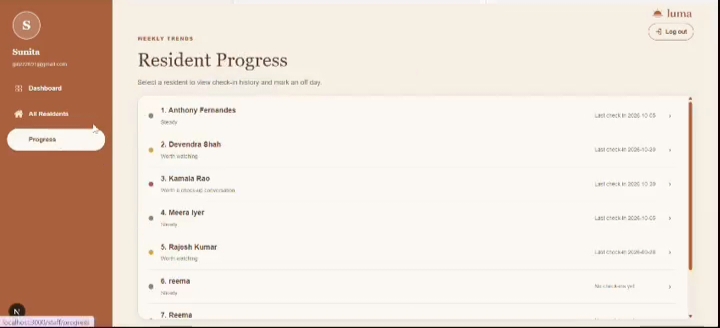
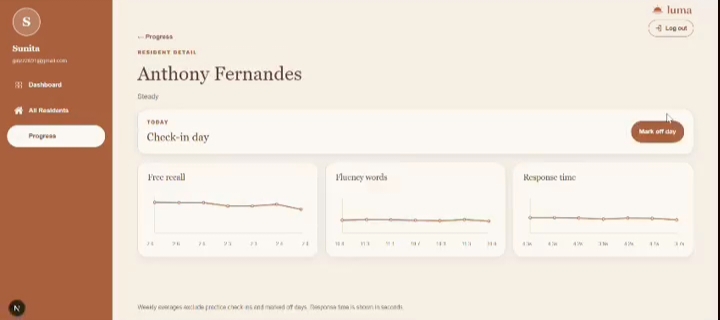
- Progress: a plain-English reason for each resident, with three weekly trend charts (free recall, fluency words, response time) and a Mark off day button for a day the resident was unwell. Weekly averages exclude practice check-ins and marked off days.
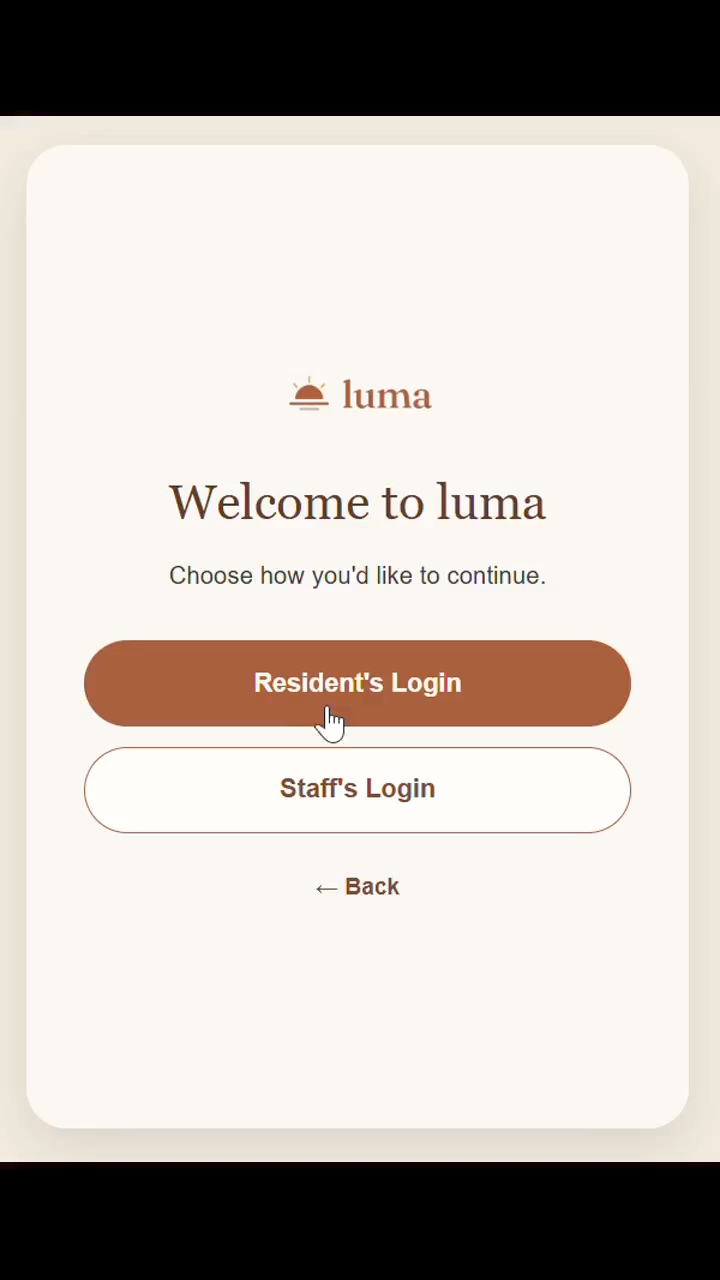
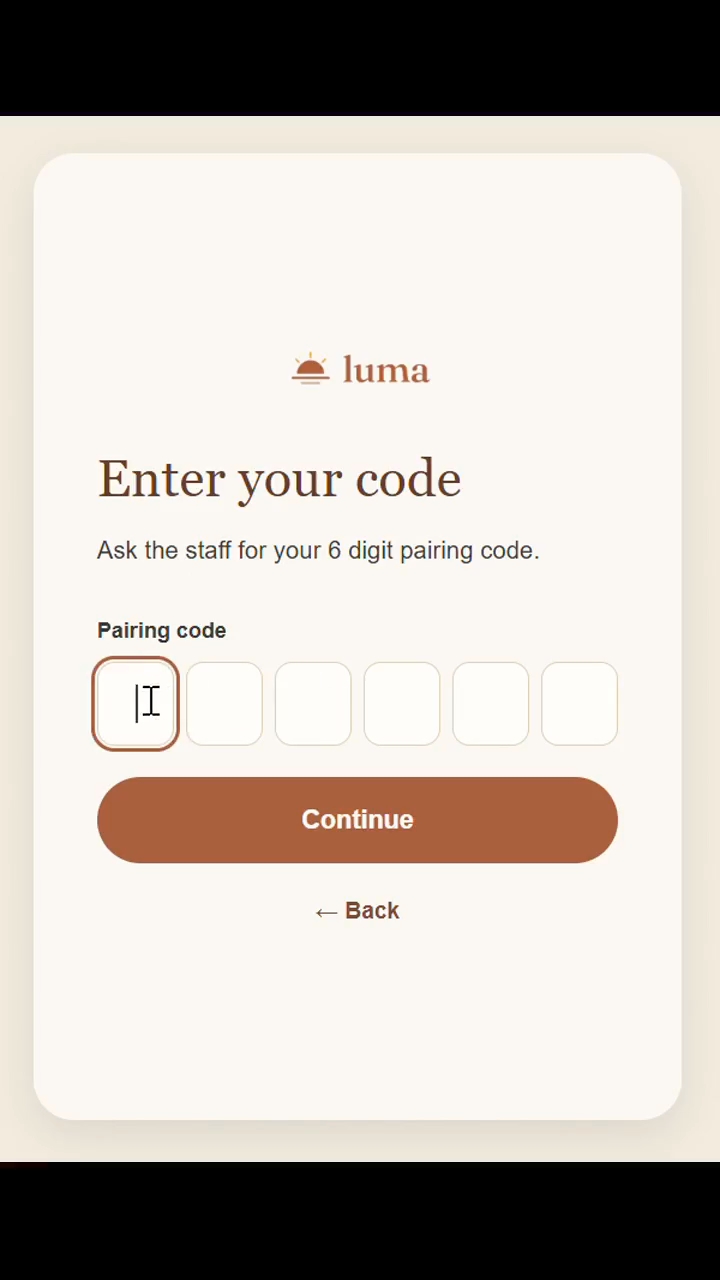
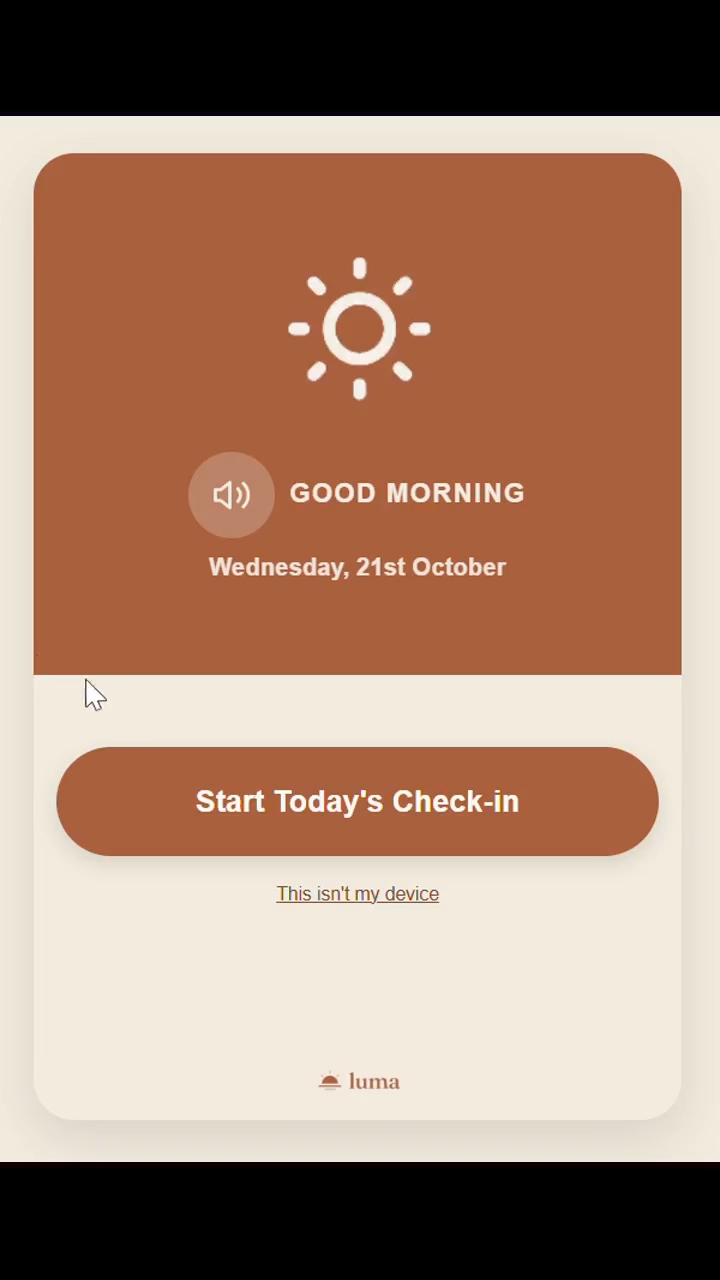
Residents pair a tablet once with a 6-digit code from staff. There are no accounts or passwords, and the home screen has one large button.
How we built it
- Frontend: Next.js (App Router), TypeScript and Tailwind CSS
- Backend: Supabase (Postgres, authentication, row-level security so staff only see residents of their own facility)
- Speech: Deepgram streaming speech-to-text, so words appear on screen live while the resident speaks. The API key stays on the server, and the browser only gets a short-lived token.
- Trend engine: each resident's baseline comes from their first 2 weeks (two practice days excluded). Each week is then compared with that baseline using z-scores.
- Content: a fixed pool of 30 pre-validated word sets and rotating fluency categories, so difficulty doesn't drift and repeats are rare.
- Hosting: Vercel
Challenges we ran into
- Speech recognition accuracy. The browser's built-in Web Speech API wasn't accurate enough for soft or older voices, so we switched to Deepgram. We also added the Retry / Yes / Fix it step so a misheard word is visible and correctable instead of silently corrupting a score.
- Look-alike picture icons. Our picture-tap task uses no text labels, so we had to make sure look-alike words like "mop" and "broom" never appear in the same word set.
- A trend engine needs weeks of data. A 2-week baseline plus 3 weeks of decline means a flag can't appear in a few days. We built a seeding script with backdated, simulated histories to demonstrate it. The demo data is seeded; real use builds history over weeks.
- Avoiding false alarms. Staff can mark off days, practice check-ins are excluded, and a flag needs several metrics to drop together over several weeks.
- Keeping the API key off the browser. Our first attempt at issuing temporary Deepgram tokens failed with a permissions error until we created a key with the right scope.
Accomplishments that we're proud of
- A complete working loop: a resident pairs a tablet, completes the check-in, the result is saved, the trend engine runs, and the staff dashboard shows the outcome.
- A trend engine that measures each person against their own baseline and needs a sustained, multi-metric decline, rather than reacting to one bad day.
- A check-in with no reading, typing or accounts, built around residents with low literacy and low tech-fluency.
- Live speech recognition with a simple Retry / Yes / Fix it step, so errors are visible and fixable.
- Honest positioning: Luma is a screening and awareness aid, and it says clearly that it does not diagnose.
What we learned
- Comparing people to their own baseline is far more meaningful than comparing them to a population average.
- Designing for low tech-fluency means removing steps, not adding help text.
- Honest framing matters. Luma is a screening and awareness aid, not a diagnostic tool. It flags a pattern worth a doctor's attention and doesn't determine the cause, since infections, medicines, hearing loss, poor sleep and low mood can look the same. It is not yet clinically validated.
- Working in parallel on separate git branches (backend and frontend) means agreeing early on the exact data each endpoint returns.
What's next for luma
- Staff-assisted mode: a caregiver runs the check-in verbally for residents who can't use a device.
- Local language support: local-language audio prompts, speech recognition and accepted answers.
- Family mode: a family member linked to one relative living independently, seeing the same status and trends.
Built With
- deepgram
- next.js
- postgresql
- react
- speech-to-text
- supabase
- tailwind-css
- typescript
- vercel

Log in or sign up for Devpost to join the conversation.