-
-
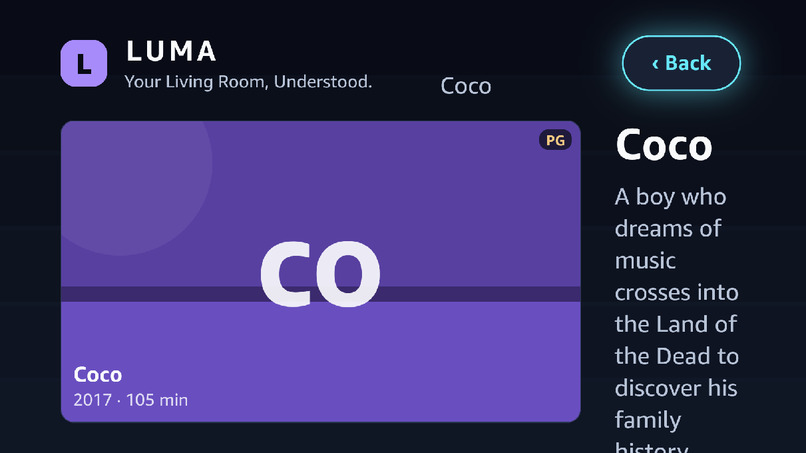
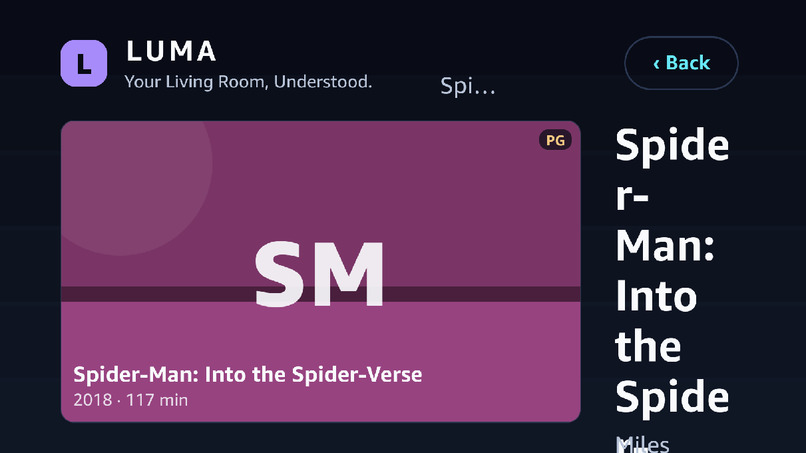
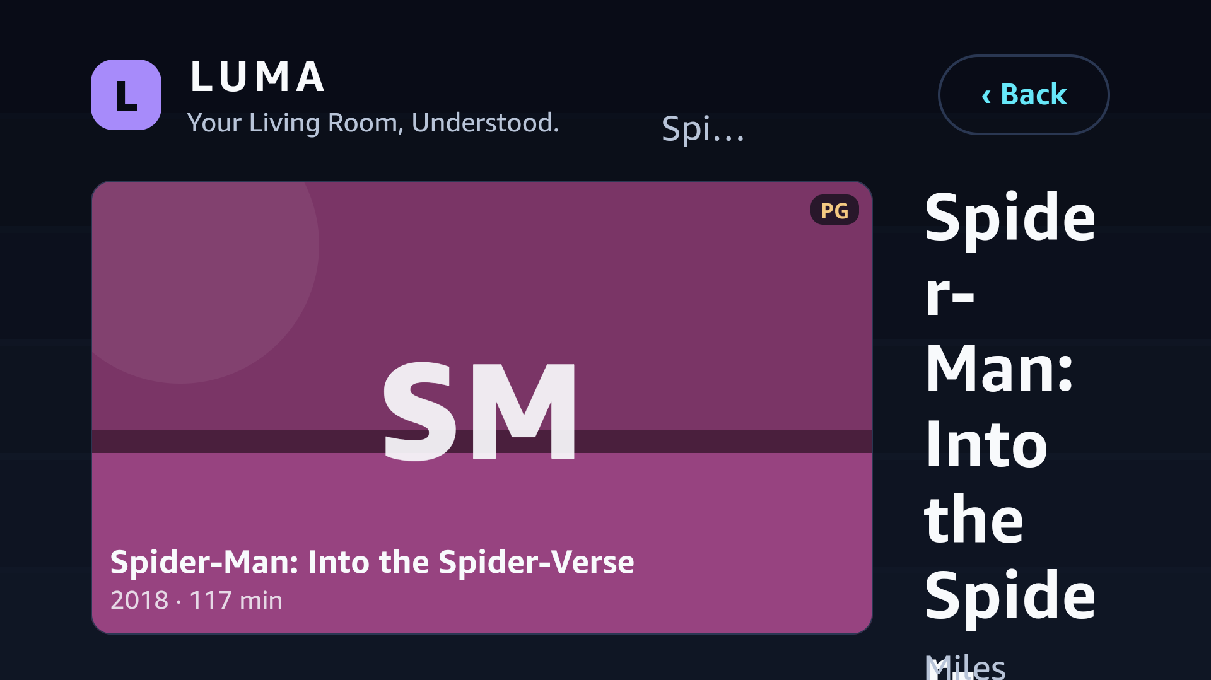
Max 3 cards, scores, per-title reasons, what was filtered out and why
-
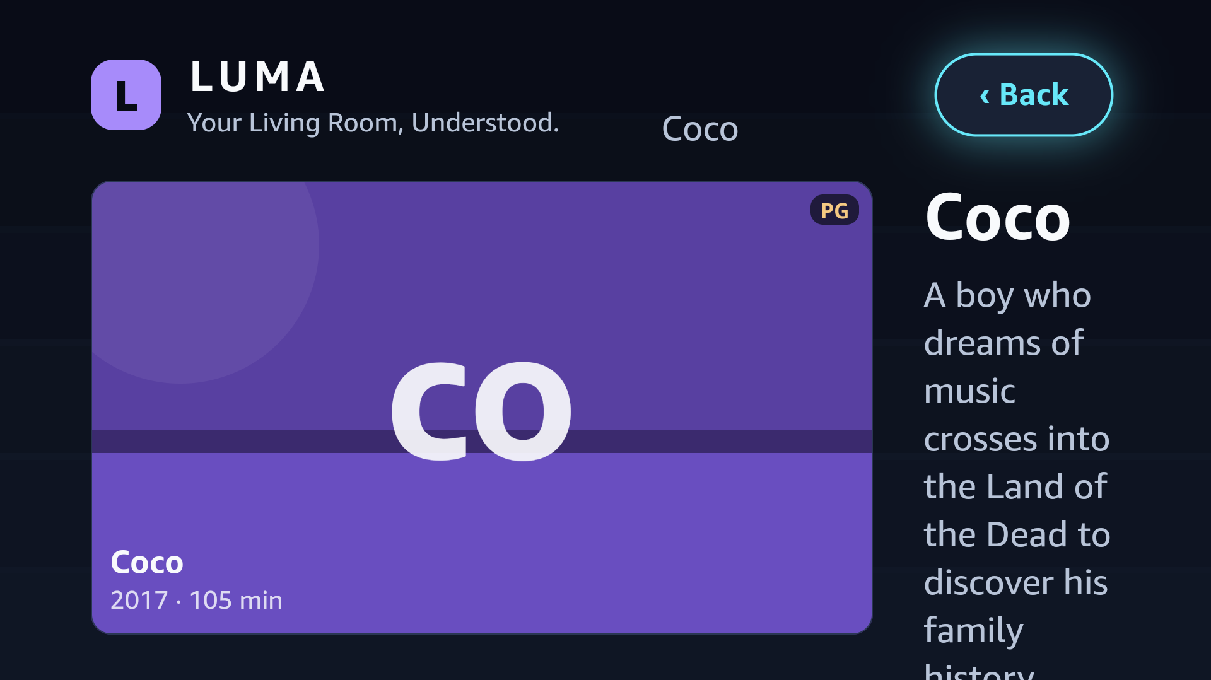
Only facts the catalogue really holds — including the “Not verified by LUMA" rows
-
Voice-ready entry, one-press requests, featured catalogue, recently explored
-
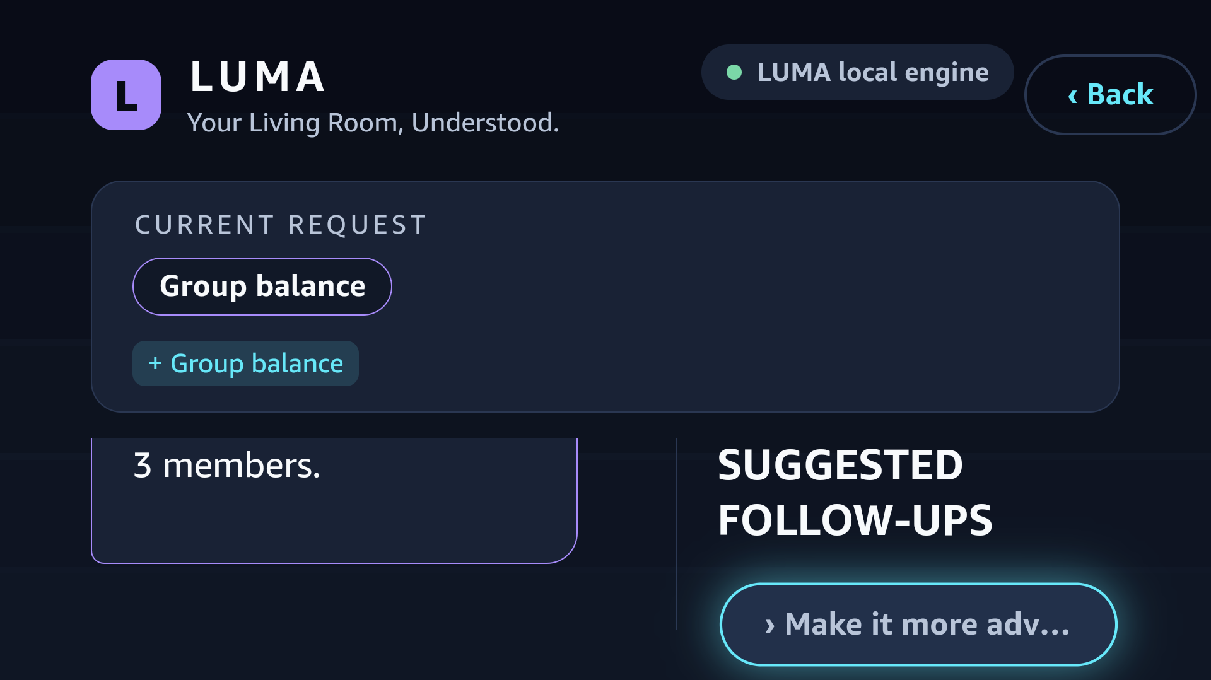
Request restated with change badges, LUMA's reply, follow-ups, actions rail, on-screen keyboard
Inspiration
Every night, millions of us open a smart TV, scroll for 20 minutes, and end up rewatching something we've already seen. We wanted to fix that moment: the gap between "what should we watch?" and actually pressing play.
Our research on smart TV assistants pointed to six recurring pain points:
- Decision fatigue: too much scrolling before choosing
- Limited intent understanding: direct title searches work, but nuanced requests (mood, time, constraints) are harder
- Fragmented discovery: finding which service has a title means hopping between apps
- Limited contextual personalisation: mood, available time and who's watching are rarely considered
- Lack of explainability: recommendations without a reason
- Interaction friction: typing with a TV remote is tedious
We treat these as hypotheses to test, not claims about every assistant. LUMA is our attempt to address all six in one TV-first experience.
What it does
LUMA is a context-aware, explainable AI entertainment companion for Fire TV / Vega OS.
- Natural-language intent understanding: say or type "Suggest a light comedy under two hours for family movie night" and LUMA turns it into structured constraints (mood, genre, runtime, audience, language, exclusions).
- Context Bar: focusable chips for Mood, Time available and Who's watching, so most requests need zero typing.
- A shortlist of five, not five hundred: results are hard-filtered by your constraints, then ranked by a transparent scoring layer.
- Explainable picks: every title has a one-line "Why this" and constraint-match chips (Under 2h ✓ Family ✓ Comedy ✓), generated only from verified metadata.
- Preference memory: "More like this", "Not for me" and "Don't recommend horror" are remembered. A My Preferences screen lets you edit or reset everything.
- Cross-service discovery: provider badges show where each title is streaming (availability may vary by region).
- Refine in one press: Shorter, Funnier, Less violent, Something different.
- Demo Stats overlay: measures time-to-decision and number of remote actions, the same metrics from our research plan.
- Offline mode: if the AI or network fails, a rule-based parser and a local catalogue keep the app working.
How we built it
Frontend: React Native + TypeScript targeting Amazon's Vega OS (Kepler SDK). The UI is designed on a 1920×1080 canvas with a scale helper, TV safe-area overscan padding, 10-foot typography, and large focus states with logical D-pad order.
Backend: Python + FastAPI exposing /api/recommend and preference endpoints.
AI pipeline:
- Intent parsing: an LLM (Anthropic Claude) converts the request and context into strict JSON, validated with Pydantic.
- Verified catalogue: TMDB supplies factual metadata (runtime, genres, language, certification) and watch-provider data.
- Deterministic ranking: hard filters first (runtime, exclusions, audience), then weighted scoring for genre, mood, language, preference boosts and penalties, and similarity.
- Grounded explanations: the model only sees verified attributes and may not add facts. A template fallback guarantees an explanation every time.
- Guardrails: the LLM can only choose from catalogue items, all output is schema-validated, and API keys never reach the frontend.
We also wrote pytest tests for the ranking constraints and the fallback parser.
Challenges we ran into
- TV proportions: layouts that looked fine on a phone-sized preview stretched or clipped on the virtual TV. We rebuilt sizing around a single 1920×1080 scale system.
- Keeping the AI honest: LLMs happily invent plot details. Splitting the job (the LLM understands intent, a verified catalogue supplies facts, code does the ranking) removed that failure mode.
- Demo resilience: live AI and network calls can fail at the worst moment, so we built a rule-based fallback and a local catalogue.
- Typing on a remote: we redesigned the flow around chips and quick prompts so the keyboard is optional.
Accomplishments that we're proud of
- A recommender where every result is explained and traceable to real metadata.
- A working fallback path, so the app never shows a blank screen.
- Built-in measurement (decision time and remote presses) that turns our research questions into evidence.
What we learned
Good TV UX is mostly about removing things: fewer choices, fewer presses, shorter text. We also learned that the most reliable AI features pair a language model for understanding with deterministic code for deciding.
What's next for LUMA
- Run a small user test and publish decision-time and remote-press results
- Deeper platform integration and verified availability across more regions
- Voice input through Vega's speech capabilities
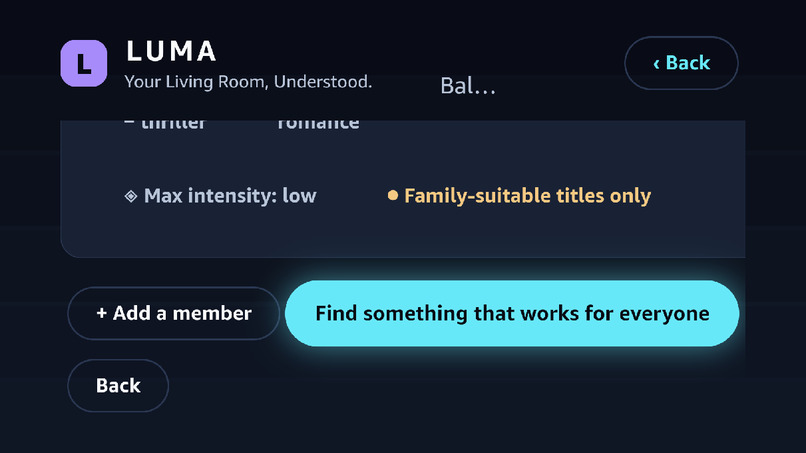
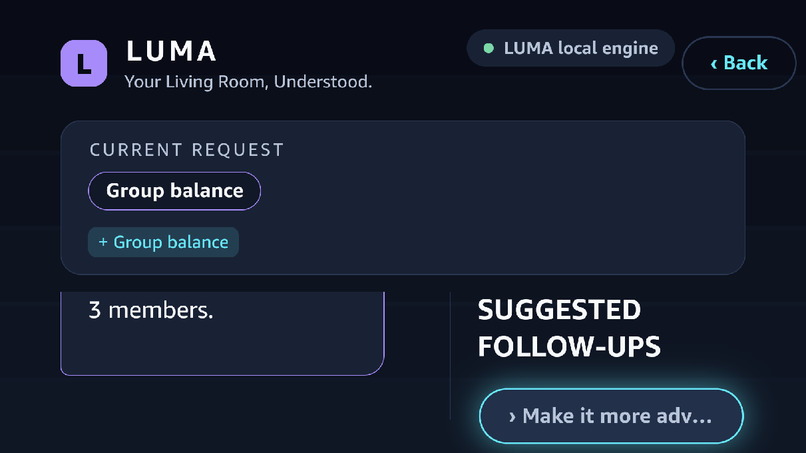
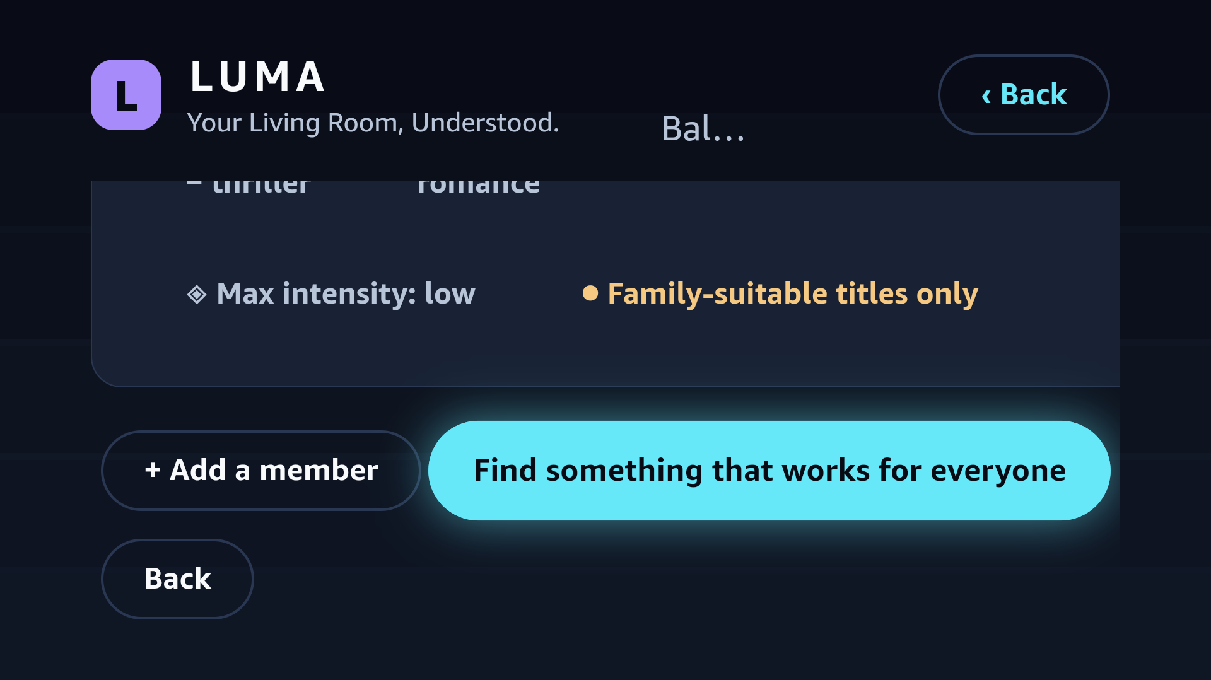
- Multi-viewer profiles for "everyone in the room" recommendations
- Stronger comparison against existing assistants to pinpoint LUMA's demonstrable gap
Built With
- amazon-vega-os
- anthropic-claude-api
- fastapi
- fire-tv
- git
- github
- kepler-sdk
- language
- natural
- pydantic
- pytest
- python
- react-native
- rest-api
- sqlite
- tmdb-api
- typescript


Log in or sign up for Devpost to join the conversation.